
For Revenue Operations Teams
Turn your messy CRM into a
reliable revenue engine
Duplicates, missing fields, and outdated contacts kill pipeline visibility and slow down sales. Datacare fixes it automatically.







Trusted by 200+ RevOps teams to maintain clean and complete CRM data automatically







 Why Findymail
For RevOps teams who need quality data and control
Keep your CRM clean and up-to-date automatically without overwriting good data.
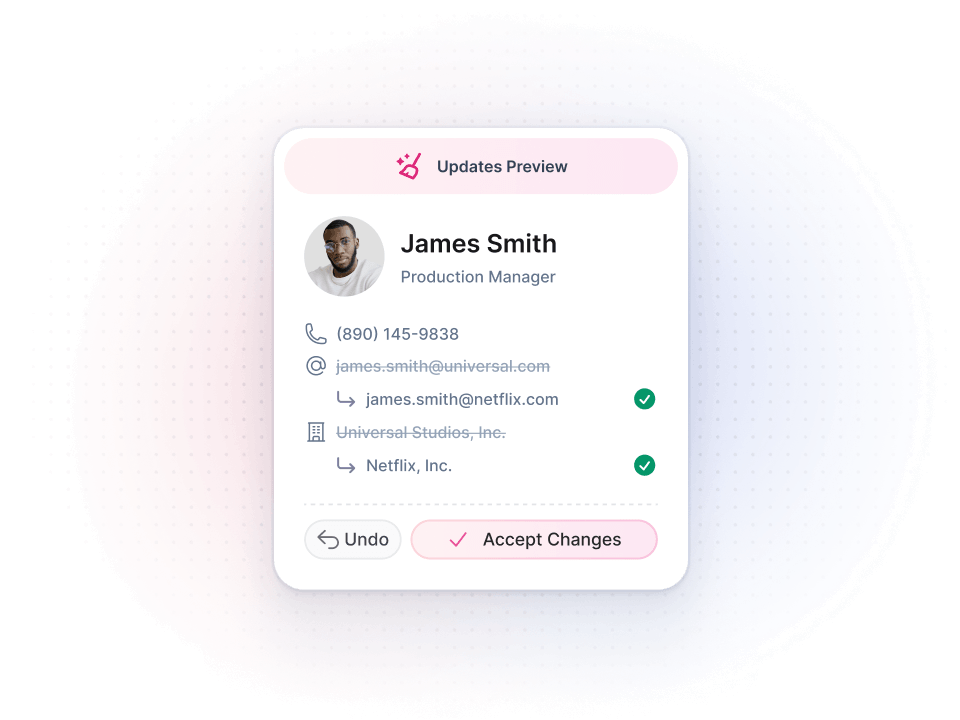
Fix broken data without breaking what's working
You need to clean duplicates and enrich missing data, but most tools overwrite good records or break your workflows.
Datacare cleans and enriches safely by letting you preview changes before they happen and undo anything that doesn't work.
Keep your CRM clean permanently
One-time cleanup projects work for a few weeks, then things slip back.
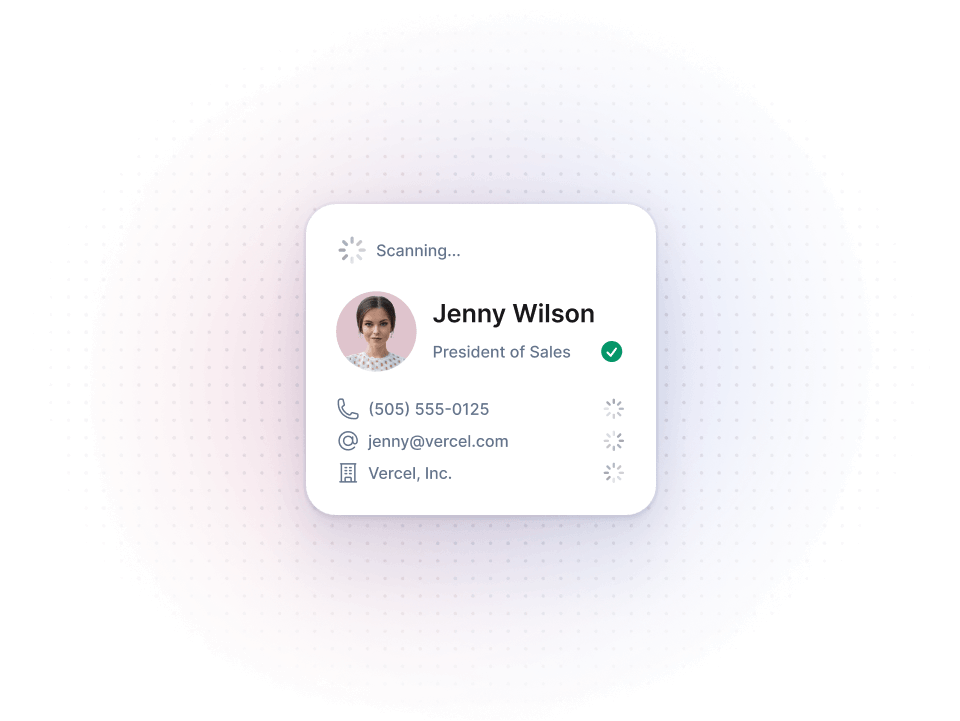
Datacare runs live updates for new records and monthly batch processing for existing ones, with no manual work required.
Let's prove your ROI
Leadership wants more leads while you can't trust your dashboards because records are incomplete.
We show you what's broken in your CRM, so you can quantify the problem and get measurable ROI in 30 days.
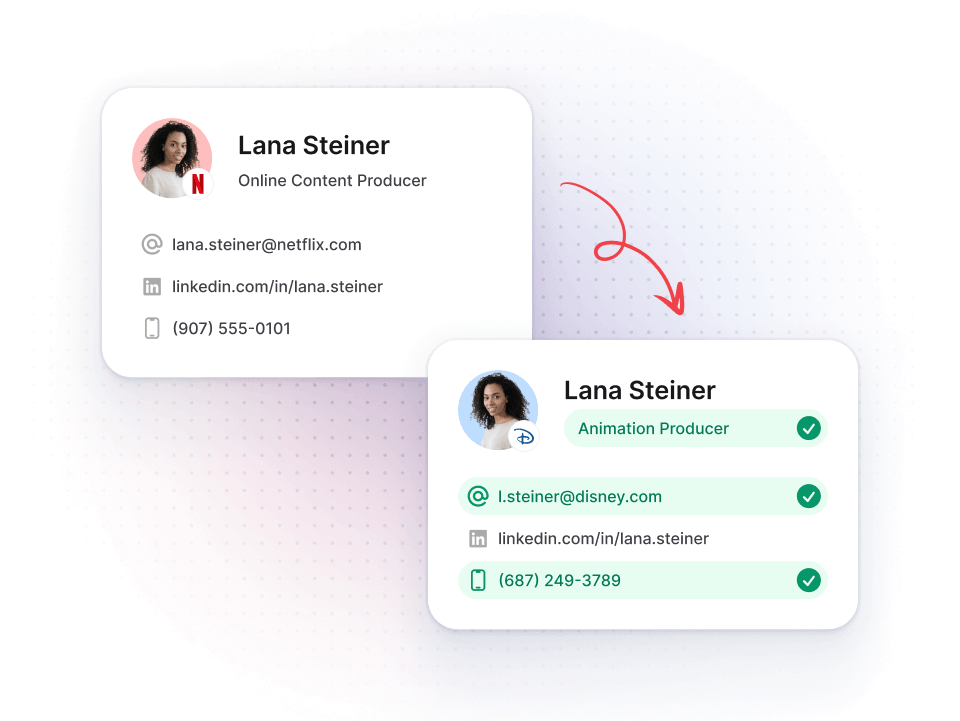
Bring dead leads back to life
Leadership asks for more leads but 30-50% of your contacts have wrong emails and old job titles.
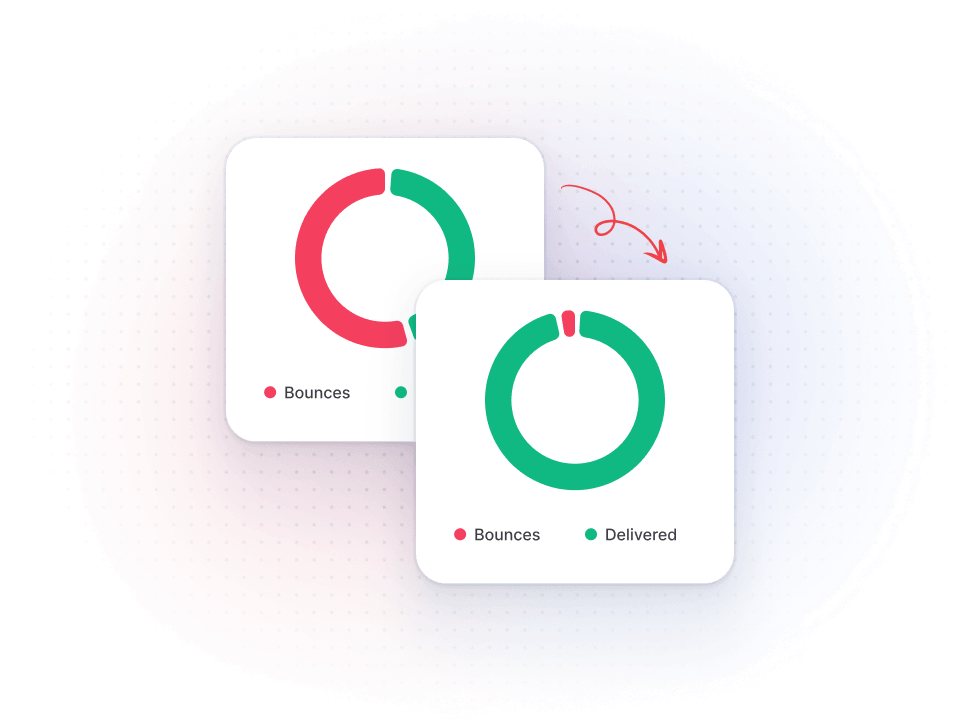
Datacare updates outdated emails with a <5% bounce rate guarantee, detects job changes, and follows contacts to new companies for you.
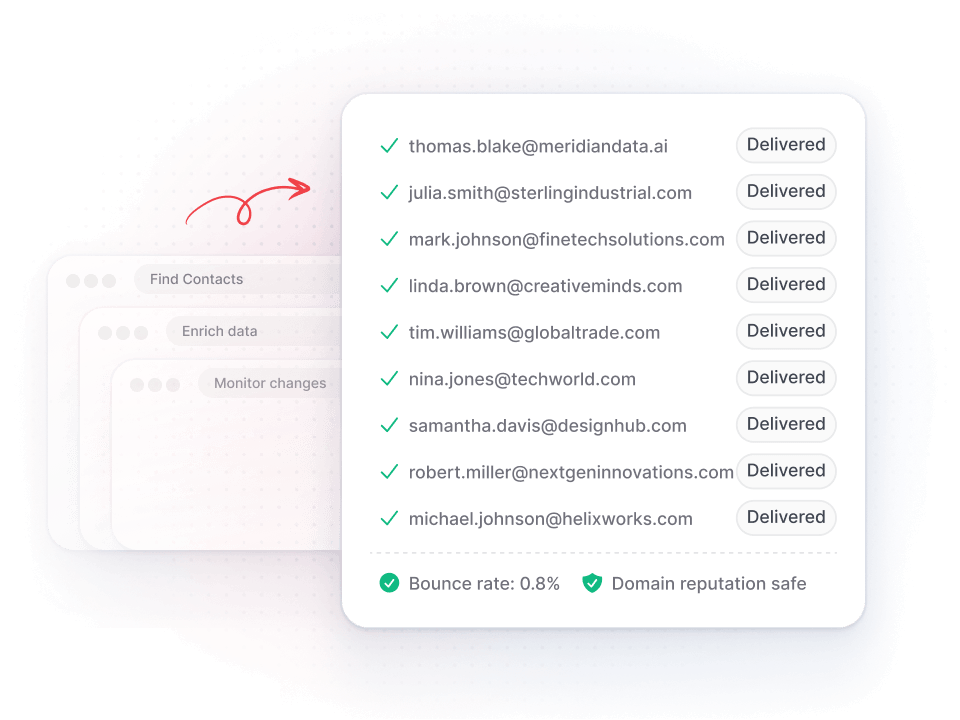
Replace multiple tools with one system
You're managing separate tools for enrichment, deduplication, and job tracking that fight each other.
Datacare handles it all with one contract, one invoice, and one support team.
How Perpetual went from 10% bounce rates and a 160K messy database to a CRM that actually drives revenue
Sending campaigns to 160,000 unverified, scraped contacts with 10% bounce rates and 12% open rates
A lean, enriched HubSpot database with under 2% bounce rates, 65%+ open rates and a working scoring system

"If we hadn't decided to integrate Findymail with HubSpot, we wouldn't be where we are now." - Marie Cornen, CRM Marketing Manager, Perpetual
Let's turn your CRM into more revenue
Free CRM health check
We connect in read-only mode and show you what's broken: missing fields, outdated emails, duplicates, and job changes.
Configure and launch
Our team walks you through the results, helps you set up rules and permissions, and gets Datacare running.
Run on autopilot
Live enrichment, cleaning, and monthly batch processing run safely in the background.
Integrates safely with your systems
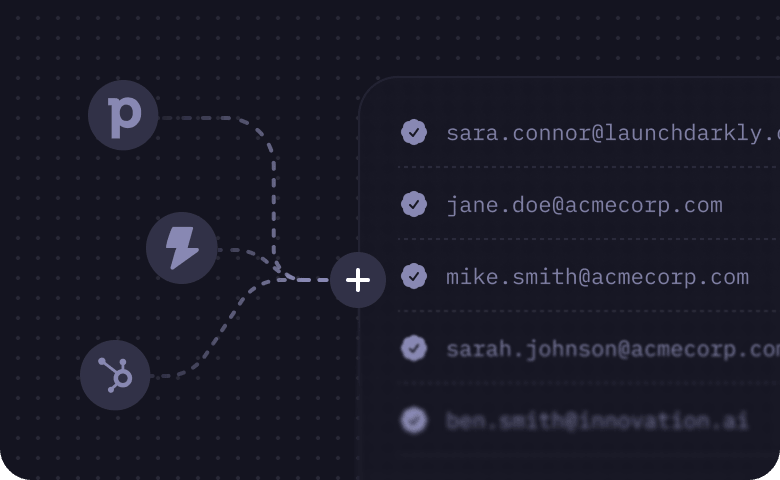
Native Integrations
Direct integration with Salesforce, HubSpot, Zoho, Close, and more without middleware or sync issues.
Enterprise security and compliance
SOC2 and GDPR compliant with audit trails and webhook notifications for every change.
Implementation without the headaches
2 weeks to live
From health check to running automatically.
Done-for-you
Get a dedicated customer success engineer.
No per-credit charges
Annual subscription based on record count.
Start free trial
Start with a CRM health check
Let's connect your CRM in read-only mode to see exactly what Datacare can fix. Get a detailed report on data quality and improvement opportunities.
<5% bounce rate guarantee
Hosted in the EU
SOC 2 Type 2
GDPR Compliant

Common questions from RevOps teams
Here are the most common ones we get.
"No Override" is the default setting. We only fill empty fields unless you explicitly configure specific fields to allow updates. Your manually cleaned custom fields stay protected, and you can preview every change before it goes live.
Yes. Every change is logged in the history page with detailed filters by entity, status, operation, and date. You can rollback any change to revert fields to their original values. For merged records, you can restore deleted records from your recycle bin and then rollback to return to the initial state.
We connect to your CRM in read-only mode and process a sample or full dataset to generate a preview of what's broken: missing fields, outdated emails, duplicates, and job changes. Nothing touches your live data until you approve it. This gives you a quantifiable report to show leadership.
We have native integrations with Salesforce, HubSpot, Zoho, and Close. No middleware required, so you avoid sync issues and duplicates.
We scrape professional profile URLs and compare the latest active position to what's in your CRM. When we detect a change, you can configure actions like Slack notifications, webhook calls, automatic contact migration to the new company, notes on records, or custom field updates.
We automatically identify duplicates based on company websites and names, contact emails and social profiles, or custom fields like VAT ID. If you enable automatic merging, duplicates are merged with full rollback capability if you need to undo it.
Live updates happen when your team creates or edits records in real time. Monthly batch processing pulls all records to catch anything that wasn't updated live and applies additional cleaning like deduplication and job change detection. This keeps your CRM continuously clean without manual work.
Yes. You configure enrichment rules per field during onboarding. You choose which contact fields (name, job title, email, social profile URL, phone, location) and company fields (name, website, description, size, industry, location, social page URL) to enrich, and whether to allow overrides on specific fields.
The preview mode health check runs based on your CRM size (sampling or full dataset). After that, we schedule an onboarding call to review results, adjust configuration, and discuss impacts. Once you approve, live enrichment and batch processing start automatically.
Most teams see results in 30 days. Data completeness improves from around 50% to over 90%, sales teams stop spending hours on manual research, and job change detection starts surfacing pipeline from contacts you already have. We help you build the business case during onboarding so you can show leadership the impact.