
Clay has become one of the most recognized names in modern sales and marketing operations. Known for its powerful data workflows and customization capabilities, it gives teams deep control over how they source, enrich, and automate contact data.
But with power comes even greater… complexity. Clay isn’t a simple plug-and-play enrichment tool, getting the most out of it requires understanding its workflows, integrations, credit system, and data providers.
In this article, we’ll take a closer look at Clay Data Enrichment, how it works, where it excels, and when an alternative might make more sense for your team in 2026.
If you're looking for always-on CRM enrichment without the workflow complexity, Findymail CRM Datacare keeps your data clean and up to date automatically. No builds, no credit stacking, no guesswork. Just connect your CRM and let Datacare handle the rest.
Every demo includes a free CRM health check so you can see exactly where your data stands before committing to anything.
What Is Clay Data Enrichment? Clay is a programmable enrichment platform that connects 150+ third-party data providers into one unified workflow. Rather than relying on a single database, it lets teams build custom enrichment pipelines, automate data routing, and push clean records directly into their CRM.
How Clay Data Enrichment Works:
1. Waterfall Enrichment: Runs records through multiple data providers in sequence, filling gaps left by each previous source for broader coverage and fewer incomplete profiles.
2. Claygent AI: A built-in web research agent that surfaces unstructured data from public sources like job listings, press releases, and company pages using natural language prompts.
3. Signals and Intent: Monitors live triggers including job changes, promotions, funding rounds, and LinkedIn mentions to help teams time their outreach around real account activity.
Clay Pros and Cons:
1. Highly customizable workflows with 150+ enrichment sources in one place.
2. Powerful automation capabilities for enrichment, routing, and outreach triggers.
3. Steep learning curve and requires technical setup to get real value out of it.
4. Credit costs can add up quickly without a well-optimized waterfall setup.
5. Email deliverability is not built in. Verification quality depends entirely on the providers you choose.
Clay Pricing:
1. Free: 14-day trial – 500 actions/month + 100 data credits/mo
2. Launch: $185/month — 15,000 actions/month
3. Growth: $495/month — 40,000 actions/month
4. Enterprise: Custom pricing
Best Alternatives to Clay for Data Enrichment:
1. Findymail CRM Datacare — Best for always-on CRM enrichment with guaranteed bounce protection and predictable pricing by database size. Starts from $1,188/year.
2. Apollo.io — Best for teams that want a large contact database and outreach tools in one platform. Starts from $59/user/month.
3. ZoomInfo — Best for enterprise teams needing deep global coverage and advanced buyer intent signals. Custom pricing.
4. Cognism — Best for GDPR-compliant enrichment with physically verified phone numbers. Custom pricing.
5. Lead411 — Best for intent-driven outreach with direct cell phone numbers and company event triggers. Starts from $49/month.
6. LeadIQ — Best for LinkedIn-focused prospecting with real-time CRM sync and AI-powered email generation. Starts from $20/month.
What Exactly Is Clay Data Enrichment?
Think of Clay less as a traditional contact database and more like a programmable spreadsheet for revenue teams. Specifically, one that pulls in data from dozens of external providers and lets you build custom workflows on top of it.
But before we zoom in on Clay specifically, let’s define the bigger concept.
What Is Data Enrichment In B2B Sales?
Data enrichment in B2B sales is the process of enhancing raw contact or company records with additional information, such as verified emails, phone numbers, job titles, company size, industry, buying signals, or tech stack data. Instead of working with a name and a company domain, enrichment turns basic records into actionable prospect profiles.
Clay approaches data enrichment differently than most tools. Rather than relying on a single proprietary database, it connects multiple third-party data providers into one unified workflow. This is called waterfall enrichment. You can layer sources together, compare outputs, apply logic, filter results, and automate actions, all inside the same system. The result is highly customized enrichment pipelines tailored to your ideal customer profile.
So Why Do Teams Use Clay For Prospecting And CRM Enrichment?
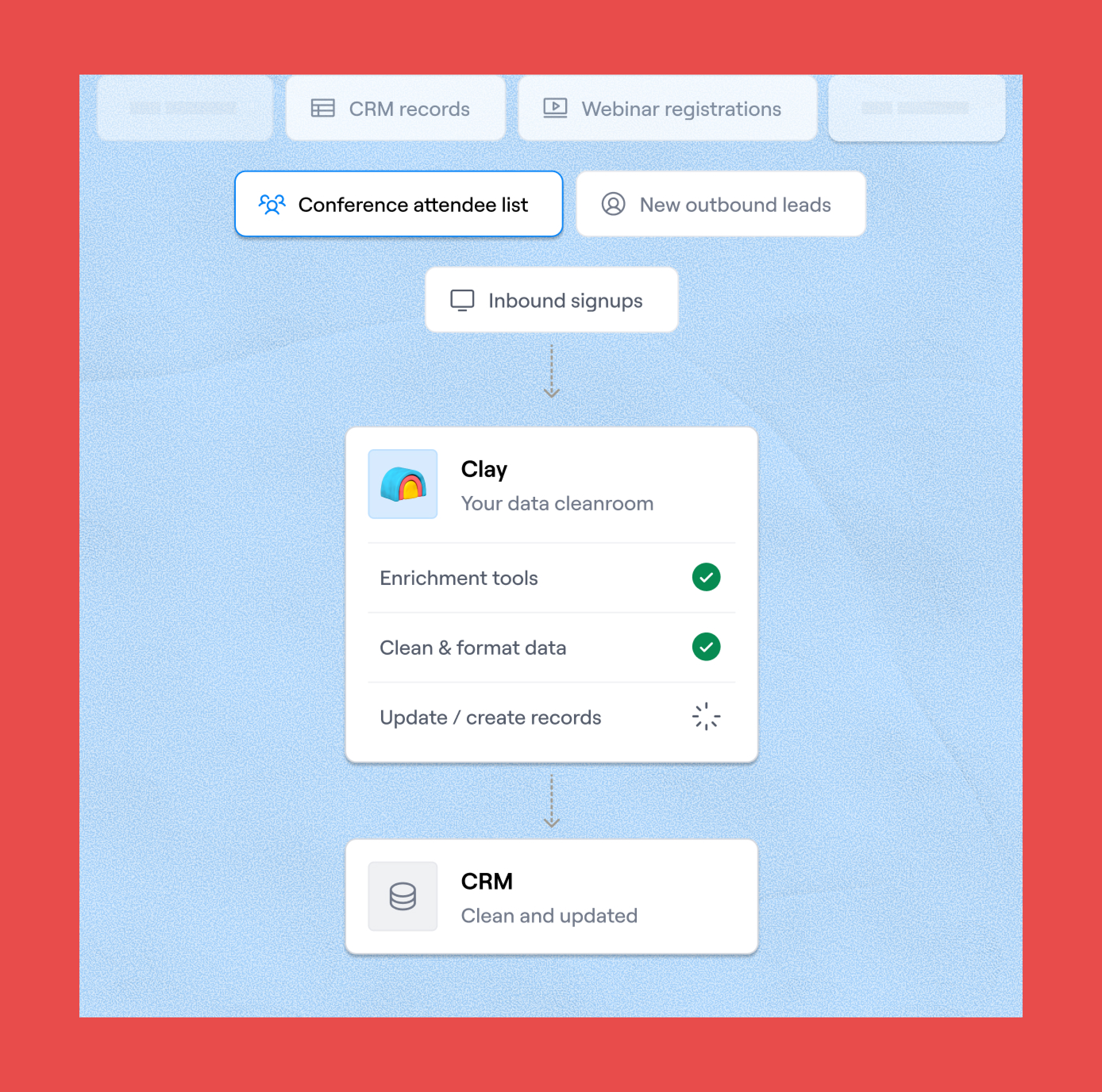
Because it gives them flexibility. Sales, RevOps, and even GTM teams can build precise lead lists, enrich inbound signups, validate contact data, monitor signals, and push clean records into their CRM, all while controlling where the data comes from and how it's processed. For teams that value customization and granular control, Clay is a powerful engine behind outbound prospecting and ongoing CRM data maintenance.
How Clay Data Enrichment Works
Clay's enrichment hub is built around three core features that work together to help teams keep their data current, accurate, and actionable. Here's how each one works.
1. Waterfall Enrichment
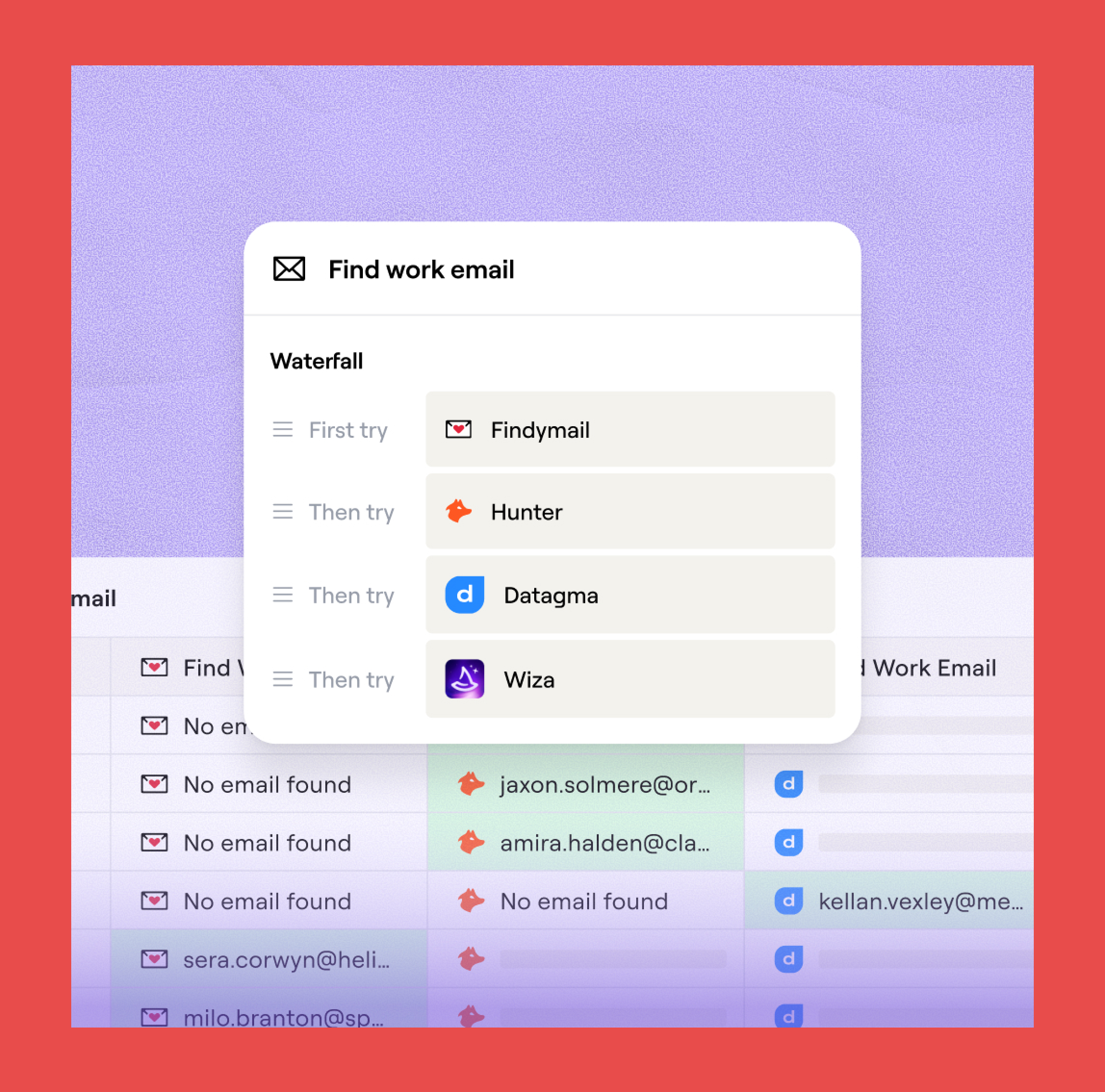
Waterfall enrichment is Clay's core mechanic. Instead of pulling from a single data source, Clay runs your records through multiple third-party providers in sequence, moving to the next source only when the previous one comes up short. The result is broader coverage, fewer gaps, and more complete prospect profiles.
What gets enriched:
- Work emails and personal emails
- Phone numbers
- Company firmographics
- Technographics
- Social profiles
- Job changes and intent signals
Data providers:
Clay connects to 150+ third-party providers within its waterfall setup. Findymail is one of Clay's premium email verification providers, known for delivering some of the highest accuracy rates on the platform.
For teams running high-volume outreach, pairing Clay's waterfall logic with Findymail's verified data is one of the most reliable setups available.
Enrichment timing:
- Real time as new leads come in
- On a set schedule for ongoing maintenance
- In bulk for existing lists that need a refresh
Workflow automation: Once enriched, Clay can automatically:
- Push clean records into your CRM
- Trigger outreach sequences
- Route leads based on the data it surfaces
No manual intervention required.
Common mistakes to avoid:
- Running all providers simultaneously instead of sequentially. The logic only works when sources run in order, with each one filling what the last one missed.
- Putting the cheapest provider first rather than the most accurate. Prioritize quality at the top of the waterfall and use lower-cost sources to fill the gaps.
- Not tracking which provider found each piece of data. Always log the source so you know what's working and what isn't.
2. Claygent AI
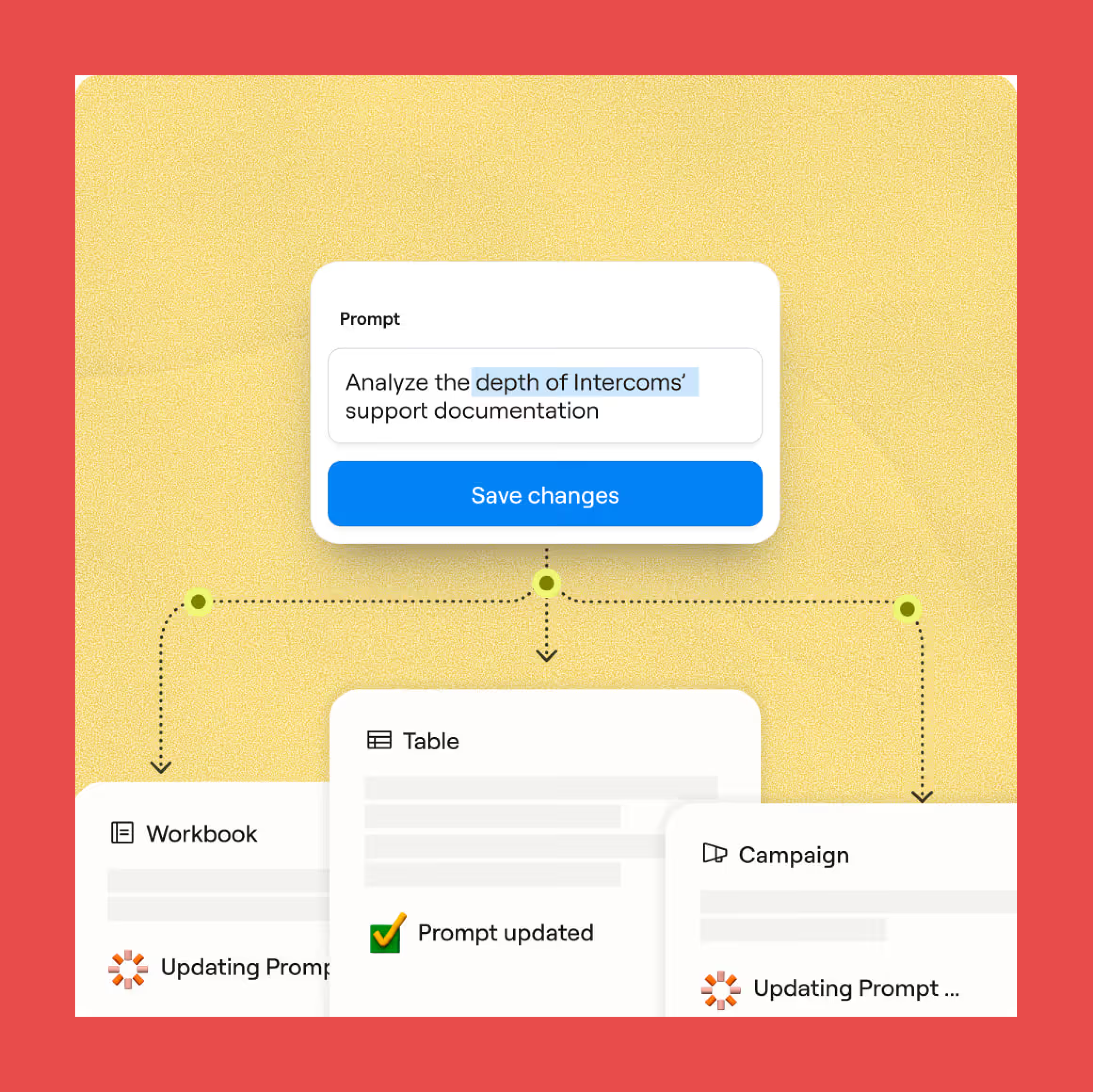
Claygent is Clay's built-in AI web research agent, designed to surface information that traditional databases simply don't index. Think of it as a tireless digital research assistant with access to virtually any publicly available information on the internet.
If Google and ChatGPT had a product together, it would look a lot like Claygent. It uses natural language processing to turn open-ended research tasks into specific, structured outputs, making complex data extraction accessible even to non-technical users. Want to find the breadth of a company's support documentation, or check whether a lead's website feels off-brand? Just ask.
How it works: Claygent is a web scraper built for unstructured data, the kind buried in:
- "About Us" pages
- Blog posts and articles
- Job listings
- Press releases
It uses advanced language models to interpret vague or open-ended prompts and return clean, usable answers.
Available AI models:
- Claygent Helium: Best price-to-performance ratio for standard research tasks.
- Claygent Neon: Optimized for answer formatting and precise data extraction.
- Claygent Argon: Built for deep research and complex, multi-step analysis.
- GPT-4 and Claude Opus: Available for tasks that require enhanced reasoning capabilities.
Built-in templates:
- ICP Qualification Agent: Analyzes a professional profile and scores whether someone fits your outreach criteria.
- Cold Email Composition Agent: Pulls key parameters, runs web research, and drafts a tailored outreach email automatically.
- Email Timing Agent: Pulls CRM data, scores account readiness based on activity, and outputs a timing recommendation for when to reach out.
Claygent is accessible directly within any Clay workflow and can be added as a step alongside your standard enrichment providers.
3. Signals and Intent
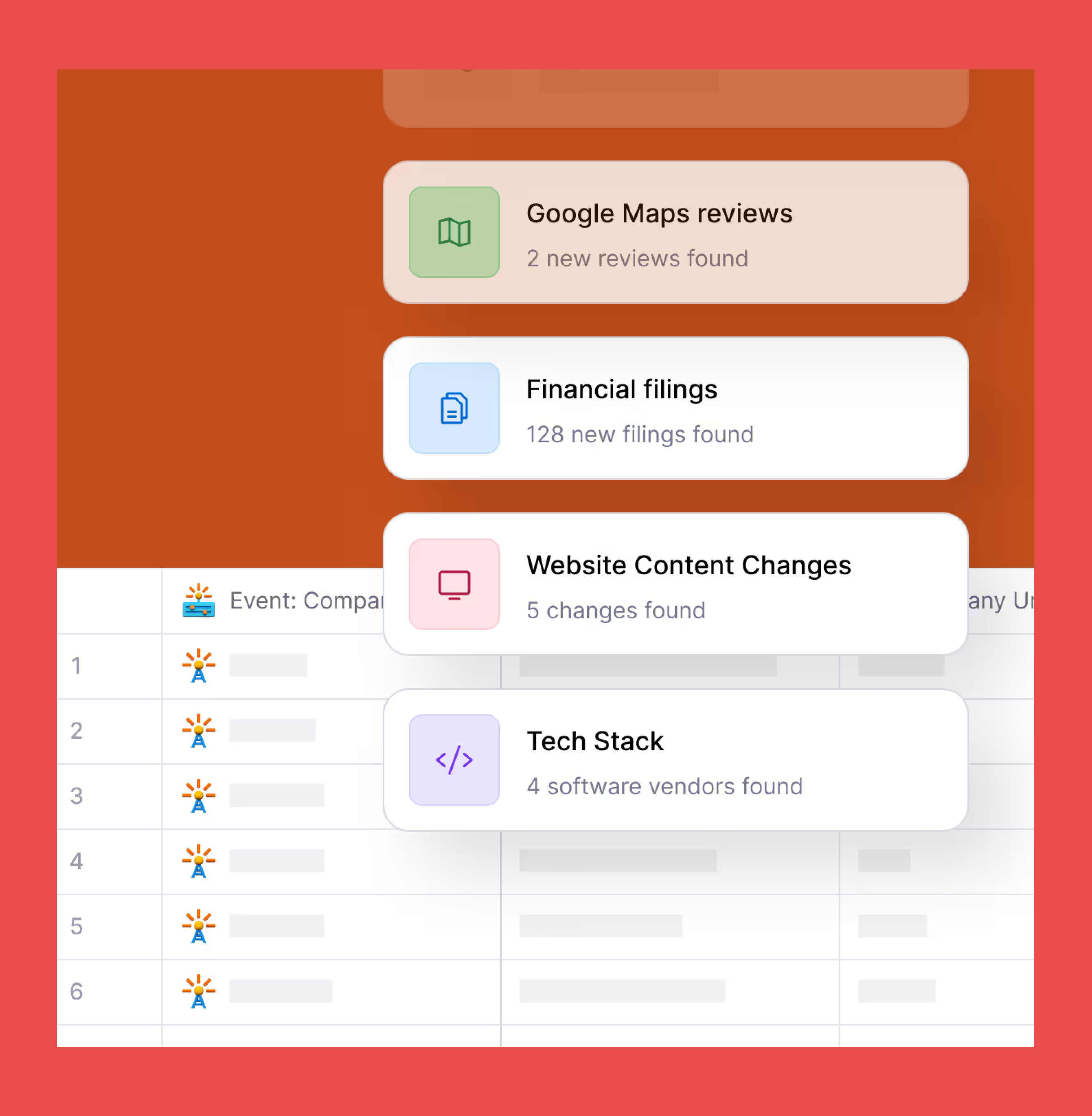
Beyond static enrichment, Clay monitors live signals that indicate when a prospect is most likely to engage. Instead of reaching out cold, signals let you time your outreach around real events happening at target accounts.
The types of signals Clay tracks:
- New Hires: Monitor new hires at target companies within the last three months, so you can engage during the window when new decision-makers are evaluating tools and vendors.
- Promotions: Track when contacts move into new roles within their current company, a high-intent moment when priorities and budgets often shift.
- Job Changes: Get notified when contacts move to new companies entirely, helping you leverage existing relationships or prepare for changes in account engagement.
- LinkedIn Brand Mentions: Track company mentions across LinkedIn to identify partnerships, surface testimonials, address feedback, and measure campaign impact.
- News and Fundraising: Stay informed about significant company events like funding rounds or acquisitions, giving you timely and relevant reasons to reach out.
Pricing and availability:
- Most Signals cost 1 credit for every 5 records checked and are available on any paid Clay plan.
- The LinkedIn social listening Signal is reserved for Pro and Enterprise customers.
Pros and Cons of Clay Data Enrichment
Clay Pros
- Highly customizable workflows: For teams that know what they're doing, Clay offers a powerful roster of tools that can be combined to streamline the entire journey from prospecting to outreach.
- 150+ enrichment sources: Teams with complex data needs can pull from a wide range of providers in one place, reducing the need for multiple standalone tools.
- Powerful automation capabilities: Clay can handle enrichment, routing, and outreach triggers automatically, cutting down on manual work across the board.
- All-in-one platform: For teams looking to consolidate their tech stack, Clay covers prospecting, enrichment, and outreach without needing to switch between tools.
Clay Cons
- Steep learning curve: Like most all-in-one platforms, Clay comes packed with features that take time to learn. Expect an adjustment period before your team gets the most out of it.
- Credit costs can add up quickly: Without a well-optimized waterfall setup, it's easy to burn through credits fast. Teams that aren't deliberate about provider sequencing often end up overspending.
- Requires technical setup: Clay rewards technical users. Non-technical teams may struggle to configure workflows effectively without dedicated support or a RevOps resource.
- Email deliverability not built in: Deliverability depends heavily on the providers you choose. Some surface risky contact data like catch-all emails, which can hurt your sender reputation if left unfiltered.
- Compliance risks: Clay doesn't own its underlying data, which makes it harder to guarantee compliance, accuracy, and freshness across all sources, particularly at scale.
Clay Data Enrichment Pricing (Is It Worth It?)
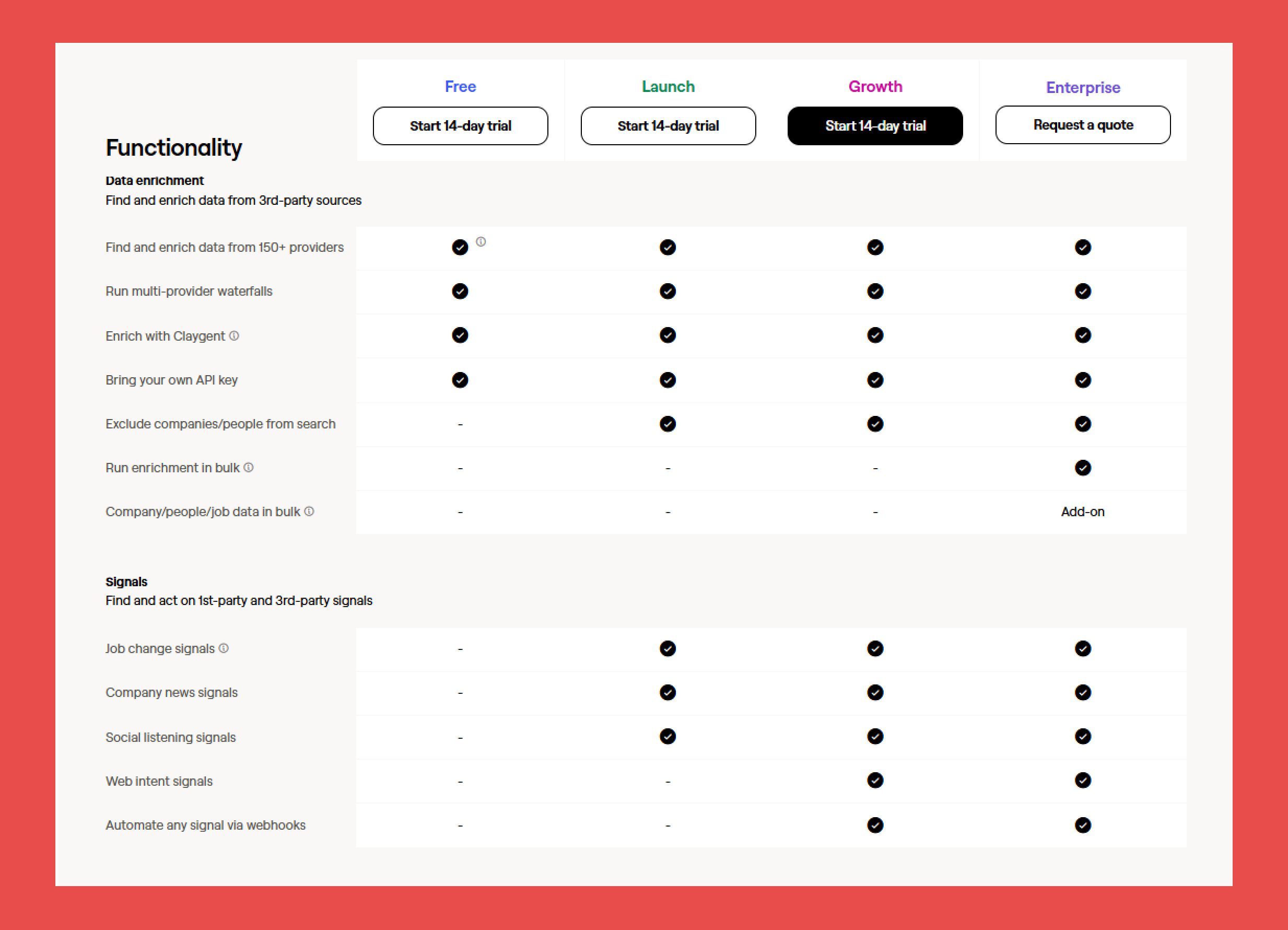
Having recently updated their pricing model as of March 11, 2026. Clay runs on a credit-based model, which means costs can vary significantly depending on how your workflows are built. Each enrichment action pulls from your credit balance, with the cost per workflow depending on which data providers you're using and how many you're stacking in sequence. AI-powered actions through Claygent are billed separately per model call, and most Signals cost one credit for every five records processed.
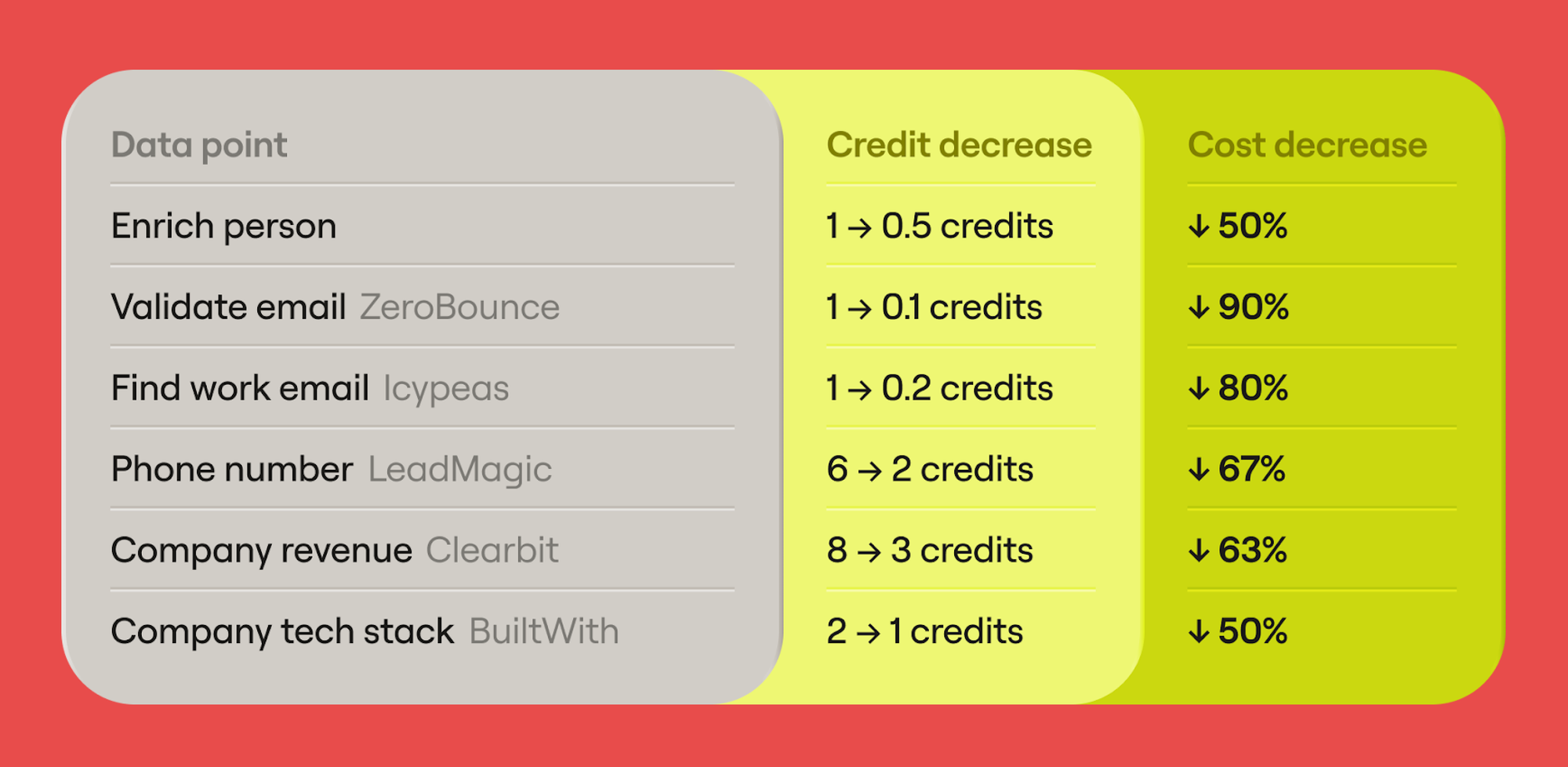
So is it worth it? For lean, targeted workflows the updated model is a clear improvement. High-volume, multi-provider waterfalls can still eat through credits quickly if workflows aren't optimized, so it pays to be deliberate about how you build. That said, the new plans are a step in the right direction, with easier access to key features, fairer AI pricing, and less friction when you need to scale.
Clay offers three core pricing plans with adjustable credit allocations to fit different workflow volumes:
- Free: 14-day trial – 500 actions/month + 100 data credits/mo
- Launch: $185/mo – Starts at 15,000 actions/mo
- Growth: $495/mo – Starts at 40,000 actions/mo
- Enterprise: Custom – Custom actions
Who Gets the Most Value from Clay?
Clay's pricing model makes the most sense for teams that need granular control over their enrichment workflows and are comfortable optimizing credit usage to match. It's particularly well-suited for:
- RevOps teams managing complex, multi-source data pipelines
- Agencies running enrichment across multiple client accounts
- Advanced outbound teams that need precise control over how and where data is sourced
- Teams building custom enrichment pipelines tailored to a specific ICP
If your workflows are straightforward or your volume is low, simpler and more affordable alternatives may serve you better.
Best Alternatives to Clay for Data Enrichment
Clay is a powerful platform, but it's not the right fit for every team. Whether the pricing model, learning curve, or feature set doesn't align with your needs, the tools below offer strong alternatives for different use cases, team sizes, and enrichment workflows.
1. Findymail CRM Datacare
Overview:
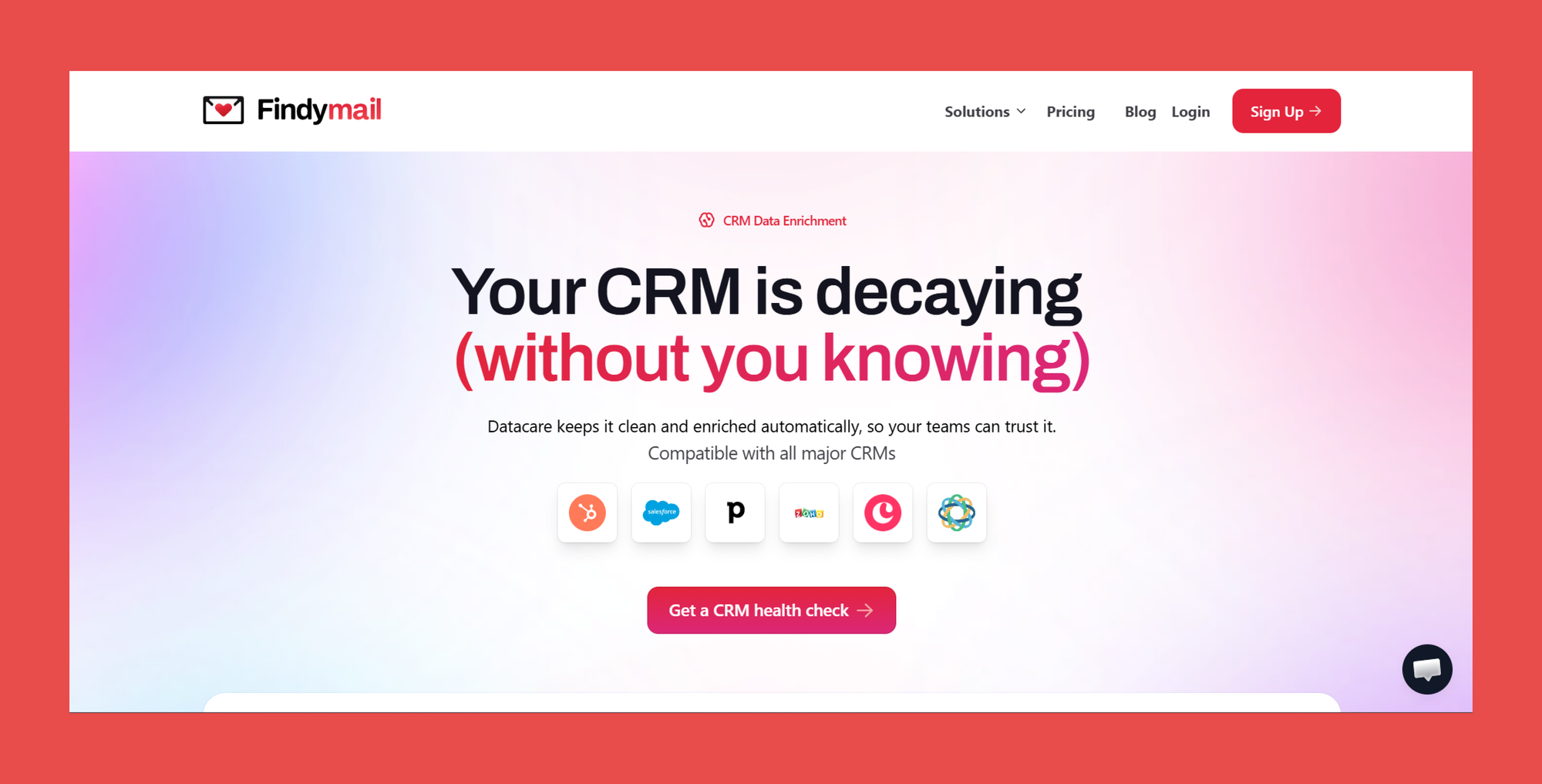
Instead of building a complex enrichment stack, you can opt for one solution that finds, verifies, and enriches your CRM data continuously in the background, with no manual triggers, no tab switching, and no extra workflows to layer in.
Findymail CRM Datacare connects natively to all major CRMs and works around the clock, automatically filling missing fields, merging duplicate records, and replacing outdated contact data with fresh, verified information. Every B2B contact data is backed by a guaranteed bounce rate of 5% or less, so you're always working with the most accurate B2B data available. Whether you're new to CRM enrichment or a seasoned ops professional, Datacare is built to stay out of your way and keep your data clean without the overhead.
Key Features:
- Always-On Enrichment & Deduplication: Continuously cleans and enriches your CRM in the background without any manual intervention
- Native CRM Integrations: Connects seamlessly with Salesforce, HubSpot, and all major CRMs for real-time data sync
- Job Change Tracking: Automatically flags warm leads and updates records when contacts change roles or companies
- Bulk Email Verification: Finds and verifies contact data in bulk with a guaranteed bounce rate of 5% or less
- Preview Mode: Review all changes before any data is touched for full control over your CRM
- Data Safety Controls: Full rollback, segment controls, and No Override Default to protect your existing data at every step
Ratings:
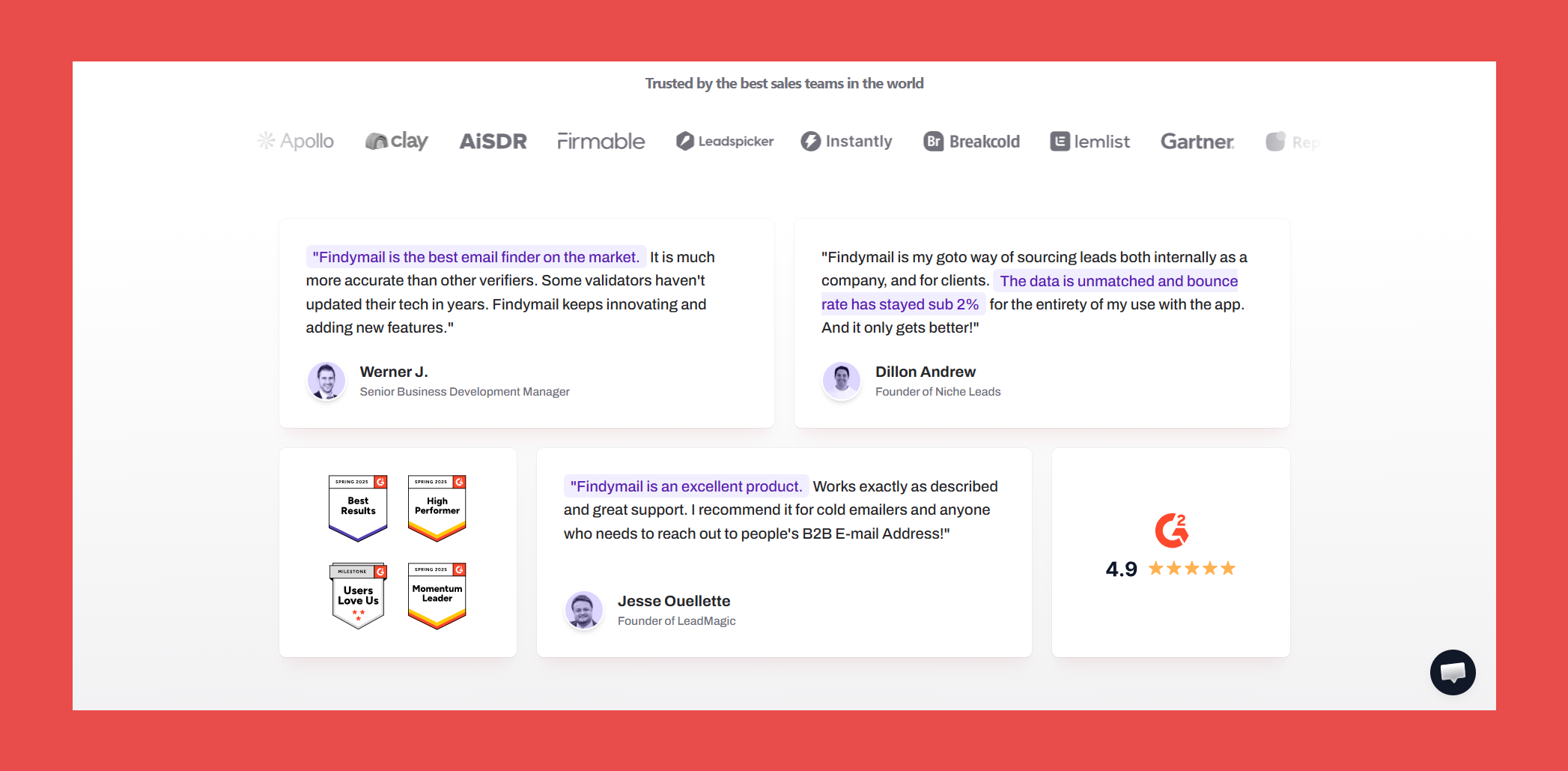
- G2: 4.9/5 (56)
- Capterra: 4.9 (7)
Pros:
- Priced by database size rather than per enrichment, making costs predictable and scalable.
- Safety controls give teams full visibility and control over what gets enriched and when.
- Catches and merges duplicate records automatically, keeping CRM data clean without manual intervention.
Cons:
- Best suited for teams with an existing CRM, less relevant for teams still building their prospect lists from scratch.
- Job change tracking is only available on the higher-tier plan.
Customer Reviews:
- "Accurate and Comprehensive Email Search Tool" – Yash A., verified G2 reviewer
- "Findymail: The Best Email Finder for High-Volume Outreach" – Kevin Y., verified G2 reviewer
Pricing:
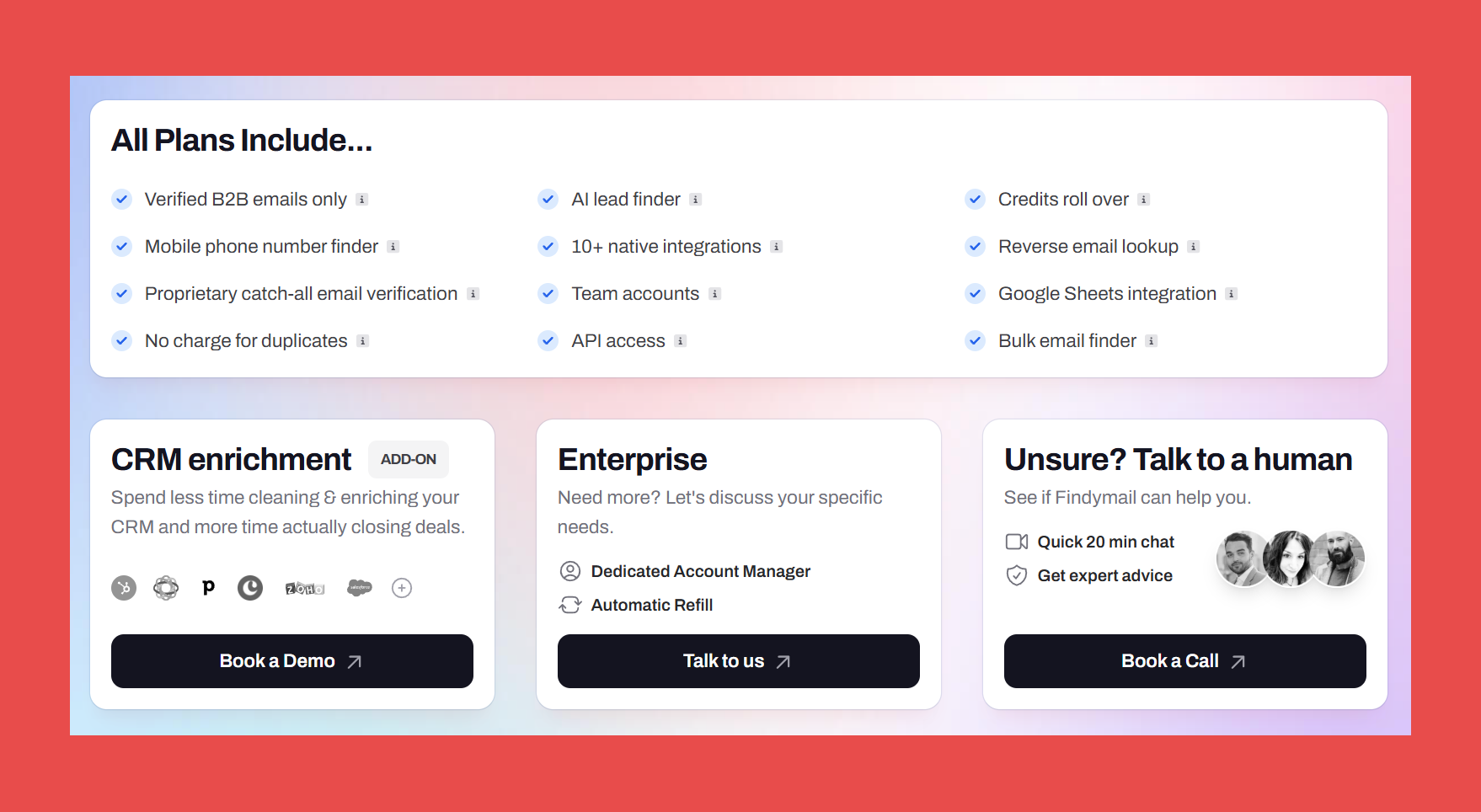
Unlike most enrichment tools that charge per record, Findymail CRM Datacare is priced by database size, so your costs stay predictable no matter how often your data is enriched. Two plans to choose from:
- Enrichment only: $1,188/year
- Enrichment + Job Tracking: $1,782/year
2. Apollo.io
Overview:
Apollo.io is widely recognized for its expansive B2B contact database, but its enrichment capabilities are equally worth your attention. Beyond prospecting, Apollo keeps your CRM records accurate and up to date by combining demographic, firmographic, real-time signal, and verified contact data in a single platform.
For revenue teams that want to enrich their data and act on it without jumping between tools, Apollo covers both.
Key Features:
- Expansive B2B Database: 210M+ contacts and 65+ data points for enrichment at scale
- AI-Powered Lead Scoring: Score prospects based on fit, behavior, engagement history, and conversion likelihood
- Job Change & Missing Email Enrichment: Automatically updates records when contacts change roles or companies
- Waterfall Enrichment: Pulls from Apollo's database and third-party sources to surface more complete contact data
- CRM Sync: Native integrations with Salesforce, HubSpot, Zoho, and Pipedrive for real-time data sync
Ratings:
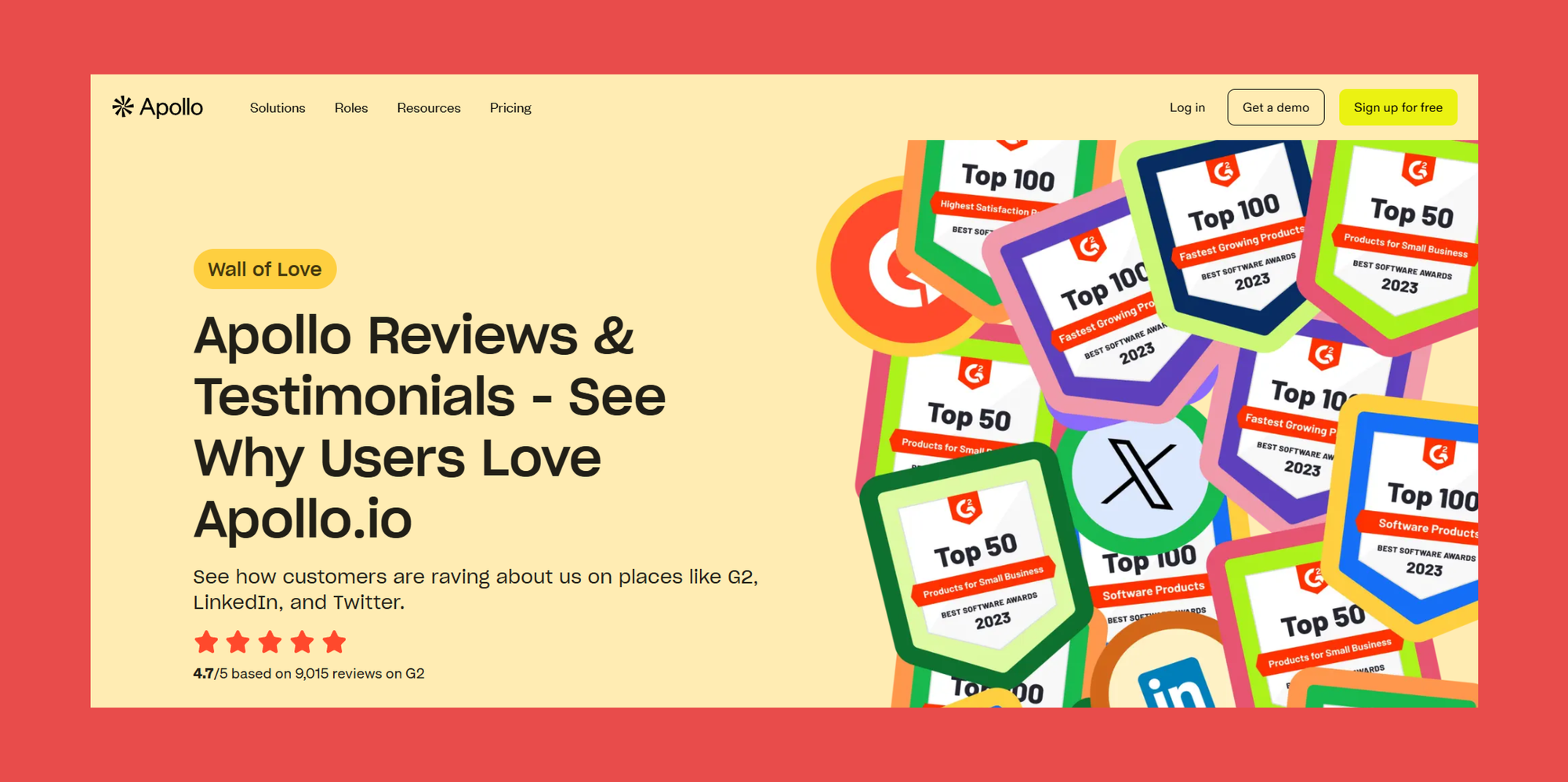
- G2: 4.7/5 (9,450)
- Capterra: 4.5/5 (384)
Pros:
- Integrates with Findymail to add an extra layer of email verification and deliverability protection.
- Consistently praised for the size and depth of its contact database for prospecting at scale.
- Clean, intuitive interface makes building and managing outreach campaigns straightforward.
Cons:
- Initial setup and onboarding can feel complex for new users.
- The free plan is very limited, making it difficult to evaluate meaningfully without upgrading.
Customer Reviews:
- "Excellent Data Enrichment for User Profiles" — Joana V., verified G2 reviewer
- "All My Contacts in One Place, with Powerful Ways to Manage Them" — Carlos R., verified G2 reviewer
Pricing:
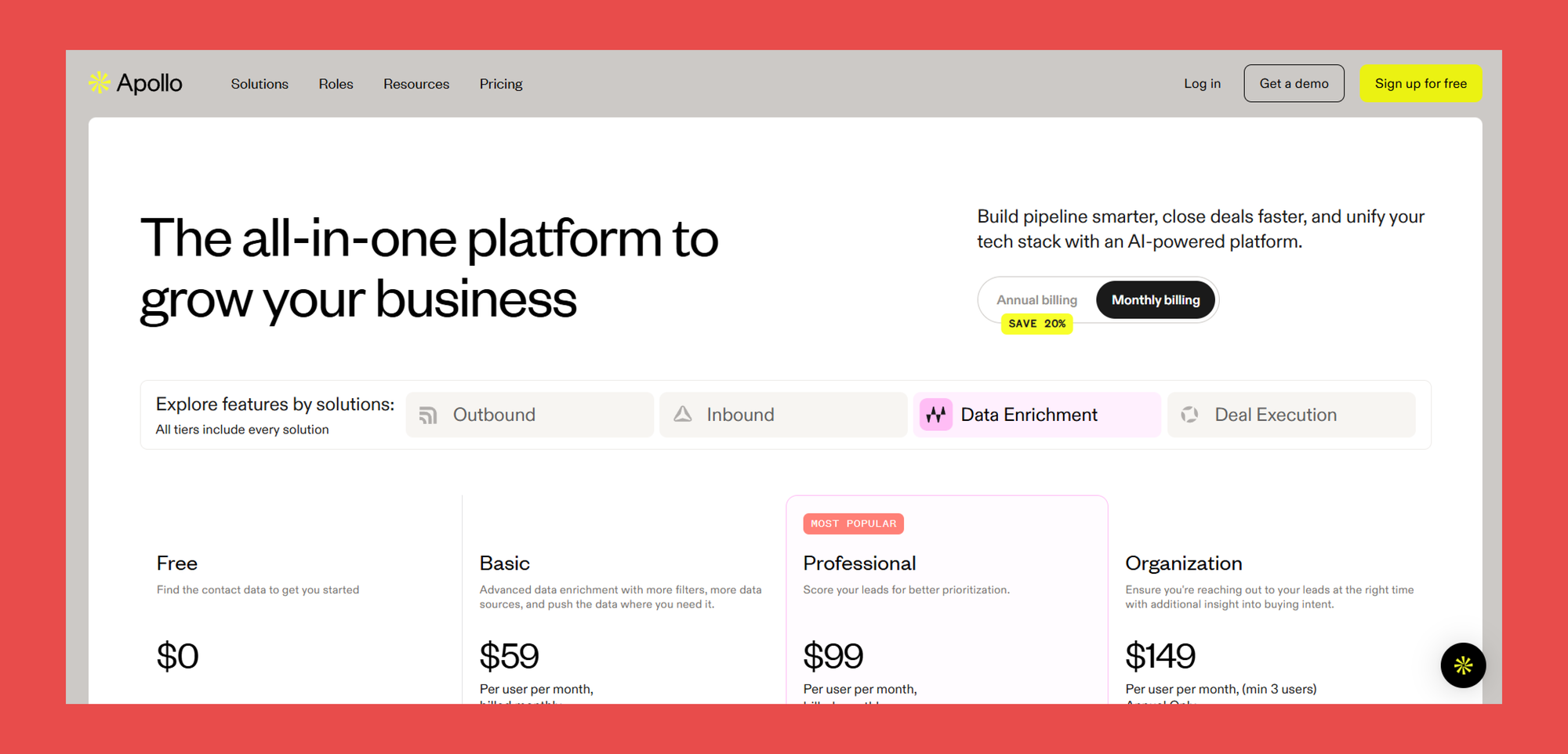
Apollo offers a range of plans to suit different team sizes and workflow volumes:
- Free: $0/user/month — 75 credits
- Basic: $59/user/month — 2,500 credits
- Professional: $99/user/month — 4,000 credits
- Organisation: $59/user/month — 6,000 credits
3. ZoomInfo
Overview:
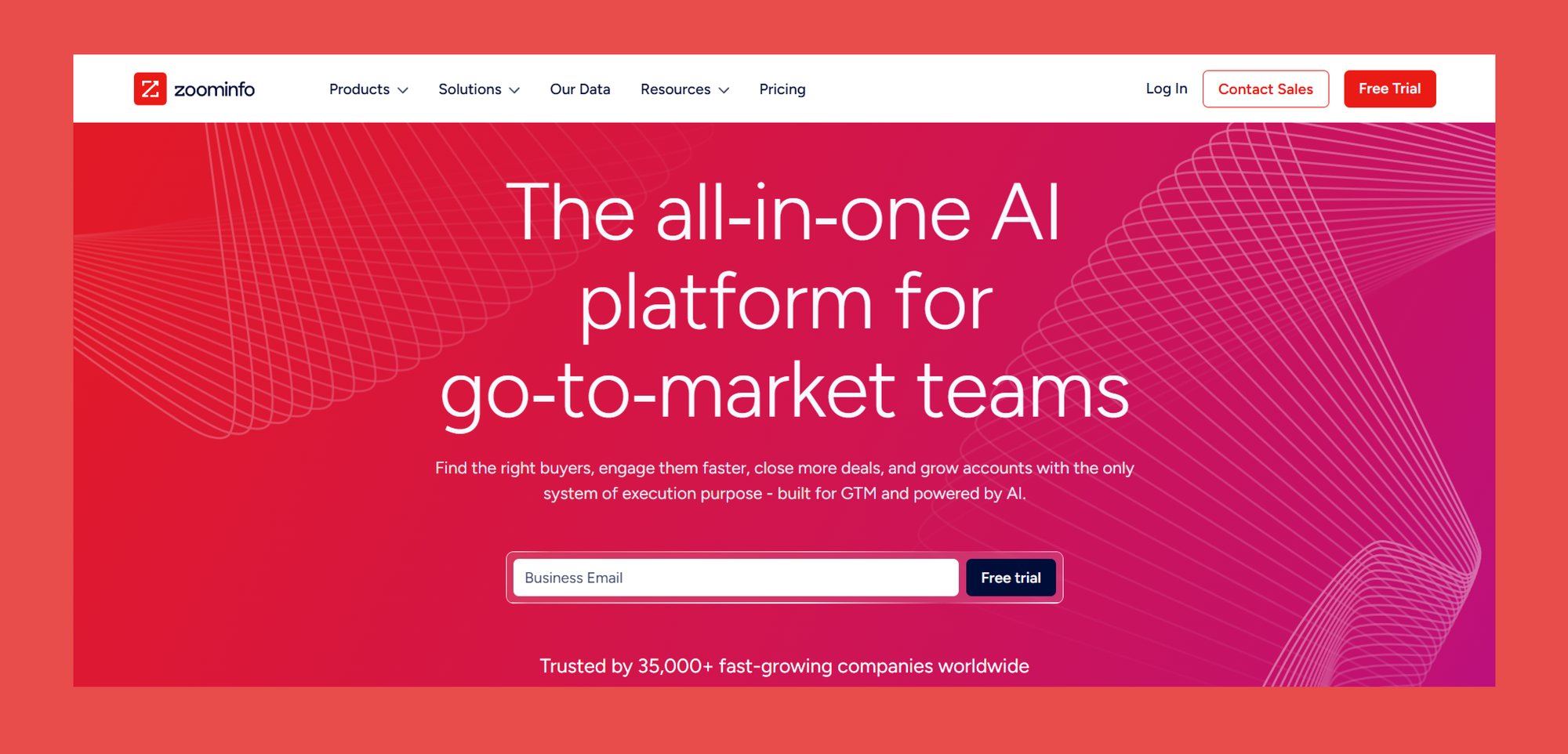
ZoomInfo is one of the most established names in B2B contact data. Its database is vast, its real-time updates keep data fresh, and its advanced search filters make it easier to zero in on the right prospects.
For enterprise sales and marketing teams operating at scale, it's a serious contender.
Key Features:
- Enterprise Contact Data: Extensive global coverage with real-time updates to keep records accurate
- Buyer Intent & Technographics: Advanced targeting signals to identify in-market prospects ready to engage
- Advanced Segmentation: Precise filtering for building highly targeted campaign audiences
- CRM Sync & Automation: Deep integrations with enterprise sales stacks for streamlined workflows and automated data management
Ratings:

- G2: 4.5/5 (9,031)
- Capterra: 4.1/5 (317)
Pros:
- One of the largest B2B databases available, with comprehensive global coverage.
- Particularly strong for sourcing leads in the U.S. market.
- Deep integrations with enterprise sales and marketing stacks.
- Versatile Chrome extension well-suited for LinkedIn prospecting and outbound research.
Cons:
- High pricing with significant minimum commitments, likely overkill for smaller teams.
- Coverage in EMEA markets is notably weaker than several competitors.
- Upon termination, all data sourced from ZoomInfo must be deleted from your CRM, a requirement most other providers don't impose.
- The updated platform UI has received mixed feedback, with some users finding it less intuitive than the previous version.
Customer Reviews:
- "Easy to Use, Complete Contacts, and Smooth HubSpot Integration" — Angie P., verified G2 reviewer
- "Effortlessly Find Client Contacts with Ease" — Scot R., verified G2 reviewer
Pricing:
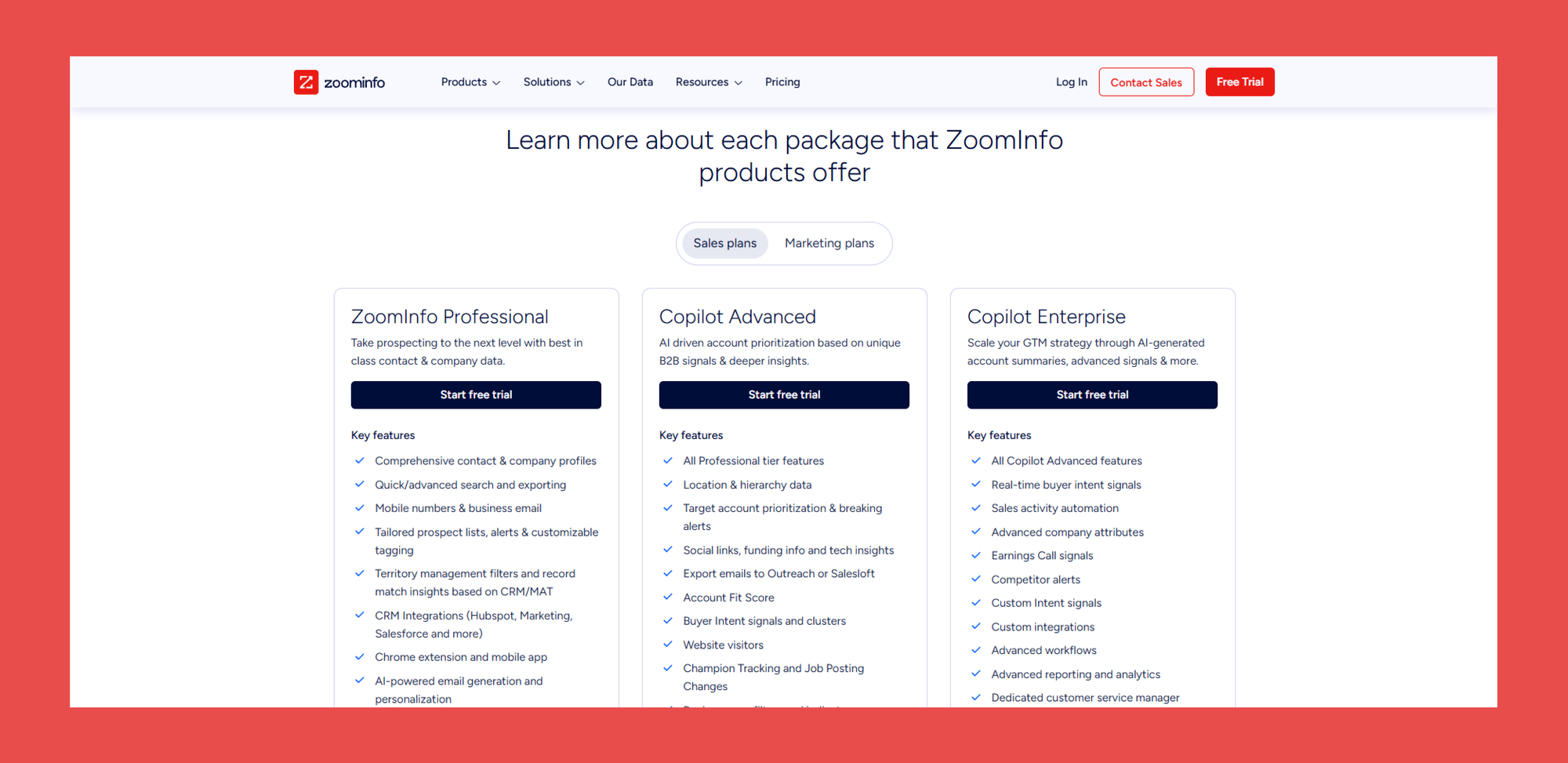
ZoomInfo's pricing is customized by use case and team size. Contact their sales team for a full breakdown.
- Sales: Contact Sales
- Marketing: Contact Sales
- Talent: Contact Sales
4. Cognism
Overview:
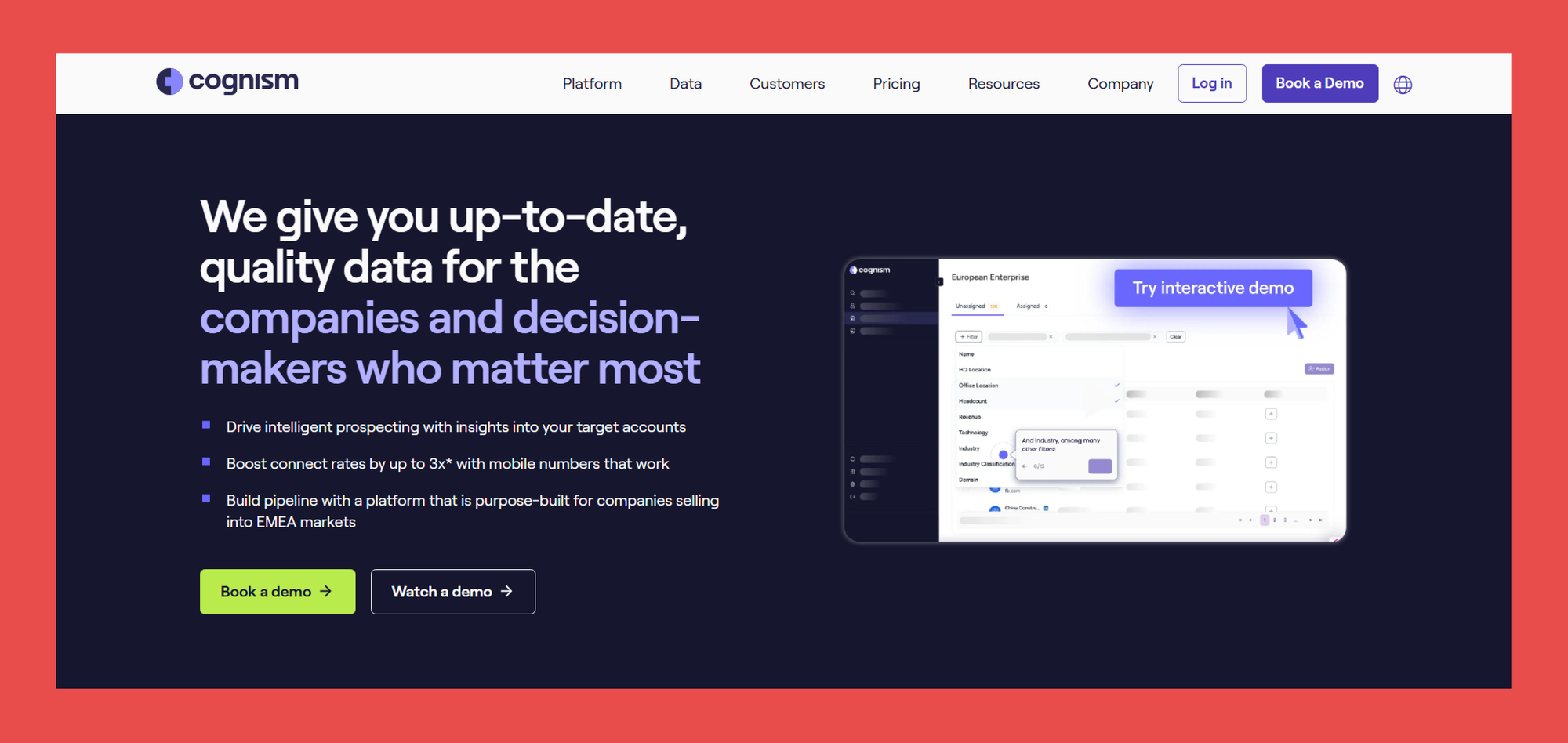
Cognism is built for teams where compliance isn't an afterthought. Designed to meet GDPR, CCPA, and SOC 2 standards, it delivers accurate B2B contact data and intent insights without the legal grey areas that come with less rigorous providers.
Its phone number coverage stands out in particular, thanks to Diamond Data®, a verification process that goes beyond automated checks to ensure the numbers you pull actually reach real people.
Key Features:
- Diamond Data®: Physically verified phone numbers confirmed to be correct and currently in use
- Sales Companion: A personalized sales assistant that helps reps tailor outreach to the right decision-makers
- Data Enrichment: Three enrichment options (Instant, Scheduled, and On-Demand CSV) to keep your CRM accurate and up to date
- Intent Data & Buying Signals: Layers buying context onto contacts to help you reach decision-makers at the right moment
- Pulls from news reports, press releases, public registries, and validated third-party vendors to keep data fresh
Ratings:
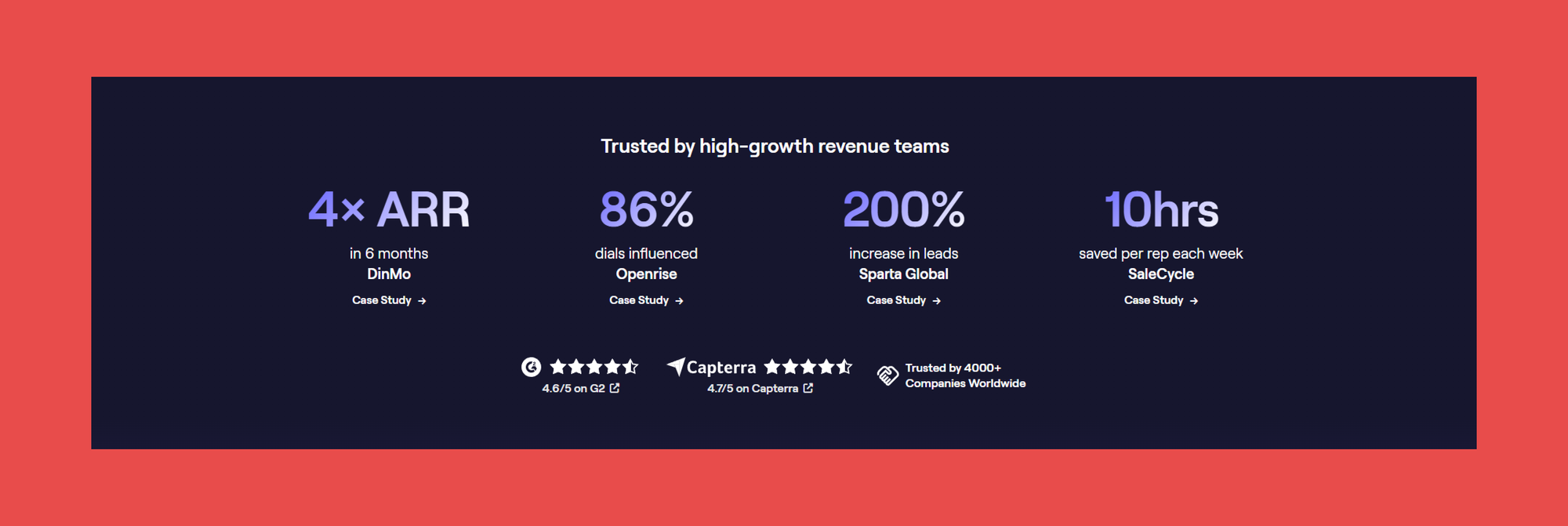
- G2: 4.5/5 (1,317)
- Capterra: 4.7/5 (255)
Pros:
- Strong European coverage, particularly valuable for teams operating in GDPR-regulated markets.
- Intent signals that help with timing, not just targeting.
- GDPR-first approach means fewer compliance concerns out of the box.
- Complete sales engagement suite with powerful automation built in.
Cons:
- Enterprise-grade features come with enterprise-level pricing, less accessible for smaller teams.
- The breadth of features means a more involved setup and steeper initial learning curve.
- Credit limits apply, though more generous than most comparable tools.
Customer Reviews:
- "Essential for Prospecting, Needs Data Accuracy Improvement" — Mauro V., verified G2 reviewer
- "Seamless Chrome Extension That Consistently Captures the Right Info" — Tee A., verified G2 reviewer
Pricing:
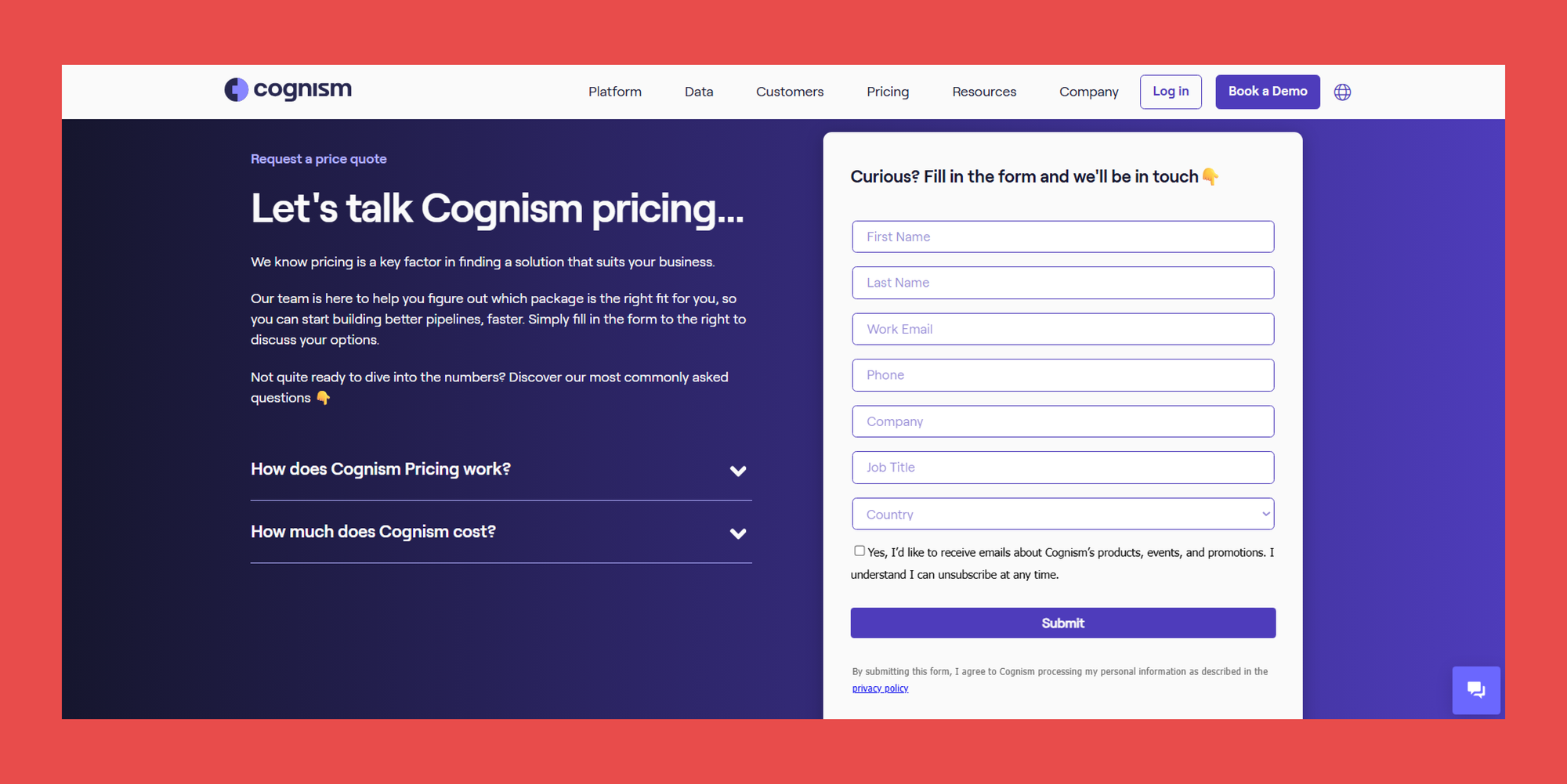
Cognism offers two plans. Pricing isn't publicly listed, contact their team for a full breakdown.
- Grow: Request a quote — prospecting essentials to identify and engage the right accounts
- Elevate: Request a quote — everything in Grow, plus Market & Buying Signals and available add-ons
5. Lead411
Overview:
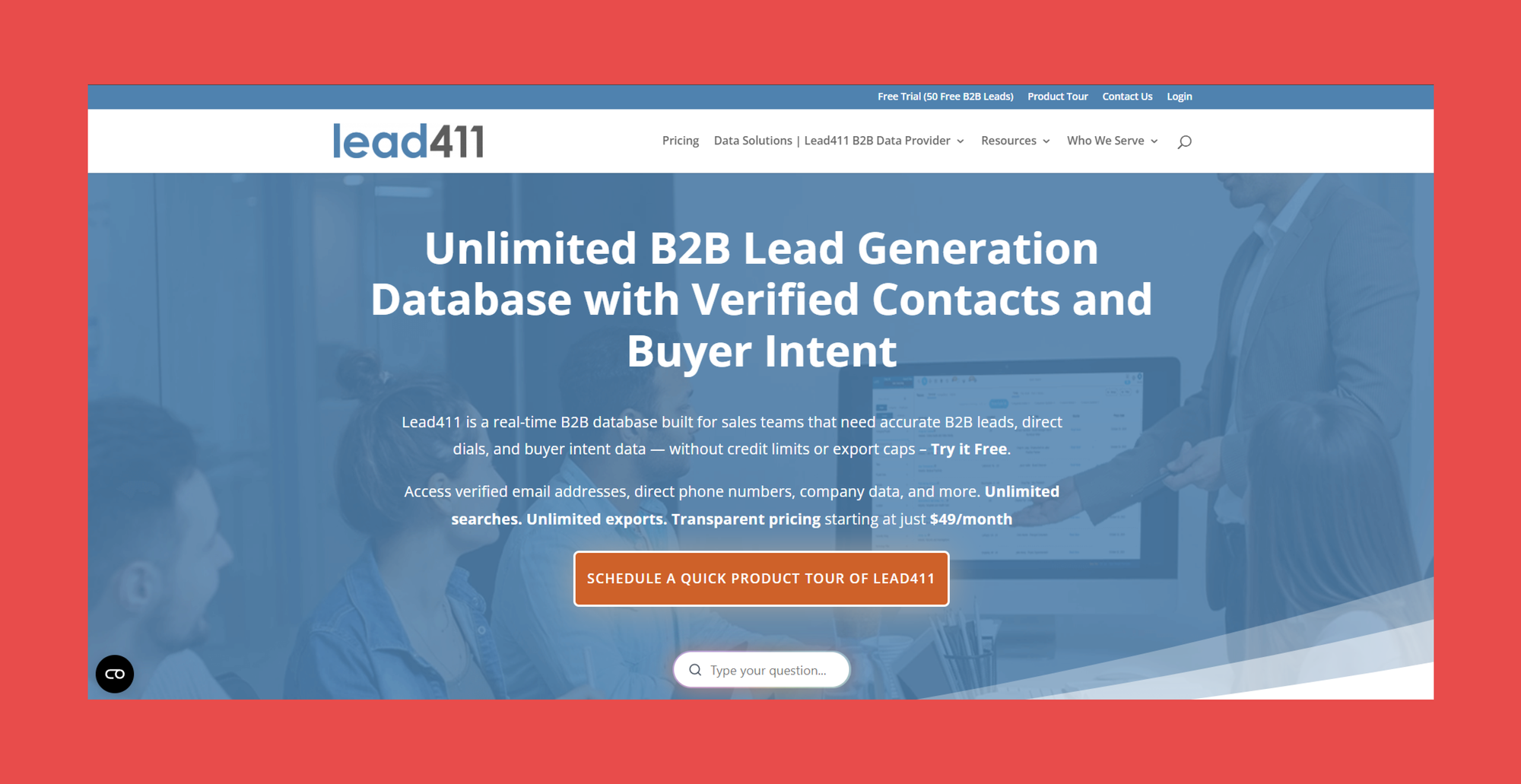
Lead411 combines traditional B2B data with modern intent signals, offering comprehensive contact and company information alongside buying triggers that indicate when prospects are ready to engage.
The platform stands out for its direct cell phone numbers and real-time company event notifications, making it a strong choice for teams focused on immediate outreach to decision makers.
Key Features:
- Real-Time Email Verification: Protects sender reputation by ensuring every contact is verified before outreach.
- Direct Cell Phone Numbers: Provides verified mobile numbers for executives and decision makers.
- Company Event Triggers: Flags funding rounds, leadership changes, and expansion signals as actionable buying triggers.
- Chrome Extension: Enables browser-based prospecting without disrupting existing workflows.
- Native CRM Integrations: Syncs seamlessly with all major sales platforms.
Ratings:

- G2: 4.5/5 (477)
- Capterra: 4.7/5 (76)
Pros:
- Unlimited data on select plans offers exceptional value for high-volume prospecting.
- Comprehensive intent data helps teams time their outreach for maximum impact.
- CRM integrations sync seamlessly with existing workflows.
Cons:
- Data accuracy can be inconsistent, particularly for international contacts.
- The interface feels dated compared to more modern alternatives.
- Primary focus is on the US market, with limited international coverage.
Customer Reviews:
- "Amazing Lead Quality That Delivers" – Filip V., verified G2 reviewer
- "Most cost effective lead generating service out there!" – David D., verified G2 reviewer
Pricing:
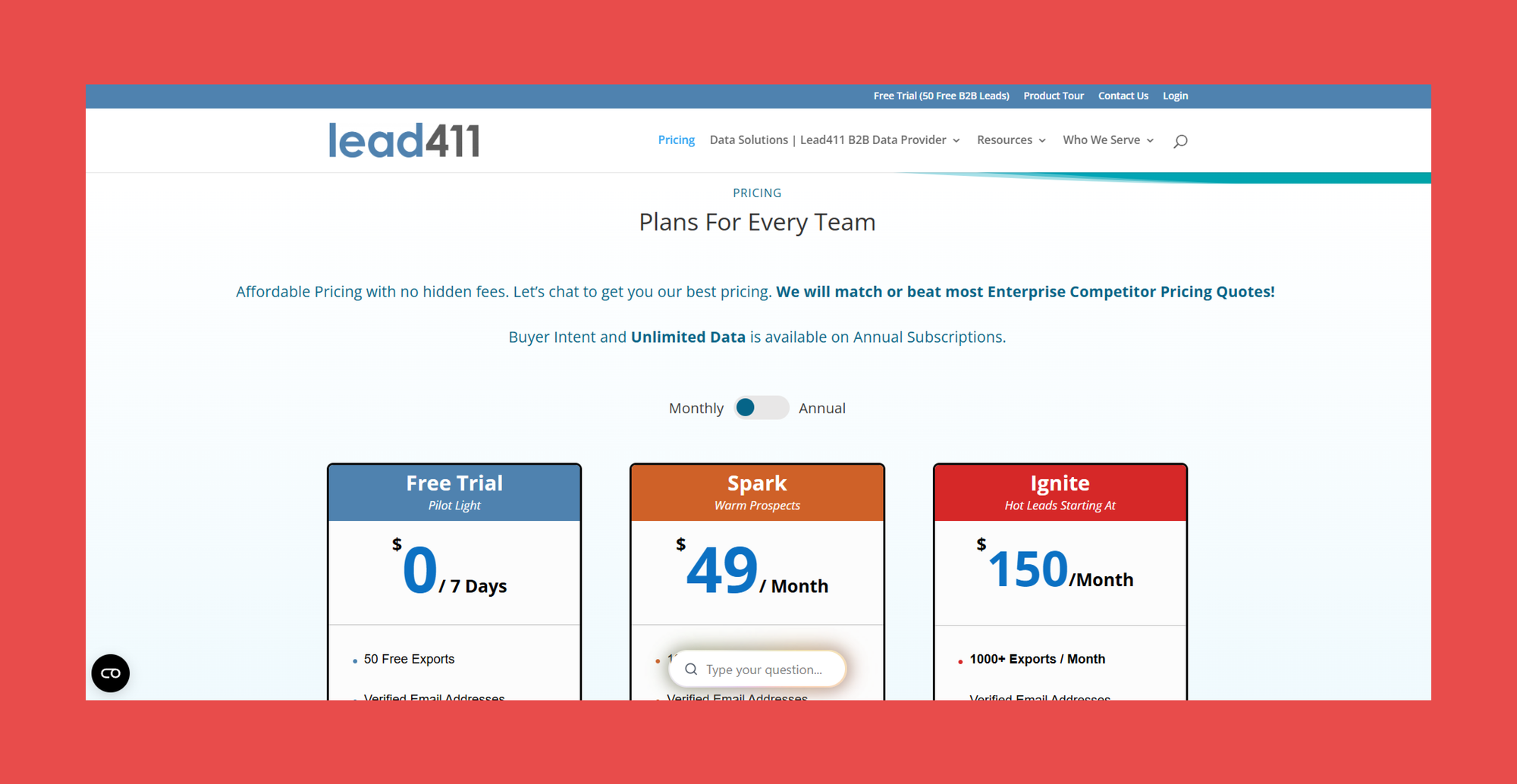
Lead411 offers three plans across monthly and annual billing cycles. Note that Buyer Intent and Unlimited Data are only available on annual subscriptions.
- Spark: $49/mo – 1000 Exports / Month
- Ignite: $150/mo – 1000+ Exports / Month
6. LeadIQ
Overview:
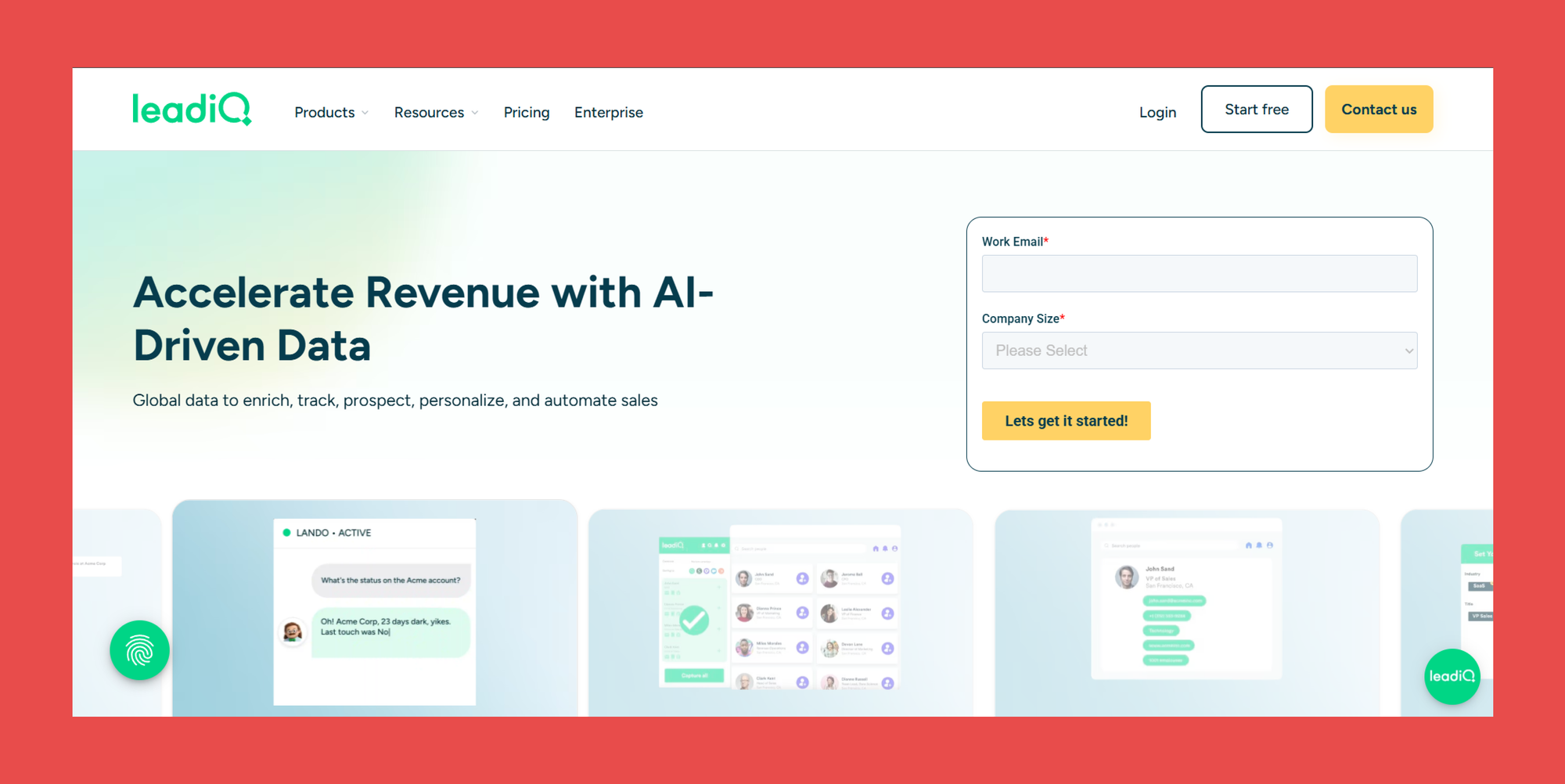
LeadIQ specializes in LinkedIn prospecting and CRM synchronization, focusing on the workflow friction that sales teams face when moving from social selling to pipeline management.
Rather than competing on database size, LeadIQ concentrates on making the prospecting-to-outreach workflow as seamless as possible, with real-time data capture and AI-powered content creation built in.
Key Features:
- LinkedIn Data Capture: Automatically extracts profile information to eliminate manual data entry during prospecting.
- Real-Time Enrichment: Updates contact information automatically as new prospects are added to your pipeline.
- Native CRM Sync: Integrates directly with Salesforce, HubSpot, and other major platforms for seamless data flow.
Ratings:
- G2: 4.2/5(1,158)
- Capterra: 4.4/5(24)
Pros:
- Seamless LinkedIn integration reduces manual data entry and speeds up prospecting workflows.
- AI-powered email generation creates personalized outreach content at scale.
- Purpose-built for B2B sales teams with a clean, focused feature set.
Cons:
- Limited enrichment capabilities compared to more comprehensive database providers.
- Higher cost per user makes it less accessible for smaller teams and startups.
- Primarily focused on professional contact data with limited personal contact information.
Customer Reviews:
- "Effortless Prospecting with LeadIQ" – Agata K., verified G2 reviewer
- "AI-Verified Contacts and Faster Prospecting with LeadIQ" – Gerald S., verified G2 reviewer
Pricing:
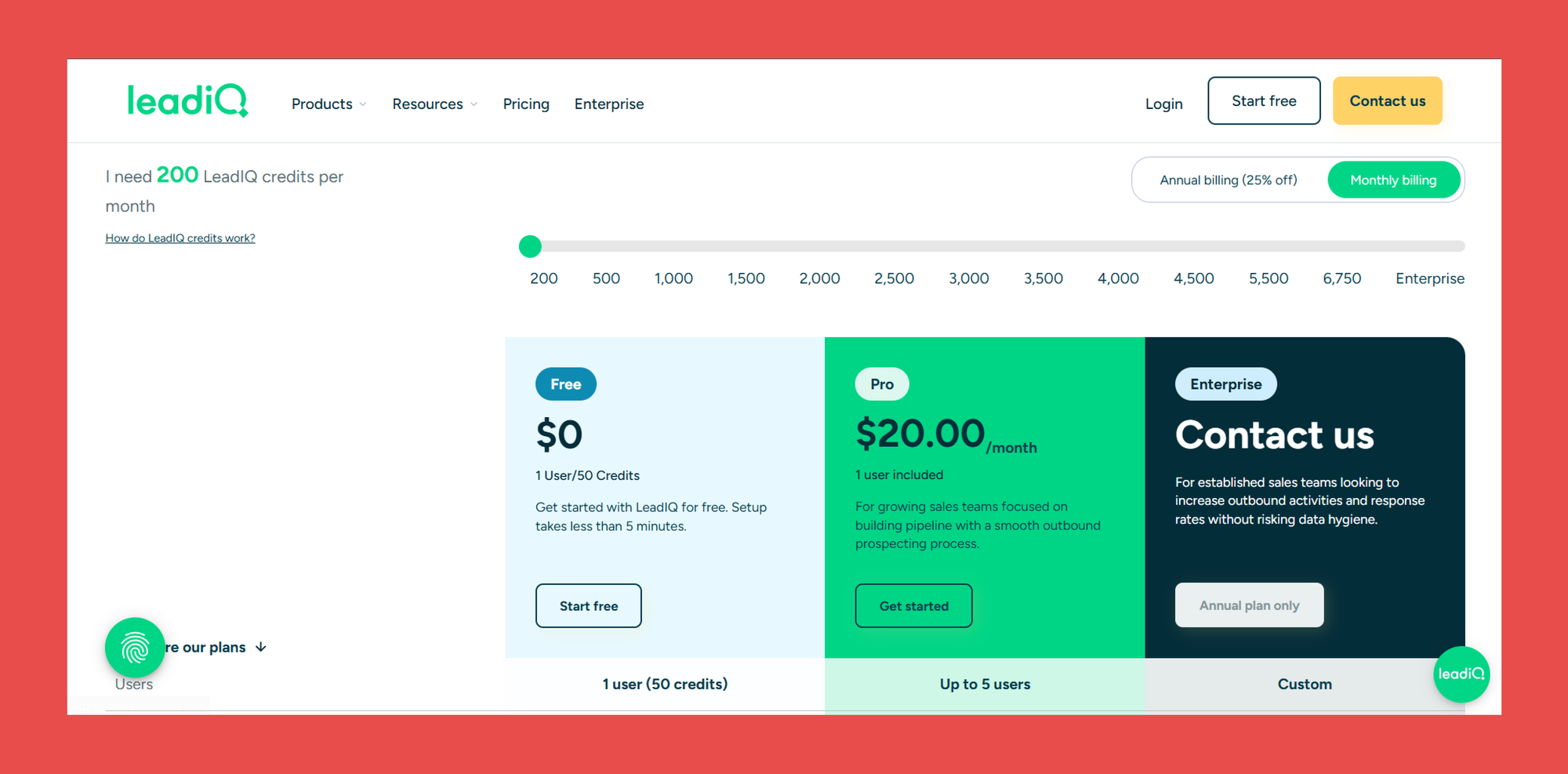
LeadIQ offers a free plan alongside paid options that scale with credit volume:
- Free: $0/mo – 1 User/50 Credits
- Pro: $20.00/mo – Built for growing sales teams focused on building pipeline with a smooth outbound prospecting process.
- Enterprise: Contact us – For established sales teams looking to increase outbound activities and response rates without risking data hygiene.
Clay vs. Findymail CRM Datacare: Which Is Right for You?
Clay has earned its reputation for good reason. For ops-heavy teams that want full control over how they source, enrich, and automate contact data, it is one of the most powerful tools on the market. If you have the technical bandwidth to build and maintain complex workflows, Clay delivers.
But power comes with a price, and not just in credits. Clay requires ongoing maintenance, careful workflow optimization, and a solid understanding of its credit system to get real value out of it. For teams that just need their CRM data to stay clean, accurate, and up to date without the complexity, that's a steep ask.
Clay enriches data, but verification depends entirely on which providers you stack, and not all verification systems are built equal. Most will pass risky emails through without flagging them. Datacare doesn't. It combines always-on enrichment with Findymail's guaranteed bounce rate of 5% or less, so every record in your CRM is not just complete but actionable.
Every demo includes a free CRM health check so you can see exactly what’s going on with your data before making any kind of commitments.

Valentin
Valentin Wallyn is the founder and CEO of Findymail, a SaaS platform he launched to help B2B teams discover accurate email and contact data and automate data enrichment at scale. With an IT background, Valentin combines a technical mindset with hands-on experience in outreach and growth. His work centers on improving data quality and prospecting efficiency, drawing on years of entrepreneurial experience and a deep understanding of what makes outreach campaigns succeed.