AI Lead Finder
 Email Finder
 Email Verifier
 Phone Finder
 Intent Signals
 CRM Enrichment/Cleaning
 API
API

Your sales rep finally connects with a decision-maker, only to realize halfway through the call that the contact switched roles six months ago. Another rep wastes an entire morning manually updating Salesforce because half the phone numbers are disconnected. Meanwhile, your RevOps team discovers that 30% of your "clean" database is actually duplicate records.
That's where Salesforce data enrichment comes in. Instead of letting your CRM rot with stale information, 3rd-party enrichment tools automatically update, verify, and enhance your contact records with fresh, accurate data.
In this guide, we'll break down the best Salesforce enrichment tools available in 2026 and show you exactly how to choose the right one.
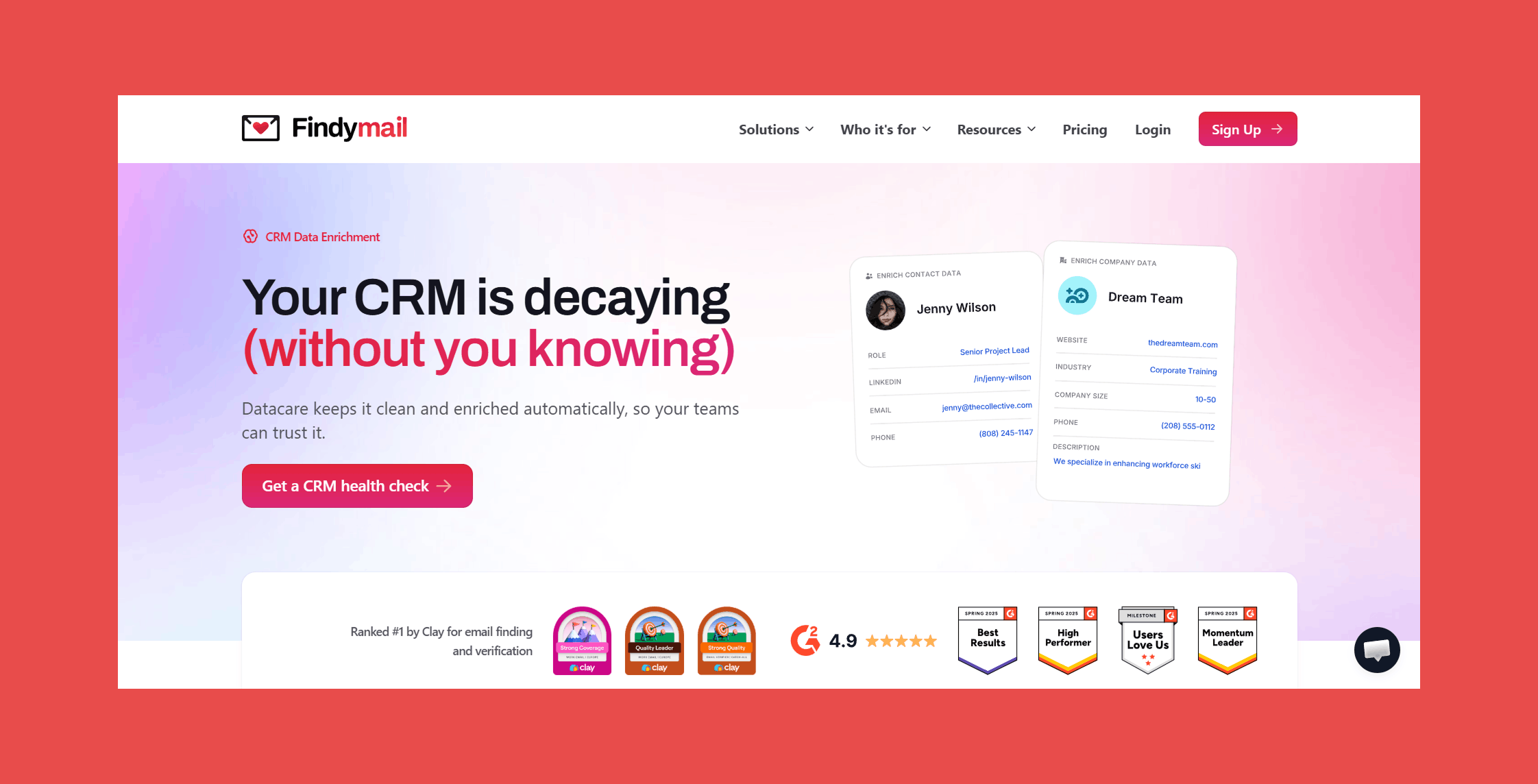
Findymail CRM Datacare plugs directly into Salesforce (and other major CRMs) to fix duplicates, verify emails, and keep records accurate, 24/7. No cluttered interfaces, no extra tabs. It runs quietly in the background, enriching and cleansing only the data that actually needs attention or by the rules you set.
Want to see what it could clean in your CRM? Talk to one of our CRM data specialists and discover how Datacare keeps your database happy, healthy, and on autopilot.
Best Tools:
1. Findymail CRM Datacare
2. 6sense
3. Clay
4. Kaspr
5. Lusha
Best Salesforce Data Enrichment Tools
1. Findymail CRM Datacare: Best for Verified Contact Data & Always-On Salesforce Enrichment
Overview:
Let's be real for a moment. Most enrichment tools will happily charge you for email addresses that bounce back the moment you hit send. Not us.
We stand out in the Salesforce enrichment space by doing two things exceptionally well: delivering verified, accurate B2B contact data that actually works, and keeping your Salesforce clean automatically, around the clock, through Datacare.
Unlike traditional enrichment platforms that pull data from stale databases, we verify each data point in real time, so you're not just filling empty fields. You're getting a guarantee that each prospect is valid, active, and ready to receive your outreach. This approach consistently delivers a sub-5% bounce rate. And if you exceed it, we refund your credits.
Key Features:
- Always-On Enrichment (Datacare): Datacare monitors your Salesforce around the clock, filling gaps in new records and refreshing existing ones as contact details change.
- Enrichment That Respects Your Existing Data: Datacare fills empty fields by default and leaves populated ones alone unless you tell it otherwise. Every proposed change can be previewed before it goes live, and any update can be rolled back if needed.
- Sub-5% Bounce Rate, Backed by a Refund Policy: Our verification checks emails at the point of request, not against a database that was accurate last quarter. If your bounce rate exceeds 5%, we refund the credits.
- Job Change Tracking: When a contact moves to a new company, Datacare catches it, updates the record, and surfaces the lead for follow-up.
- Security and Compliance: SOC 2 Type 2 certified and GDPR compliant.
Ratings:
- G2: 4.9/5 (56)
- Capterra: 4.9/5 (7)
Pros:
- Datacare operates as more of a layer hidden behind your CRM more than an extra platform on top of your tech stack.
- Your CRM stays clean on an ongoing basis rather than deteriorating between enrichment runs.
- Priced by database size rather than per enrichment, so there are no out-of-credit surprises.
- Job change detection turns what would otherwise be lost contacts into warm outreach opportunities.
- Native integrations mean there is no extra infrastructure to build or maintain.
Cons:
- Datacare is designed for accuracy and automation rather than highly experimental or custom enrichment logic, so teams with very specific workflow requirements may find some limits.
- Datacare is a separate product from the core Findymail platform and priced separately.
Pricing:
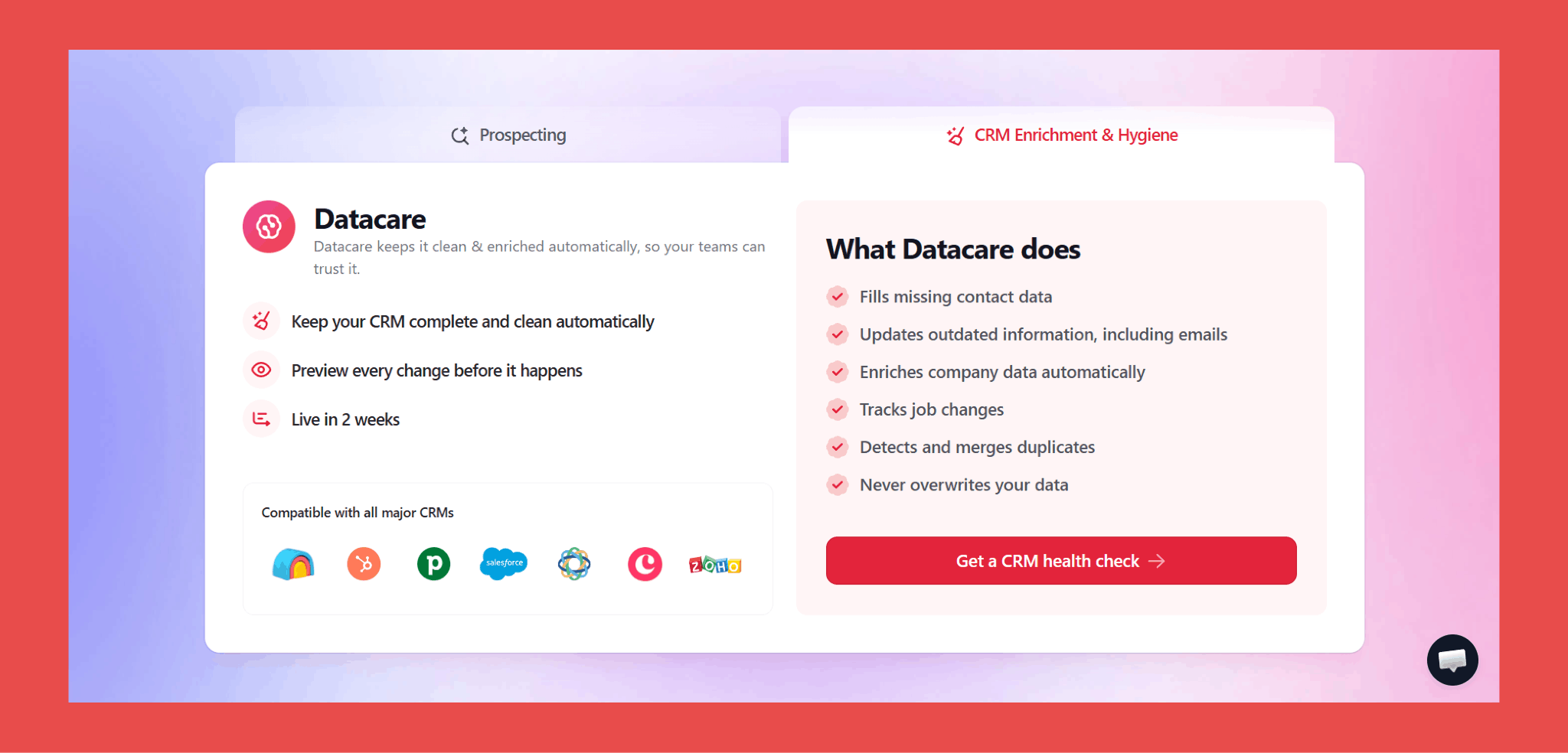
Datacare is priced by database size, not per enriched record, keeping costs predictable as your CRM grows:
- 500$/month, billed annually: Enrichment + Job Tracking.
- Every demo comes with a free CRM health check.
Findymail CRM Datacare is perfect for B2B sales teams, SDR organizations, and RevOps leaders who need reliable email data for outbound campaigns. If your team's success depends on cold email outreach and you can't afford high bounce rates, Findymail should be your first choice.
2. 6sense: Best for Predictive AI and ABM
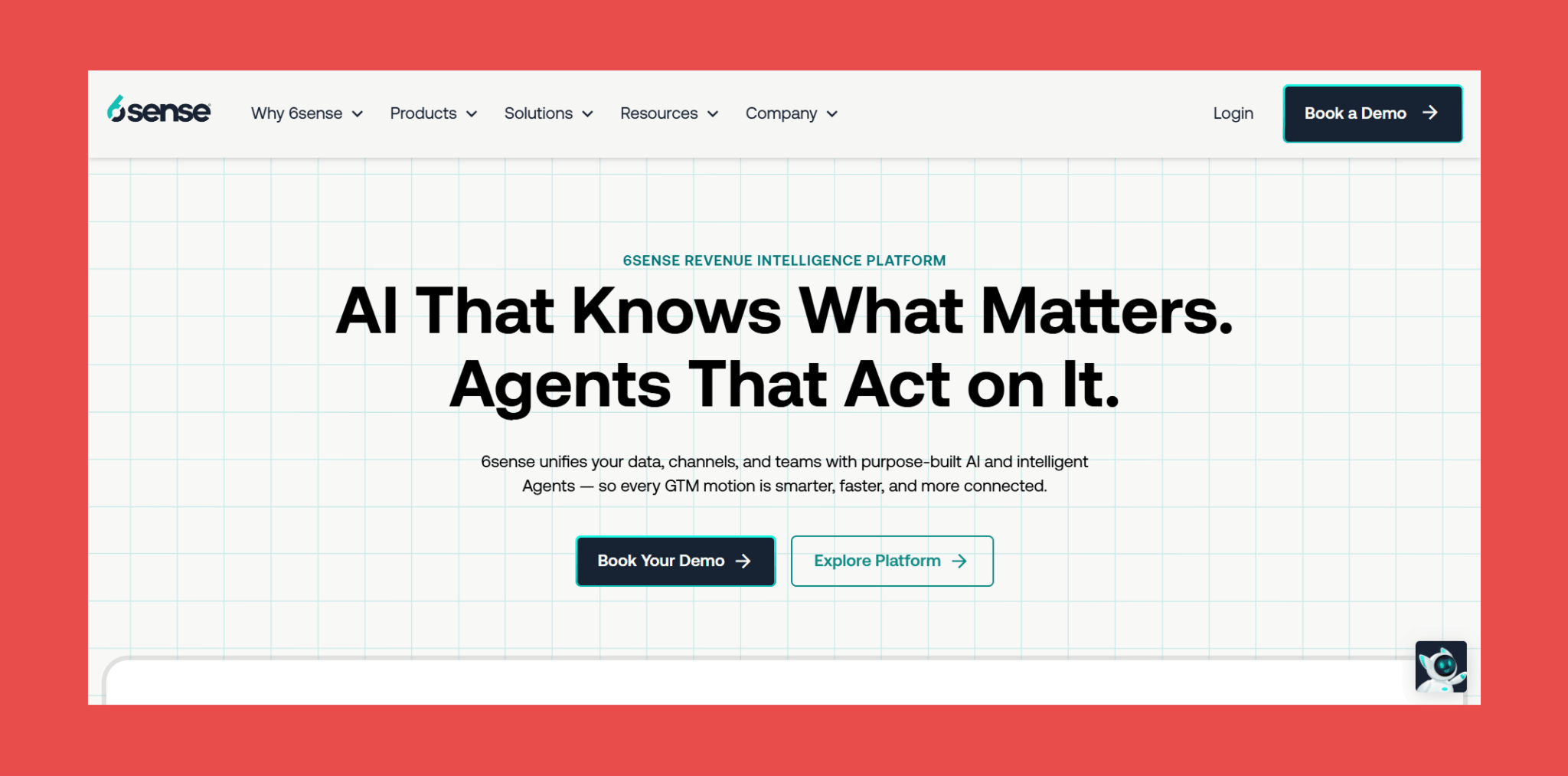
6sense is less of a contact enrichment tool and more of a "who should we be talking to right now and why" platform. It layers predictive AI on top of third-party intent signals to tell you not just which accounts are in-market, but how far along the buying journey they actually are.
Built for teams running sophisticated, multi-channel ABM programmes rather than teams who just need cleaner contact records.
Key Features:
- Unified GTM Data: Marketing and sales teams work from the same account definitions, target lists, and exclusions pulled from Salesforce.
- Signalverse: Aggregates real-time intent signals, company and contact data, and web deanonymisation into one account-level view.
- Predictive AI Scoring (6AI): Processes incoming signals into buying stage scores rather than handing you a raw feed to interpret yourself.
- AI Campaign Orchestration: AI Agents deploy personalised campaigns across email, paid channels, and broader digital touchpoints based on where each account sits in the buying cycle.
Ratings:
- G2: 4.0/5 (937)
- Capterra: 4.6/5 (30)
Pros:
- Duplicate account detection based on shared domains keeps targeting clean.
- The buying committee visibility helps sales and marketing stop talking past each other and start agreeing on which accounts actually matter.
Cons:
- Pricing sits firmly in enterprise territory, which rules it out for most teams without a dedicated ABM budget and the infrastructure to match.
- Signal precision has room to improve, and contact data quality has been flagged as inconsistent in places.
Pricing:
- Not publicly available. A conversation with their sales team is the only way to get a quote.
3. Clay: Best for Custom enrichment workflows
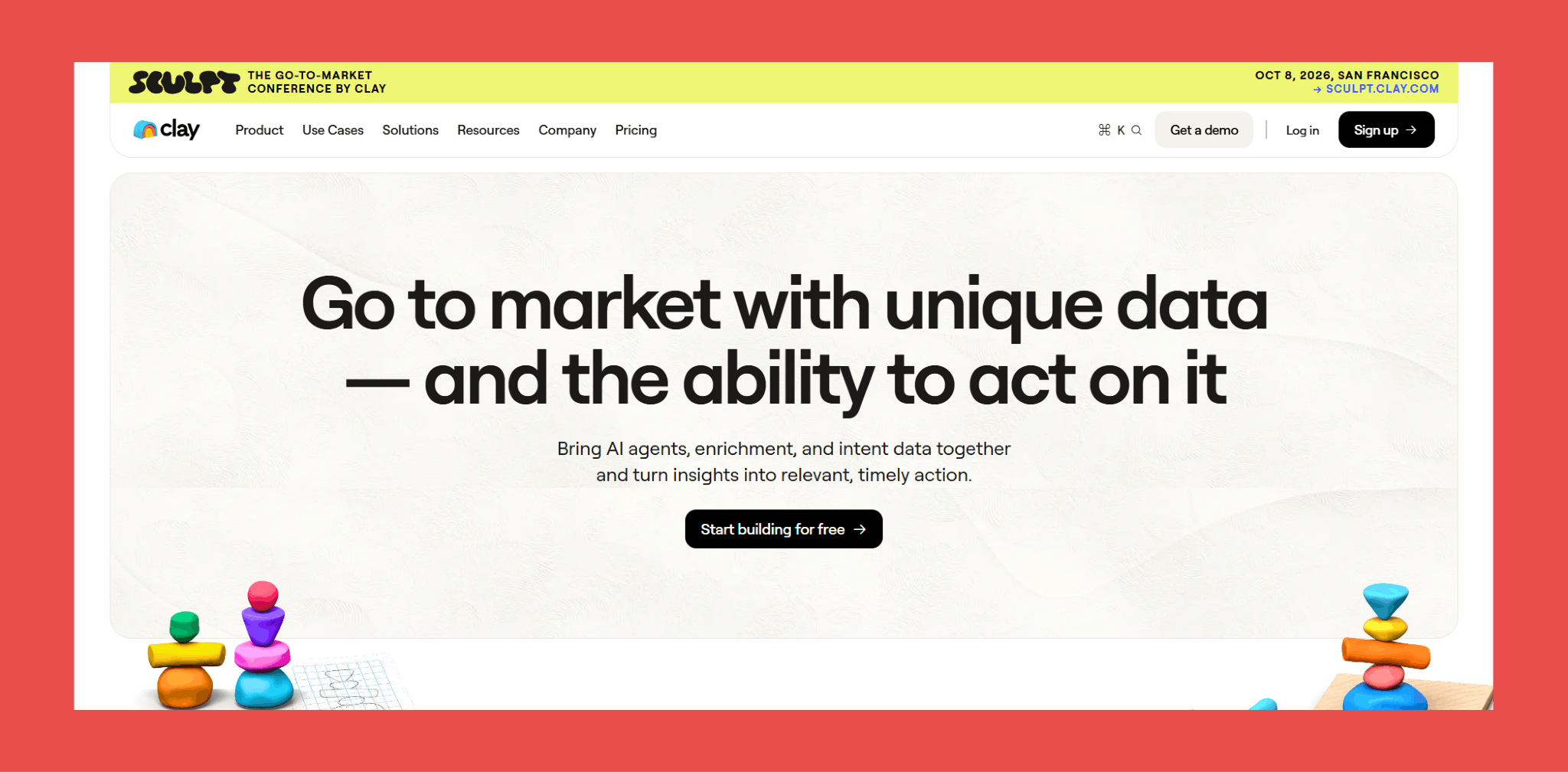
Clay is what happens when you decide that picking one data provider is an unnecessarily limiting constraint. Instead of committing to a single source, it lets you build enrichment workflows that pull from 75+ providers (waterfall enrichment) in a sequence you define, so if provider A comes up empty, provider B gets a turn automatically.
The result is significantly better coverage than any single tool can offer. The catch is that building those workflows well takes time, and the learning curve is real.
Key Features:
- Multi-Source Waterfall Enrichment: Sequence your preferred data providers in order of priority and cost.
- Claygent AI Research: An AI agent that goes beyond static databases to actively research contacts across the web.
- Conditional Enrichment Logic: Different record types can be handled differently within the same workflow.
- AI-Powered Outreach Preparation: Once contacts are enriched, Clay can use the data to draft personalised outreach copy, connecting enrichment and activation in one place rather than requiring a handoff to a separate tool.
Ratings:
- G2: 4.7/5 (203)
- Capterra: N/A
Pros:
- Findymail is available as a data provider inside Clay, so teams already using Clay can access our verified contact data without leaving their existing workflow.
- The customisation ceiling is genuinely high, which matters for teams whose enrichment needs do not fit neatly into a standard product.
- A well-built Clay setup can consolidate several point solutions into one, which has real cost and complexity benefits.
Cons:
- Building effective waterfalls takes time and patience, and teams without a dedicated technical or RevOps resource often struggle to extract full value early on.
- Credit costs can compound quickly on workflows that are not optimised, particularly during the setup phase when you are still figuring out what works.
- Not a great fit for teams that want something working out of the box on day one.
Pricing:
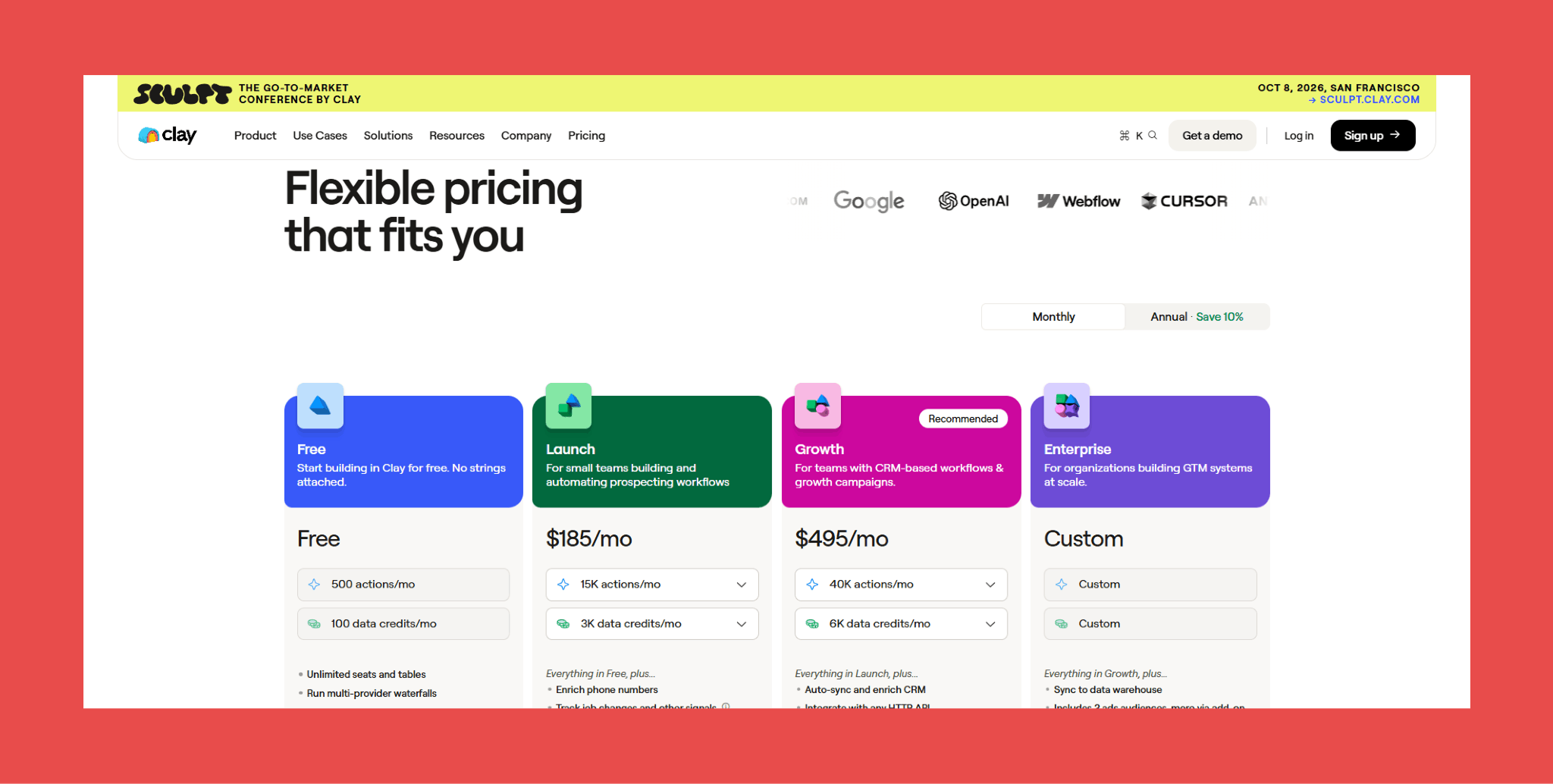
Clay runs on a credit-based model, which means costs can vary significantly depending on how your workflows are built. Each plans include:
- Free: $0/month → 500 actions/mo + 100 data credits/mo
- Launch: $185/month → 15,000 actions/mo + 3,000 data credits/mo
- Growth: $495/month → 40,000 actions/mo + 6,000 data credits/mo
- Enterprise: Custom pricing → custom credits
4. Kaspr: Best for LinkedIn-first prospecting
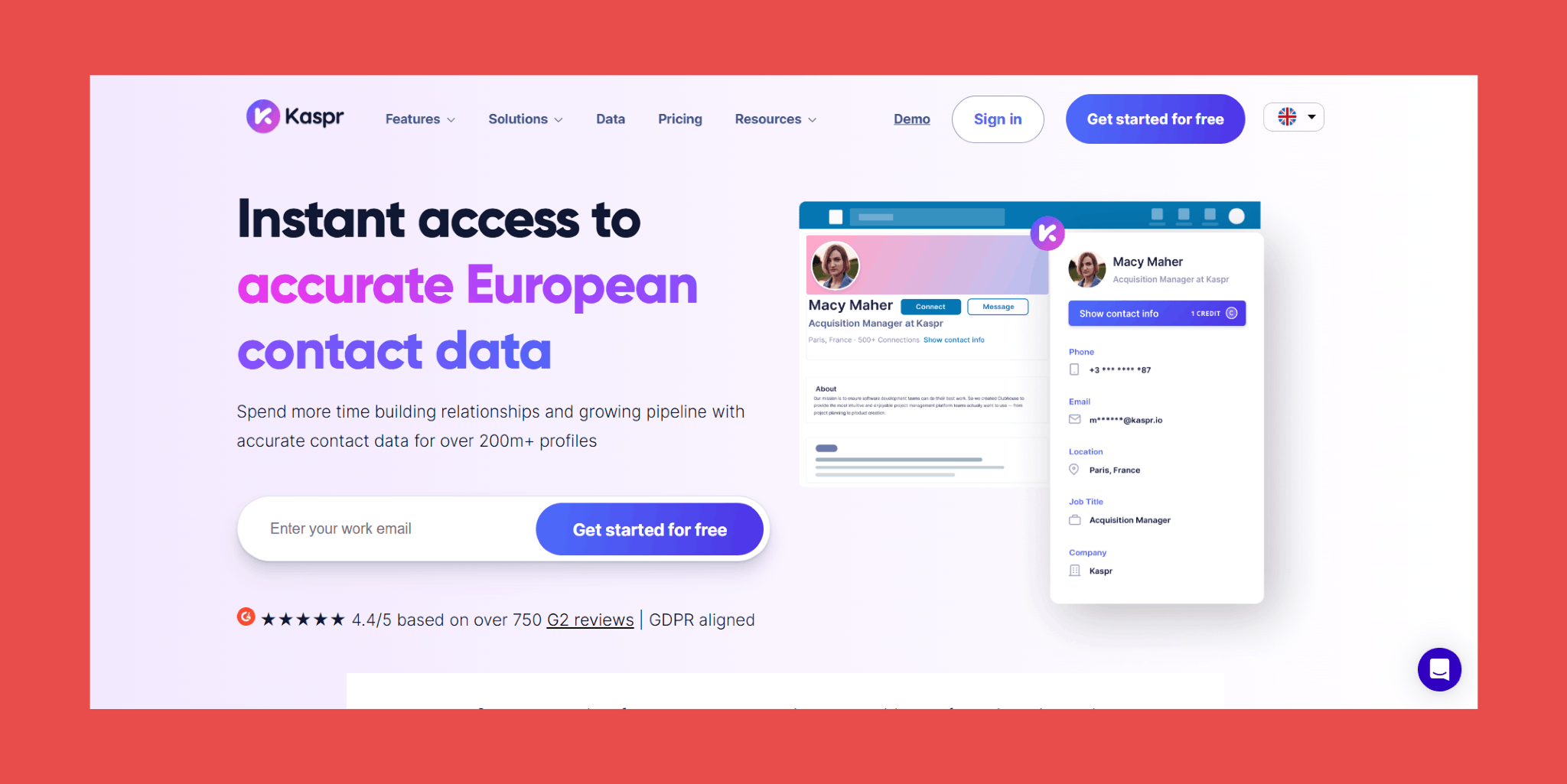
Kaspr has quickly become a favorite among European sales teams for its instant LinkedIn enrichment and straightforward GDPR compliance.
The tool's superpower is speed. You're browsing LinkedIn, spot a perfect prospect, and with one click, Kaspr pulls their verified email and phone number directly into your Salesforce. No waiting for batch processing, no complicated workflows, just instant enrichment when you need it.
Key Features:
- One-Click LinkedIn Enrichment: The Chrome extension reveals contact details directly on LinkedIn profiles, Sales Navigator results, Recruiter searches, groups, and events.
- Bulk Enrichment from LinkedIn and CSV: Process entire Sales Navigator searches or upload existing prospect lists via CSV and let Kaspr fill in the gaps at volume rather than one profile at a time.
- Automated Daily Monitoring: Save a search and Kaspr checks it every day for new contacts that fit your criteria.
- Direct CRM Push with Field Mapping: Enriched contacts land in Salesforce, HubSpot, or Pipedrive through native integrations with automatic field mapping configured by admins. Existing records get updated rather than duplicated.
- Shared Team Credits: Credits for phone numbers, direct emails, and exports are pooled across the team on paid plans, giving managers flexibility to distribute usage where it is actually needed rather than assigning fixed allowances per seat.
- GDPR-Compliant European Coverage: Kaspr benefits from access to Cognism's verified data assets following the acquisition.
Ratings:
- G2: 4.4/5 (835)
- Capterra: 3.3/5 (3)
Pros:
- Setup is minimal and the learning curve is almost flat, most reps are enriching contacts within minutes of installation.
- European phone number coverage is among the better options available at this price point.
- The free plan is functional enough to give you a genuine sense of the tool before committing.
Cons:
- Data quality outside Europe drops considerably, making it a poor fit for teams where North American or APAC coverage is the priority.
- "Unlimited B2B emails" on paid plans refers to generic company-level addresses rather than direct personal work emails, which still consume credits.
- Credit structures and billing have caught some users off guard, so it is worth reading the plan details carefully before signing up.
Pricing:
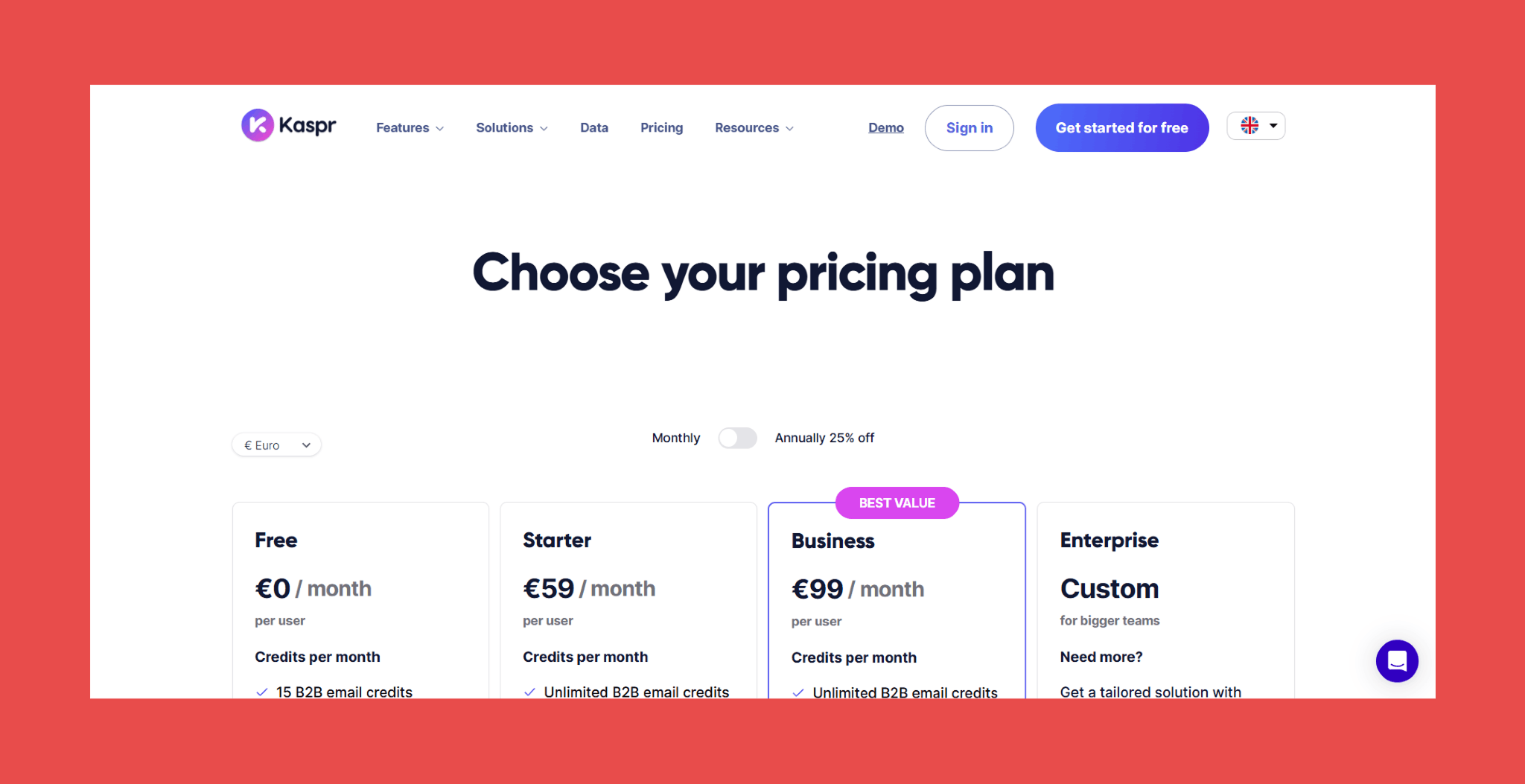
Kaspr’s pricing scales based on credit volume, with team plans available for larger organizations:
- Free: $0/month → 15 B2B email credits (5 Phone credits + 5 Direct email credits).
- Starter: $59/month → Unlimited B2B email credits (100 Phone credits + 5 Direct email credits).
- Business: $99/month → Unlimited B2B email credits (200 Phone credits + 200 Direct email credits).
- Enterprise: Custom pricing → Tailored solution with unlimited credits.
5. Lusha: Best for Simple contact enrichment
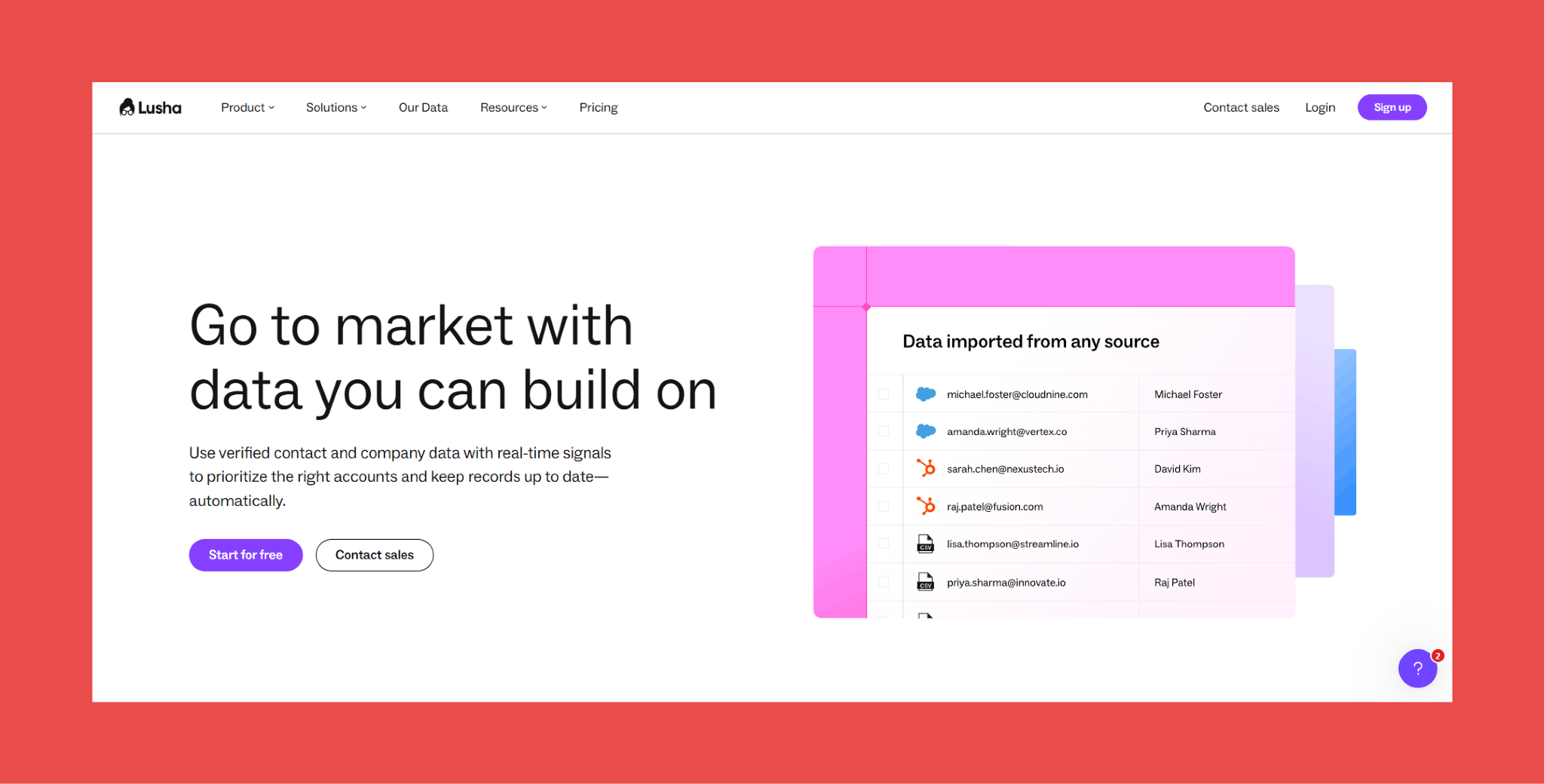
Lusha built its reputation on providing accurate contact information with a focus on simplicity and speed, making it popular with sales teams who want enrichment without complexity.
The tool's strength is its no-nonsense approach. Install the extension, browse LinkedIn or your company website, click to enrich, and push data to Salesforce. There's no steep learning curve, no complex workflows to configure, just straightforward contact enrichment that works.
Ratings:
- G2: 4.3/5 (1,637)
- Capterra: 4.0/5 (397)
Pros:
- Phone number retrieval from LinkedIn is fast, reliable, and requires almost no onboarding time to get right.
- The deliverability scoring system is a practical feature that saves reps from wasting effort on contacts unlikely to receive their emails.
- The interface is clean enough that new users are typically productive on day one.
Cons:
- The credit model becomes expensive at scale, and costs compound quickly once team size and outreach volume grow beyond the lower tiers.
- Data quality outside North America is inconsistent, and teams with international pipelines often need a supplementary tool to fill the gaps.
- GDPR compliance in certain European markets has been questioned, which is worth investigating carefully before deploying across EU-based outreach.
Pricing:
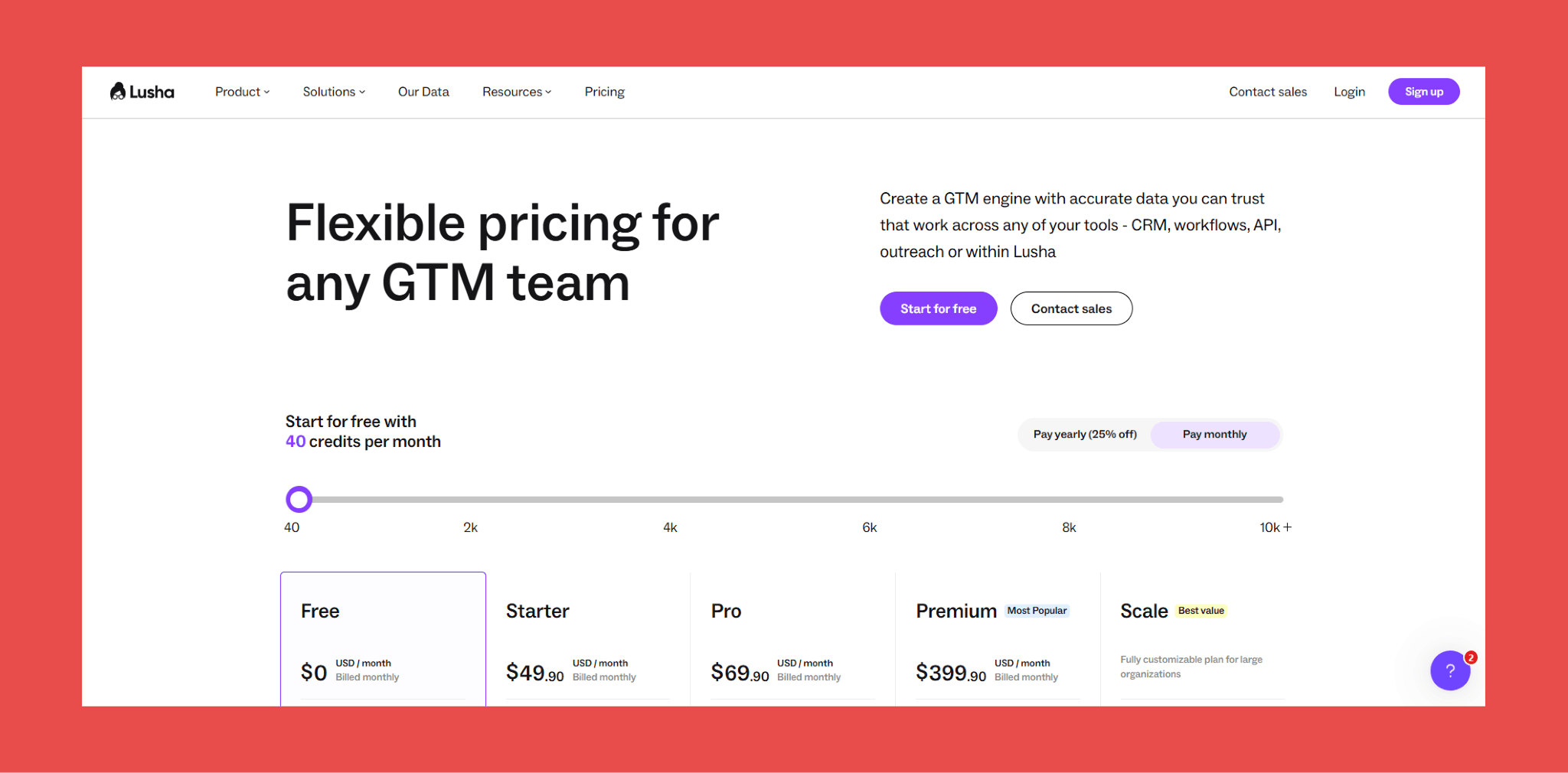
Lusha offers a free plan with 40 credits monthly. Paid plans start at:
- Free: $0/month → 40 credits/month
- Starter: $49.90/month → 400 credits/month
- Pro: $294.90/month → 1,000 credits/month
- Premium: $399.90/month → 3,400 credits/month
- Scale: Contact sales → custom credits/year
Ready to Clean Up Your Salesforce Data?
Here's the reality: every day you delay enriching your Salesforce, your data gets worse. Contacts change jobs. Email addresses go stale. And your sales team wastes time chasing dead ends instead of closing deals.
Most enrichment tools charge you for invalid emails that bounce back. Findymail CRM Datacare only charges for verified emails and database size, protecting your sender reputation and your budget. We'd rather give you 8,000 emails that reach inboxes than 10,000 that might work.
Book a 15-minute demo and we'll show you how to get 98%+ email accuracy in your Salesforce.
FAQ - Frequently Asked Questions About Salesforce Enrichment
What is data enrichment in Salesforce?
Data enrichment in Salesforce is the process of enhancing your existing CRM records by adding missing information from external sources. This includes filling in gaps like email addresses, phone numbers, job titles, company data, and technographic details.
Think of enrichment as upgrading your CRM from a basic phone book to a comprehensive intelligence database. Instead of just having a name and company, you now have verified contact details, current role information, company size, revenue data, and tech stack insights.
The goal? Give your sales team complete, accurate information so they can personalize outreach, prioritize leads effectively, and close deals faster. According to Forrester, companies that excel at lead enrichment see a 10% or greater improvement in revenue within 6-9 months.
How much does a Salesforce enrichment tool cost?
Pricing for Salesforce enrichment tools varies dramatically based on features, data volume, and your team size, between 100$/month and 10000$ per year for a big company.
Fair warning: the cheapest option often costs more in the long run if you're paying for inaccurate data that damages your sender reputation or wastes your team's time on bad contacts.
Are enrichment tools GDPR compliant?
It depends on the tool and how you use it. Not all enrichment providers handle European data in compliance with GDPR regulations.
Can you enrich Salesforce data for free?
Yes, several tools offer free tiers that let you enrich Salesforce data at no cost, though with limitations. The catch? Free tiers are designed for testing, not scale. If you're enriching more than a handful of contacts monthly, you'll need a paid plan. Plus, free data quality often lags behind paid options – and that matters when bad data costs you deals.

Valentin
Valentin Wallyn is the founder and CEO of Findymail, a SaaS platform he launched to help B2B teams discover accurate email and contact data and automate data enrichment at scale. With an IT background, Valentin combines a technical mindset with hands-on experience in outreach and growth. His work centers on improving data quality and prospecting efficiency, drawing on years of entrepreneurial experience and a deep understanding of what makes outreach campaigns succeed.
![A Field Guide to Finding the Right B2B CRM [2026 Comparison]](/blog/content/images/size/w300/2024/02/jukebox-print-FUohNQatzVs-unsplash.jpg)