
Picture this: you’re back from your New Year’s break, ready to crush Q1. You pull a fresh list from your CRM, hit send… and hear the sound of bounced emails and dead leads. So, what went wrong? You do some digging and find while you were away, your CRM quietly went stale. Contacts changed jobs, companies rebranded, and emails expired, turning your pipeline into a liability instead of an asset.
That’s why CRM data cleansing matters.
In this guide, we’ll cover what CRM data cleansing is, why clean CRM data drives sales and marketing performance, how the process works, and the best CRM data cleansing tools to use in 2026, plus best practices to keep your CRM revenue-ready.
Findymail’s Datacare is an always-on CRM data cleansing and enrichment tool that works while you’re away. Outdated contacts, missing fields, duplicates, and bounce-prone emails get fixed automatically, so your CRM is always sales-ready.
Not sure where your data stands right now? Every demo includes a free CRM health check so you can see exactly what needs attention before Datacare touches a single record.
CRM data cleansing is the process of removing duplicates, fixing inaccurate records, validating contact details, and enriching missing fields to keep your CRM accurate and usable. Clean CRM data improves email deliverability, sales forecasting, lead routing, personalization, and even revenue performance to name just a few.
Why CRM Data Gets Dirty Over Time:
CRM data decays due to job changes, manual entry errors, duplicate records, outdated contact details, poor standardization, broken integrations, and more.
Best Practices for Ongoing CRM Data Hygiene:
Standardize data entry, delete outdated records, schedule regular audits, provide training and documentation, and automate validation and enrichment wherever possible.
Best Data Cleansing Tools 2026:
1. Findymail CRM Datacare
2. Breeze (formerly Clearbit)
3. LeadAngel
4. Dedupely
5. WinPure
What Is CRM Data Cleansing?
In a nutshell, CRM data cleansing is the process of keeping your CRM data accurate and usable. It involves identifying and removing duplicates, fixing incorrect or invalid information, and filling in missing fields so every contact and company record can actually be trusted.
That also means enforcing standardized data formats (from job titles and industries to countries and company names) and using manual checks or automated CRM data cleansing tools to keep everything clean at scale. When done right, clean CRM data powers better segmentation, higher deliverability, and more reliable sales and marketing decisions.
What’s Included In CRM Data Cleansing?
Think of CRM data cleansing like spring-cleaning your revenue engine.
You’re not just tossing out junk, you’re reorganizing, fixing what’s broken, and filling in the gaps so every sales and marketing action runs on reliable data. Below is what that actually means in practice.
|
Stage |
What It Does |
What Gets Fixed |
Why It Matters |
|
Deduplication |
Finds and merges or removes duplicate records |
Multiple contacts for the same person / Duplicate companies and accounts / Records created by imports and form fills |
Prevents double-calling leads, skewed reporting, and broken account views |
|
Standardization |
Makes all fields follow the same format |
Job titles, countries, industries, capitalization, abbreviations, and field formats |
Enables accurate segmentation, filtering, and automation |
|
Verification |
Confirms data is real, active, and usable |
Email addresses, phone numbers, company domains, and websites |
Protects deliverability, prevents wasted outreach, and improves routing |
|
Enrichment |
Fills in missing or incomplete data |
Company size, revenue, industry, job titles, seniority, LinkedIn profiles, and location data |
Turns partial records into sales-ready and marketing-ready profiles |
Data Cleansing vs Data Hygiene vs Data Enrichment
If you use a CRM, you’ve probably heard these three terms used interchangeably, even though they mean very different things. Understanding the difference between data cleansing, data hygiene, and data enrichment is key to keeping your CRM accurate and actionable.
Here’s what each one actually does:
- Data Cleansing: The process of fixing what’s broken. CRM data cleansing removes duplicates, corrects inaccurate information, standardizes formats, and deletes invalid records so your data becomes usable again.
- Data Hygiene: The ongoing maintenance that keeps your CRM clean. Data hygiene is about preventing bad data from creeping back in through automation, validation rules, required fields, and regular audits.
- Data Enrichment: The process of filling in what’s missing. Data enrichment adds or updates contact and company data (like job titles, firmographics, and emails) turning incomplete records into fully sales-ready profiles.
Why CRM Data Gets Dirty Over Time (and What “Dirty Data” Actually Looks Like)
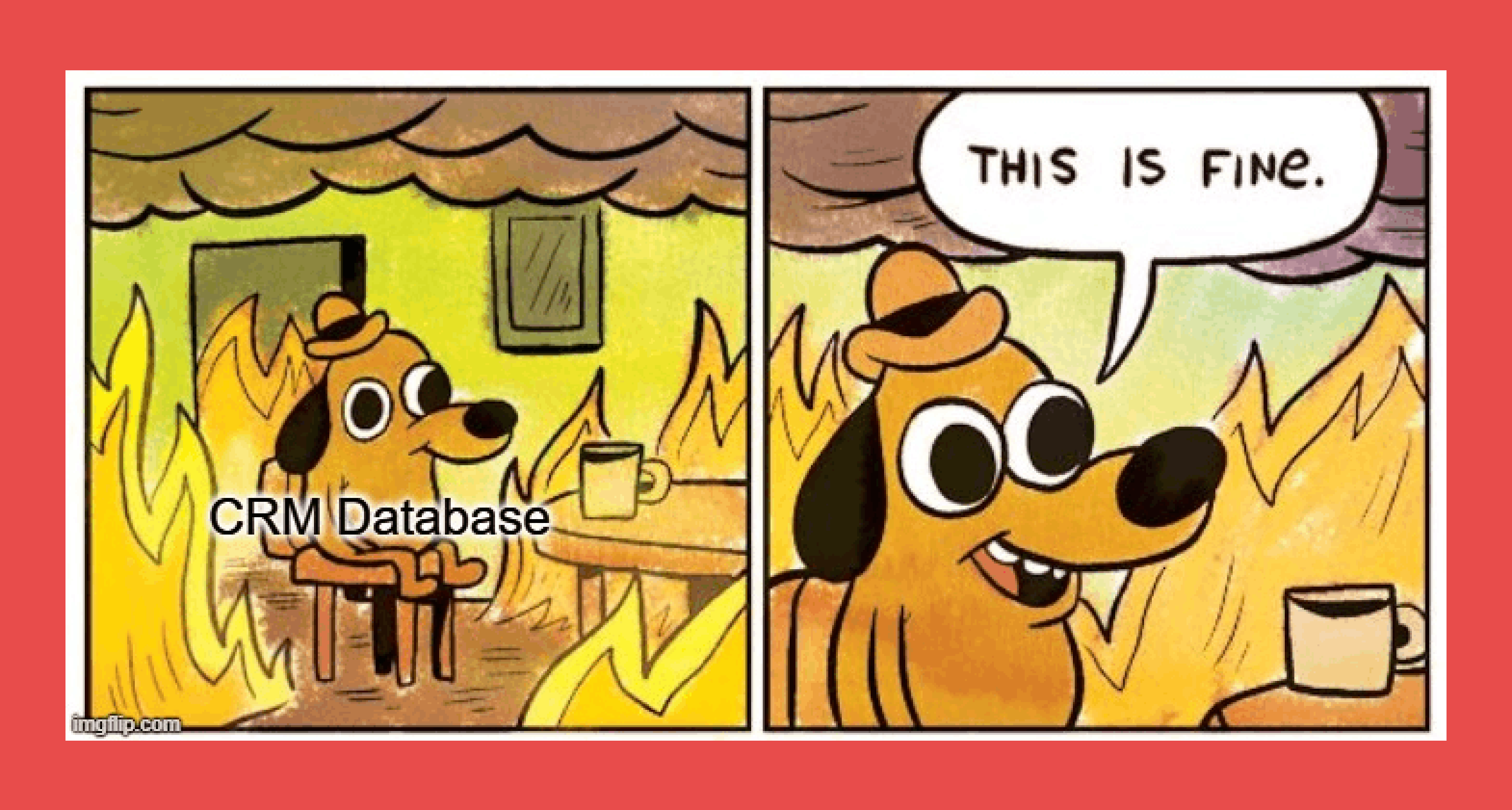
Sadly, CRM data decay is inevitable. Even if your database starts out squeaky clean, it begins to degrade the moment new records are added. Add in manual data entry, lead imports, form fills, and multiple teams touching the same records, and you have the perfect recipe for dirty CRM data.
- Human Error: Mistakes made during data entry, such as typos or incorrect information.
- Data Duplication: When the same contact information is entered into the CRM system multiple times, it creates duplicates, leading to confusion and inefficiency.
- Outdated Information: People change jobs, titles and contact details. Without regular updates, CRM data quickly becomes outdated.
- Incomplete Data: Sometimes, sales reps only pull in limited info on leads. It can be a missing name, contact details or preferences, etc. that lowers the overall quality of the data.
- Lack of Standardization: Without a standardized format for data entry, variations in data syntax or formatting can cause inconsistencies and errors in the database.
- Poor Data Management Practices: The absence of regular data cleaning and maintenance practices can lead to a gradual accumulation of bad data.
- Integration Issues: When CRM systems are not properly integrated, it can result in incomplete or inaccurate data transfer.
Why CRM Data Cleansing Is Critical For Many Teams
Dirty CRM data is often considered a silent killer. Without strong CRM data quality and CRM data accuracy, bad data quietly breaks everything from lead routing all the way to email deliverability.
That’s why CRM data cleansing isn’t optional. It’s essential.
Here’s how dirty CRM data hurts your business:
- Sales forecasting: Duplicate and incomplete records turn pipeline forecasts into guesswork.
- Lead routing: Wrong job titles, locations, or company data send leads to the wrong reps, or nowhere at all.
- Personalization: When your CRM gets the details wrong, your messaging falls flat and response rates drop.
- Marketing attribution: Dirty data breaks campaign tracking, so you can’t see what actually drives revenue.
- The cost of bad CRM data: From wasted ad spend to burned sender reputation, poor data quality quietly drains your pipeline.
Best Practices for Ongoing CRM Data Hygiene
If you’re waiting for “signs” that your CRM needs cleaning, you’re already late. Good CRM data hygiene isn’t reactive, it’s continuous.
Here’s how top teams keep their CRM data clean, accurate, and revenue-ready:
Standardize Your Data

Think of this as laying the foundation for everything that follows. Standardization means creating a clear, universal framework for how data is entered and stored in your CRM, and making sure everyone follows it.
That includes job titles, industries, company names, countries, deal stages, and more. When fields are consistent, you eliminate the small formatting errors and creative free-text entries that turn into duplicates, broken filters, and messy reporting later on.
Keep it simple. Keep it consistent. Your future self will thank you.
Delete What No Longer Belongs
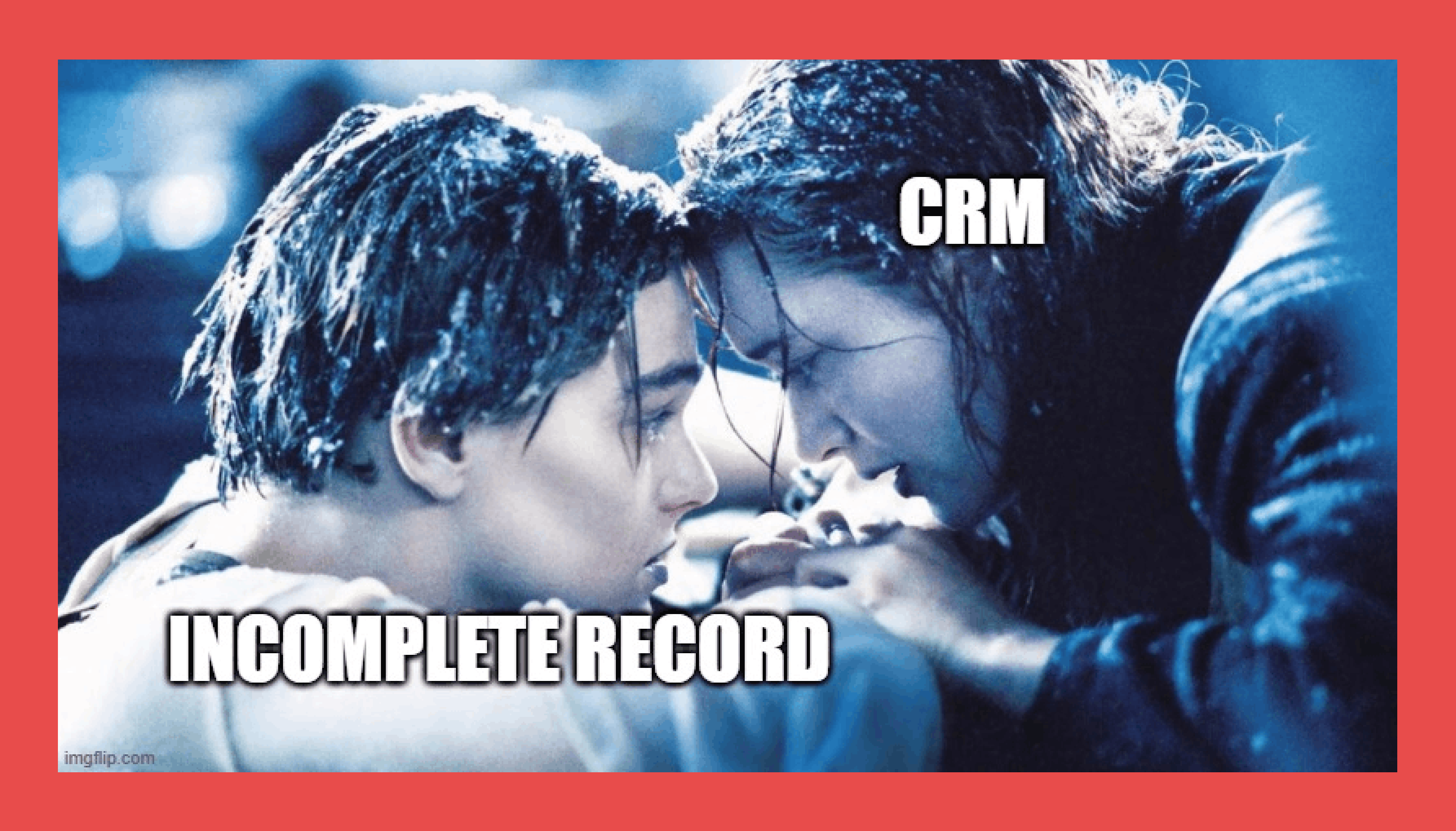
One of the biggest causes of dirty CRM data isn’t just bad data, it’s too much data. Old leads, incomplete records, and contacts who no longer fit your ICP clutter your CRM and make it harder to find the signals that actually matter.
If a contact is missing critical information, has left the industry, or no longer aligns with your current go-to-market motion, it’s okay to let them go. A smaller, cleaner CRM will always outperform a bloated one full of ghosts.
Run Regular CRM Data Audits
The best way to keep CRM data from drifting into chaos is to review it on a schedule. That means scanning for duplicates, missing fields, outdated company info, and invalid contact details.
Weekly audits are ideal for fast-moving teams, but even bi-weekly or monthly reviews will make a noticeable difference. What you want to avoid is waiting a full quarter, by then, data decay has already done damage.
Train Your Team and Document Everything
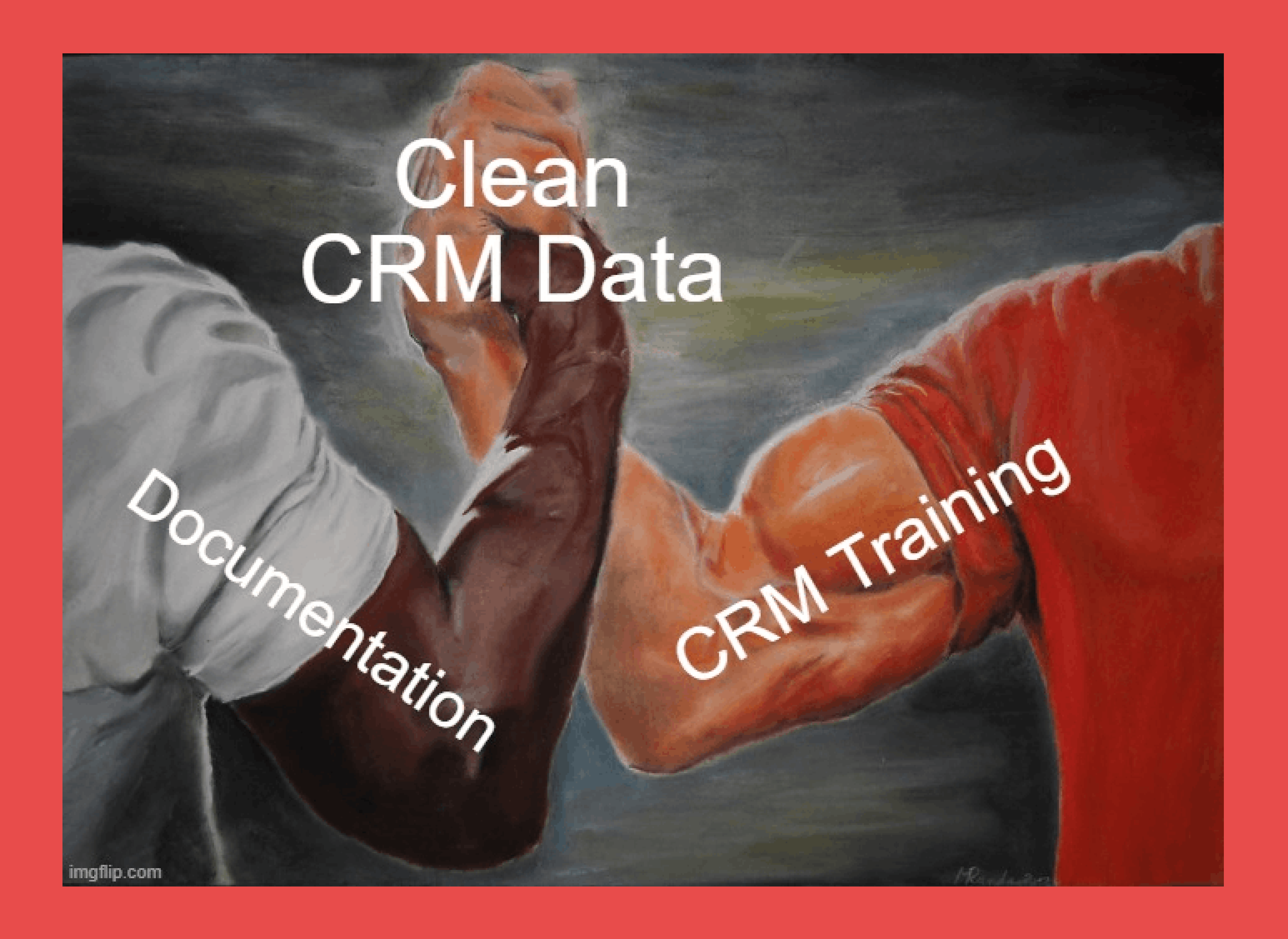
Most dirty CRM data doesn’t come from bad tools, it comes from inconsistent human behavior. Sales reps, marketers, and RevOps teams all interact with the CRM differently, and without clear guidelines, mistakes are inevitable.
Invest in training that shows your team exactly how data should be entered, updated, and maintained. Pair that with simple, accessible documentation so no one has to guess how a field should be filled out.
When everyone plays by the same rules, data quality improves fast.
Know Which CRM Data Matters Most
Not all CRM fields are equally important. Your data hygiene efforts should focus on the fields that directly affect revenue and decision-making, including:
- Contact data: names, email addresses, job titles, company names, locations
- Sales data: deal stages, pipeline value, ownership, close dates
- Engagement data: email opens, form fills, website activity, event attendance
- Support data: tickets, resolutions, customer satisfaction
- Third-party data: firmographics, enrichment, lead source data
When these fields are clean and accurate, everything from lead routing to personalization to forecasting works better.
Top CRM Data Cleansing Tools in 2026
You can clean CRM data manually, but the best teams use CRM data cleansing tools to do it faster and more accurately. The right CRM data cleaning software automatically removes duplicates, validates contact details, and enriches missing fields so your CRM stays reliable and revenue-ready.
Here are some of the best tools for keeping your CRM data clean.
1. Findymail CRM Datacare
Overview
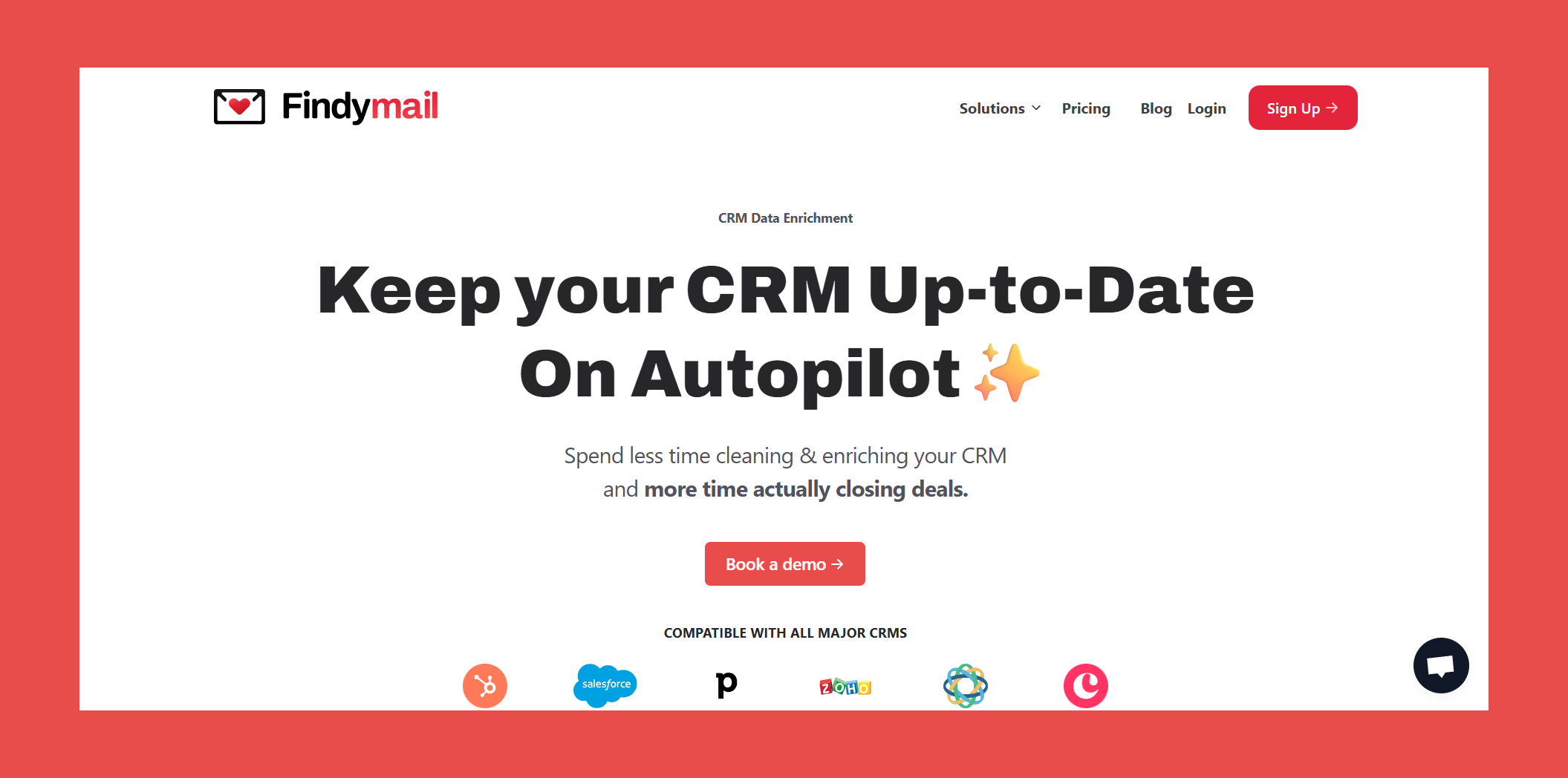
With Datacare, Findymail goes beyond B2B contact data to become a fully automated CRM data cleansing and enrichment engine. Datacare continuously updates your CRM in real time by validating emails, filling in missing contact and company data, and deduplicating records, so sales and marketing teams always work from clean, accurate, and up-to-date CRM data.
Unlike most CRM enrichment tools that only fill blank fields, Findymail’s CRM Datacare also fixes what’s already wrong. When a contact changes jobs or a company updates its domain, Datacare refreshes the record automatically and alerts you via Slack or inside your CRM, so you never miss a high-intent opportunity.
Key Features
- Auto-Enrichment (Live + Batch): Automatically enriches new and existing CRM records in real time and through monthly full-database refreshes. Adds missing company and contact data without overwriting existing fields unless explicitly allowed.
- Job Change & Company Tracking: Detects when contacts change jobs or companies the moment they happen. Automatically migrates contacts, creates new companies if needed, and triggers Slack alerts, webhooks, notes, or custom field updates.
- Verified Contact Data: Deep email verification removes invalid addresses or flags them in custom fields. Replaces outdated emails with fresh, verified data, keeping bounce rates below 5%.
- Comprehensive Data Cleansing & Deduplication: Normalizes company names, standardizes countries, fixes invalid LinkedIn URLs, associates unlinked contacts, and continuously detects and merges duplicate companies and contacts, with full rollback support.
- Native CRM Integration & Full Audit Trail: Runs directly inside major CRMs with no overlays or manual workflows. Every update, merge, and enrichment is logged with field-level history and rollback.
Ratings
- G2 - 4.9/5 (56)
- Capterra - 4.9/5 (7)
Pros
- Always-on CRM data enrichment keeps your database continuously clean and up to date.
- Verified contact data with a guaranteed email bounce rate of 5% or less.
- Real-time job change tracking so you can act on warm leads the moment they move.
- Native integrations with all major CRMs for seamless data sync and zero manual work.
Cons
- Built for control over customization, Datacare favors accuracy and automation over highly custom or experimental enrichment workflows.
Pricing Plan
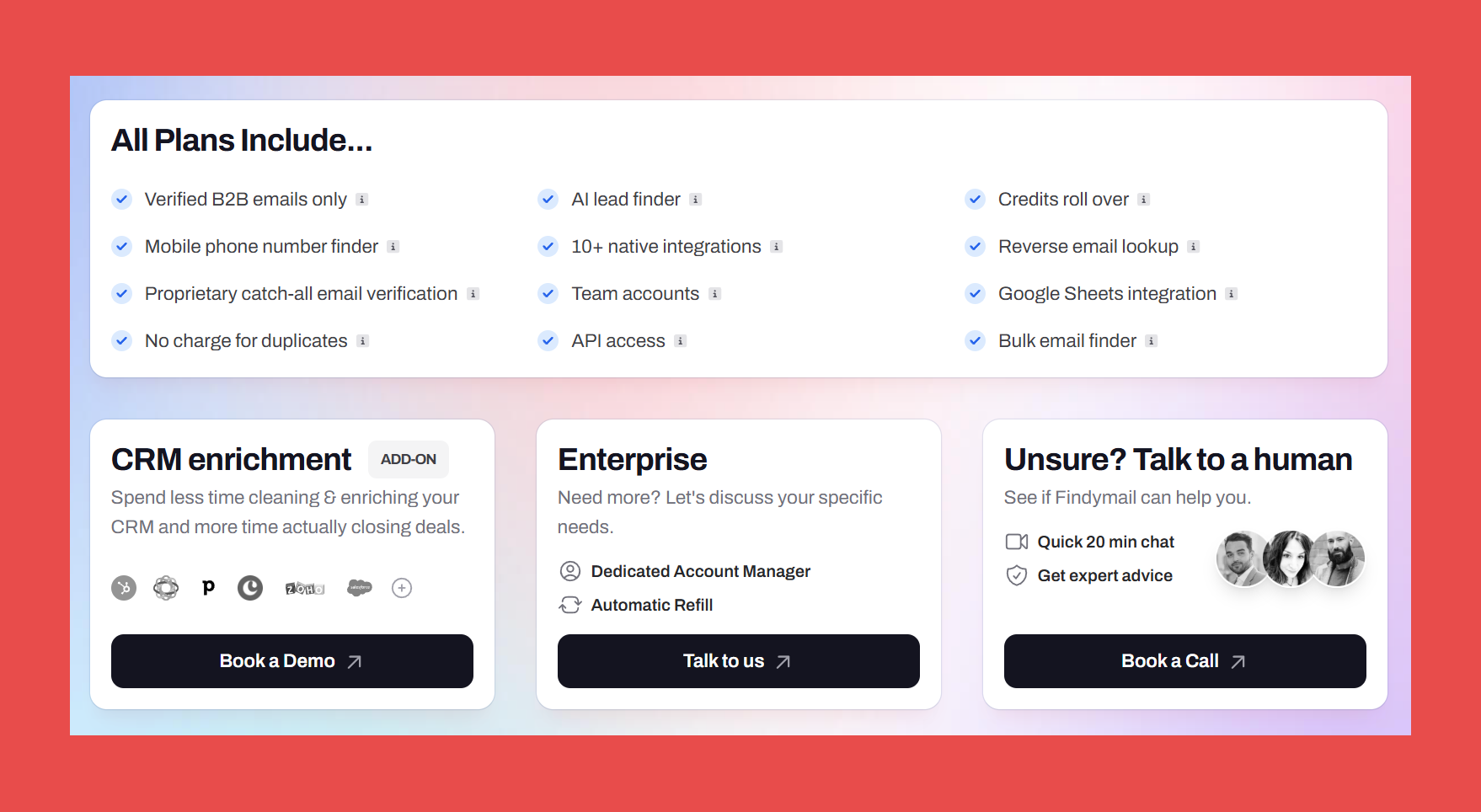
Rather than charging per enrichment, Findymail CRM Datacare pricing is tied to the size of your database, giving teams consistent costs and removing the risk of usage-based spikes. Job tracking can be added if needed. Plans start at:
- $1,188/year (Enrichment only)
- $1,782/year (Enrichment + Job Tracking)
Book a quick call with our sales experts to see Datacare in action, get a pricing plan tailored to your needs, and learn how it keeps your CRM data clean, accurate, and ready, all without the guesswork.
2. Breeze (formerly Clearbit)
Overview
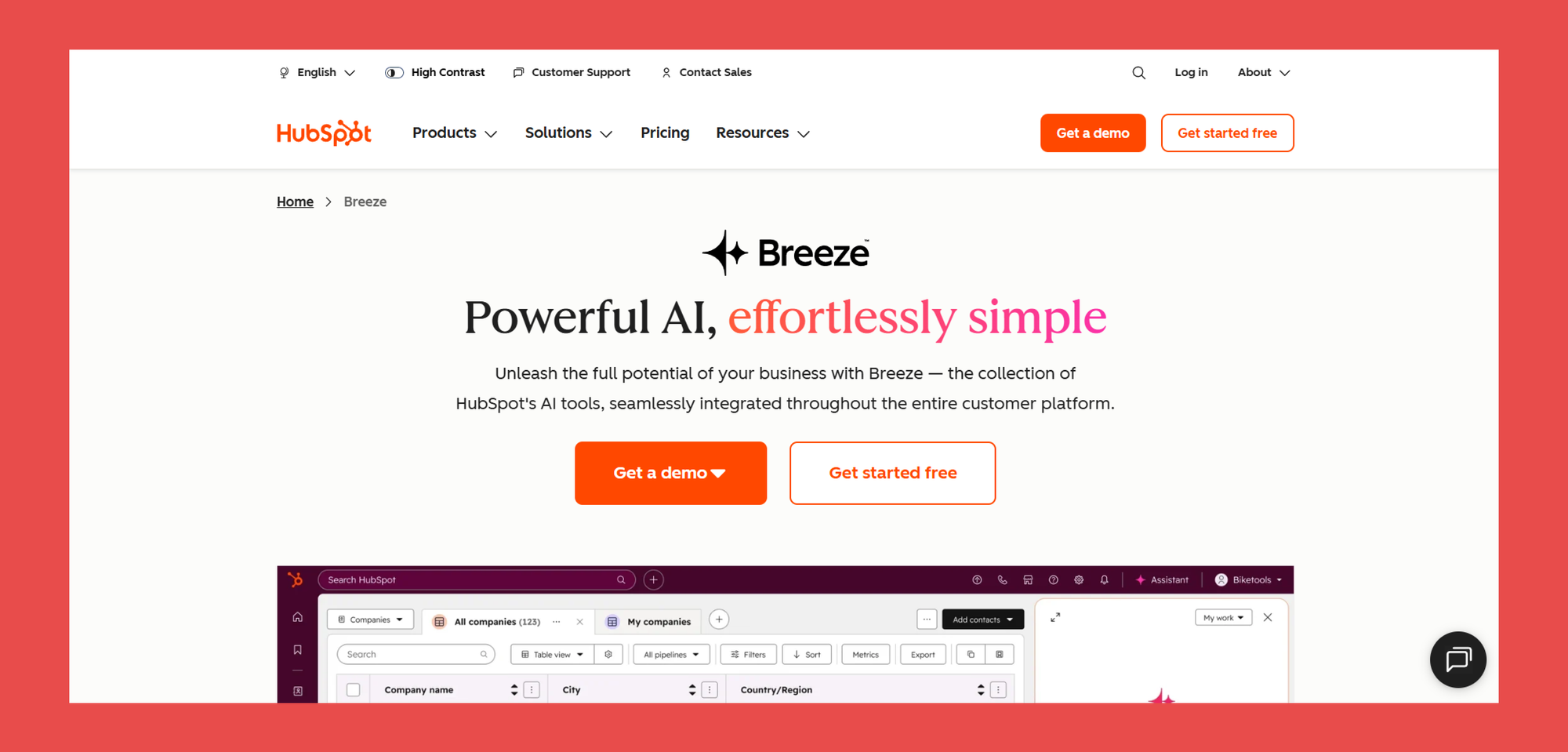
Clearbit (now rebranded as Breeze) was acquired by HubSpot and folded into its CRM ecosystem. It still delivers rich B2B data and CRM enrichment from hundreds of sources, but it now lives entirely inside HubSpot’s platform.
Where Clearbit once focused purely on showing you who to target, Breeze Intelligence combines data with built-in engagement tools. The tradeoff? To get the full value, you’re effectively locked into HubSpot’s CRM and pricing model.
Key Features
- CRM Enrichment: Instantly adds company size, industry, funding, and tech stack to CRM records, no manual research required.
- Prospecting Agent: An AI-powered assistant that automates prospect research, drafts personalized outreach, and handles scheduling and sending.
- Reveal: Identifies anonymous website visitors by matching IP addresses to company profiles, giving you firmographic data without form fills.Contact & Company Lookup: Enter a domain or email to retrieve company and contact details, including job titles, seniority, social profiles, revenue range, and more.
Ratings
- G2 - 4.4/5 (626)
- Capterra - 4.5/5 (34)
Pros
- Works seamlessly inside HubSpot CRM.
- Enriches a wide range of data, including firmographics, job titles, tech stack, and social profiles.
- Pay-per-use credit model with generous 50 free lookups to start.
Cons
- No longer a standalone CRM data tool, full value requires using HubSpot.
- Can be expensive for startups and small teams with Hubspot’s pricing structure.
- Some users report outdated or inconsistent data.
Pricing Plans
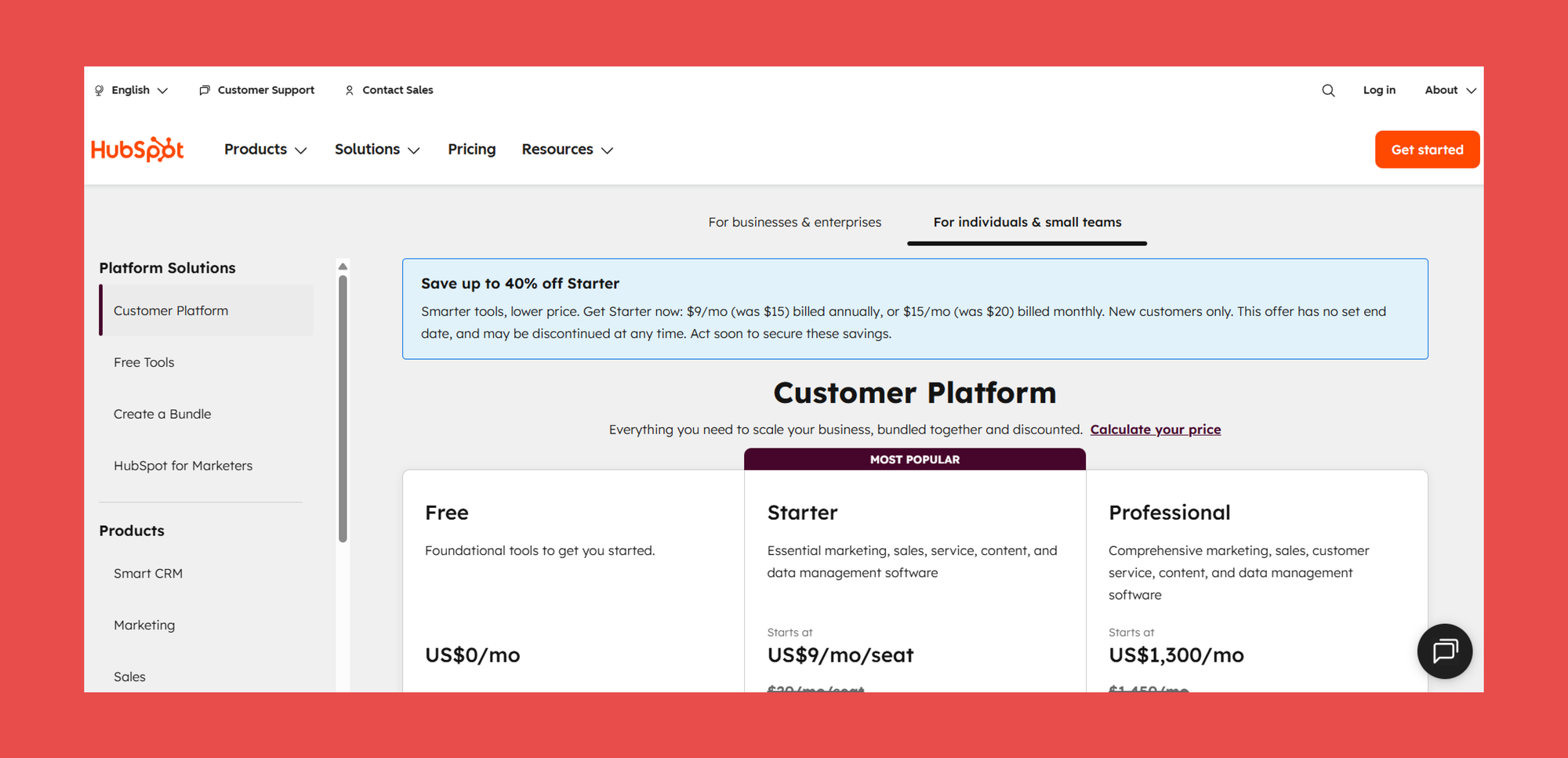
Breeze isn’t sold as a standalone product, it’s bundled into HubSpot’s platform. You can access Breeze’s core CRM data cleansing and enrichment features through HubSpot’s Starter or Professional plans, with the main differences being price, usage limits, and control.
- Starter: $9/user/mo – 500 Hubspot Creddits
- Professional: $1,300/user/mo – 5,000 Hubspot Credits
- Enterprise: $4,700/user/mo – 10,000 Hubspot Credits
3. LeadAngel
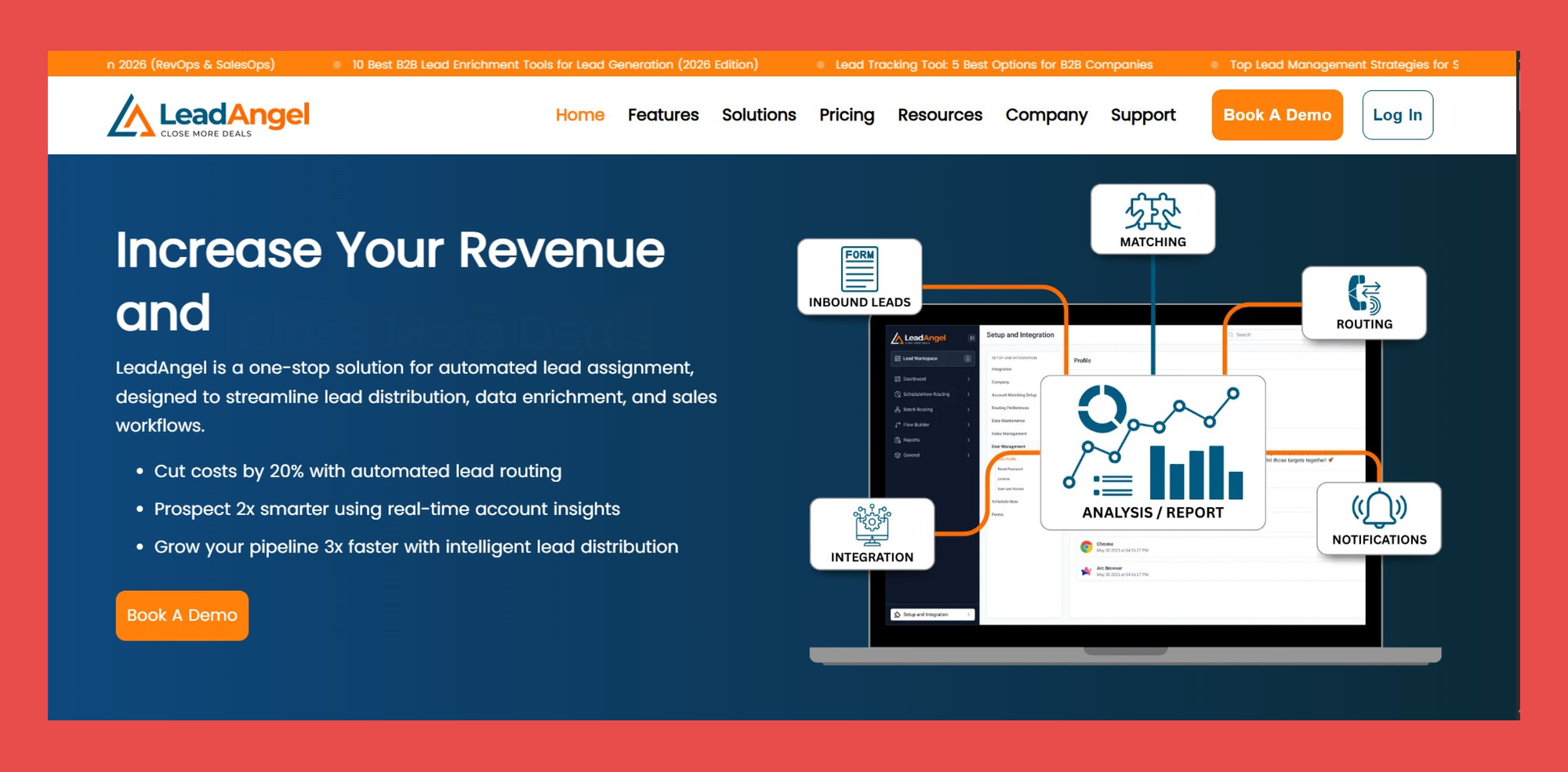
Overview
LeadAngel is an enterprise-grade CRM data cleansing platform designed for complex B2B environments where accuracy directly impacts revenue. It specializes in advanced data deduplication, cleansing, enrichment, and routing, ensuring every record in systems like Salesforce, HubSpot, and MS Dynamics is clean, connected, and trustworthy.
Unlike lightweight cleanup tools, LeadAngel is built to handle large-scale CRM datasets with sophisticated matching logic that respects account hierarchies, ownership rules, and real-world buying relationships. The payoff is a reliable CRM foundation that supports precise routing, accurate reporting, and confident decision-making across enterprise B2B teams.
Key Features
- CRM Data Cleansing & Enrichment: Automatically deduplicates, standardizes, and enriches CRM records with accurate firmographic data—keeping Salesforce and other enterprise CRMs clean, complete, and reliable.
- Advanced Lead-to-Account Matching: Uses enterprise-grade matching logic to connect every lead to the correct account, even in complex B2B environments with subsidiaries, hierarchies, and shared domains.
- Enterprise-Ready CRM Integration: Built for Salesforce-friendly ecosystems, ensuring clean data flows smoothly into routing, reporting, and scheduling workflows at scale.
Ratings
- G2 - 4.5/5 (45)
- Capterra - 5/5 (1)
Pros
- Handles very complex, enterprise-level account structures where multiple account owners exist across products, regions, or business lines.
- Accurately routes leads to the correct owner, eliminating manual reassignment and reducing response delays.
- Supports custom lookup fields for Customer Success reps or additional account owners, critical for complex B2B sales organizations.
- Prevents misrouted leads, helping sales teams respond faster and improving overall customer experience.
Cons
- Setup can take time.
- Configuration may require expertise.
- May feel heavy for simple use cases.
Pricing
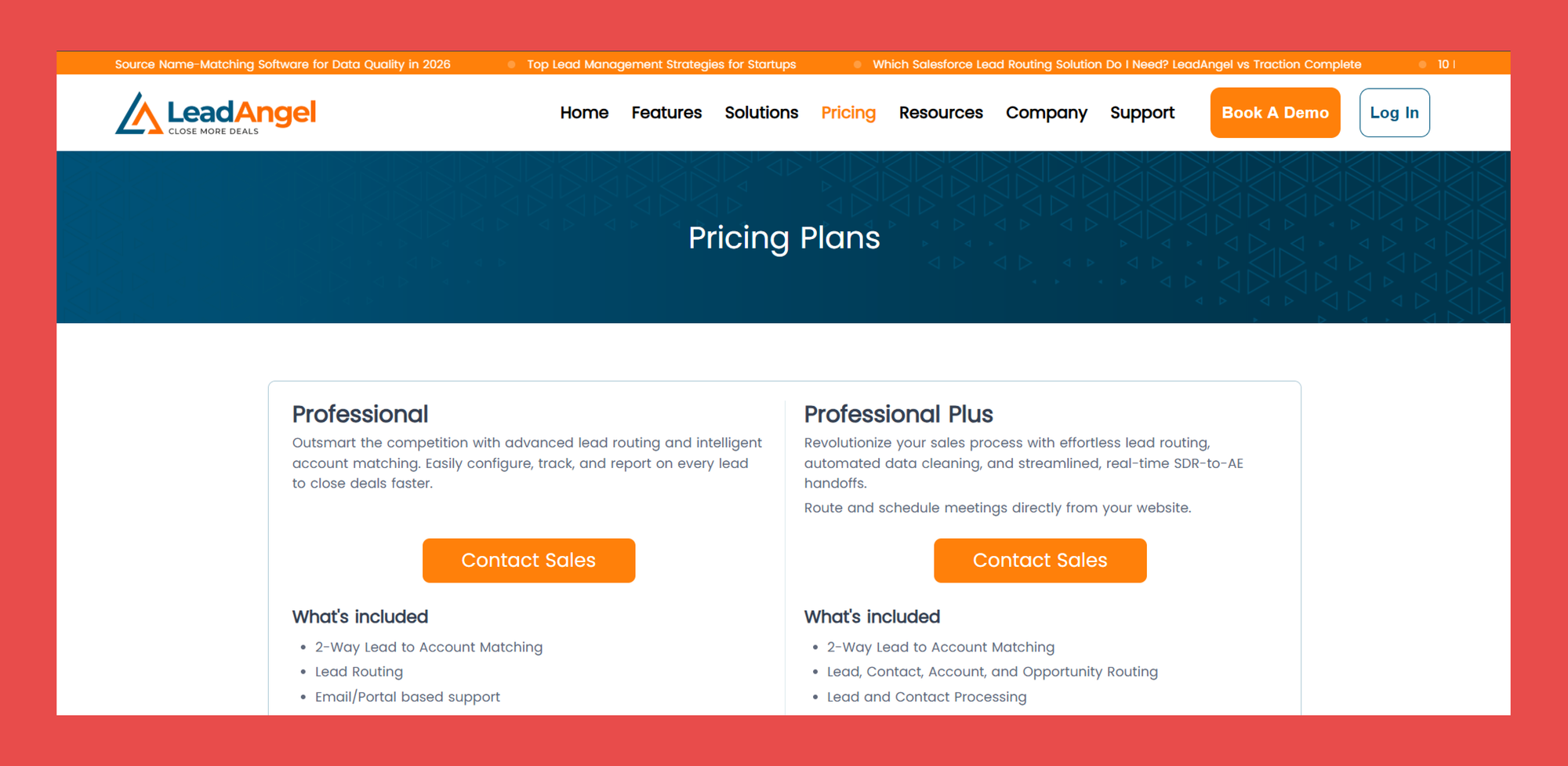
- Professional Plan: Built for growing teams. Supports core lead routing and two-way lead-to-account matching, with coverage for moderate data volumes and standard support.
- Professional Plus Plan: Designed for larger sales teams. Adds advanced routing across contacts and opportunities, data deduplication, and built-in scheduling.
- Custom Plans: Tailored for enterprise organizations. Scales to high data volumes and complex requirements, with custom features and support options.
4. Dedupely
Overview
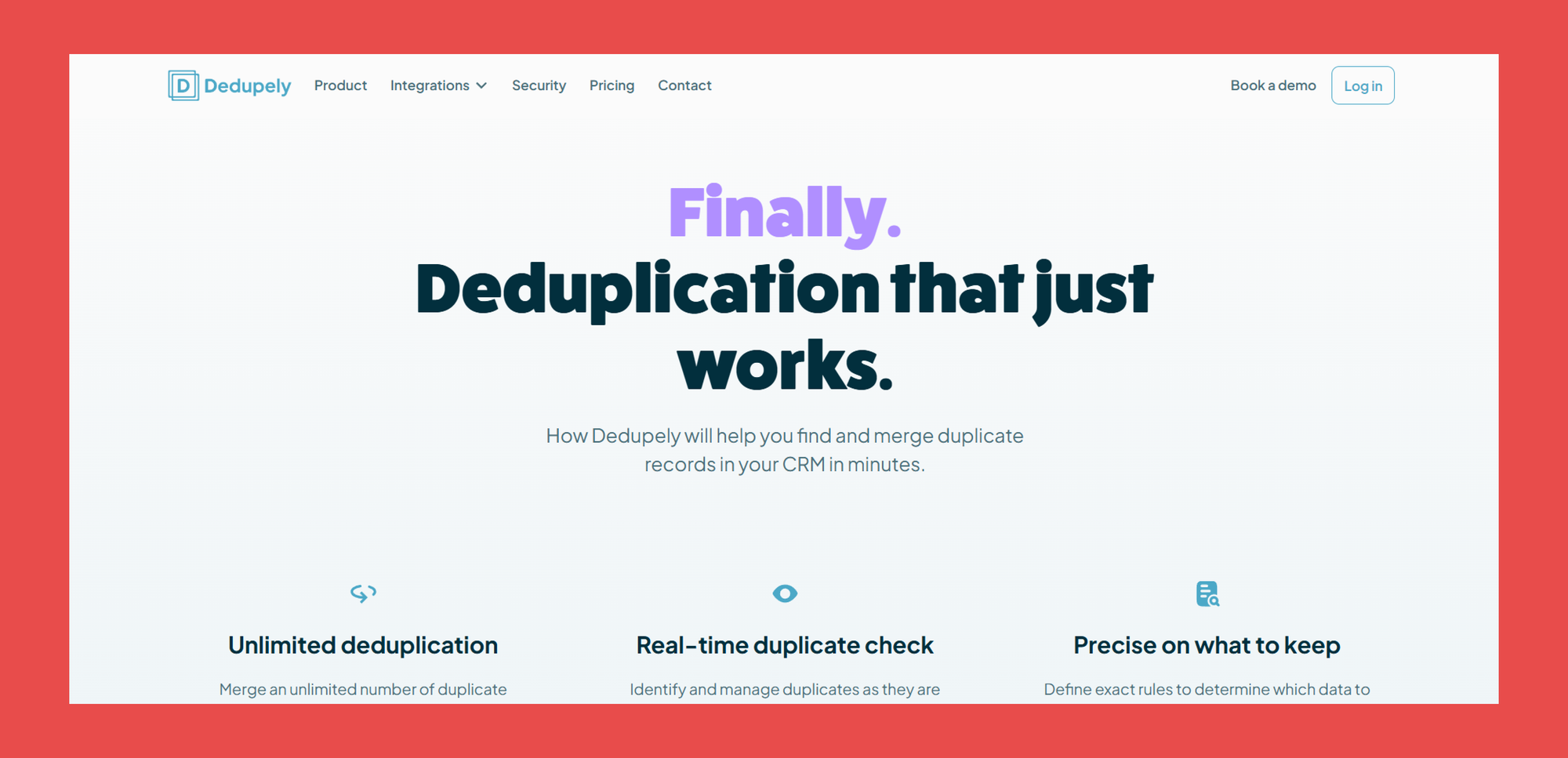
If Datacare is a pure CRM data cleansing engine and Breeze is an all-in-one HubSpot solution, Dedupely sits in between as a simple, focused tool built to do one thing extremely well: CRM deduplication.
Designed for teams that want a fast, no-frills way to clean up duplicate contacts and accounts, Dedupely makes it easy to find, review, and merge records based on your own matching rules.
Key Features
- Unlimited Deduplication: Merge as many duplicate records as needed to keep your CRM clean and accurate.
- Real-time Duplicate Detection: Flags duplicates the moment new records are created.
- Auto-Merge & Bulk Merge: Automatically or manually merge large batches of duplicate contacts and companies.
- Native CRM Integrations: Works directly with major CRMs like HubSpot, Salesforce, and Pipedrive.
Ratings
- G2 - 4.5/5 (14)
- Capterra - 4.9/5 (7)
Pros
- Simple and easy to use compared to feature-heavy alternatives.
- Excellent at detecting even subtle duplicate variations.
Cons
- Focused mainly on deduplication, no built-in enrichment or validation.
- Limited automation options.
- Dated user interface.
Pricing Plans
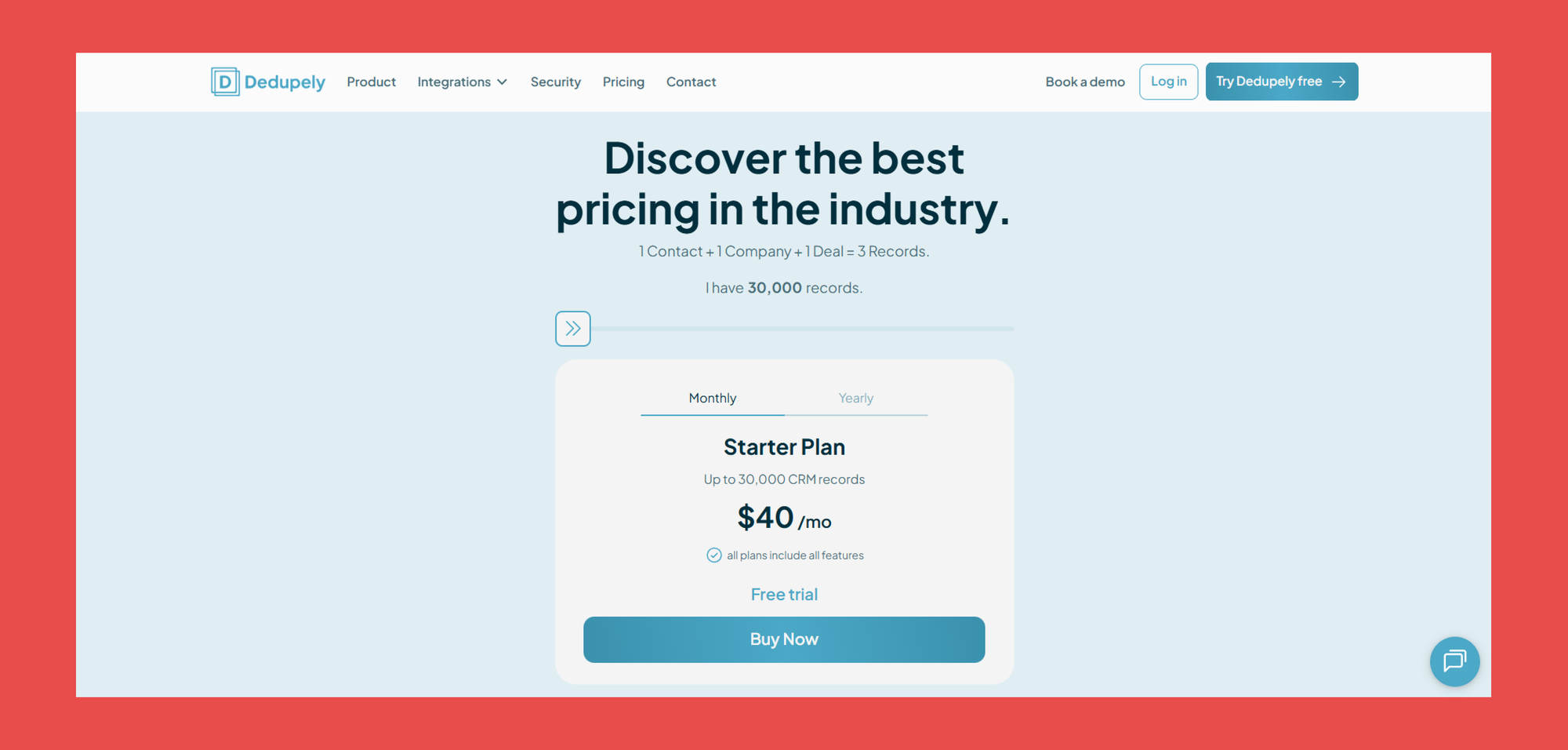
For Dedupely, all features are included from their Starter Plan. The only difference? Pricing and CRM database size.
- Starter: $40/mo – Best for clients with up to 30,000 CRM records
- Basic: $80/mo – Best for clients with up to 60,000 CRM records
- Pro: $140/mo – Best for clients with up to 120,000 CRM records
- Premium: $280/mo – Best for clients with up to 240,000 CRM records
- Gold: $540/mo – Best for clients with up to 480,000 CRM records
- Enterprise: $800 - 2000/mo – Best for clients with up to 1,000,000 – 20, 000, 000 CRM records
5. WinPure
Overview
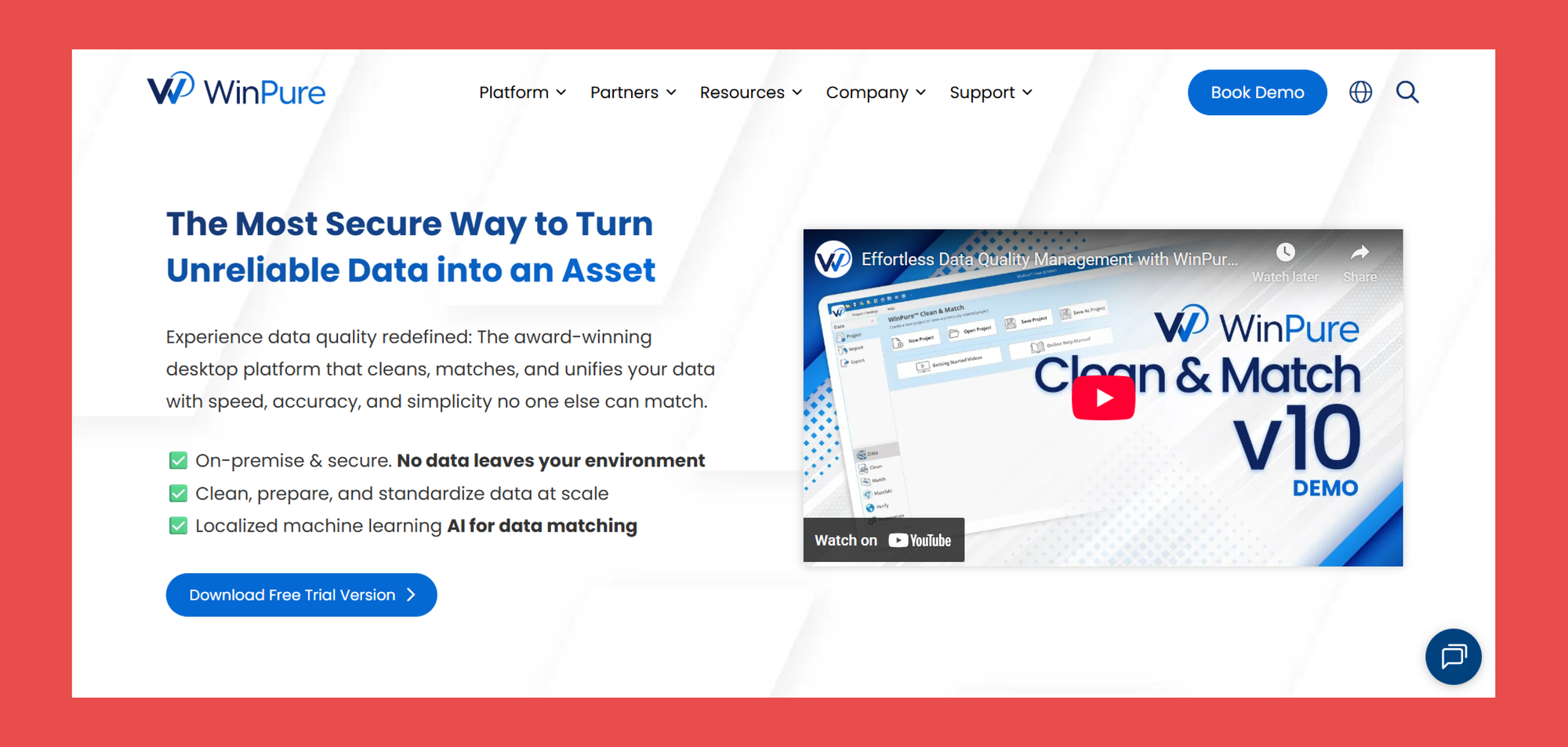
WinPure is a long-standing veteran in the CRM data cleansing space. As a data quality platform, Winpure was built to clean messy databases. With support for fuzzy matching, phonetic matching, and rule-based deduplication, WinPure excels at finding even hard-to-spot duplicate data and inconsistent records before layering in third-party data.
Key Features
- Advanced AI Data-Matching: Uses advanced machine learning to detect exact, fuzzy, and relationship-based duplicates across large datasets in minutes.
- No Code Data Cleansing & Standardization: Clean, format, and normalize CRM fields using pre-built rules, custom dictionaries, and address parsing, without writing a single line of code.
- Advanced Fuzzy Logic: Finds non-exact matches that basic tools miss, including misspellings, abbreviations, and inconsistent naming across records.
- Clean & Match: Merge, purge, or consolidate duplicate records and export clean, standardized data directly back into your CRM.
Ratings
- G2 - 4.7/5 (74)
- Capterra - 5/5 (2)
Pros
- Extremely accurate at identifying duplicates and near-duplicates.
- Easy for new users to pick up.
- Strong support team, including help with CRM migrations.
Cons
- More manual and semi-automated than modern always-on tools.
- No built-in CRM enrichment (requires external data sources).
- Outdated UI compared to newer platforms.
Pricing Plans
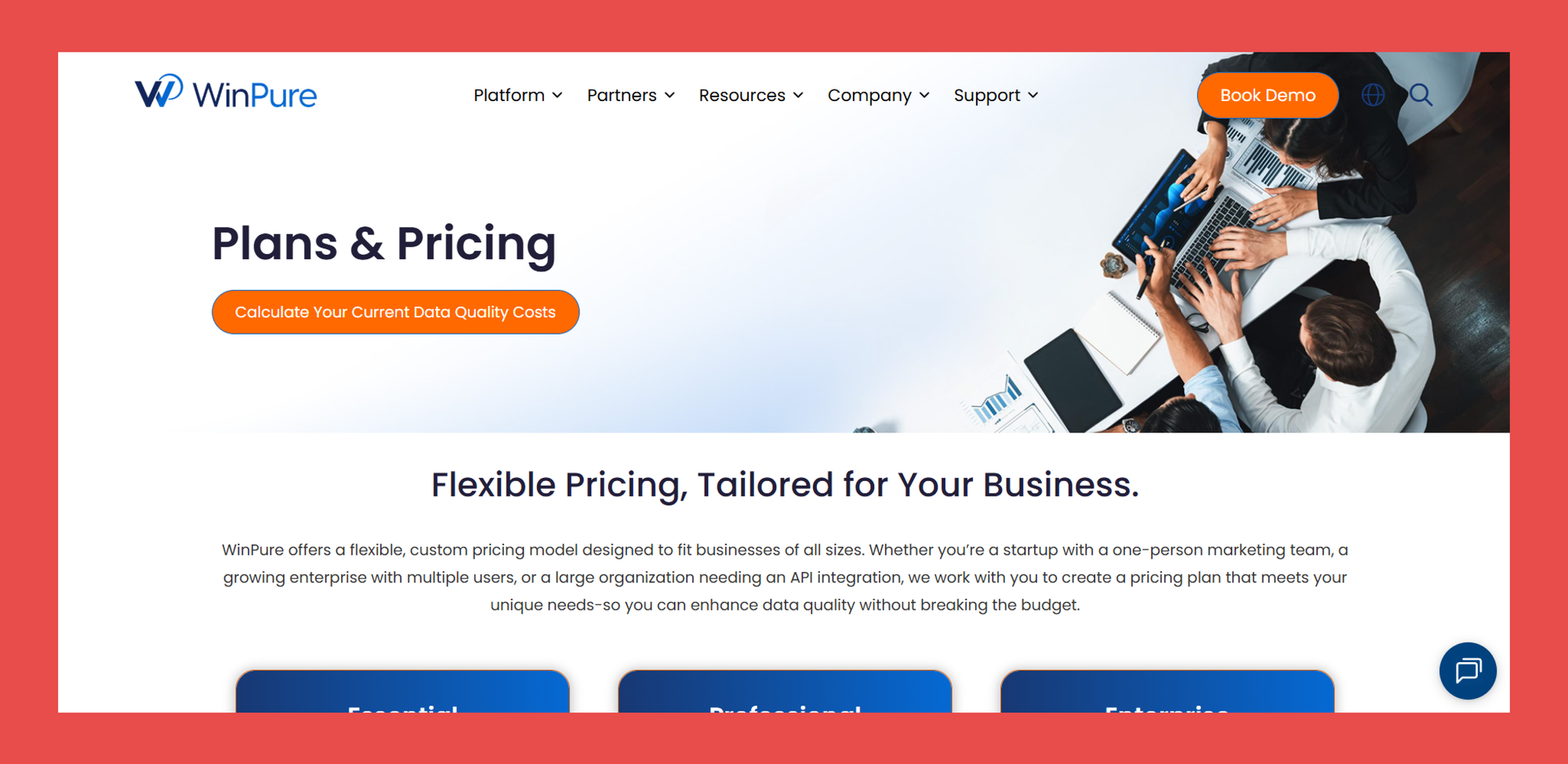
WinPure uses custom pricing based on your data volume and use case. Like Findymail, you’ll need to contact their sales team to get a quote or access a free trial.
The good news is that all core CRM data cleansing features are included from the entry-level plan, so you’re not forced into higher tiers just to unlock essential deduplication and standardization tools.
- Essential: Contact Sales – Ideal for small teams with basic data cleansing requirments
- Professional: Contact Sales – Ideal for teams needing advanced record unification
- Enterprise: Contact Sales – Engineered for large-scale data operations across the organization
Closing Thoughts
Your CRM is only as good as the data inside it. Outdated records, duplicates, and missing fields quietly hurt deliverability, waste sales time, and drag down revenue while clean, accurate data makes every campaign and sales motion more effective.
CRM data cleansing isn’t a one-off task, it’s a growth lever. When your data stays fresh, validated, and enriched, your team can target better, personalize smarter, and close more deals.
It keeps your CRM clean, deduplicated, and enriched automatically, so your revenue teams always work with data they can trust.
Ready to turn clean data into more pipeline? Datacare is where it starts. 🚀
Frequently Asked Questions
What is CRM data cleansing?
CRM data cleansing is the process of cleaning, validating, and standardizing the information inside your CRM. This includes removing duplicate records, fixing incorrect or outdated contact details, validating email addresses, and enriching missing company or contact fields so your database stays accurate and usable.
Why is CRM data quality important?
CRM data quality directly impacts sales and marketing performance. Poor data leads to bounced emails, wasted outreach, bad reporting, and even missed revenue opportunities. Clean data improves email deliverability, targeting accuracy, pipeline visibility, and overall conversion rates.
What is the best CRM data cleansing software?
The best CRM data cleansing software combines four key capabilities: deduplication, validation, enrichment, and native CRM sync. Tools like Findymail Datacare stand out because they continuously clean, validate, and enrich CRM data in real time, instead of relying on manual imports or one-off cleanups. The best choice depends on whether you need pure deduplication, full data enrichment, or an automated system that runs behind the scenes.
How much does CRM data cleansing cost?
Pricing depends on your database size, update frequency, and whether enrichment is included. With Findymail, you can book a call with our sales team to get a full Datacare walkthrough and a pricing plan tailored to your needs — so you only pay for what you actually use.

Valentin
Valentin Wallyn is the founder and CEO of Findymail, a SaaS platform he launched to help B2B teams discover accurate email and contact data and automate data enrichment at scale. With an IT background, Valentin combines a technical mindset with hands-on experience in outreach and growth. His work centers on improving data quality and prospecting efficiency, drawing on years of entrepreneurial experience and a deep understanding of what makes outreach campaigns succeed.