
You've crafted the perfect cold email, only for it to vanish into the void. The frustrating part? It's rarely about your copy. Getting into the right inbox is an uphill battle, and it's only getting harder. With over 160 billion spam emails sent daily, nearly 1 in 5 legitimate emails get diverted to spam before anyone sees them.
Every contact in your list needs to be right. A bad email address doesn't just waste a send; it damages your sender reputation and tanks deliverability across your whole list.
That's why verified, accurate emails are no longer optional. We ranked and reviewed 11 of the best email finder tools in 2026 on accuracy, data sources, integrations, pricing, and compliance, so you can find the one that actually gets you to the inbox.
Findymail catches what others miss, including catch-all domains, so you only ever send to valid, deliverable addresses.
Start today with 10 free credits.
What Is an Email Finder Tool? An email finder tool locates and verifies professional email addresses using inputs like a person's name, company, or domain. The best tools verify in real time at the moment of request, rather than pulling from static databases scraped weeks or months ago, so you know every address is deliverable before you hit send.
How the Best Email Finders Work:
1. Real-Time Verification: Checks syntax, DNS records, SMTP server response, catch-all detection, and disposable email filtering at the moment of request, rather than relying on pre-scraped data.
2. Domain and Bulk Search: Find all verified emails associated with a company domain, or upload lists at scale and get clean, verified results back without manual processing.
3. Data Enrichment: The strongest tools append additional contact and firmographic data alongside the email, including job title, seniority, company size, and tech stack, reducing the need for separate enrichment tools.
Top Email Finder Tools at a Glance:
1. Findymail
2. Hunter.io
3. Prospeo
4. Datagma
5. Wiza
6. Apollo.io
7. RocketReach
8. Lusha
9. Snov.io
10. GetProspect
11. KittAI
How We Evaluated the Best Email Finding Tools
Not all email finders are created equal, and the difference between a good one and a great one often comes down to what happens after you hit search. Here's what we looked at:
Accuracy & Verification Rate
An email address is only useful if it actually reaches someone. We prioritized tools that verify in real time and keep bounce rates low, since a high bounce rate doesn't just waste sends; it damages your sender reputation and can get your domain flagged.
Data Coverage
A tool is only as good as the contacts it can actually find. We looked at the size of each provider's database, how broad their geographic and industry coverage is, and how often their data is refreshed, so you're not hitting dead ends before you even start prospecting.
Data Sources
There's a meaningful difference between tools that crawl the web in real time and those pulling from a static database. Fresh data means fewer bounces and more accurate results, especially in fast-moving industries.
Integrations
The best email finder is one that fits into your existing workflow. We assessed compatibility with major CRMs, LinkedIn, Chrome extensions, and API access for teams that need to build custom pipelines.
Pricing & Credits Model
Some tools charge per email found, others run on monthly subscriptions. We broke down what you actually get for your money, including free tier limits and how far paid plans stretch for different team sizes.
Compliance
Sending to contacts in the EU or California comes with legal obligations. We checked each tool's stance on GDPR, CAN-SPAM, and CCPA so you're not taking on unnecessary risk.
Ease Of Use & UI
A powerful tool that's painful to use won't last long on your stack. We factored in UI clarity, onboarding friction, and how quickly a new user can get results.
Bulk & Domain Search
For teams prospecting at scale, the ability to search entire domains or upload lists in bulk is non-negotiable. We tested how each tool handles volume without sacrificing accuracy.
The 11 Best Email Finder Tools, Reviewed
We put the most talked-about email finder tools through their paces, evaluating each one on accuracy, data sourcing, features, pricing, and real-world usability. Here’s how they stack up:
Top Tools at a Glance
Before we get into the full reviews, here's a quick snapshot of all 11 tools to help you orient yourself before diving in.
#1 Findymail
Overview:
Findymail is a real-time email finder and verification tool built for B2B sales and marketing teams who can't afford to waste sends on bad data. Unlike tools that recycle static databases, Findymail crawls and verifies every address on the spot, so what you get is what actually delivers.
Key features:
- Bulk Email Verification: Upload existing lists and verify them in seconds with a guaranteed bounce rate of 5% or less.
- Email Finder: Findymail finds and verifies emails in real time at the moment you request it.
- Phone Finder: Get up-to-date mobile numbers from social profiles, right when you need them.
- Catch-All Email Verification: Every email is run through syntax validation, DNS records, SMTP server verification, catch-all detection, and disposable email screening. Only deliverable, valid addresses make it through.
- Intellimatch: Describe your ideal customer in plain English and get a verified list of high-fit companies back in seconds, with the option to include verified B2B contact data for every lead.
- Security Compliance: SOC 2 and GDPR compliant.
Accuracy & Data Quality:
Most tools pull from databases scraped weeks or months ago and make you verify separately. Findymail does it differently, verifying every address in real time using multiple checks before it ever reaches you:
- Syntax validation: Confirms the address is correctly formatted.
- DNS records: Checks the domain is active and configured to receive emails.
- SMTP server verification: Confirms the mail server exists and is responsive.
- Catch-all verification: Goes beyond the "risky" flag other tools hide behind.
- Disposable email detection: Filters out temporary addresses automatically.
We only return deliverable, valid email addresses, with a guaranteed bounce rate under 5%.
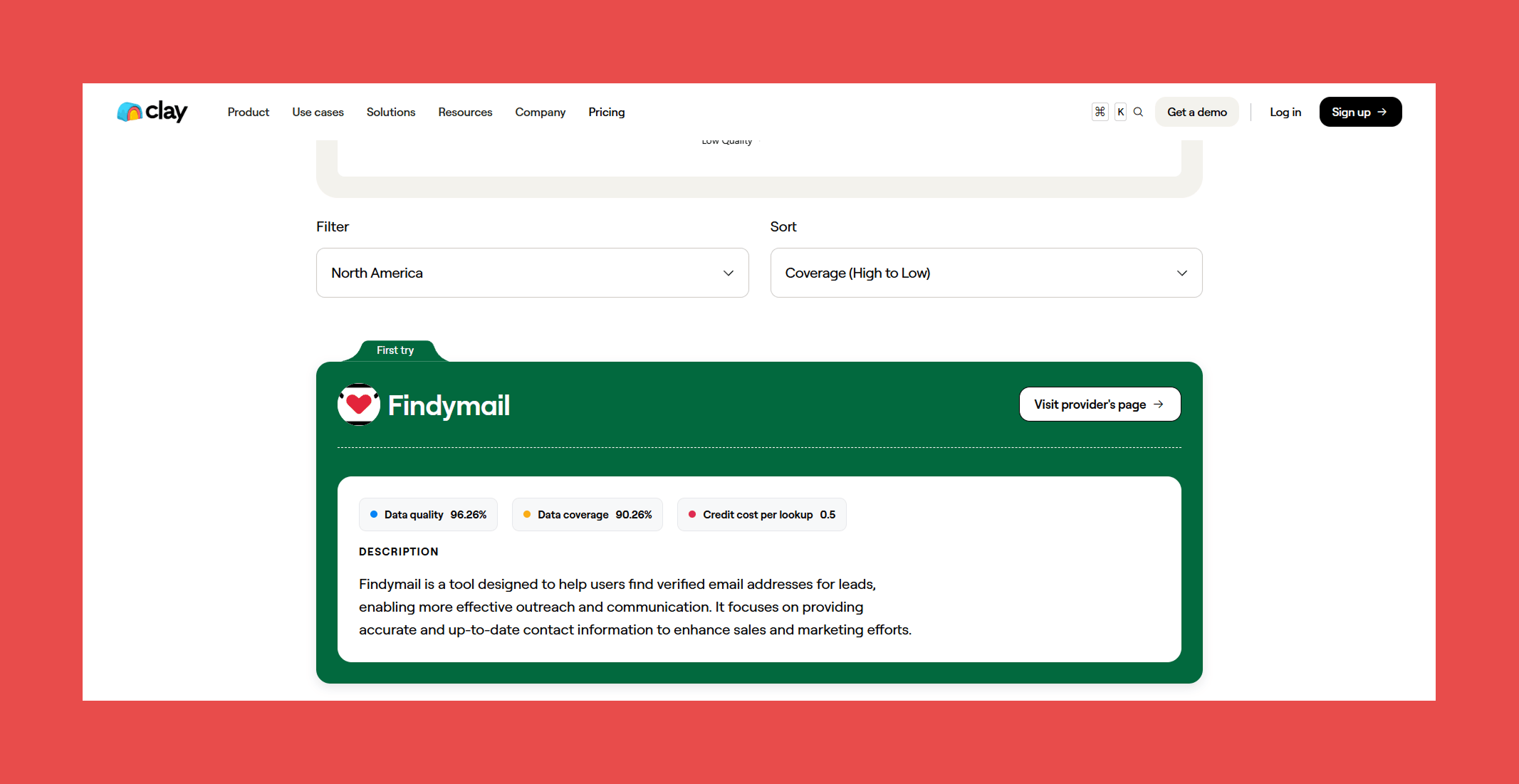
Don't just take our word for it. In Clay's independent 2025 provider benchmark, Findymail took the top spot in two categories: Best Non Catch-all Email Verifiers 2025 and Best work email finder by region 2025, scoring 98.15% for data quality and a perfect 100% for data coverage across all providers tested.
Ratings:

- G2: 4.9/5 (56)
- Capterra: 4.9/5 (7)
Pros:
- Industry-leading verification accuracy backed by a sub-5% bounce rate guarantee and a refund policy to match.
- Proprietary catch-all detection that goes beyond the "risky" flag most competitors hide behind, returning a definitive deliverable verdict instead.
- Clean, fast UI with minimal onboarding friction, new users get to results without a steep learning curve.
Cons:
- No native sequencing or outreach features, so it works best paired with a dedicated sending tool.
Pricing:
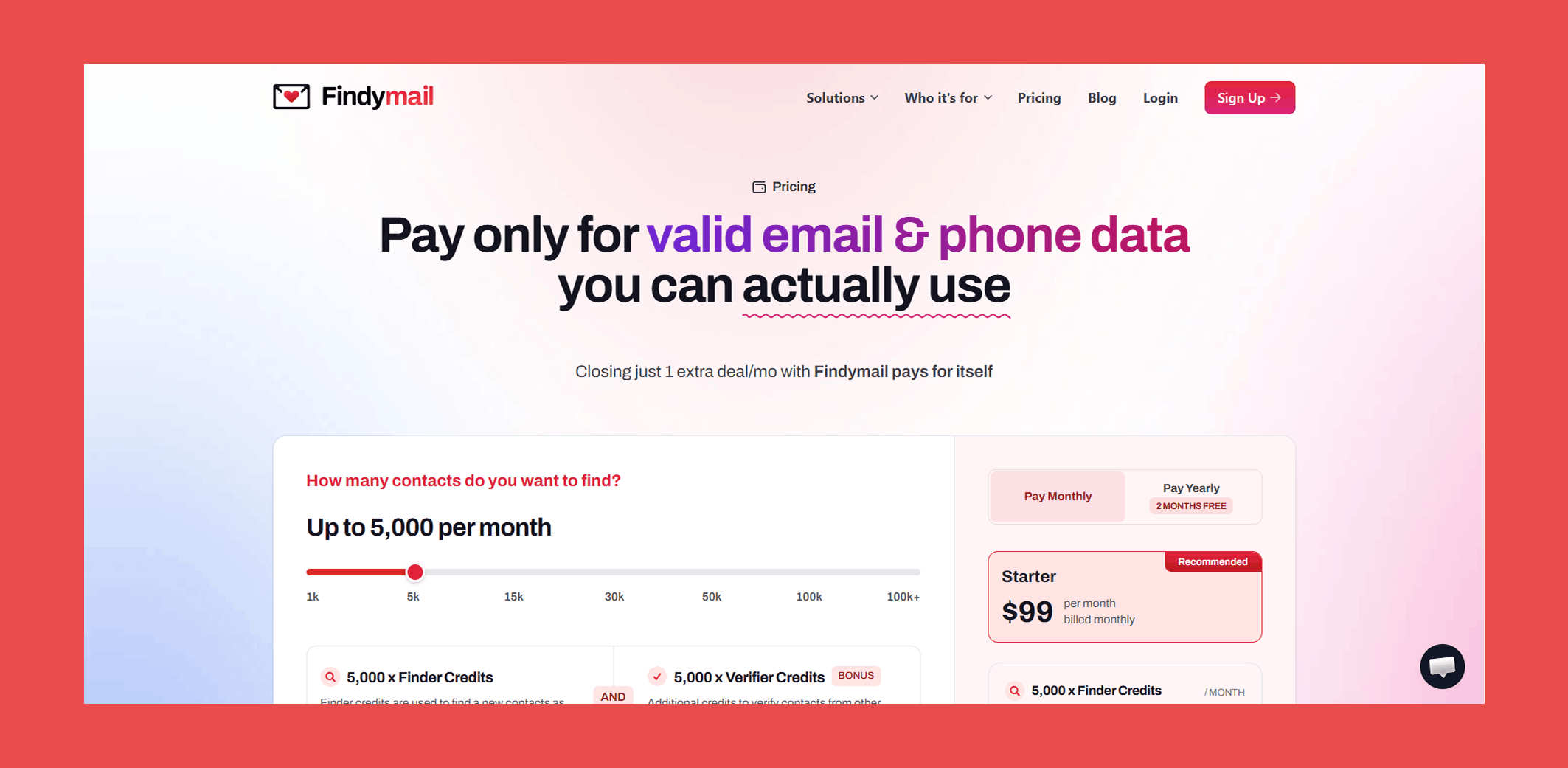
- Basic: $49/mo – 1,000 x Finder Credits + 1,000 x Verifier Credits/mo
- Starter: $99/mo – 5,000 x Finder Credits + 5,000 x Verifier Credits/mo
- Business: $249/mo – 15,000 x Finder Credits + 15,000 x Verifier Credits/mo
- Business Plus: $399/mo – 30,000 x Finder Credits + 30,000 x Verifier Credits/mo
- Scale 50K: $549/mo – 50,000 x Finder Credits + 50,000 x Verifier Credits/mo
- Scale 100K: $849/mo – 100,000 x Finder Credits + 100,000 x Verifier Credits/mo
- Enterprise: Custom – Custom Finder Credits + Custom Verifier Credits/mo
Every plan includes both finder and verifier credits, real-time verification, and our sub-5% bounce guarantee. No separate tool needed, no hidden costs.
#2 Hunter.io
Overview:
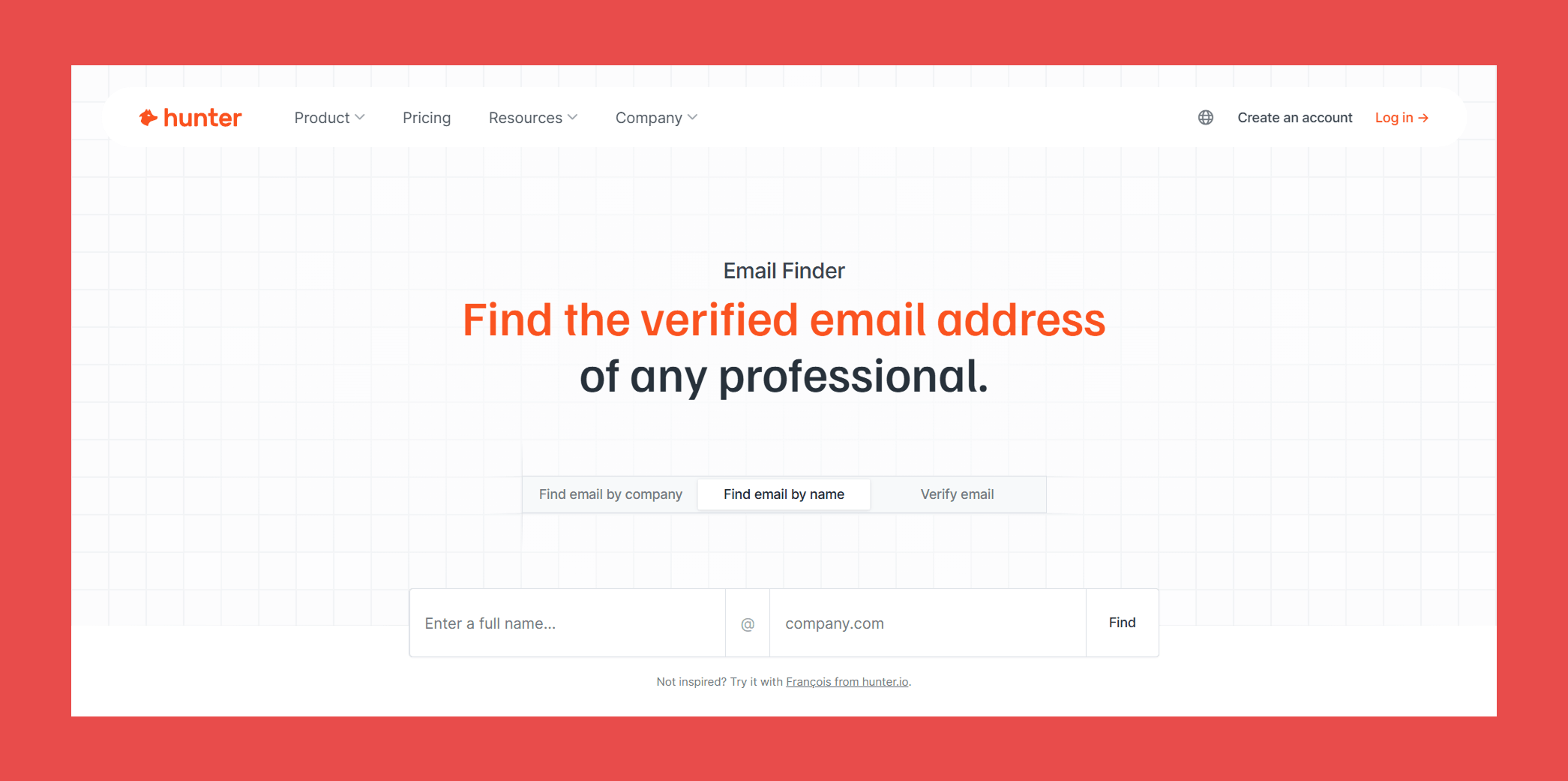
Hunter.io is one of the most recognizable names in email finding, built for marketers, recruiters, and sales teams who need a straightforward way to find and verify professional email addresses. It's a solid all-rounder that's particularly well suited to individuals and small teams getting started with outbound prospecting.
Key Features:
- Domain Search: Pull all publicly available email addresses tied to a company domain in seconds. A reliable starting point for building targeted prospect lists without manual digging.
- Email Finder and Verifier: Find and verify individual addresses by name and company. Verification is built into the process rather than treated as a separate step, which keeps the workflow clean.
- Sequences: Hunter goes beyond finding emails, letting you build and send cold email campaigns directly within the platform. A convenient option for teams that want finding and outreach under one roof.
- Discover: Surface new prospects by niche, location, and company size. Useful for teams building lists from scratch rather than working from an existing target account list.
- Signals and TechLookup: Identify companies based on the tools they use or recent buying signals, adding a layer of intent data to help prioritize outreach.
Accuracy & Data Quality:
Hunter.io runs every address through a solid verification stack before returning results:
- Format validation: Checks the address is correctly structured.
- Gibberish detection: Flags fake-looking addresses like [email protected].
- Disposable email screening: Filters out temporary email domains.
- MX record and SMTP checks: Confirms the domain can actually receive emails.
- Catch-all detection: Flags accept-all servers, with a proprietary solution for verifying some of them.
For standard business domains, this covers most prospecting use cases reliably. Where it gets nuanced is the data sourcing. Hunter pulls from a large database of publicly indexed addresses first, then falls back to pattern-based deduction when no match exists. Deduced addresses carry a confidence score rather than a guaranteed deliverable verdict.
The catch-all gap is the most notable limitation. Coverage isn't universal, so for teams prospecting heavily into industries where catch-all domains are common, that confidence score adds a layer of uncertainty that verified-only tools don't carry.
Ratings:
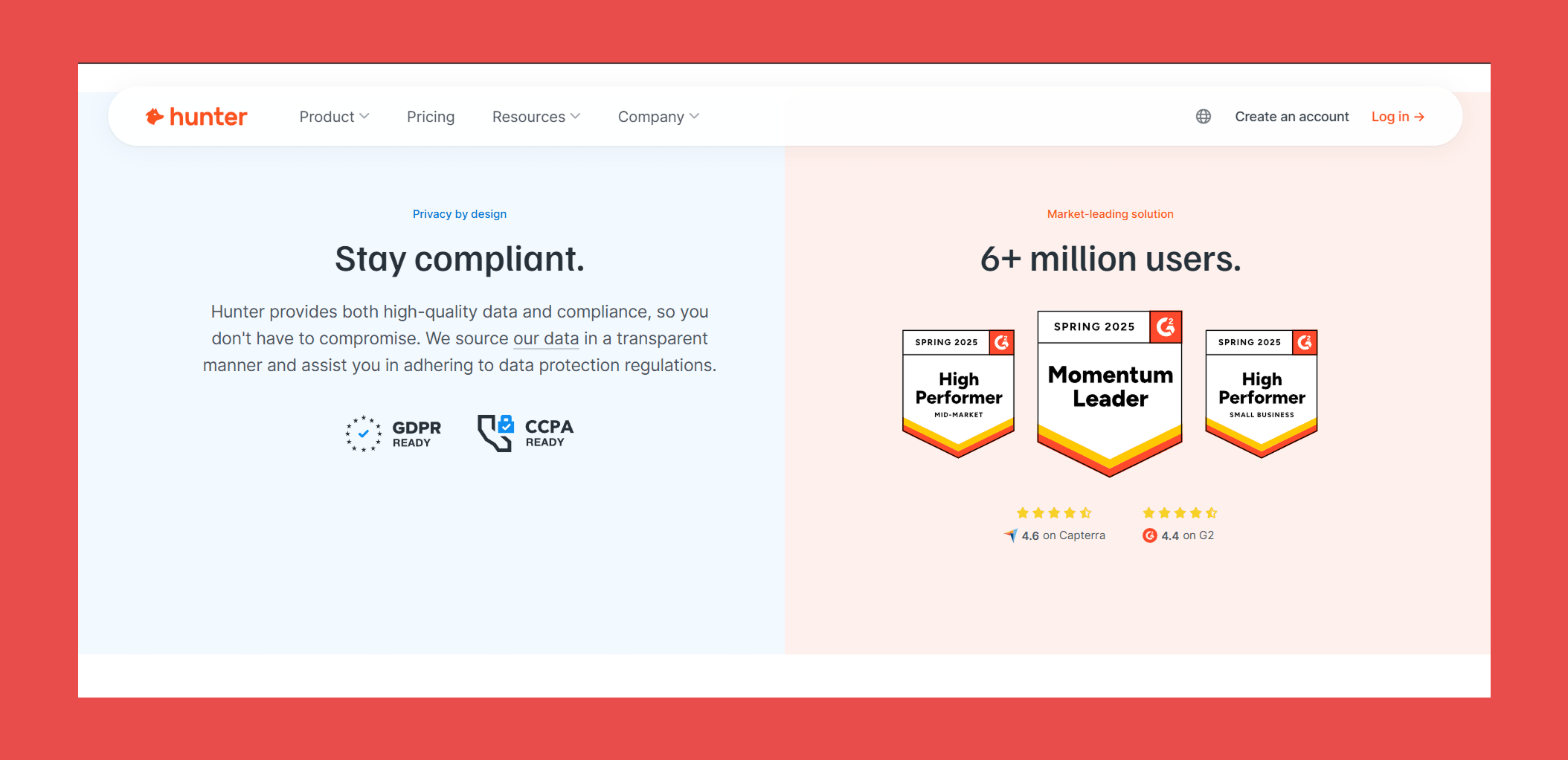
- G2: 4.4/5 (633)
- Capterra: 4.6/5 (703)
Pros:
- Simple, clean workflow that gets you from search to verified email without friction or a separate tool.
- Easy-to-use interface that streamlines prospecting and makes cold outreach more data-driven without a steep learning curve.
Cons:
- Cannot verify emails associated with catch-all domains, returning a confidence score rather than a definitive verdict.
- Publicly indexed data can go stale when contacts change roles, companies rebrand, or email patterns shift.
- Credit limits feel restrictive at scale, and pricing climbs quickly for teams running large or frequent prospecting campaigns.
Pricing:

- Free: $0 – 50 credits/mo
- Starter: $49/mo – 2,000 credits/mo
- Growth: $149/mo – 10,000 credits/mo
- Scale: $299/mo – 25,000 credits/mo
- Enterprise: Custom – Custom credits
#3 Prospeo
Overview:
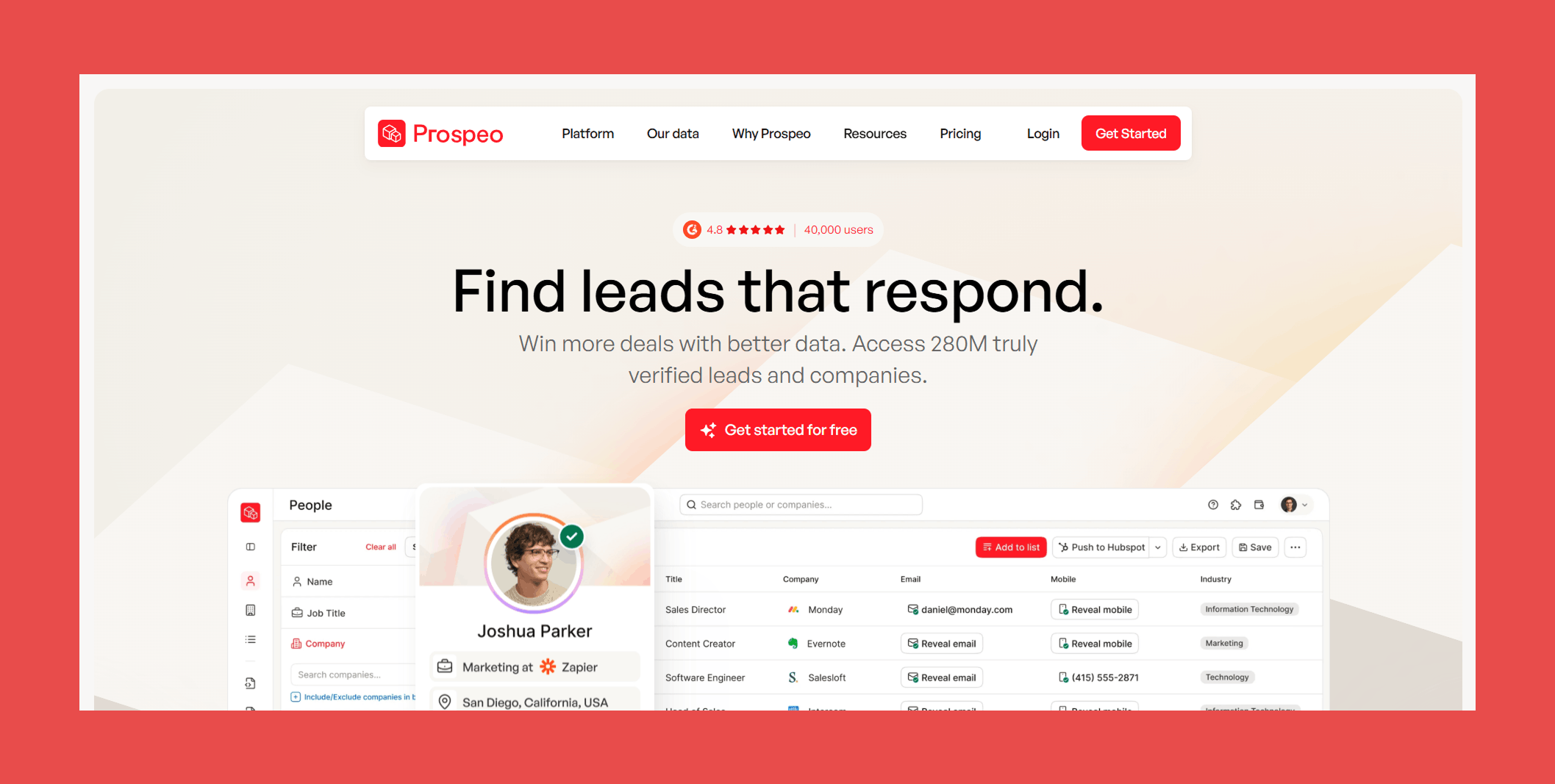
Prospeo is a lean, accuracy-focused email finder built for sales teams and growth operators who want reliable contact data without paying for a bloated all-in-one platform. It punches above its weight on verification quality relative to its price point, making it a strong contender for teams that prioritize data integrity over feature volume.
Key Features:
- People and Company Search: Find verified contact data and firmographic insights in one place. On the contact side, get work emails, direct dials, mobile numbers, job title, seniority, and full work history. On the company side, surface headcount, revenue, funding history, tech stack, and industry tags.
- Email and Phone Finder: Input a name and domain and Prospeo returns a verified work email alongside direct dial and mobile numbers, pulled from live data sources for higher match rates.
- Intent Signals: Go beyond contact data with hiring trends, technographics, and online research signals, so your outreach lands when prospects are actively in buying mode.
- Chrome Extension: Extract and verify emails and phone numbers directly from social professional profiles and company pages without leaving your browser.
Accuracy & Data Quality:
Rather than relying on third-party verification providers, Prospeo runs its own email-finding infrastructure. Every address goes through a proprietary 5-step verification process:
- Real-time verification: No static database reliance, every address is checked at the moment of request.
- Pattern recognition: Flags suspicious or low-quality addresses early in the process.
- Deliverability testing: Confirms addresses are live before they reach you
- Catch-all verification: A noted strength, with every "verified" tag backed by a multi-step process.
- Spam trap and honeypot detection: Filters addresses that could damage sender reputation.
Where the cracks start to show is at scale. One independent benchmark returned just 846 verified emails from a large dataset, putting Prospeo in last place among tools tested, with performance inconsistent across multiple runs.
Ratings:

- G2: 4.5/5 (50)
- Capterra: 5/5 (1)
Pros:
- Broad global company coverage with a frequently updated database, reliable for international prospecting.
- Strong verification accuracy with an intuitive Chrome extension that gets you to results quickly.
Cons:
- Filter options can be hit or miss, with some combinations returning unexpectedly thin results despite a claimed 300M+ database.
- Credits are priced slightly higher than comparable tools at the same tier, which can add up for high-volume teams.
- Smaller review base than established players, making it harder to benchmark real-world performance across industries.
Pricing:
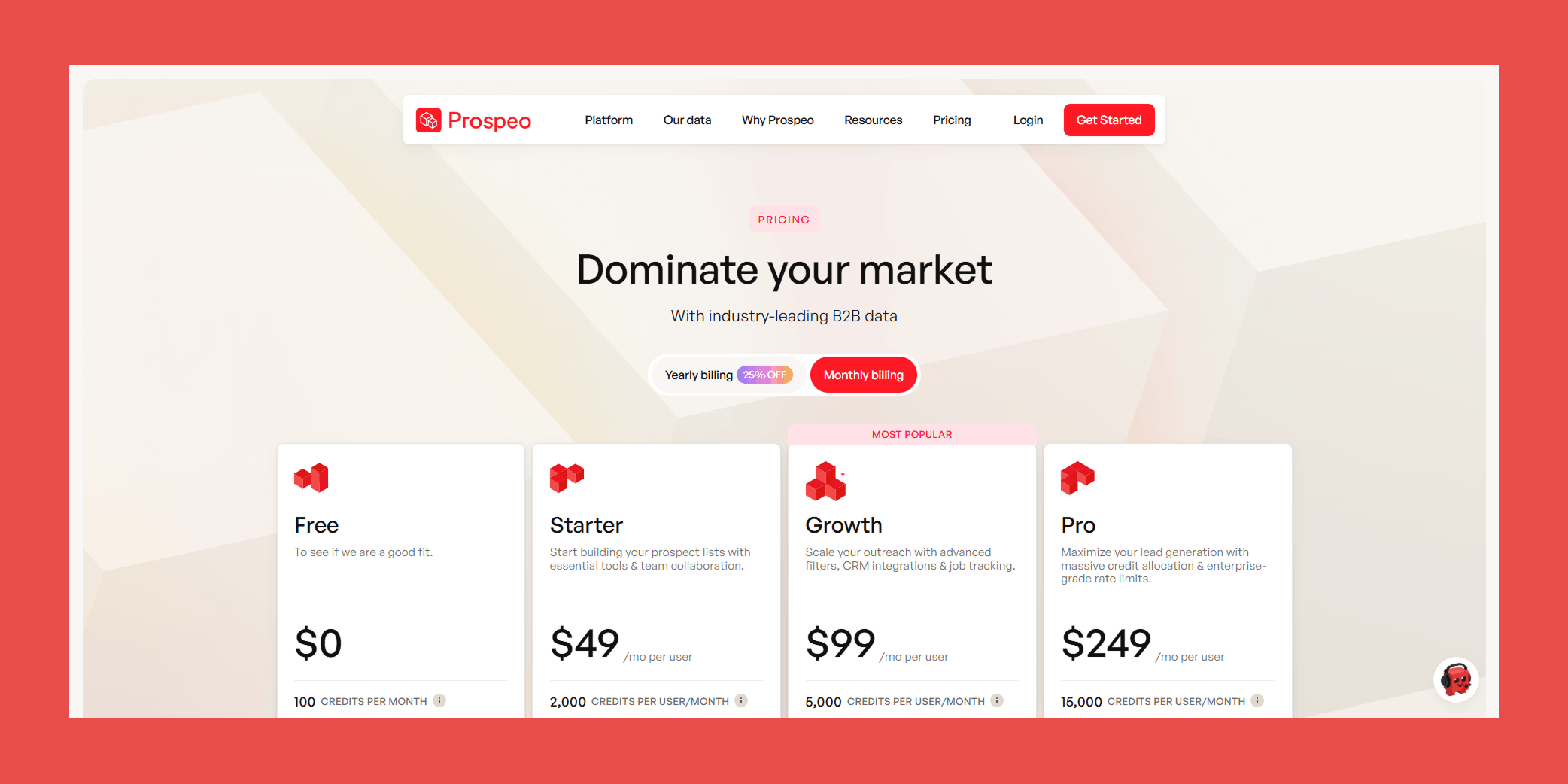
- Free: $0 – 100 credits/mo
- Starter: $49/mo – 2,000 credits/mo
- Growth: $99/mo – 5,000 credits/mo
- Pro: $249/mo – 15,000 credits/mo
#4 Datagma
Overview:
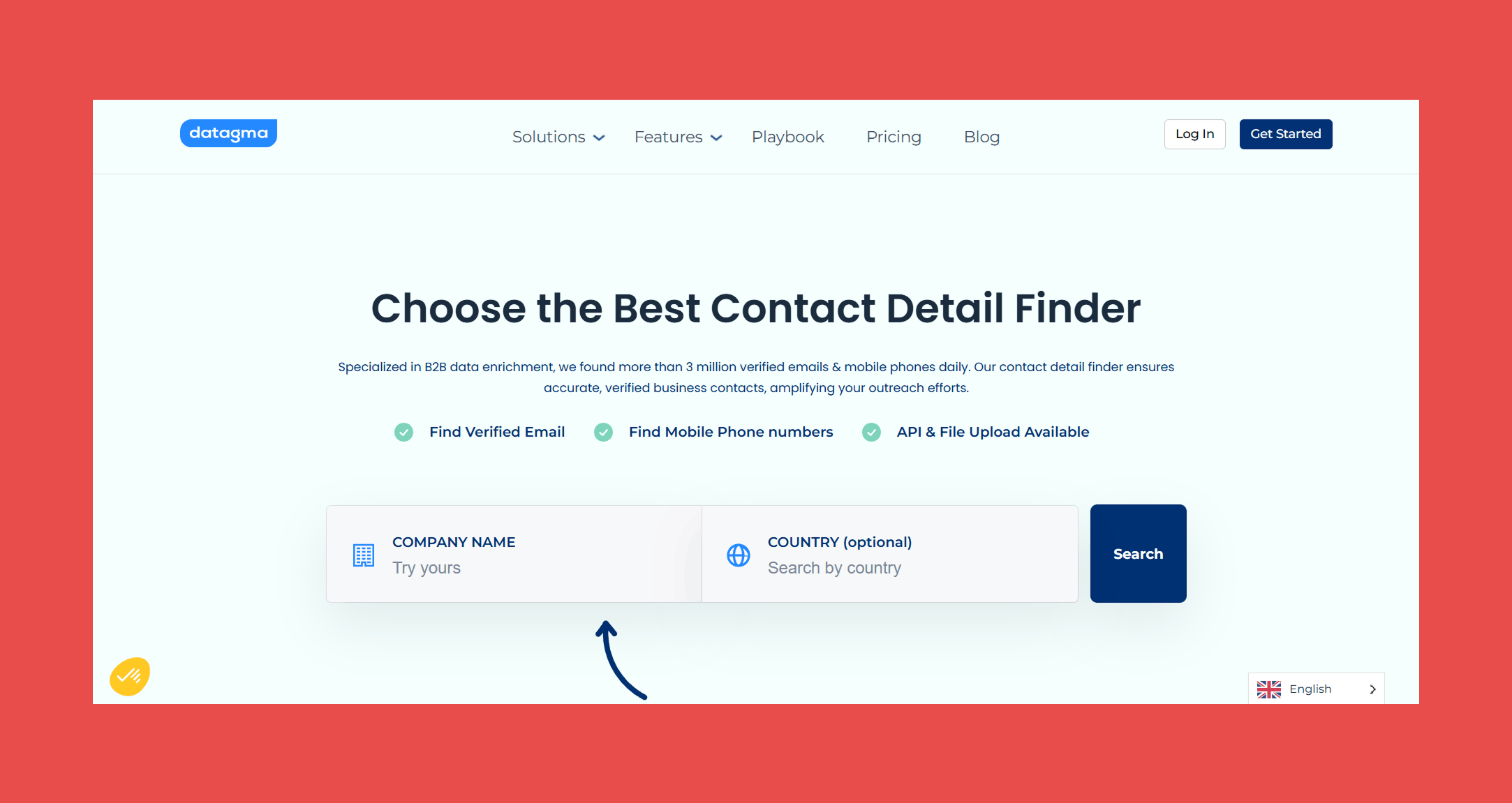
For teams struggling with the silent killer known as stale data, Datagma is a B2B data enrichment platform specializing in real-time contact and company data, with job change detection as its headlining feature. It's a solid pick for teams where timing outreach around real account activity matters as much as finding the right contact in the first place.
Key Features:
- Email Finder: Input a full name or company address and Datagma returns verified contact information, sourced from a continuously updated database of billions of web pages.
- Phone Finder: Find phone numbers by company name in seconds, useful for teams that need both email and direct dial without a separate enrichment tool.
- Data Enrichment: Access 75+ data points per contact including verified emails, mobile numbers, job titles, company industry, and technology stack, reducing the need for multiple enrichment sources.
- Job Change Tracking: Get alerted when prospects or clients change jobs, keeping your outreach timely and your CRM from going stale between campaigns.
Accuracy & Data Quality:
Datagma finds emails by scanning billions of web pages alongside its own database and partner network. Its two-layer verification approach is more thoughtful than most tools at this price point:
- Catch-all detection: Cross-references flagged catch-all addresses against linked social accounts including LinkedIn, Facebook, and GitHub to determine genuine.validity
- Bounce detection: Partners with major cold email tools to receive daily real-world bounce data, cross-checking even apparently valid addresses before returning them.
An independent 2025 benchmark across 20,000 real-world contacts found a 23.5% unusable email rate, raising real doubts about its effectiveness at scale.
Ratings:
- G2: 4.7/5 (5)
- Capterra: N/A
Pros:
- Strong accuracy for phone research and LinkedIn profile enrichment, with a clean interface that's easy to get up and running.
- Generous free tier with 90 verified emails per month, enough to meaningfully evaluate accuracy before committing.
Cons:
- Phone number allowances on lower tiers are restrictive for teams running multichannel outreach at any meaningful volume.
- Newer and less established than the top tools in this list, so long-term reliability and support quality are harder to assess independently.
Pricing:
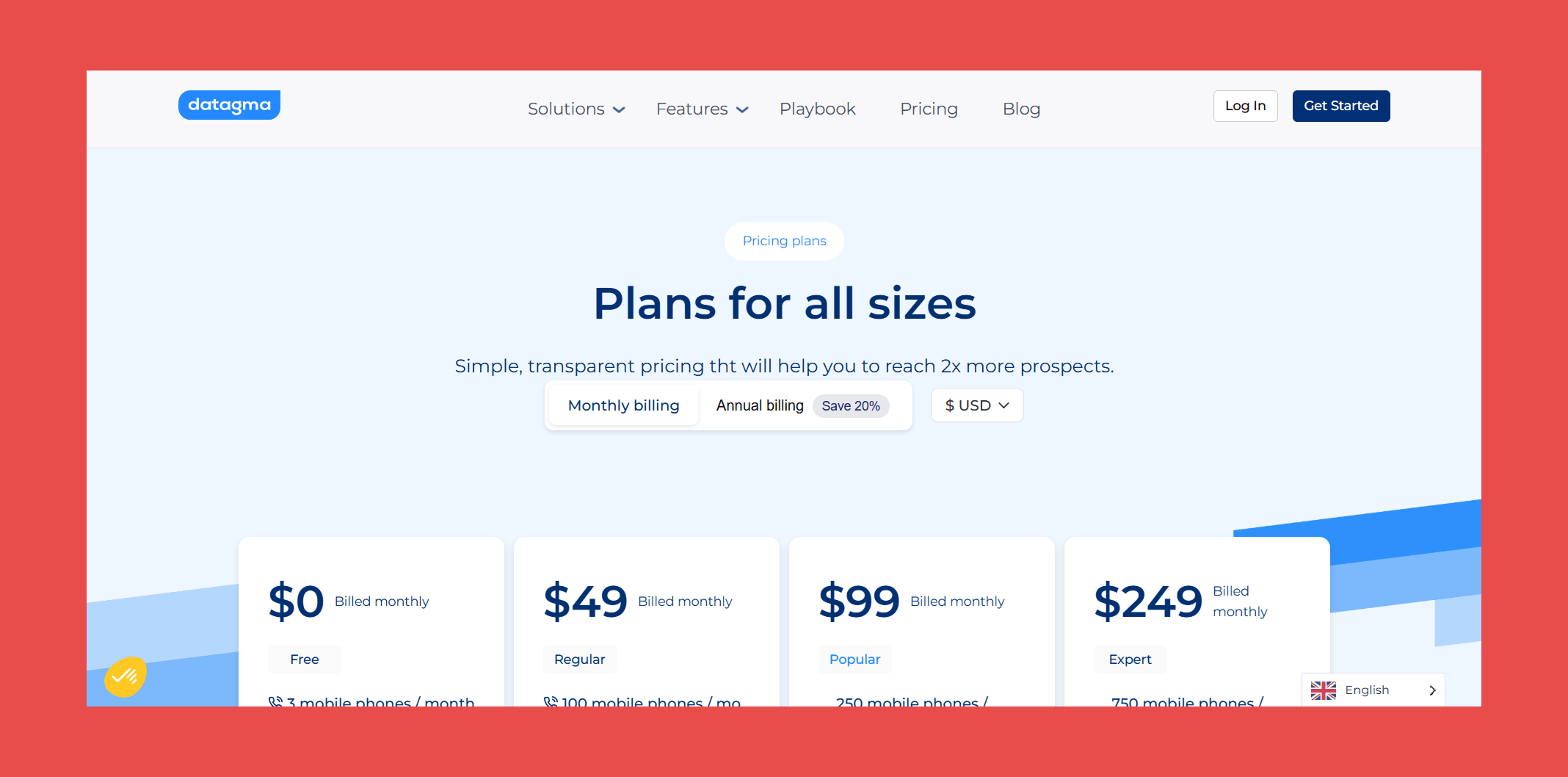
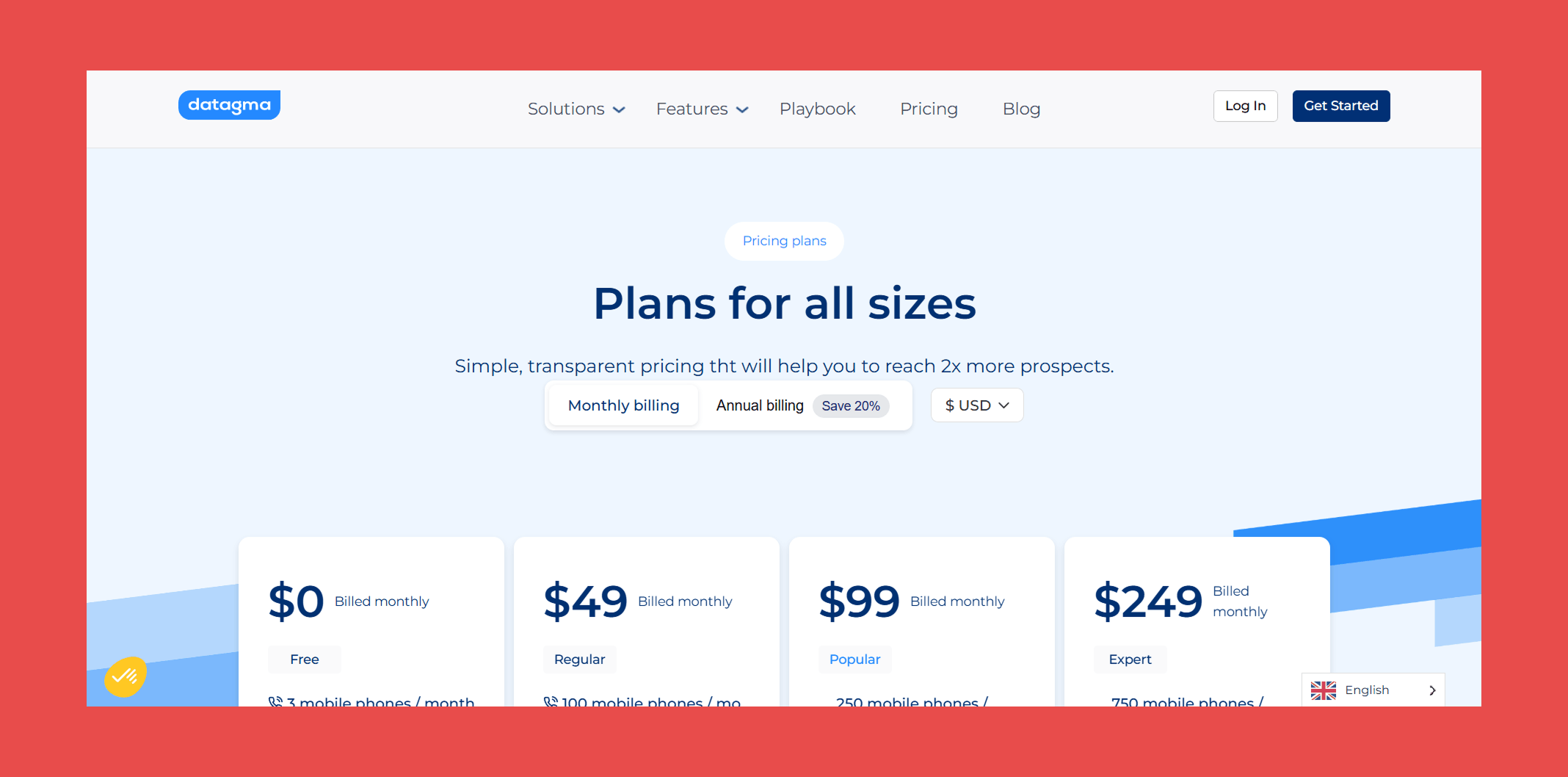
- Free: $0 – 3 mobile phones/mo + 90 verified emails/mo
- Regular: $49/mo – 100 mobile phone/mo + 3,000 verified emails/mo
- Popular: $99/mo – 250 mobile phone/mo + 7,500 verified emails/mo
- Expert: $249/mo – 750 mobile phone/mo + 22,500 verified emails/mo
#5 Wiza
Overview:
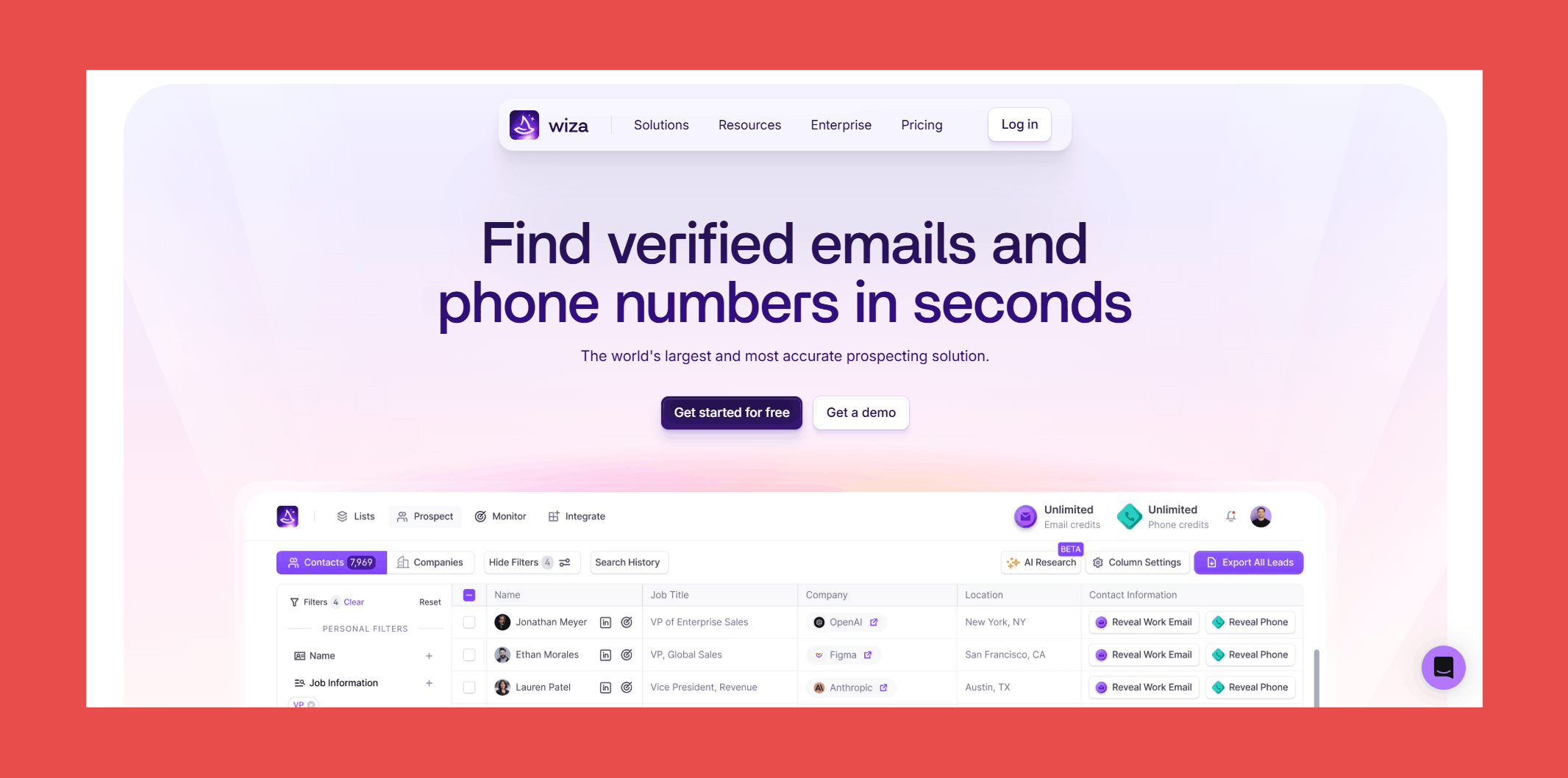
Wiza is a lead generation and contact enrichment platform built for sales teams that want verified emails, mobile numbers, and real-time job change alerts without stitching together multiple tools. With a database of 850M+ B2B professionals, it's a strong option for teams that need breadth and verification quality in one place.
Key Features:
- Searchable Database: Access 850M+ B2B professionals with real-time verified contact data including work emails, personal emails, mobile phones, and direct dials.
- Monitor: Get alerted the moment a key contact or decision-maker changes jobs, complete with fresh verified contact data, so you can engage at exactly the right time to win new business or prevent churn.
- AI Research: Scans public web pages, company profiles, and intent signals to enrich your lists with clean, structured insights automatically, including the reasoning behind each data point returned.
- Built-In Email Verification: Every address goes through a comprehensive multi-step verification process before being returned.
- Chrome Extension: Reveal personal email addresses and mobile numbers directly from professional social network profiles, cutting out hours of manual searching.
Accuracy & Data Quality:
Wiza runs every address through one of the more thorough verification stacks in this list:
- Syntax verification: Confirms the address follows standard email formatting.
- Domain verification: Checks the domain exists, is active, and is configured to receive emails.
- MX record check: Confirms valid mail exchange records are in place.
- SMTP verification: Communicates with the recipient's mail server to confirm the address is active without sending an actual email.
- Catch-all detection: Identifies servers that accept all incoming mail regardless of whether the mailbox exists.
- Disposable email detection: Filters out temporary addresses from throwaway domains like mailinator.com.
- Role-based address identification: Flags department-level addresses rather than individual contacts.
- Spam trap detection: Removes honeypot addresses that could get your domain blacklisted.
- Greylist handling: Verifies addresses even when ESPs temporarily reject unknown senders.
- Risk validation: Scans for high-risk keywords and TLDs commonly associated with spam or malicious activity.
The verification process is strong, but underlying issues have real limits worth knowing about. Wiza lacks a standalone database, meaning coverage depends heavily on LinkedIn profiles, and accuracy drops in regions outside North America. Some users report data quality issues including incorrect emails, mismatched names, and contacts replying from different email addresses than provided. For teams prospecting outside North America or beyond LinkedIn's ecosystem, those gaps are a real consideration before committing.
Ratings:
- G2: 4.5/5 (1,156)
- Capterra: 4.3/5 (24)
Pros:
- Building filtered lists by industry, company size, and role is fast and intuitive, keeping focus on high-value prospects rather than admin work.
- Setting up Wiza was straightforward and hassle-free from start to finish.
- Pay-for-valid-only model means you're not burning credits on addresses that don't deliver.
Cons:
- Coverage thins out for smaller regional companies and less common job titles, requiring manual research to fill gaps.
- Pricing on paid tiers is on the higher end relative to comparable tools, which can be a barrier for smaller teams.
- CRM sync, while functional, can produce minor delays and occasional duplicate entries on large dataset imports, adding a small but consistent cleanup overhead.
Pricing:
- Free: $0 – 20 emails/mo + 5 phone numbers/mo
- Starter: $49/mo – 100 emails/mo + 100 phone numbers/mo
- Email: $99/mo – 500emails/mo
- Email + Phone: $199/mo – 500 emails/mo + 500 phone numbers/mo
#6 Apollo.io
Overview:
There's not much left to say about Apollo that hasn't already been said. It's a data giant with one of the largest professional databases in the world, second only to LinkedIn, and a platform that has expanded well beyond email finding into a full sales intelligence and engagement suite.
For teams that want scale and breadth, Apollo is hard to ignore. For teams where deliverability is the top priority, there are some caveats worth knowing.
Key Features:
- Apollo Database: Access 210M+ contacts with 65+ data points per record, covering job titles, company info, funding data, and more, giving sales teams a deep pool to prospect from without additional data sources.
- Waterfall Enrichment: Expand data coverage by running records through multiple enrichment sources in a single workflow, useful for filling gaps when a single provider doesn't have a match.
- AI Agents: Automate research and enrichment tasks using AI that pulls in relevant customer data points, reducing manual work on high-volume prospecting campaigns.
- AI Research: Generate instant insights on people and companies to reduce manual research time and help craft more personalized outreach.
- Real-Time Buyer Intent Signals: Identify your most responsive leads based on buying signals, so outreach effort is focused where it's most likely to convert.
Accuracy & Data Quality:
Apollo collects and verifies data against multiple sources including its contributor network, public web crawling, and vetted third-party providers. Its built-in 7-step verification process goes beyond standard SMTP checks to handle catch-all domains and predict email bounces:
- Contributor network validation: Cross-references addresses against Apollo's large dataset of real-world sending history.
- Public data crawling: Continuously indexes publicly available contact information.
- Third-party cross-referencing: Validates against carefully vetted external data providers.
- SMTP verification: Tests whether the mail server recognizes the address.
- Catch-all domain handling: Differentiates between valid and invalid emails from catch-all domains.
- Bounce prediction: Uses historical data signals to flag addresses likely to bounce.
- Automatic email cleaning: Removes outdated or invalid records from the dataset continuously.
Across multiple independent sources, real-world accuracy lands in the 65-80% range, and on G2, "Inaccurate Data" is the number one complaint category with over 538 mentions across more than 9,000 reviews. Reports across Reddit, G2, and deliverability forums consistently show bounce rates between 25% and 35%, a well-known problem with legacy database providers that prioritize volume over verification freshness.
For teams running high-volume outbound, pairing Apollo with a dedicated verification tool is the most practical way to close that gap.
Ratings:
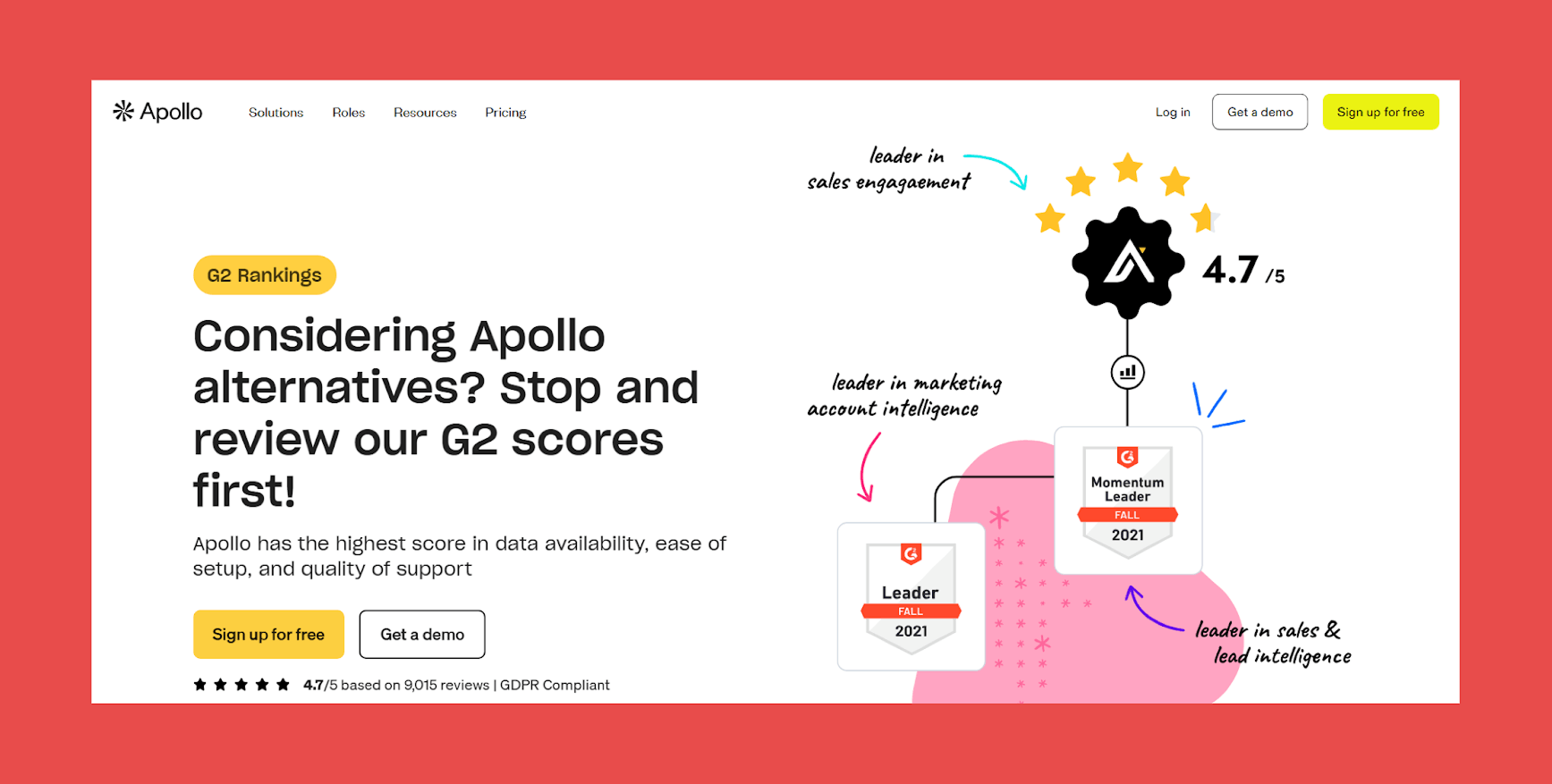
- G2: 4.7/5 (9,526)
- Capterra: 4.5/5 (387)
Pros:
- Unmatched database size with 210M+ contacts and rich firmographic data.
- Broad feature set covering prospecting, enrichment, intent signals, and outreach in one platform.
- Waterfall enrichment reduces the need for multiple data vendors.
Cons:
- 91% accuracy rate sounds strong but translates to a significant bounce risk at scale.
- Platform breadth adds complexity for teams that just need a focused email finder.
- High-volume outbound teams will likely need a dedicated verifier alongside Apollo to protect deliverability.
Pricing:
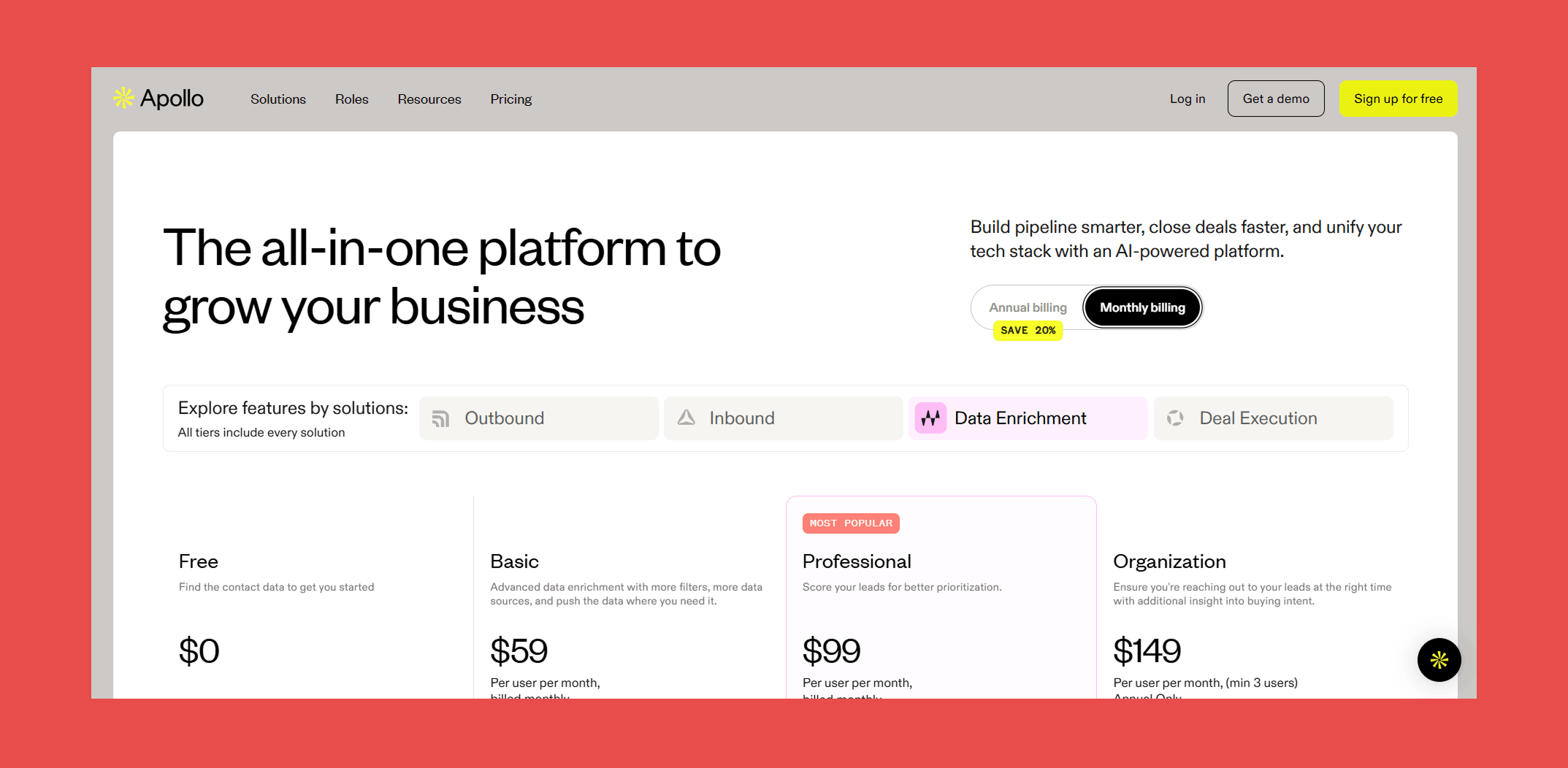
- Free: $0 – 75 credits/user/mo
- Basic: $59/user/mo – 2,500 credits/user/mo
- Professional: $99/user/mo – 4,000 credits/user/mo
- Organization: $149/user/mo – 6,000 credits/user/mo
#7 RocketReach
Overview:
RocketReach helps add the rocket fuel you need to your sales and marketing efforts. With access to a database of 700M+ profiles and 60M companies, it lets you search for verified email addresses and direct dial phone numbers seamlessly, making it a strong option for teams that need broad global coverage across both email and phone.
Key Features:
- Contact Database: Access verified emails, direct dials, and mobile numbers for 700M+ professionals worldwide, with continuous updates across 60M+ companies to keep contact data as current as possible.
- Insights: Surface real-time company and contact signals to understand what's happening inside your target accounts before you reach out, helping prioritize outreach around meaningful activity.
- Chrome Extension: Spot a prospect on a social network and pull their verified contact information in a few clicks, without interrupting your prospecting workflow to switch tools.
Accuracy & Data Quality:
RocketReach claims 98% deliverability on verified addresses and pulls from 700M+ profiles refreshed continuously across a dozen data sources. The reality is more mixed.
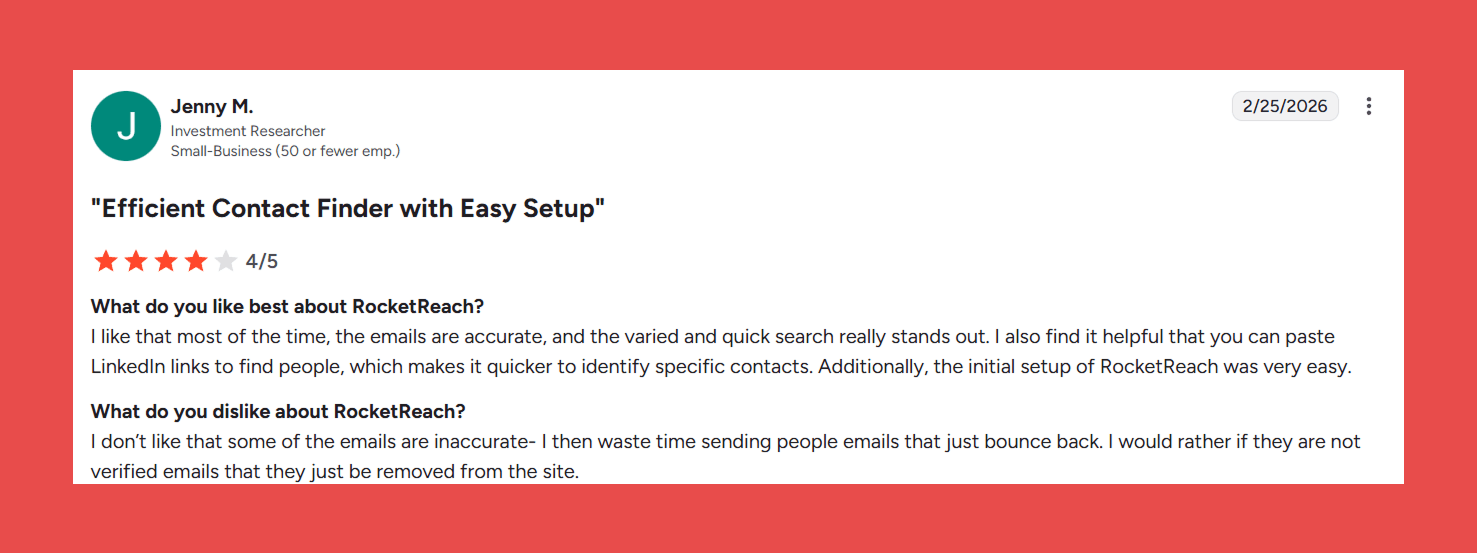
On G2, inaccurate data, outdated contacts, and missing information collectively account for hundreds of tagged complaints across thousands of reviews. Accuracy drops noticeably outside North America, with phone numbers and contacts in less-indexed markets flagged most frequently by users as unreliable.
RocketReach is a solid tool when the data is right. The problem is you often won't know when it isn't until your bounce rate tells you.
Ratings:
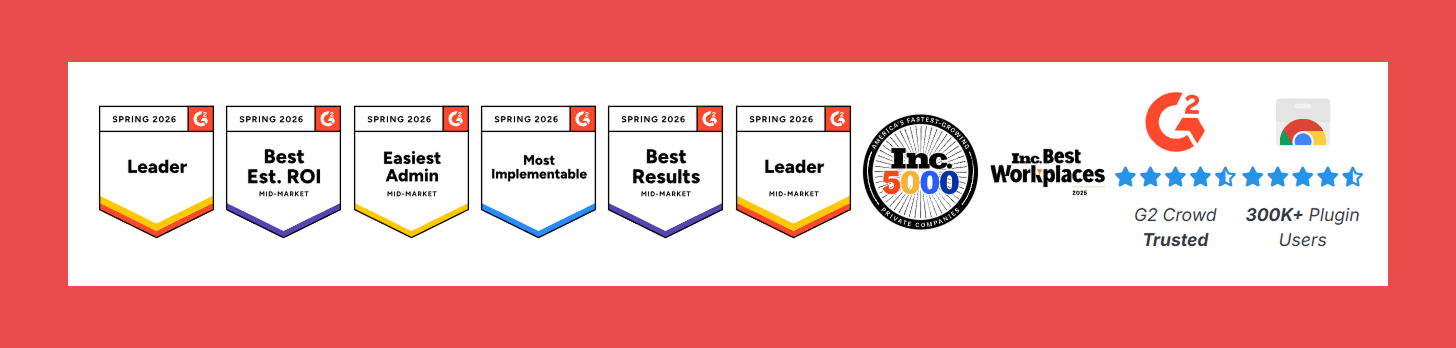
- G2: 4.4/5 (1,212)
- Capterra: 4.1/5 (140)
Pros:
- Multiple contact lookup methods give flexibility depending on how you prefer to prospect.
- Large, easy-to-navigate database with a clean UI that requires minimal onboarding.
- Broad global coverage makes it a reliable starting point for teams prospecting across multiple regions.
Cons:
- Month-to-month plans are significantly more limited than annual commitments, making it poor value for teams not ready to lock in.
- LinkedIn extension hit rate can be disappointing in practice, with users reporting low email match rates relative to the cost.
- Coverage gaps exist for newer or smaller companies, with some records missing or incomplete outside well-indexed markets.
Pricing:
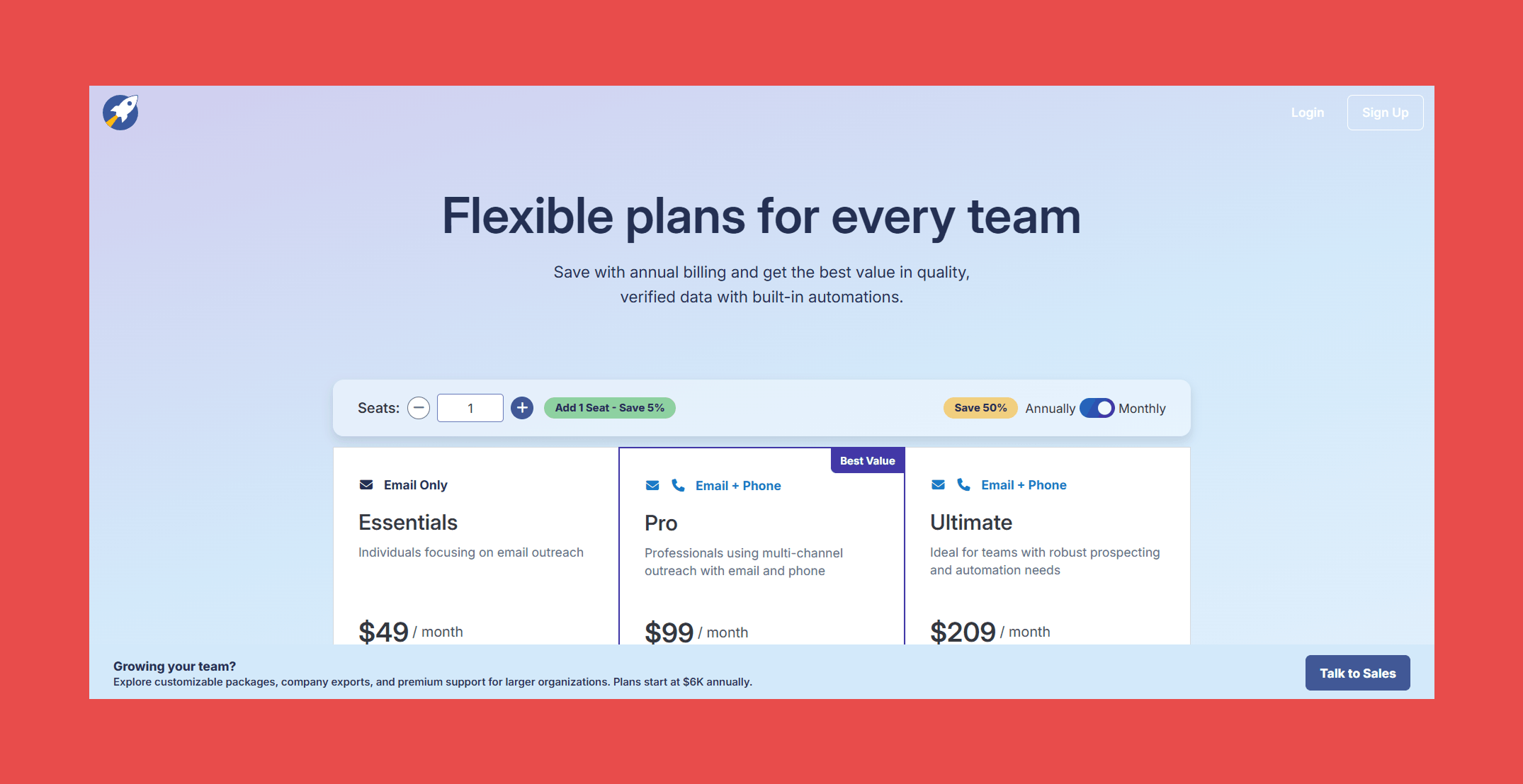
- Essentials: $49/mo – 70 Lookups/mo
- Pro: $99/mo – 200 Lookups/mo
- Ultimate: $209/mo – 250 Lookups/mo
#8 Lusha
Overview:
Lusha is a straightforward prospecting tool built for sales reps and recruiters who need quick access to contact and company data without a steep learning curve. It's a solid mid-tier option for teams that need reliable basics, though it falls short of purpose-built verification tools when data accuracy is the top priority.
Key Features:
- Contact Data: Access business email addresses, direct dials, job titles, seniority, department, and company association in one place, covering the core data points most outbound teams need.
- Company Data: Surface firmographic attributes including industry, company size, location, and technographics, useful for segmentation and account routing before outreach.
- Signals: Prioritize accounts based on meaningful activity including job changes, headcount growth, hiring trends, and intent indicators, so outreach effort is focused on accounts most likely to convert.
Accuracy & Data Quality:
Lusha sources data from public domain, trusted partners, vetted contributors, and user-contributed data like email signature blocks. A few things worth noting:
- No social scraping: Lusha does not scrape LinkedIn or social networks, sourcing exclusively from professional communities and compliant partners
- AI-powered cleaning: Every record is deduplicated, merged, and cross-referenced by Lusha's AI to return a single unified profile
- Multi-source validation: Each email, phone, and company record is checked across multiple independent sources before being returned
In practice, the results are mixed. Lusha claims 81% accuracy, which is above the industry average, but that still means roughly 1 in 5 contacts could be outdated, and you spend credits finding out. Lusha often returns catch-all emails that may bounce if sent to without additional verification.
Ratings:
- G2: 4.3/5 (1,618)
- Capterra: 4.0/5 (397)
Pros:
- Fast and reliable for one-off contact lookups with minimal friction, ideal for reps who need data quickly mid-workflow.
- Clean, focused interface that doesn't overload users with unnecessary features, making it easy to adopt across a team.
Cons:
- Contact refresh can surface outdated records, occasionally returning previous work emails rather than current ones.
- Not built for bulk prospecting or list building, limiting its usefulness for teams running high-volume outbound campaigns.
- Credits deplete quickly even when no data is returned, and firmographic data coverage is thin with no employee count, revenue, industry, or tech stack included at most tiers.
Pricing:
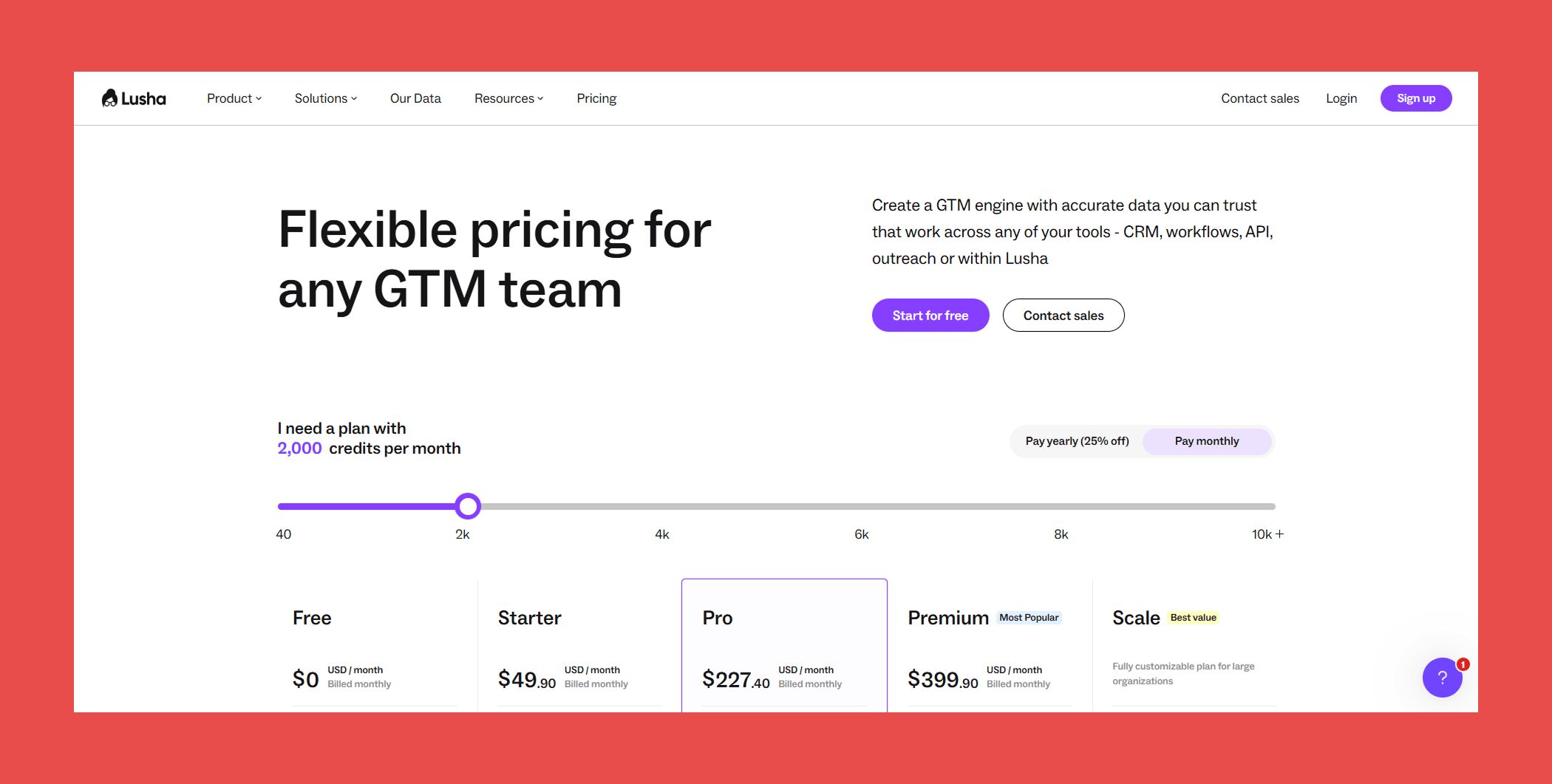
- Free: $0 USD/mo – 40 credits/mo
- Starter: $49.90 USD/mo – 400 credits/mo
- Pro: $294.90 USD/mo – 1,000credits/mo
- Premium: $399.90 USD/mo – 3,400 credits/mo
- Scale: Contact sales – custom credits/year
#9 Snov.io
Overview:
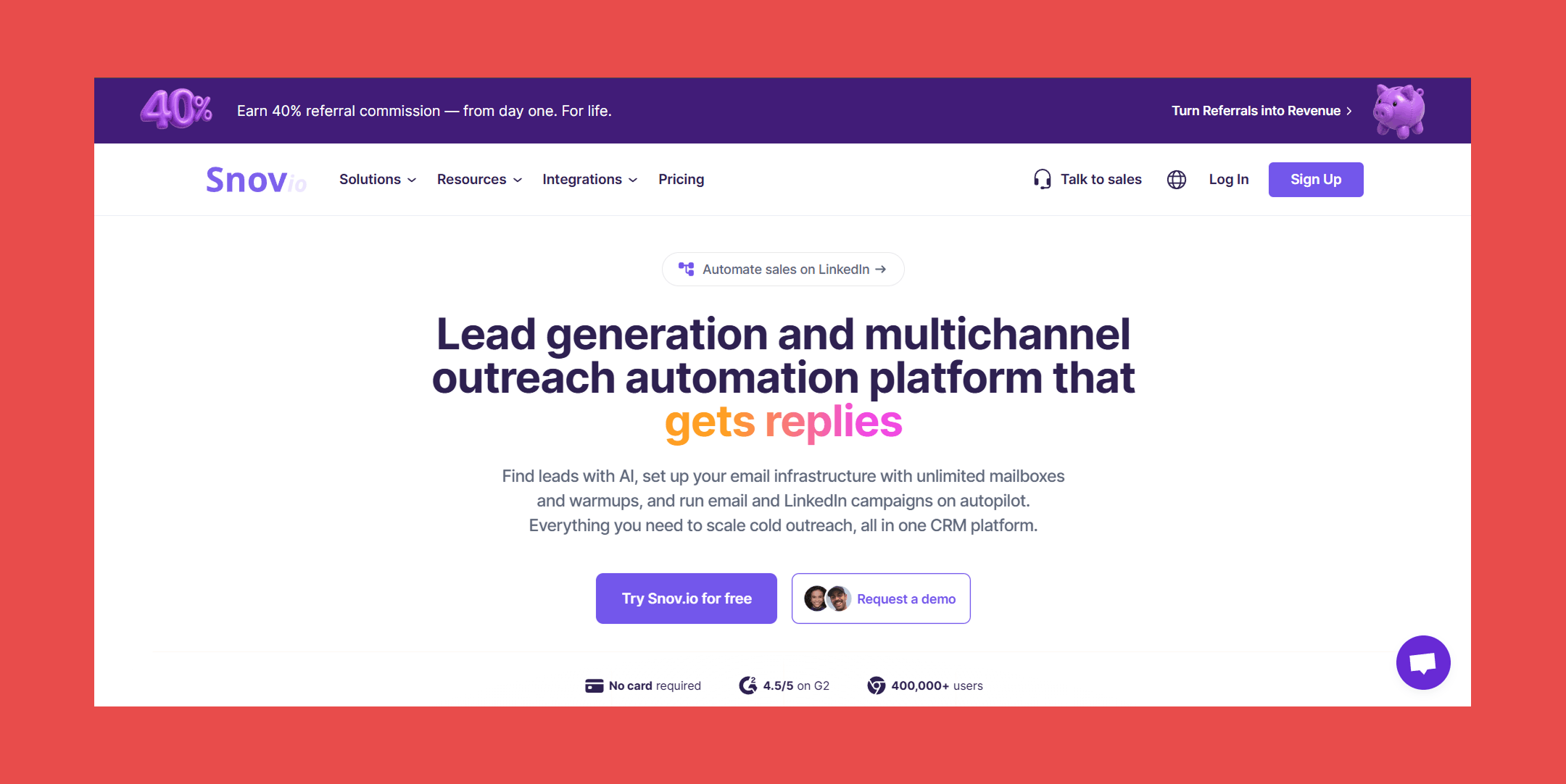
Snov.io is primarily an email finder and verifier that also doubles as a CRM and outreach platform. It's best suited for small to mid-sized sales teams that want prospecting, verification, and outreach sequencing under one roof rather than stitching together separate tools.
Key Features:
- Email Finder: Find verified emails through multiple methods including bulk domain search, database search filtered by industry and company size, social URL search, and bulk email search by name and domain.
- LinkedIn Extension: Visit any LinkedIn profile or search results page and extract verified emails in one click, with the option to save contacts directly to your prospect list for outreach.
- Email Verifier: Run individual or bulk verification with a 7-tier process covering MX record checks, SMTP ping, greylisting bypass, and catch-all detection for more precise results than standard verifiers.
- CRM and API Access: Sync contacts with HubSpot, Pipedrive, and Salesforce, or plug into existing workflows via API.
Accuracy & Data Quality:
Snov.io aggregates data from public web sources, professional networks, and its own historical database of verified email patterns. Where no direct match exists, it applies pattern recognition to predict the most likely address based on other verified emails at the same company. Every address then goes through a 7-tier real-time verification process:
- Syntax check: Confirms the address is correctly formatted
- Domain validation: Verifies the domain exists and is active
- MX record check: Confirms the domain is configured to receive emails
- SMTP ping: Tests whether the mail server recognizes the address
- Greylisting bypass: Handles servers that temporarily reject unknown senders for more accurate results
- Catch-all detection: Flags accept-all servers that accept every address regardless of validity
- Disposable email filtering: Screens out temporary or throwaway email addresses
Catch-all domains are flagged but not always resolved to a definitive deliverable verdict, which adds uncertainty for teams prospecting heavily into industries where catch-alls are common.
Ratings:
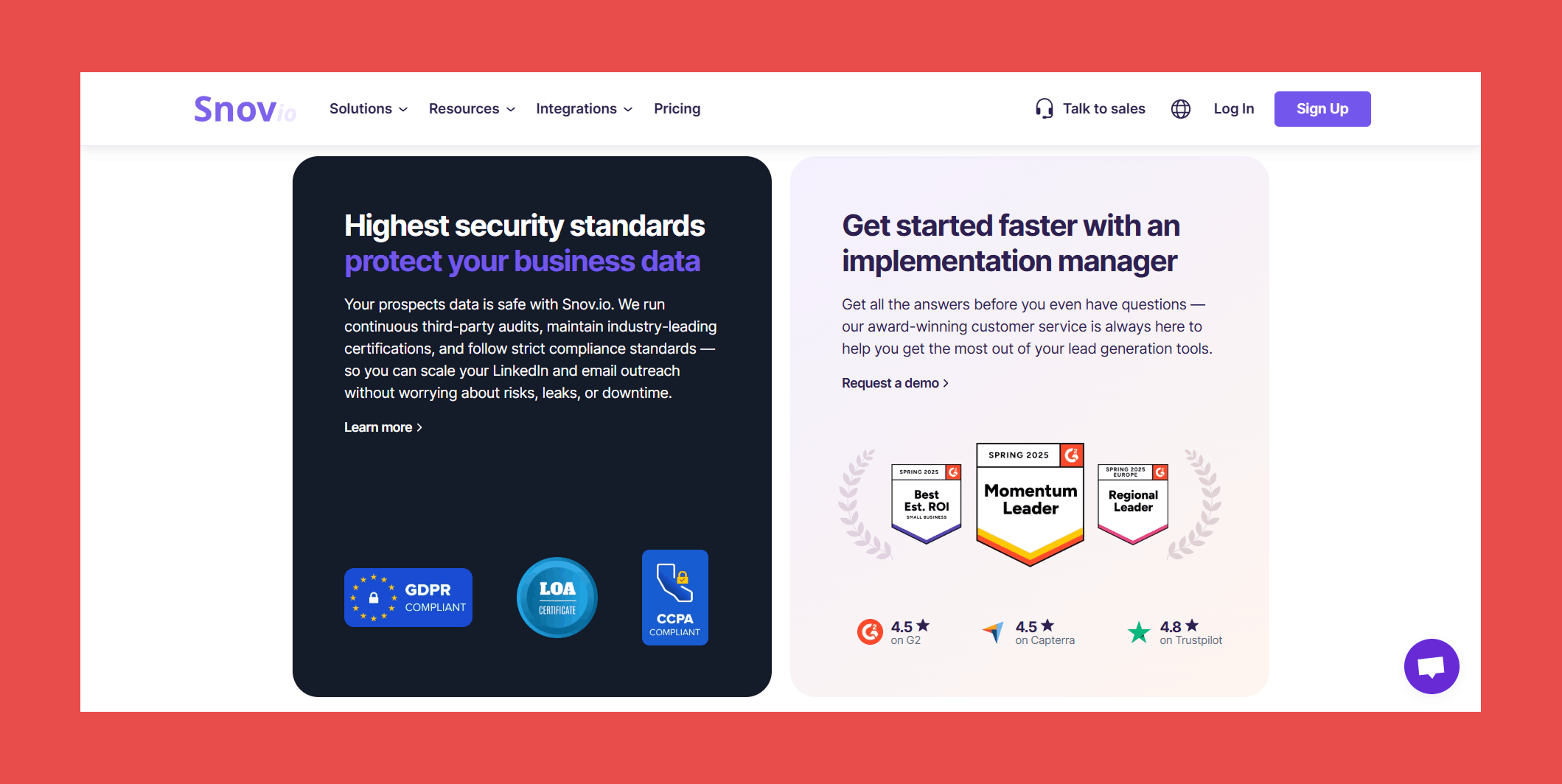
- G2: 4.5/5 (482)
- Capterra: 4.5/5 (215)
Pros:
- All-in-one platform combining lead generation, email outreach, and CRM capabilities in a single interface, reducing tool sprawl for smaller teams.
- Fast and reliable email finding for standard domains, returning results quickly from a name, surname, and company website alone.
- Low setup friction makes it easy to go from finding a contact to sending outreach without a steep learning curve.
Cons:
- Email verification accuracy varies by domain type, with catch-all and less common domains returning inconsistent results.
- Contact data can go stale, with some categories returning limited or outdated records that require manual cleanup.
- The credit system can feel restrictive for small teams running large campaigns, and the interface gets cluttered when managing multiple workflows simultaneously.
Pricing:
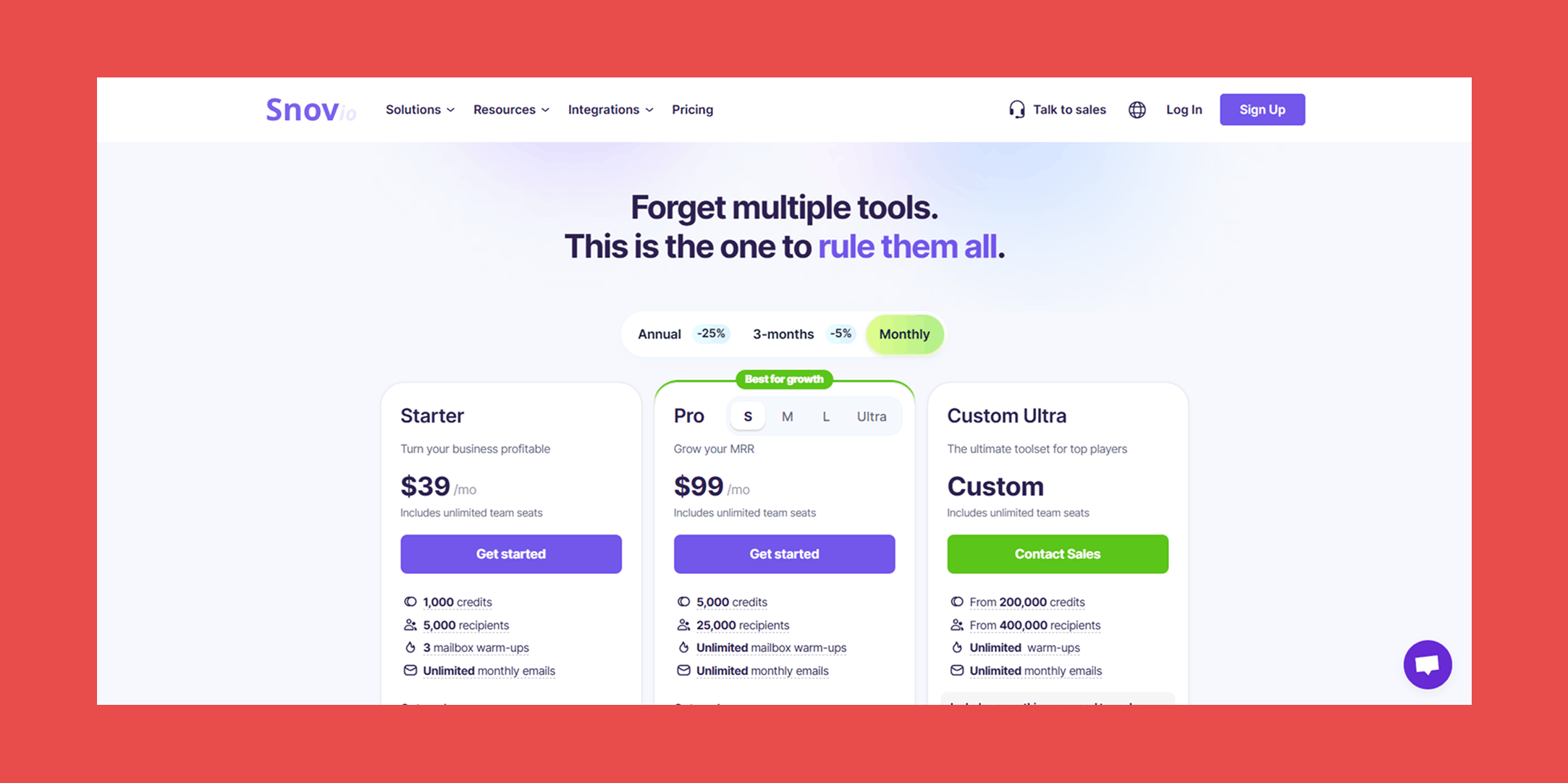
- Starter: $39/mo – 1,000 credits
- Pro: $99/mo – 5,000 credits
- Custom Ultra: Custom — 200,000 credits
#10 GetProspect
Overview:
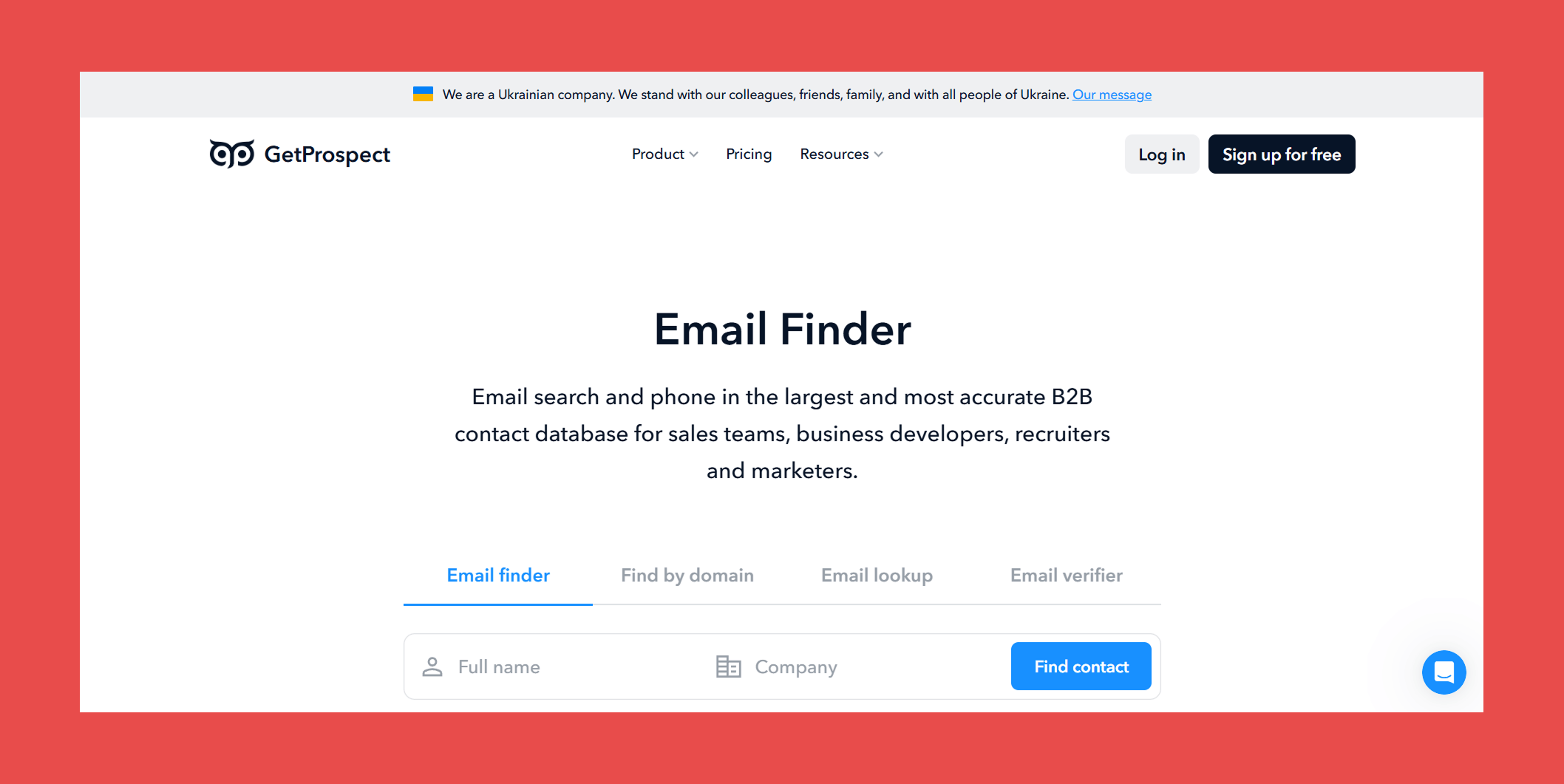
GetProspect does exactly what the name suggests: helps you get prospects. With access to 200M+ B2B contacts, 230M+ corporate emails, and 26M+ companies worldwide, it's a budget-friendly option for teams that need a large database without enterprise-level pricing. Every feature, including a built-in cold email sender, lightweight CRM, and Google Sheets add-on, ships on every plan with no feature-gating by tier.
Key Features:
- Email Finder: Find corporate email addresses enriched with 40+ data attributes including location, industry, and technology stack.
- LinkedIn Email Finder: Extract verified email addresses in bulk from LinkedIn profiles and other web pages with a single click.
- B2B Database: Access 230M+ corporate emails and 26M+ companies for broad prospecting coverage without additional data sources.
- Email Lookup: Reverse email lookup that surfaces full contact and company data from an email address alone, useful for enriching inbound leads.
- Email Verifier: Upload lists of any size in CSV or XLSX format and get reliable verification results back without manual processing.
Accuracy & Data Quality:
GetProspect pulls from its own database of 200M+ business contacts and cross-references LinkedIn's network of users to find and verify email addresses. Its email validator checks domain status, email provider, and mailbox availability in real time before returning results.
However, independent testing tells a more cautionary tale. A 5,000-contact benchmark placed GetProspect's verified rate at 61.9%, notably lower than the top tools in this list. For teams running high-volume outbound where deliverability directly impacts sender reputation, that gap is worth factoring into the decision.
Ratings:
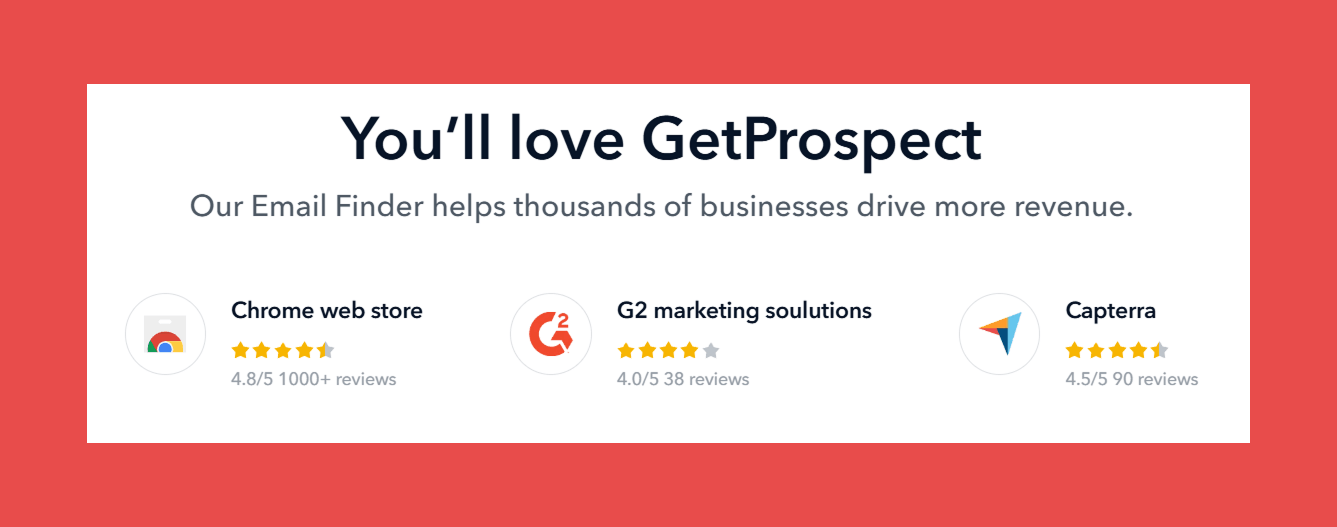
- G2: 4.0/5 (41)
- Capterra: N/A
Pros:
- Simple, focused tool that does the basics well, building targeted lead lists and finding verified emails without unnecessary complexity.
- Chrome extension makes pulling contacts directly from LinkedIn fast and frictionless.
- Affordable entry-level pricing compared to larger platforms, with every feature available on every plan.
Cons:
- Database coverage thins out for niche industries and less-indexed regions, requiring extra effort to hit volume targets.
- Reporting and analytics are basic, with limited integrations and automation options compared to more mature platforms.
Pricing:
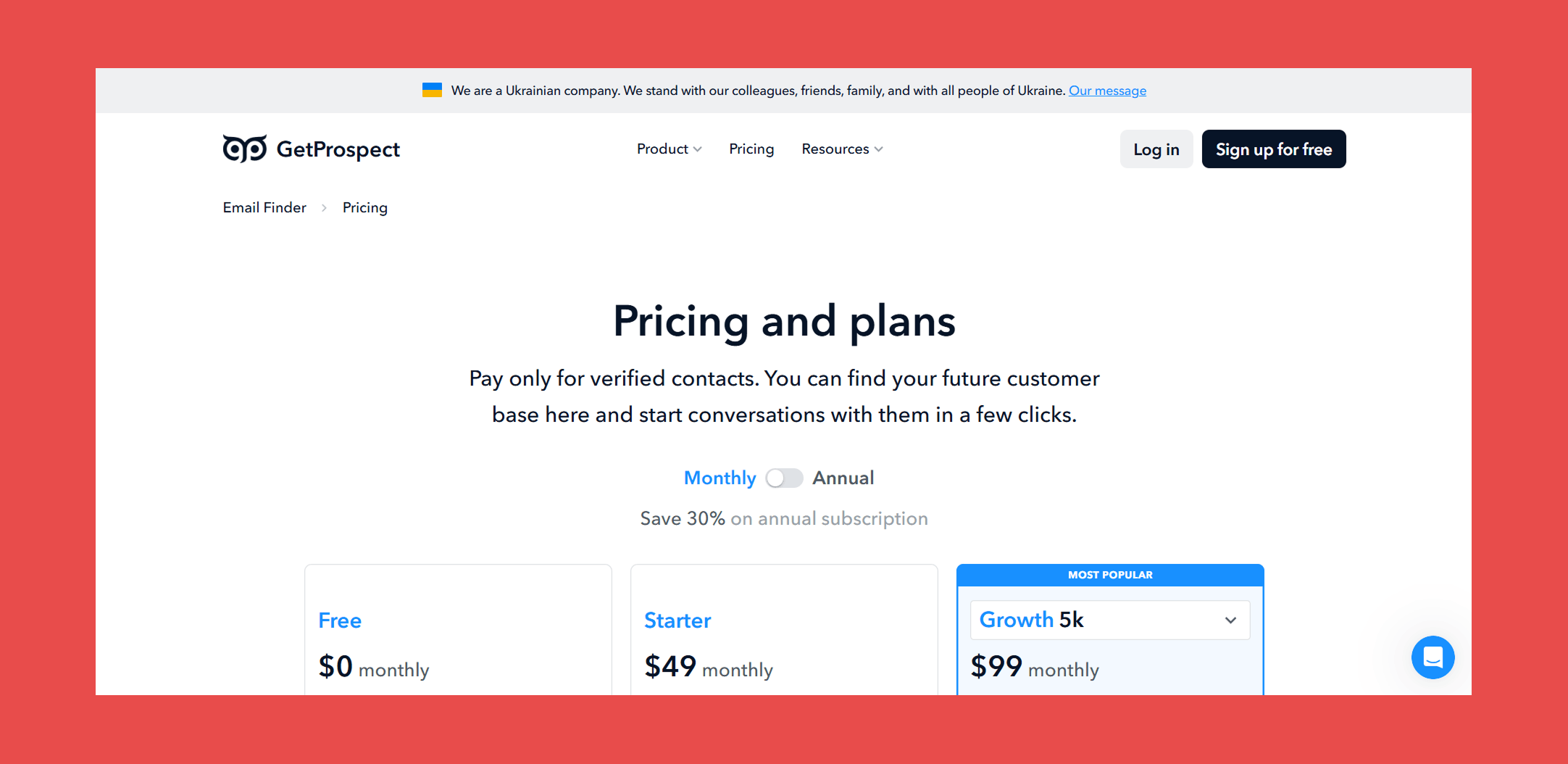
- Free: $0 – 50 valid emails + 100 email verifications
- Starter: $49/mo – 1,000 valid emails + 2,000 email verifications + 5 phone numbers
- Growth 5k: $99/mo – 5,000 valid emails + 10,000 email verifications + 5 phone numbers
#11 KittAI
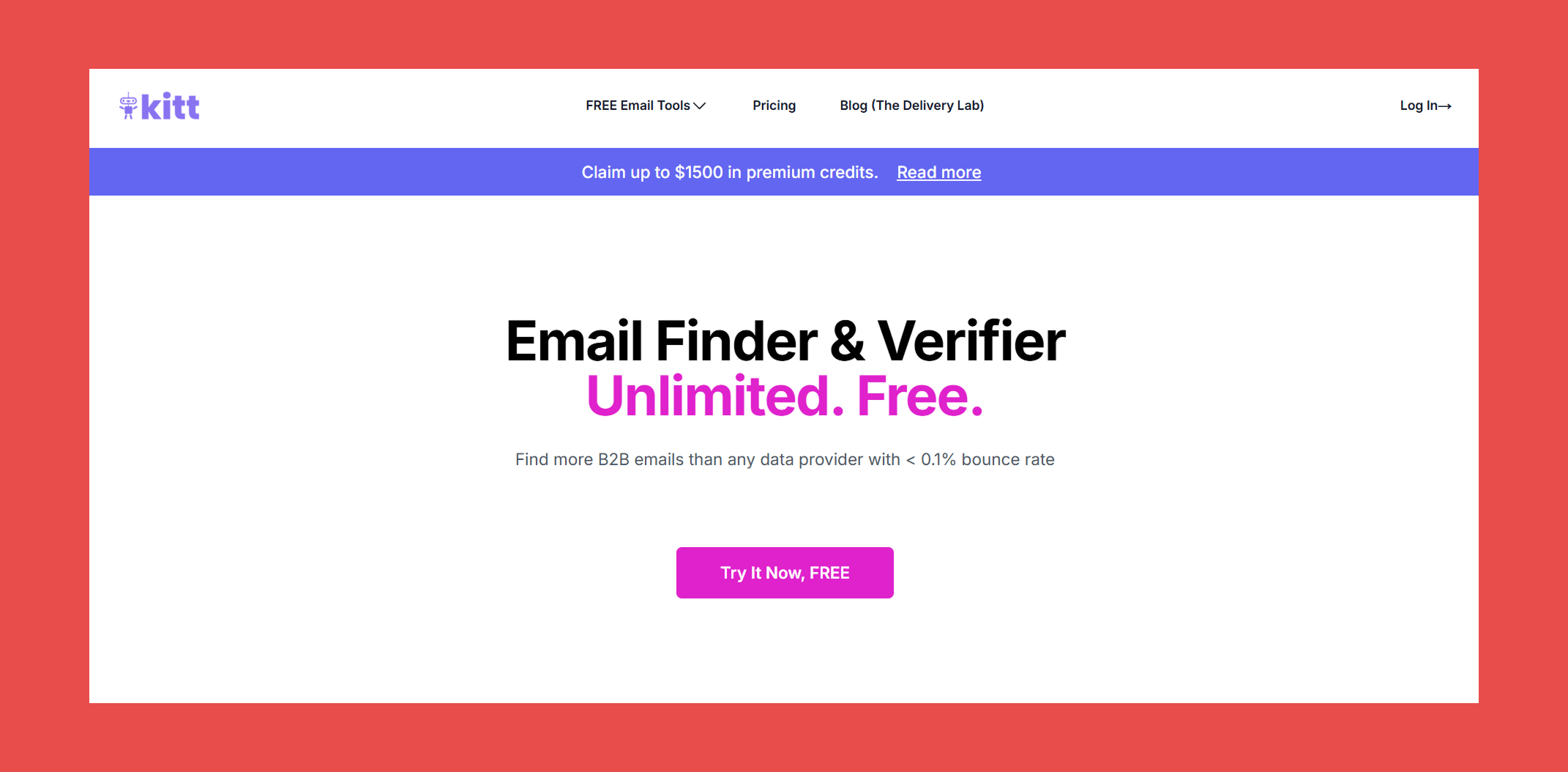
Last but certainly not least, KittAI is a newcomer that does one thing: find and verify B2B emails. Its main pull is a free tier with bold claims, promising more B2B emails than any data provider with a bounce rate under 0.1%, a figure that would put it in a league of its own if it holds up.
Key Features:
- Email Finder: Find B2B email addresses at speed alternative email finders at unlimited scale.
- Email Verifier: Goes beyond standard SMTP verification by checking emails against enterprise identity servers for a more reliable deliverability verdict.
- Catch-All Verification: Verifies catch-all addresses by cross-referencing against enterprise identity servers, and flags job changes in the process, a useful layer most tools at this price point don't offer.
Accuracy & Data Quality:
KittAI's verification claims to go beyond the standard SMTP tickling most tools rely on, checking against enterprise identity servers to handle catch-alls and detect job changes. The speed and scale claims are notable too, with KittAI positioning itself as 2 to 5 times faster than alternatives with no capacity ceiling.
But with no G2 or Capterra reviews, no independent benchmarks, and a website lean on methodology. We simply will never know if KittAI can deliver on those claims. For a free tool the risk of testing it is low, but for teams where deliverability directly impacts revenue, unverified claims are a shaky foundation to build outbound on.
Ratings:
- G2: N/A
- Capterra: N/A
Pros:
- Effectively free with a flexible pay-as-you-go model that scales with usage rather than locking you into a fixed monthly credit allowance.
Cons:
- No G2, Capterra, or independent benchmark data available, making it impossible to verify accuracy claims against real-world performance.
- As a newcomer with limited transparency, reliability and support quality at scale remain unproven.
Pricing:
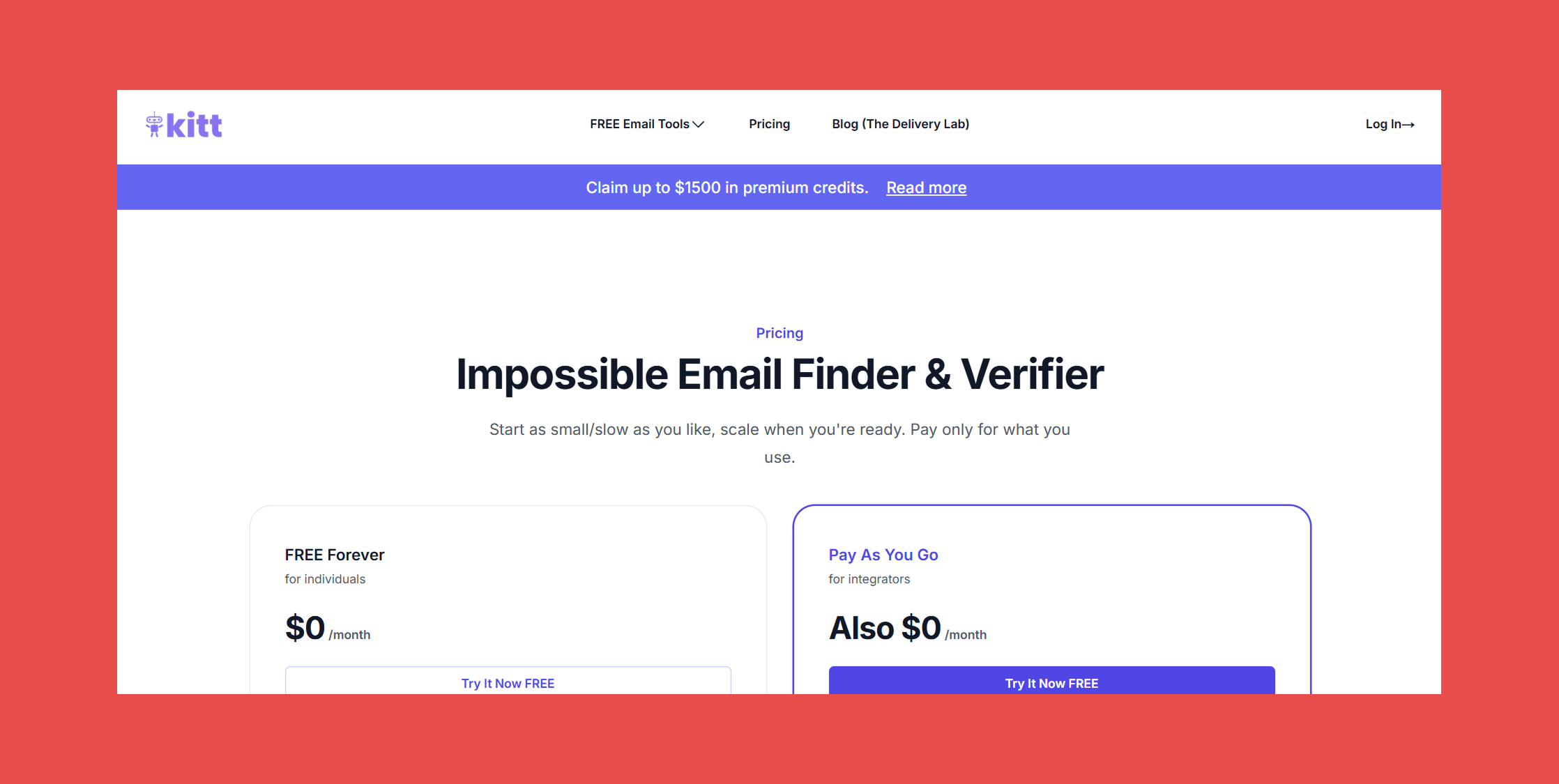
- Free Forever: $0/mo – Unlimited searches and verifications with limited usage
- Pay As You Go: $0.0015 per verification + $0.005 per found email
Which Email Finder Tool Should You Choose?
With eleven tools covered, the right choice comes down to what your team actually needs. Here's the short version:
- Best for sales teams and SDRs: Findymail → Real-time verification, proprietary catch-all handling, and a sub-5% bounce guarantee make it the strongest choice for outbound teams where deliverability directly impacts pipeline.
- Best free option: Hunter.io or KittAI → Hunter's free tier offers 50 credits per month with reliable accuracy for standard domains. KittAI is worth testing for budget-conscious teams, though independent validation of its bold claims is still limited.
- Best for bulk prospecting: Findymail or Snov.io → Findymail leads on accuracy at scale with our bounce guarantee. Snov.io is a solid alternative for teams that want finding and outreach sequencing under one roof.
- Best for job change tracking: Wiza or Datagma → Both offer real-time alerts when key contacts switch roles. Wiza edges ahead on verification stack depth, Datagma stands out for its social account cross-referencing on catch-all domains.
- Best for large-scale prospecting: Apollo.io → Unmatched database size and a broad feature set make it hard to ignore. Just verify externally before sending at scale to close the accuracy gap.
- Best on a budget: GetProspect → All features on every plan with no tier-based gating and affordable entry pricing. Factor in the 61.9% independently tested verified rate before committing to high-volume campaigns.
- Best API for developers: Findymail → Clean API documentation, real-time verification built in, and a guaranteed bounce rate make it the most reliable foundation for custom prospecting pipelines.
Final Verdict: The Best Email Finder for Most Users
Findymail is the strongest data provider in this list, and it's not particularly close. It's the only tool that verifies every address in real time at the moment of request, handles catch-all domains with a proprietary algorithm that competitors either skip or flag as "risky," and backs every send with a guaranteed bounce rate under 5%. Plus, Clay's independent 2025 benchmark puts us first for both data quality and data coverage across all providers tested.
That said, no single tool fits every team. Whatever you choose, prioritizing a tool with transparent verification methodology and proven accuracy will always pay off in better deliverability, healthier sender reputation, and more replies in your inbox. That's what the best email finding tools have in common, and it's the standard every team should hold their data provider to.
Findymail takes top spot on this list for a reason. Ranked first by Clay for data quality and data coverage. Real-time verified emails, proprietary catch-all detection, and the only tool in this list that guarantees a bounce rate under 5%.
Get started today and receive 10 credits for free!
Frequently Asked Questions About Email Finder Tools
What is an email finder tool?
An email finder tool is a software that locates and verifies professional email addresses based on inputs like a person's name, company, or domain. The best tools go beyond finding addresses and verify them in real time to ensure they're deliverable before you send.
Are email finder tools legal and GDPR-compliant?
Most reputable email finder tools operate legally by sourcing publicly available business contact data and complying with regulations like GDPR, CAN-SPAM, and CCPA. That said, compliance varies by provider, so it's worth checking each tool's data sourcing and privacy policies before use. Findymail is fully GDPR-compliant.
How accurate are email finding tools?
Accuracy varies significantly across tools. Purpose-built verifiers like Findymail guarantee a bounce rate under 5%, while database-first tools like Apollo operate at around 91% accuracy, and budget tools like GetProspect have tested as low as 61.9% in independent benchmarks. Real-time verification consistently outperforms static database tools on deliverability.
What's the best free email finder?
Hunter.io offers the most established free tier with 50 credits per month and solid accuracy for standard domains. KittAI is a newer free option worth testing, though independent validation is limited. Findymail also offers a free tier for teams that want to test real-time verification before committing to a paid plan.
Can I find emails in bulk with an email finder?
Yes. Most tools on this list support bulk email finding, including Findymail, Snov.io, Hunter, and GetProspect. For teams prospecting at scale, Findymail's bulk finder is the strongest option, combining real-time verification with a guaranteed bounce rate to protect deliverability across large sends.
How does Findymail compare to Hunter.io?
Both tools find and verify professional email addresses, but they differ on methodology and accuracy. Hunter pulls from a publicly indexed database and falls back to pattern-based deduction, returning confidence scores on unverifiable addresses. Findymail verifies every address in real time at the moment of request, handles catch-all domains with a proprietary algorithm, and guarantees a bounce rate under 5%. For teams where deliverability is non-negotiable, Findymail is the stronger choice.

Valentin
Valentin Wallyn is the founder and CEO of Findymail, a SaaS platform he launched to help B2B teams discover accurate email and contact data and automate data enrichment at scale. With an IT background, Valentin combines a technical mindset with hands-on experience in outreach and growth. His work centers on improving data quality and prospecting efficiency, drawing on years of entrepreneurial experience and a deep understanding of what makes outreach campaigns succeed.