AI Lead Finder
 Email Finder
 Email Verifier
 Phone Finder
 Intent Signals
 CRM Enrichment/Cleaning
 API
API

Your sales team finally gets a warm lead on the calendar, only to find out the contact left the company three months ago. Another rep spends an hour chasing an account that was never a good fit in the first place. A campaign goes out to 4,000 contacts and a chunk of them bounce before anyone notices.
None of this is bad luck. It's what a CRM looks like when nobody's enriching it.
This guide covers what CRM data enrichment actually is, why it matters more than most teams realize, what data you can enrich, where that data comes from, and, because knowing the theory doesn't fix your pipeline, a hands-on comparison of the 7 best CRM data enrichment tools available right now.
Findymail CRM Datacare takes the top spot on this list for good reason. While many tools here excel in a specific niche or try to do everything at once, Findymail CRM Datacare is a focused data enrichment engine that keeps your CRM clean and ensures only verified, validated contact data makes the cut.
Curious to see it in action? Our CRM data experts are happy to walk you through the product and run a free CRM health check to surface any data issues you might not even know you have.
The Basics:
1. What CRM data enrichment is, and how it's different from cleansing
2. Why it matters, cost, segmentation, timing, and personalization
3. The types of data worth enriching, and where that data comes from
The 7 Best CRM Data Enrichment Tools:
1. Findymail CRM Datacare: best for always-on enrichment
2. LinkFinder AI: best B2B enrichment API
3. Bookyourdata: best pay-as-you-go contact data
4. Clay: best for custom enrichment workflows
5. Freckle.io: best Clay alternative for non-technical teams
6. UpLead: best for fast, filtered contact search
7. Cognism: best for compliance-first teams
Bottom Line: Clean, enriched CRM data isn't a project you finish. It's infrastructure, and Findymail CRM Datacare is built to run it for you continuously.
What Is CRM Data Enrichment?
Data enrichment is the process of enhancing existing records in your CRM with additional, accurate, and actionable information. Rather than relying on incomplete or outdated contacts, enrichment tools automatically fill in the gaps, and keep refreshing that data so your database doesn't quietly rot over time.
At a high level, CRM data enrichment typically covers:
- Contact enrichment: Verified emails, direct dials, LinkedIn profiles, and up-to-date job titles.
- Company enrichment: Firmographic and technographic data (think industry, headcount, revenue, location, and tech stack).
- Intent and buying signals: Active research behavior, topic interest, funding events, hiring trends, and technology changes that hint at when a prospect is ready to buy.
- Job change tracking: Alerts when contacts switch roles or companies, surfacing timely expansion and re-engagement opportunities.
And that's just scratching the surface, modern enrichment tools can pull in a surprisingly wide range of data points depending on your use case.
CRM Data Enrichment vs. Data Cleansing vs. Data Hygiene
These three terms get thrown around like they're interchangeable, they're not. Here's the quick breakdown:
- Data Enrichment adds new, valuable information to your CRM records.
- Data Cleansing corrects inaccurate, incomplete, or duplicate data.
- Data Hygiene maintains data quality over time through ongoing processes.
Think of it this way: data cleansing fixes the mess, data hygiene keeps it tidy, and data enrichment makes your CRM actually powerful. You need all three, but enrichment is where the real competitive edge lives.
Why CRM Data Enrichment Matters
Your CRM is only as useful as the data inside it. Enriching that data gives your team the context to make faster decisions, personalize outreach, and focus on the leads that actually convert.
1. Cost Optimization
B2B contact data naturally degrades by about 22.5% every year as people change jobs, companies restructure, and email addresses go invalid. Bad CRM data doesn’t just clutter your CRM, it wastes storage, slows your team down, and quietly steers decisions in the wrong direction.
Enrichment solves this by replacing low-value data with relevant, verified information. Instead of keeping dozens of stale contacts from a company that got acquired, enrichment surfaces updated decision-maker info from the new parent company. That saves time and storage while giving sales better-qualified leads, freeing up budget for things like account-based marketing or sales enablement.
How It Works: You enrich your CRM and find 1,200 duplicate or inactive records. Once they're gone, email platform costs drop, reps stop chasing dead leads, and the saved budget gets redirected to a channel that's actually working.
2. Better Segmentation and Data Structure
Nearly 90% of marketers say their company doesn't use data effectively, usually because the underlying records are unstructured or incomplete.
Enrichment tools clean and format that data for segmentation. Add job title and seniority level to raw contact records, and you can sort leads into personas like "Enterprise CTOs" or "SMB Ops Managers" instead of blasting the same message to everyone.
How It Works: Enrichment adds missing fields (industry, revenue, seniority) across thousands of contacts. With that in place, you build a segment like "mid-market CMOs in SaaS" and run messaging that actually fits.
3. Faster Responses to Buying Signals
Knowing when to reach out can matter as much as what you say. Enrichment tools catch signals like job changes, funding rounds, or product launches, all of which can indicate higher intent or a shift in need.
Say you sell HR software. Enrichment flags when a target company hires a new VP of People. Your team reaches out immediately with a relevant pitch, ahead of competitors who are still working off a static list.
How It Works: A former prospect changes jobs. Your enrichment tool flags it the same day. You send a "congrats on the new role" note with a tailored pitch and book a meeting before anyone else notices the move.
4. More Accurate Customer Profiles
Over half of customers expect personalized offers, and that number keeps climbing. Delivering on it requires a full picture of your buyers: not just firmographics, but interests, behaviors, and goals.
If your CRM only has a lead's name, company, and title, enrichment fills in the rest: webinar attendance, preferred tech stack, hiring patterns. That's the difference between "We help companies grow" and "We help revenue leaders reduce churn in subscription-based models."
How It Works: Instead of just knowing someone is a "Marketing Director," enrichment reveals they use Salesforce, manage a team of five, and just hired two SDRs. Your team pitches a lead gen solution tailored to their actual scale, and closes faster.
5. Better Personalization, Better Marketing ROI
McKinsey found that fast-growing companies attribute 40% of their revenue to personalization. Slower-growing companies see far less.
Enriched data is what makes personalization scale. With firmographic, technographic, and behavioral data in the CRM, you can trigger tailored sequences and messaging without manual input: a company using Salesforce and hiring SDRs gets a campaign about lead enrichment, one hiring CS reps sees content about churn prevention.
How It Works: You enrich your CRM with behavioral and firmographic data, then target CFOs at Series A startups using QuickBooks. The emails reference their funding round and pain points directly, and reply rates triple compared to generic outreach.
Datacare continuously enriches and cleans your CRM without manual intervention.
Types of Data You Can Enrich in Your CRM
Here are the main categories of data worth enriching, and what they're actually good for.
Contact Data
Contact data enrichment means augmenting basic information about a person or organization: name, email, phone, job title, company. A record might look like:
- Name: John Doe
- Email: [email protected]
- Phone: +1 (555) 123-4567
- Job Title: VP of Sales
- Company Name: XYZ Corp
- Mailing Address: 123 Main Street, City, State, ZIP
You use enrichment to validate data you already have, or to fill in what's missing. As a sales org grows, so does the data, and a meaningful share of it decays over time, which is why you have to keep it current rather than treat it as a one-time job.
Demographic Data
Demographic data covers individual characteristics within your target accounts: age, gender, education, location. Your primary audience is other businesses, but you're still talking to individual stakeholders inside them, each with their own preferences.
An enriched profile might look like:
- Name: Susan Jones
- Age: 25-34
- Income: $50,000-$75,000
- Education: Bachelor's degree
- Location: New York City, NY
If you're running a campaign for young professionals, Susan fits. On a more personalized basis, she might respond well to informal outreach, where a more senior stakeholder would expect a formal approach. That's what enriched demographic data buys you: confidence that the right offer is landing in front of the right person.
Firmographic Data
Firmographic data covers business-level characteristics within your target market: industry, size, revenue, location, org structure. For example:
- Company: XYZ Corporation
- Industry: Information Technology
- Company Size: 500–1,000 employees
- Annual Revenue: $100M–$500M
- Location: San Francisco, CA
- Key Decision Maker: John Smith, Chief Technology Officer
If you're launching enterprise software for mid-sized tech companies, you can confidently include XYZ Corp, and tailor your pitch to John Smith's role, highlighting the technical features that matter to a CTO specifically.
Firmographic data also surfaces organizational structure, so you know who else sits on the buying committee beyond the main economic buyer: the technical and financial stakeholders you'd otherwise miss. And it lets you segment your market by cluster: companies in similar industries or regions that tend to share the same pain points.
Behavioral Data
Behavioral data tracks how people interact with your business: website visits, product views, purchase history, campaign engagement. It's one of the most actionable data types you can enrich with, because it tells you where someone actually is in the customer lifecycle.
An enriched profile might look like:
- Name: Joe Smith
- Website visits: 5 (past 30 days)
- Product views: Product A, Product B
- Purchase history: none
- Search history: searched "Product A" on (date)
Joe visits your site often, opens your emails, searches around, but hasn't bought yet. That's your cue to reach out, maybe with a discount on the product he's already reviewed. The same data tells you when a customer is nearing plan limits and might be open to a cross-sell offer.
Sales Event and Trigger Data
Companies have behavioral signals too. Sales trigger data flags events or actions inside a company that hint at a buying opportunity or a shift in need, things like:Funding rounds
- Mergers and acquisitions
- Leadership changes
- Product launches
- Mass hiring (or layoffs)
- Regulatory compliance initiatives
Mass hiring can suggest rising demand for your category. Layoffs can point toward cost-cutting and a need for cheaper alternatives. Either way, it's a reason to reach out now instead of next quarter.
Technographic Data
Technographic data covers a prospect's tech stack and preferences: software usage, infrastructure, online behavior. For example:
- Company: XYZ Corp
- Software: HubSpot, Findymail, Slack, Pipedrive
- IT infrastructure: AWS cloud
- Online behavior: follows tech influencers, engages with tech content
If you sell B2B CRM software in XYZ Corp's industry, knowing they already run HubSpot lets you build a targeted cold email around exactly how you're better suited to their needs.
At its core, every one of these enrichment types exists to surface insight you couldn't get any other way.
Data Sources for CRM Enrichment
Your CRM's data quality depends entirely on where it comes from. To keep records fresh, accurate, and useful, you need a mix of internal and external sources.
Public Databases
LinkedIn, company websites, and press releases are a goldmine of current business information. They're especially useful for firmographic details (company size, industry, leadership changes) without relying on a third party, particularly when paired with tools that automate the extraction straight into your CRM.
Third-Party Data Providers
Platforms that specialize in B2B contact and company data aggregate information from hundreds of sources, then clean, structure, and validate it. That lets you scale enrichment fast: verified emails, technographic data, sales triggers, without building the pipeline yourself.
Customer Interactions
Not all enrichment comes from outside. Every email, form fill, live chat, and survey your team collects is a source of high-quality data, behavioral insight that third-party tools often miss entirely. Feeding that back into your CRM helps sales and marketing tailor both message and timing.
Social Media Insights
LinkedIn, X, and even Instagram surface signals about your leads and accounts: a job change, a company milestone, a thought-leadership post. With the right enrichment workflow, these become CRM-ready data points that drive timely outreach instead of sitting unnoticed in someone's feed.
Overwrite Safety: The Question Most Buyers Forget to Ask
Every vendor on this list will tell you their tool “enriches” your CRM. Almost none of them tell you what that means for the data your reps already typed in by hand, and that’s the actual fear underneath most CRM enrichment purchases. An automated tool that quietly overwrites a rep-verified field is worse than the stale data it replaced, because now you don’t know what to trust.
Before you commit to any tool on this list, get a straight answer to five questions:
- Does it overwrite rep-entered values, or only fill empty fields? “Fills empty fields by default” and “overwrites unless you opt out” are very different products wearing the same marketing copy.
- Can you preview changes before they’re written? If the only way to see what changed is to check afterward, you’re debugging, not reviewing.
- Can changes be rolled back? A tool with no undo is a tool you can only fully trust after months of watching it behave.
- Can enrichment be scoped to specific segments? You may want automation running on cold leads and nowhere near your active pipeline.
- Does it merge duplicates, or delete them? Deleting the wrong “duplicate” can quietly erase a record’s history.
Datacare fills empty fields only by default, shows every proposed change in Preview Mode before anything writes, supports full rollback, lets you scope enrichment to chosen segments, and merges duplicates rather than deleting them.
Where the other six tools stand on this isn’t always documented publicly, it’s a fair question to ask any vendor directly before you connect anything to your CRM.
The CRM Enrichment Market at a Glance
Not every tool on this list is solving the same problem, even though they all get lumped into “CRM enrichment” searches. Broadly, the market splits into four categories:
- Prospecting platforms (e.g., ZoomInfo and Apollo): contact databases with enrichment attached. Built to find new people first; CRM sync is often gated to a higher tier, and usage is metered by credit.
- Orchestration platforms (Clay): powerful, build-it-yourself enrichment layers. Real capability, real learning curve, and CRM push typically lives on a higher plan.
- CRM-native enrichment (e.g., HubSpot Breeze, Zoho Zia): convenient because it’s already inside the CRM you use, but single-ecosystem and shallower on contact data than a dedicated enrichment tool.
- Continuous managed services: Datacare is the example here, not a database to search and not a workflow to build, just a background process whose only job is keeping the CRM you already have clean, verified, and current.
If your real need is finding net-new contacts rather than maintaining the ones already in your CRM, that's a prospecting job, not an enrichment one.
Datacare handles the maintenance side continuously, verifying and updating existing records so your data never decays to the point where prospecting off it becomes a guessing game.
7 Best CRM Data Enrichment Tools
Alright, enough theory. Let's get to the part you actually came here for. We've cut through the noise and narrowed it down to the 7 best CRM data enrichment tools on the market today. Some are household names, some are hidden gems, and all of them beat a messy spreadsheet.
1. Findymail CRM Datacare: Best for Always-On CRM Enrichment with Guaranteed Verified Data
Overview:
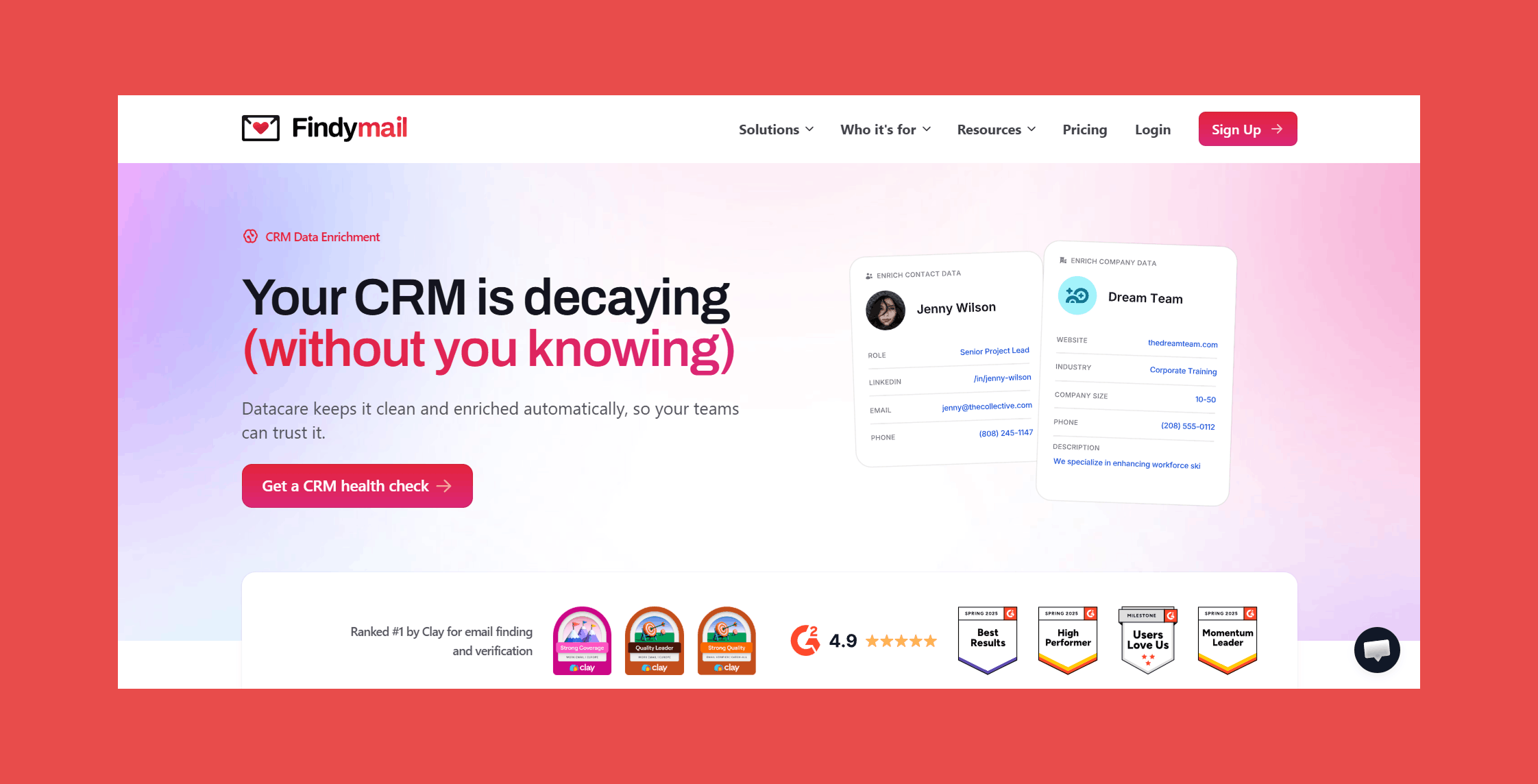
As an always-on enrichment tool, Findymail CRM Datacare connects natively to your CRM and keeps it clean, accurate, and continuously up to date. Built on Findymail's proprietary verification algorithm, it delivers verified contact data in real time with the same sub-5% bounce rate guarantee the core platform is known for.
Findymail CRM Datacare enriches records as they're created, fills gaps in existing contacts, tracks job changes, and merges duplicates automatically. The result is a CRM that stays healthy with minimal oversight.
Here’s what actually happens when Datacare runs on your CRM:
- CRM health check: a read-only scan shows you exactly what will change before anything happens.
- Guided implementation: a Findymail sales engineer implements Datacare, configures the safety controls, and fits it to your existing workflows.
- Always on: Datacare cleans duplicates, enriches missing data, and keeps records current, automatically.
Key Features
- Auto-Enrichment: Automatically populates new and existing CRM records with accurate, up-to-date contact and company data.
- Job Change Tracker: Get notified the moment a prospect or customer switches companies, so you can reach out while the timing is still right.
- Verified Contact Data: Removes invalid emails and replaces them with fresh, verified contact info, backed by a bounce rate under 5%.
- Data Cleansing & Deduplication: Continuously updates outdated records, merges duplicates, and keeps your CRM aligned in real time.
- Native CRM Integration: Works directly inside all major CRMs with zero overlays. Datacare runs quietly in the background.
- Built-in Safety Controls: Preview changes before they're applied, fill only empty fields by default, roll back any update at any time, and choose exactly which CRM segments to enrich. Enrichment always fits your workflows.
Ratings:
- G2: 4.9/5 (57)
- Capterra: 4.9/5 (7)
Pros:
- Always-on enrichment keeps your database continuously clean without lifting a finger.
- Verified contact data with a guaranteed bounce rate of 5% or less.
- Real-time job change tracking so you can act on warm leads the moment they move.
- Native integrations with all major CRMs, clean data, zero manual work.
Cons:
- Prioritizes accuracy and automation over highly custom enrichment workflows, so if you're looking to get experimental with your data, you may hit some limits.
Customer reviews:
- "Findymail: The Best Email Finder for High-Volume Outreach" - Kevin Y., verified G2 reviewer
- "Accurate and Comprehensive Email Search Tool" - Yash A., verified G2 reviewer
Pricing Plans:
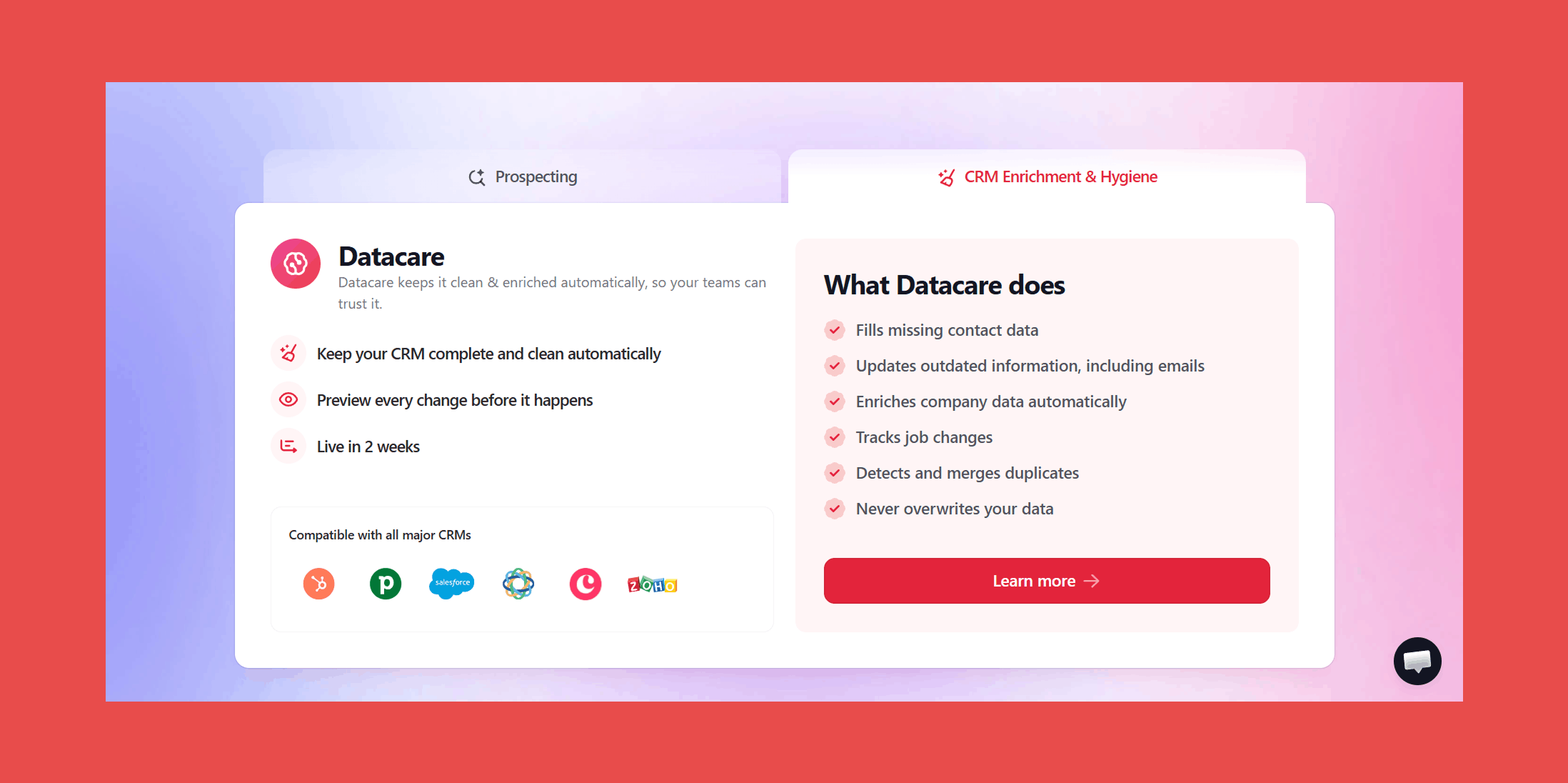
Datacare is priced by database size (not per enriched record), so no hidden fees, no "out of credits" panic.
- $500/month, billed annually: Enrichment + Job Tracking.
- Every demo comes with a free CRM health check.
When you book a call or demo, we won't just show slides. We securely connect Datacare to your CRM (without enriching or modifying sensitive data) and run a live health check to pinpoint exactly what’s broken, and how Findymail CRM Datacare can fix it.
2. LinkFinder AI: Best B2B Enrichment API
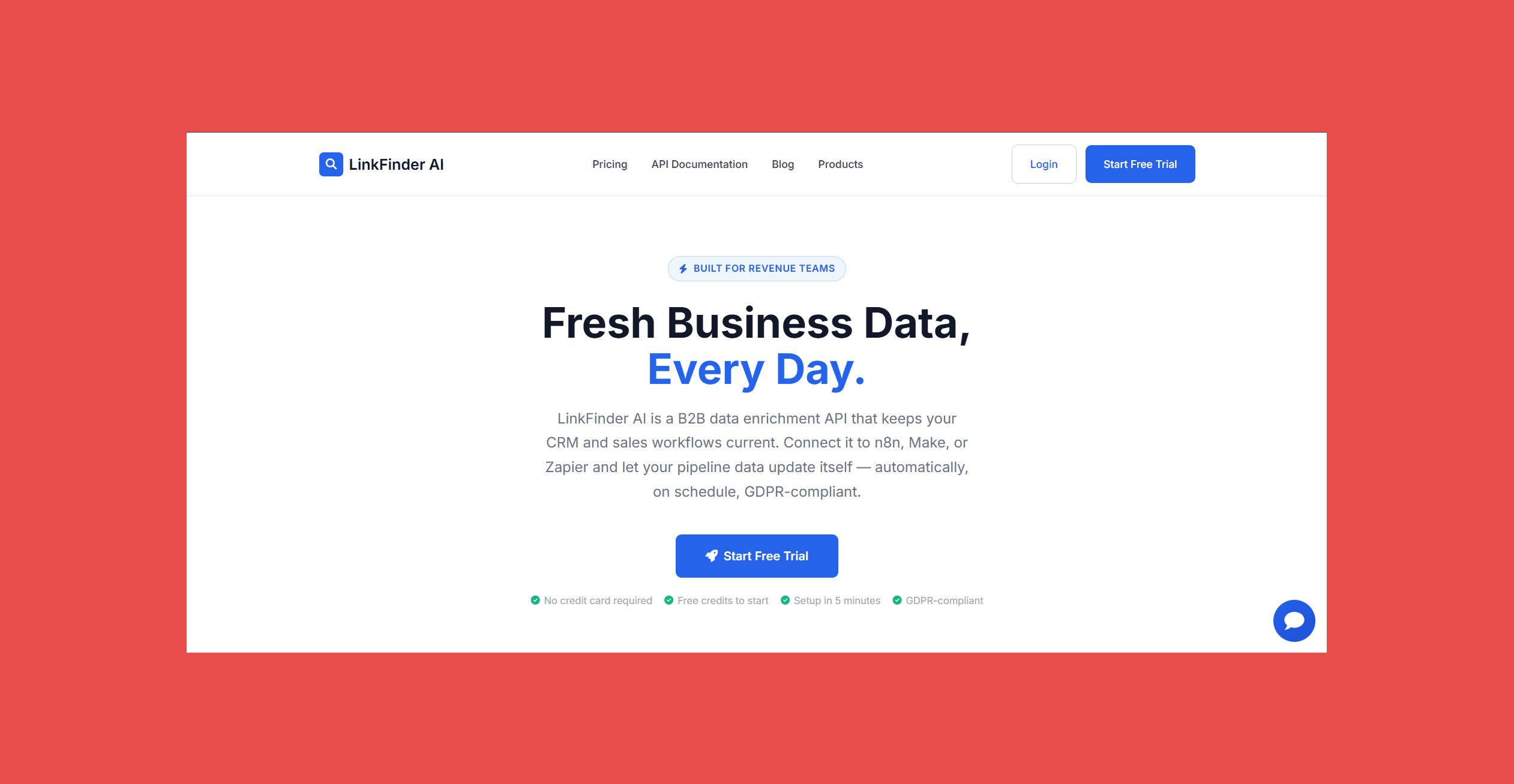
LinkFinder AI takes a different approach from most tools on this list: instead of a static database you search manually, it's a B2B data enrichment API built to plug directly into your existing automation stack. Connect it to n8n, Make, or Zapier, and your CRM enriches itself on a schedule, no manual CSV uploads required.
What sets it apart is its dual focus on contact enrichment and intent signals. Beyond filling in verified business emails, roles, and firmographics, LinkFinder AI surfaces engagement signals from public professional content, pairing "who's engaging" with "who they are," so teams can prioritize outreach based on actual buying intent, not just firmographic fit.
Pricing is credit-based and notably transparent: every plan includes every feature (no tier-gated tools), and pricing per credit drops as volume increases.
Key Features:
- Engagement Signal Aggregation: Surfaces intent signals from engagement on public professional content and pairs them with verified business data.
- Contact Data Enrichment: Enriches company domains or contact records with verified business email, role, company, and firmographics, filterable by department (Sales, Marketing, Operations, Leadership) and seniority (VP, Director, Manager, Founder).
- Scheduled Automation: Runs enrichment workflows on a schedule (e.g., weekly) via n8n, Make, or Zapier, no manual uploads.
- Native Integrations: Works with n8n, Make, Zapier (5,000+ connected apps), Google Sheets, and any tool that accepts HTTP requests, including Clay, HubSpot, and Airtable.
- Full REST API: Every plan includes full API access, batch CSV processing, and CSV/JSON/Excel export, no feature paywalls between tiers.
Ratings:
- G2: N/A
- Capterra: N/A
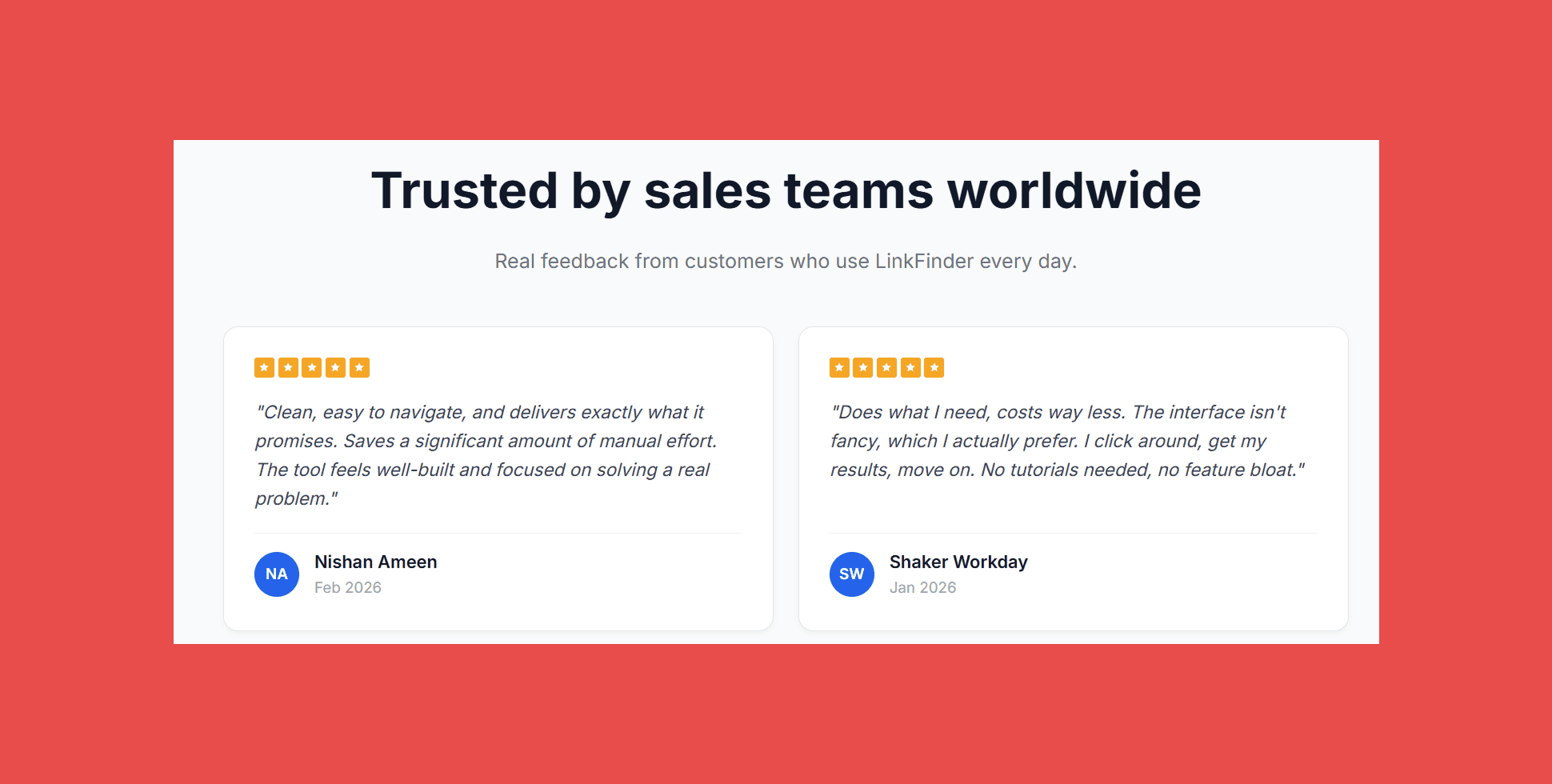
- Trustpilot: 4.5/5 (37)
Pros:
- Every plan includes every feature, including full API access, no upsells for core functionality.
- Cost per credit drops sharply at higher volume (as low as $0.0018/credit on the annual Enterprise plan).
- Native integrations with popular no-code automation tools (n8n, Make, Zapier).
- GDPR-compliant with a simple opt-out process for individuals whose business data appears in the system.
- 14-day money-back guarantee, no questions asked, and cancel anytime.
Cons:
- No published G2 or Capterra reviews yet, so third-party validation is limited to Trustpilot-style testimonials.
- No static, searchable contact database included for bulk prospect search by industry/title/location, LinkFinder AI directs users to a separate partner tool (Unlimited Leads) rather than offering it natively.
- Top published tier caps at 50,000 credits/month; higher-volume needs require contacting the team directly.
Customer reviews:
- "Does what I need, costs way less. I click around, get my results, move on." — Shaker Workday, Singapore
- "Clean API, fast responses, accurate data. Works exactly the way I needed it to." — Anbarasu A., verified customer
Pricing:
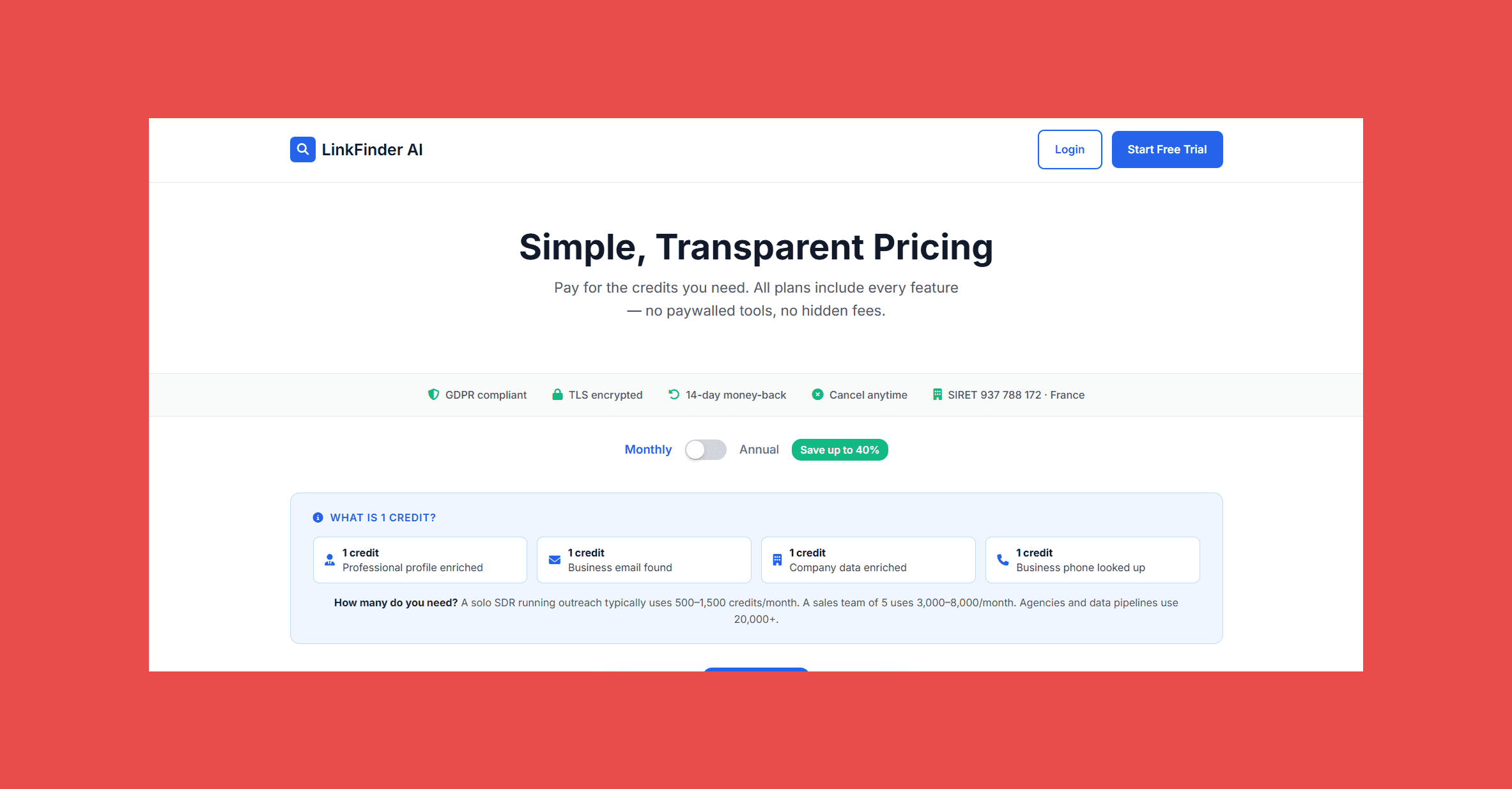
LinkFinder AI uses a simple credit system (1 credit = 1 profile enriched, email found, company enriched, or phone looked up). All plans include every feature; only credit volume changes.
- Starter: $49 (5,000 credits/mo)
- Professional: $89 (20,000 credits/mo)
- Enterprise: $149 (50,000 credits/mo)
All plans start with 25 free credits, no credit card required, and include a 14-day money-back guarantee.
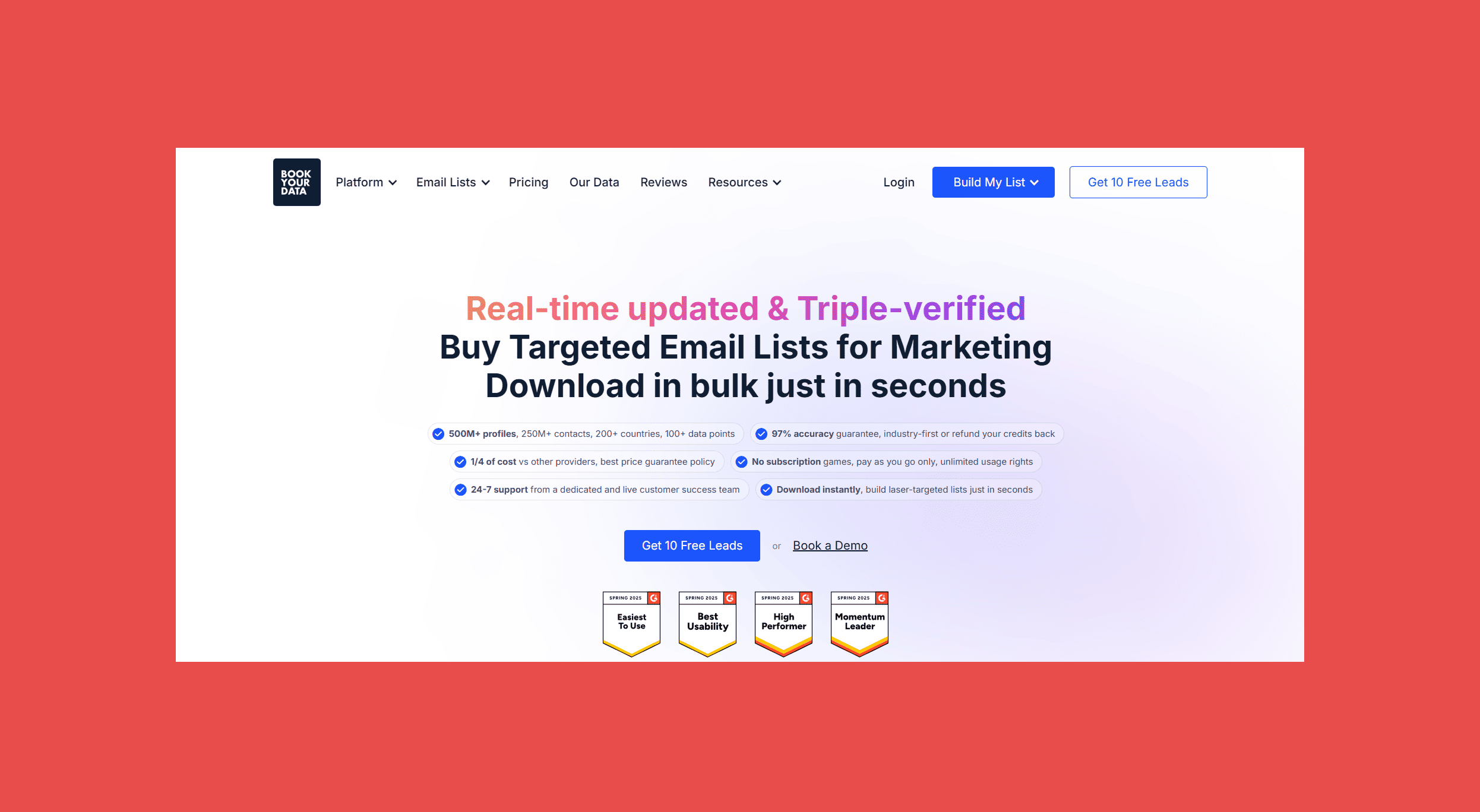
3. Bookyourdata: Best for Real-Time B2B Contact Data with Pay-As-You-Go Pricing
Overview:
Bookyourdata is a B2B data platform that provides access to verified business contacts and company records without requiring a subscription. Instead of maintaining a traditional monthly credit model, it allows users to purchase only the data they need through a pay-as-you-go system.
The platform offers real-time email verification before download and provides access to contacts across industries, company sizes, job functions, and locations. Users can build highly targeted prospect lists using advanced filtering options and export data directly for use in CRM and outbound sales workflows.
Key Features:
- Real-Time Email Verification: Verifies business email addresses before download to help improve deliverability and reduce bounce rates.
- Advanced Prospect Filtering: Search contacts using filters such as industry, company size, revenue, location, job title, department, seniority, and technologies used.
- Pay-As-You-Go Pricing: Purchase contact credits only when needed without committing to a recurring subscription.
- Global B2B Database: Access business contacts and company profiles across multiple industries and geographic regions.
- CRM & Export Support: Export contact lists in CSV format for use with major CRM systems and sales engagement platforms.
Ratings:
- G2: 4.9/5 (400+ reviews)
- Capterra: N/A
Pros:
- No monthly subscription required; users only pay for the contacts they purchase.
- Real-time email verification helps improve contact accuracy before export.
- Advanced filtering makes it easy to build highly targeted B2B prospect lists.
- Transparent pricing with immediate access to purchased data.
Cons:
- Primarily focused on contact discovery rather than continuous CRM enrichment and ongoing data hygiene.
- Does not provide always-on CRM synchronization or automated record maintenance.
Customer Reviews:
- Accurate B2B Data with Excellent Customer Support— verified customer
- Easy-to-Use Platform with High-Quality Leads — verified customer
Pricing:
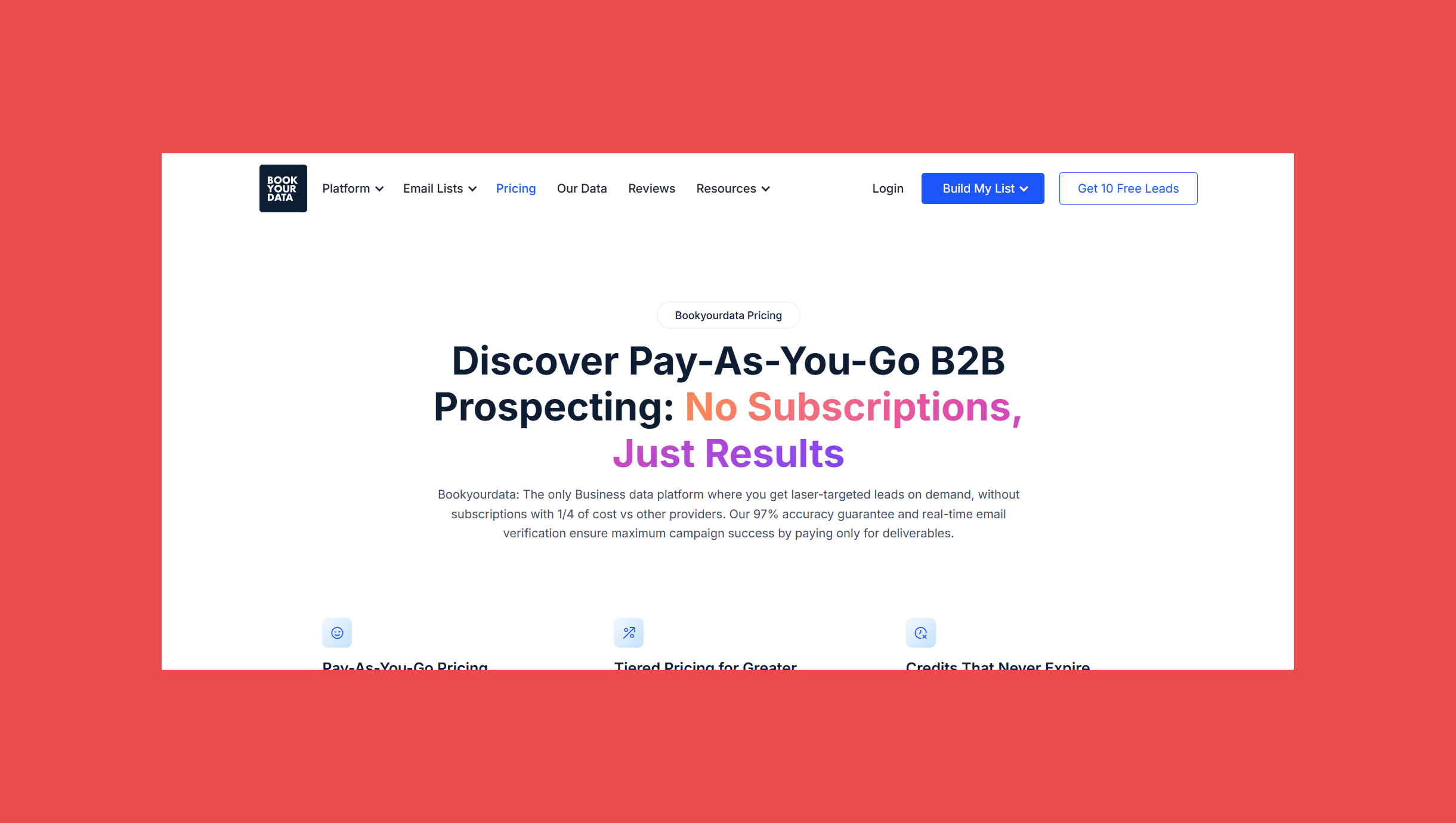
Bookyourdata uses a pay-as-you-go pricing model instead of monthly subscriptions.
- Free Trial: Free credits available for new users.
- Pay-As-You-Go: Purchase credits as needed with no recurring commitment.
- Enterprise: Custom pricing for teams with higher-volume data requirements.
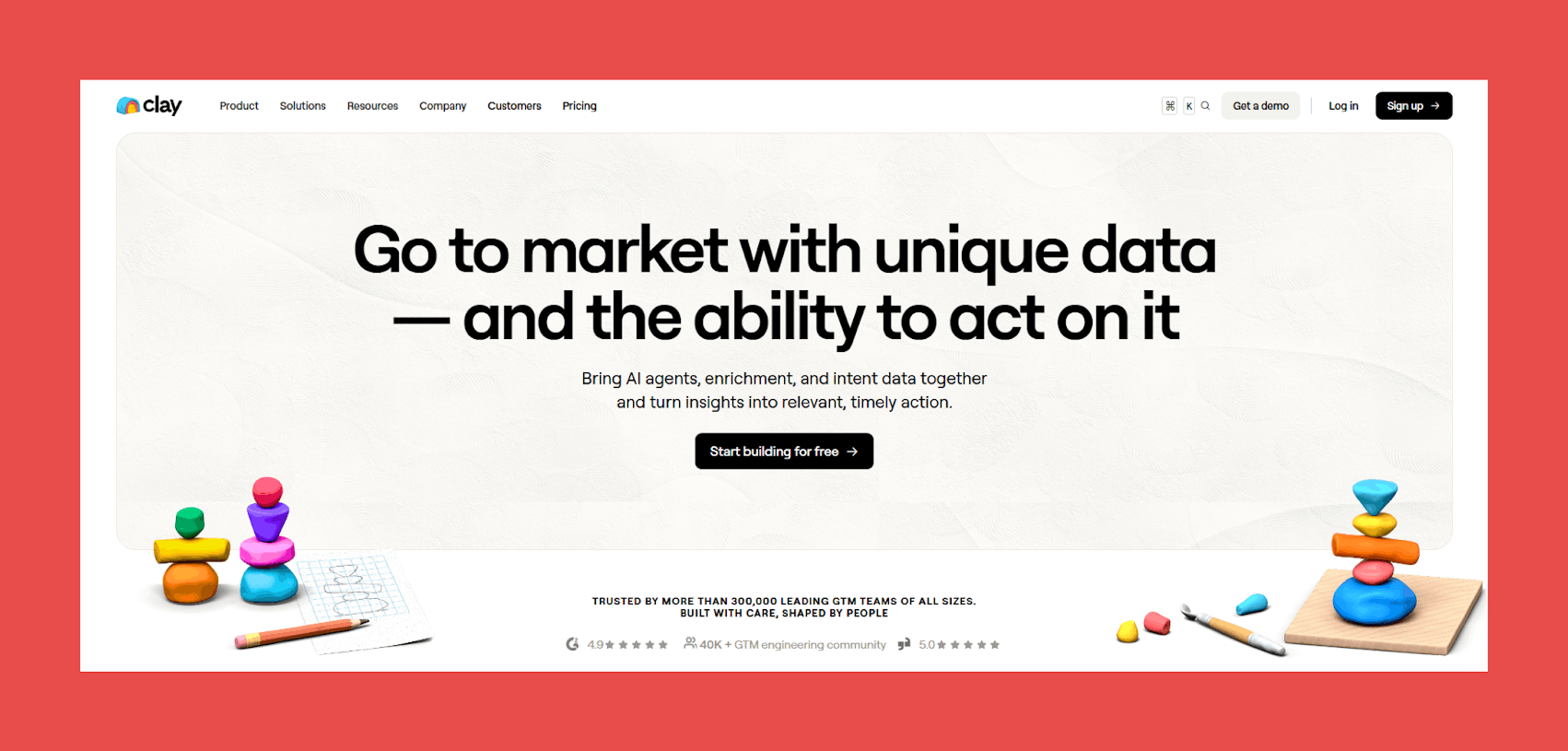
4. Clay: Best for Custom Enrichment Workflows & Multi-Source Data
Overview:
Clay is less of a CRM enrichment tool and more of a data hub with an outreach engine bolted on. Built for teams that want granular control over how, where, and from whom they pull data, Clay lets you enrich records from 150+ data sources and act on that data without ever leaving the platform.
The real differentiator is flexibility. Clay lets you build custom enrichment waterfalls, deploy AI agents to scrape the web for signals that traditional databases miss, and automate personalized outreach, all in one place. It's the tool that power users swear by and beginners quietly panic over.
Key Features:
- Claygent (AI research assistant): An AI agent that finds unique company and contact data from across the web. It can read websites, complete forms, and surface insights traditional databases miss.
- Data Enrichment: Pulls from 150+ data sources to fill in missing details like company size, tech stack, social data, and verified contact information.
- Custom waterfall configuration: Build your own enrichment waterfalls by choosing which providers run first, helping balance coverage, cost, and quality.
- CRM & workflow integrations: Syncs seamlessly with tools like HubSpot, Salesforce, and Zapier so your enriched data flows exactly where it needs to go.
Ratings:
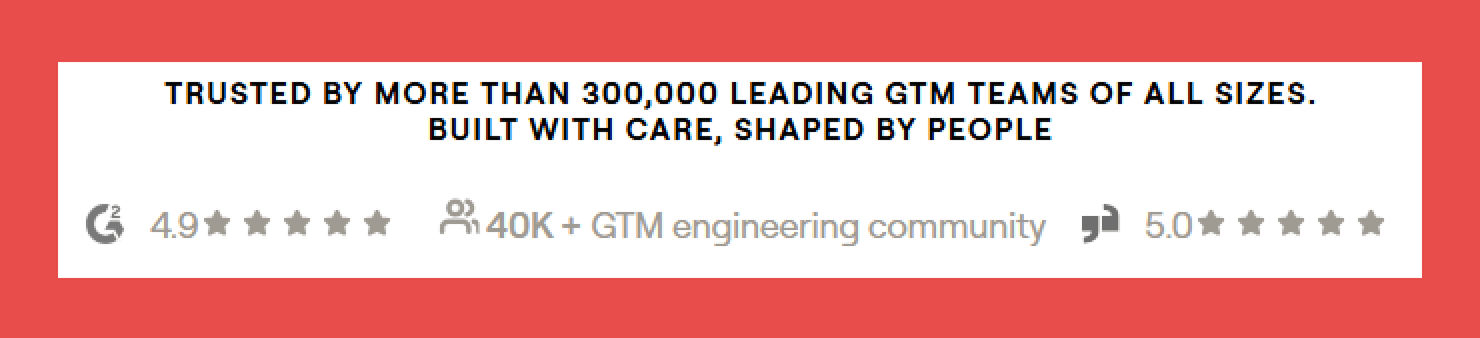
- G2: 4.7/5 (185)
- Capterra: N/A
Pros:
- Findymail is one of Clay’s premium data providers, giving teams access to highly verified contact data within workflows.
- Built for sales and growth teams, Clay makes it straightforward to build highly targeted prospect lists quickly by pulling from multiple data sources in one place.
- Flexible enough to support custom workflows, multiple data source connections, and direct CRM pushes, without requiring heavy technical setup.
Cons:
- Steep learning curve, especially for beginners.
- Pricing can be high for smaller teams.
- Credit usage adds up quickly if workflows aren’t optimized.
Customer Reviews:
- "Powerful Data Enrichment & Personalization at Scale in an Intuitive Interface" - Harishwar M., verified G2 reviewer
- "Effortless Data Enrichment and Automation" - Shivangi A., verified G2 reviewer
Pricing:
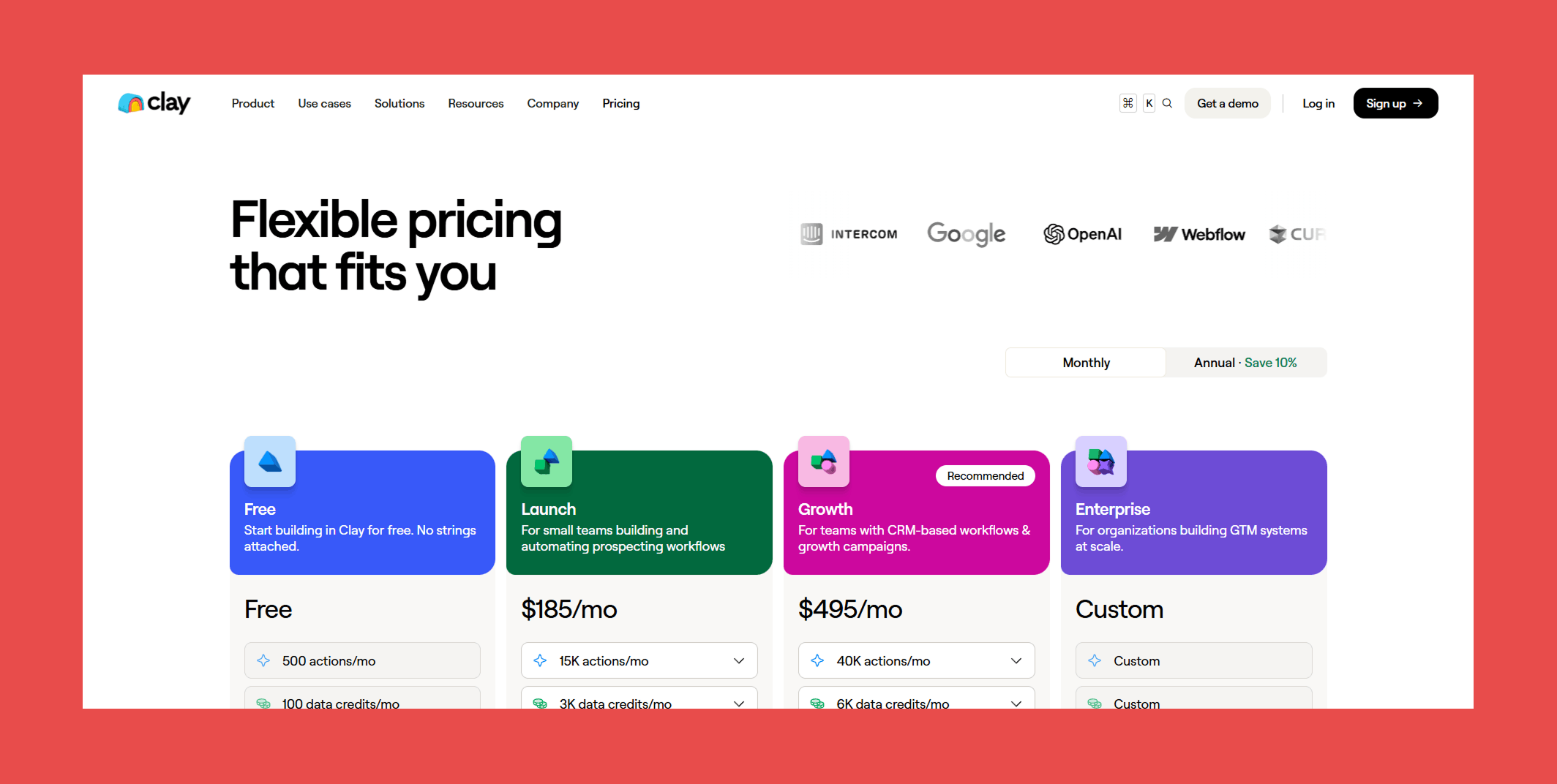
Clay operates on a credit-based system where each action consumes a credit. It's worth noting that Clay charges a markup on data accessed through its provider integrations, so costs can add up depending on usage.
- Free: $0 (100 data credits/mo + 500 actions/mo)
- Launch: $185/mo (3,000 data credits/mo + 15,000 actions/mo)
- Growth: $495/mo (6,000 data credits/mo + 40,000 actions/mo)
- Enterprise: Custom pricing (custom data credits + custom actions)
5. Freckle.io: The Best Clay Alternative for Non-Technical Teams
Overview:
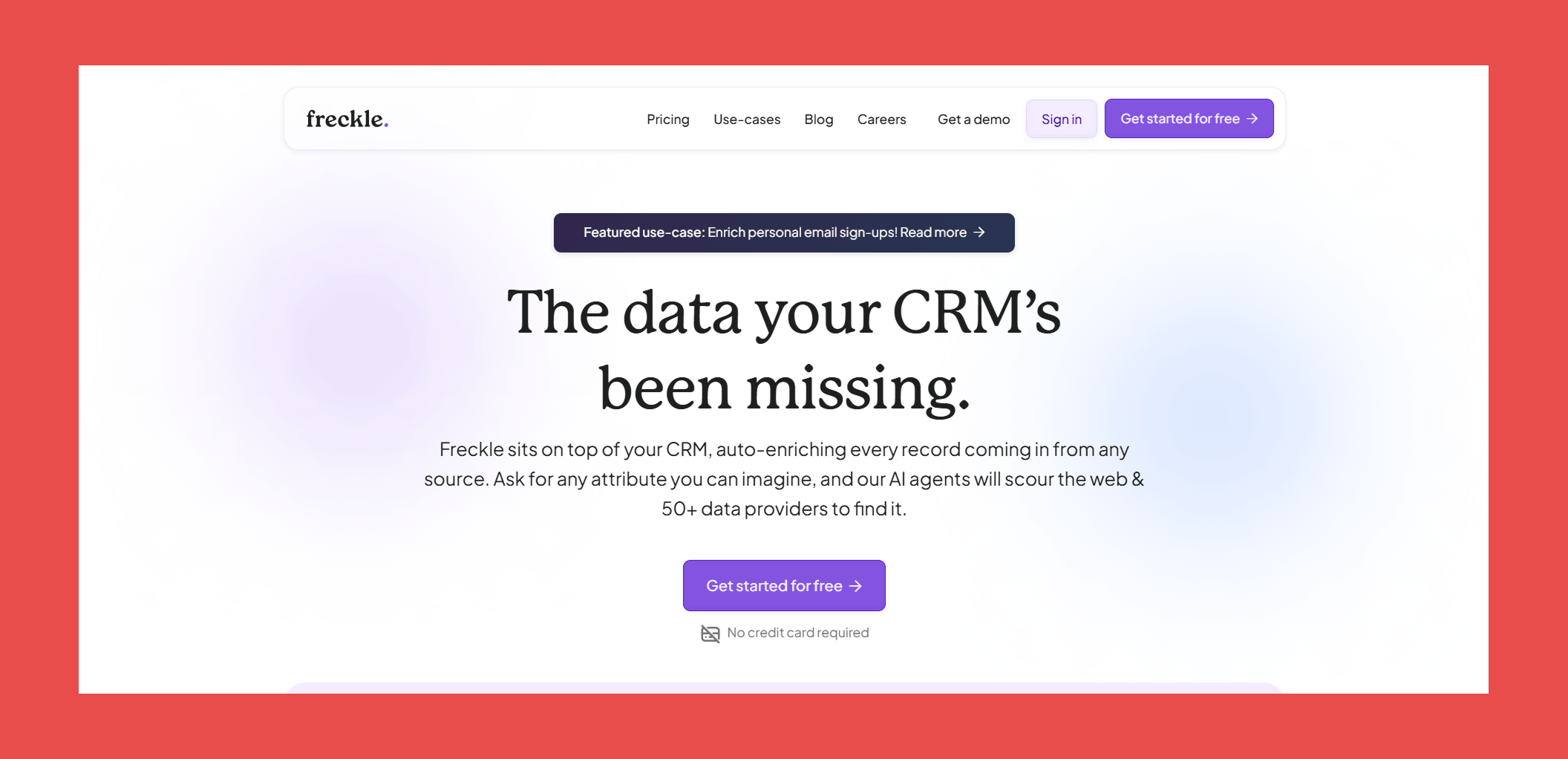
Think of Freckle as the Clay alternative for non-technical users. Freckle is built for teams who want the same powerful AI-driven enrichment without the workflow-building headache.
The standout feature is its natural language processing engine. Instead of configuring complex logic, you simply describe the data you're looking for in plain English and Freckle's AI agents go find it. Want every contact's LinkedIn activity, recent funding news, and tech stack? Just ask. No rigid firmographic filters, no scoring models that fall apart the moment your ICP gets nuanced.
It's a refreshingly approachable take on AI enrichment and a strong option for teams that want Clay's ambition without Clay's learning curve.
Key Features:
- Natural Language Processing: Describe your ideal customer profile in plain English and Freckle's AI scores every lead against it.
- Waterfall Enrichment: Tap into 40+ data providers with pre-built waterfalls that fill the gaps automatically.
- Automated Account Research: Stop burning hours on manual research. Freckle's AI agents handle tedious research at scale, without the busywork.
- Native CRM Integrations: Freckle syncs directly with your CRM to create, update, and look up records in real time.
Ratings:
- G2: N/A
- Capterra: N/A
Pros:
- Describe your ICP in plain English and let the AI handle the heavy lifting, no technical setup required.
- A genuinely accessible alternative to Clay for non-technical teams who want powerful enrichment without the complexity.
Cons:
- Still early days, public reviews are scarce, so you're making a bet on promise as much as proof.
- Customization depth and integration breadth don't quite match Clay's, so power users may eventually want more room to stretch.
Customer Reviews:
- N/A
Pricing:
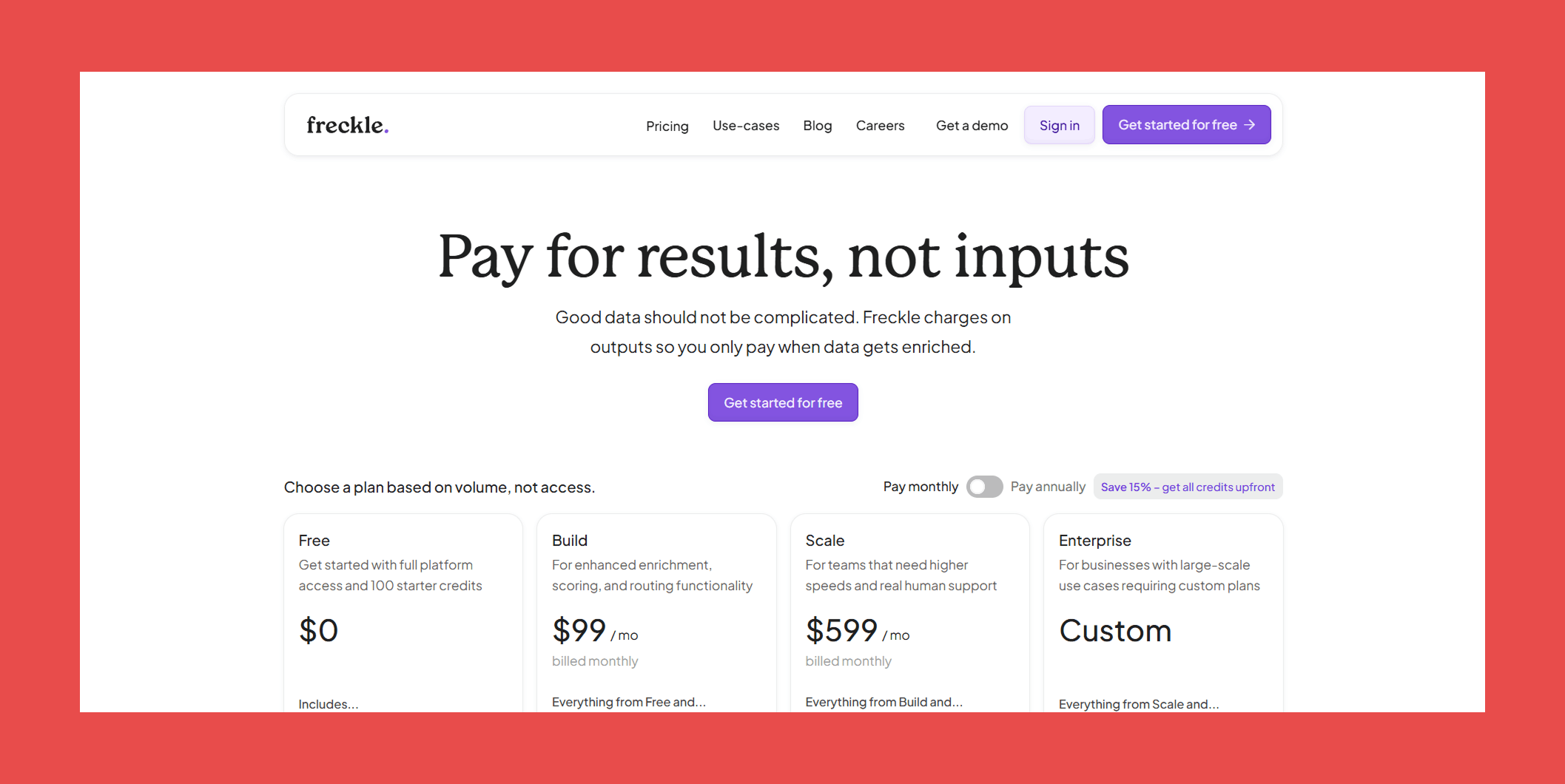
Freckle.io operates on a credit-based system with unlimited seats across all plans. Simply work out how many credits your team needs and you're good to go.
- Free: $0/mo → Full platform access with 100 starter credits to kick the tires.
- Build: $99/mo → Enhanced enrichment, scoring, and routing functionality.
- Scale: $599/mo → Higher speeds, priority support, and an actual human to call when things go sideways.
- Enterprise: Custom → For large-scale use cases that need a tailored plan.
6. UpLead: Best for Fast, Filtered Contact Search
Overview:
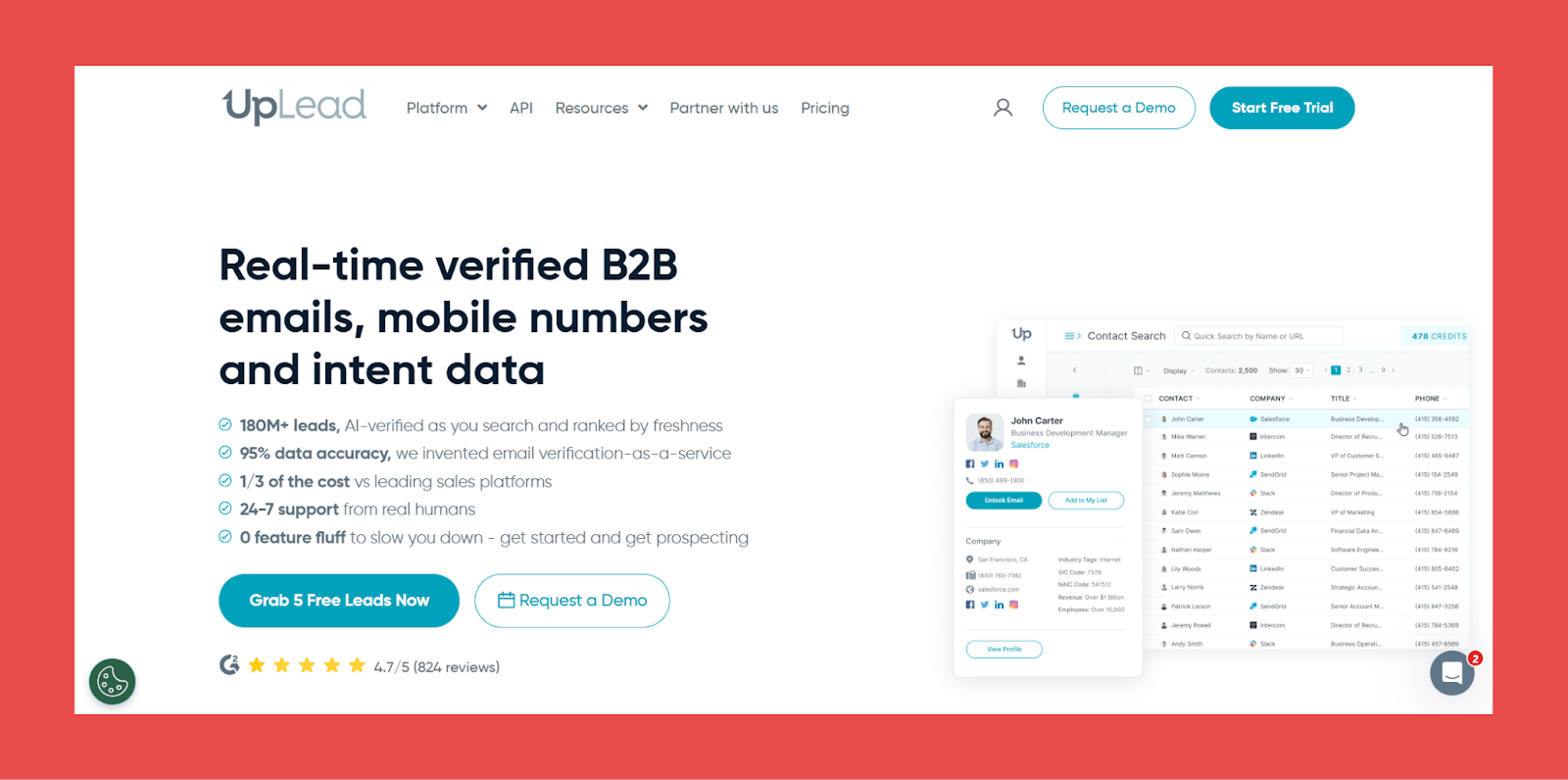
UpLead gives you fast access to real-time verified B2B contact data, backed by 50+ search filters and solid CRM integrations. It's built for teams that want to identify and reach their target audience quickly, without a steep learning curve.
The database covers 180 million+ B2B contacts across 200+ countries, searchable by job title, company size, industry, revenue, location, and technology usage, giving you enough depth to build highly targeted lists without jumping between tools.
Key Features:
- Prospector Tool: 50+ search filters to find qualified leads in real time, including firmographics, technographics, and intent data.
- Email Verification: Emails are verified at the point of export, keeping your contact lists accurate and your bounce rates low.
- Data Enrichment: Real-time data synced directly to your CRM, so your records stay current without manual updates.
- Technographics: Tracks 16,000+ technologies across CRM, e-commerce, marketing automation, analytics, and more.
- Intent Data: Identifies prospects actively researching solutions like yours, so your outreach is better timed.
Ratings:
- G2: 4.7/5 (824)
- Capterra: 4.6/5 (76)
Pros:
- Clean, intuitive UI that makes searching for contacts, companies, and relevant information straightforward.
- Combining technographics, firmographics, and intent data makes it easy to build precise, well-targeted lists.
Cons:
- Cancelling certain plans requires scheduling a call, which is an unnecessary friction point for a self-serve tool.
- Core data enrichment features are reserved for higher-tier plans, limiting the value of entry-level access.
- Some users have raised concerns about pricing transparency, so it's worth reviewing plan details carefully before committing.
Customer Reviews:
- "exceptional, affordable tool for any sized business looking to increase revenue via direct selling" - Glenn L., verified G2 reviewer
- "Intuitive UI with Reliable Leads, Needs Database Expansion" - Gerard A., verified G2 reviewer
Pricing:
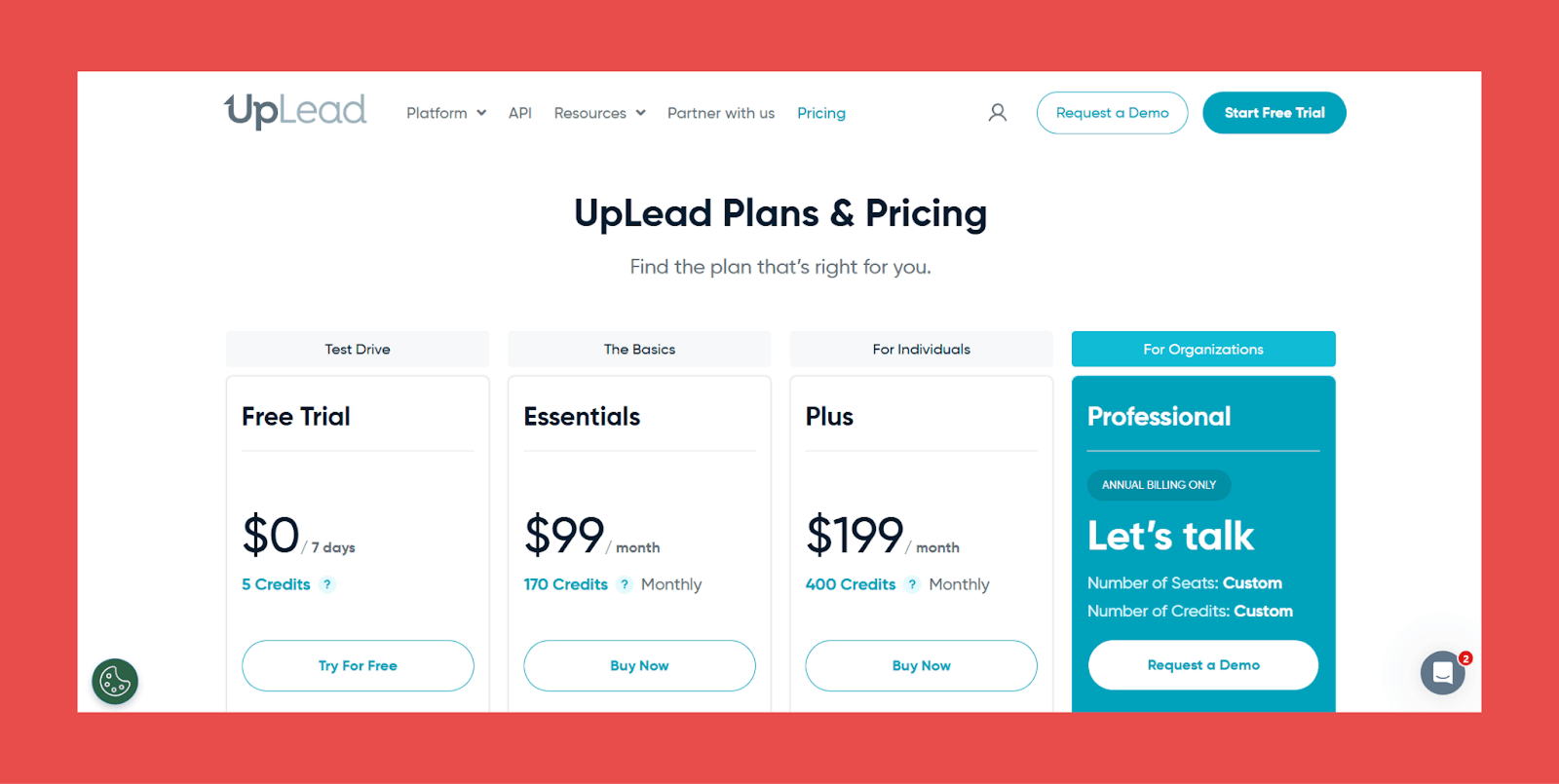
UpLead operates on a tiered pricing model, with more advanced CRM enrichment features locked behind higher plans.
- Free Trial: $0/7 days → 5 credits.
- Essentials: $99/mo → 170 credits/mo.
- Plus: $199/mo → 400 credits/mo.
- Professional: Custom → Request a demo for tailored seat counts and credit volumes.
7. Cognism: Best for Compliance-First Teams
Overview:
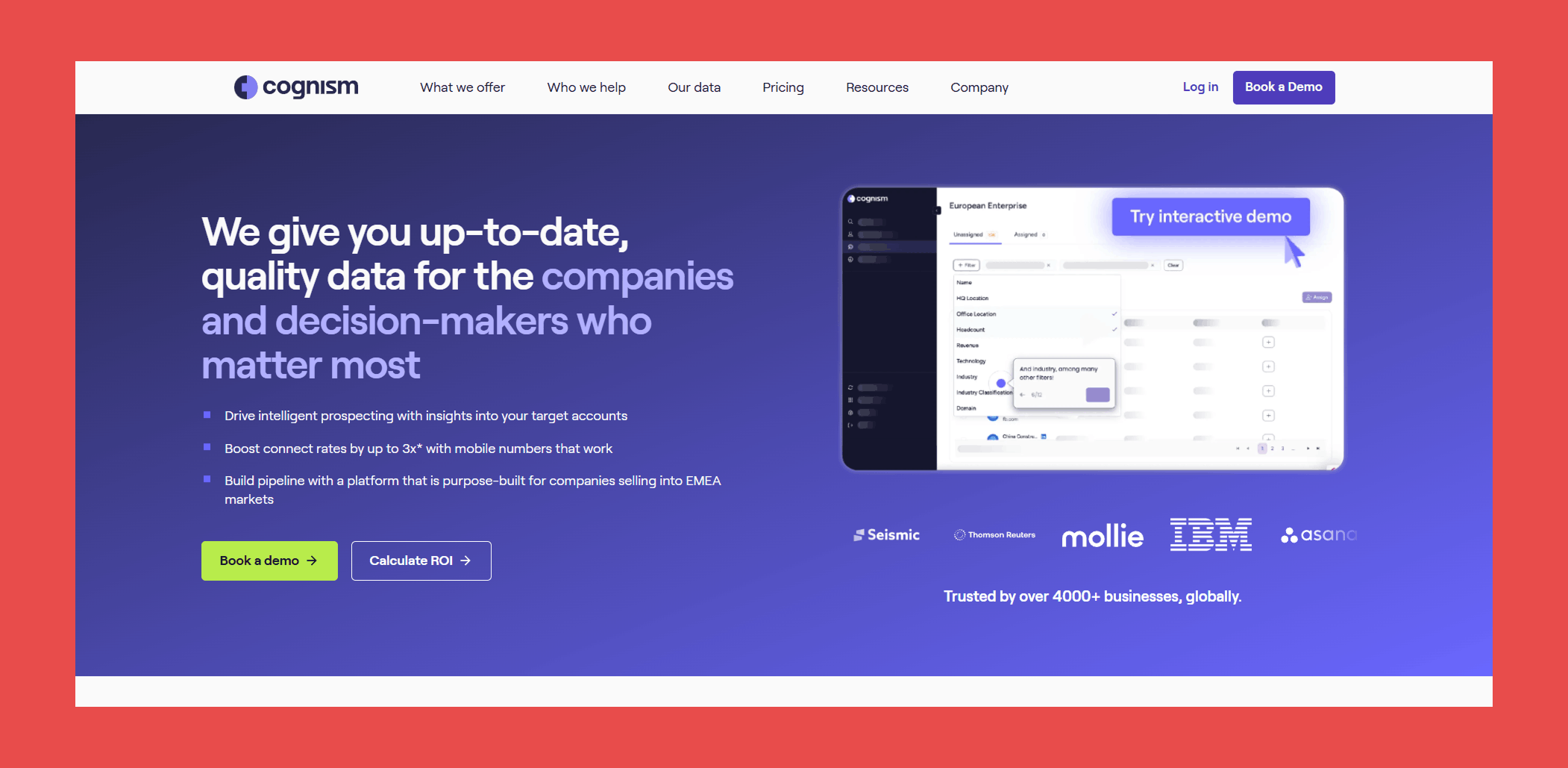
Cognism is built for teams where compliance isn't an afterthought. Designed to meet GDPR, CCPA, and SOC 2 standards, it delivers accurate B2B contact data and intent insights without the legal grey areas that come with less rigorous providers.
Its phone number coverage stands out in particular, thanks to Diamond Data®; a verification process that goes beyond automated checks to ensure the numbers you pull actually reach real people.
Key Features:
- Diamond Data®: Cognism's team physically verifies phone numbers to confirm they're correct and currently in use. When you pull a Diamond Data® contact, you can be confident the number connects.
- Sales Companion: A personalised sales assistant that helps reps tailor outreach and connect with decision-makers in the accounts that matter most.
- Data Enrichment: Cognism offers three enrichment options (Instant, Scheduled, and On-Demand CSV) to keep your CRM accurate and up to date.
- Intent Data & Buying Signals: Signal Data layers buying context onto Diamond contacts, helping you reach the right decision-makers at the right moment.
- AI Data Fusion Engine: Cognism's proprietary engine pulls from news reports, press releases, earnings reports, public registries, and validated third-party vendors to keep data fresh and comprehensive.
Ratings:
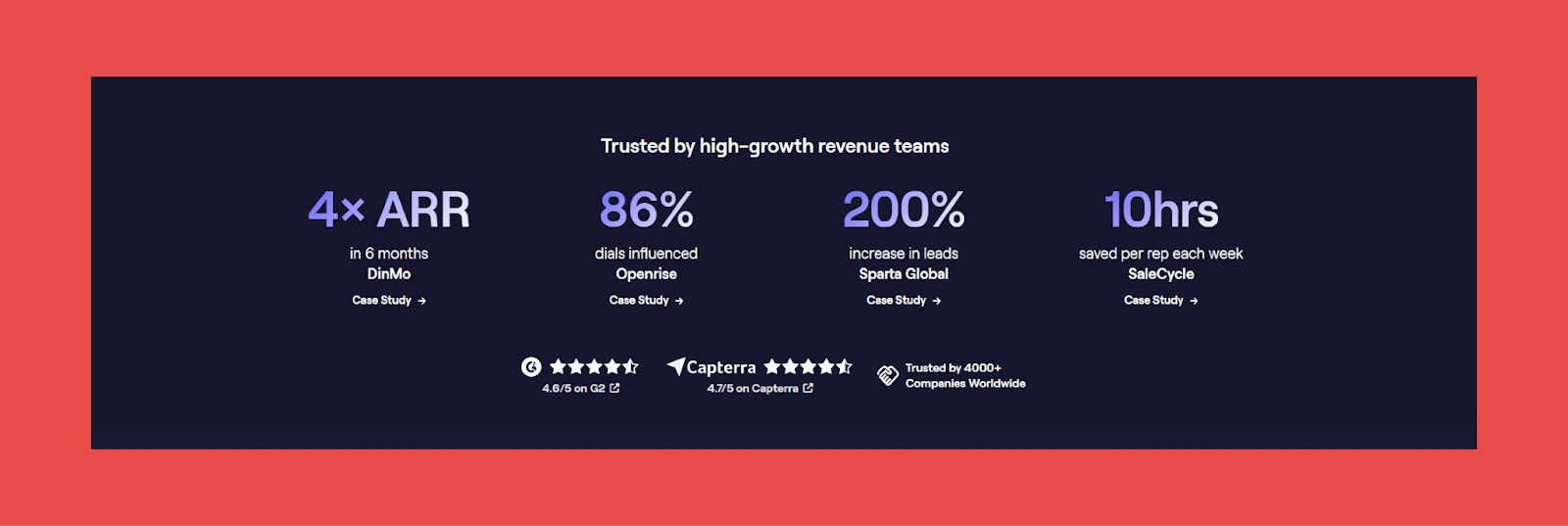
- G2: 4.5/5 (1,302)
- Capterra: 4.7/5 (254)
Pros:
- Strong European coverage, particularly valuable for teams operating in GDPR-regulated markets.
- Intent signals that help with timing, not just targeting.
- A complete sales engagement suite with powerful automation built in.
- GDPR-first approach means fewer compliance concerns out of the box.
Cons:
- Enterprise-grade features come with enterprise-level pricing, not the most accessible option for smaller teams.
- The breadth of features means a more involved setup and a steeper initial learning curve.
- Credit limits apply, though they're more generous than most comparable tools.
Customer Reviews:
- "Streamlines Prospecting, Needs Regional Data Improvement" - Faris G., verified G2 reviewer
- "Old Extension Optimizes Workflow, New Update Needs Improvement" - Usman M., verified G2 reviewer
Pricing:

Cognism offers two plans, though pricing isn't publicly listed. You'll need to connect with their team for a full breakdown.
- Grow: Request a quote → prospecting essentials to identify and engage the right accounts.
- Elevate: Request a quote → everything in Grow, plus Market & Buying Signals and available add-ons.
CRM Enrichment Challenges and Best Practices
Enrichment can unlock serious value, but it’s easy to run into problems that slow you down or backfire outright: messy data, unclear priorities, disconnected systems. Here’s what trips teams up most, and the practices that actually fix it.
Challenge: Data Silos
Data silos, situations where data can’t move freely between systems, are one of the biggest blockers to enrichment working at all. Fixing this starts with fostering a culture of communication across departments, backed by integrated CRM systems and regular cross-departmental syncs so valuable data doesn’t get trapped in one team’s tool.
Challenge: Deciding What Data Actually Matters
There’s a wealth of data available, and not all of it is relevant to your business. A retail company might prioritize demographic and purchase history data; a B2B company cares more about firmographics and intent signals. Define your ICP first, then collect only what directly contributes to your goals.
✅ No more silos: Native integration with all major CRMs
✅ Always up-to-date: Automatic verification and updates
✅ Zero complex setup: 30-min onboarding, then it runs on autopilot
Best Practice: Define Your Acceptable Data Quality
Set clear criteria for relevance, accuracy, and completeness. Verify postal codes against official databases. Require fields like name, email, and purchase history before a record even gets logged. Keep formats uniform across every database and app that touches your CRM.
Best Practice: Treat Accuracy as Ongoing, Not a One-Time Fix
Inaccurate or outdated data leads to misguided decisions and wasted resources, and it doesn’t stay fixed on its own. Prospects change jobs, emails stop accepting mail, markets shift. Data that was accurate a month ago might not be accurate today, and you can’t manually re-check everything without risking email deliverability and campaign performance in the meantime.
This is exactly why a one-time cleanup isn’t the answer: it starts decaying the moment you finish it. What actually holds up is validation processes and a regular audit cadence, or, better, a tool that runs that audit continuously instead of on a schedule you’ll eventually skip. Datacare monitors your CRM around the clock and replaces outdated or invalid information automatically, so you’re never working off stale records or guessing at your data’s health.
a champion at one of your target accounts changes jobs. Under a one-time cleanup model, that record just sits there, stale, until someone happens to notice, usually a rep, usually too late. Under continuous enrichment, the move gets detected automatically, the record updates with their new company and title, and the rep gets flagged the same day. A dead record turns into a warm signal instead of a wasted one.
Best Practice: Use Enrichment Tools Deliberately
The seven tools earlier in this guide cover different needs, pick based on whether you need always-on maintenance, a custom-built workflow, or fast pay-as-you-go contact search, not just brand recognition.
Best Practice: Don’t Skip Data Privacy and Compliance
Follow GDPR, CCPA, and any other applicable regulation whenever enrichment activities touch personally identifiable information.
Empower Your Team with CRM Enrichment
CRM enrichment gives you a complete view of your customers and surfaces opportunities you'd otherwise miss entirely. Picking the right tool comes down to what your team actually needs.
Backed by a sub-5% bounce rate guarantee, native CRM integration, and enterprise-grade security, it keeps your CRM accurate and current so your team can focus on building relationships and closing deals, not babysitting a database.
Every demo includes a free CRM health check, giving you a clear picture of your current data issues and exactly how Datacare would fix them.
FAQs About CRM Data Enrichment
What is the best CRM data enrichment tool?
It depends on your team’s size, technical capabilities, and priorities. For verified contact data and automated CRM hygiene, Findymail CRM Datacare is a top choice. For all-in-one prospecting and outreach, Clay is worth considering. For compliance-first teams, Cognism leads the pack.
How is CRM enrichment different from a one-time data cleanup?
A one-time cleanup fixes what’s wrong today and starts decaying the moment it’s finished, contacts change jobs, emails go stale, and within months you’re back where you started. CRM enrichment is continuous: it keeps monitoring and updating records so the CRM stays accurate on an ongoing basis, not just on the day you ran the project.
How accurate is CRM enrichment data?
Accuracy varies significantly between providers. Most tools advertise high match rates, but verification standards differ. Findymail consistently delivers 98%+ verification rates with a bounce rate under 5%, making it one of the more reliable options available.
Is CRM data enrichment GDPR compliant?
Not all providers are. Compliance depends on how a tool sources, stores, and processes personal data. Cognism is purpose-built with GDPR compliance at its core, while some other providers have faced criticism in this area, particularly around European market coverage. Always review a provider’s data practices and terms before committing, especially if you operate in regulated markets.
One nuance worth knowing if you operate in the EU: phone number enrichment for EU-based contacts carries additional restrictions under GDPR, and most reputable tools (including Datacare) limit direct-dial phone enrichment to non-EU contacts as a result. If phone enrichment across European contacts specifically matters to your workflow, confirm this with any vendor directly before you commit.
Will an enrichment tool overwrite data my reps already entered?
It depends entirely on the tool, which is why this is worth confirming before you connect anything to your CRM. Some tools overwrite existing field values by default unless you dig into settings and opt out; others, like Datacare, fill empty fields only by default and require an explicit choice to overwrite anything a human already entered. Ask directly: does it overwrite or only fill gaps, can you preview changes first, and can changes be rolled back? If a vendor can’t answer all three plainly, treat that as your answer.
Does CRM sync get gated behind a pricing tier?
On some platforms, yes — a tool’s contact search or data enrichment features can work fine on an entry plan while the actual CRM push or sync sits behind a higher tier, something a few reviewers on this list have flagged directly (UpLead’s core enrichment features, for example, sit on higher-tier plans). Before choosing a tool based on its lowest advertised price, confirm CRM sync is included at that price point and that credits aren’t separately metering every automation you plan to run.
How often should CRM data be refreshed?
As a general rule, CRM data should be reviewed and refreshed at least every 90 days. Contact details, job titles, and company information change frequently — B2B data decays at a rate of roughly a quarter to a third every year. Tools like Findymail CRM Datacare solve this by running enrichment continuously in the background, so your data stays current without scheduled manual reviews.
What’s the difference between enrichment and sales intelligence?
Data enrichment fills in and updates existing records with accurate, current information — verified emails, phone numbers, job titles, firmographic data. Sales intelligence goes a step further, layering in behavioral signals, intent data, and buying triggers to help teams identify not just who to contact, but when and why. Many modern tools combine both, but they serve distinct purposes within a sales workflow.

Valentin
Valentin Wallyn is the founder and CEO of Findymail, a SaaS platform he launched to help B2B teams discover accurate email and contact data and automate data enrichment at scale. With an IT background, Valentin combines a technical mindset with hands-on experience in outreach and growth. His work centers on improving data quality and prospecting efficiency, drawing on years of entrepreneurial experience and a deep understanding of what makes outreach campaigns succeed.
![A Field Guide to Finding the Right B2B CRM [2026 Comparison]](/blog/content/images/size/w300/2024/02/jukebox-print-FUohNQatzVs-unsplash.jpg)