AI Lead Finder
 Email Finder
 Email Verifier
 Phone Finder
 Intent Signals
 CRM Enrichment/Cleaning
 API
API

HubSpot is powerful on its own, but its real strength shows up once you connect it to the rest of your stack. Whether you're trying to improve CRM data quality, automate workflows, close deals faster, or get marketing and sales talking to each other. The right integrations save hours every week.
The hard part isn't finding integrations. HubSpot's marketplace has thousands of them. The hard part is telling the difference between a tool that genuinely improves your workflow and one that just adds another login to remember. I've compared the best HubSpot integrations for sales, marketing, customer success, and RevOps to help you build a GTM stack that actually holds together.
If your HubSpot instance is full of duplicate contacts, outdated titles, and half-empty fields, every report, workflow, and automation built on top of it inherits that mess.
The 16 Integrations:
1. Findymail CRM Datacare — continuous CRM data health
2. LinkedIn Sales Navigator — sales prospecting
3. Storydoc — sales proposals
4. Slack — internal collaboration
5. KrispCall — power dialer
6. Gong — sales coaching
7. Zapier — no-code workflows
8. Aircall — calling
9. Chili Piper — inbound sales
10. Clay — CRM enrichment
11. Shopify — ecommerce
12. Typeform — marketing forms
13. Asana — cross-functional teams
14. QuickBooks — finance
15. Zoom — sales demos
16. Surfe — LinkedIn CRM sync
Why Use HubSpot Integrations?
A CRM that doesn't talk to the rest of your tools becomes a filing cabinet nobody updates. Connecting HubSpot to your calling tool, your scheduler, your enrichment layer, and your finance software closes that gap. Done right, integrations:
- Eliminate manual data entry between systems
- Keep customer data synchronized across every tool your team touches
- Automate the repetitive parts of prospecting, scheduling, and reporting
- Improve reporting accuracy by removing manual re-entry as a source of error
- Connect sales and marketing so handoffs don't lose context
- Let operations scale without a proportional increase in admin headcount
A common example: a lead fills out a form (Typeform), gets instantly routed to the right rep's calendar (Chili Piper), the call gets logged and transcribed automatically (Aircall or Gong), and the CRM record stays enriched and duplicate-free the entire time (Datacare). Each tool does one job well. HubSpot is the hub that ties them together.
What Makes a Great HubSpot Integration?
Every tool on this list was evaluated against the same criteria:
- HubSpot integration quality and depth (not a clunky Zapier workaround)
- Ease of implementation and time to first value
- Reliability and uptime
- Depth of automation capabilities
- User reviews on G2 and Capterra
- Pricing transparency and value at typical team sizes
- Real business impact and ROI
- Quality of ongoing support
The Best HubSpot Integrations in 2026
1. Findymail CRM Datacare — Best for CRM Data Health
Overview:
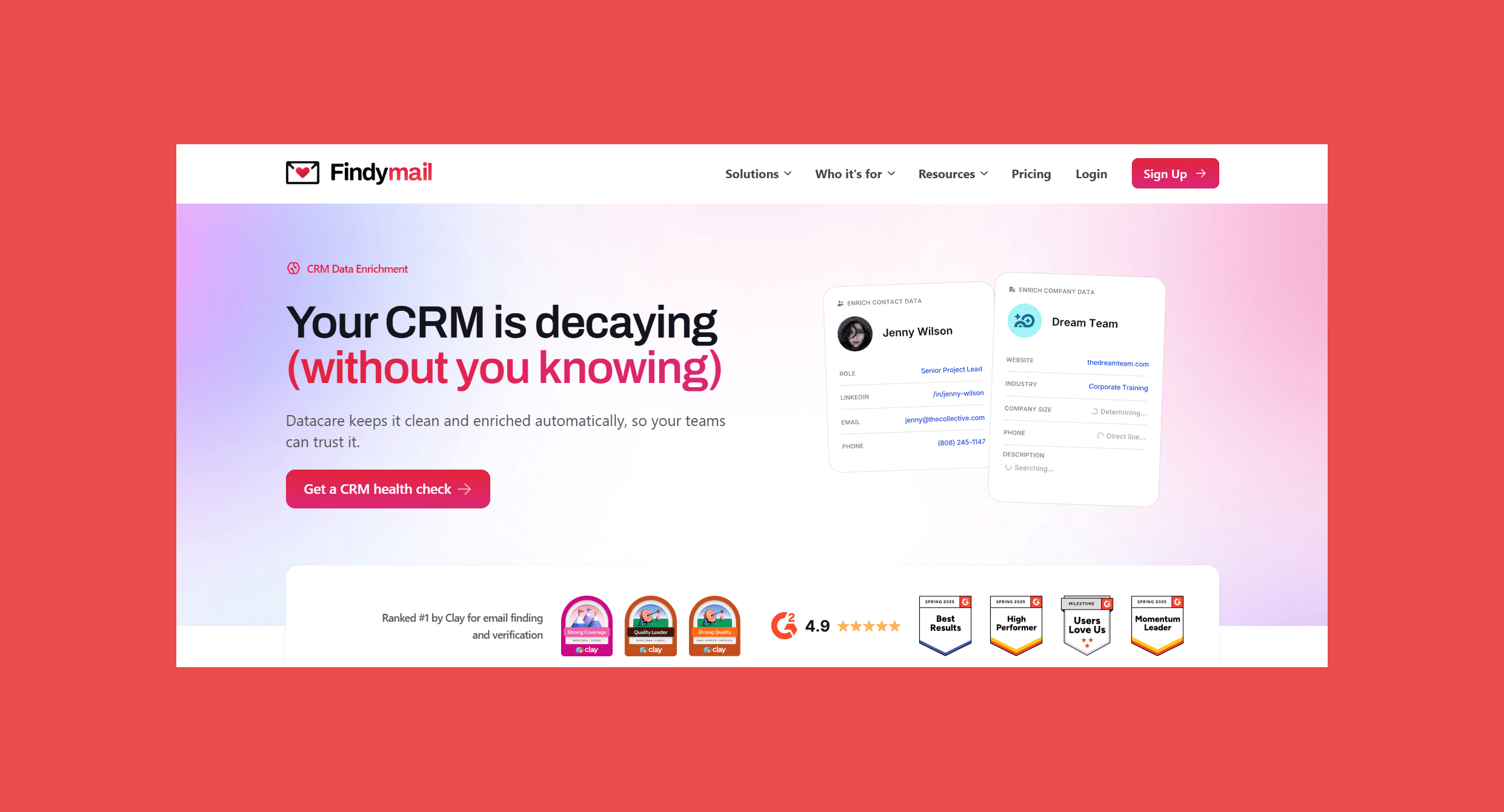
We built Datacare to solve one key issue: teams that buy enrichment tools, run a one-time cleanup, and watch their CRM decay right back to where it started within a few months. HubSpot itself estimates contact data decays at a 22.5% every year as people change jobs, companies rebrand, and emails go stale. A single cleanup project doesn't fix that. Continuous maintenance does.
Datacare connects natively to HubSpot and runs quietly in the background. It fills in missing fields on new and existing records, merges duplicate contacts and companies, and flags job changes the moment they happen, all without anyone on your team lifting a finger.
Best For: RevOps teams, sales ops leaders, and anyone who has ever opened a HubSpot report and immediately stopped trusting the numbers because half the contacts had three duplicates and a blank job title field.
Key Features:
- Auto-enrichment: fills in missing emails, phone numbers, job titles, and company data on new and existing HubSpot records
- Job change tracking: flags the moment a contact switches companies, so outreach timing stays sharp
- Deduplication: merges duplicate contacts and companies automatically, continuously, not just on request
- No-override default: only fills empty fields by default, so nothing your team has already entered gets touched unless you explicitly allow it
- Preview mode: shows exactly what would change before anything updates your live CRM
- Full rollback: undo any change at any time
- Live and batch processing: enriches in real time as records are created or edited, plus a monthly batch scan to catch everything else
Ratings:
- G2: 4.7/5 (57)
- Capterra: 4.8/5 (7)
Pros:
- Continuous enrichment, so your CRM doesn't quietly decay again six months later.
- Safety controls (preview mode, no-override, rollback) mean RevOps teams don't have to worry about a bad enrichment run corrupting carefully maintained records.
- Priced by database size, not per-credit, so there's no "ran out of credits mid-quarter" surprise.
- Backed by the same sub-5% bounce guarantee as Findymail's core email finder.
Cons:
- Not a database or lead-sourcing tool, Datacare cleans and enriches what's already in your CRM; it doesn't find brand-new prospects the way a tool like Clay or LinkedIn Sales Navigator does.
Pricing:
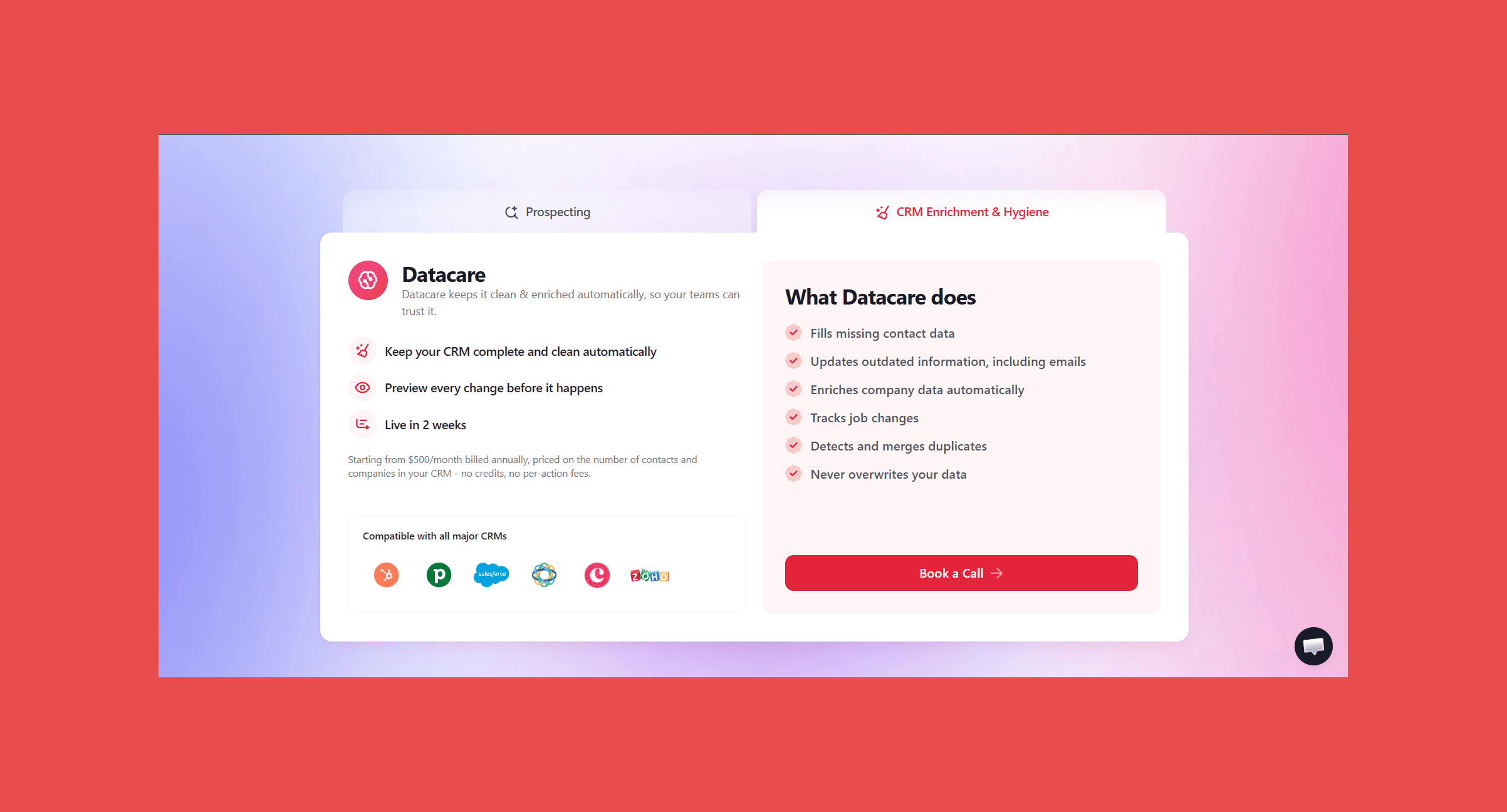
- Starting from $500/month billed annually, based on the number of contacts and companies in your CRM. No credits, no per-action fees.
- Every demo comes with a free CRM health check that shows your data completeness, decay rate, and duplicate rate before you commit to anything.
Most teams underestimate how much of their CRM is duplicates or dead data until they see the numbers. We run a free health check that connects to your HubSpot account, analyzes completeness and decay without touching a single record, and shows you exactly what Datacare would fix.
2. LinkedIn Sales Navigator — Best for Sales Prospecting
Overview:
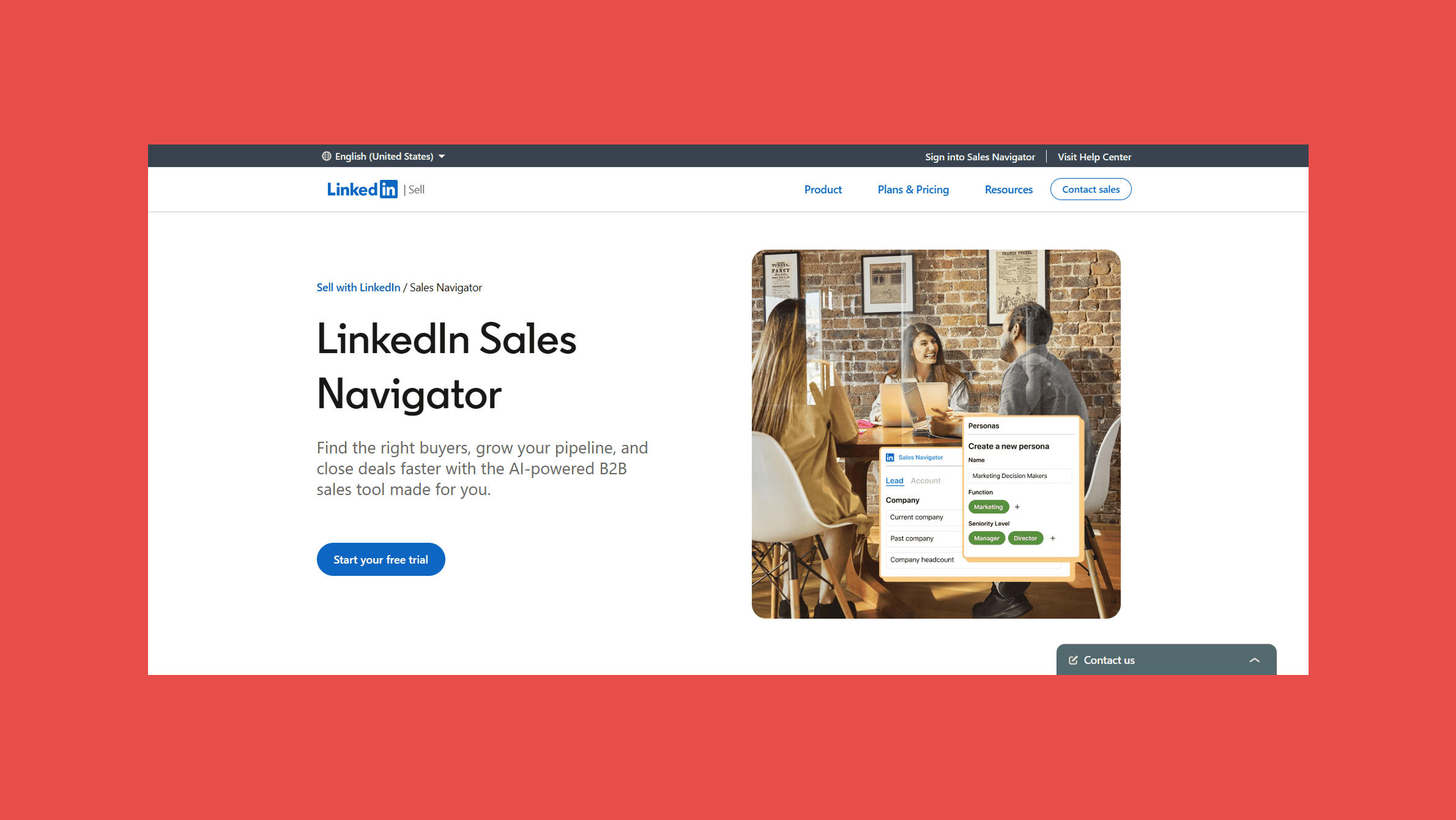
Sales Navigator is still one of the sharpest ways to search LinkedIn's professional network for the exact people you want to talk to. Filter by job title, seniority, company size, industry, and "recently changed jobs," and you've got a prospecting list regular LinkedIn can't touch.
Best For: SDRs and account executives who prospect primarily on LinkedIn and want advanced search, lead recommendations, and InMail credits without leaving the platform.
Key Features:
- Advanced search filters: 30+ filters covering company, role, seniority, and activity
- Saved lead and account lists: alerts on job changes and company news
- InMail credits: for reaching people outside your network
- CRM sync: with HubSpot on higher tiers (Advanced Plus)
Ratings:
- G2: 4.4/5 (2,205)
- Capterra: 4.5/5 (179)
Pros:
- Unmatched search depth for LinkedIn-native prospecting.
- Job change and company alerts keep timing sharp.
- Clean, intuitive interface that most reps pick up quickly.
Cons:
- Doesn't return email addresses or phone numbers on its own; you'll need an email finder to actually reach the people you find.
- CRM sync is locked behind the highest tier.
- Pricing has crept up in recent years, and small teams often feel the cost relative to InMail volume.
Pricing:
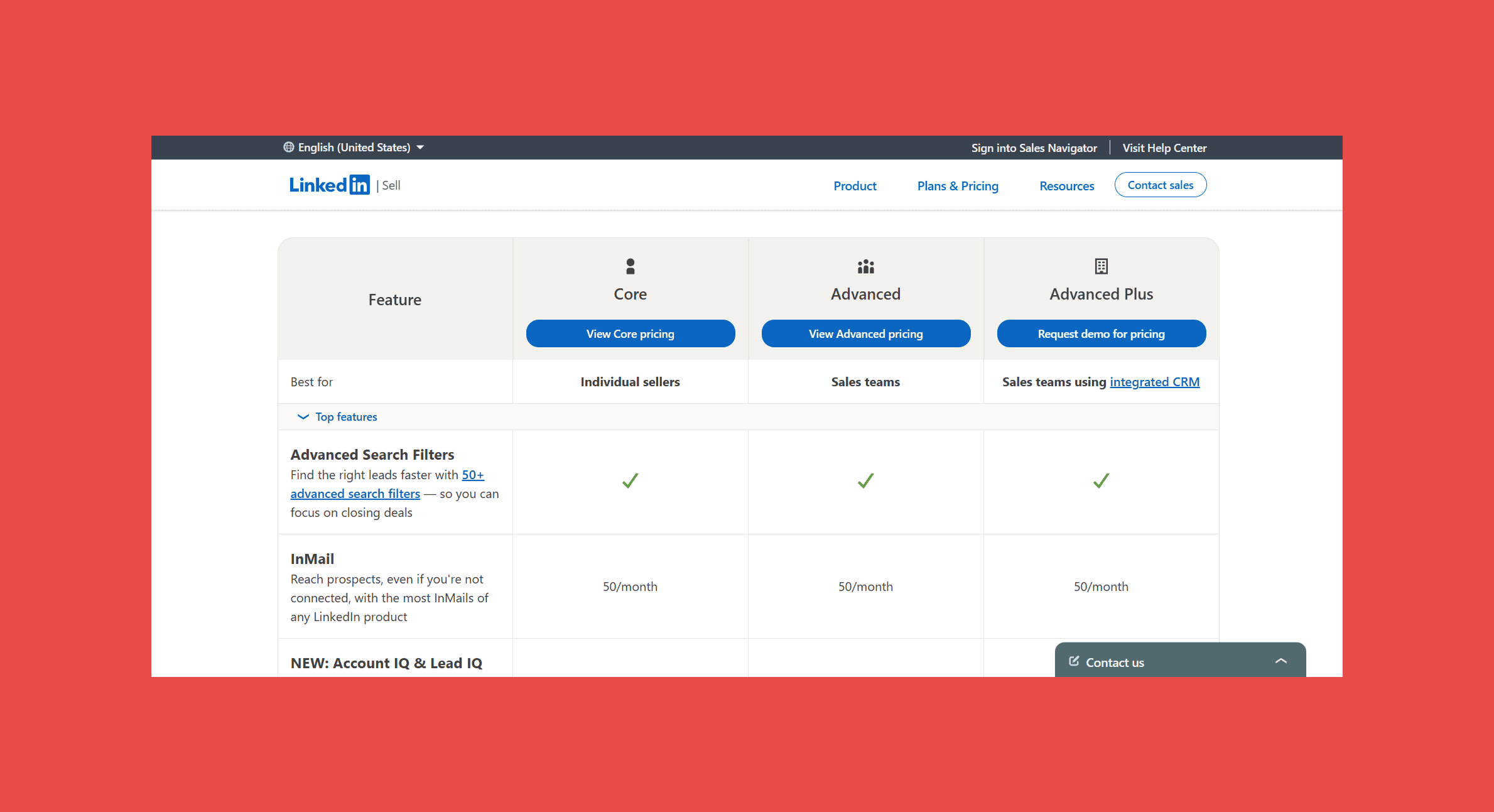
- Core plan starts at $99.99/user/month ($119.99/month on monthly billing); Advanced at $149.99/month annually.
Sales Navigator tells you exactly who to target, but it stops at the LinkedIn profile. Datacare will find and verify the actual email addresses behind those profiles, so your list turns into outreach instead of a bookmarked search.
3. Storydoc — Best for sales teams
Overview:
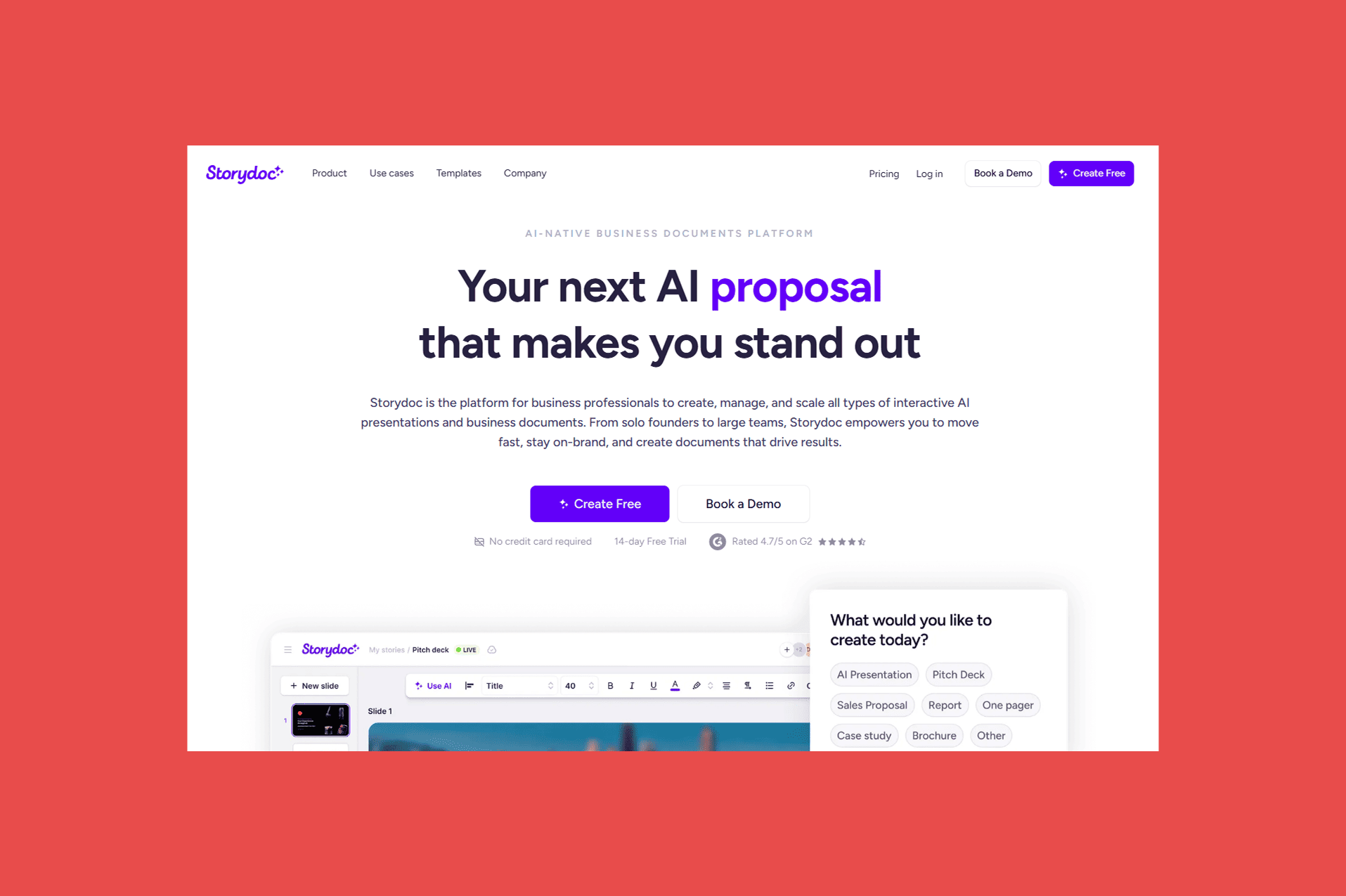
The HubSpot-Storydoc integration pulls live deal, contact, and company data straight from HubSpot into AI-generated decks— proposals, or one-pagers—so reps stop rebuilding the same document from scratch for every lead or deal stage. Storydoc generates a fully personalized, on-brand document in seconds using whatever HubSpot record it's connected to.
Best For: Sales and marketing teams who want to build a deck workflow automation with AI governance.
Key Features:
- CRM-driven personalization: pulls live HubSpot fields (deal amount, stage, contact details, and more) directly into decks
- StoryBrain content engine: trains on past decks and brand guidelines, so every HubSpot-triggered document stays on-voice and on-brand
- Engagement analytics and alerts: tracks how a HubSpot contact interacts with a sent deck in real time, flagging opens and engagement so reps know when to follow up
- Automated follow-up decks: generates post-meeting collateral with agreed next steps and timelines using call insights alongside HubSpot data
- Native API and Zapier/Make/Clay support: triggers document generation straight from a HubSpot workflow, spreadsheet, or prospect list
Ratings:
- G2: 4.7/5 (67 reviews)
Pros:
- Saves sales teams hours spent on recreating the same sales documents over and over.
- Governance over AI-generated decks through organization oversight and content control
- Real-time engagement tracking helps reps time follow-ups around actual buyer intent
Cons:
- No free plan, only a 14-day trial for testing.
- HubSpot automations only on Pro and teams plans which individuals or smaller teams can find pricey
Pricing:
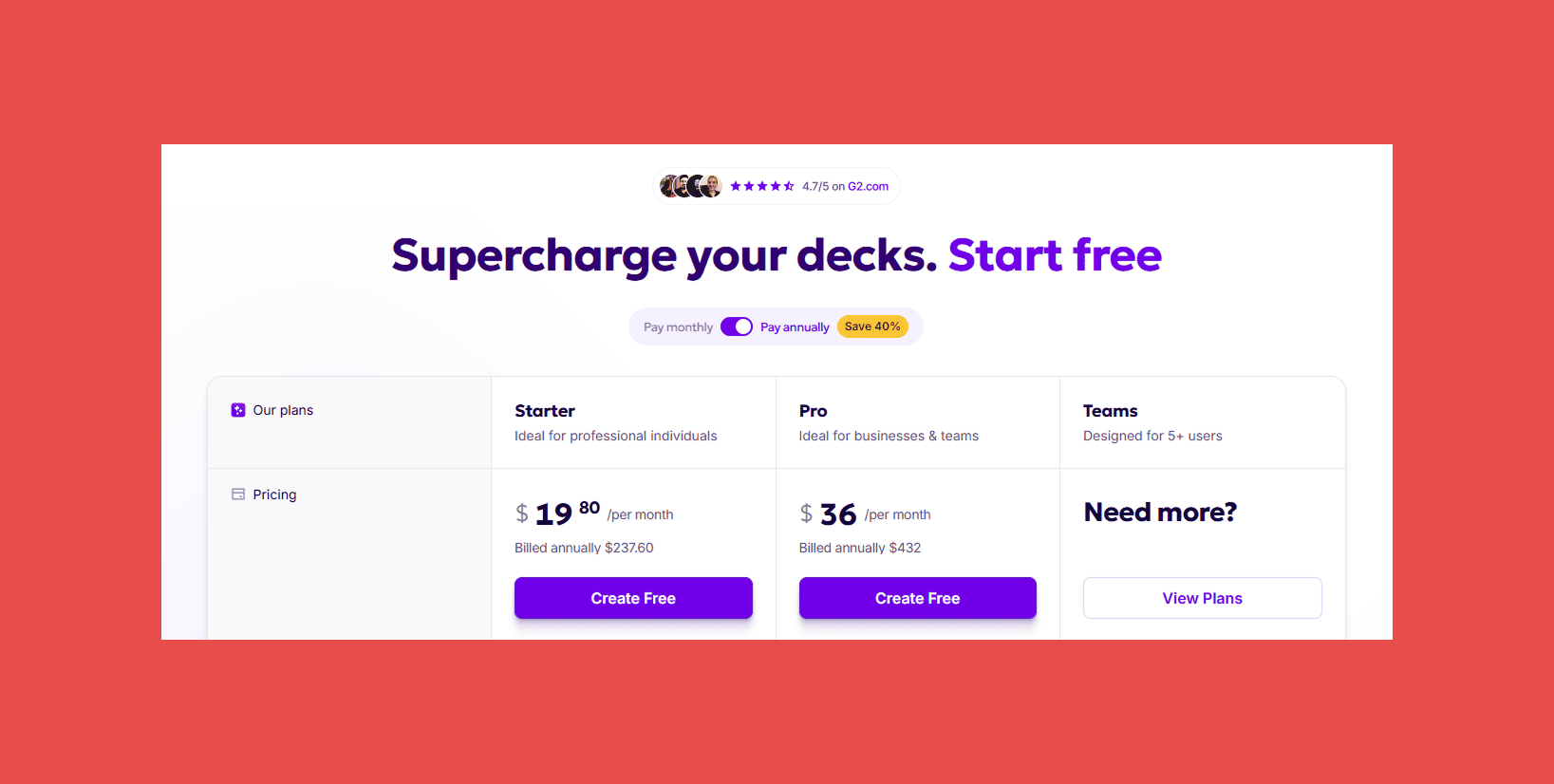
- Starter begins at $19.80/seat/month, Pro begins at $36/seat/month, and Teams has custom pricing.
4. Slack — Best for Internal Collaboration
Overview:
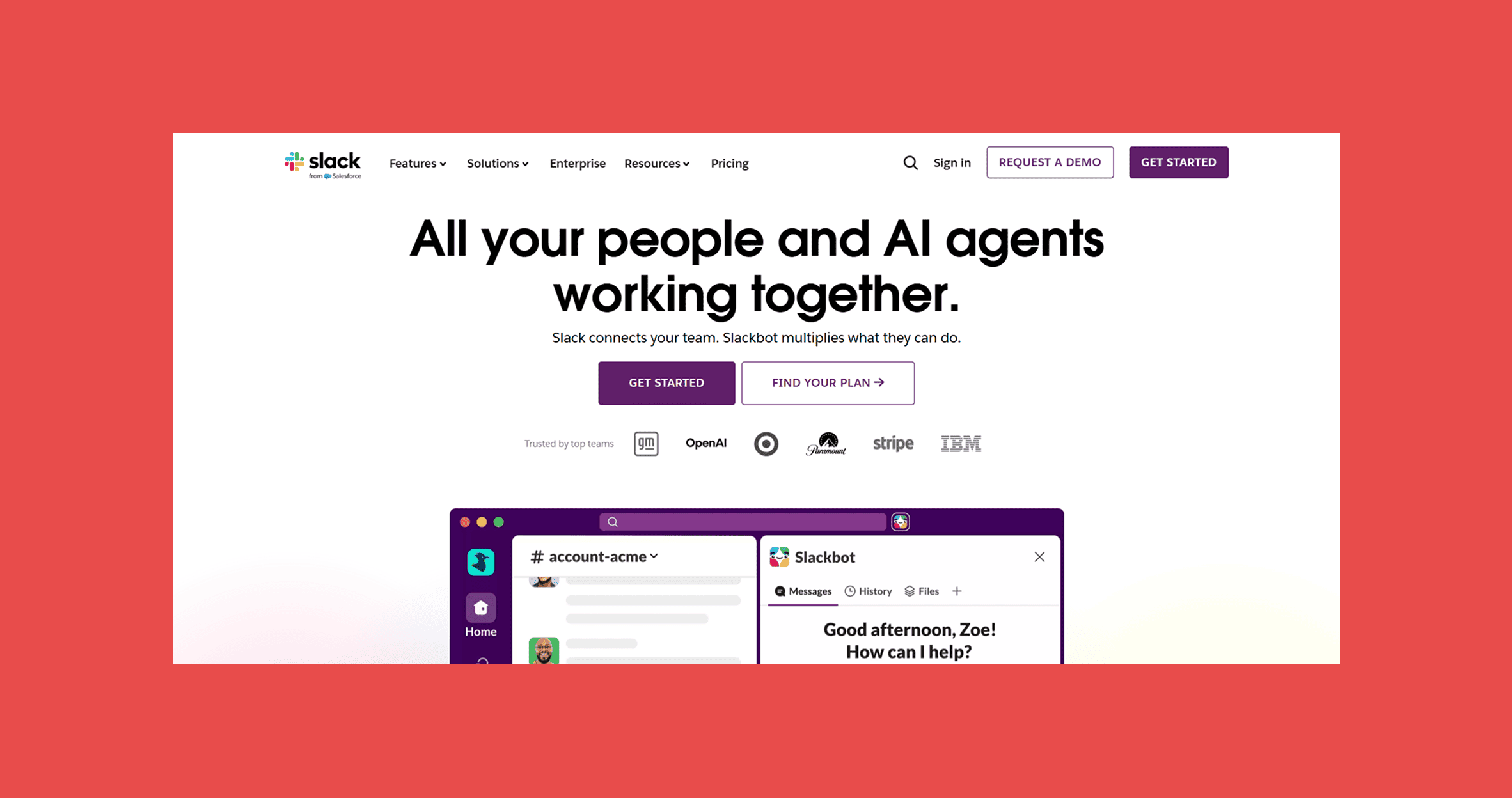
The HubSpot-Slack integration turns deal updates, new lead notifications, and form submissions into real-time messages in the channels your team already lives in, cutting down the number of times someone has to open HubSpot just to check what happened.
Best For: Sales and marketing teams who want deal momentum and lead activity visible without constant CRM tab-switching.
Key Features:
- HubSpot record previews: paste a contact, company, or deal link in Slack and it unfurls into a card with key details like deal amount, stage, and owner
- Deal and pipeline alerts: trigger custom Slack notifications from HubSpot workflows when deal stage, amount, or close date changes
- CRM actions from Slack: create tasks and notes, and move a deal through stages, without opening HubSpot (workflow-triggered action buttons require Professional or Enterprise)
- Cross-functional deal channels: associate a Slack channel with a HubSpot deal or company record so legal, finance, or CS can follow along without CRM access
Ratings:
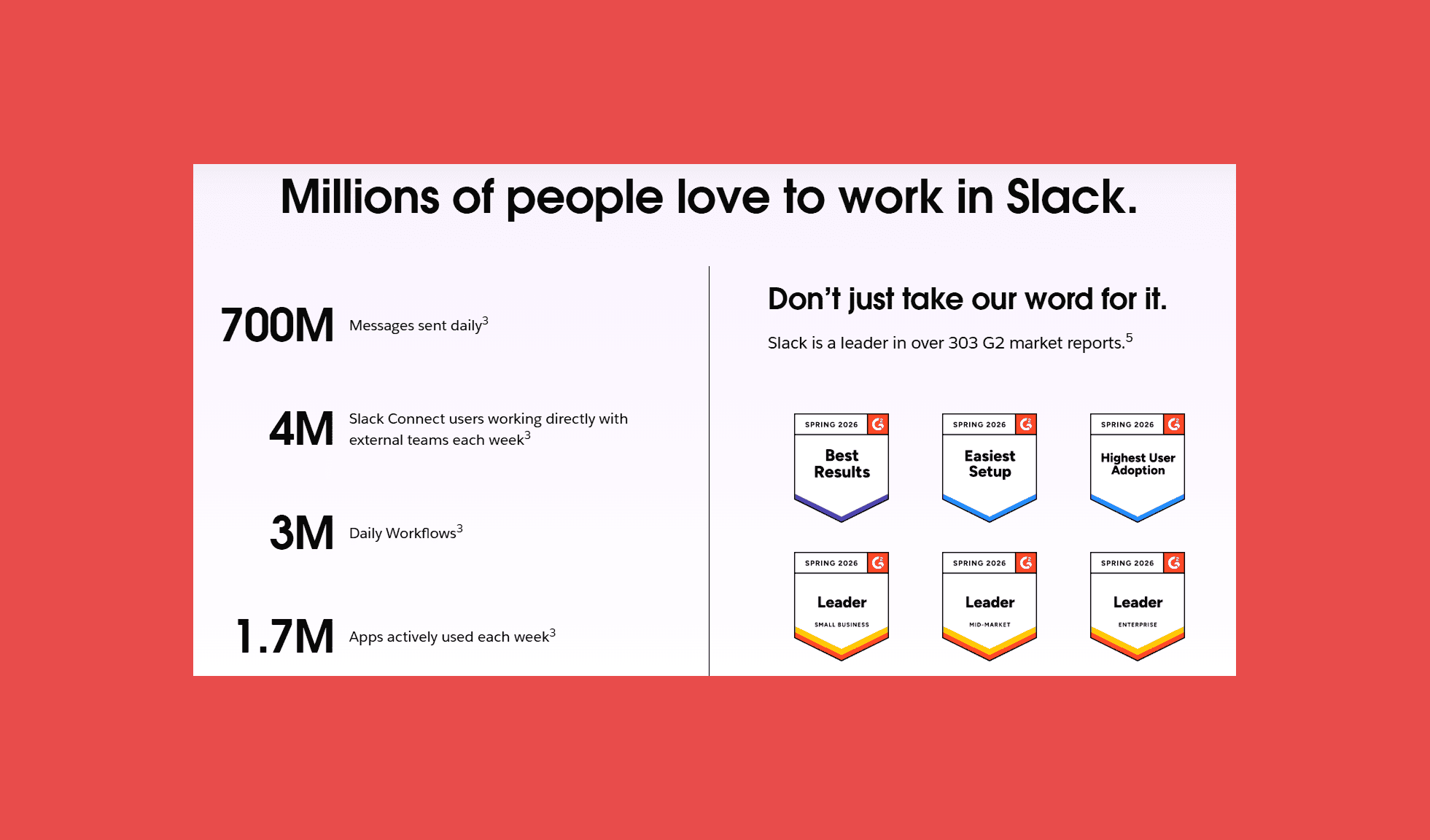
- G2: 4.5/5 (39,170)
- Capterra: 4.7/5 (24,148)
Pros:
- Reduces context-switching by surfacing HubSpot activity where teams already communicate.
- Free tier is genuinely usable for small teams.
- Broad third-party app ecosystem beyond just HubSpot.
Cons:
- Free plan caps searchable message history at 90 days, which becomes a real limitation as teams grow.
- SSO and compliance features are locked behind the pricier Business+ tier.
- Per-user pricing adds up quickly for larger teams.
Pricing:
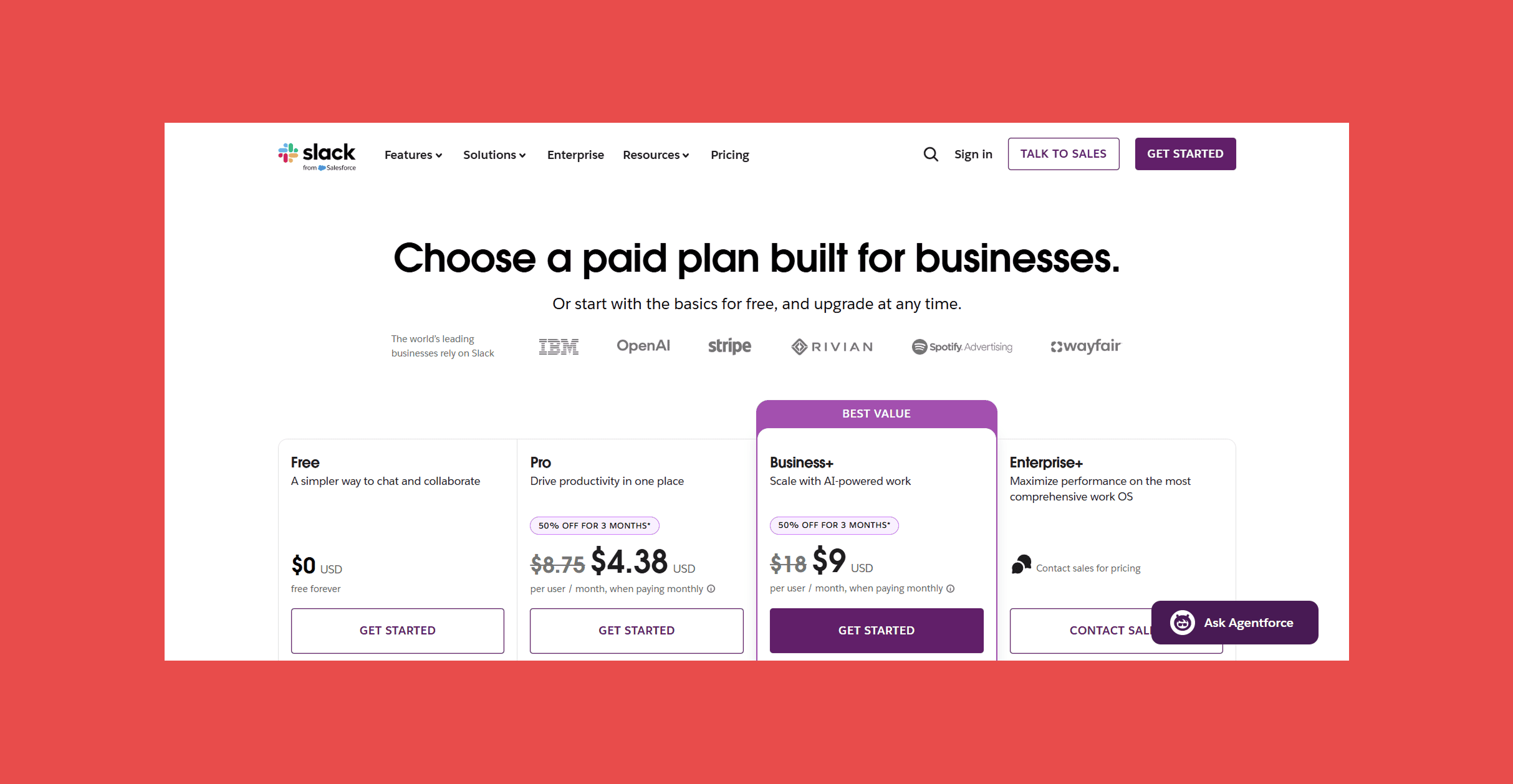
- Slack Pro starts at $8.75/user/month; the deep Hubspot integration is available on all paid plans, though some advanced features require higher Slack and Hubspot tiers.
5. KrispCall — Best for HubSpot-Integrated Cloud Calling with AI Assistance
Overview:
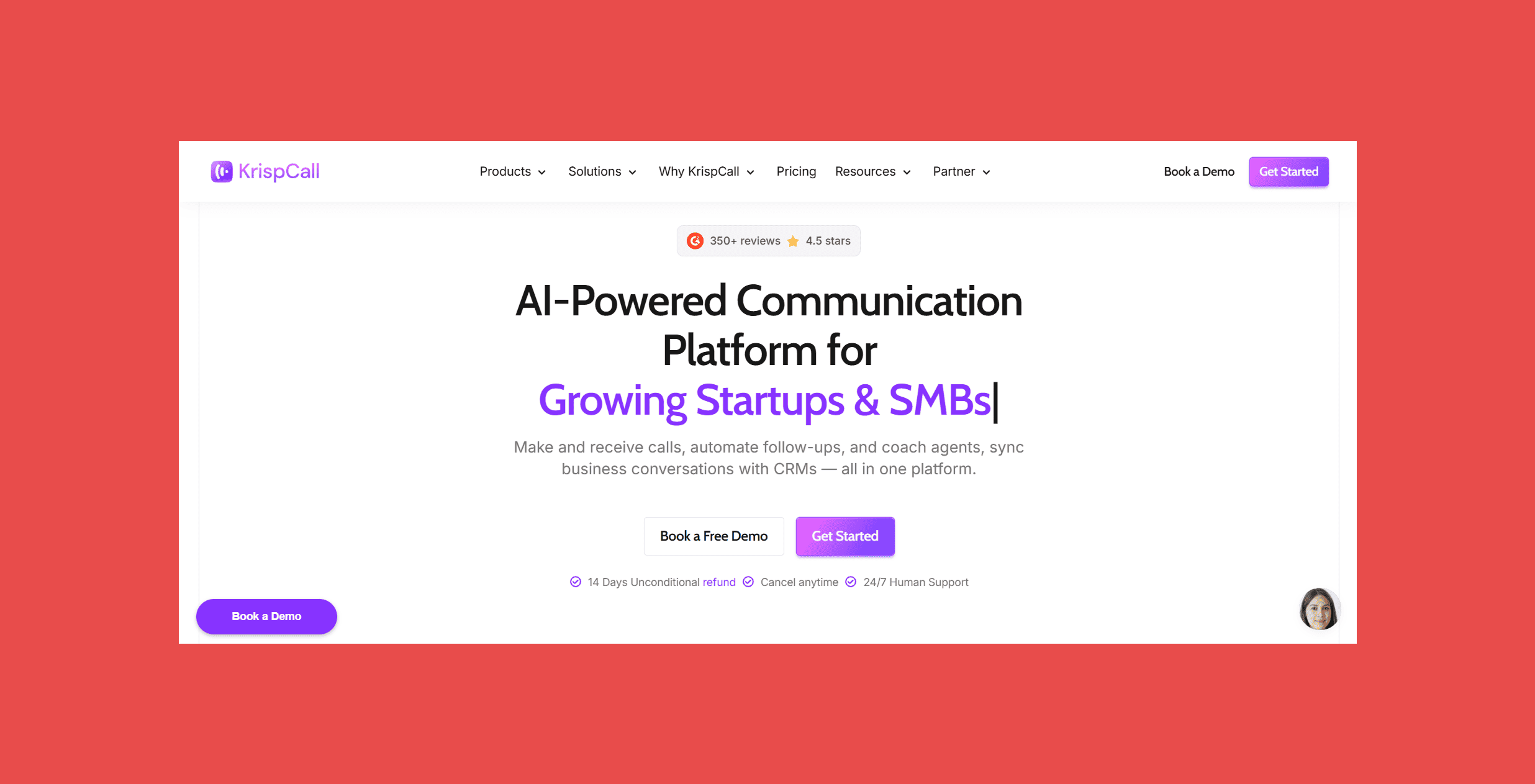
Most calling tools log to HubSpot, but not all of them actually close the loop. KrispCall syncs calls, SMS, voicemails, and AI-generated call summaries directly to HubSpot contact and deal records automatically.
Best For: Sales and support teams using HubSpot who want unlimited calling, automatic call logging, AI-generated call summaries synced to CRM records, and a Power Dialer for outbound, without paying enterprise prices to get there.
Key Features:
- Native HubSpot integration: calls, notes, recordings, and AI summaries sync automatically to contact and deal records with zero manual input from reps
- Unlimited calling: scale outbound volume without per-minute charges or usage anxiety across your team
- Power Dialer: automates outbound call queues with voicemail drop, so reps maximize live conversations per hour without touching a dialer
- Click-to-Call from HubSpot: launch calls directly from contact or deal records with one click
Ratings:
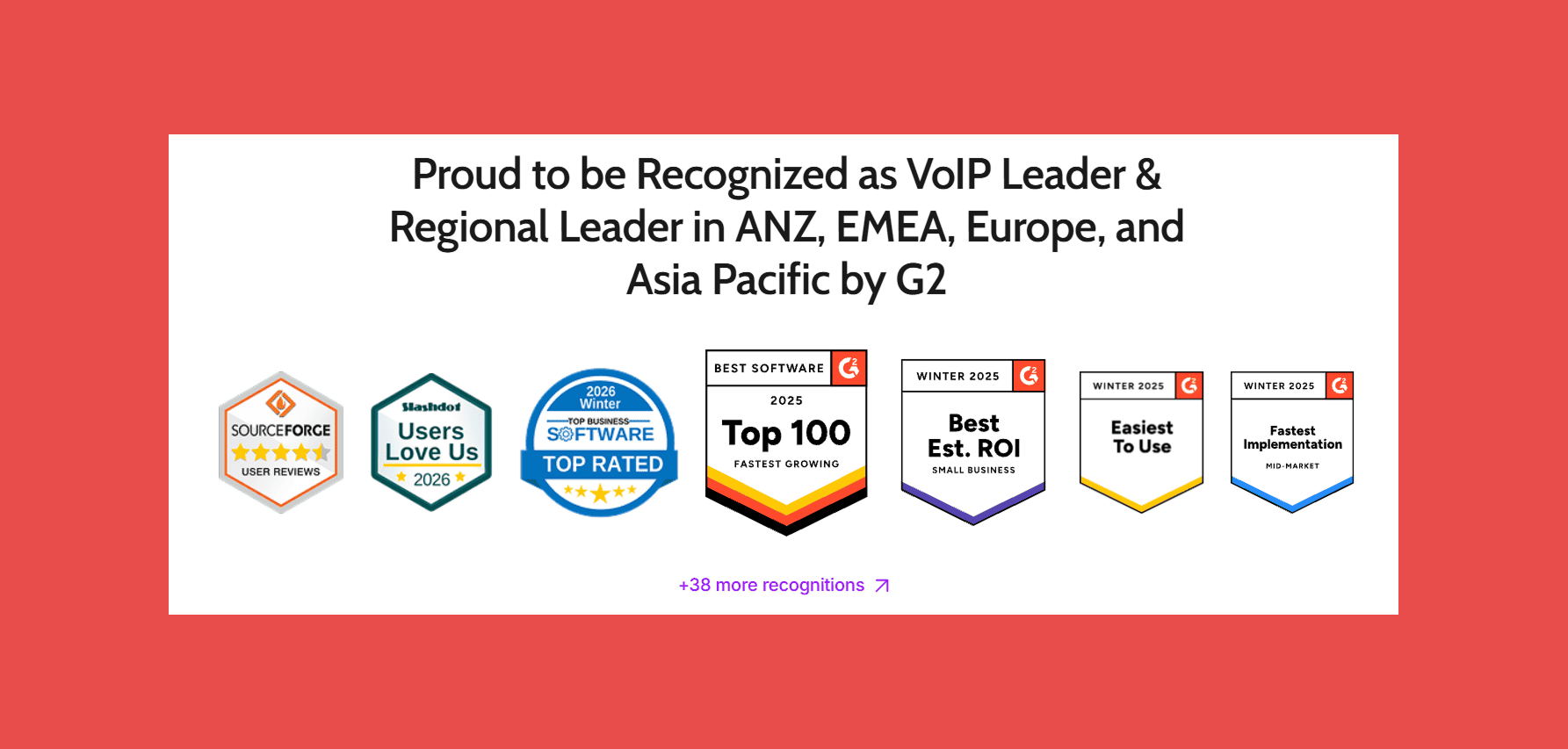
- G2: 4.5/5 (383)
- Capterra: 3.8/5 (8)
Pros:.
- AI Copilot keeps HubSpot records clean automatically — no rep has to stop between calls to write notes or log outcomes.
- Affordable pricing makes contact-center-grade HubSpot calling accessible to SMBs that can't justify Gong or Aircall's price points.
- Fast setup with no hardware required; teams are live in minutes, not weeks.
Cons:
- Primarily voice-first; teams that also need native live chat, email ticketing, or social in the same platform will need to pair it with a helpdesk tool.
- Mobile app is less feature-rich than the desktop version, which can limit reps who work primarily from their phones.
Pricing:
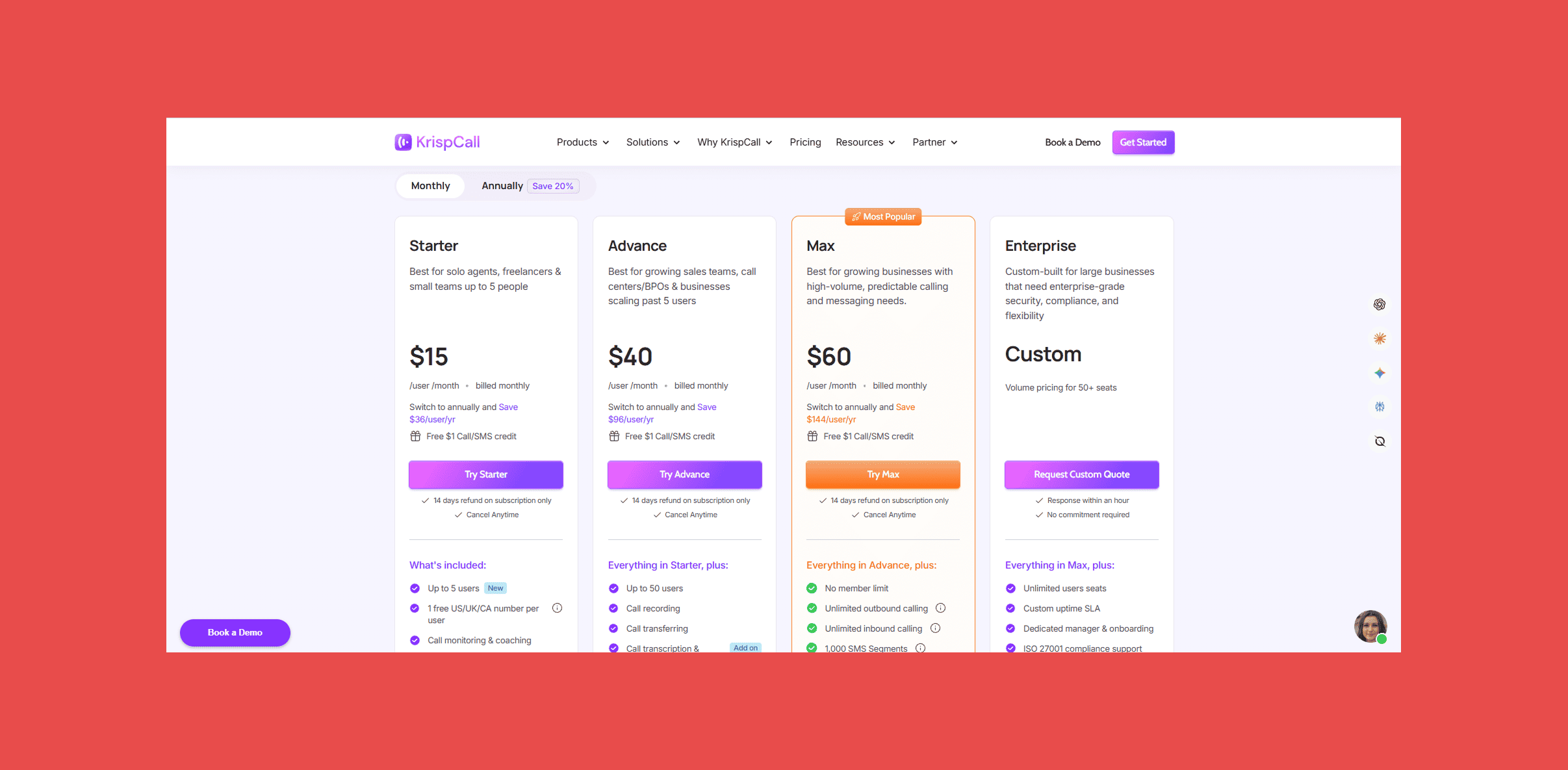
- Starter plan starts at $15/user/month, Advance plan at $40/user/month, Max plan at $60/user/month. Enterprise is custom priced.
6.Gong — Best for Sales Coaching
Overview:
Gong records, transcribes, and analyzes sales calls, then syncs that intelligence into HubSpot so managers can see which conversations are moving deals forward and which are stalling. Its Deal Likelihood scoring pulls from hundreds of data points to flag at-risk deals before they slip.
Best For: Sales teams with enough call volume to justify a dedicated conversation intelligence platform, typically 25+ reps.
Key Features:
- Call recording and transcription: automatic for all video and phone calls, with speaker separation
- HubSpot deal sync: call recordings, transcripts, and conversation insights attach to the right contact, company, and deal record
- Deal intelligence: AI flags on risk, stalled deals, and missing next steps, surfaced as custom HubSpot deal properties
- Forecast: pipeline inspection and AI-assisted forecasting that overlays Gong's scoring on HubSpot deal stage and value (add-on)
- Coaching workflows: clip specific call moments, attach them to HubSpot deal records, and build rep feedback loops around them
Ratings:

- G2: 4.7/5 (6,678)
- Capterra: 4.8/5 (561)
Pros:
- Genuinely deep conversation analytics with strong transcription accuracy.
- Deal risk flagging helps managers intervene before a deal quietly dies.
- Widely regarded as the category leader for a reason.
Cons:
- Pricing isn't published; every quote goes through a sales process, and platform fees on top of per-seat costs push first-year spend well above the sticker rate.
- Smaller teams often find the cost hard to justify relative to usage.
- Some reviewers note forced bundling of modules (Engage, Forecast) they don't fully use.
Pricing:
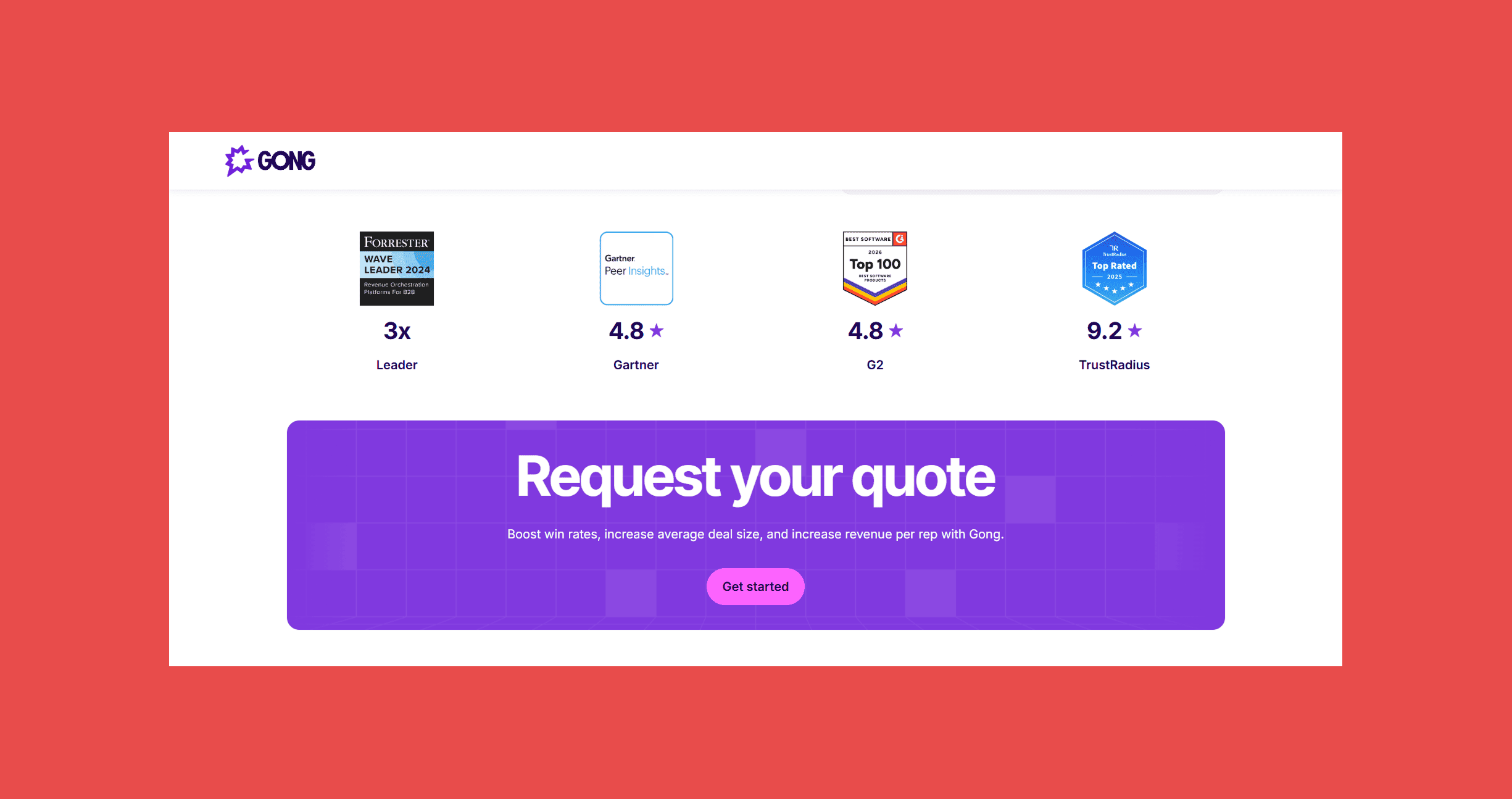
- No published pricing, you’ll need to get in touch with sales to learn more.
7. Zapier — Best for No-Code Workflows
Overview:
Zapier connects HubSpot to more than 8,000 other apps through simple trigger-and-action workflows, called Zaps. New form submission in HubSpot? Fire off a Slack message, log a row in a sheet, and update a project board, all without a developer.
Best For: Teams that need HubSpot to talk to tools outside HubSpot's native integrations, and don't have engineering resources to build custom connections.
Key Features:
- App integrations: 8,000+ apps connected through HubSpot triggers and actions
- Multi-step Zaps: filters, paths, and conditional logic for more complex workflows
- Zapier Copilot: an AI assistant that scaffolds Zaps from a plain-language description
- Free Filter and Formatter steps: don't consume task credits
Ratings:
- G2: 4.5/5 (2,083)
- Capterra: 4.7/5 (3,057)
Pros:
- Massive integration library covers almost anything HubSpot doesn't connect to natively.
- Genuinely easy to build simple automations without technical help.
- Copilot speeds up building more complex multi-step Zaps.
Cons:
- Task-based pricing scales quickly once you're running multi-step Zaps at volume; a five-step workflow burns through your monthly allowance fast.
- Free plan limits you to two-step Zaps, which rules out most real workflows.
- Reliability at high volume takes some tuning to avoid runaway task consumption.
Pricing:
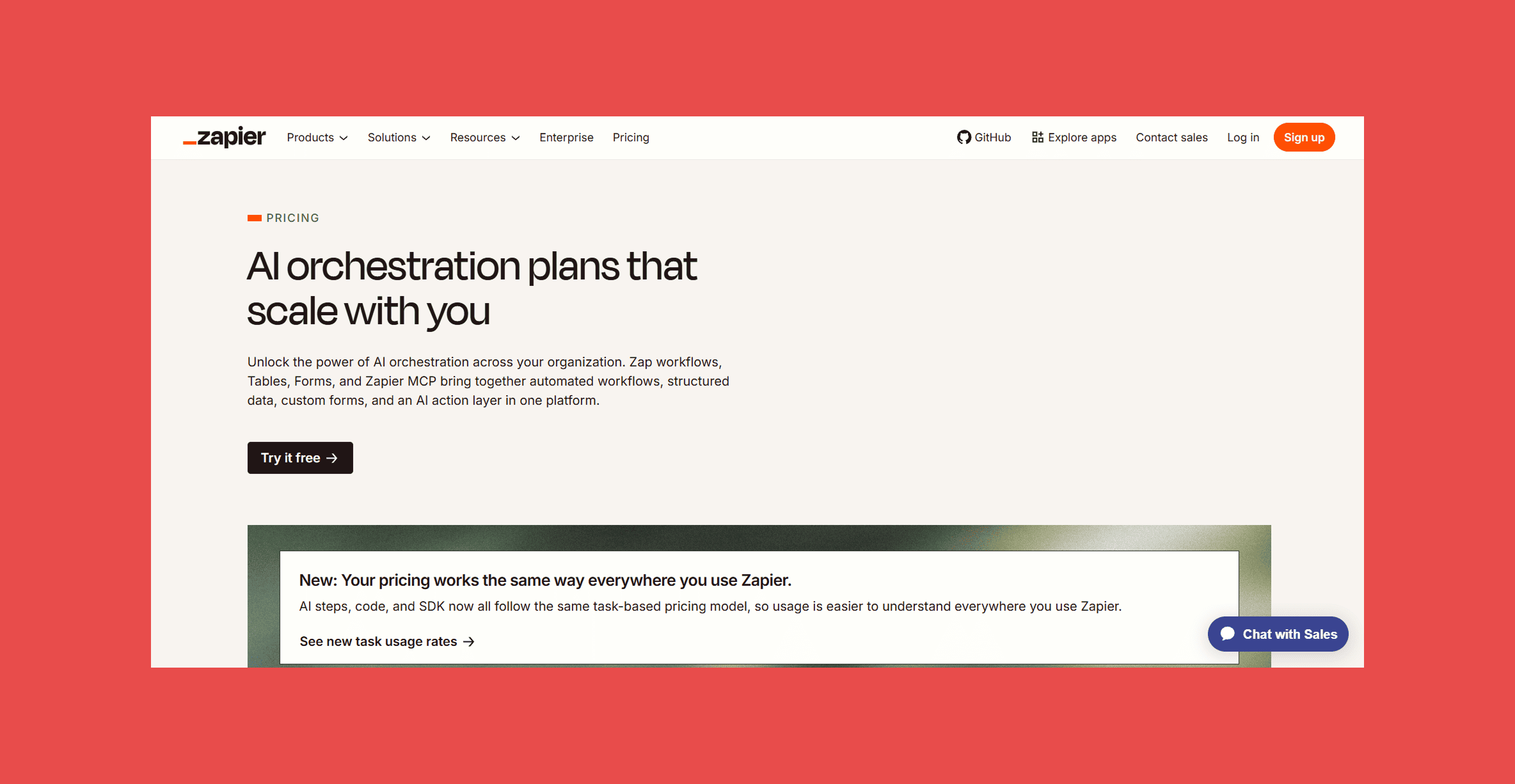
- Free plan available. Professional starts from $29.99/month for 750 tasks. Team runs for $103.50/month (2,000). Enterprise is custom priced.
Automating a bad workflow just automates bad data, faster. Pair Zapier's connections with a HubSpot instance that's actually clean, so the contact records flowing through your Zaps are correct the first time.
8. Aircall — Best for Calling
Overview:
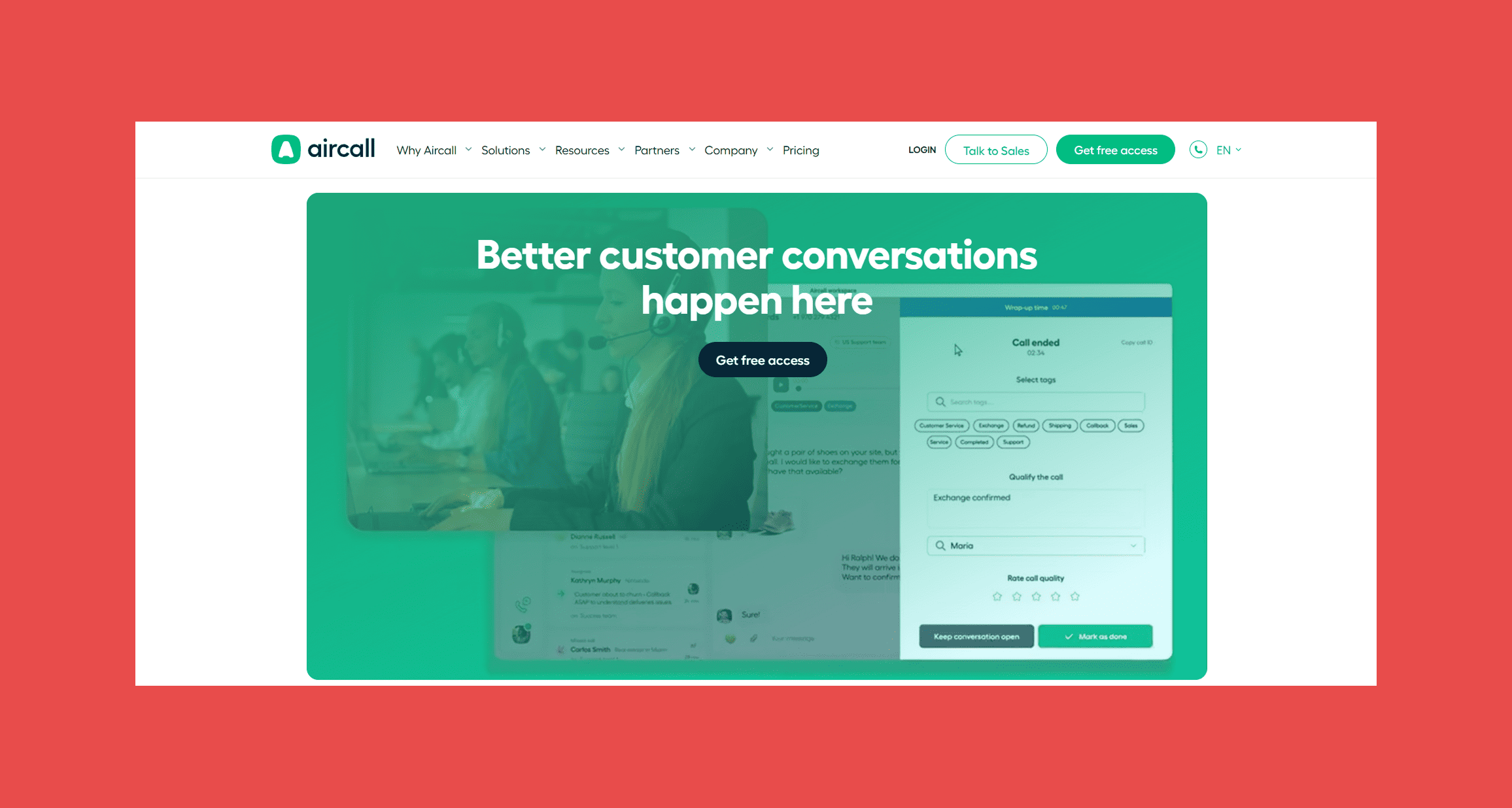
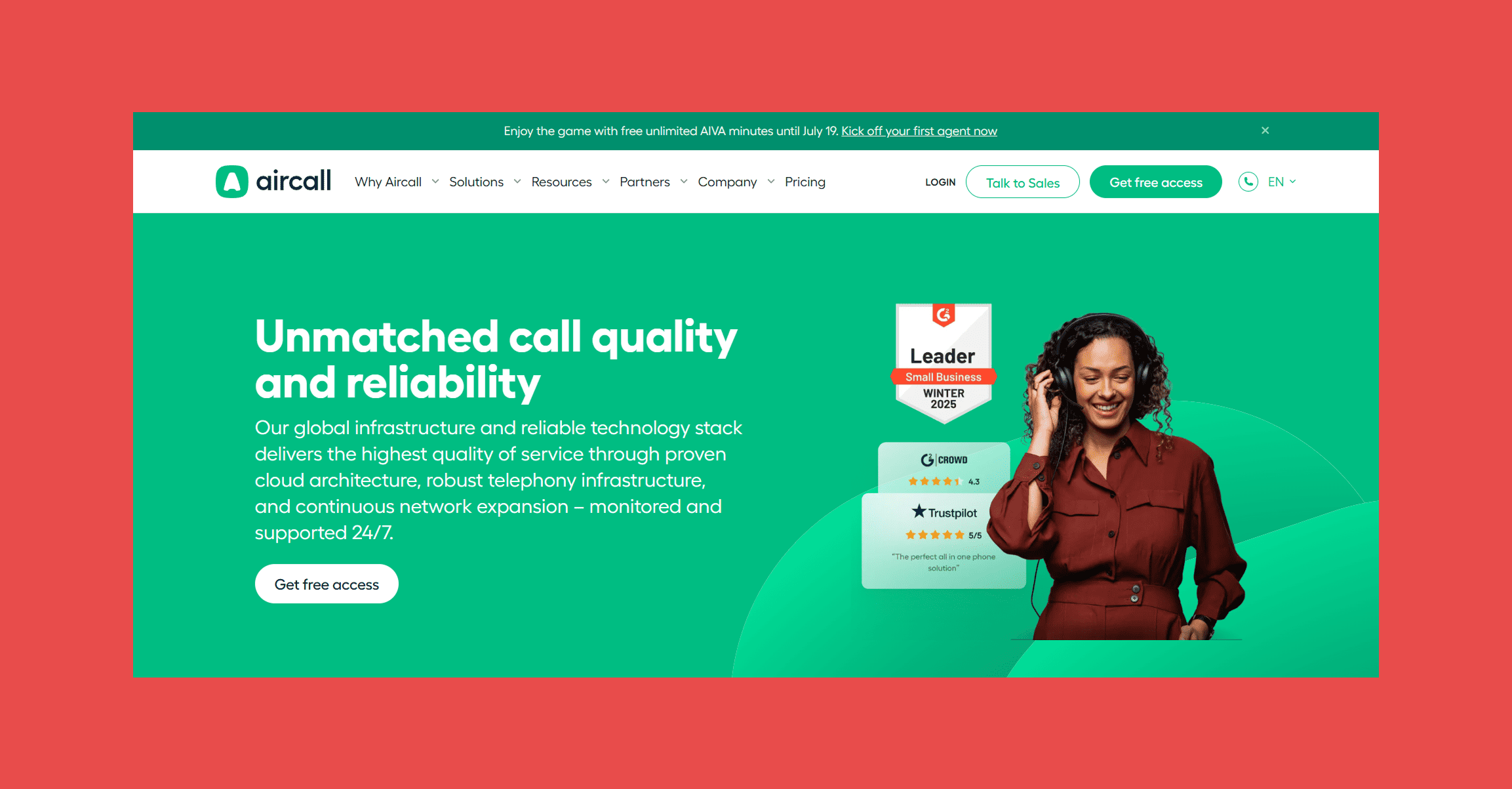
Aircall is a cloud phone system built to sit inside HubSpot rather than beside it. Calls, recordings, and voicemails log automatically to the contact record, and click-to-call works straight from the CRM.
Best For: Sales and support teams already living in HubSpot who need reliable calling without a separate telephony system.
Key Features:
- Click-to-call and automatic call logging: works directly inside HubSpot.
- Power Dialer and live call monitoring: available on the Professional tier.
- IVR and call queuing: plus a shared inbox for team-wide call handling.
- AI call transcription and coaching: available as paid add-ons.
Ratings:
- G2: 4.4/5 (1,613)
- Capterra: 4.2/5 (462)
Pros:
- Best-in-class CRM integration; setup for HubSpot-native teams takes hours, not weeks.
- Unlimited calling in the US and Canada included on every plan.
- Strong reliability and call quality reported across reviews.
Cons:
- Three-license minimum means even a two-person team pays for three seats.
- Several genuinely useful features (AI Assist, Analytics+) are paid add-ons on top of the base price.
- International outbound rates aren't published upfront and require contacting sales.
Pricing:
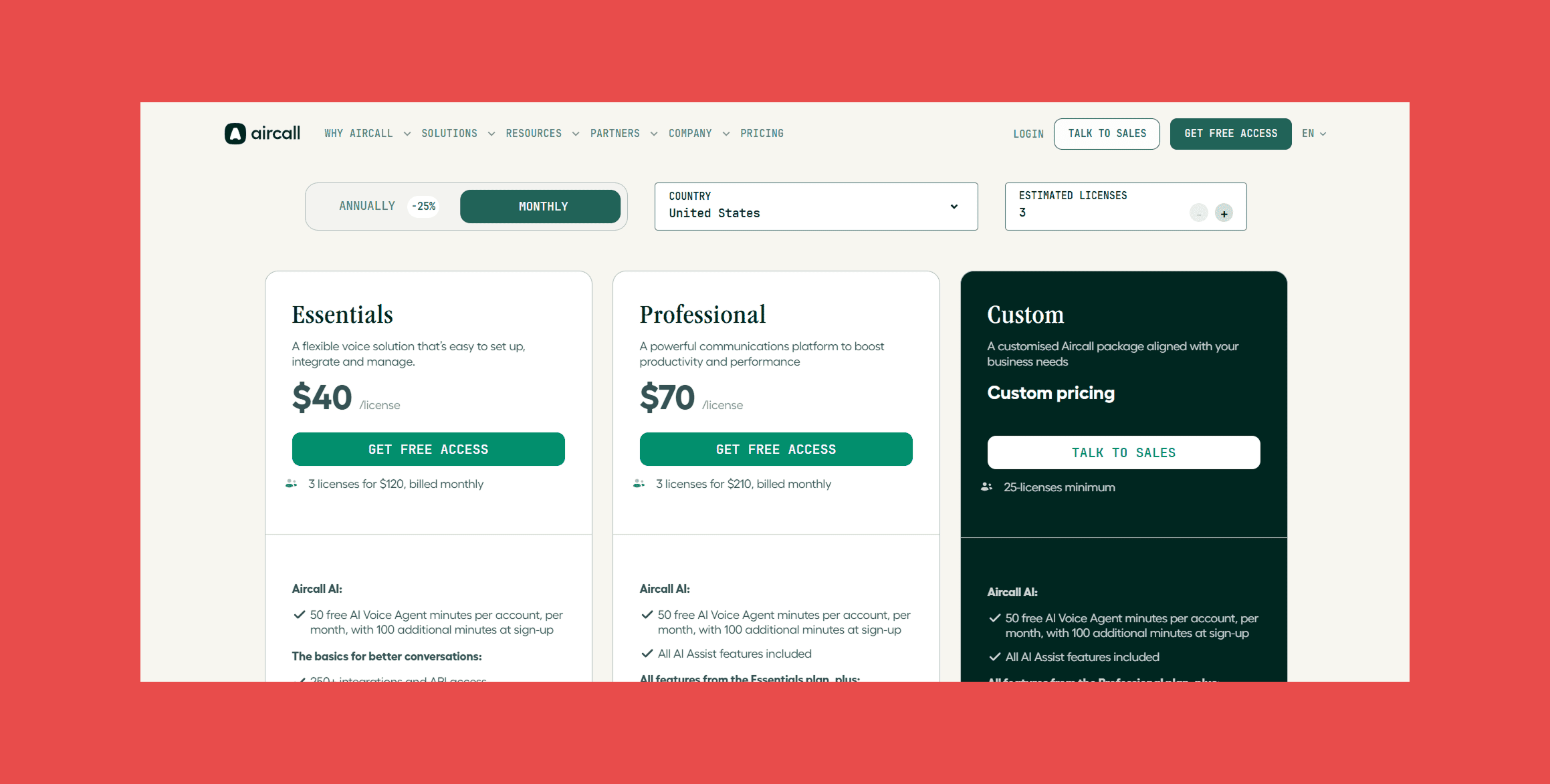
- Essentials starts at $40/user/month, Professional at $70/user/month, both billed monthly with a three-user minimum.
9. Chili Piper — Best for Inbound Sales
Overview:
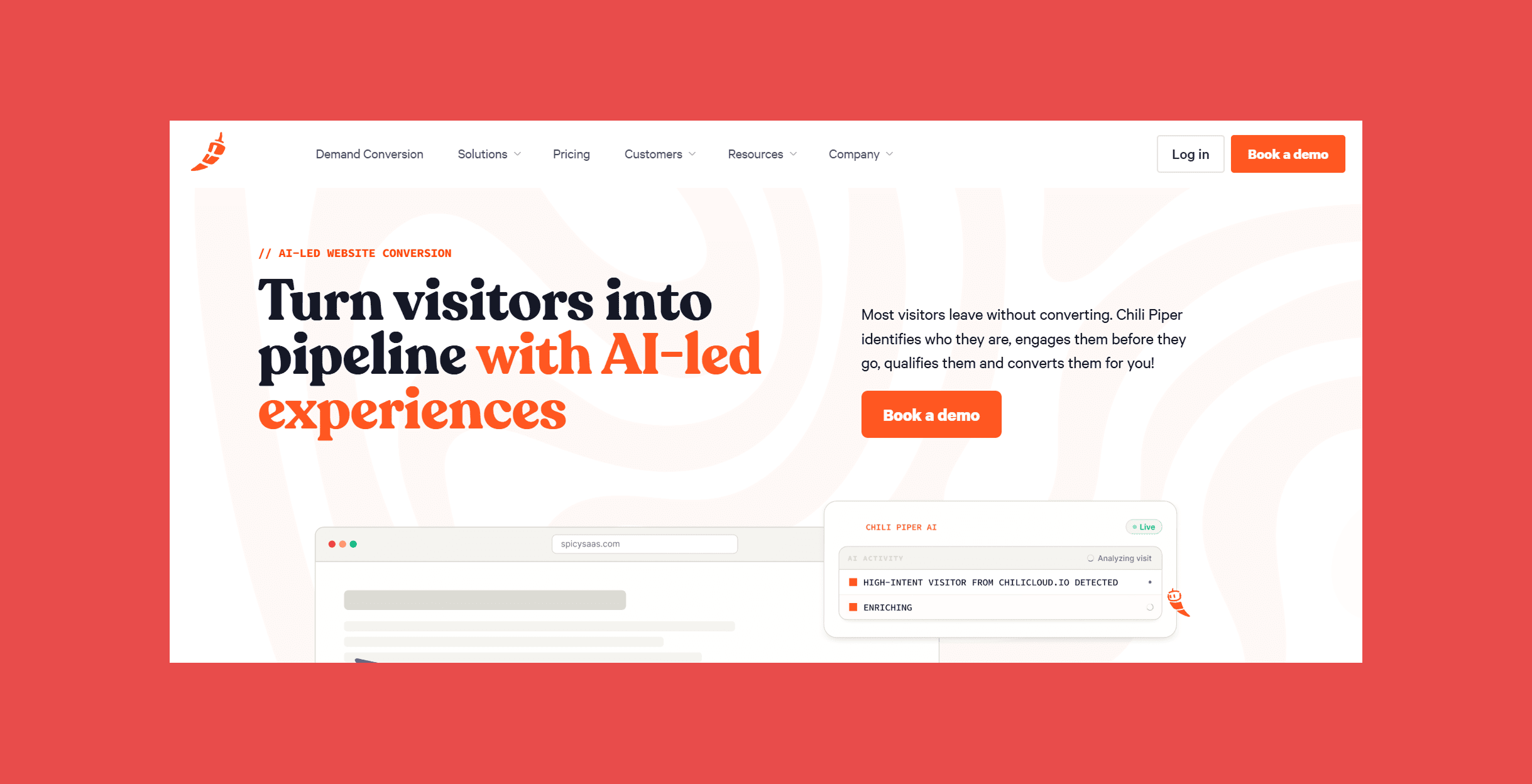
Chili Piper's core trick is instant booking: the moment someone fills out a form on your site, Chili Piper qualifies them, routes them to the right rep, and lets them book directly on that rep's calendar without a single email back and forth. Faster speed-to-lead tends to mean higher conversion.
Best For: Inbound-heavy sales teams that want to convert form fills into booked meetings the moment a lead is warm.
Key Features:
- Instant form-to-meeting booking: Concierge qualifies and books leads the moment they fill out a form.
- Round-robin lead routing and handoff: Distro and Handoff manage SDR-to-AE routing.
- Smart scheduling links: ChiliCal logs bookings automatically to the CRM.
- Chat-based visitor qualification: routes website visitors in real time.
Ratings:
- G2: 4.6/5 (736)
- Capterra: 4.4/5 (134)
Pros:
- Category-defining speed-to-lead improvements; some customers report 70%+ conversion lift.
- Deep Salesforce and HubSpot routing logic that's hard to replicate manually.
Cons:
- Modular, per-product pricing plus a platform fee compounds quickly if you need more than one module.
- No free trial; you'll need a demo call before you see it in action.
- Teams under roughly 200 monthly inbound leads may find the platform fee hard to justify relative to volume.
Pricing:
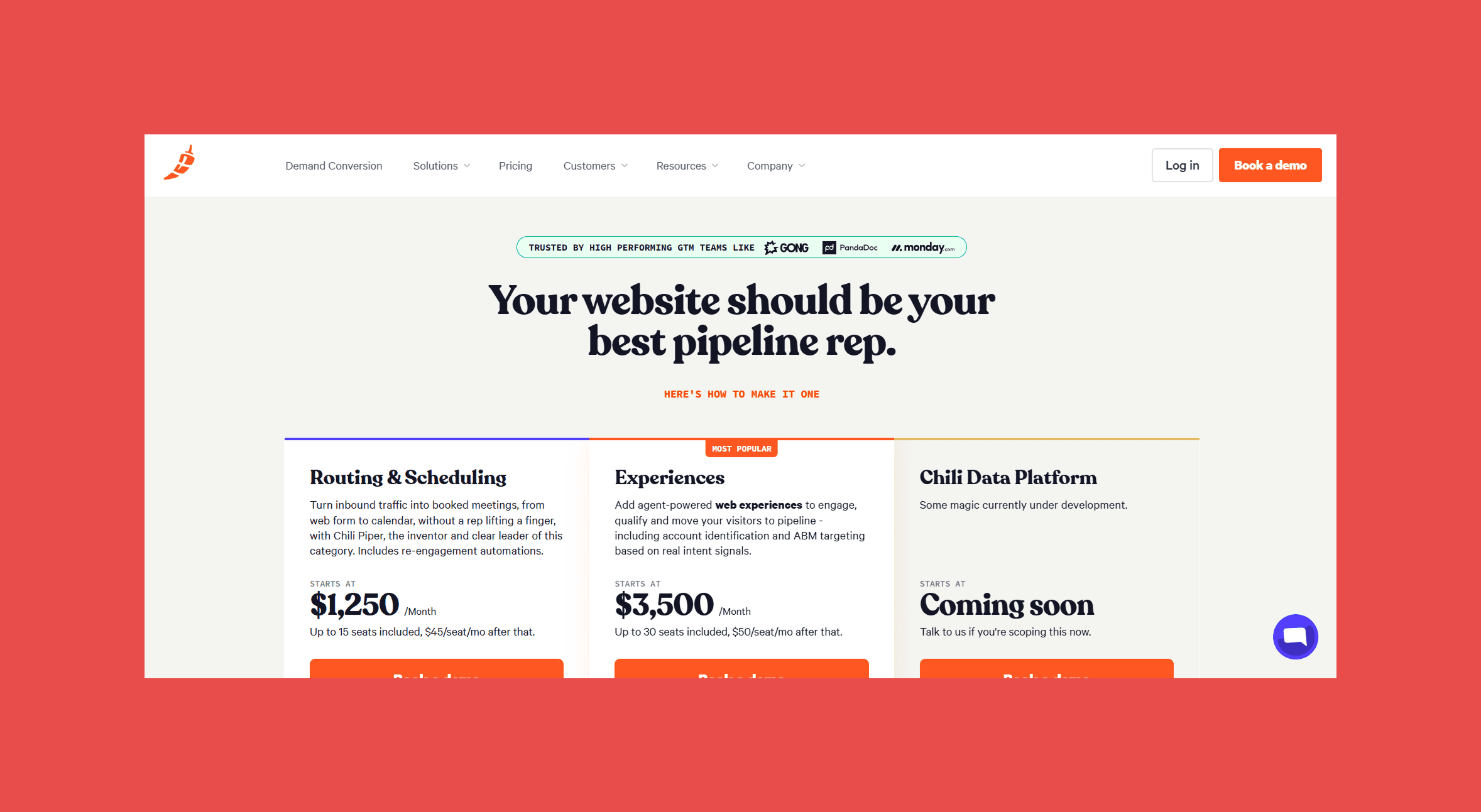
- Routing & Scheduling starts at $1,250/month, including up to 15 seats ($45/seat/month after that) and 45,000 AI credits per year.
- Experiences, the most popular plan, starts at $3,500/month, including up to 30 seats ($50/seat/month after that) and 150,000 AI credits per year.
- The Chili Data Platform is coming soon; pricing hasn't been announced.
10. Clay — Best for CRM Enrichment
Overview:
Clay is a spreadsheet-style workspace that queries 100+ data providers in a waterfall, meaning if one source doesn't have an email or phone number, it automatically tries the next, and the next, until it finds a match or exhausts every option. Pair that with Claygent, its AI research agent, and you get a genuinely flexible enrichment and outbound engine.
Best For: RevOps and growth teams who want granular control over exactly which data providers to query and in what order, and are willing to invest time learning the workflow builder.
Key Features:
- Waterfall enrichment: queries 100+ data providers in sequence until it finds a match.
- Claygent: an AI agent that scrapes messy, unstructured pages like career sites and funding announcements.
- HTTP API access: plug in any provider not natively supported.
- CRM sync: to HubSpot, Salesforce, and Pipedrive on higher tiers.
Ratings:
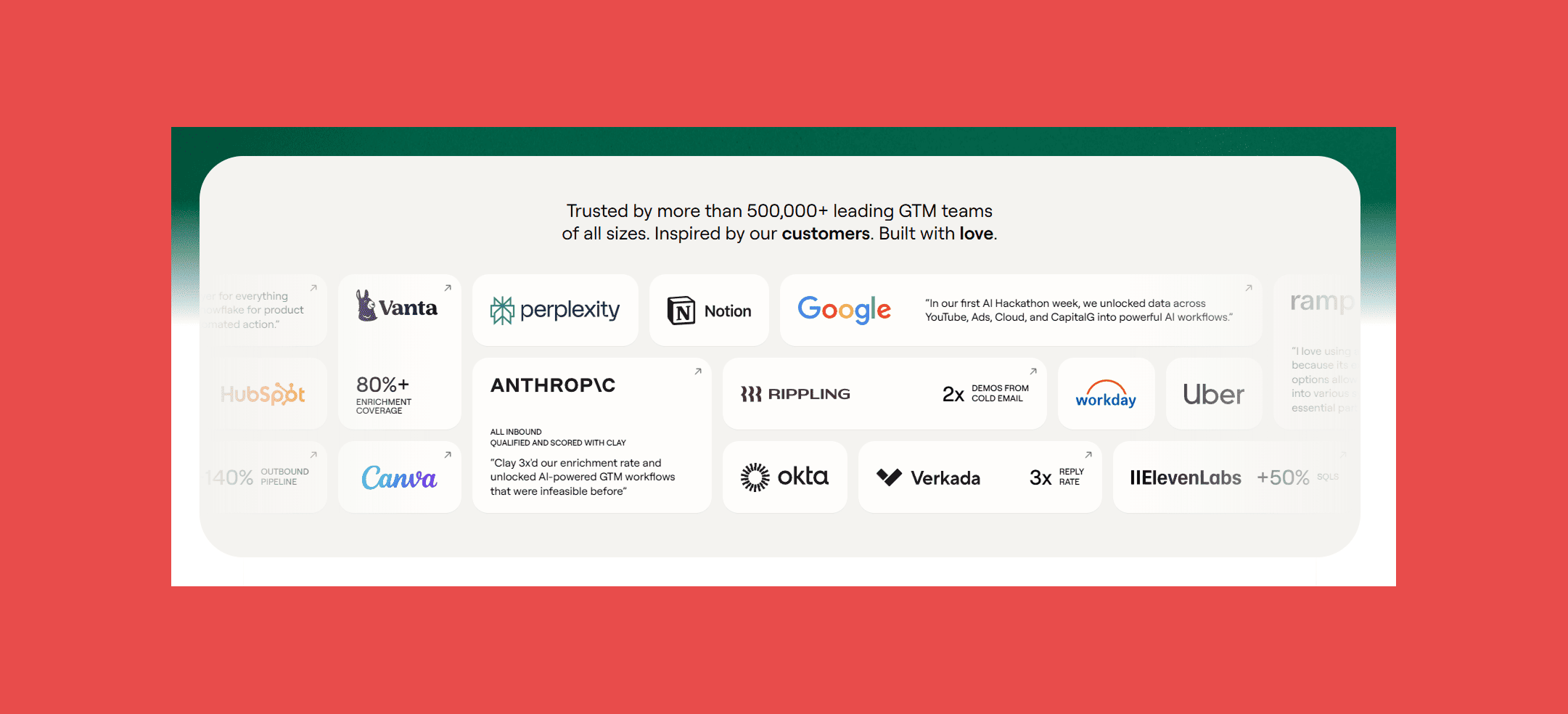
- G2: 4.6/5 (226)
- Capterra: N/A
Pros:
- Unmatched flexibility for teams that want to build custom enrichment logic.
- Waterfall approach meaningfully improves match rates over any single-source tool.
- Strong community and educational content (Clay University) for onboarding.
Cons:
- Real learning curve; many teams report 20+ hours to build their first production-ready workflow.
- Credit-based pricing makes budgeting unpredictable, and failed lookups can still consume credits depending on configuration.
- CRM sync requires the higher-priced Growth tier or above.
Pricing:
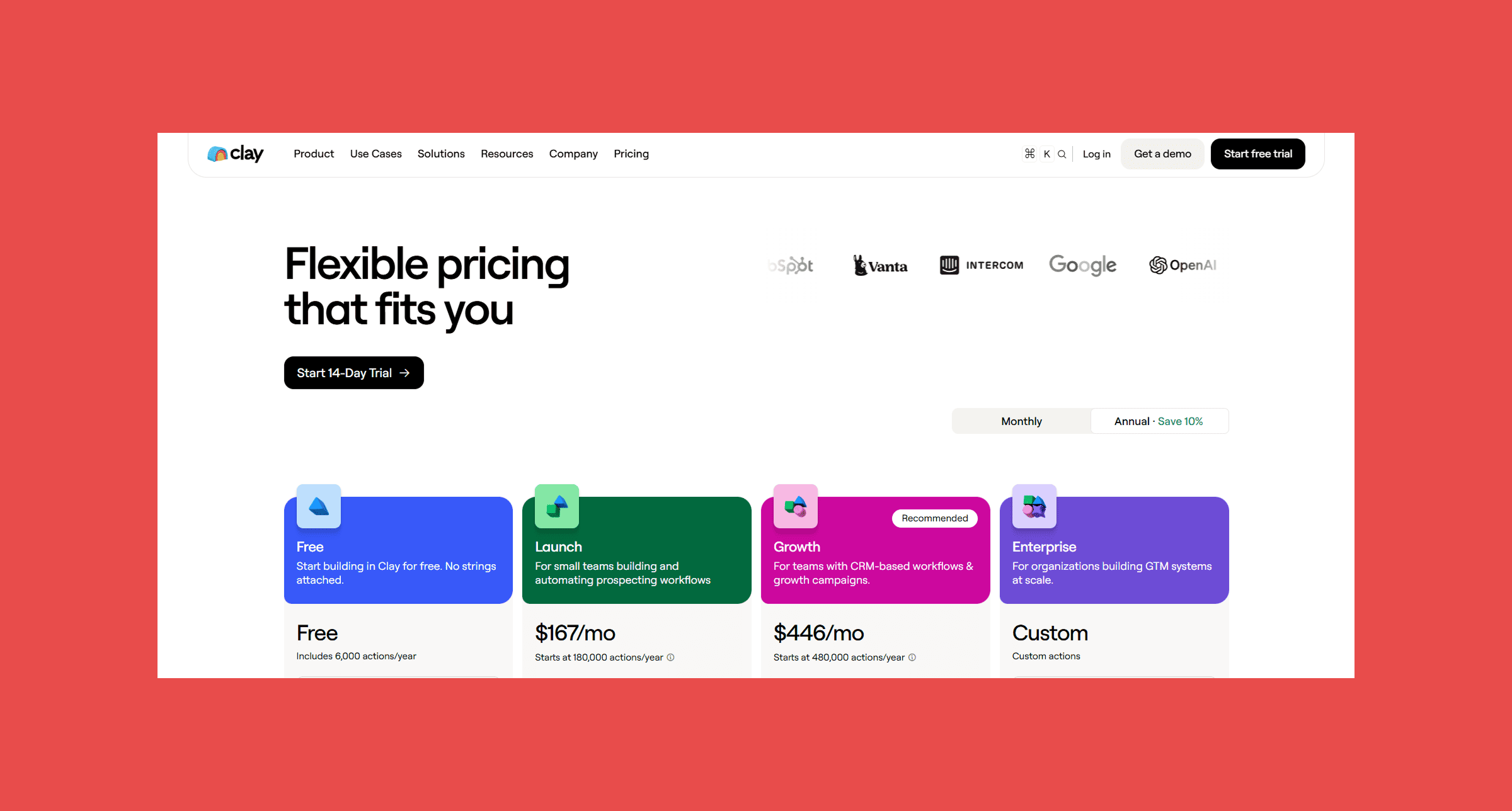
- Free tier available. Launch runs $167/month, Growth runs $446/month, and Enterprise is custom priced.
A great enrichment workflow upstream doesn't help if duplicates and stale records pile up downstream. Datacare picks up right where a tool like Clay leaves off, keeping whatever lands in HubSpot deduplicated and current long after the initial import.
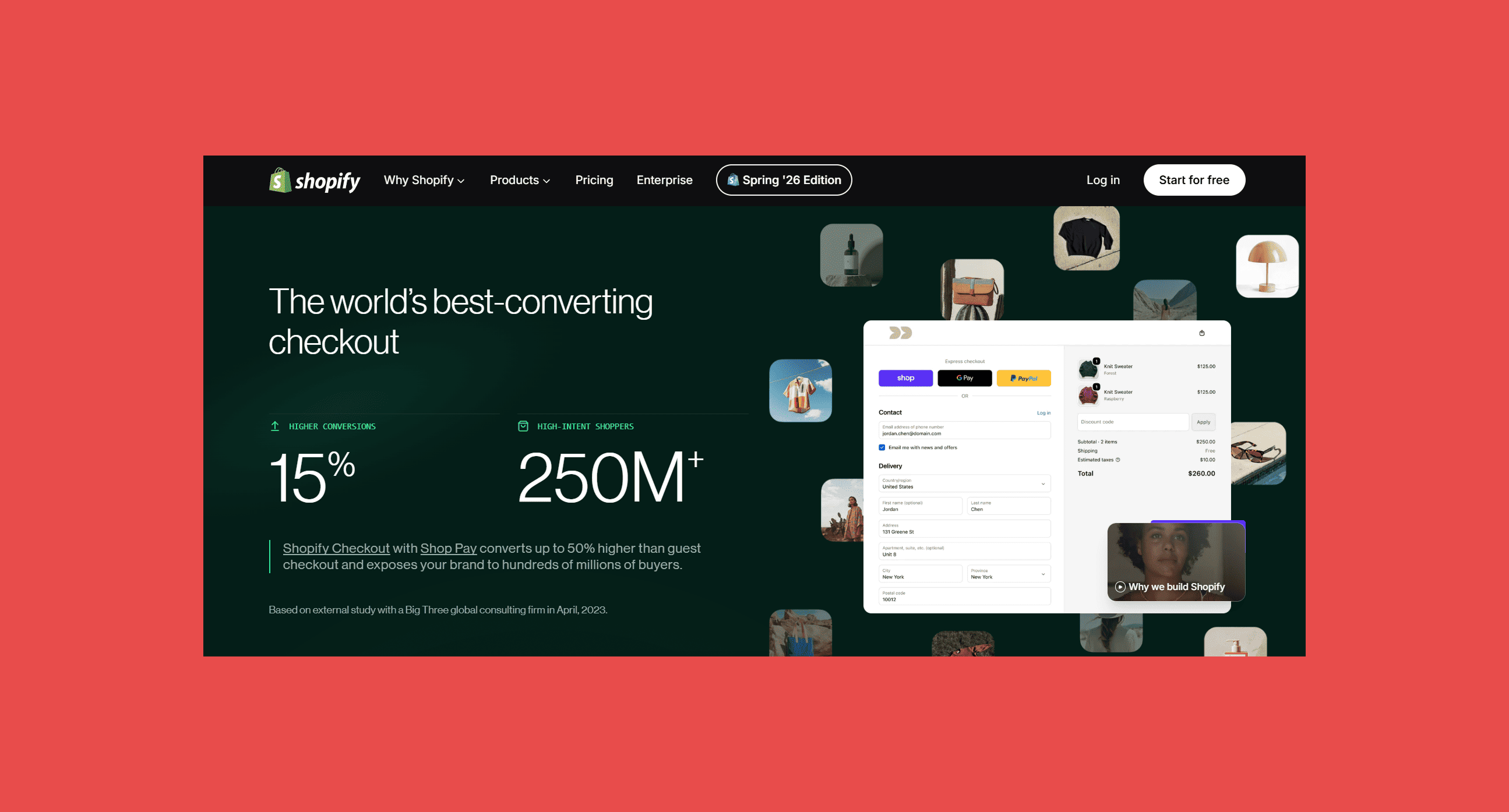
11. Shopify — Best for Ecommerce
Overview:
The HubSpot-Shopify integration syncs customers, orders, and product data both directions, so marketing can build segments based on real purchase history and sales can see full order context on a contact record without switching tools.
Best For: DTC and ecommerce brands that want their storefront and CRM to share one source of truth on customer behavior.
Key Features:
- Two-way sync: customers, orders, and products stay aligned across both platforms.
- Workflow triggers: abandoned cart and post-purchase automations in HubSpot.
- Revenue attribution: tied directly to marketing campaigns.
- Segmentation: based on purchase history and lifetime value.
Ratings:
- G2: 4.4/5 (5,115)
- Capterra: 4.5/5 (6,698)
Pros:
- Genuinely easy setup; most merchants are live within a day.
- Rich app ecosystem covers nearly any ecommerce need beyond the core platform.
- Strong multichannel selling support (web, social, in-person via POS).
Cons:
- Third-party payment gateways incur an added transaction fee on top of standard processing rates.
- Advanced B2B features (unlimited catalogs, partial payments) remain exclusive to the Plus tier.
Pricing:
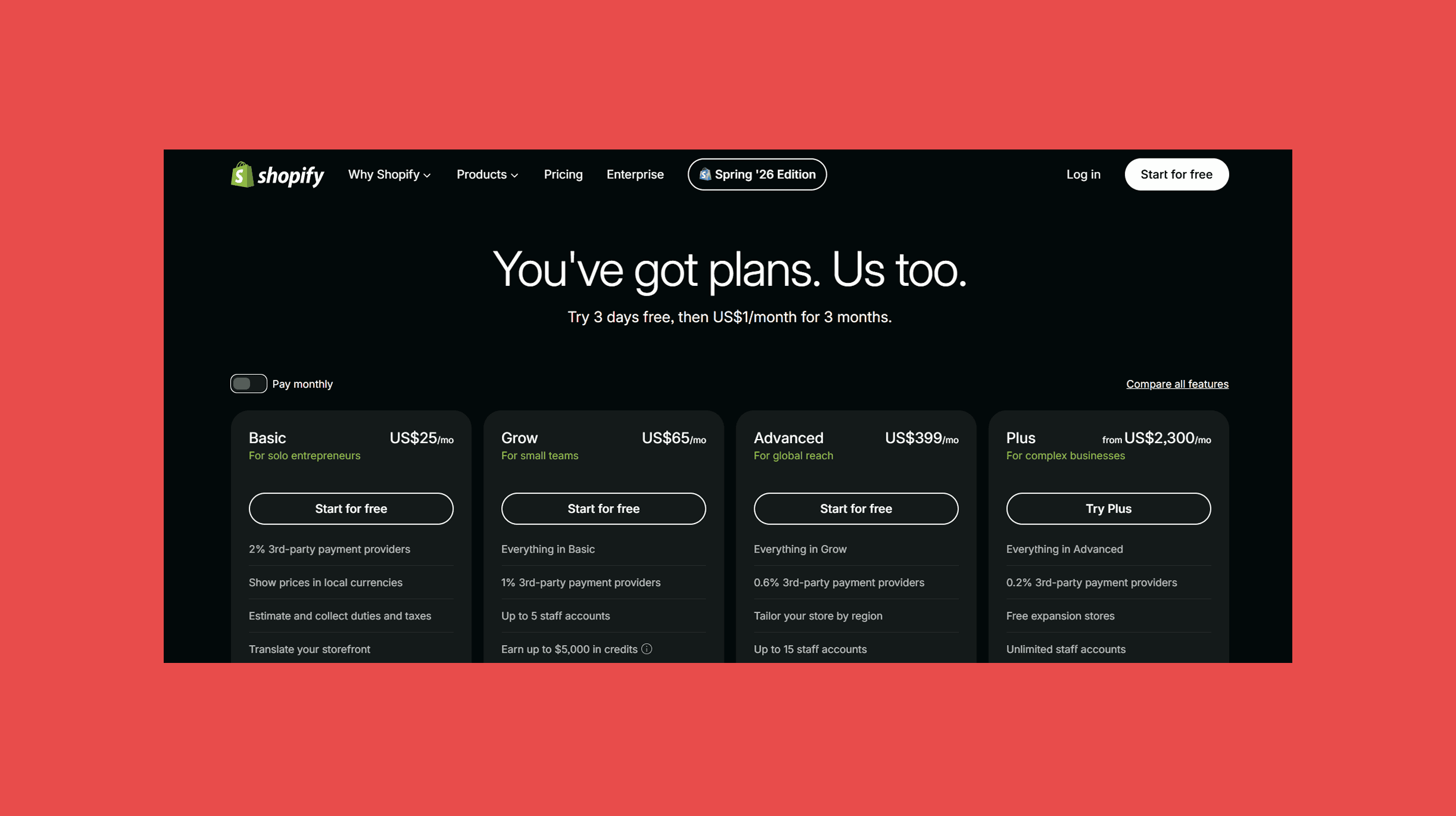
- Basic runs $25/month, Grow $65/month, Advanced $399/month, and Plus starts at $2,300/month plus a revenue share above a GMV threshold.
12. Typeform — Best for Marketing
Overview:
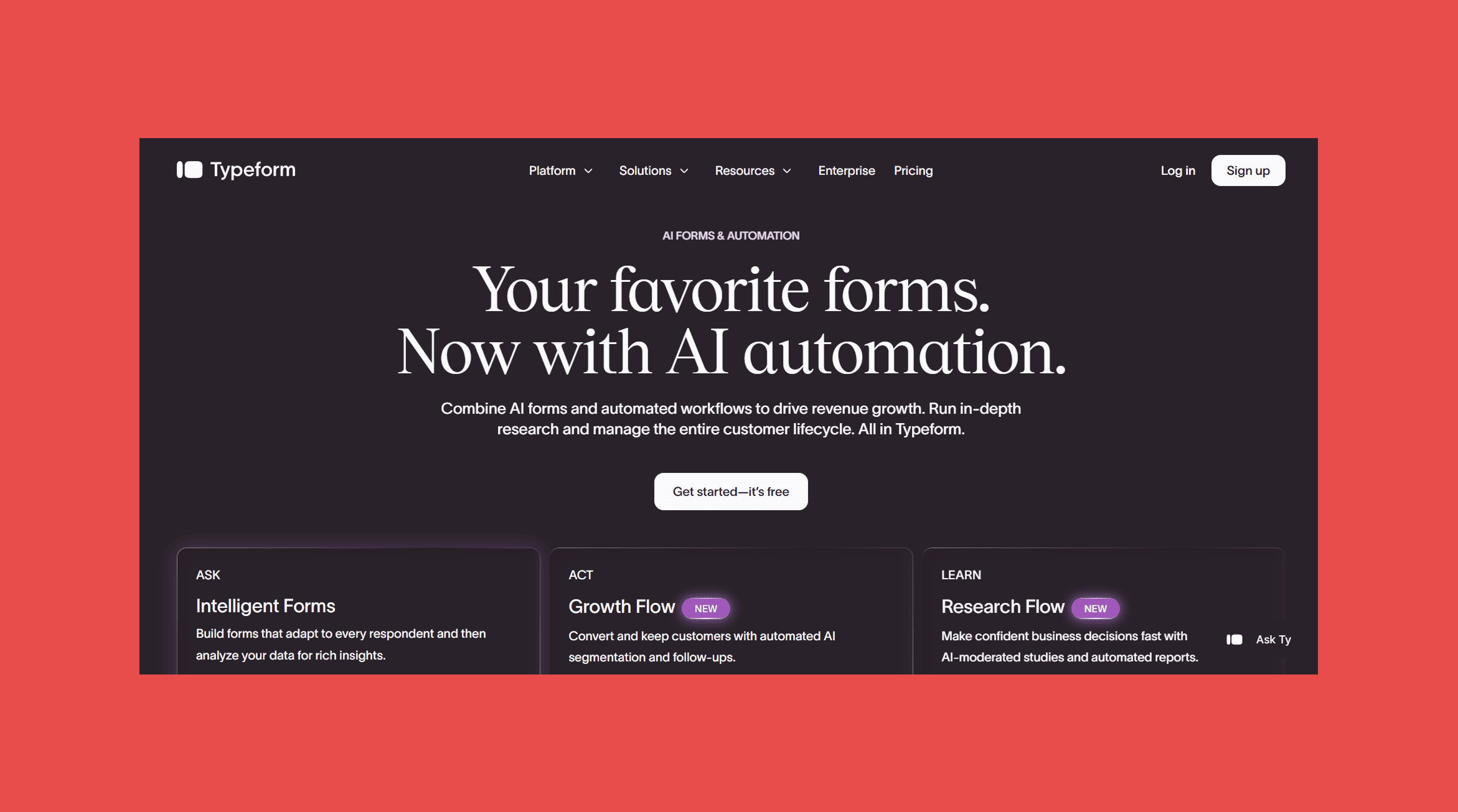
Typeform's one-question-at-a-time format feels more like a conversation than a form, and that design choice measurably improves completion rates for lead capture, NPS surveys, and event registration. Submissions sync straight into HubSpot as new contacts or updates to existing ones.
Best For: Marketing teams that want polished, higher-converting forms feeding directly into HubSpot lists and workflows.
Key Features:
- Conditional logic: branching questions based on prior answers.
- Native HubSpot integration: instant contact sync as new or updated records.
- Calculator fields and payments: Stripe-based payment collection built into forms.
- AI-assisted form building: generate questions from a CSV or plain-language prompt.
Ratings:
- G2: 4.5/5 (1,003)
- Capterra: 4.5/5 (971)
Pros:
- Genuinely improves completion rates versus a standard static form.
- Clean, on-brand design out of the box.
- AI assistant speeds up building longer surveys.
Cons:
- Response caps on lower tiers get exhausted fast for any real lead-gen volume.
- Bot protection (reCAPTCHA) is locked behind the pricier Growth plans, a real gap for anyone running paid ads.
Pricing:
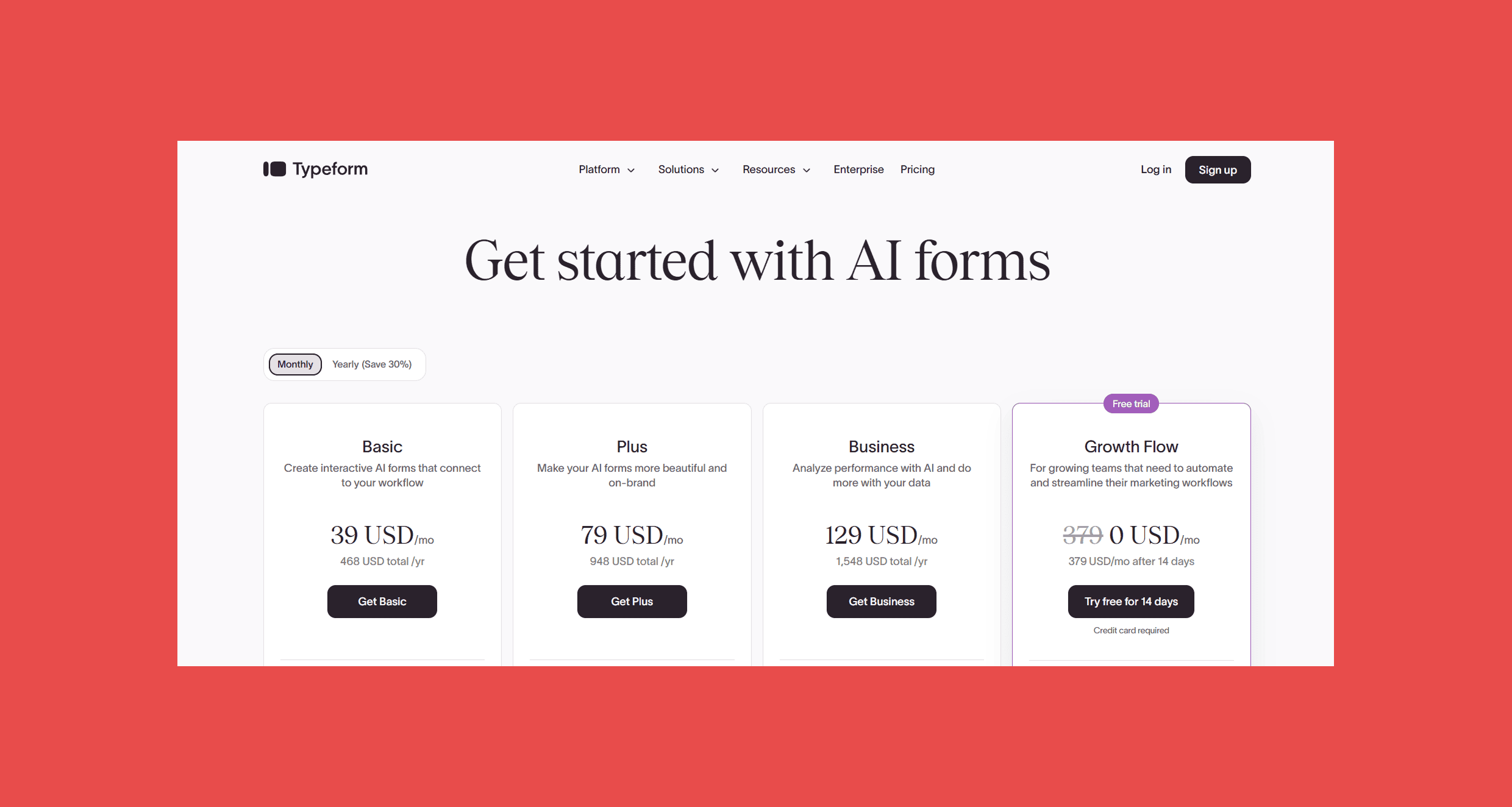
- Basic runs $39/month, Plus $79/month, and Business $129/month. Enterprise is custom priced.
13. Asana — Best for Cross-Functional Teams
Overview:
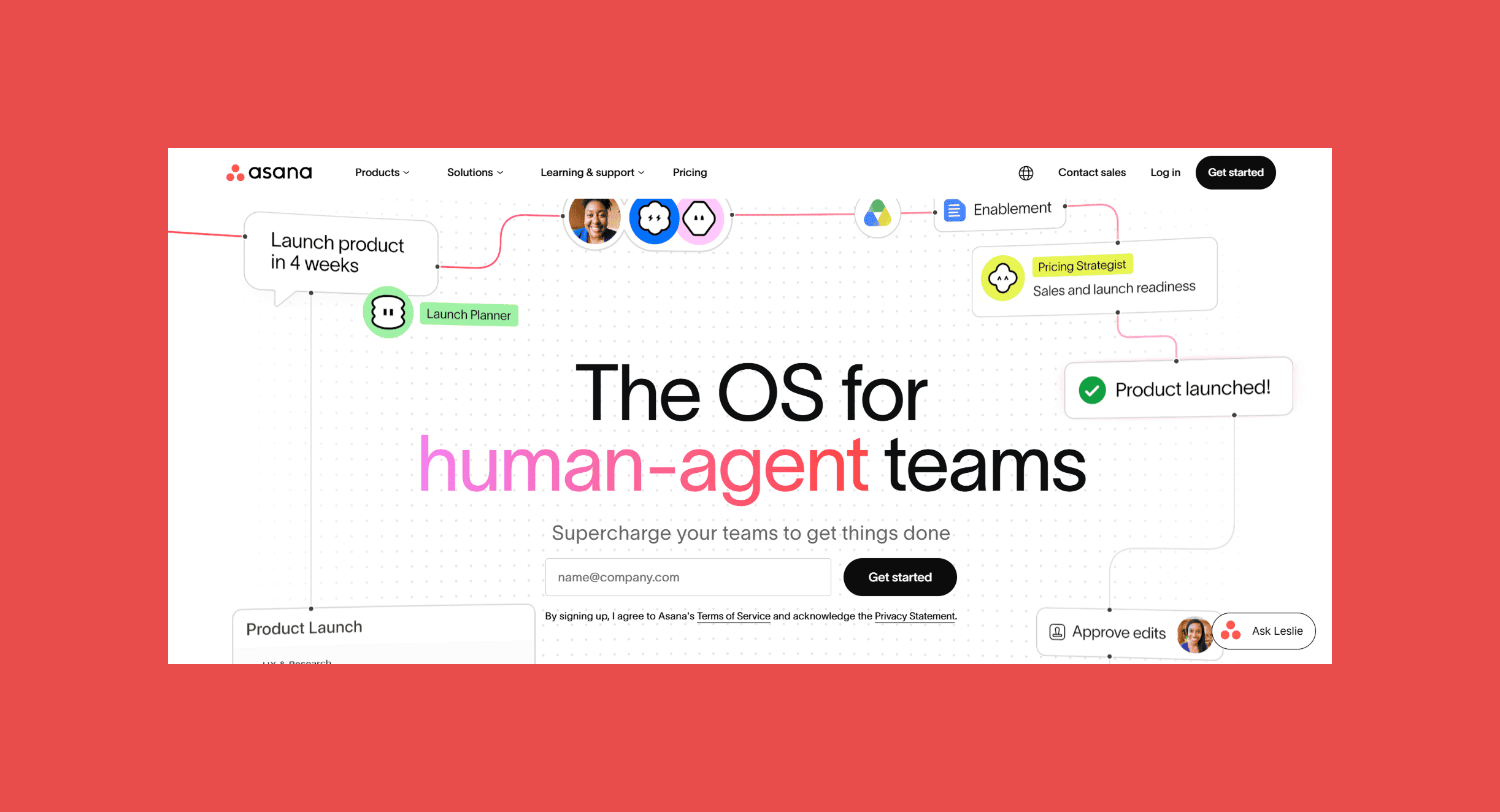
Asana connects HubSpot deals to the operational work that happens after a deal closes, letting sales and delivery teams see the same timeline without exporting a task list into a separate tool nobody checks.
Best For: Cross-functional teams that need visibility into work spanning multiple departments, from post-sale onboarding to marketing campaign execution.
Key Features:
- Timeline and Gantt views: for cross-team project planning.
- Workflow Builder: automates repetitive task assignment.
- Portfolio and Goals tracking: available on the Advanced tier.
- AI Studio: automates status updates and task creation.
Ratings:
- G2: 4.5/5 (1,003)
- Capterra: 4.5/5 (971)
Pros:
- Genuinely strong free tier, widely considered one of the best in project management.
- Intuitive interface with a shallow learning curve for basic use.
- Solid HubSpot integration for connecting deals to delivery work.
Cons:
- Per-seat pricing sits above several competitors at comparable tiers.
- Seats are sold in blocks rather than individually past a certain team size, which can force overpaying.
- Goals and portfolio-level reporting require the pricier Advanced tier.
Pricing:
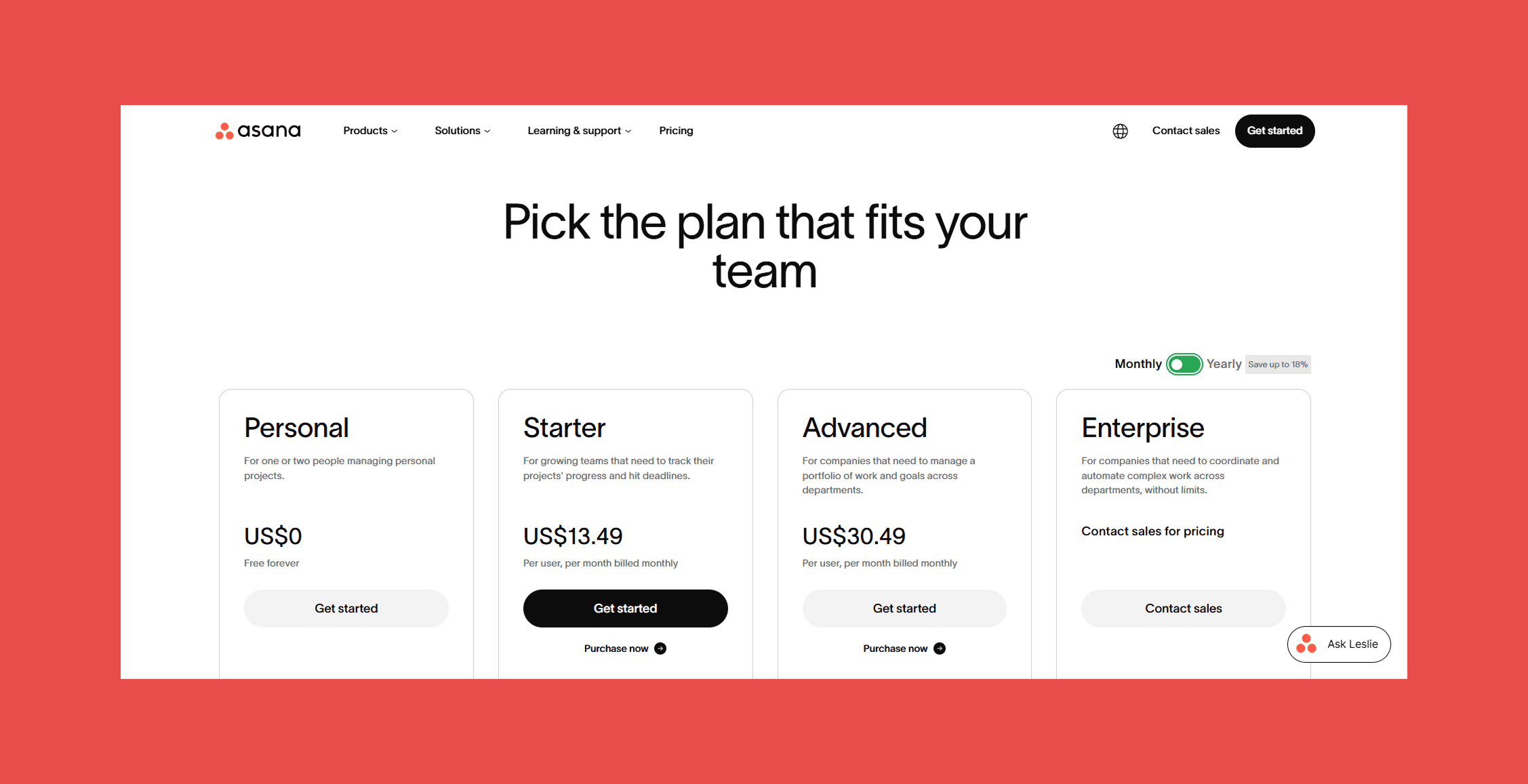
- Personal is free for up to 2 users. Starter runs $13.49/user/month, Advanced $30.49/user/month. Enterprise is custom priced.
14. QuickBooks — Best for Finance
Overview:
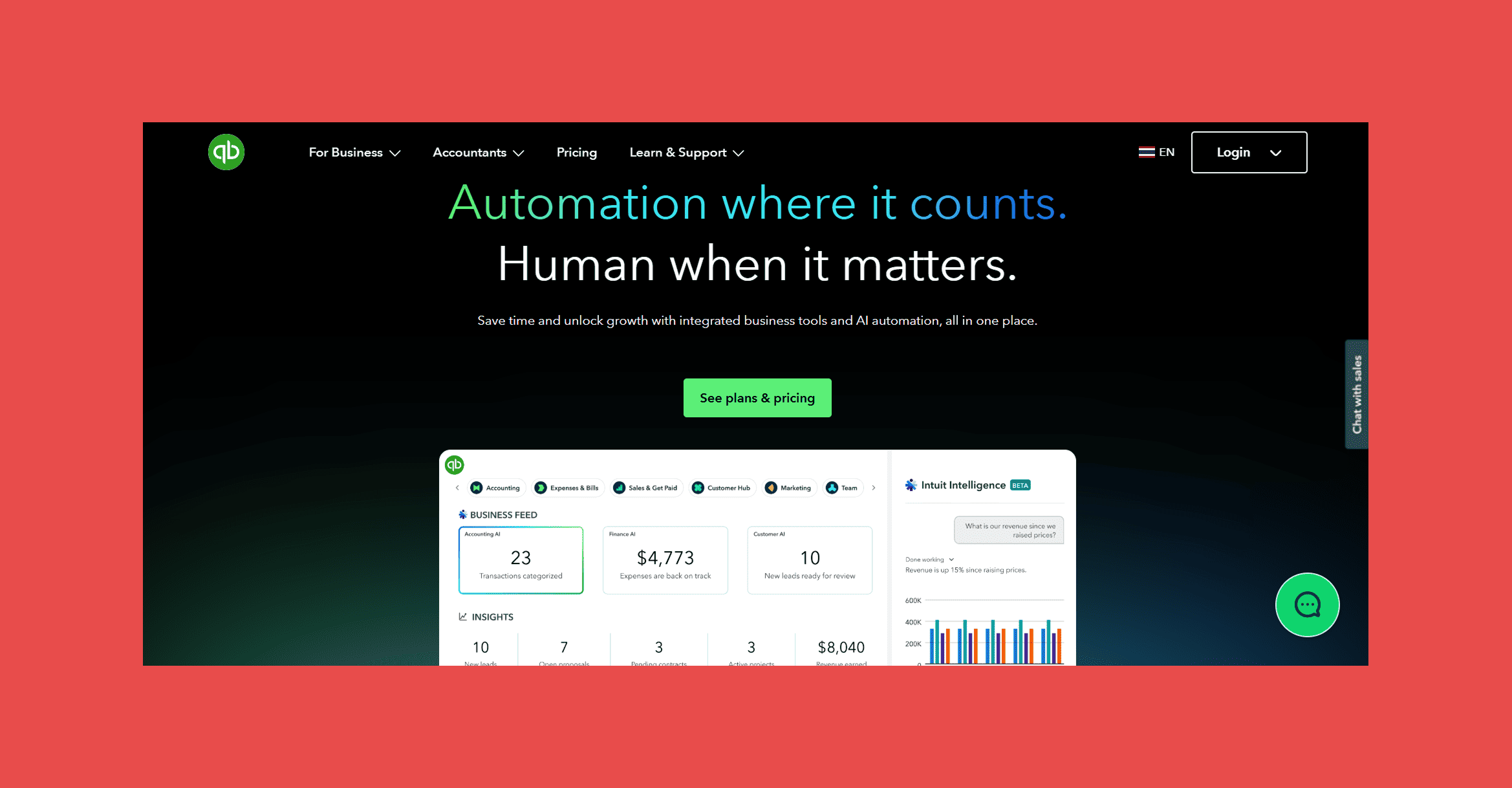
Connecting QuickBooks to HubSpot means a closed-won deal can trigger an invoice automatically, and payment status flows back into the CRM so sales and finance are looking at the same numbers instead of reconciling spreadsheets at month end.
Best For: Small and mid-sized businesses that want invoicing, payments, and revenue reporting tied directly to CRM deal data.
Key Features:
- Automatic invoice creation: triggered from closed HubSpot deals.
- Payment status sync: flows both ways back to CRM records.
- Custom financial reporting: dashboards built for revenue visibility.
- Batch invoicing: available on higher tiers.
Ratings:
- G2: 4/5 (3,852)
- Capterra: 4.3/5 (8,477)
Pros:
- Deep accounting feature set that scales from solo freelancers to mid-market finance teams.
- Wide third-party app ecosystem beyond HubSpot.
- Familiar to most accountants and bookkeepers, which simplifies handoffs.
Cons:
- Frequent price increases are a common complaint across reviews.
- Multi-user access on lower tiers is limited; Advanced is needed for anything beyond a handful of seats.
- Add-ons like Payroll and Live Bookkeeping cost extra on top of the base subscription.
Pricing:
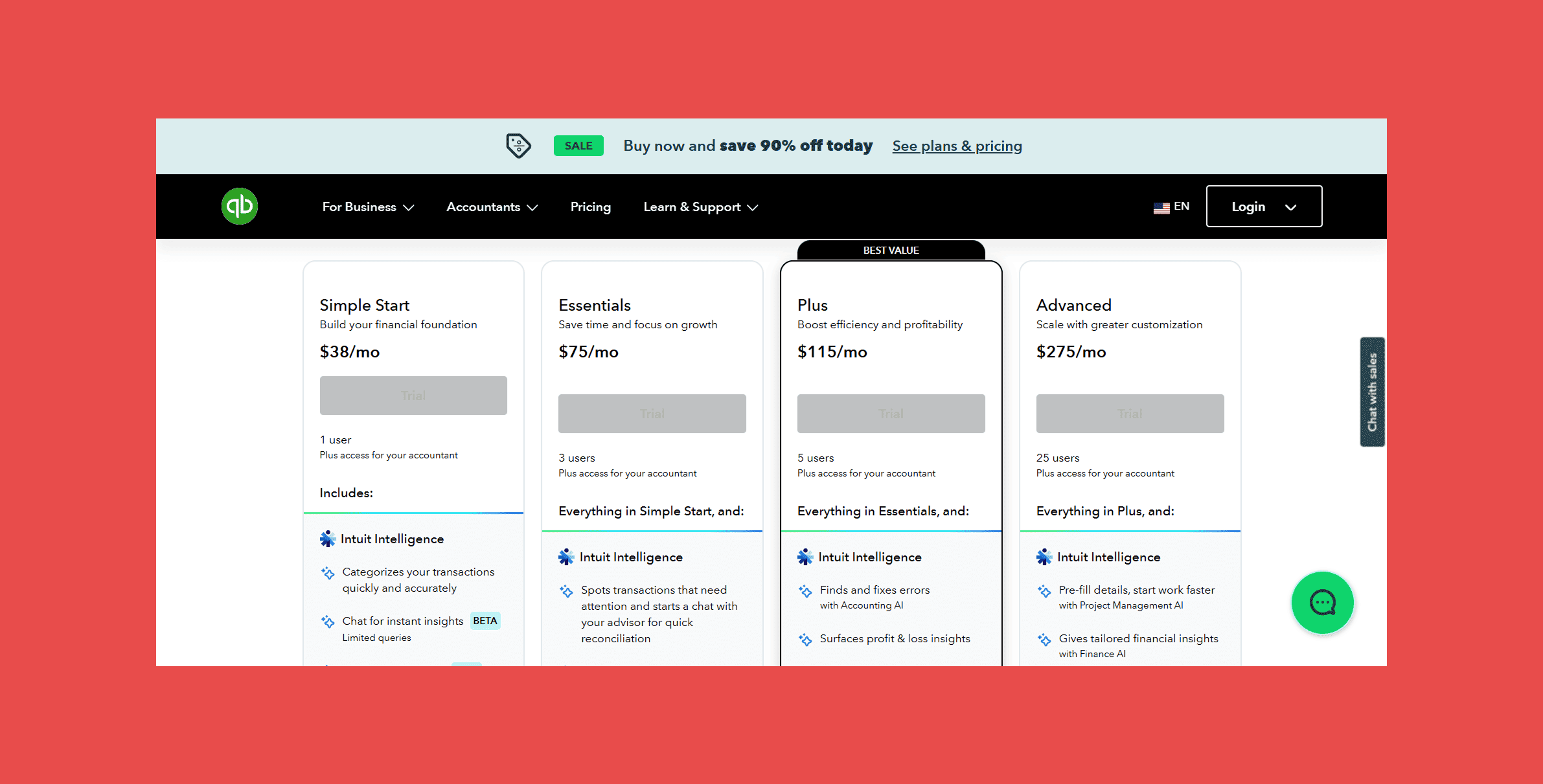
- Four tiers ranging from roughly $38 to $275/month depending on features and user count.
15. Zoom — Best for Sales Demos
Overview:
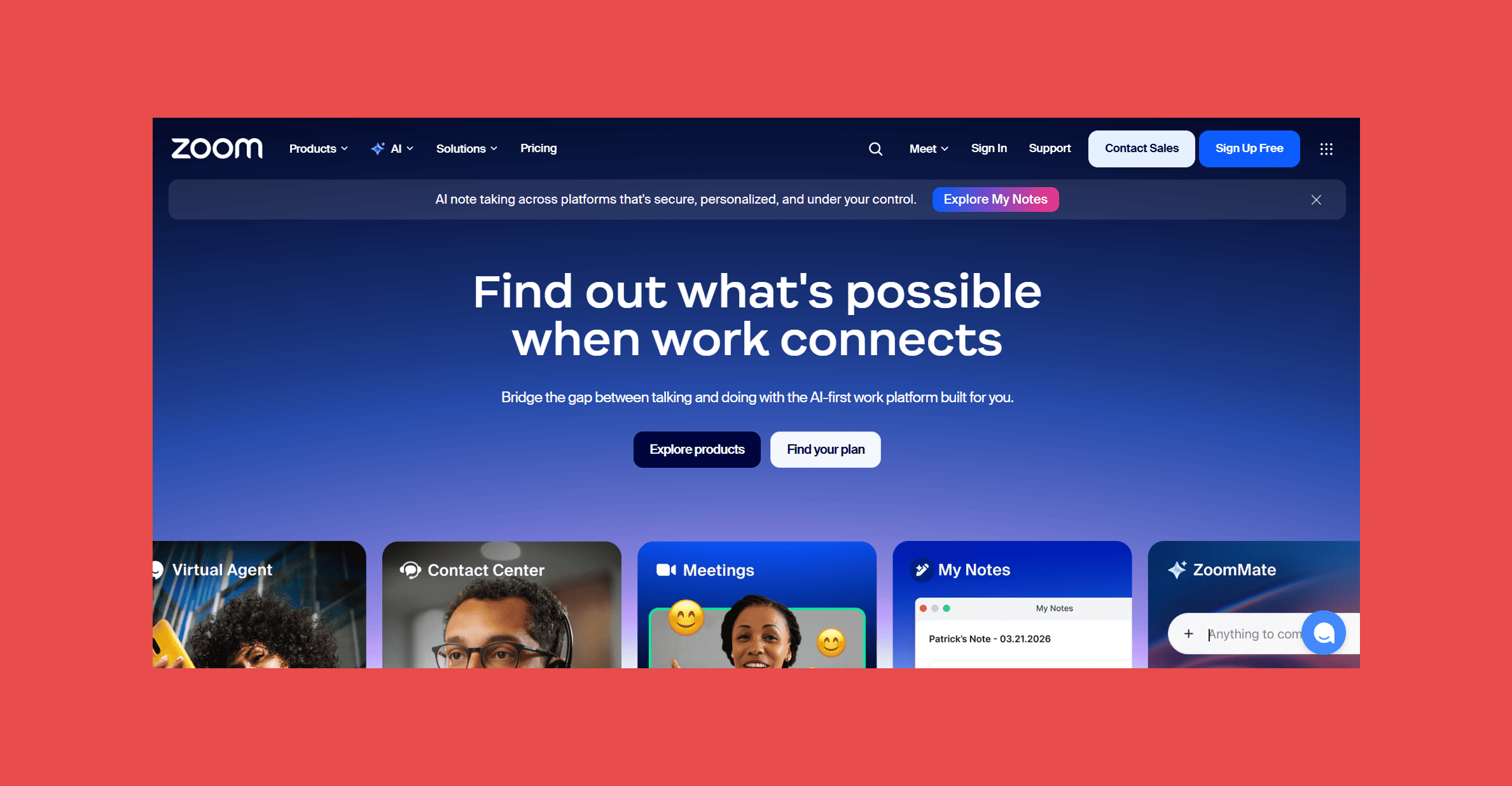
The HubSpot-Zoom integration logs meetings automatically to the contact and deal timeline, including recordings and AI-generated summaries, so nobody has to manually note that a demo happened or chase down what was discussed.
Best For: Sales teams running frequent demos and discovery calls who want meeting activity logged automatically against HubSpot deals.
Key Features:
- Automatic meeting scheduling and logging: from HubSpot directly.
- Cloud recording: with AI-generated summaries and action items.
- Zoom Webinars: for larger-scale marketing events.
- Meeting analytics: tied back to deal outcomes.
Ratings:
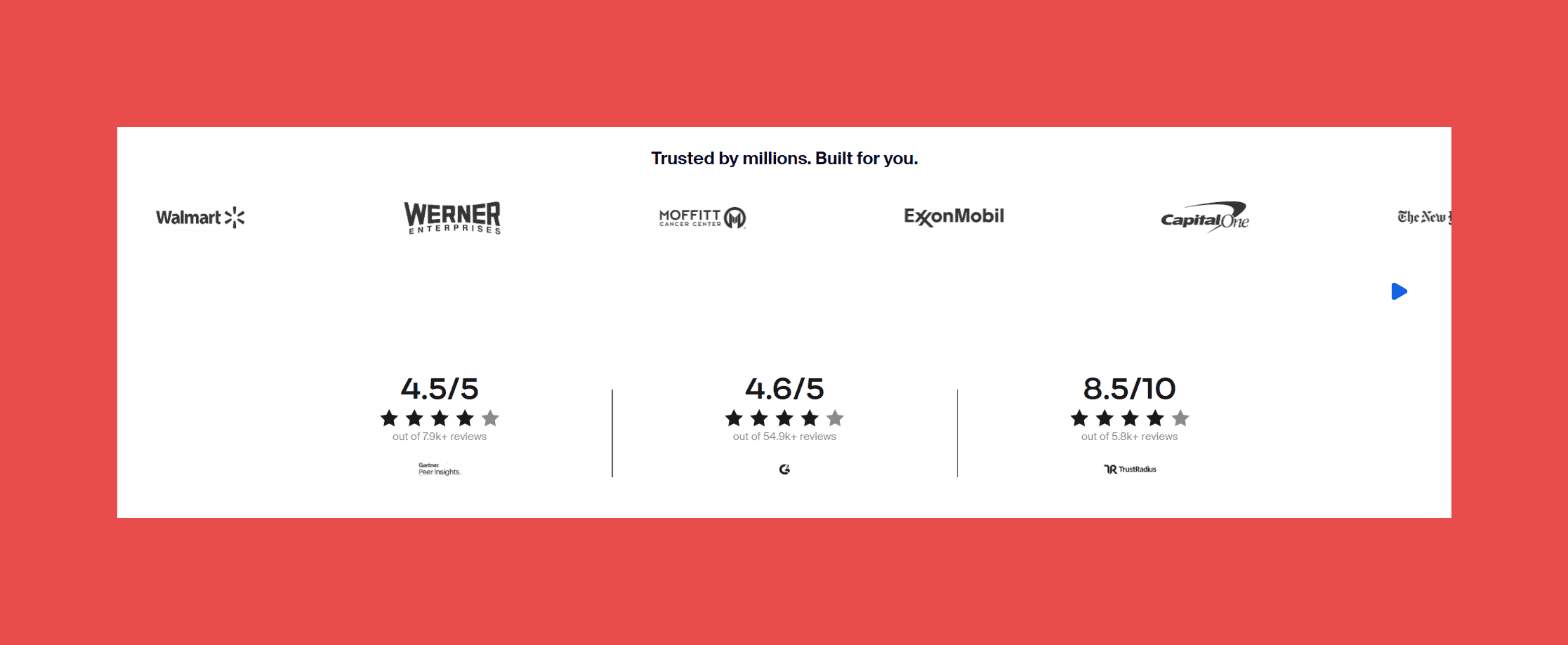
- G2: 4.5/5 (56,483)
- Capterra: 4.6/5 (14,624)
Pros:
- Reliable call quality and a familiar interface most prospects already know.
- Generous free tier for occasional use or evaluation.
- AI Companion meeting summaries save real time on manual note-taking.
Cons:
- Free plan caps group meetings at 40 minutes, which pushes most business use to a paid tier quickly.
- Renewal pricing and auto-renewal terms are a recurring complaint in reviews.
- Add-ons like Zoom Phone and Zoom Webinars are priced and billed separately from Workplace.
Pricing:
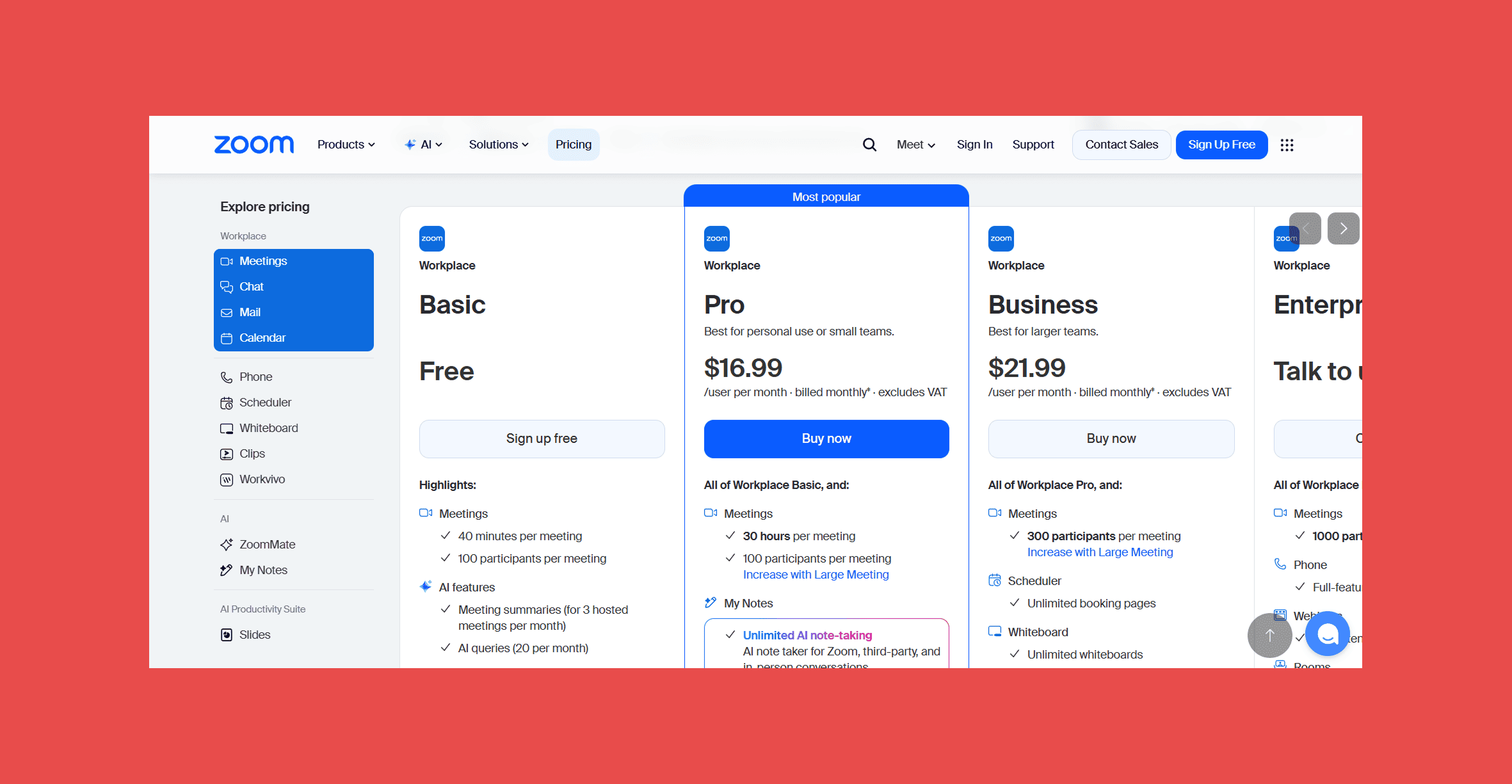
- Free Basic plan. Pro runs $16.99/user/month, Business $21.99/user/month, Business, and Enterprise is custom priced.
16. Surfe — Best for LinkedIn CRM Sync
Overview:
Surfe is a Chrome extension that overlays directly on LinkedIn profiles and Sales Navigator search results, letting reps add a contact to HubSpot, enrich their email or phone number, and log a LinkedIn message thread to the CRM record without ever switching tabs.
Best For: SDRs whose day-to-day prospecting genuinely happens on LinkedIn and who want that activity reflected in HubSpot without manual copy-paste.
Key Features:
- One-click "Add to CRM": from any LinkedIn profile or Sales Navigator result.
- Waterfall enrichment: across 15+ data providers for emails and phone numbers.
- LinkedIn message sync: conversation threads log automatically to CRM contact records.
- Job change alerts and lookalike search: available on the Pro tier.
Ratings:

- G2: 4.6/5 (465)
- Capterra: 5/5 (2)
Pros:
- Genuinely eliminates the manual copy-paste between LinkedIn and HubSpot that eats hours every week.
- Strong CRM overlay shows at a glance whether a LinkedIn contact already exists in HubSpot.
- Reviewers consistently report meaningful time savings, often 15 to 30 hours a month.
Cons:
- Credit allocations are annual rather than monthly on paid tiers, which front-loads usage risk for uneven prospecting cycles.
- Value is concentrated on LinkedIn; teams sourcing leads from other channels get less out of it.
- Per-user pricing gets expensive for larger teams compared to shared-pool enrichment tools.
Pricing:
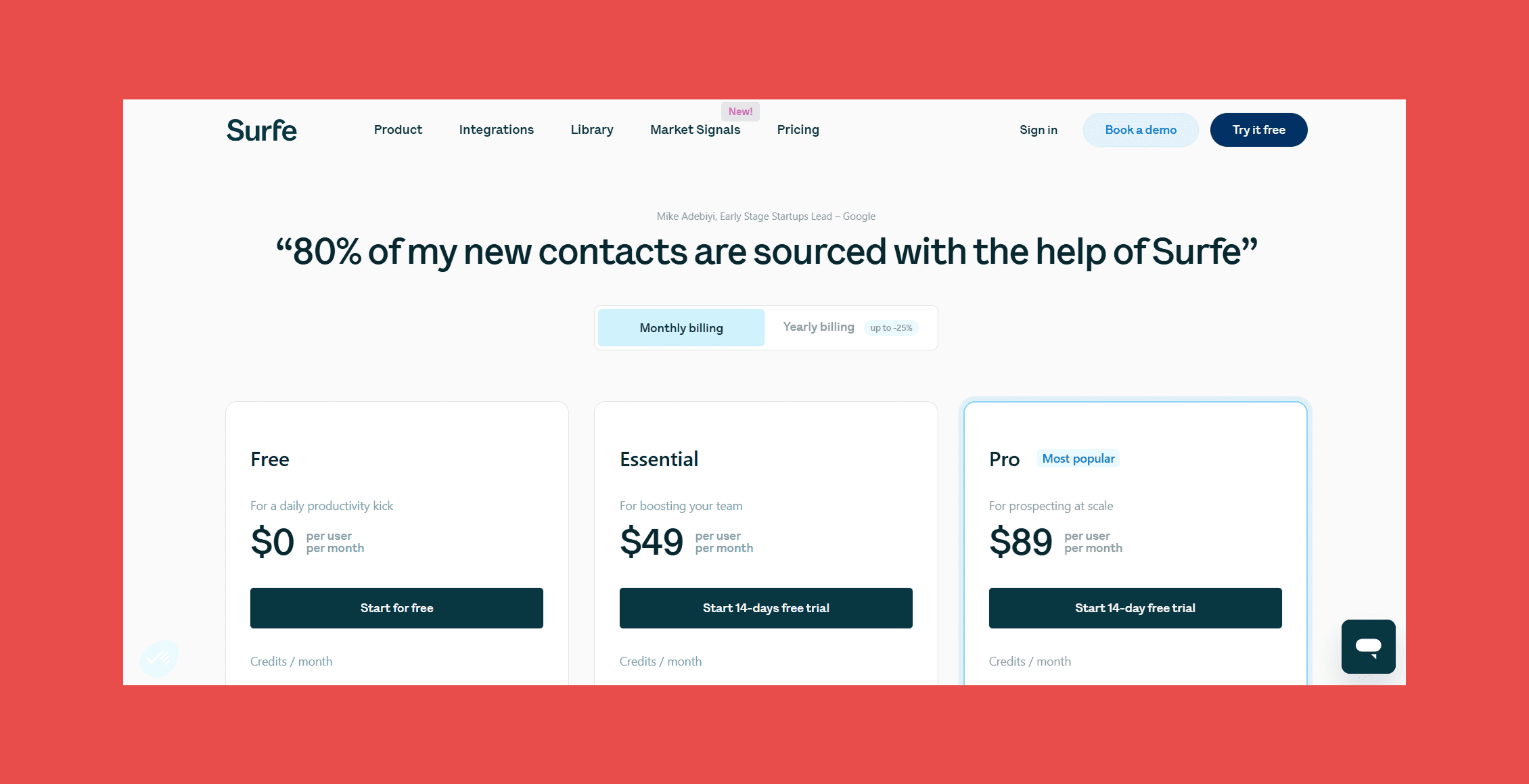
- Free plan available. Essential runs $49/user/month, Pro $89/user/month, both with up to 25% savings on annual billing.
Adding a lead to HubSpot straight from LinkedIn is only half the job. Without ongoing upkeep, that record still goes stale, duplicates, or sits with half-empty fields six months later. Datacare picks up where Surfe leaves off, keeping everything it pulls in enriched and deduplicated for as long as it's in your CRM.
Final Thoughts
The tools on this list solve real, specific problems: prospecting, scheduling, calling, automating, closing. But every one of them ultimately writes to the same place, your HubSpot CRM. If that CRM is full of duplicates, stale titles, and missing fields, even the best-chosen stack is running on bad data.
That's the gap Datacare exists to close. Building the right HubSpot stack starts with a foundation you can trust, which is why CRM data health isn't just another integration on this list. It's the one that makes every other integration actually work.
Book a free, no-obligation health check and we'll show you your data completeness, decay rate, and duplicate rate before you spend a dollar.
FAQ – Top Hubspot Integrations
What are the best HubSpot integrations? The right integrations depend on your bottleneck, but the tools that come up most often across sales, marketing, and RevOps teams are Findymail CRM Datacare for data health, LinkedIn Sales Navigator for prospecting, Zapier for automation, Gong for revenue intelligence, and Chili Piper for inbound scheduling.
How many integrations does HubSpot support? HubSpot's App Marketplace lists well over a thousand integrations spanning sales, marketing, service, finance, and operations, in addition to native connections HubSpot builds and maintains itself.
Are HubSpot integrations free? Some are. HubSpot's native integrations are generally free to connect, though the third-party tool itself usually requires its own paid plan once you go beyond a free tier or trial.
Does HubSpot have an App Marketplace? Yes. The HubSpot App Marketplace lets you browse, filter, and install integrations directly from within your HubSpot account, with reviews and ratings for each listing.
Which HubSpot integration is best for CRM data quality? Findymail CRM Datacare is built specifically for this. Instead of a one-time cleanup, it runs continuously, enriching new records, merging duplicates, and tracking job changes as they happen.
What's the best HubSpot integration for sales teams? It depends on the gap you're filling. LinkedIn Sales Navigator for prospecting, Aircall for calling, StoryDoc for proposals, and Chili Piper for inbound scheduling each solve a different piece of the sales workflow.
Can HubSpot integrate with LinkedIn? Yes, though not directly from HubSpot to LinkedIn itself. Tools like LinkedIn Sales Navigator (via Advanced Plus) and Surfe bridge LinkedIn activity into HubSpot contact and company records.
Which HubSpot integrations are best for marketing? Typeform for lead capture forms, Zapier for connecting marketing tools without code, and Slack for surfacing campaign and lead activity to the wider team.
Do HubSpot integrations require Operations Hub? No. Most integrations on this list work with any HubSpot tier. Operations Hub adds more advanced data sync and programmable automation options, but it isn't a prerequisite for connecting the tools above.
How do I install a HubSpot integration? Most integrations install directly from the HubSpot App Marketplace with a few clicks and an OAuth authorization. Enterprise-grade tools like Gong or Datacare typically involve a short onboarding or configuration call to map fields and set safety controls before going live.

Valentin
Valentin Wallyn is the founder and CEO of Findymail, a SaaS platform he launched to help B2B teams discover accurate email and contact data and automate data enrichment at scale. With an IT background, Valentin combines a technical mindset with hands-on experience in outreach and growth. His work centers on improving data quality and prospecting efficiency, drawing on years of entrepreneurial experience and a deep understanding of what makes outreach campaigns succeed.
![A Field Guide to Finding the Right B2B CRM [2026 Comparison]](/blog/content/images/size/w300/2024/02/jukebox-print-FUohNQatzVs-unsplash.jpg)