AI Lead Finder
 Email Finder
 Email Verifier
 Phone Finder
 Intent Signals
 CRM Enrichment/Cleaning
 API
API

Your CRM isn't supposed to be full of dead ends. But walk into most sales orgs and that's basically what you find: contacts who left months ago, duplicate accounts nobody's merged, and a bounce rate that keeps creeping up no matter how many "deliverability best practices" webinars your team sits through.
Nobody plans for this. A rep imports a list, an integration writes over a field, someone changes jobs and nobody updates the record. You've probably heard the stat: CRM records decay somewhere around 2-3% a month.
Whatever the exact rate is, the pattern isn't in dispute: bad data makes forecasting, segmentation, and account management less reliable, and it drags down outbound performance along the way.
Every Datacare demo starts with a free CRM Health Check that shows your actual decay rate, duplicate rate, and data completeness, not a guess.
What This Guide Covers: Why CRM data decays, the ten warning signs that yours needs attention, and how to fix it for good.
The Warning Signs:
1. Rising email bounce rates
2. Duplicate records everywhere
3. Reps manually researching contacts
4. Missing critical fields
5. Outreach hitting people who've left
6. Reports that don't match reality
7. Declining campaign performance
8. Customer success can't reach anyone
9. Imports creating more mess than they fix
10. Nobody trusts the CRM anymore
The Fix: Continuous enrichment, ongoing verification, automatic job-change detection, and deduplication, not a once-a-year spreadsheet purge.
Why CRM Data Decays Over Time
CRM decay isn't one problem. It's three, stacked on top of each other.
Natural data decay. People change jobs. Companies merge, get acquired, or shut down entirely. Someone gets promoted and their title field never updates. None of this is anyone's fault, it's just what happens when you store facts about people whose lives keep moving.
Human error. Manual entry mistakes. Duplicate imports because two reps worked the same list without checking first. Inconsistent naming conventions where "Acme Corp," "Acme Corporation," and "ACME" are technically three different accounts.
Integration problems. Multiple systems writing conflicting data to the same fields. Missing field mappings that silently drop information on sync. Enrichment providers that stopped updating their data months ago and nobody noticed.
Put those three together and you get a CRM that looks fine at a glance and falls apart the moment someone relies on it.
The Top 10 Signs Your CRM Data Needs Fixing
1. Your Sales Team Is Seeing More Email Bounces
If your SDRs are grumbling about bounce rates, believe them. Rising bounces mean lower deliverability, a damaged sender reputation, and reps who start dreading their own send button. It compounds too: enough bounces and your domain reputation takes the hit, which tanks deliverability even for the contacts that were fine.
Fix: Continuous email verification, not a one-time check when the contact was first added. Outdated contacts need to get replaced automatically, before a rep ever hits send on a dead address.
2. You Have Multiple Records for the Same Company or Person
Duplicate contacts. Duplicate accounts. Duplicate opportunities sitting in the pipeline pretending to be separate deals. It's confusing to figure out who owns what, it inflates your pipeline numbers on paper, and it makes every report a little bit wrong.
Fix: Automated deduplication and identity matching, so duplicates get caught on entry instead of six months later during a panic before the board meeting.
3. Reps Waste Time Researching Contacts
You can watch this happen in real time: a rep spends fifteen minutes manually checking a prospect's current role and company before they'll even send a first email, because they don't trust the CRM data enough to skip that step.
That's fifteen minutes not spent selling, multiplied by every rep, every day.
Fix: Automated enrichment that keeps contact info current, so reps don't have to double-check the CRM against reality before every outreach attempt.
4. Your CRM Is Missing Critical Fields
Industry. Employee count. Company size. Revenue. Job function. Seniority. When these fields sit blank across a chunk of your database, segmentation stops working. You can't build a tight ICP list if half your accounts don't say what industry they're in.
5. Sales Keeps Contacting People Who Left the Company
Someone got promoted internally, or hired away, or just moved on, and your CRM has no idea. So a rep sends a carefully personalized email to someone who hasn't worked there in four months. Best case, it bounces. Worst case, it reaches the person and looks like your team doesn't do basic homework.
Fix: Job change detection that flags a contact the moment they move, not months later when a campaign bounces off their old inbox.
Datacare flags a contact the moment they move roles or companies, so you catch it before a campaign bounces off their old inbox instead of after.
6. Reports and Forecasts Don't Match Reality
Pipeline reports built on stale data get less reliable the longer that data sits untouched. Territory planning gets harder when account data is wrong, and forecasts get shakier when a chunk of "active" opportunities are attached to contacts who've moved on or no longer have buying authority.
7. Marketing Campaign Performance Keeps Declining
Poor segmentation, invalid contacts, low deliverability, bad lead scoring. These four things tend to show up together, and they all trace back to the same root cause: the underlying data marketing is working from is wrong.
8. Customer Success Can't Reach Existing Customers
This one's expensive. Renewal contacts have left, the record still shows the wrong stakeholder, and the actual champion inside the account isn't even in the system. CS teams end up managing renewals with less visibility into who's actually there, which makes it harder to catch risk early.
9. CRM Imports Create More Problems Than They Solve
Every list import is a small gamble. Duplicate records multiply. Conflicting data overwrites good records with bad ones. Field mappings break in ways nobody notices until a report comes back wrong three weeks later.
10. Nobody Trusts the CRM Anymore
This is the symptom that tells you everything else has already gone wrong. Teams start keeping their own spreadsheets on the side. Shadow CRMs pop up in random Google Sheets. Reps stop checking the system before outreach and start digging up prospect info themselves, because they've learned not to trust what's already there.
Once trust disappears, adoption drops with it, and a CRM nobody updates decays even faster. It's a spiral, and it doesn't reverse itself.
How to Fix CRM Data Before It Becomes a Revenue Problem
Regular enrichment. Keep contact and company data current automatically, not whenever someone remembers to run a cleanup project.
Continuous email verification. Catch bad addresses before they hit your bounce rate, not after.
Automatic job change detection. Replace outdated contacts before a campaign goes out to someone who left eight months ago.
Deduplication. Merge duplicate contacts and accounts as they're created, so your database doesn't need a full cleanup project every few months.
Data governance. Set ownership rules and standard field formats so the mess doesn't come right back after you've cleaned it up.
Scheduled CRM health checks. Monitor data quality every month, not once a year when someone finally notices the pipeline numbers look off.
None of this happens by itself, and doing it manually is exactly the kind of project that gets started twice a year and finished never.
Solve It Once, Not Every Quarter, With Datacare
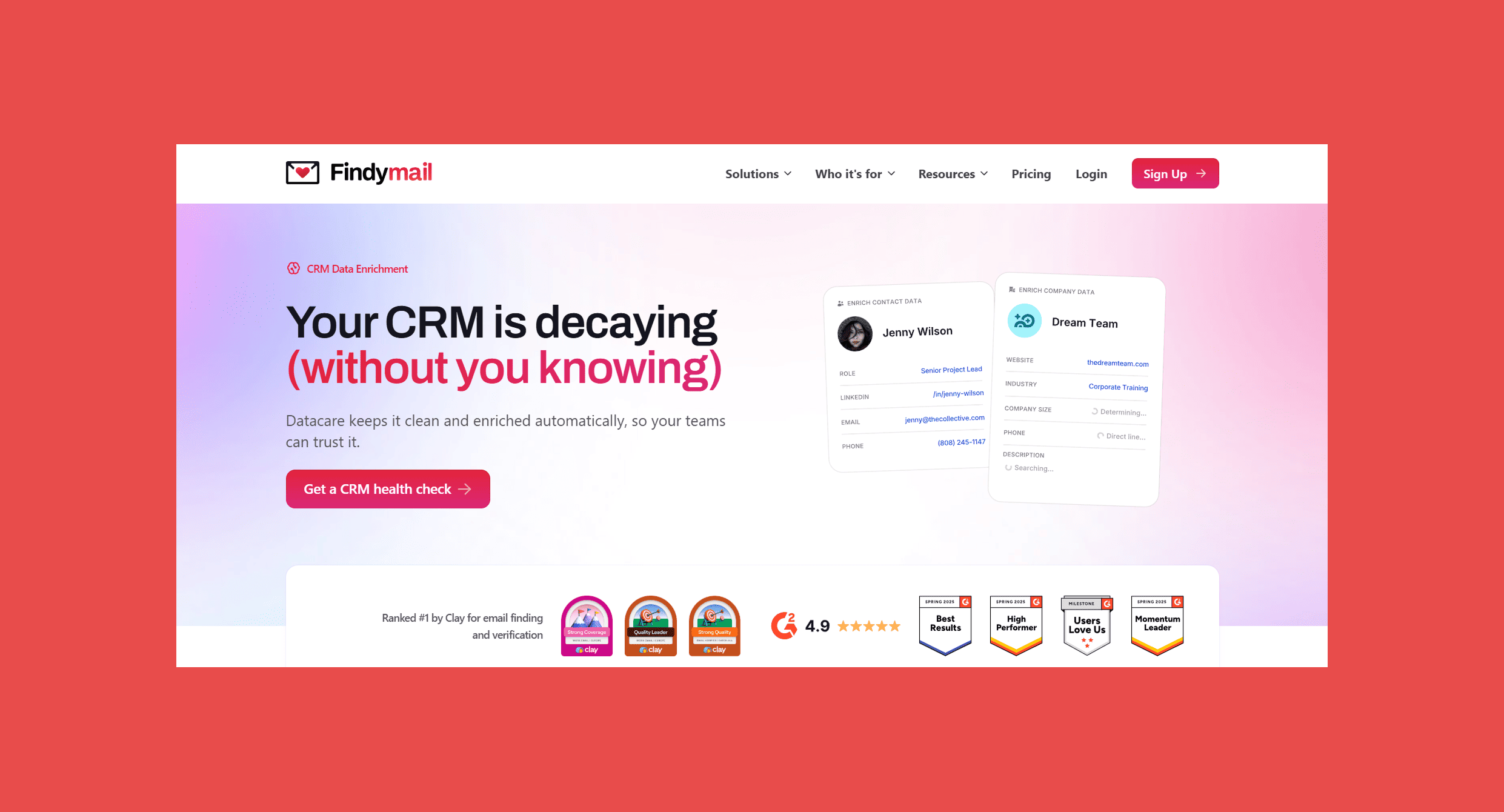
That's the gap Findymail CRM Datacare closes. Instead of picking off one of these problems at a time, it runs continuously, catching job changes, verifying emails, and preventing duplicates as new data lands rather than waiting for someone to schedule a fix.
Datacare’s Key Features:
- Continuous job change detection and email verification
- Automatic duplicate prevention as records come in
- Plugs into the CRM you're already running, no stack changes required
- Changes go through preview before anything gets touched
For a sales team, that means fewer bounces and less time spent second-guessing whether a contact still works there. For RevOps, it means reports and forecasts built on numbers that are actually current, not numbers that were current in Q1.
A Datacare demo shows you the actual number, broken down by contact and account, before you commit to anything.
Best Practices for Maintaining CRM Data Quality
- Audit monthly instead of annually
- Verify emails continuously instead of at import
- Monitor job changes as they happen
- Standardize fields before bad formatting spreads
- Prevent duplicates at the point of entry, not after the fact
- Automate enrichment wherever you can
- Assign clear CRM ownership so "someone's job" actually becomes someone's job
- Track the KPIs that tell you the truth: bounce rate, duplicate rate, missing-field rate, stale contact rate
Final Thoughts
CRM data doesn't go bad overnight. It erodes slowly, one job change and one skipped update at a time, until one day your pipeline numbers don't add up and nobody can say exactly why.
Reactive cleanups buy you a few good months before decay creeps back in. The teams that actually solve this stop treating it as a project and start treating it as infrastructure: continuous enrichment, ongoing verification, and job change monitoring running in the background whether anyone remembers to check or not.
Get a free preview of your CRM's decay rate, duplicate rate, and missing fields before you commit to anything.
FAQ: 10 Signs Bad CRM Data Is Costing You Pipeline
How often should I clean my CRM data?
Monthly at minimum. CRM data decays continuously as people change jobs and companies merge, so an annual cleanup means you're working with several months of bad data before you even notice.
What's the difference between CRM data cleanup and CRM enrichment?
Cleanup fixes what's already wrong: duplicates, dead contacts, missing fields. Enrichment adds and maintains accurate data over time. The two overlap, but a one-time cleanup doesn't stop new decay from starting the next day.
Is CRM data cleanup a one-time process?
It shouldn't be. A cleanup project fixes the CRM at a single point in time, but job changes, mergers, and manual entry errors start piling up again immediately. Continuous monitoring catches decay as it happens instead of letting it build up for another year.
Can I clean CRM data without losing important records?
Yes, as long as deduplication and enrichment tools merge and update records rather than deleting them outright. Look for tools with preview or rollback options so you can catch mistakes before they're permanent.
What causes CRM data to decay the fastest?
Job changes. People switching roles or companies outdate contact records faster than almost anything else, which is why job-change detection tends to have the most immediate impact on data quality.

James Carter
James is a senior SaaS commercial leader specialising in enterprise sales, GTM strategy and revenue growth, with deep CRM platform expertise. He writes on CRM strategy to help revenue teams scale.


![A Field Guide to Finding the Right B2B CRM [2026 Comparison]](/blog/content/images/size/w300/2024/02/jukebox-print-FUohNQatzVs-unsplash.jpg)