AI Lead Finder
 Email Finder
 Email Verifier
 Phone Finder
 Intent Signals
 CRM Enrichment/Cleaning
 API
API

If money makes the world go round, data determines who gets paid. Sales teams rely on it to find prospects, marketing uses it to reach the right audiences, and leadership depends on it to make decisions that don’t blow up later.
But here’s the problem with data: the moment it enters your CRM, database, or spreadsheet, it starts to decay. What looked like a qualified lead yesterday can quietly turn into a bounce tomorrow. That’s dirty data, and at scale, it becomes expensive. Poor data leads to poor decisions, eroding performance, reputation, and even customer trust in the process.
The fix isn’t collecting more data. It’s maintaining clean, trustworthy, and actionable datasets, a growing challenge in an era where data volume is exploding. In this guide, we’ll break down what data hygiene is, why it matters, best practices, and how to keep your database clean before it costs you revenue.
Book a session with one of our CRM specialists and we’ll securely connect Datacare to your system (without altering or risking sensitive data). Our CRM data experts then will give you a breakdown of what’s clean, what needs attention, and exactly how Datacare can bring your database back to full health.
⚡️Quick Answer:
Dirty, outdated data hurts deliverability, distorts reporting, and slows down revenue teams. Data naturally decays, without a proactive process, your CRM, database, and spreadsheets become unreliable fast.
⚡️Why does it Matter?
Every strategic decision your business makes depends on data. When it’s accurate: forecasting improves, targeting sharpens, and revenue becomes predictable. When it’s not, the consequences compound quickly.
⚡️What Actually Works
1. Audit and review your data regularly
2. Implement data validation
3. Eliminate data silos
4. Implement data governance
5. Train and educate your team
6. Automate hygiene workflows
⚡️Best CRM Data Hygiene Tools in 2026
1. Findymail
2. Clay
3. DemandTools
4. WinPure
5. Melissa Clean Suite
What Is Data Hygiene?
Data hygiene is the ongoing process of keeping your data accurate, consistent, and reliable across every system it touches. For revenue teams, that matters, because clean data drives smarter targeting, better outreach, and more predictable growth.
That could mean verifying names and email addresses, correcting inconsistencies, and preventing duplicate records. For example, ensuring “Michael” isn’t listed as “Mike” in one record and “M. Smith” in another, or making sure multiple email addresses for the same contact are properly linked instead of creating separate entries.
Without these controls, even a high-volume database quickly becomes cluttered, unreliable, and risky to use.
Signs Your Business Has a Data Hygiene Problem
Data issues rarely announce themselves. They show up in performance metrics. If you’re noticing any of the following, your database may need attention:
- Bounce rates above 3–5%: A clear sign of invalid or outdated email addresses.
- Sudden drops in open or reply rates: Deliverability issues often start with decaying data.
- Duplicate records in your CRM: Inflated metrics and confused reporting are red flags.
- Sales reps complaining about “bad leads”: Outdated or inaccurate contact data wastes time and kills momentum.
If these sound familiar, the problem likely isn’t your strategy, it’s your data.
Data Hygiene vs. Data Cleansing: What’s the Difference?
It’s easy to assume data hygiene and data cleansing are the same thing. They’re closely related, but not identical.
Put simply, data cleansing is the action, while data hygiene is the strategy behind it. Cleansing is what you do to fix errors. Hygiene is the system you build to prevent those errors from happening again. Here’s the difference at a glance:
In short: data cleansing fixes what’s broken. Data hygiene ensures it stays clean.
Why Data Hygiene Is Critical for Modern Businesses
Every strategic decision your business makes depends on data. When it’s accurate: forecasting improves, targeting sharpens, and revenue becomes predictable. When it’s not, the consequences compound quickly. Simple math.
Here’s where it shows up most:
1. Improves Email Deliverability
Outdated or invalid email addresses lead to hard bounces, and hard bounces damage your sender reputation. As bounce rates climb, inbox placement drops, and campaigns that should convert end up in spam folders instead.
Clean data means fewer bounces, stronger domain reputation, and better deliverability overall.
2. Increases Sales Efficiency
Your team relies on data to identify prospects, forecast revenue, and build pipeline. But over time, contacts change roles, companies merge, and inboxes go inactive.
If that data isn’t maintained, reps waste hours chasing dead leads. Conversion rates fall. Sales figures stop aligning with forecasts, not because the strategy failed, but because the data did.
Strong data hygiene keeps outreach focused on viable opportunities and improves connect rates.
3. Protects Revenue
IDC estimates poor data quality costs U.S. businesses over $3 trillion annually, while Gartner reports organizations lose an average of $12.9 million per year due to bad data.
Missed opportunities, inaccurate targeting, wasted spend, and flawed forecasting all stem from unreliable datasets. Clean data protects revenue by ensuring your efforts reach the right people at the right time.
4. Ensures Compliance (GDPR, CAN-SPAM)
Maintaining accurate, up-to-date records helps you avoid contacting unauthorized or irrelevant leads, reducing compliance risks under regulations like GDPR and CAN-SPAM.
More than 60% of customers say they’ll lose loyalty after an un-personalized experience. Sending emails to the wrong contact or using outdated information erodes trust instantly.
At its core, good data hygiene helps streamline business operations, reduce burnout, increase opportunities and improve the overall experience for customers.
What Data Needs Regular Hygiene (And How Often to Clean It)
Not all data decays at the same speed. Some need constant attention. Others just need scheduled maintenance. Here’s what to watch:
1. Email Data Hygiene (Before Every Campaign)
Email data degrades fast, especially in outbound environments.
What to clean:
- Invalid emails
- Catch-all domains
- Role-based emails (info@, support@, admin@)
- Duplicate contacts
- Disposable email addresses
How often:
- Before every major campaign
- Before importing new leads
- Re-verify lists older than 30–60 days
Why it matters: This is your highest-risk area for bounce rates and sender reputation damage.
2. CRM Data Hygiene (Quarterly Minimum)
CRMs accumulate clutter quickly.
What to clean:
- Duplicate records
- Missing or incomplete fields
- Inconsistent formatting (job titles, countries, phone numbers)
- Inactive contacts
How often:
- Quarterly deep clean
- Ongoing deduplication automation
- After major imports or integrations
Why it matters: Dirty CRM data leads to poor segmentation, inaccurate reporting, and wasted sales effort.
3. Sales Prospecting Data (Monthly Review)
Prospecting data becomes outdated faster than most teams realize.
What to clean:
- Outdated job titles
- Employees who changed companies
- Company domain changes
- Recently closed or acquired businesses
How often:
- Monthly for active outbound teams
- Before launching new sequences
- When response rates start declining
Why it matters: Outdated prospect data lowers reply rates and damages credibility.
Best Practices for Maintaining Data Hygiene
1. Audit and Review Your Data Regularly
Data decays quietly. Regular audits help you catch outdated records, duplicates, and inaccuracies before they impact performance.
Schedule periodic reviews of your CRM, email lists, and prospecting data to prevent small issues from becoming expensive problems later on.
2. Implement Data Validation
The best way to fix bad data? Stop it from entering in the first place.
Set clear rules for data entry: format checks, required fields, duplicate detection, and email verification. Use enrichment tools to automatically clean and populate missing CRM properties.
Prevention beats correction every time.
3. Eliminate Data Silos
When departments operate from separate datasets, alignment breaks down.
Marketing, sales, and leadership should work from the same source of truth. Integrating systems and syncing data across platforms improves collaboration, reporting accuracy, and decision-making.
One business. One clean dataset.
4. Implement Data Governance
Think of data governance as traffic control for your information.
Define who owns the data, who can edit it, and how it should be maintained. Set clear processes for updates, imports, and compliance (GDPR, CAN-SPAM). Without ownership, data quality slips fast.
5. Train and Educate Your Team
Even the best systems fail if people don’t use them properly.
Ensure your team understands why data hygiene matters and how to follow best practices. Clear guidelines and periodic refreshers prevent avoidable mistakes.
6. Automate Hygiene Workflows
Manual cleanup doesn’t scale.
Automation ensures emails are verified, duplicates are flagged, and outdated records are updated continuously, without relying on someone remembering to do it.
This is where tools like Findymail CRM Datacare handle the heavy lifting, protecting deliverability and keeping your database clean in the background.
Tools That Help Maintain Data Hygiene
1. Findymail CRM Datacare
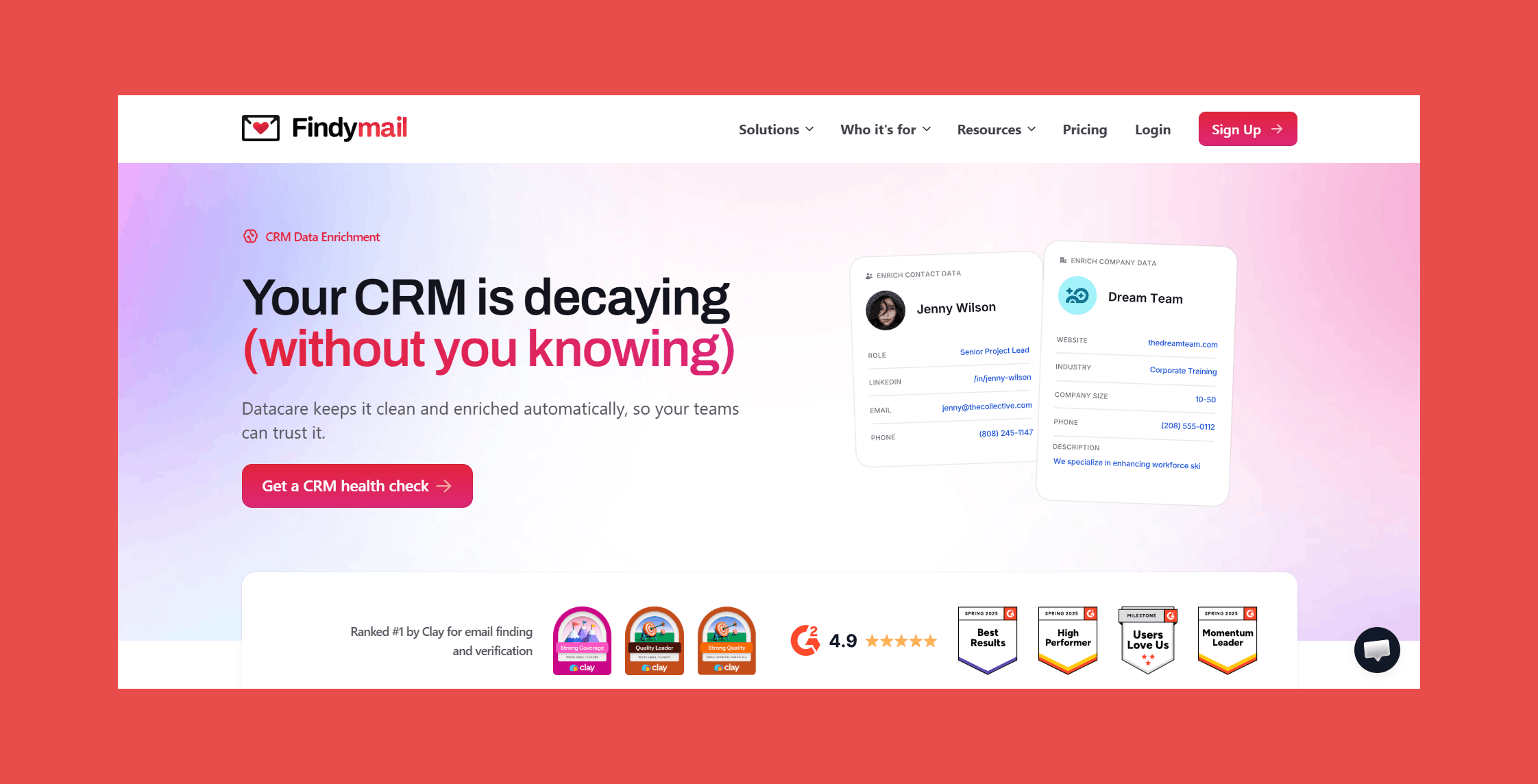
Overview:
Findymail CRM Datacare is designed to keep your CRM accurate and usable at all times, not just after a cleanup project.
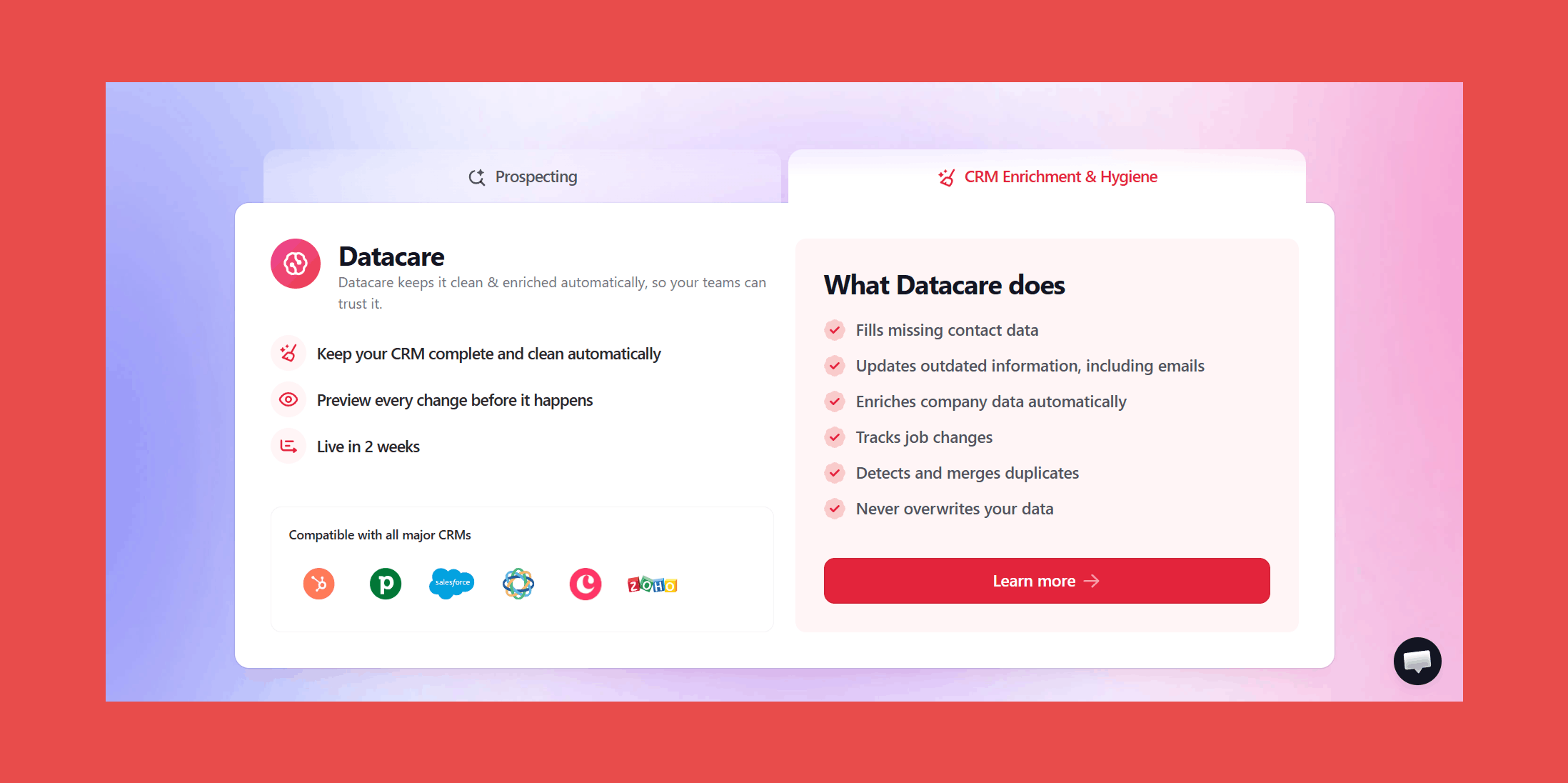
Instead of relying on periodic data enrichment or manual audits, Datacare operates continuously in the background. It verifies contact information, updates outdated records, flags job changes, and eliminates duplicates so your database stays reliable as it grows.
Key Features:
- Continuous Data Enrichment: Automatically enhances both new and existing records with refreshed contact and company information.
- Job Change Monitoring (Optional Add-On): Alerts you when prospects or customers move to new roles or companies, helping you engage at high-intent moments.
- Verified Contact Data: Identifies invalid emails and replaces them with newly verified contacts, maintaining a bounce rate under 5%.
- Ongoing Data Cleansing & De-duplication: Merges duplicate entries, standardizes data fields, and updates aging records in real time.
- Native CRM Integration: Connects directly to major CRMs and works behind the scenes, no overlays or manual syncing required.
Ratings:
- G2: 4.9/5 (57)
- Capterra: 4.9/5 (7)
Pros:
- Continuous, automated CRM maintenance.
- Verified contact data with controlled bounce rates.
- Real-time job change tracking for timely outreach.
- Direct CRM integrations with major providers.
Cons:
- Built for control over customization, Datacare favors accuracy and automation over highly custom or experimental enrichment workflows.
Pricing:
Datacare pricing is based on database size rather than per-enrichment. Plans start at:
- $500/month, billed annually: Enrichment + Job Tracking.
- Every demo comes with a free CRM health check.
Book a session with one of our CRM specialists and we’ll securely connect Datacare to your system (without altering or risking sensitive data). Our CRM data experts then will give you a breakdown of what’s clean, what needs attention, and exactly how Datacare can bring your database back to full health.
2. Clay
Overview:
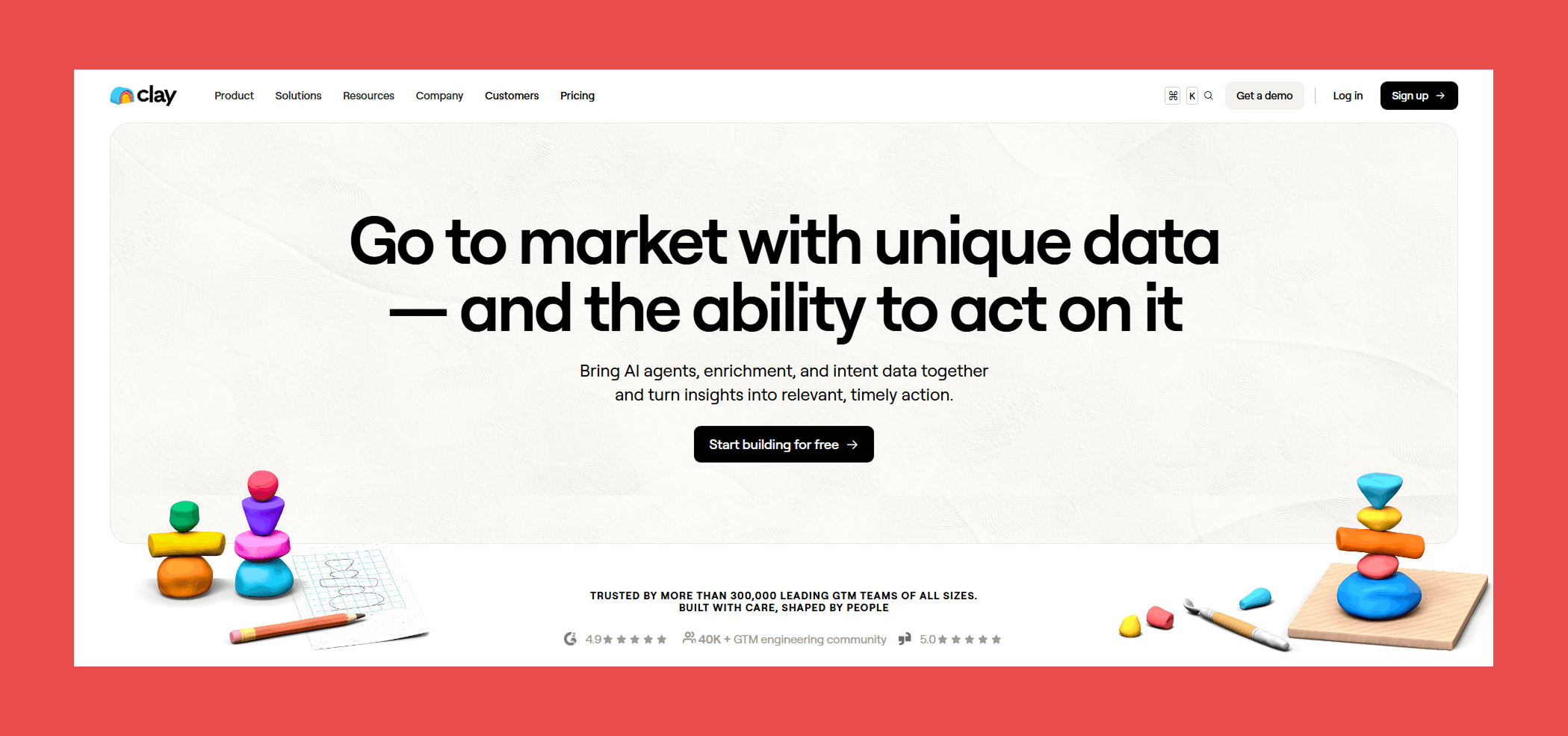
Clay is a workflow-driven enrichment platform built for teams that want to centralize sales intelligence and automate how data gets used. Rather than relying on a single provider, Clay connects to 150+ data sources and lets you “waterfall” across them to improve match rates and fill data gaps. The result is broader coverage without managing multiple standalone subscriptions.
It’s particularly well-suited for growth and outbound teams that want to combine enrichment, AI automation, and execution inside one flexible system.
Key Features:
- Bulk CRM Enrichment: Refresh and standardize large volumes of CRM records to reduce outdated fields and surface missing data.
- Real-Time or Scheduled Enrichment: Automatically enrich new leads as they enter your CRM or run updates on a recurring schedule.
- Multi-Provider Waterfall Enrichment: Sequence across 150+ data vendors and AI models to improve data coverage and reliability.
- Deep CRM & Automation Integrations: Sync enriched data directly into platforms like HubSpot, Salesforce, and Zapier to power downstream workflows.
Ratings:
- G2: 4.8/5 (183)
- Capterra: N/A
Pros:
- Access to a large ecosystem of data providers (including premium sources like Findymail).
- Built-in outreach and sequencing capabilities.
- Advanced AI workflow builder for automating complex enrichment logic.
Cons:
- More complex than traditional plug-and-play enrichment tools.
- Can require time to properly structure and optimize workflows.
- Credit-based pricing means costs scale with usage.
Pricing:
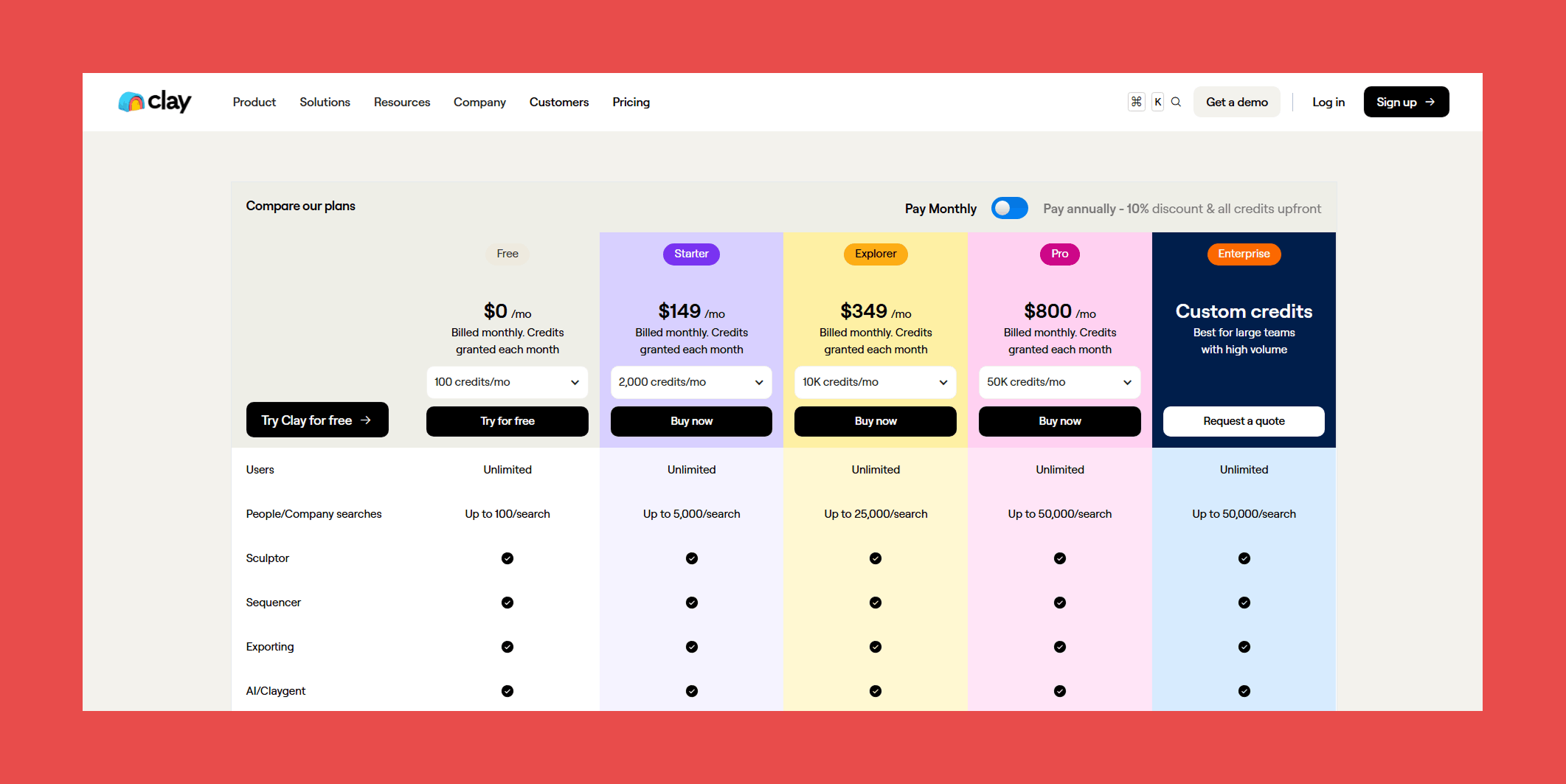
- Free: $0/mo – Up to 100/searches.
- Starter: $149/mo – Up to 5,000/searches.
- Explorer: $349/mo – Up to 25,000/searches.
- Pro: $800/mo – Up to 50,000/searches.
- Enterprise: Custom pricing – Best for large teams with high volume and full feature access.
3. DemandTools
Overview:
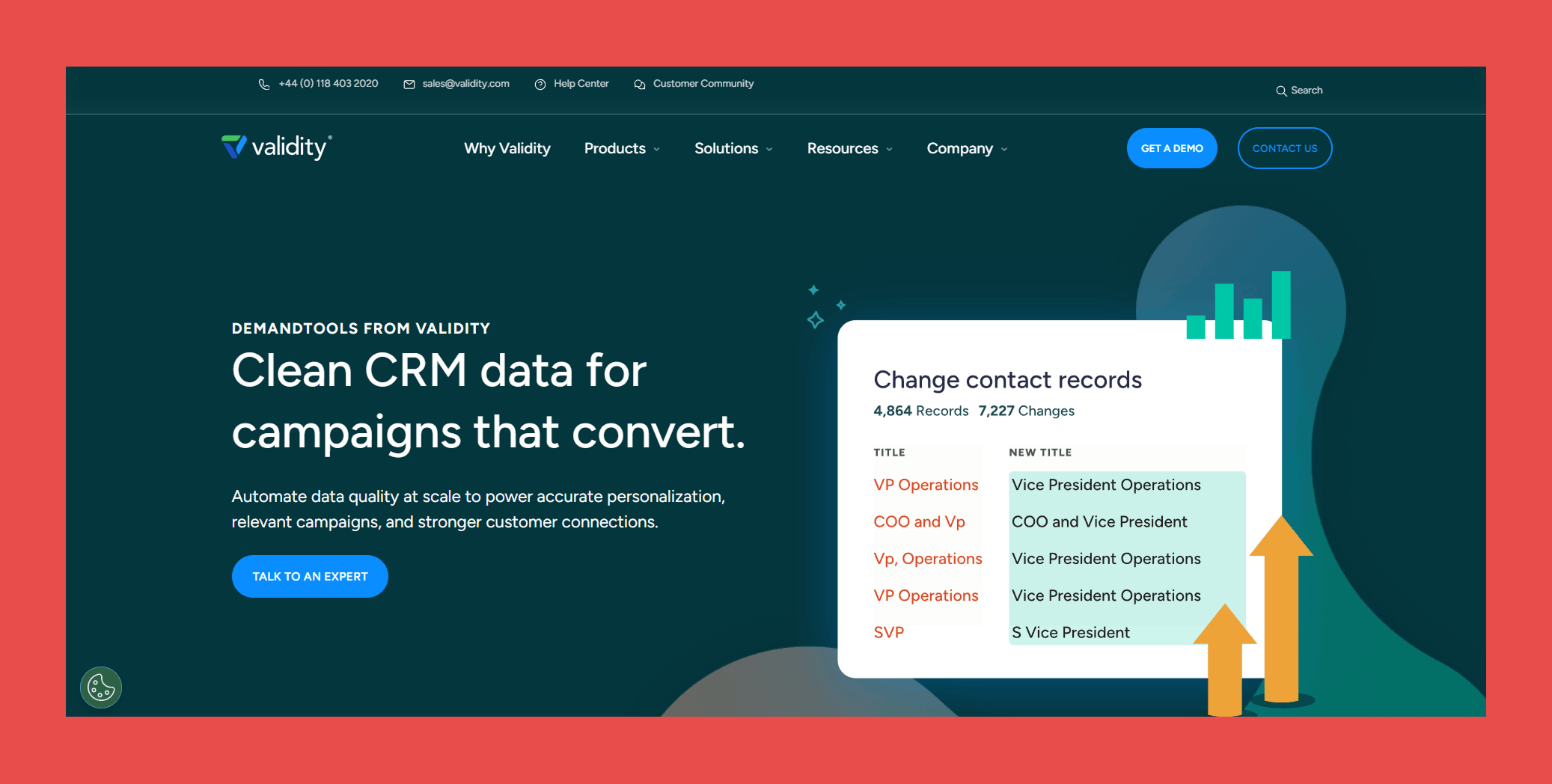
DemandTools is a CRM data cleansing platform designed to help teams clean, standardize, and deduplicate large databases. It’s particularly well-suited for organizations running Salesforce or Microsoft Dynamics 365 that need structured, rule-based cleanup.
If your CRM has accumulated years of duplicates and inconsistent records, DemandTools is built for deep cleanup and maintenance.
Key Features:
- Advanced Data Cleansing: Advanced deduplication, normalization, and record merging.
- Automated Record Hygiene: Filtering and rule-based cleanup for Salesforce environments.
- CRM Compatibility: Supports Salesforce and Microsoft Dynamics 365.
- Data Discovery & Maintenance: Tools for identifying inconsistencies and maintaining record quality.
- Rule-Building Wizards: Prebuilt modules that simplify cleanup workflows.
Ratings:
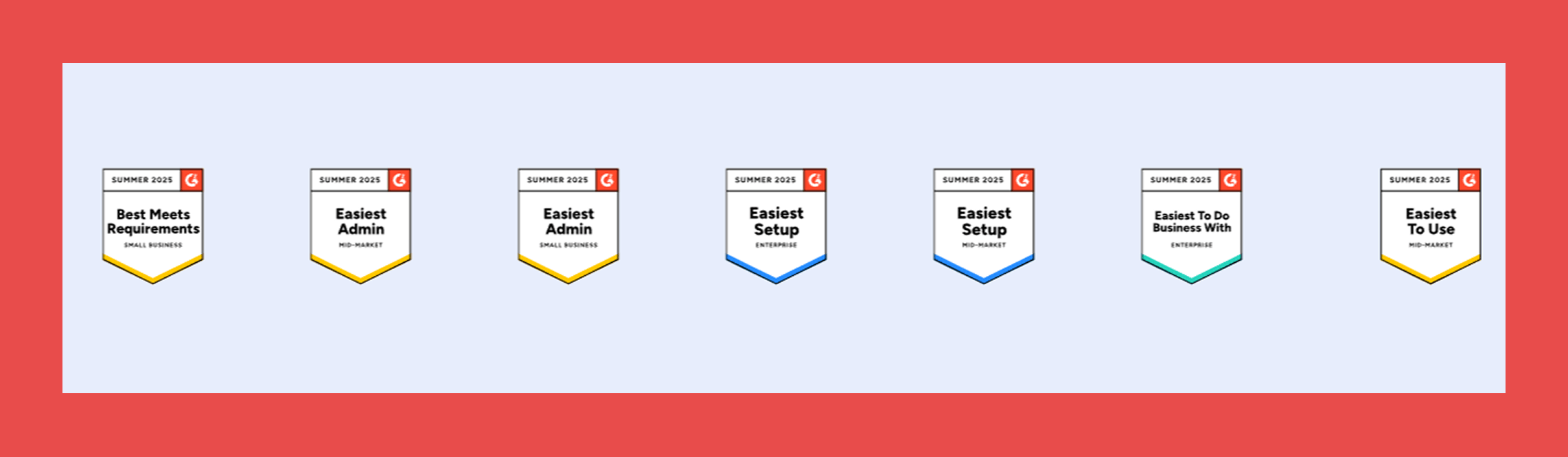
- G2: 4.6/5 (284)
- Capterra: 4.0/5 (1)
Pros:
- Strong Salesforce and Dynamics 365 specialization.
- Powerful rule-based deduplication and cleansing.
- Suitable for large, complex CRM environments.
Cons:
- Primarily focused on Salesforce ecosystems.
- Not positioned as a full enterprise data quality suite.
- Pricing not publicly available.
Pricing:
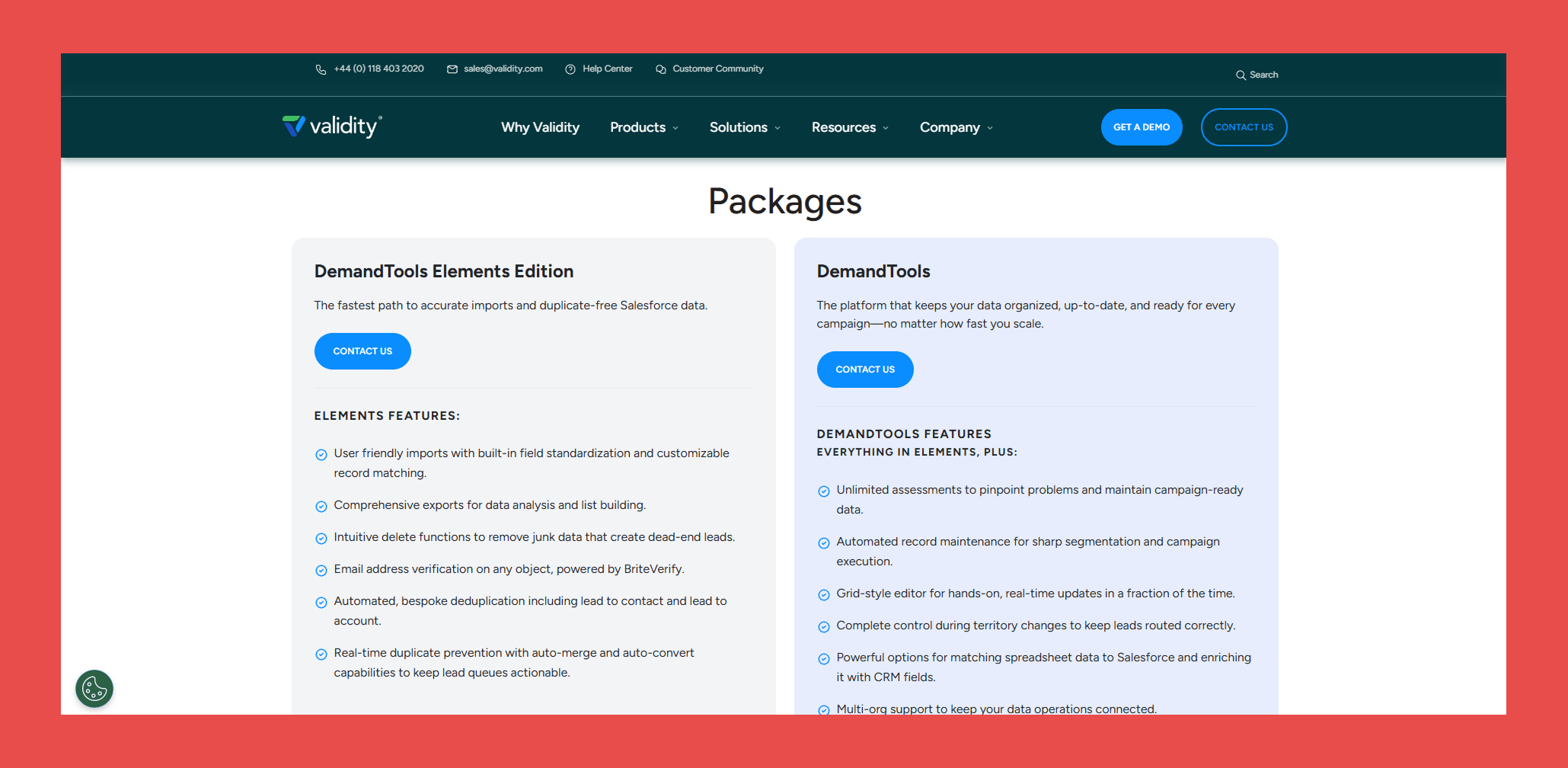
- DemandTools Elements Edition: Contact sales (Salesforce Only)
- DemandTools: Contact sales (Salesforce + Dynamics 365)
4. WinPure
Overview:
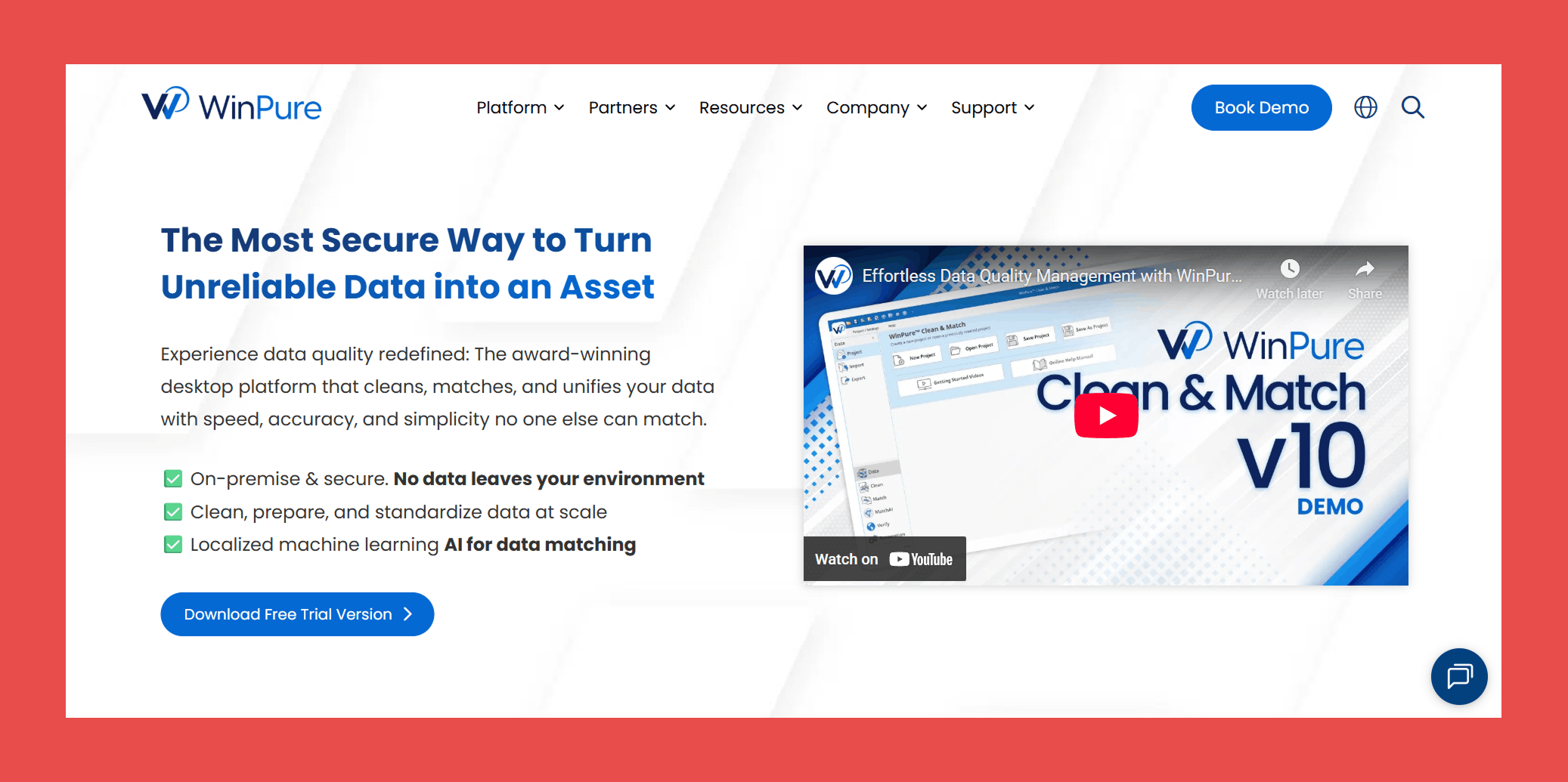
WinPure is a standalone data quality tool focused on identifying and resolving duplicate records across large datasets. It’s designed to help teams clean, standardize, and reconcile messy data before syncing it back into their CRM or database.
Rather than operating as an always-on enrichment engine, WinPure is typically used for structured cleanup projects or periodic database maintenance.
Key Features:
- AI-Powered Record Matching: Detects exact, fuzzy, and relationship-based duplicates across complex datasets.
- No-Code Standardization Tools: Format and normalize CRM fields using configurable rules and built-in data dictionaries.
- Advanced Fuzzy Matching: Identifies misspellings, abbreviations, and inconsistent naming that simpler tools often miss.
- Duplicate Resolution Controls: Merge, purge, or consolidate records and export cleaned data back into your CRM.
Ratings:
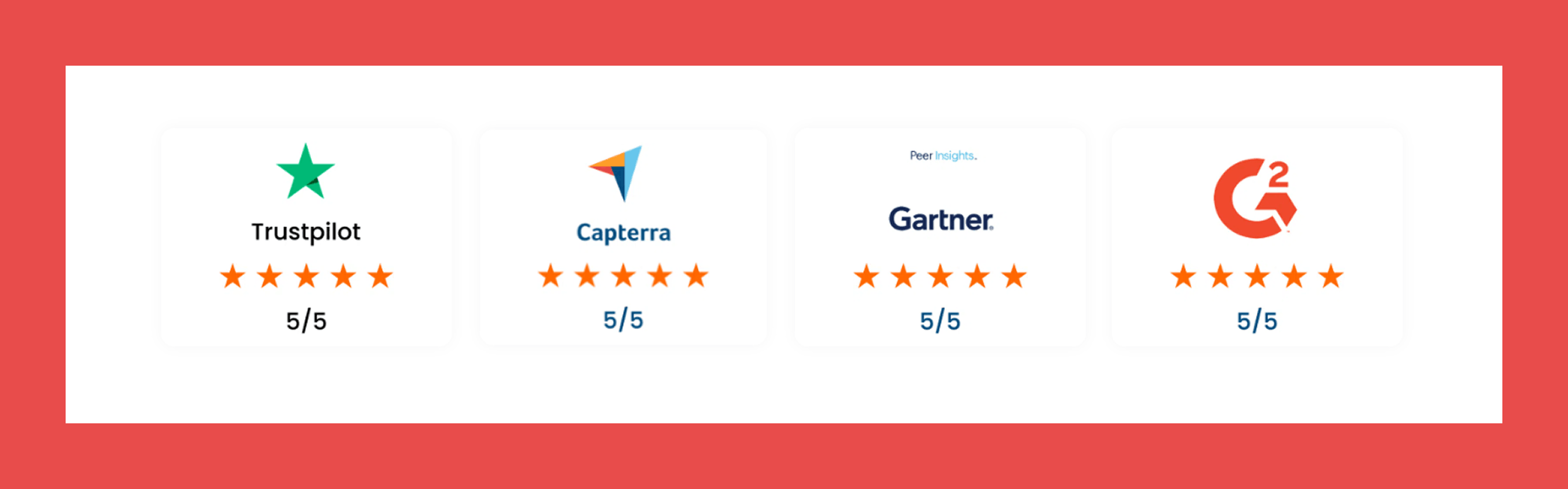
- G2: 4.7/5 (74)
- Capterra: 5/5 (2)
Pros:
- Highly accurate duplicate and near-duplicate detection.
- Accessible for non-technical users.
- Helpful support, including CRM migration assistance.
Cons:
- More project-based than continuous, automated hygiene tools.
- No built-in contact enrichment.
- Interface feels outdated compared to newer SaaS platforms.
Pricing:

- Essential: Contact sales (basic cleansing needs)
- Professional: Contact sales (advanced record unification)
- Enterprise: Contact sales (large-scale data operations)
5. Melissa Clean Suite
Overview:
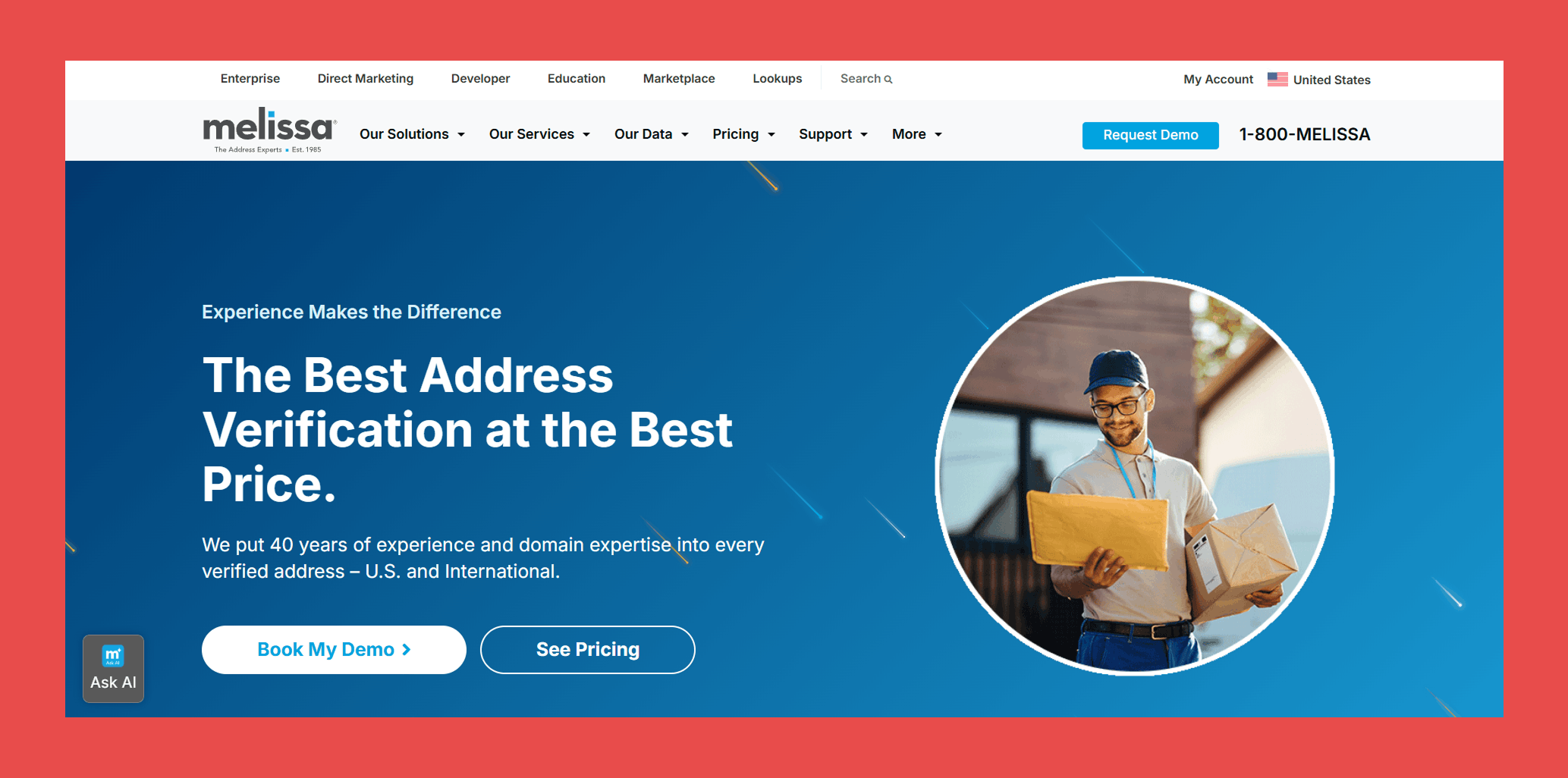
Melissa Clean Suite is a data quality platform focused primarily on address verification, validation, and standardization. It’s particularly useful for organizations that rely heavily on accurate mailing, billing, or location-based customer data.
If address accuracy and global coverage are critical to your operations, Melissa offers specialized validation tools to help maintain consistency across large datasets.
Key Features:
- Flexible Processing Options: Supports both real-time validation and bulk data cleansing workflows.
- Address Autocomplete: Assists users with fast and accurate U.S. and international address entry.
- Global Address Verification: Validates and standardizes addresses across more than 240 countries and territories.
- Geocoding Capabilities: Enhances records with geographic data for mapping, segmentation, and analytics.
Ratings:
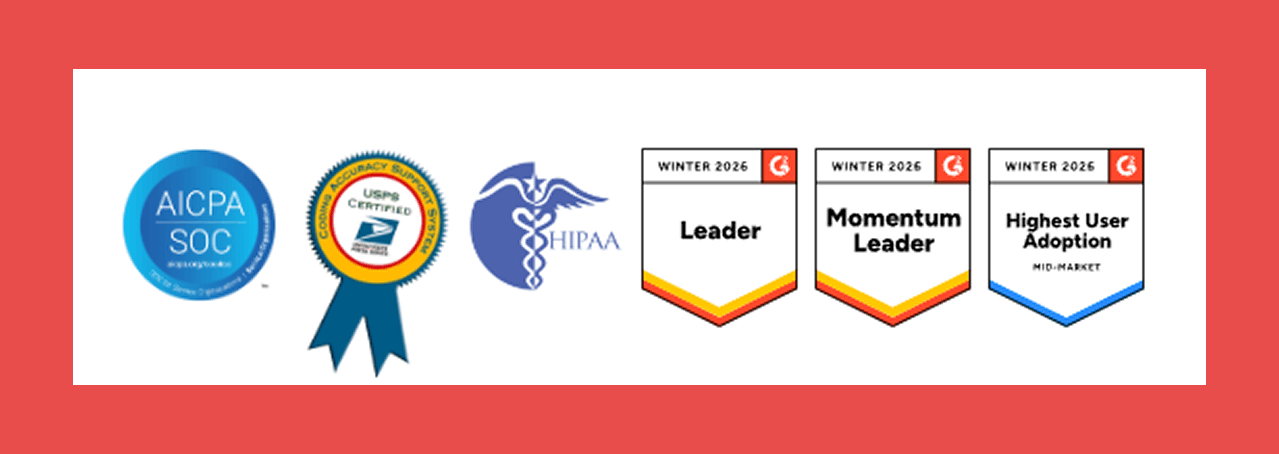
- G2: 4.4/5 (76)
- Capterra: 4.3/5 (6)
Pros:
- Integrates with a wide range of CRM and ERP systems.
- Strong focus on address-level data accuracy.
- Offers a limited freemium option for smaller teams.
Cons:
- Primarily focused on validation rather than full data lifecycle management.
- Advanced reference datasets and features may increase overall cost.
- Workflow automation capabilities are more limited compared to modern revenue-focused tools.
Pricing:
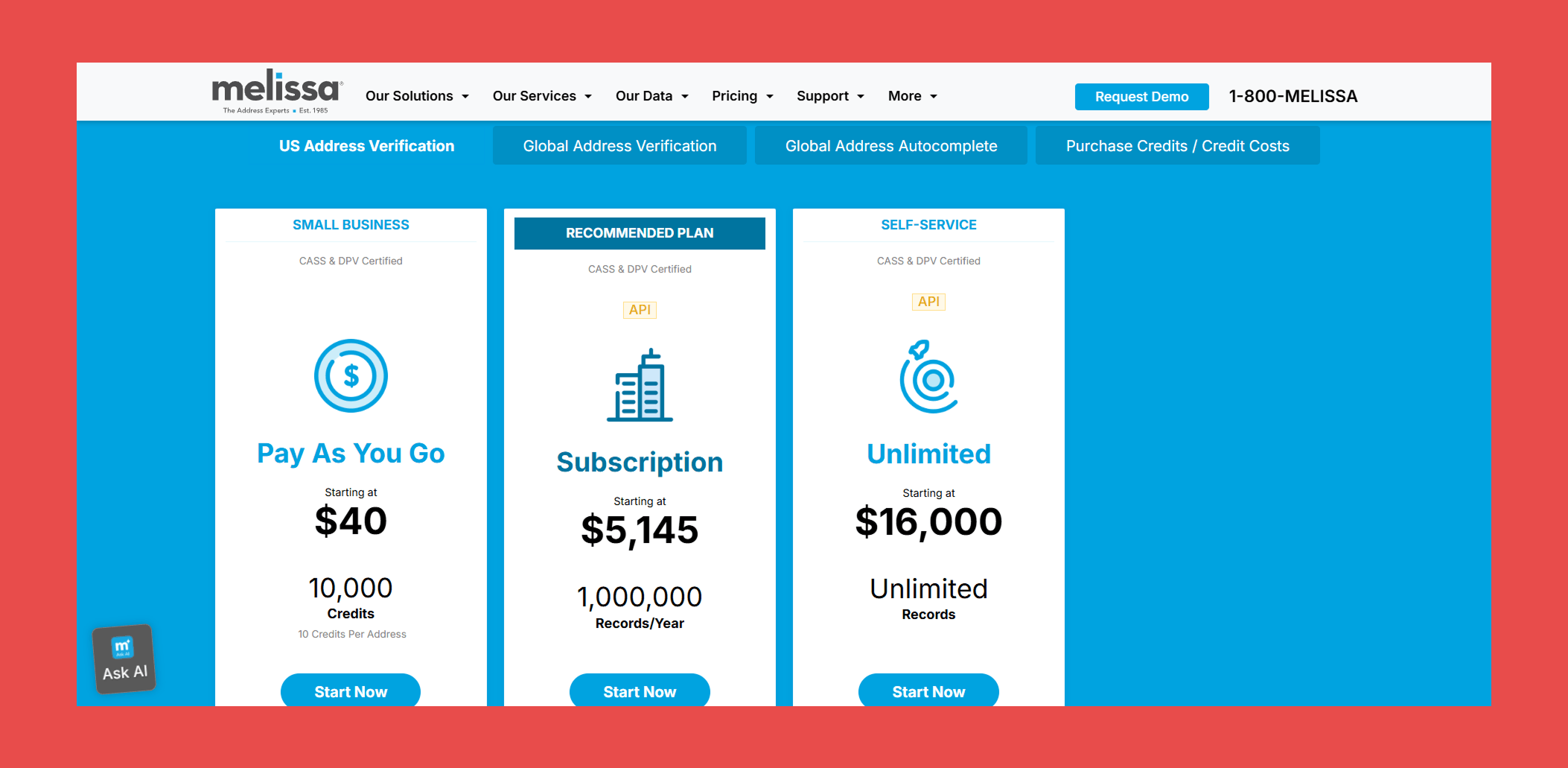
- Pay As You Go: $40 (10,000 credits)
- Subscription: $5,145/year (1,000,000 records)
- Unlimited: $16,000/year (Unlimited records)
Final Thoughts
Data hygiene is no longer optional, it directly impacts deliverability, revenue, and reputation.
Dirty, outdated records slow your team down, distort reporting, and cost you valuable opportunities. Businesses that consistently maintain clean, accurate data move faster, target smarter, and close more.
Findymail CRM DataCare helps you automatically clean, monitor, and maintain your CRM, so your team can focus on selling, not fixing data.
Book a session with one of our CRM specialists to see a breakdown of what’s clean, what needs attention, and exactly how Datacare can bring your database back to full health.
Frequently Asked Questions
1. Does data hygiene help with customer success? How?
Yes, data hygiene ensures customer information is current and correct, so you can provide personalized assistance and use sales tactics tailored to the way your existing customers are interacting with your business.
2. Are data hygiene and data management the same?
No, they're related but different. Data hygiene focuses on cleaning and maintaining data quality, while data management encompasses a broader scope, including the collection, storage and usage of data.
3. What does good data hygiene look like?
Good data hygiene means having a database that's regularly cleaned and updated, free from duplicates and errors and structured in a way that's accessible and useful for your organization's needs.
The easiest way to spot it is through your communication success rates: do your emails bounce? Do your campaigns reach the right people? Do your sales calls end in deals won?Your team has worked hard to fill the funnel. Don’t let high-quality prospects leak through just because of poor data hygiene.

Valentin
Valentin Wallyn is the founder and CEO of Findymail, a SaaS platform he launched to help B2B teams discover accurate email and contact data and automate data enrichment at scale. With an IT background, Valentin combines a technical mindset with hands-on experience in outreach and growth. His work centers on improving data quality and prospecting efficiency, drawing on years of entrepreneurial experience and a deep understanding of what makes outreach campaigns succeed.

![A Field Guide to Finding the Right B2B CRM [2026 Comparison]](/blog/content/images/size/w300/2024/02/jukebox-print-FUohNQatzVs-unsplash.jpg)