AI Lead Finder
 Email Finder
 Email Verifier
 Phone Finder
 Intent Signals
 CRM Enrichment/Cleaning
 API
API

Most companies invest heavily in their CRM. Fewer invest in the quality of data inside it.
Sales reps waste hours pursuing contacts who've changed jobs. Marketers blast campaigns to emails that haven't been valid in two years. Revenue leaders make forecast calls on pipeline data they'd never trust in a board deck.
CRM data quality isn't an operational nicety. It's a revenue variable, one that affects forecasting accuracy, email deliverability, customer experience, and increasingly, how well your AI workflows actually perform.
This guide covers what CRM data quality is, why it degrades, how to measure it, and the strategies and tools you need to keep your database clean in 2026.
B2B contact records go stale at roughly 22.5% per year. Findymail Datacare keeps your database current continuously, so you're not finding out about the damage when it's already in your bounce reports.
TL;DR – CRM Data Quality: Best Practices, Metrics & Tools for 2026
What This Guide Covers:
1. What CRM data quality is and why it matters for revenue
2. The most common data quality problems (duplicates, missing data, outdated records)
3. Why CRM data decays at 22.5% per year even when nobody's doing anything wrong
4. Key metrics to track: bounce rate, field completion, email validity, data freshness
5. CRM data governance best practices for RevOps, SalesOps, and Marketing
Best CRM Data Quality Tools (2026):
1. Findymail CRM Datacare
2. Insycle
3. Openprise
4. DemandTools
5. HubSpot Data Hub
6. Clay
What Is CRM Data Quality?
CRM data quality refers to the accuracy, completeness, consistency, uniqueness, and reliability of the information stored in your CRM. It's the standard your records need to meet before you can trust them.
High-quality CRM data lets teams trust their reports, automate workflows without constant exceptions, personalize outreach at scale, and build forecasts that don't fall apart in Q4.
The core question: can your revenue team actually trust the data they use every day? For most companies, the honest answer is "sometimes."
Why CRM Data Quality Matters
Poor CRM data touches every team that depends on customer information. Inaccurate records make sales outreach less effective, reduce confidence in reporting, and quietly undermine the tools your team has spent months building.
The downstream effects are concrete: missed revenue, wasted ad spend on dead segments, sales reps wasting time on leads who left the company a year ago, and RevOps dashboards that nobody believes.
Here's what's at stake across the business:
- Revenue forecasting
- Pipeline management
- Lead routing
- Customer segmentation
- Marketing attribution
- AI workflows
- Customer experience
The Hidden Cost of Dirty CRM Data
The cost of bad data rarely appears in a budget line, but it shows up everywhere. 34% of businesses report revenue loss tied to fragmented customer data. Most organizations don't fully trust their CRM for reporting or decision-making, which means they're making calls based on gut feel dressed up as data.
The business impacts pile up quickly:
- Missed revenue from pursuing wrong contacts
- Lower sales productivity from manual workarounds
- Poor email deliverability from sending to invalid addresses
- Inaccurate forecasting from incomplete pipeline records
- Broken automation workflows triggered by inconsistent field values
- Increased operational costs from compensating for what the data doesn't tell you
The hidden part is that most of these costs never get attributed to data quality. They just look like underperformance.
The Most Common CRM Data Quality Problems
Most CRM databases suffer from the same recurring issues. Understanding them is the first step toward fixing them.
Duplicate Records
Duplicate contacts inflate pipeline metrics, generate duplicate outreach, and break attribution reporting. They're most common in organizations using multiple lead sources without a consistent deduplication process. Research consistently identifies duplicates as the most common CRM data quality problem, and one of the least addressed.
Missing Data
Incomplete records limit segmentation, reduce lead scoring accuracy, and cut automation performance. The most commonly missing fields: industry, employee count, job title, phone number, and lifecycle stage. Without them, personalization becomes guesswork.
Outdated Information
Contacts change jobs. Companies pivot or fold. B2B data decays at 20–30% annually, with some industries running higher due to turnover. The result: higher email bounce rates, lower connect rates, weaker campaign performance, and forecasts built on contacts who are no longer relevant.
Inconsistent Formatting
Different users enter data differently. No enforcement, no standards. The downstream effect is that reporting breaks, automation fails on unexpected values, and RevOps spends hours normalizing exports instead of analyzing them.
Data Silos
A contact might have one job title in the CRM, a different one in the marketing automation platform, and outdated info in customer support. Disconnected systems create conflicting records across the stack, and when they conflict, everyone picks the one they trust least — which is usually the CRM.
These problems compound. Duplicate records with missing fields and outdated information are harder to deduplicate, harder to enrich, and harder to maintain. Fixing one without addressing the others buys you maybe six months of improvement before you're back where you started.
Why CRM Data Quality Deteriorates Over Time
Sadly B2B data just naturally decays over time at a rate of 22.5% per year, driven by job changes, company restructuring, acquisitions, and contact churn. Nobody in the organization is creating dirty data on purpose, it's just what happens when people leave companies, get promoted, and update their contact information everywhere except your CRM.
The contributing factors are almost always the same:
- No data entry standards enforced at the point of entry
- Multiple lead sources with no deduplication step
- No regular audit or enrichment cadence
- CRM owners without the authority or tools to enforce quality
- Teams treating the CRM as a record of the past, not a system that needs active management
The math is simple: if your CRM has 50,000 contacts and you're not enriching or verifying regularly, you're losing the accuracy of roughly 11,000 records every year.
How to Measure CRM Data Quality
The most effective RevOps, SalesOps, and MarketingOps teams track CRM data quality across a combination of accuracy, completeness, freshness, and usability metrics. Monitoring these KPIs surfaces problems before they hit pipeline.
Duplicate Rate Percentage of records that exist more than once. Target: under 5%.
Field Completion Rate Percentage of required fields populated across records. Target: over 80%.
Email Validity Rate Percentage of email addresses that can successfully receive messages. Target: over 93%.
Bounce Rate Percentage of emails that fail to reach recipients. Target: under 2%.
Data Freshness Percentage of records updated, verified, or enriched within the last 12 months. Target: over 65%.
Data Accuracy Rate Percentage of records that accurately reflect real-world information. Target: over 85%.
CRM Adoption Rate How consistently teams are using and updating the CRM. Low adoption often signals low trust in data quality.
What gets measured gets improved. Teams that monitor these metrics quarterly catch data quality problems before they become pipeline problems.
CRM Data Governance Best Practices
Strong governance is often the difference between a CRM that stays clean and one that reverts to chaos six months after a major cleanup project. Most CRM quality problems aren't technology failures, they're process failures.
Key governance practices:
- Assign CRM owners with explicit accountability for data quality
- Define field standards in writing and make them accessible to all users
- Create data entry policies for each team that interacts with the CRM
- Conduct quarterly audits with documented findings and action items
- Monitor compliance through field completion rates and entry quality reports
- Run regular CRM training for any team member who creates or updates records
Governance doesn't need to be bureaucratic. Clear ownership, documented standards, and a quarterly review cycle covers most of what organizations need.
The Best CRM Data Quality Tools in 2026
Modern CRM data quality tools handle enrichment, verification, deduplication, and database maintenance across the full range of CRM environments. The right solution depends on your CRM stack, your specific data quality challenges, your budget, and how much operational complexity you can absorb.
Here are the leading platforms available today.
1. Findymail CRM Datacare
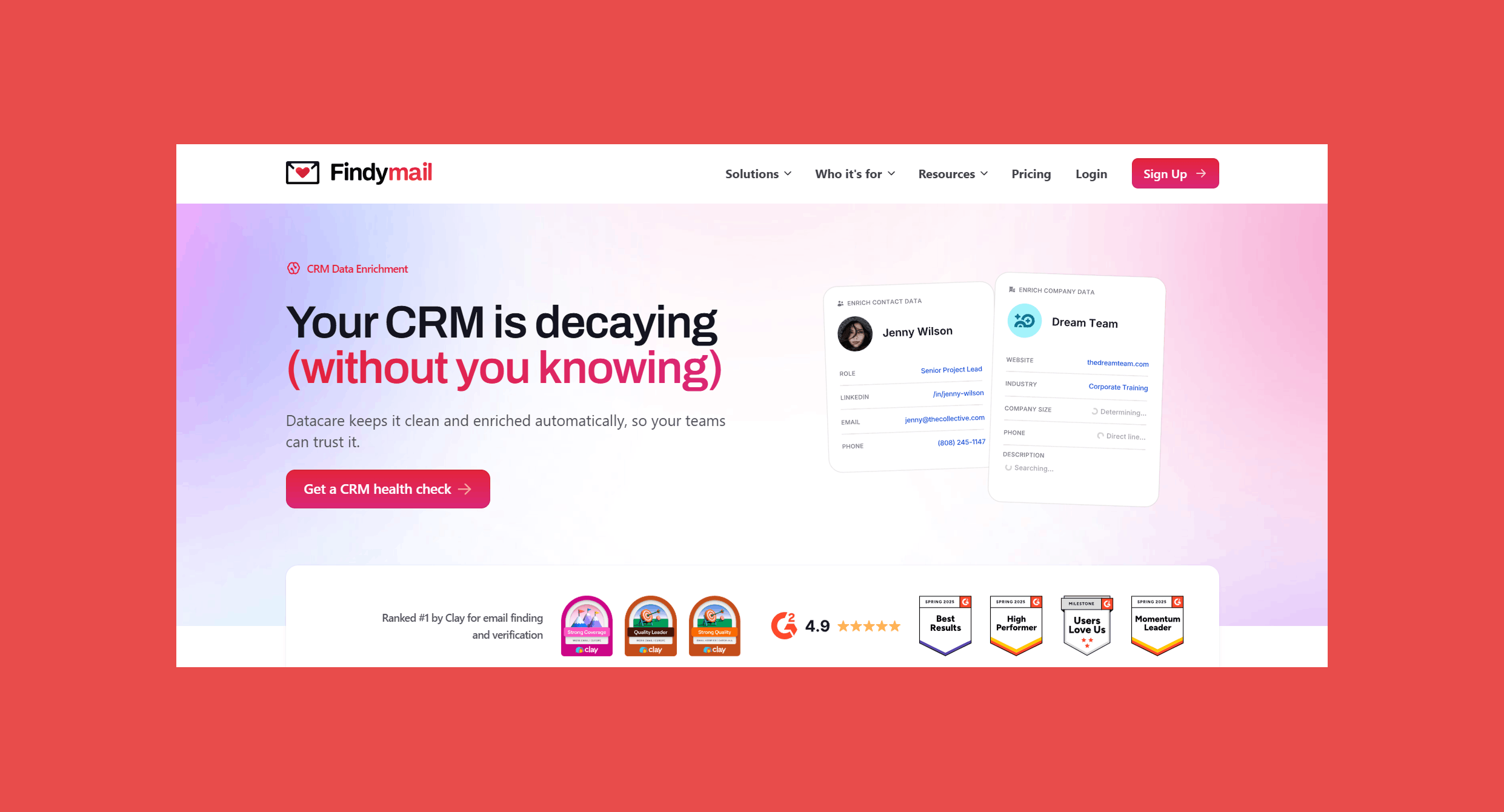
We built Datacare because most enrichment tools treat CRM maintenance as an afterthought. You run a bulk update, feel good about it for a quarter, and then the data starts decaying again while nobody's watching.
Datacare is purpose-built for the ongoing side of CRM health. When a contact changes jobs, Datacare picks it up and updates the record automatically. Duplicate contacts get merged instantly rather than sitting in a backlog waiting for a manual review cycle. Empty fields get filled with verified emails, direct dials, job titles, and company data, so your reps aren't working from half-finished records.
Unlike tools that focus on net-new prospecting, Datacare's job is the database you already own, making sure it stays accurate rather than waiting for you to notice it isn't.
Best for: SaaS products building enrichment into their core offering, sales tools, CRM platforms, and any team that wants continuous CRM maintenance without building it from scratch.
Pros:
- Every email is verified before it hits your CRM; no separate validation step required
- Purpose-built for CRM hygiene, not bolted on as a secondary feature.
- Flat pricing by database size; unlimited auto-enrichment within your plan with no per-record fees.
- Supports ongoing database maintenance rather than one-time cleanup.
Cons:
- Focused on contact data quality; teams that also need field standardization, governance workflows, or CRM process management will need additional tooling for those layers.
Pricing:
Datacare is priced by database size, not per enriched record, so no hidden fees and no running out of credits mid-quarter. Plans start at:
- $500/month, billed annually: Enrichment + Job Tracking.
- Every demo comes with a free CRM health check.
Contacts who've changed jobs, emails that no longer deliver, fields empty since the record was created. Datacare fixes all three continuously, not just when you schedule a cleanup.
2. Insycle
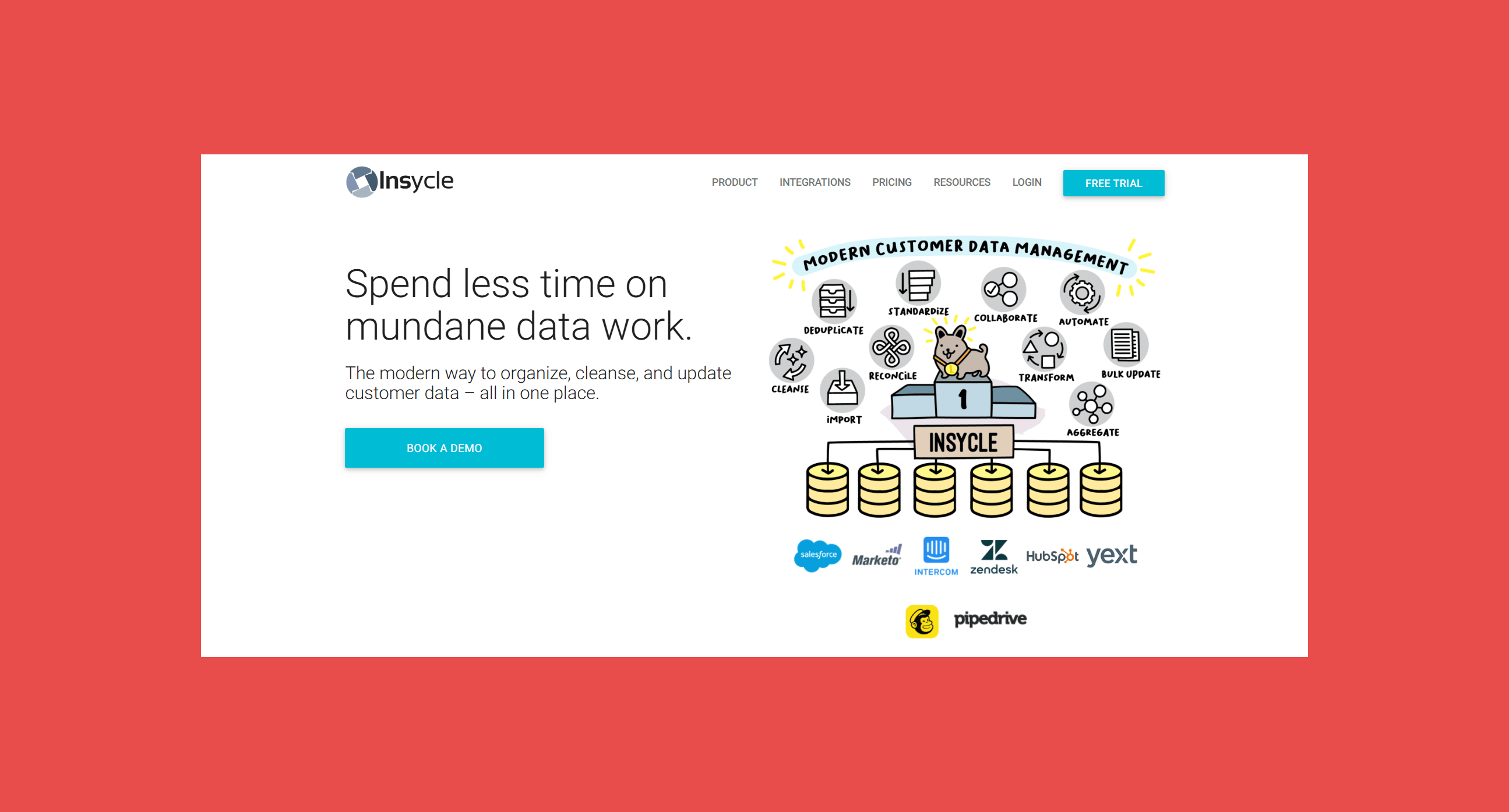
Insycle focuses on deduplication and bulk CRM management. It connects to HubSpot and Salesforce and handles the record operations that are painful to do natively: merging duplicates, standardizing field values across thousands of records, and running bulk updates without importing and exporting CSV files.
Best for: Revenue Operations and CRM administrators dealing with duplicate records and inconsistent data across their CRM.
Pros:
- Strong duplicate detection and merge capabilities.
- User-friendly interface for non-technical CRM users.
- Supports multiple CRM platforms.
- Powerful bulk editing tools for standardization work.
Cons:
- Can require setup time for complex workflow configurations.
- Primarily focused on CRM management rather than external data enrichment.
Pricing: Scales by database size across four tiers: Starter, Growth, Professional, and Enterprise. At 25K records, plans start at $25/month (billed annually); at 200K records, the same tiers run $200–$400/month. Enterprise is custom pricing with dedicated support.
3. Openprise
Openprise operates at the enterprise end of the market. It's a data orchestration platform built for RevOps teams running complex go-to-market operations across multiple systems. Lead-to-account matching, routing automation, data cleansing, and enrichment integrations are all handled in one platform.
Best for: Large organizations with sophisticated RevOps requirements and complex GTM operations.
Pros:
- Highly customizable for complex data management workflows.
- Enterprise-grade automation capabilities.
- Strong governance and compliance features.
- Supports multi-system orchestration across the full tech stack.
Cons:
- Higher implementation complexity than most mid-market tools.
- Better suited for larger organizations with dedicated RevOps resources.
Pricing: Not publicly available. Contact Openprise directly or request a demo to get pricing.
4. DemandTools
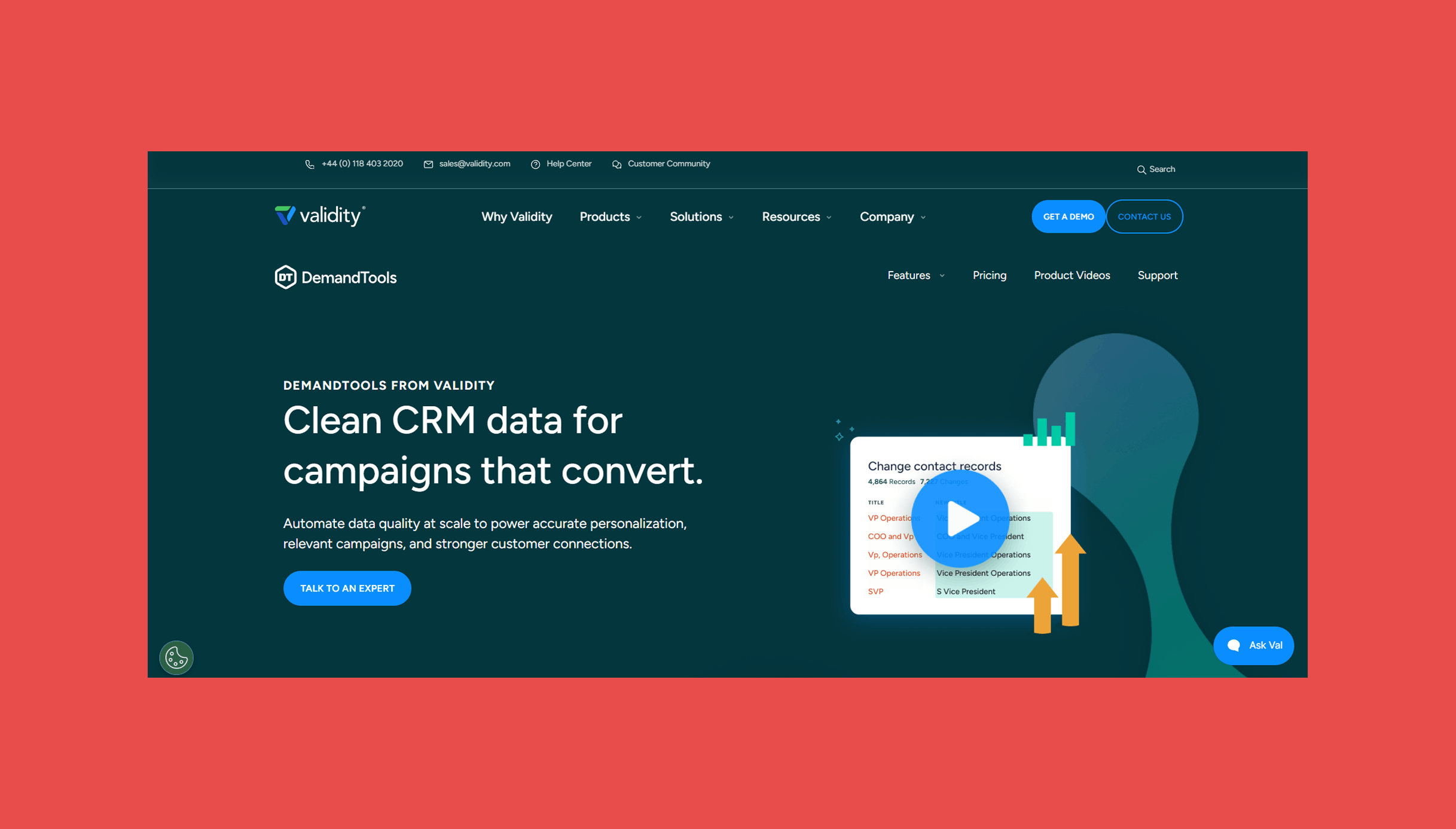
DemandTools is a Salesforce-specific data quality platform from Validity, the data integrity company behind several CRM and email deliverability tools. If your organization runs on Salesforce and needs serious data quality controls (deduplication, normalization, bulk imports, and record governance) DemandTools is what Salesforce admins reach for.
Best for: Organizations heavily invested in Salesforce that need advanced data quality controls beyond what Salesforce provides natively.
Pros:
- Deep Salesforce functionality built specifically for the platform.
- Powerful data cleansing and normalization capabilities.
- Trusted by Salesforce administrators across enterprise accounts.
Cons:
- Salesforce-centric; limited value outside of that ecosystem.
- Learning curve for new users unfamiliar with data governance tools.
Pricing: Two packages — Elements Edition (imports, deduplication, and field standardization) and DemandTools (everything in Elements plus automated record maintenance, territory management, and multi-org support). Both require contacting DemandTools directly for pricing.
5. HubSpot Data Hub
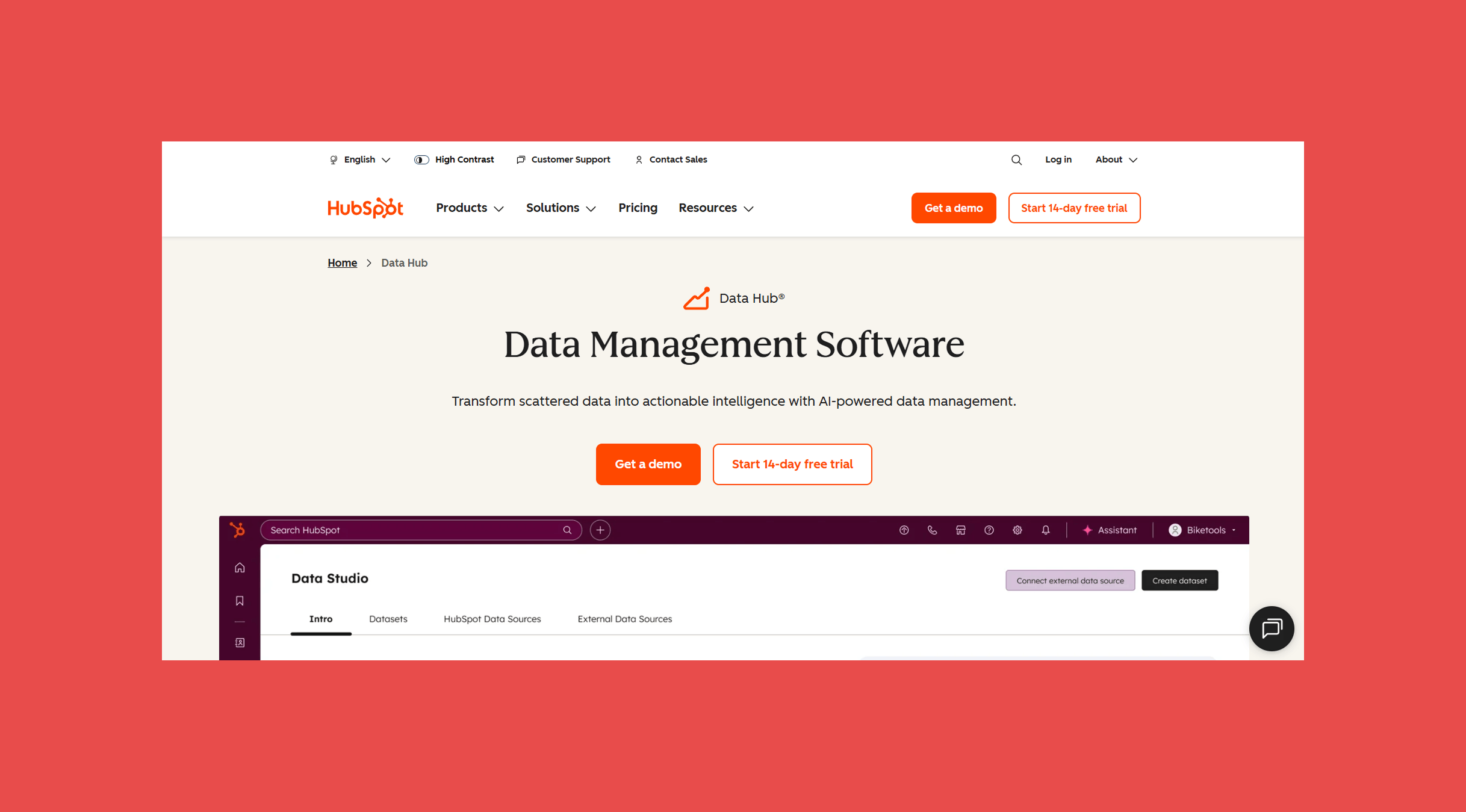
HubSpot Data Hub is HubSpot's AI-powered data management product, built to turn scattered CRM data into actionable intelligence. It handles data synchronization across apps, field mapping, basic data cleaning, and at higher tiers, AI-assisted dataset creation, automated data processes, and data health monitoring.
Best for: Organizations using HubSpot as their primary CRM and marketing platform who want native data quality tooling without adding another vendor.
Pros:
- Native HubSpot integration with no additional connector setup.
- Easy to use for teams already familiar with HubSpot.
- Supports automation and governance within one platform.
Cons:
- Most valuable within the HubSpot ecosystem; limited value elsewhere.
- Serious data quality features (AI datasets, health monitoring, automation) require Professional at $800/month.
Pricing: Free tier available. Starter from $10/month per seat, Professional from $800/month, Enterprise from $2,000/month.
6. Clay
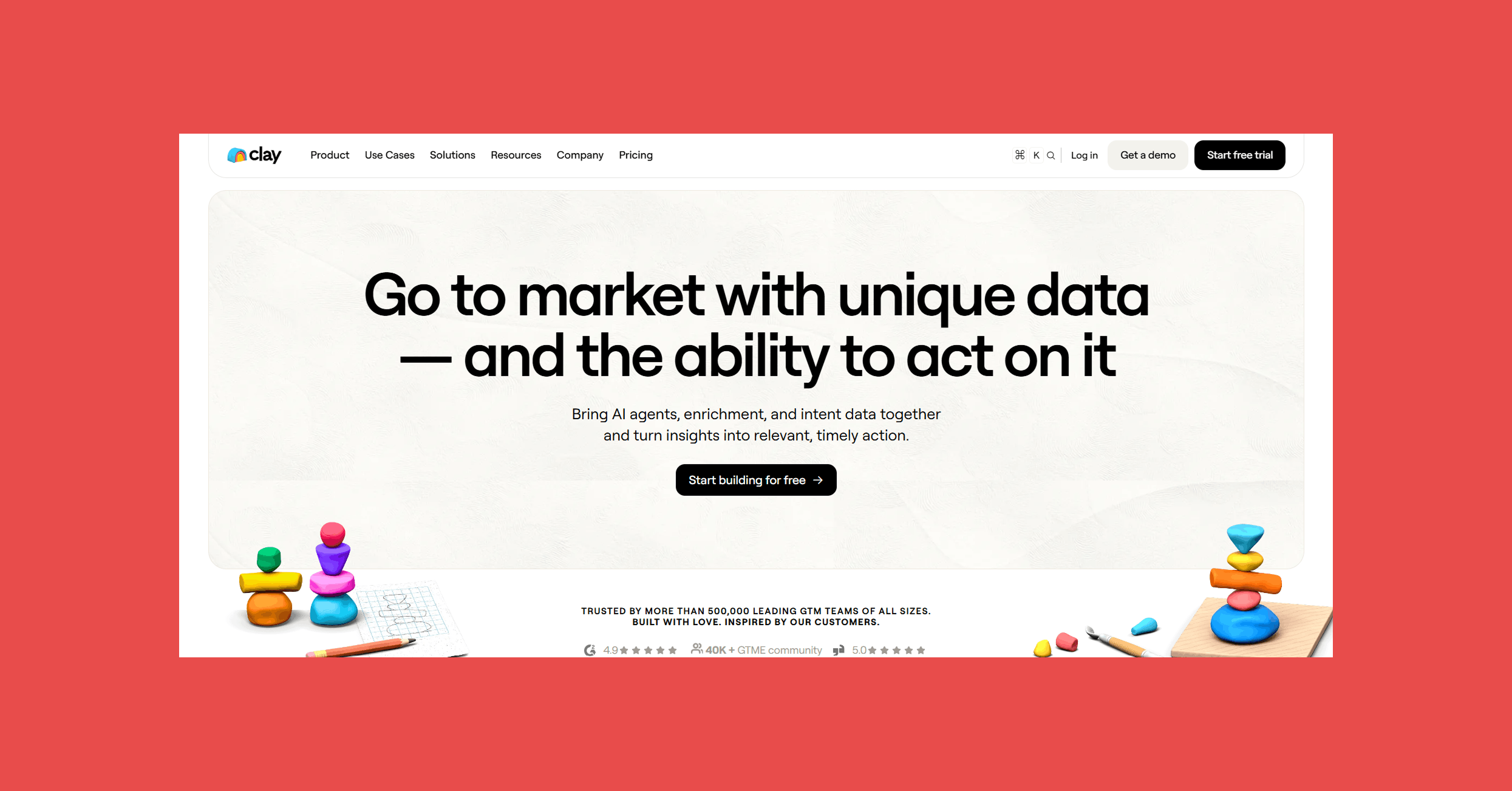
Clay is for teams that want to build enrichment workflows from scratch. It connects dozens of data providers, runs AI-powered research automations, and can push enriched data back into your CRM on a schedule. The flexibility is real, but so is the complexity, Clay rewards teams that invest time in building their workflows.
Best for: Advanced RevOps, growth, and outbound teams that need highly customized enrichment and prospecting workflows.
Pros:
- Extremely flexible; supports a wide range of data providers and automations.
- Powerful for building custom multi-step enrichment workflows.
- Strong automation capabilities for teams comfortable with workflow design.
Cons:
- Can be complex for beginners; requires upfront workflow design.
- Credit-based pricing model can be difficult to predict at scale.
Pricing: Free tier available (1.2K data credits/year). Launch from $167/month (30K credits), Growth from $446/month (72K credits), Enterprise is custom. Annual billing saves 10%.
Final Thoughts
CRM data quality is the foundation that every revenue operation builds on. Whether you're forecasting pipeline, running outbound campaigns, routing leads, deploying AI workflows, or managing customer relationships, the quality of your output depends on the quality of the data underneath it.
Organizations that treat CRM quality as an ongoing discipline (not a periodic cleanup project) get more accurate reporting, higher sales productivity, better customer experience, and more predictable revenue growth.
The combination of governance, enrichment, verification, and continuous maintenance is what creates a CRM your entire organization can actually trust.
Findymail Datacare handles the verification and enrichment side of ongoing CRM maintenance so your records stay accurate without a dedicated cleanup project every quarter.
Frequently Asked Questions
How do you improve CRM data quality?
Start with an audit to understand your current state. Standardize data entry, remove duplicates, enrich missing fields, establish governance, monitor quality metrics, and automate ongoing maintenance. The combination of all seven steps is what creates lasting improvement.
What causes poor CRM data quality?
Data entry without standards, multiple lead sources without deduplication, lack of regular enrichment, and no ownership or accountability for data governance. Natural data decay (contacts changing jobs, companies restructuring) compounds the problem over time.
What are the best CRM data quality tools?
Findymail CRM Datacare for continuous verification and enrichment, Insycle for deduplication, DemandTools for Salesforce-specific governance, HubSpot Data Hub for HubSpot-native teams, Openprise for enterprise orchestration, and Clay for custom workflows.
How often should CRM data be cleaned?
Maintenance should run continuously, with formal audits quarterly. Waiting for an annual cleanup means losing 20–30% of your data accuracy each year before anyone addresses it.

Valentin
Valentin Wallyn is the founder and CEO of Findymail, a SaaS platform he launched to help B2B teams discover accurate email and contact data and automate data enrichment at scale. With an IT background, Valentin combines a technical mindset with hands-on experience in outreach and growth. His work centers on improving data quality and prospecting efficiency, drawing on years of entrepreneurial experience and a deep understanding of what makes outreach campaigns succeed.

![A Field Guide to Finding the Right B2B CRM [2026 Comparison]](/blog/content/images/size/w300/2024/02/jukebox-print-FUohNQatzVs-unsplash.jpg)