AI Lead Finder
 Email Finder
 Email Verifier
 Phone Finder
 Signals
 CRM Enrichment/Cleaning
 API
API

If you work in sales, you’ve likely heard this story before.
Rep meets prospect. Prospect shows interest. Rep nurtures for three weeks and sends the best closing email to end all closing emails. Rep then checks LinkedIn to find their champion left the week before and their CRM never flagged it. Three weeks of quota time, down the drain.
Most sales teams treat bad CRM data as background noise. An everpresent issue everyone is aware of but never quite urgent enough to fix permanently. I am here to tell you why that thinking is costing you more than you realise, and what to do about it.
Findymail CRM Datacare plugs directly into your CRM to verify emails, track job changes, and fix duplicates, 24/7. No manual runs, no batch jobs. It runs quietly in the background, enriching and cleansing only the data that needs attention.
Want to see what it could clean in yours? Talk to one of our CRM data specialists and find out.
Roughly 23% of your CRM data goes bad every year due to job changes, company rebrands, mergers, and email format changes. None of these show up as errors. Records just sit there, silently wrong, costing you in four specific ways.
The Four Hidden Costs:
1. Wasted rep time: 27% of selling hours lost to data verification.
2. Phantom pipeline: 30-40% of reported deals are functionally dead.
3. Damaged sender reputation: bounce rates above 2% trigger spam filters.
4. Deals lost to job changers: warm leads missed because the CRM never updated.
How to Fix It: Start governance early, assign clear ownership, automate manual inputs, and layer in continuous enrichment so your CRM stays clean without anyone having to manage it.
Best CRM Data Enrichment Tools (2026):
1. Findymail CRM Datacare
2. Clay
3. ZoomInfo
4. Apollo.io
5. Cognism
6. Clearbit / Breeze Intelligence
Why CRM Data Decays Faster Than You Think
Before we get to the numbers, it helps to understand the rate of decay. Roughly 2% of your contact records go invalid every single month. That compounds to around 23% annually without any active maintenance. By the time you run your next annual clean, a fresh wave of decay is already underway
The culprits are predictable: job changes are the most damaging, followed by company rebrands, email format changes after acquisitions, mergers, and plain old phone number reassignments. None of these show up as errors in your CRM, your record just sits there waiting for a rep to waste time on it.
This is why manual cleanup doesn’t work. The interval between cleanups is longer than the interval between records going bad. This way you’re always playing catch-up.
Cost 1: Wasted Rep Time
According to Fullcast, 50% of workers' time is spent finding, correcting, and confirming inaccurate data. For sales reps, that figure sits at around 27% of working hours spent on data verification rather than selling.
Think about what that looks like day to day. A rep sends 100 emails. Fifteen bounce. They spend the next hour cross-referencing LinkedIn, hunting down updated contact details, and trying to salvage sequences that should have worked first time. Then they do it again next week. And the week after.
You're not paying your reps to do data entry. But that's exactly what's happening.
Cost 2: Missed and Phantom Pipeline
This one is harder to see, which is what makes it so damaging.
When contacts go stale and deals stay open, you end up with phantom pipeline: opportunities that look alive in the CRM but are functionally dead. Estimates put the proportion of phantom deals at somewhere between 30 and 40% of reported pipeline for teams with poor data hygiene.
Beyond the obvious pipeline problems, there are the ICP misses you never see. Accounts that match your ideal customer profile go unworked because missing firmographic fields mean they never surface in your segmentation. You're also reaching the junior IC who was the original contact while the actual decision-maker changed six months ago and has never heard from you.
A Validity survey of more than 1,250 companies found that 44% lose more than 10% of annual revenue due to poor CRM data quality. Not potential revenue. Actual revenue, gone.
Cost 3: Damaged Sender Reputation
Most teams never connect this one back to their CRM until the damage is done.
Once your bounce rate crosses 5%, spam filters start treating your domain as a liability. From that point, even emails going to valid contacts land in spam, and unlike a bounce, a spam placement produces no signal. No error, no notification. Your rep hears silence, assumes disinterest, and moves on. The lead never saw it.
Recovering a damaged domain takes weeks of reduced volume and re-warming. That's real pipeline loss, and it traces directly back to unverified contacts sitting in your CRM unchecked.
Datacare's sub-5% bounce rate guarantee keeps your sending domain clean and your emails landing where they should.
Book a free CRM health check and we'll show you exactly how many unverified contacts are putting your deliverability at risk.
Cost 4: Deals Lost to Contacts Who Changed Jobs
The highest-value cost on this list, and the hardest to spot.
When a champion leaves a company, they take their vendor preferences with them. They know your product, they've already been sold, and they're effectively a warm lead the moment they land somewhere new. New executives typically evaluate vendors in their first 90 days, so if your CRM doesn't surface that move, a competitor with better data wins that window while you're still emailing someone who left.
The double loss is what stings. You lose the potential expansion at the old company because the new decision-maker has never heard of you, and you lose the net-new deal at the new company because you didn't know to reach out to. Two deals gone, neither showing up as a loss anywhere in your pipeline.
Datacare tracks job changes across your entire CRM in real time. The moment a contact moves, your team knows about it.
Book a free CRM health check and find out how many warm leads are sitting in your database right now, undetected.
Why One-Off Enrichment Runs Don't Fix This
The natural instinct is to schedule an enrichment project. Bulk refresh the CRM, fill the gaps, set a reminder for six months' time.
It's bailing water without checking for the hole.
The moment your enrichment run completes, decay starts again. New contacts come in from forms, events, and list tools, many unverified. Job changes happen daily. And the months between cleanups are a long window in which reps are working from data they believe is accurate but isn't.
When reps hit enough bounces and stale contacts, they stop trusting the CRM. When they stop trusting it, they stop logging activity properly. Now the problem compounds from both ends.
A one-off enrichment run fixes today's problem. Datacare prevents tomorrow's. Book a free CRM health check and see what continuous enrichment looks like running inside your CRM, no batch jobs, no manual triggers, no catching up.
How to Fix Bad CRM Data: Governance, Ownership, and Automation
If you're building from scratch or trying to get ahead of a growing problem, here's what actually works.
1. Start Data Governance Before You Think You Need It
The longer you wait, the more expensive it gets. Bad data compounds, and without a governance foundation your historical data becomes less reliable, your systems become harder to scale, and the cleanup project that felt manageable at 5,000 records becomes a six-month initiative at 50,000.
You don't need a complex framework to start. An agreed naming convention for key fields, a documented source of truth for each record type, and a defined owner for each data category will get you further than most teams ever get. The teams I see scale cleanly treated data governance as infrastructure investment early on, not something they retrofitted after the CRM became a problem.
2. Assign Clear Ownership Across Teams
Ambiguous ownership is how CRMs rot. If everyone's responsible for data quality, no one is.
Define which team owns each data type: Marketing owns lead source and initial contact data, Sales owns deal-stage fields and activity logging, RevOps owns overall system integrity and fill-rate monitoring. Document it and hold the right people accountable to the right numbers.
The KPIs that matter most are fill rate on required fields, bounce rate on outbound sends, and duplicate record count. Put them somewhere visible. Numbers that live in dashboards nobody checks don't drive behaviour.
3. Build Reporting That Earns Trust
Before adding a new required field or building a new dashboard, ask two questions: who is this for, and what should they do differently once they see it?
Data captured without a clear audience becomes noise, and noise is corrosive. When reps spend time filling in fields that never seem to inform anything, they stop believing the CRM serves them. Once that trust breaks, adoption falls and data quality follows. Transparency is the fix: when a rep understands what a lead score means and what drives it, they'll use it.
4. Monitor Data Quality as an Ongoing Process
Governance isn't a one-time project. Build dashboards that surface gaps in real time: deals with no associated contacts, records with no activity in 90 days, contacts missing key fields. Make them visible to the people who can fix the problems.
For automated workflows, set up exception alerts. If an enrichment process fails, a workflow breaks, or fill rates on a critical field drop unexpectedly, you want to know before it becomes a systemic issue. A live dashboard showing incomplete records does more to drive behaviour than a quarterly audit ever will.
5. Make Data Legible to the People Using It
Clean data only has value if the people using it understand what it means and what to do with it. A lead score nobody understands is a field nobody trusts. An enrichment tag that's never explained is a field that gets ignored.
Provide context alongside your data: what does this score reflect, what triggered this label, what should the rep do next. The more your team understands the system, the more they'll contribute to it accurately. Better inputs produce better outputs, which produce more trust, which produces better inputs.
6. Automate to Remove Human Error, Then Layer in Continuous Enrichment
Manual data entry is the single biggest source of inconsistency in any CRM: misspelled domains, wrong job titles, missing associations, contact details added at import and never touched again. Remove as many manual inputs as possible. Automate deal stage progression, lead source tagging, lifecycle assignments, and duplicate flagging on record creation.
But automation removes human error. It doesn't remove time-based decay. A contact enriched correctly today will be wrong in some percentage of cases by next quarter, because the world keeps moving regardless of your CRM's update schedule. The right approach combines workflow automation to prevent errors at entry, with continuous enrichment to catch the changes that happen after.
The tools below address different parts of this problem. Only one of them does both, continuously, without any manual input required.
The Best CRM Data Enrichment Tools in 2026
Not all enrichment tools are built for the same problem. Some prioritise database depth, others flexibility, compliance, or price. Here's an honest breakdown of what's available and what each one is actually built for.
1. Findymail Datacare — The CRM Infrastructure You Need, Not the Enrichment Plugin You Want
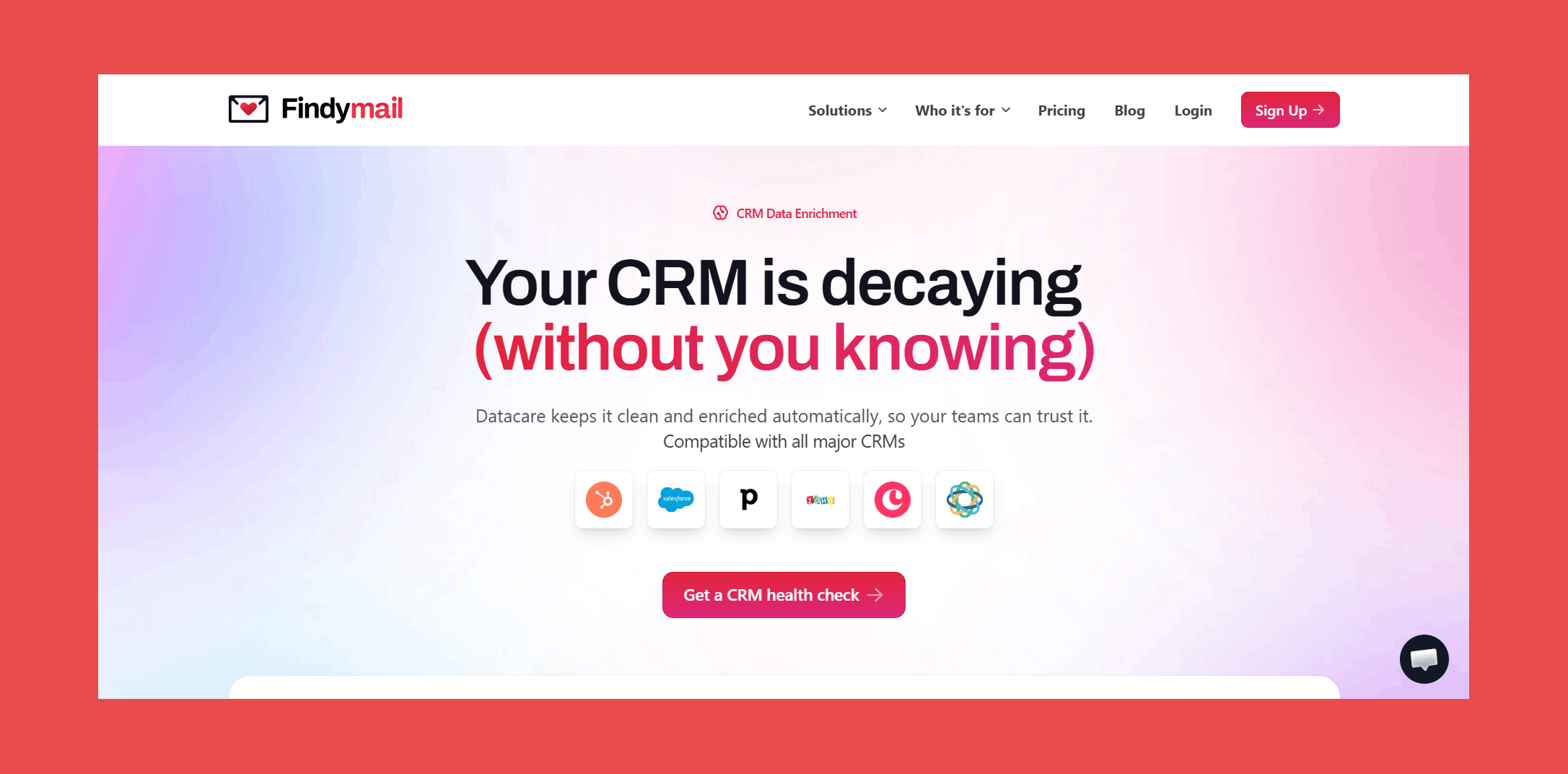
There's a difference between a tool you add to your stack and infrastructure that holds your stack together. Most enrichment tools are the former. You trigger them, schedule them, remember to run them. Datacare is the latter.
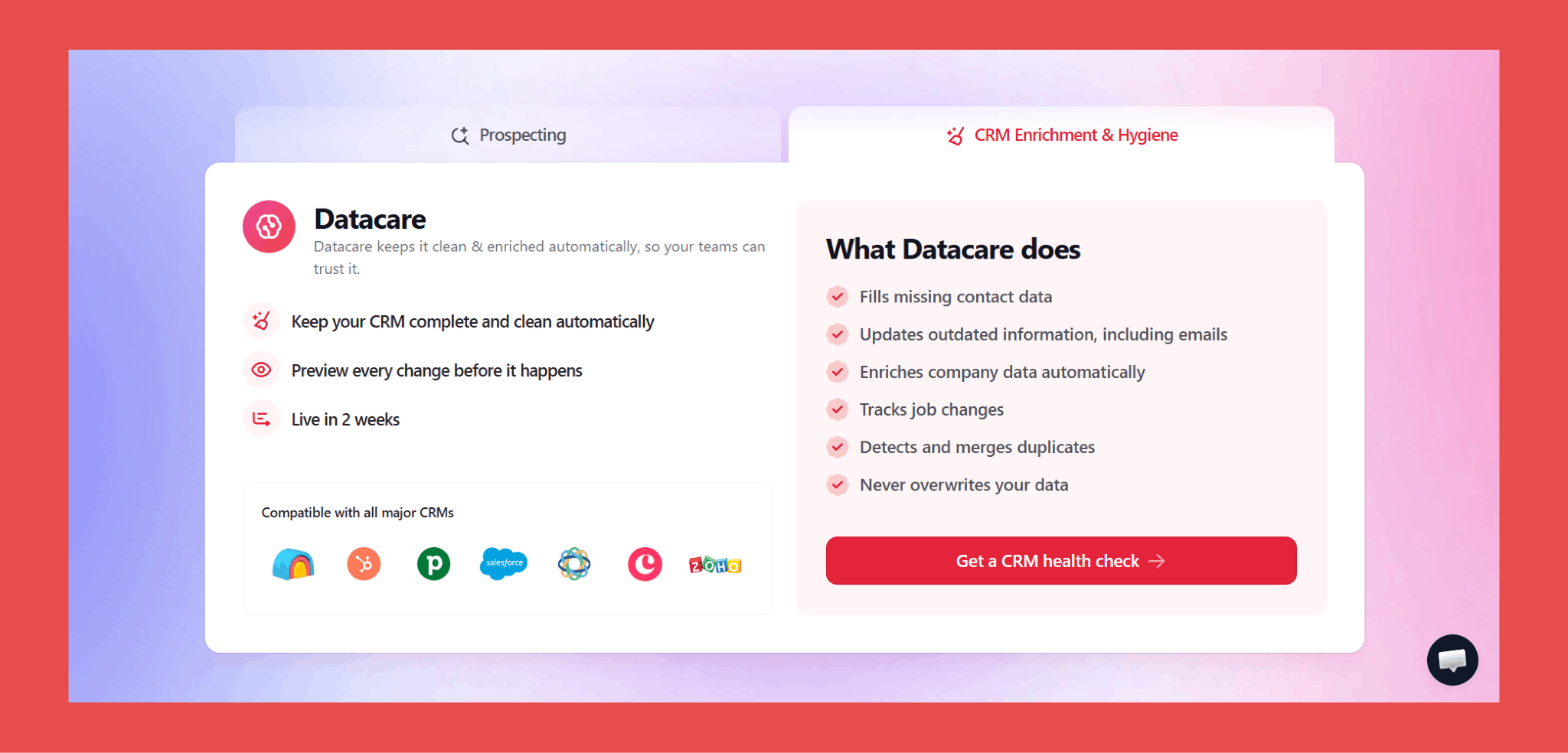
Every new record is enriched the moment it lands in your CRM. Job changes are detected and updated automatically, so your rep gets a warm reason to reach out rather than a bounce notification three weeks later. Duplicates are caught and merged before they cause problems. Nothing requires a manual trigger, a batch job, or anyone remembering to do anything.
It runs quietly underneath everything else. You don't manage it. You just benefit from it.
Key Features:
- Auto-Enrichment: Automatically populates new and existing CRM records with accurate, up-to-date contact and company data.
- Job Change Tracker: Get notified the moment a prospect or customer switches companies, so you can reach out while the timing is still right.
- Verified Contact Data: Removes invalid emails and replaces them with fresh, verified contact info, backed by a bounce rate under 5%.
- Data Cleansing and Deduplication: Continuously updates outdated records, merges duplicates, and keeps your CRM aligned in real time.
- Native CRM Integration: Works directly inside all major CRMs with no overlays. Datacare runs quietly in the background.
- Built-in Safety Controls: Preview changes before they're applied, fill only empty fields by default, roll back any update at any time, and choose exactly which CRM segments to enrich.
Ratings:
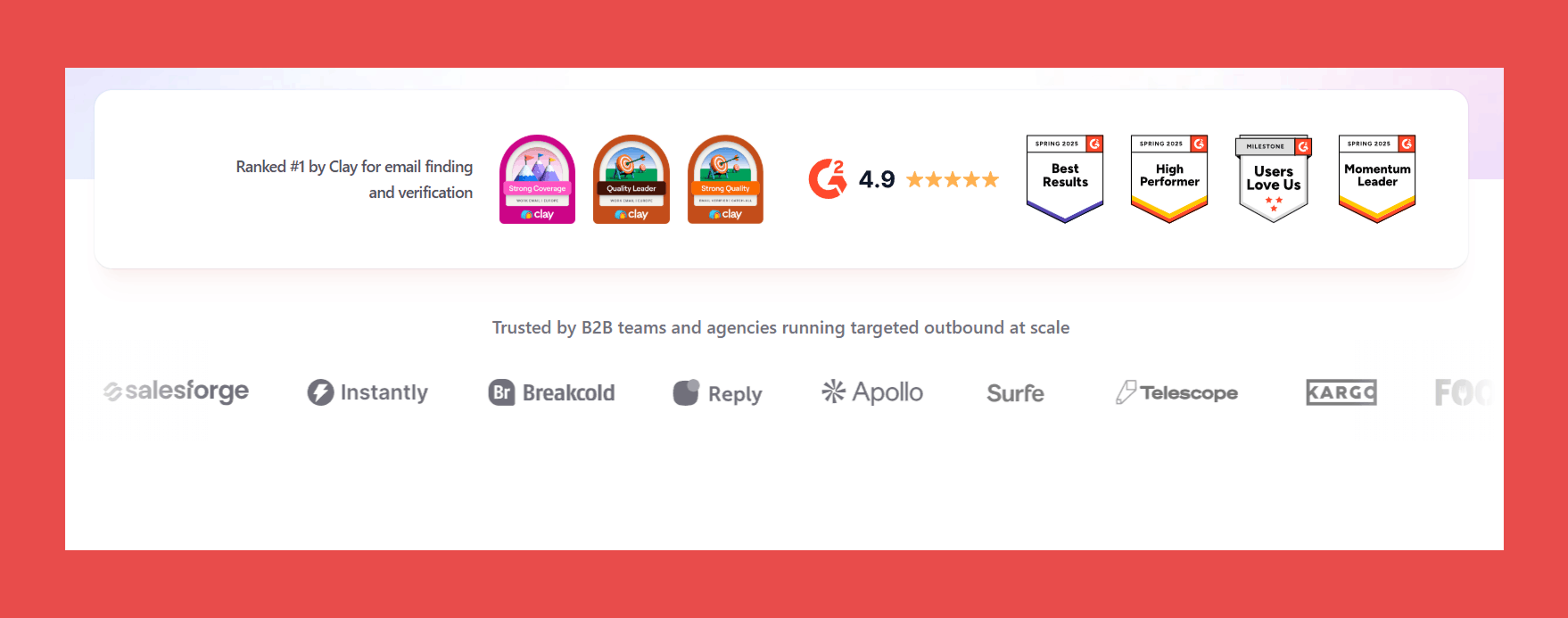
- G2: 4.9/5 (57)
- Capterra: 4.9/5 (7)
Pros:
- Always-on enrichment keeps your database continuously clean without lifting a finger.
- Verified contact data with a guaranteed bounce rate of 5% or less.
- Real-time job change tracking so you can act on warm leads the moment they move.
- Native integrations with all major CRMs — clean data, zero manual work.
Cons:
- Prioritises accuracy and automation over highly custom enrichment workflows, so if you want to get experimental with your data logic, you may hit some limits.
Pricing:
Datacare is priced by database size, not per enriched record, so no hidden fees and no running out of credits mid-quarter. Plans start at:
- 500$/month, billed annually: Enrichment + Job Tracking.
- Every demo comes with a free CRM health check.
Book a free CRM health check with one of our data specialists. We'll securely connect Datacare to your CRM, show you exactly what's broken, and give you a live preview of what it looks like when it's fixed. No data touched, no strings attached.
2. Clay — Best for Custom Enrichment Workflows and Multi-Source Data
Clay is what happens when a spreadsheet, an enrichment engine, and an outreach tool have a very ambitious baby. It's built for teams that want to define exactly how their data gets sourced, from which providers, in what order, and under what conditions (waterfall enrichment).
The honest caveat: Clay rewards the people who invest time in it. If you want something running on day one without configuration, this isn't it.
Key Features:
- Waterfall Enrichment: Sequences through 150+ data providers to fill every field possible.
- Claygent (AI Research Assistant): Finds company and contact data from across the web, reading sites and surfacing signals traditional databases miss.
- Custom Workflow Logic: Define the exact order and conditions behind every enrichment step.
- CRM and Workflow Integrations: Syncs with HubSpot, Salesforce, Zapier, and more.
Ratings:
- G2: 4.7/5 (218)
- Capterra: N/A
Pros:
- Unmatched flexibility for teams who want complete control over enrichment logic.
- 150+ data sources means you can build waterfalls that cover almost any gap.
- AI agent capability goes beyond what traditional databases can surface.
Cons:
- Steep learning curve, genuinely not beginner-friendly.
- Credit-based pricing gets expensive fast at high volumes.
- Requires ongoing maintenance; there's no set-and-forget here.
Pricing:
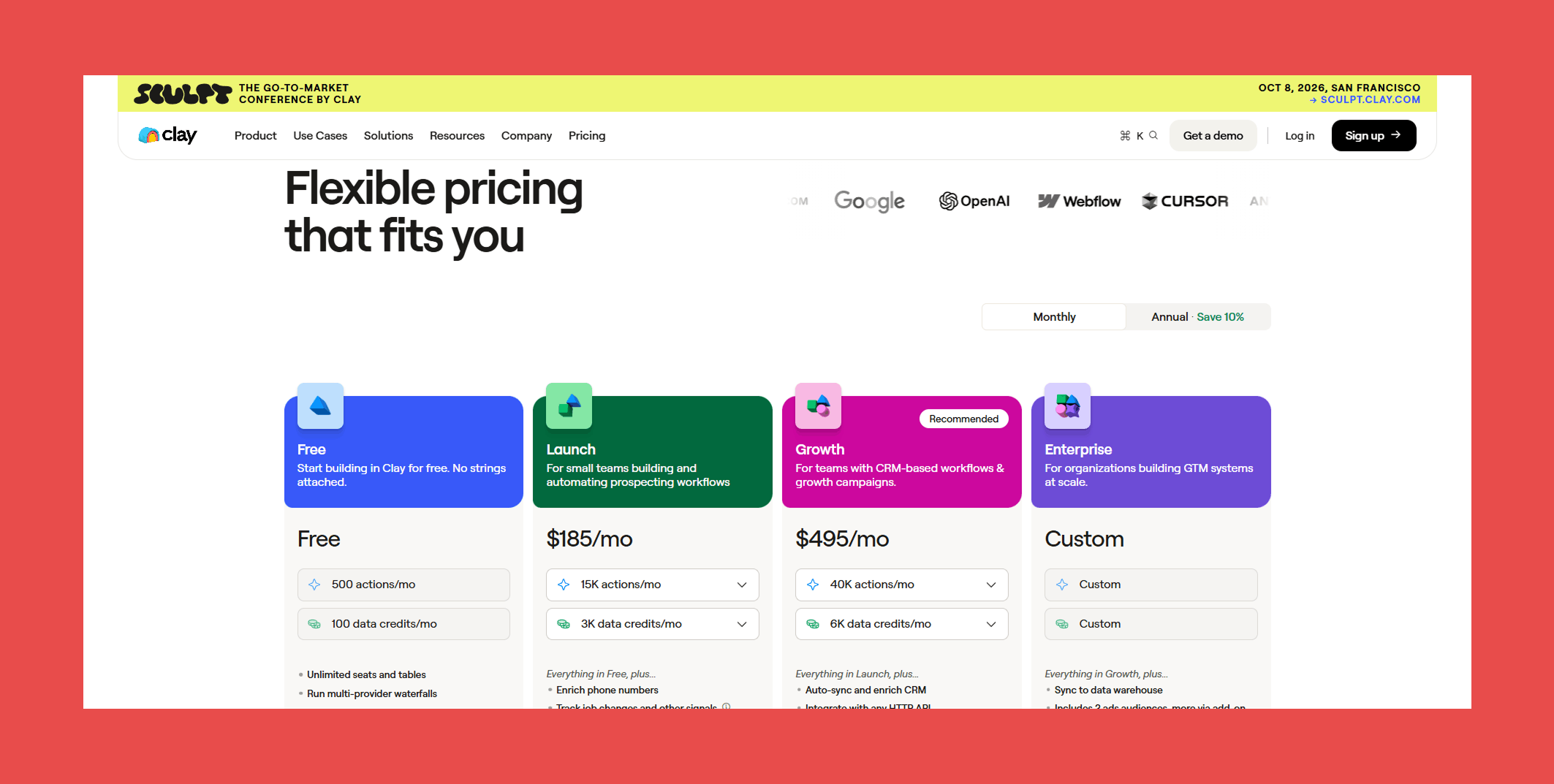
- Free: $0/mo → 500 actions/mo + 100 data credits/mo
- Launch: $185/mo → 15,000 actions/mo + 2,500 data credits/mo
- Growth: $495/mo → 40,000 actions/mo + 6,000 data credits/mo
- Enterprise: Custom pricing → Custom actions/mo + Custom data credits/mo
3. ZoomInfo — Best for Enterprise Depth
Overview:
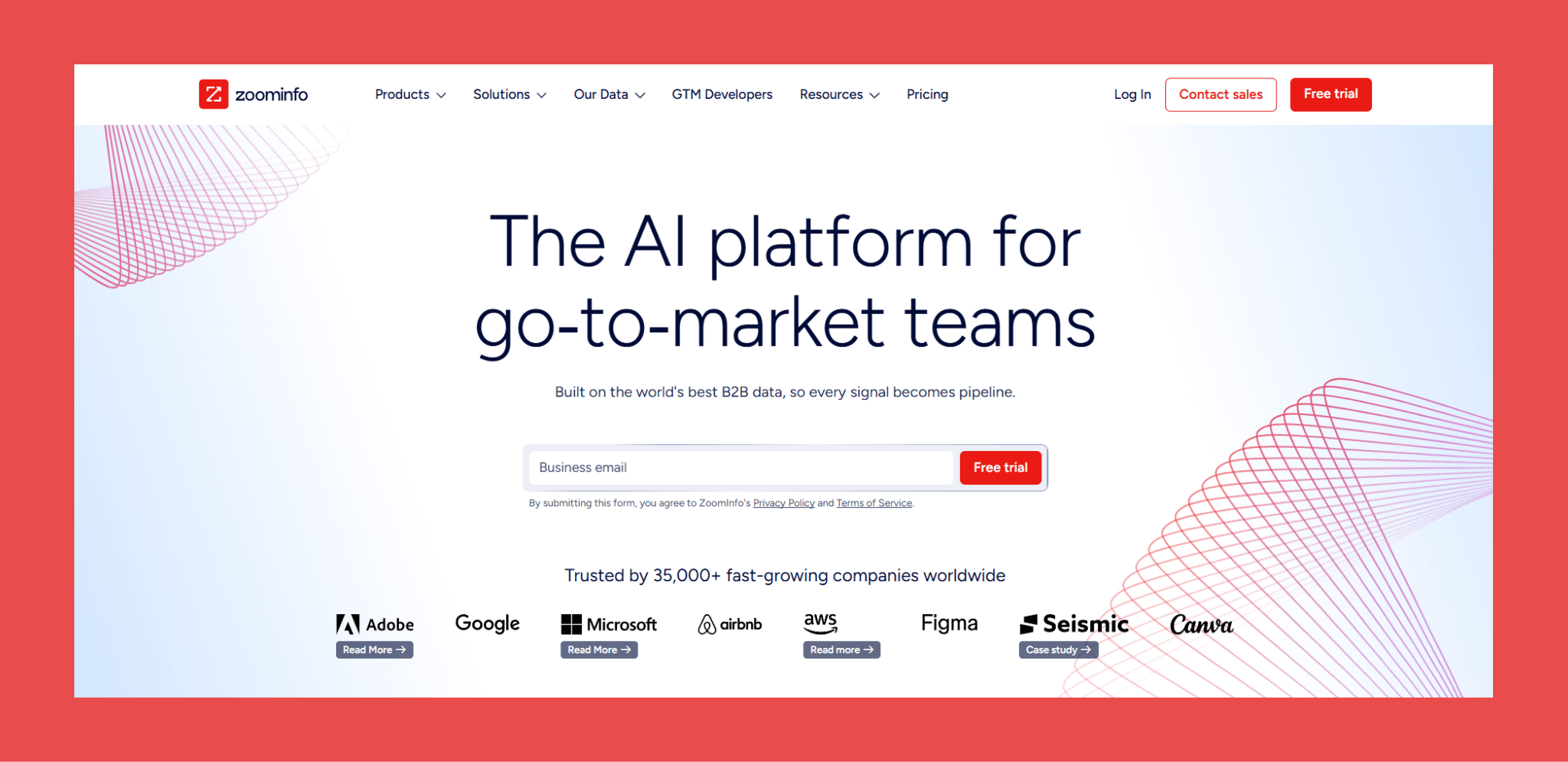
If database size is your primary concern, ZoomInfo is hard to argue with. 320+ million contacts, deep firmographic and technographic coverage, and buying intent signals that tell you which accounts are actively researching solutions before your competitors do.
The reality check is the price tag and the operational weight that comes with it. Enrichment runs through manual export and import workflows rather than anything continuous, and enterprise data comes with an enterprise price tag making smaller teams feel every penny of that tradeoff.
Key Features:
- 320M+ Contact Database: One of the largest B2B databases available, with strong global coverage.
- Buying Intent Data: Identify accounts actively researching solutions before competitors do.
- Firmographic and Technographic Data: Rich company-level intelligence for ABM and enterprise outbound.
- Database Health Reporting: Monitor enrichment coverage and data quality through built-in dashboards.
Ratings:
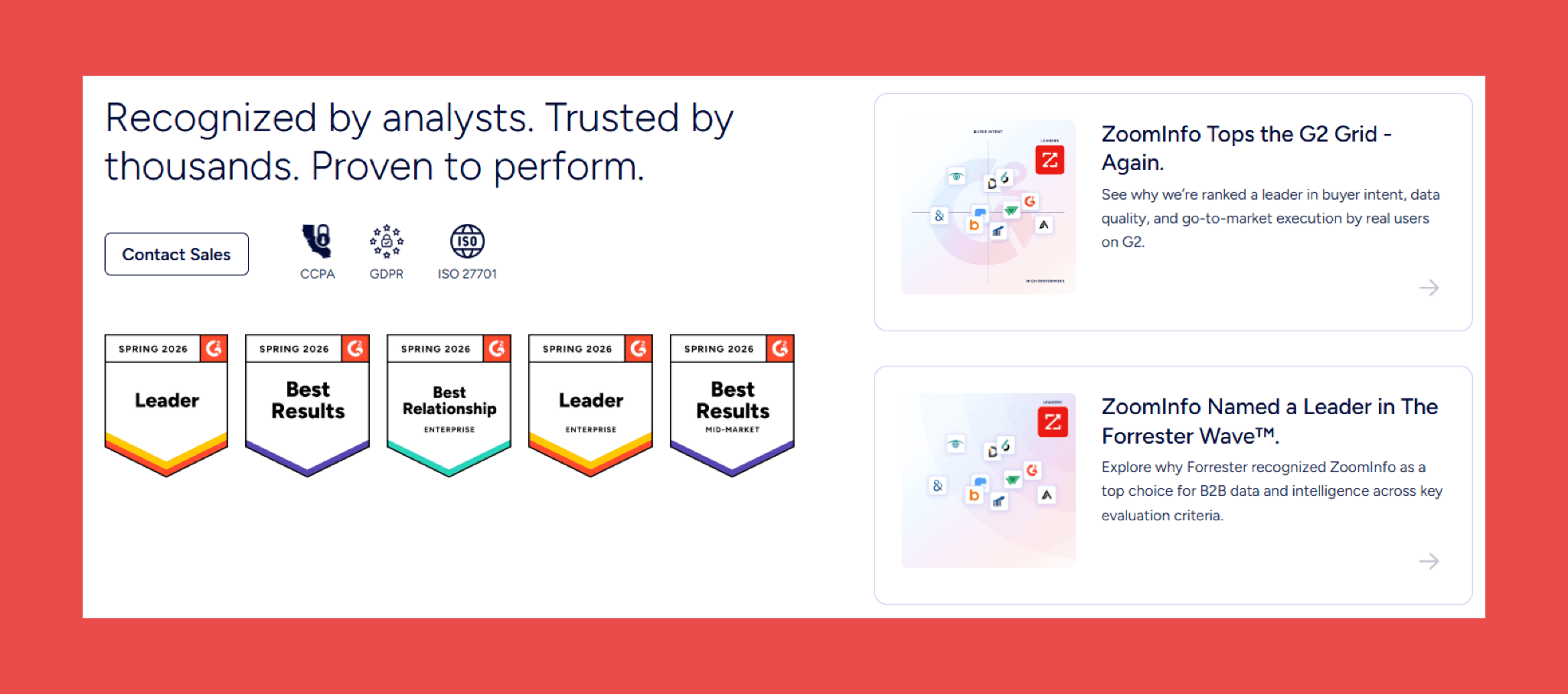
- G2: 4.5/5 (9,092)
- Capterra: 4.1/5 (319)
Pros:
- Unrivalled database depth for enterprise-scale prospecting.
- Intent data gives teams a genuine timing advantage in competitive deals.
- Strong firmographic and technographic coverage for ABM strategies.
Cons:
- Enterprise pricing makes it inaccessible for most SMB teams.
- Enrichment requires manual workflows rather than continuous sync.
- Overkill for teams not running complex account-based programmes.
Pricing:
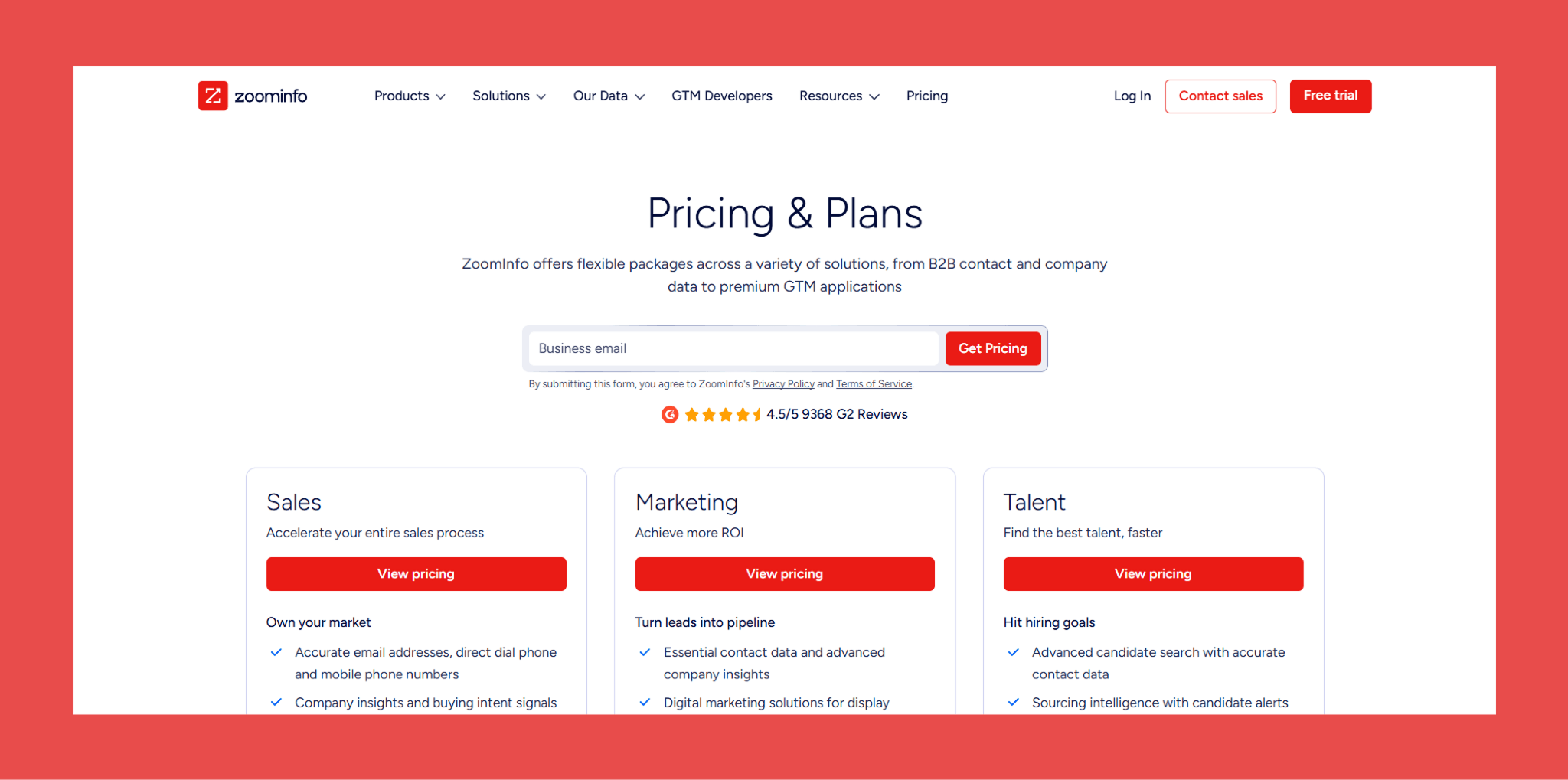
- ZoomInfo pricing is custom and requires a sales conversation. Plans scale based on data volume, team size, and use case.
4. Apollo.io — Best Budget All-in-One Option
Overview:
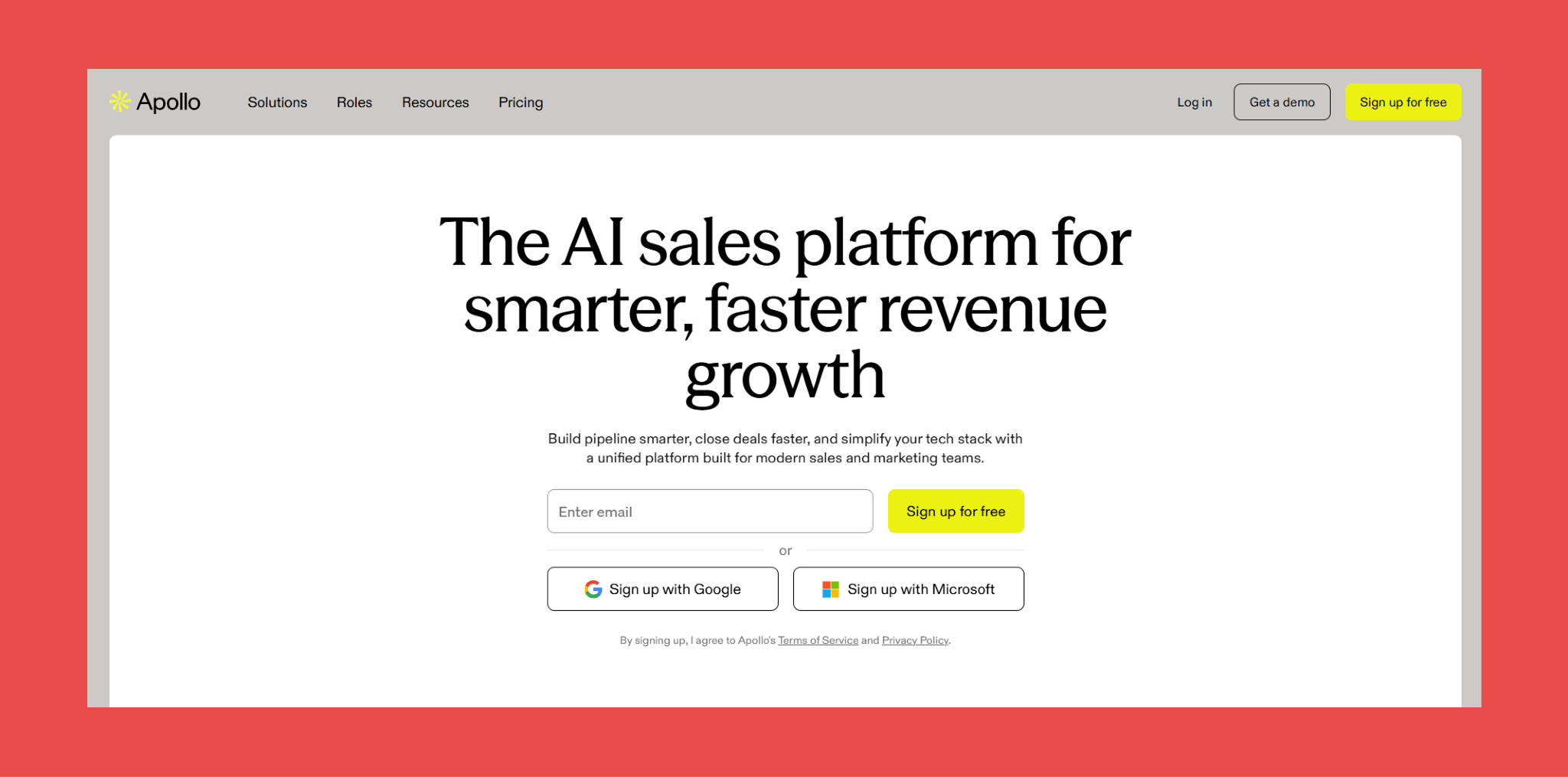
Apollo is where most outbound teams start, and for good reason. A 275+ million contact database, built-in email sequencing, and a price point that doesn't require a board approval. For early-stage teams that need to prospect and reach out without juggling five different tools, it gets the job done.
Where it shows its limits is data precision. Bounce rates can creep above 5% at scale, which is fine if you're layering additional verification on top but a deliverability problem waiting to happen if you aren't. Think of Apollo as a strong top-of-funnel engine rather than a source of CRM truth. Use it to find and engage prospects, but validate before anything becomes a permanent record.
Key Features:
- 275M+ Contact Database: Large-scale prospecting with broad global coverage.
- Built-In Email Sequencing: Outreach and enrichment in a single platform.
- CRM Sync: Automatically enriches and refreshes records to reduce stale data.
- Buying Signals: Funding events, job postings, and technographics for better segmentation.
Ratings:
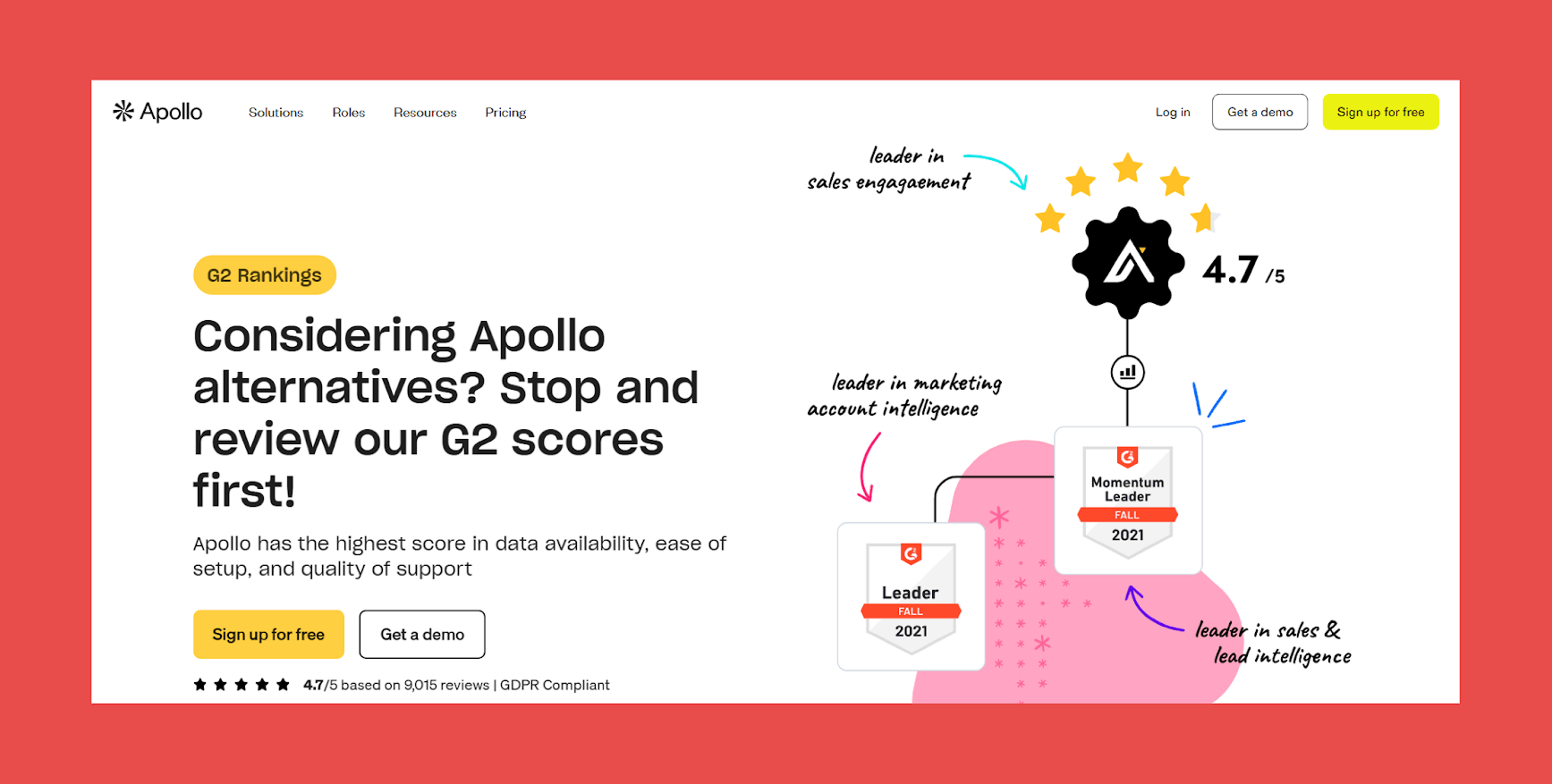
- G2: 4.7/5 (9,649)
- Capterra: 4.5/5 (393)
Pros:
- Accessible entry pricing for smaller teams or early-stage outbound programmes.
- Prospecting and sequencing in one place reduces tool sprawl.
- Large database means broad coverage for most markets.
Cons:
- Data accuracy drops at scale; bounce rates can exceed 5% without additional verification.
- Advanced enrichment features locked behind higher-tier plans.
- Not a set-and-forget enrichment solution for existing CRM records.
Pricing:
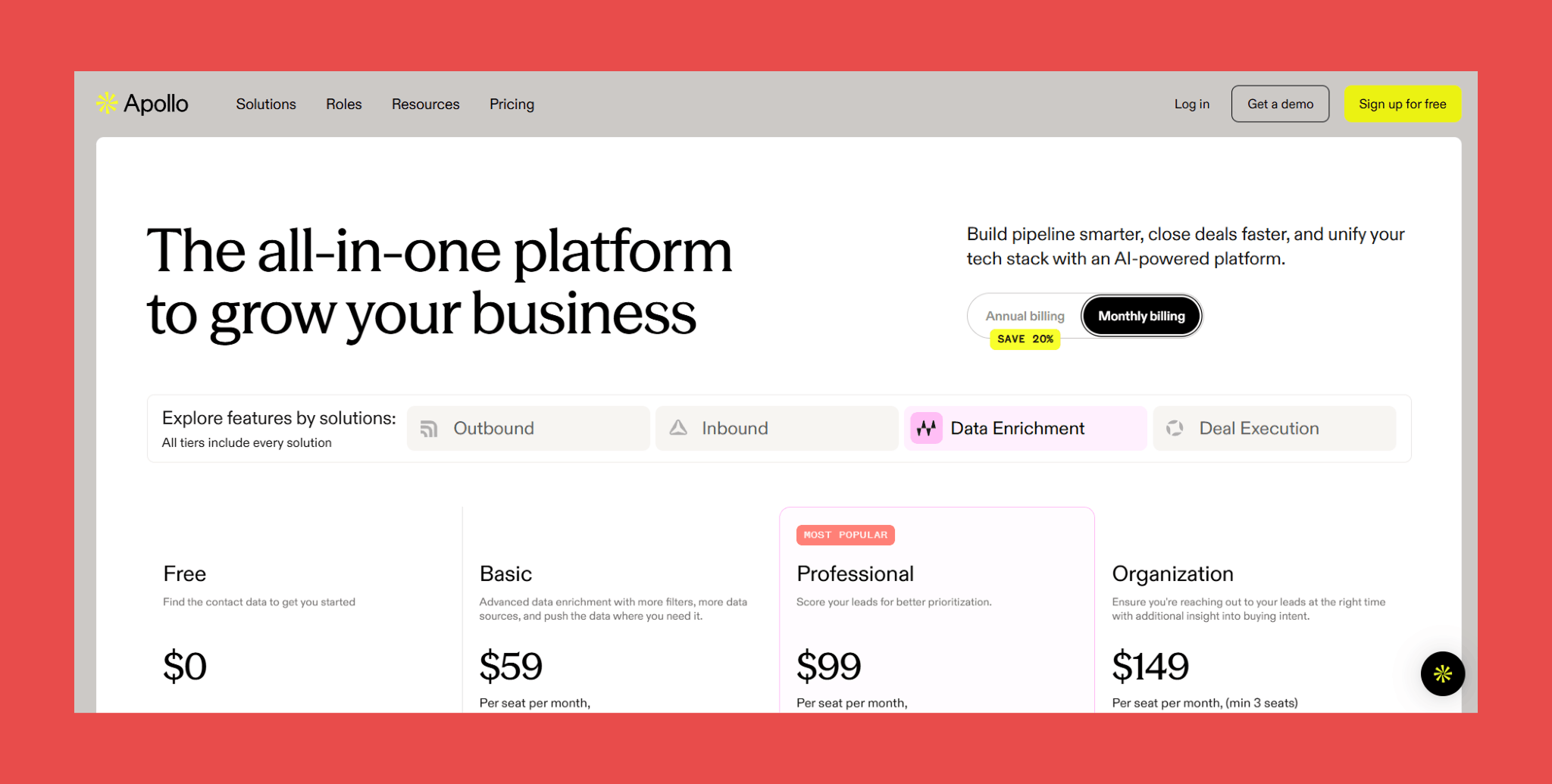
- Free: $0/user/mo → 75 credits/mo.
- Basic: $59/user/mo → 2,500 credits/mo.
- Professional: $99/user/mo → 4,000 credits/mo.
- Organization: $149/user/mo → 6,000 credits/mo.
5. Cognism — Best for GDPR-Compliant European Data

Overview:
For most data providers, compliance is a checkbox. For Cognism, it's the product. Built to meet GDPR, CCPA, and SOC 2 standards from the ground up, it's the tool teams reach for when selling into European markets where the legal stakes of bad data go beyond a wasted email.
The tradeoff is focus. If your market is primarily North American and your outbound is email-led, you're paying a premium for strengths you won't fully use.
Key Features:
- Diamond Data®: Physically verified phone numbers that actually connect.
- GDPR-First Data Collection: Built for European compliance from the ground up.
- Intent and Buying Signals: Identify accounts showing active research behaviour.
- Three Enrichment Options: Instant, Scheduled, and On-Demand CSV to fit different workflows.
Ratings:
- G2: 4.5/5 (1,327)
- Capterra: 4.7/5 (256)
Pros:
- Best-in-class mobile number coverage for EMEA outbound.
- GDPR compliance built in from the ground up.
- Intent signals that help with timing, not just targeting.
Cons:
- Premium pricing that's hard to justify outside phone-first EMEA outbound.
- Enrichment isn't continuous; records still decay between refresh cycles.
- Steeper onboarding for teams not already running structured outbound processes.
Pricing:
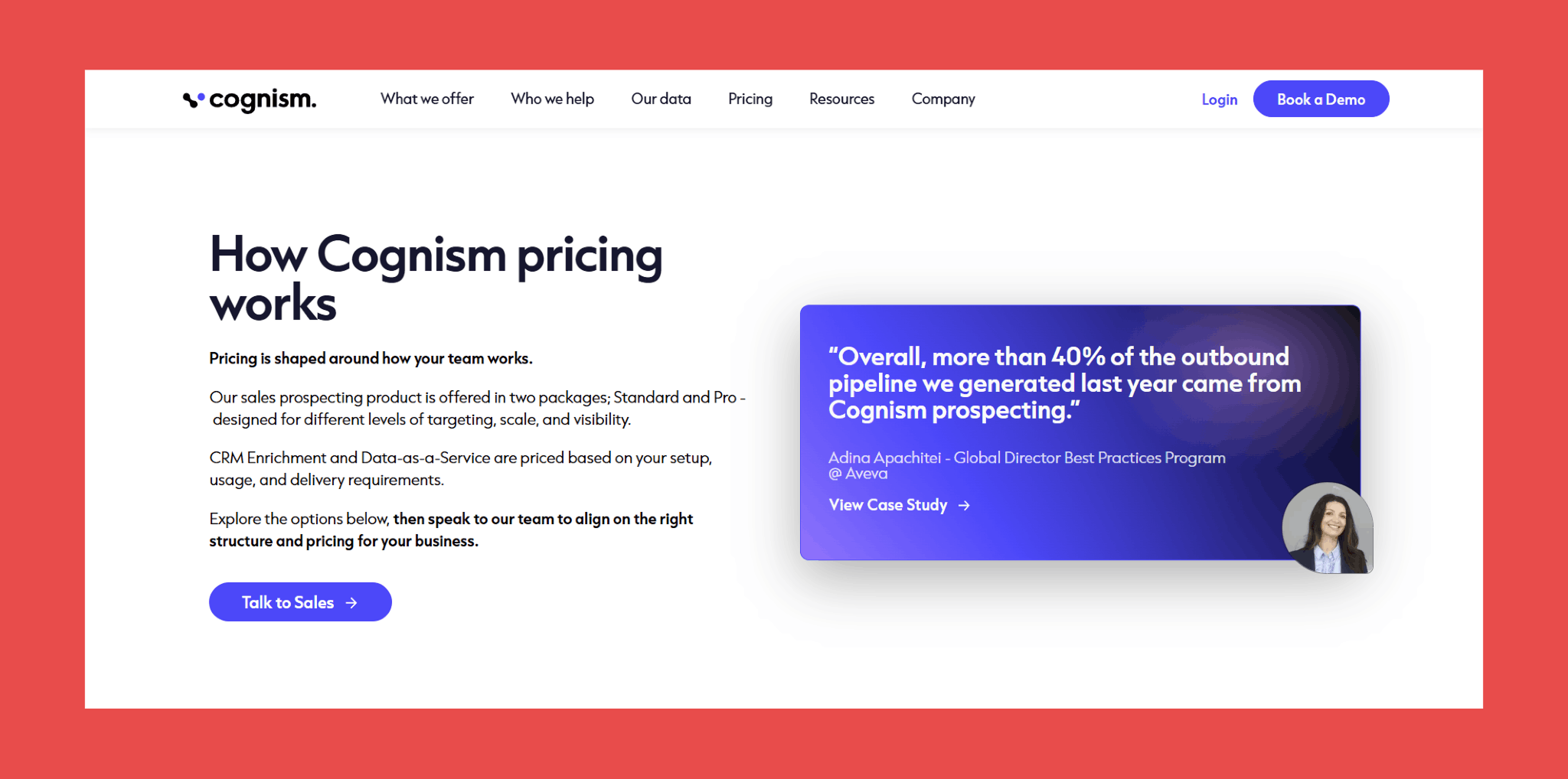
Cognism uses custom pricing based on data volume, regions, and use case.
- Talk to sales to learn more.
6. Clearbit (Breeze Intelligence) — Best for HubSpot-native teams
Overview:
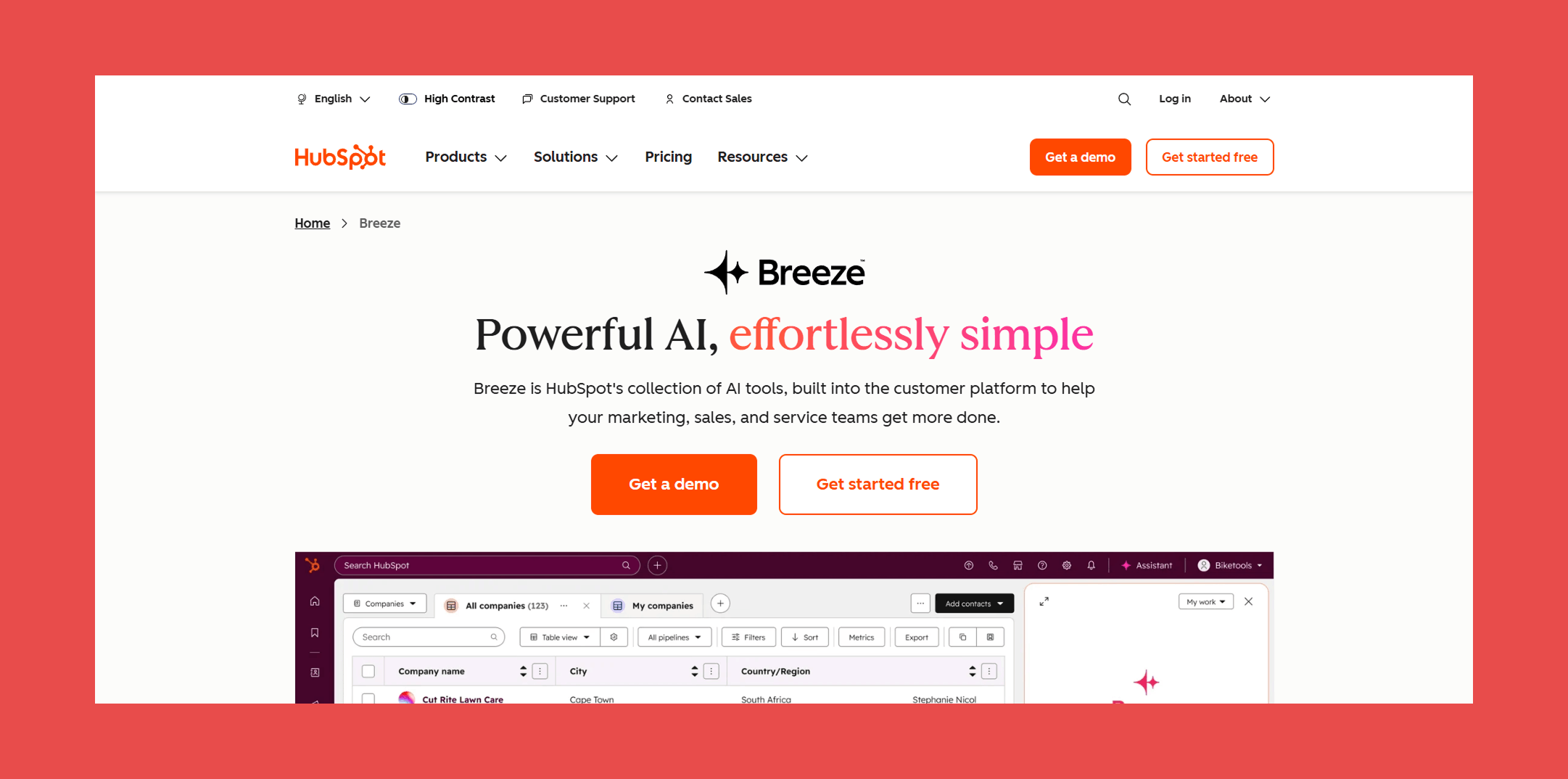
Breeze Intelligence is what Clearbit became after HubSpot acquired it, and the acquisition makes the use case obvious. If your team lives in HubSpot, this is the path of least resistance. No integration to maintain, no sync issues, no separate tool to log into. Firmographic data, buyer intent signals, and company-level context surface directly inside the CRM your reps are already using.
The limitation is just as clear. Breeze is an enrichment layer for HubSpot, not a data hygiene engine. It doesn't run continuously, records still decay between refresh cycles, and outside of the HubSpot ecosystem it loses most of its appeal. If you're on Salesforce, Pipedrive, or anything else, the other options on this list will serve you better.
Key Features:
- Native HubSpot Integration: Lives entirely inside HubSpot, no setup friction, no sync issues.
- Firmographic Enrichment: Company size, industry, revenue range, funding data, and tech stack.
- Buyer Intent and Website Reveal: Identifies anonymous visitors and surfaces intent signals directly in HubSpot.
- Prospecting Assistance: AI-powered research and outreach tools tied to enriched CRM data.
Ratings:
- G2: 4.4/5 (35,547)
- Capterra: 4.5/5 (4,458)
Pros:
- Zero integration friction for HubSpot teams; it just works.
- Strong firmographic and intent data for company-level enrichment.
- No additional tools to manage or maintain.
Cons:
- Enrichment isn't continuous; records still decay between refresh cycles.
- Limited value for teams not on HubSpot.
- Not a full data hygiene solution on its own.
Pricing:
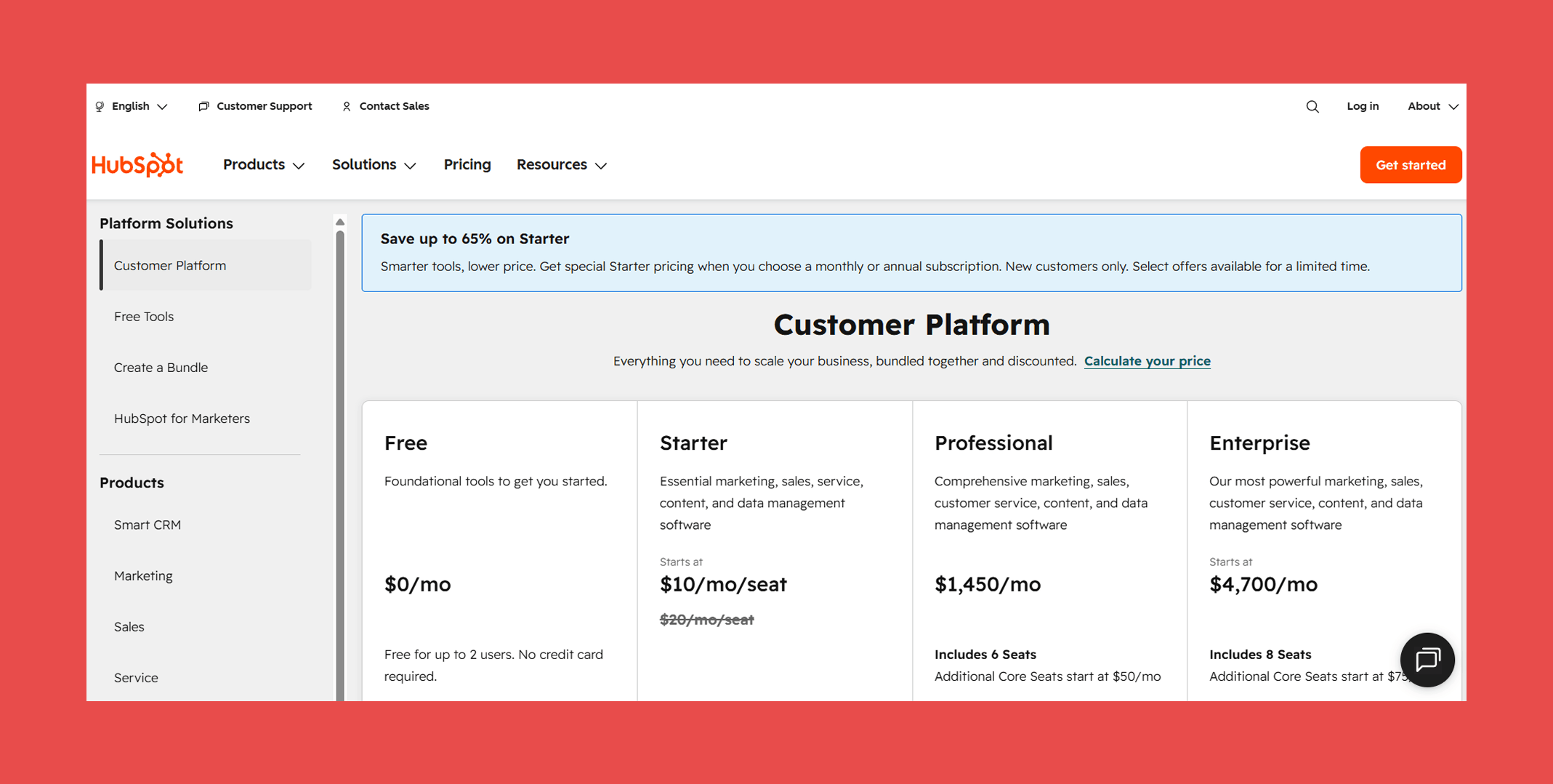
- Free: $0/user/mo.
- Starter: $10/user/mo → 500 HubSpot Credits.
- Professional: $1,450/user/mo → 5,000 HubSpot Credits.
- Enterprise: $4,700/user/mo → 10,000 HubSpot Credits.
Final Thoughts
Bad CRM data doesn't happen to disorganised companies. It happens to every team that grows faster than their data quality processes, which is most of them.
The four costs covered here share a common root cause. Not a bad import, not a lazy rep, not a one-off list purchase. The root cause is treating CRM data as something you periodically fix rather than something that needs to stay continuously clean.
The answer isn't another quarterly cleanup project. It's treating your data layer the same way you treat the rest of your stack: something that runs properly underneath everything, without needing to be managed.
A free 30-minute CRM health check shows you exactly where your data is breaking down, which contacts are stale, which records are duplicated, and how much it's costing you.
No commitment, no sales pitch. Just a clear picture of what's actually in your CRM.

Valentin
Valentin Wallyn is the founder and CEO of Findymail, a SaaS platform he launched to help B2B teams discover accurate email and contact data and automate data enrichment at scale. With an IT background, Valentin combines a technical mindset with hands-on experience in outreach and growth. His work centers on improving data quality and prospecting efficiency, drawing on years of entrepreneurial experience and a deep understanding of what makes outreach campaigns succeed.