AI Lead Finder
 Email Finder
 Email Verifier
 Phone Finder
 Intent Signals
 CRM Enrichment/Cleaning
 API
API

Salesforce pulled in $41.5 billion in revenue in its 2026 fiscal year. It's the undisputed center of modern revenue operations, but Salesforce alone doesn't prospect for you, write your sequences, or tell you why a deal went dark last Thursday.
It's a system of records. The work happens around it.
The best revenue teams figured this out a while ago. They've built connected stacks where Salesforce sits at the center and everything else feeds it, reads from it, or triggers off it. The result isn't just a better CRM; it's a revenue engine that's harder to compete with.
This guide covers the 15 integrations worth building around, which teams they're for, and how to assemble a stack without turning your Salesforce org into a disaster.
Every tool on this list reads from Salesforce. If your contacts are stale, duplicated, or missing key fields, the whole stack underperforms. Findymail CRM Datacare enriches, verifies, and monitors your CRM data automatically so your integrations are working with accurate records from day one.
The 15 Tools:
1. Findymail CRM Datacare — CRM data enrichment and hygiene.
2. Outreach — Sales engagement and sequencing.
3. Salesloft — Sales engagement for mid-market and enterprise.
4. Gong — Revenue intelligence and conversation analytics.
5. LinkedIn Sales Navigator — Prospecting and relationship intelligence.
6. Slack — Deal collaboration and cross-functional visibility.
7. HubSpot — Marketing automation and lead lifecycle.
8. Adobe Marketo Engage — Enterprise marketing automation.
9. Zendesk — Customer support and account health visibility.
10. DocuSign — E-signature and contract execution.
11. Juro — Contract lifecycle management.
12. Calendly — Meeting scheduling and activity logging.
13. Chili Piper — Inbound lead routing and conversion.
14. Tableau — Analytics and revenue reporting.
15. MuleSoft — Enterprise integration and API management.
How to Build Your Salesforce Integration Stack
Start With Data Quality
The most common mistake is adding integrations before the underlying data is reliable. A bad email address in Salesforce doesn't just affect one contact, it affects every sequence, every routing decision, every score, and every report that references that record.
Before adding any revenue execution tool, audit what's actually in your Salesforce org. You'll likely find duplicate records, missing fields, invalid emails, and contacts tied to companies that no longer exist. CRM decay compounds; a record that was 80% complete two years ago is probably missing four fields now.
Findymail CRM Datacare gives you a clean, continuously monitored foundation: verified emails, enriched fields, and no duplicate records quietly corrupting your routing and scoring.
Add Revenue Execution Tools
Once the data foundation is solid, add the tools your reps actually touch. These tools are only as good as the Salesforce data they read from. Which is why order matters.
Add Visibility and Collaboration
These tools primarily consume Salesforce data rather than create it, so they benefit from both clean records and accurate activity logging from the execution layer.
Layer Automation Last
Once you have clean data, working execution tools, and reliable reporting, automation can remove manual steps and connect systems that don't speak natively.
Avoid Integration Sprawl
Adding integrations is easy. Maintaining them is not. Every tool you add is another sync to monitor, another vendor to negotiate with, another thing that can break when Salesforce ships a major update.
The discipline is simple in theory: solve one bottleneck before adding the next tool. Measure whether the last integration is actually being used and generating ROI before justifying the next one. Adoption, not the number of connected apps, is what drives revenue outcomes.
The 15 Best Salesforce Integrations in 2026
1. Findymail CRM Datacare ⭐
Category: CRM Data Enrichment & Hygiene
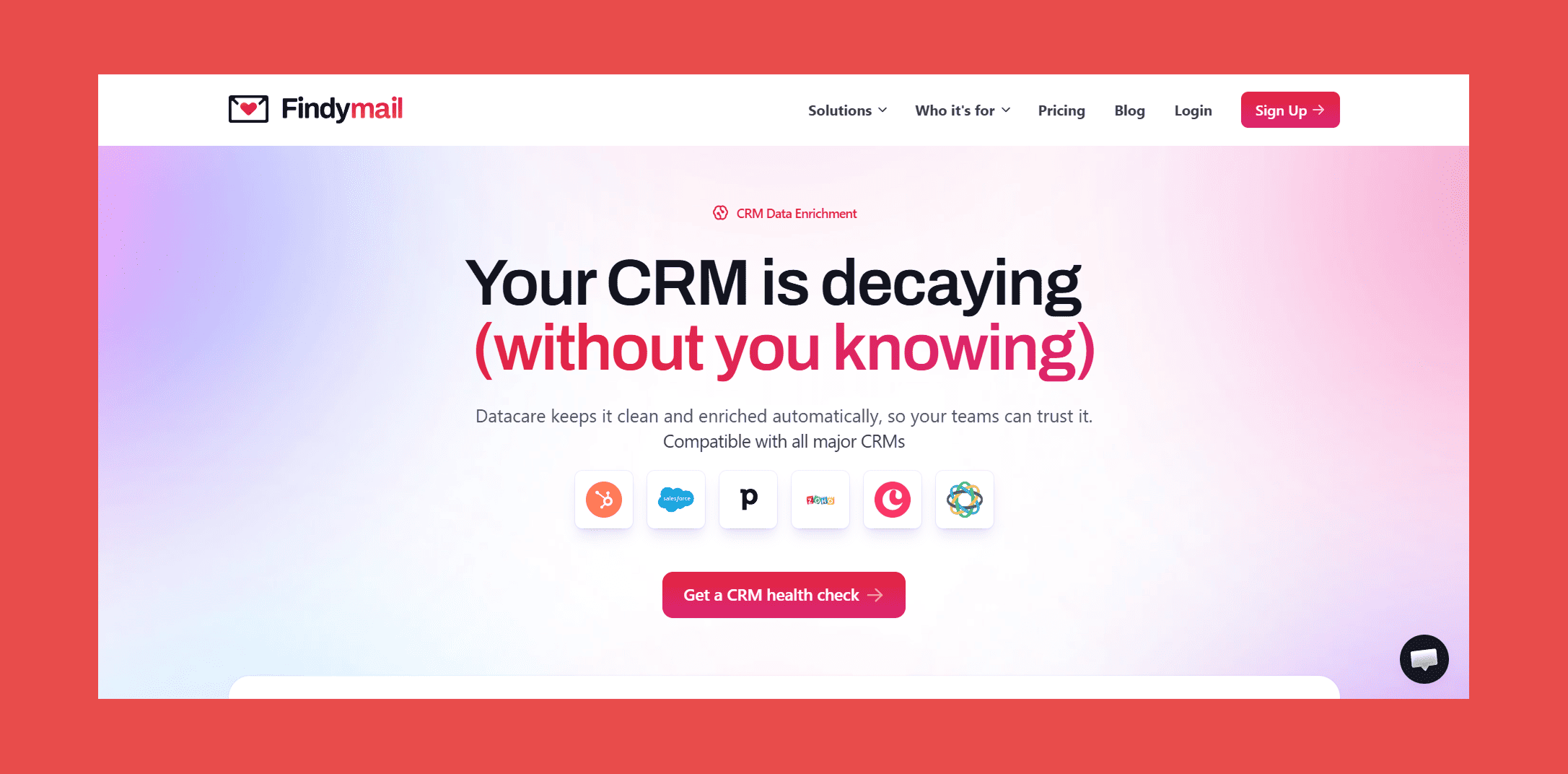
Most enrichment tools ask you to export a CSV, upload it somewhere, wait for results, and manually push the cleaned data back into your CRM. Datacare doesn't work like that. It connects directly to your Salesforce org and runs in the background, continuously monitoring, enriching, and verifying records without any manual intervention. It's not another tool your team has to open. It's a verification layer that sits underneath everything else, keeping your data accurate while your reps stay focused on selling.
Datacare is priced by database size, so you pay for the scale of your CRM rather than burning through a credit allowance every time a record gets checked. No surprise overages, no throttling enrichment to conserve credits mid-quarter.
Best for: RevOps teams who want the rest of their stack to actually work.
CRM Datacare connects to your Salesforce org and handles four things:
- Contact enrichment — fills in missing fields (job title, company size, industry, direct phone) from our database, using Intellimatch AI to match records even when names or company spellings vary
- Email verification — flags addresses that will bounce before you send to them, with real-time validation at the point of entry
- Duplicate detection — surfaces and merges records you didn't know were doubled up, before they corrupt your routing and scoring
- CRM health monitoring — ongoing decay tracking so invalid data doesn't silently accumulate again after the initial cleanup
Pricing: Free CRM health check to start; paid plans scale by database size with no per-verification credit limits.
Findymail CRM Datacare runs continuous enrichment and verification on your Salesforce records so the contacts you're routing, scoring, and sending to are actually accurate. No one-time cleanup that expires in six months.
2. Outreach
Category: Sales Engagement
Outreach is where SDR teams build and run sequences, the structured, multi-step cadences that take a prospect from first touch to booked meeting. It syncs activity back to Salesforce automatically, and the integration is bidirectional: create a contact in Salesforce and it flows into Outreach; complete a sequence step in Outreach and it logs to the Salesforce timeline.
Best for: Outbound SDR teams running high-volume prospecting motions.
Key features:
- Multi-channel sequences — email, phone, LinkedIn, and SMS steps in a single cadence
- Bidirectional Salesforce sync — contacts, leads, accounts, opportunities, and activity all flow both ways
- Salesforce workflow triggers — automations inside Salesforce that fire when a prospect hits a specific sequence stage
- Kaia AI — conversation intelligence and rep coaching add-on (priced separately)
- Pipeline management — deal inspection and forecast tools built into the same platform
Pricing: Outreach doesn't publish pricing, but you can find a breakdown of all their plans with credits and features included.
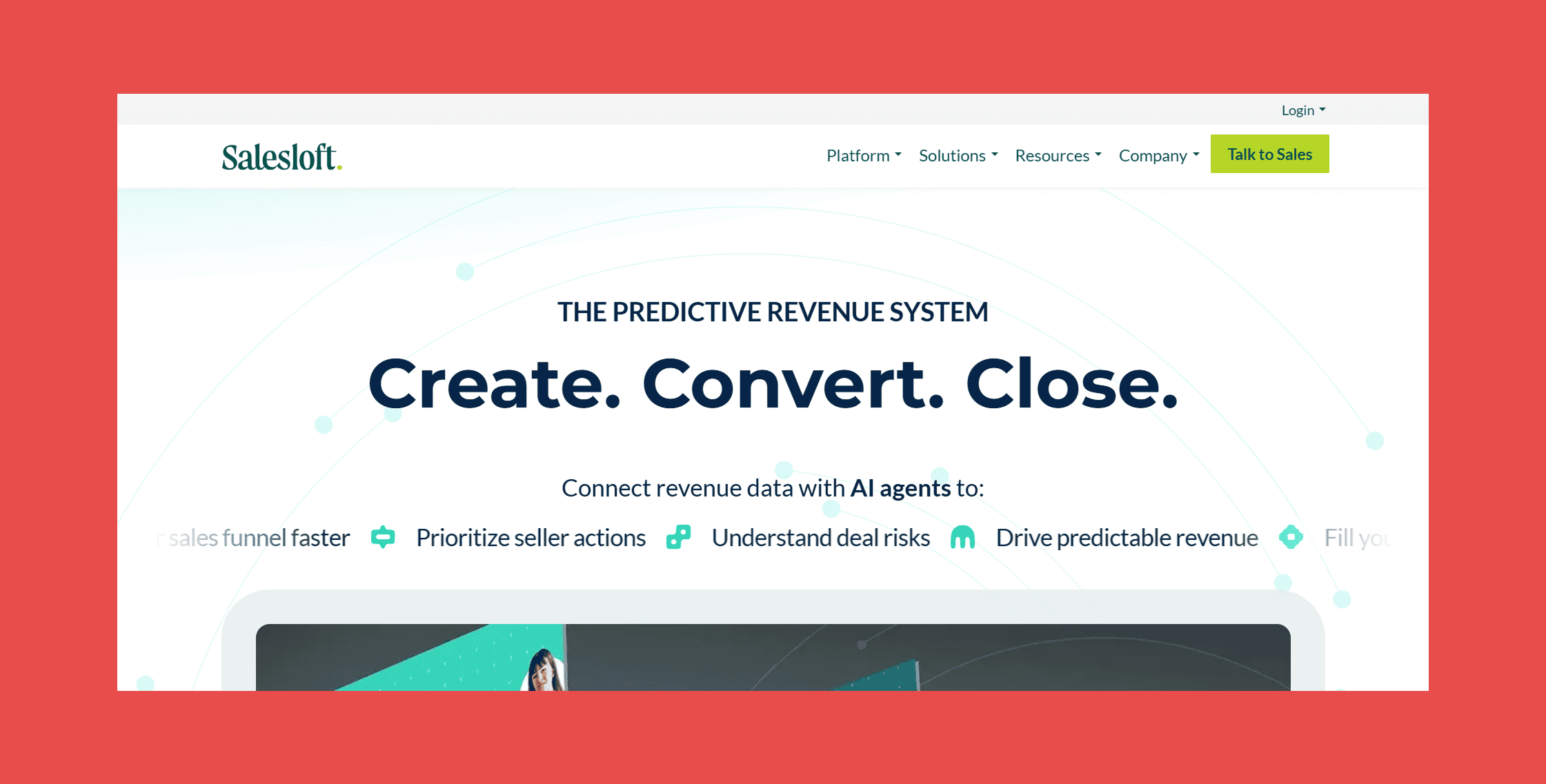
3. Salesloft
Category: Sales Engagement
Salesloft occupies similar territory to Outreach but skews toward mid-market and enterprise workflows. Where it tends to differentiate is in its revenue workflow layer: deal management, account-based motions, and the kind of structured pipeline review process that enterprise sales orgs run.
Best for: Mid-market and enterprise sales organizations with complex, multi-touch sales cycles.
Key features:
- Cadences — multi-step, multi-channel outreach sequences with AI-powered step prioritization via Rhythm
- Bidirectional Salesforce sync — contacts, leads, activities, and opportunities
- Rhythm — AI signal layer that surfaces the highest-priority rep actions based on buyer engagement data
- Deals — pipeline management and deal inspection inside Salesloft (add-on)
- Clari forecasting integration — revenue forecasting now bundled under the combined platform
Pricing: Custom-quoted; third-party estimates put most buyers at $125–$165/user/month at list price, negotiating down to $100–$130 for mid-market annual contracts.
4. Gong
Category: Revenue Intelligence
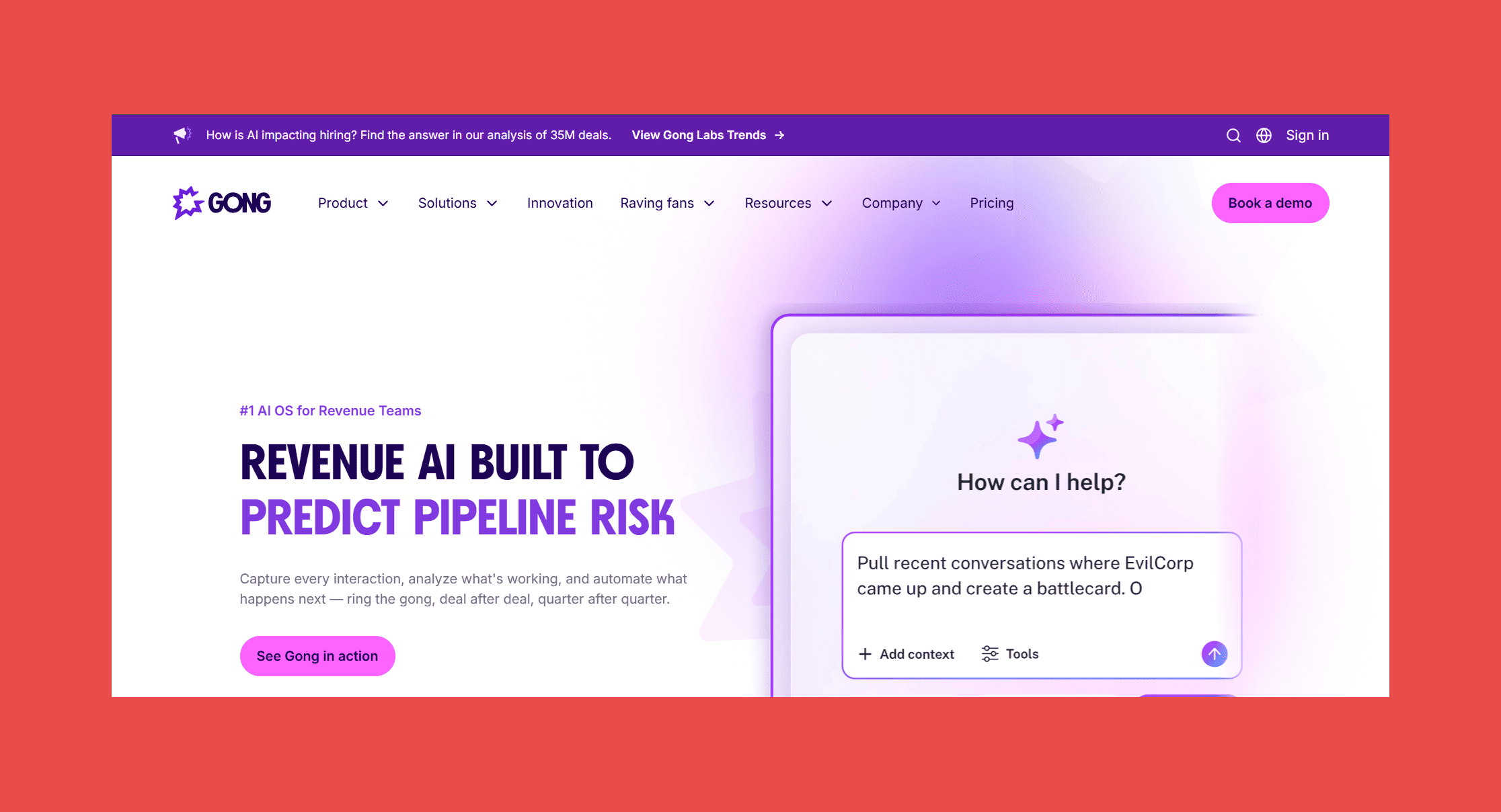
Gong records, transcribes, and analyzes every customer call your team runs. The Salesforce integration attaches that analysis to the right opportunity record automatically, so instead of a rep's subjective deal notes, you get actual transcript data, talk ratios, next-step commitments, and AI-flagged risk signals.
For sales leadership, this changes pipeline reviews. "The deal is progressing well" is a rep's opinion. "The economic buyer hasn't been on a call in 30 days and the champion used the phrase 'we're being asked to revisit our budget'" is Gong data surfaced inside a Salesforce opportunity.
Best for: Sales leadership that wants pipeline visibility based on conversation data, not gut feel.
Key features:
- Call recording and transcription — automatic for all video and phone calls
- Salesforce opportunity sync — conversation insights attached to the right deal record
- Deal intelligence — AI flags on risk, stalled deals, and missing next steps
- Forecast — pipeline inspection and AI-assisted forecasting (add-on)
- Coaching workflows — clip specific call moments, attach to Salesforce records, build rep feedback loops
Pricing: No published pricing, you’ll need to get in touch with sales to learn more.
5. LinkedIn Sales Navigator
Category: Prospecting
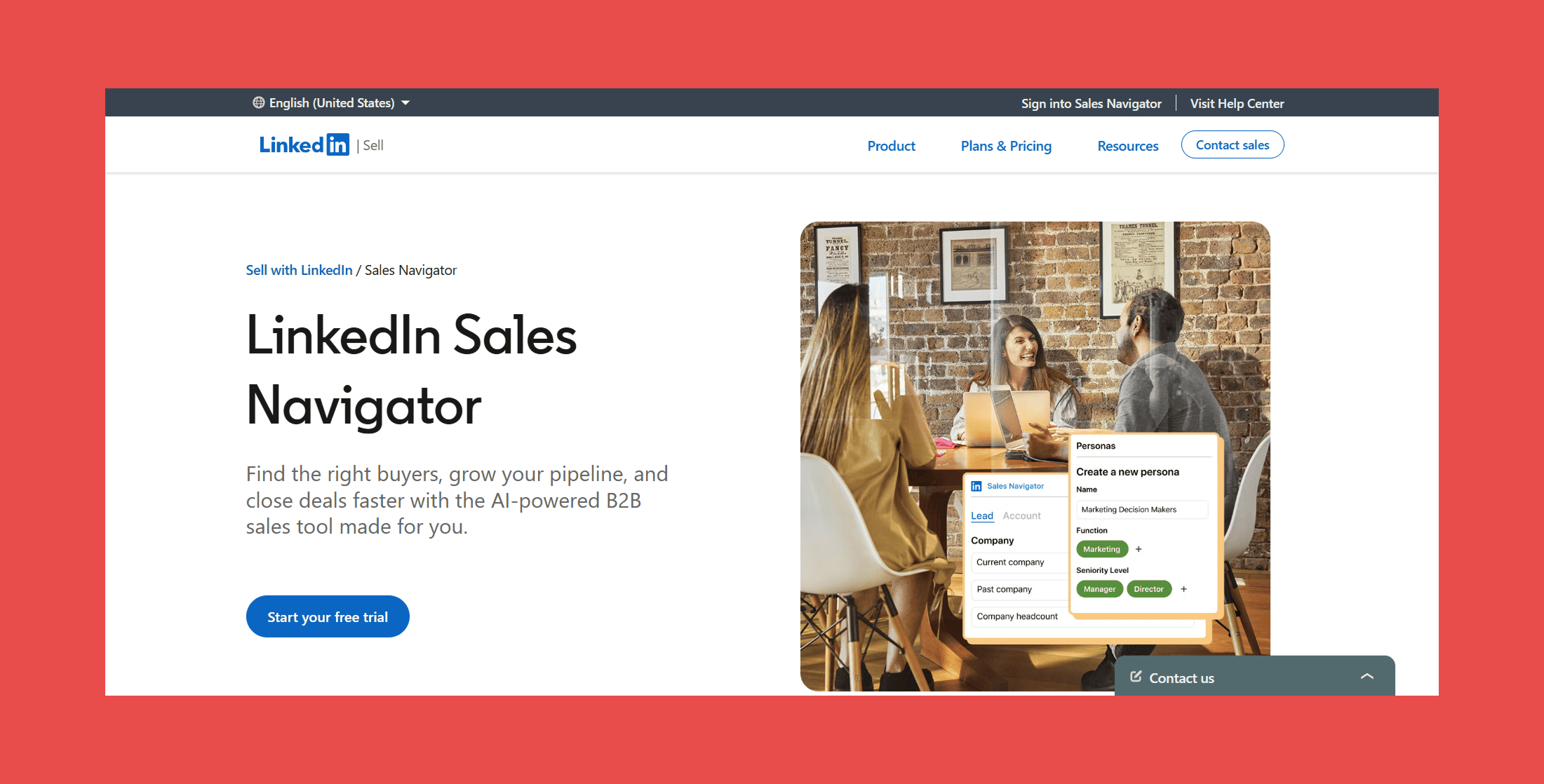
Sales Navigator's Salesforce integration pulls LinkedIn relationship data directly into CRM records. You can see mutual connections, recent activity, job changes, and company news inside a Salesforce contact or account view, without leaving Salesforce to open a separate browser tab.
Best for: Prospecting teams and AEs running account-based motions who need relationship context inside the CRM.
Key features:
- CRM record enrichment — LinkedIn profile data surfaced inside Salesforce contact and account views
- Job change alerts — flags when contacts in your Salesforce org change roles
- Account insights — company news, headcount changes, and growth signals
- TeamLink — shows connections held by anyone on your team, not just your own network (Advanced tier)
- Advanced search — 40+ filters for finding prospects on LinkedIn, with results syncing back to Salesforce leads
Pricing: Core plan starts at $99.99/user/month billed annually ($119.99/month on monthly billing); Advanced at $149.99/month annually; the Salesforce CRM sync requires Advanced or Advanced Plus.
6. Slack
Category: Collaboration
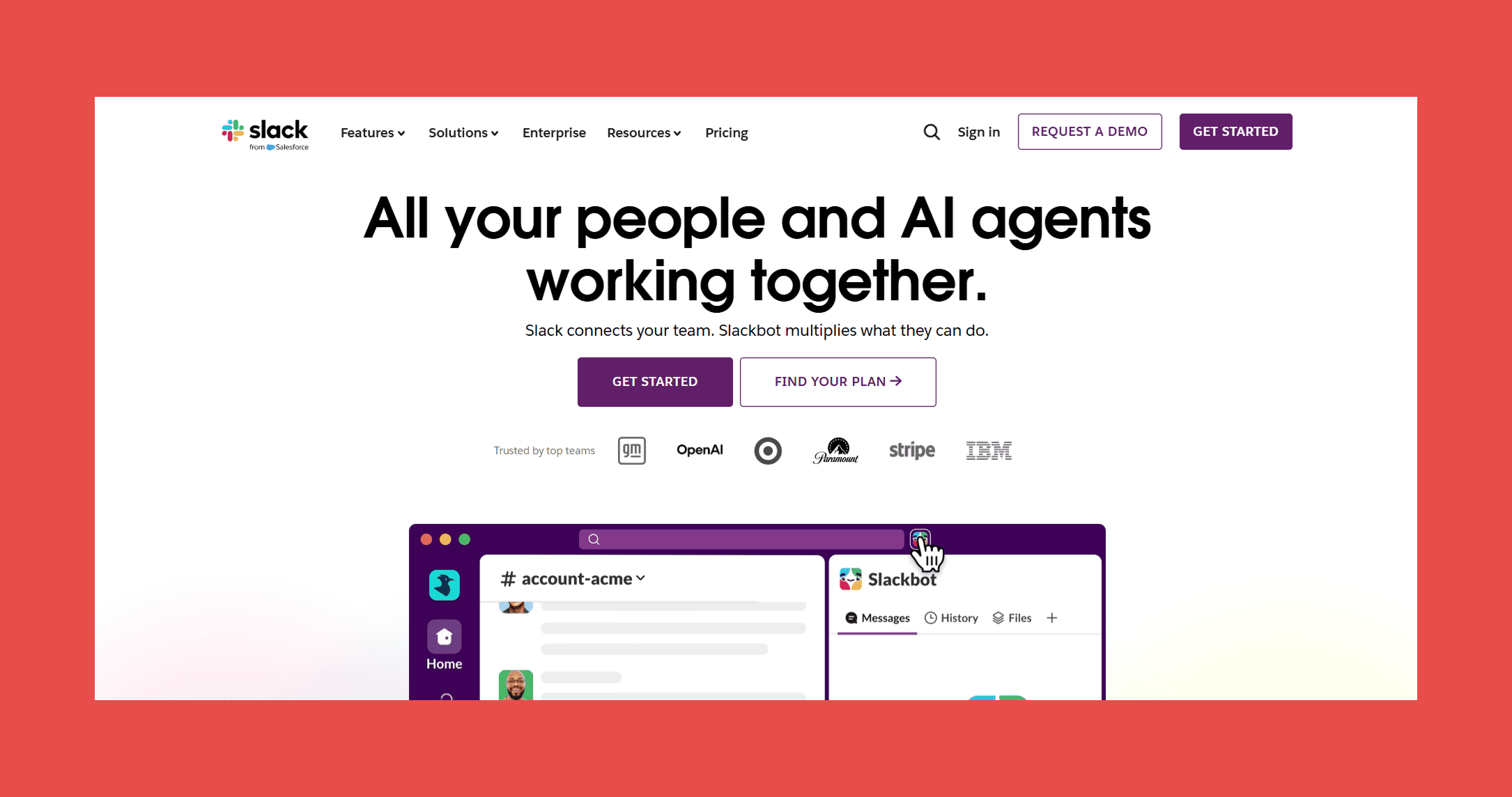
Salesforce owns Slack, which means this integration runs deeper than most third-party connections. You can surface Salesforce records inside Slack conversations, set up deal alerts that fire when an opportunity stage changes, and give cross-functional teams visibility into pipeline without forcing everyone to log into Salesforce.
Best for: Revenue teams where multiple departments need real-time visibility into deals.
Key features:
- Salesforce record previews — unfurl any Salesforce link in Slack to show record details inline
- Deal alerts — custom notifications when opportunity stage, amount, or close date changes
- CRM record editing — update Salesforce fields directly from Slack without opening a browser
- Cross-functional pipeline channels — pipe relevant opportunity updates into shared channels for legal, finance, or CS stakeholders
- Einstein AI integration — surface Salesforce AI insights inside Slack conversations
Pricing: Slack Pro starts at $8.75/user/month; the deep Salesforce integration is available on all paid plans, though some advanced features require higher Slack and Salesforce tiers.
7. HubSpot
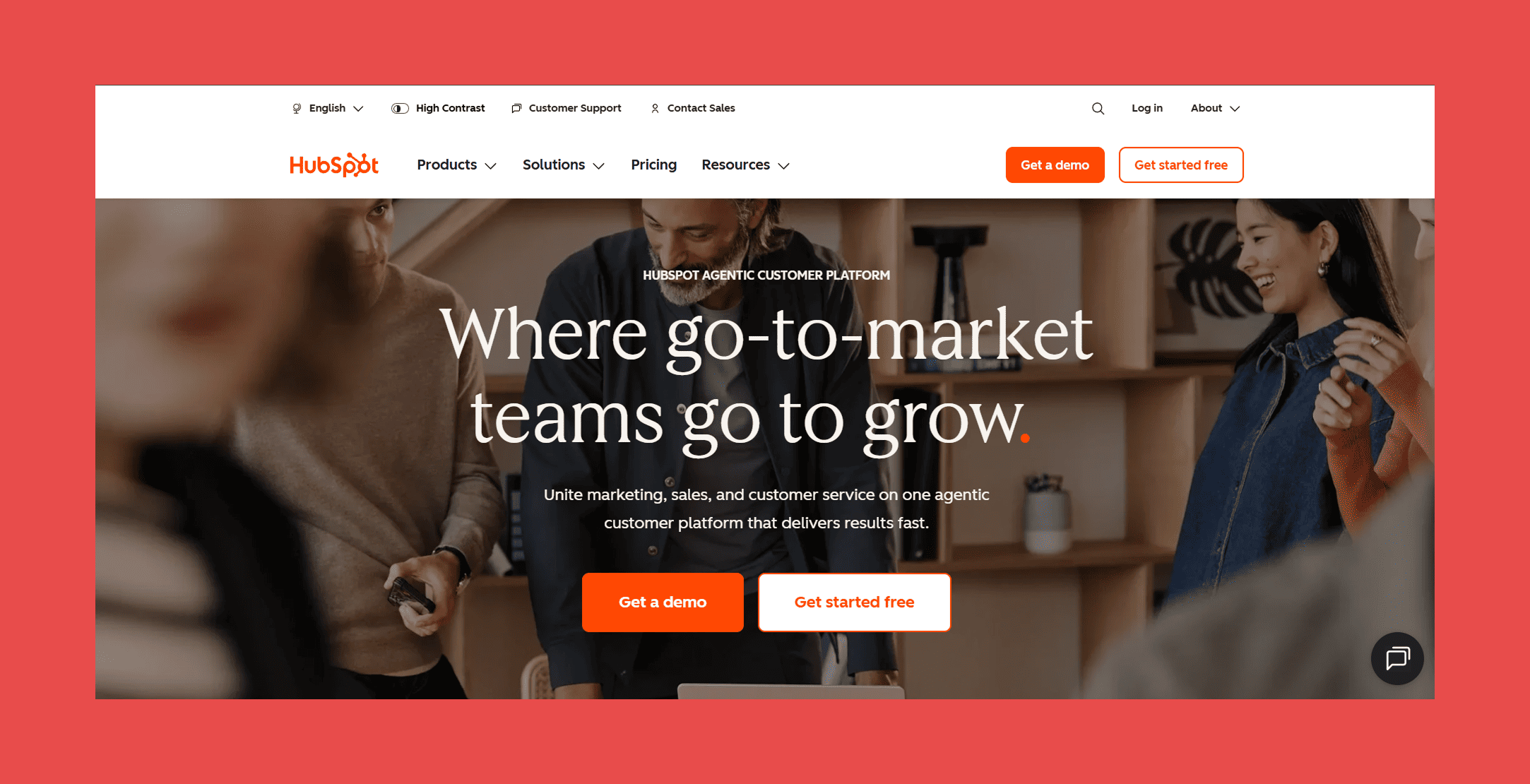
Category: Marketing Automation
The HubSpot-Salesforce integration is one of the most widely deployed connectors in B2B software. HubSpot manages marketing workflows (forms, email nurture, lead scoring, lifecycle stage tracking) and syncs that activity into Salesforce so sales reps can see what content a prospect engaged with before the first call. Bidirectional sync means Salesforce opportunity data flows back into HubSpot for attribution reporting.
Best for: Growing B2B organizations that run inbound and want marketing-to-sales handoff visibility.
Key features:
- Bidirectional contact and lead sync — data flows both ways between HubSpot and Salesforce automatically
- Marketing attribution — campaign performance tied to Salesforce opportunity revenue
- Lifecycle stage mapping — HubSpot stages map to Salesforce lead and contact status fields
- Activity sync — email opens, form submissions, and page views logged to Salesforce timelines
- List segmentation — HubSpot lists built from Salesforce field data for targeted campaigns
Pricing: HubSpot's Marketing Hub starts at $800/month (includes 3 seats) for the Professional tier; the Salesforce integration is included on Professional and Enterprise plans.
8. Adobe Marketo Engage
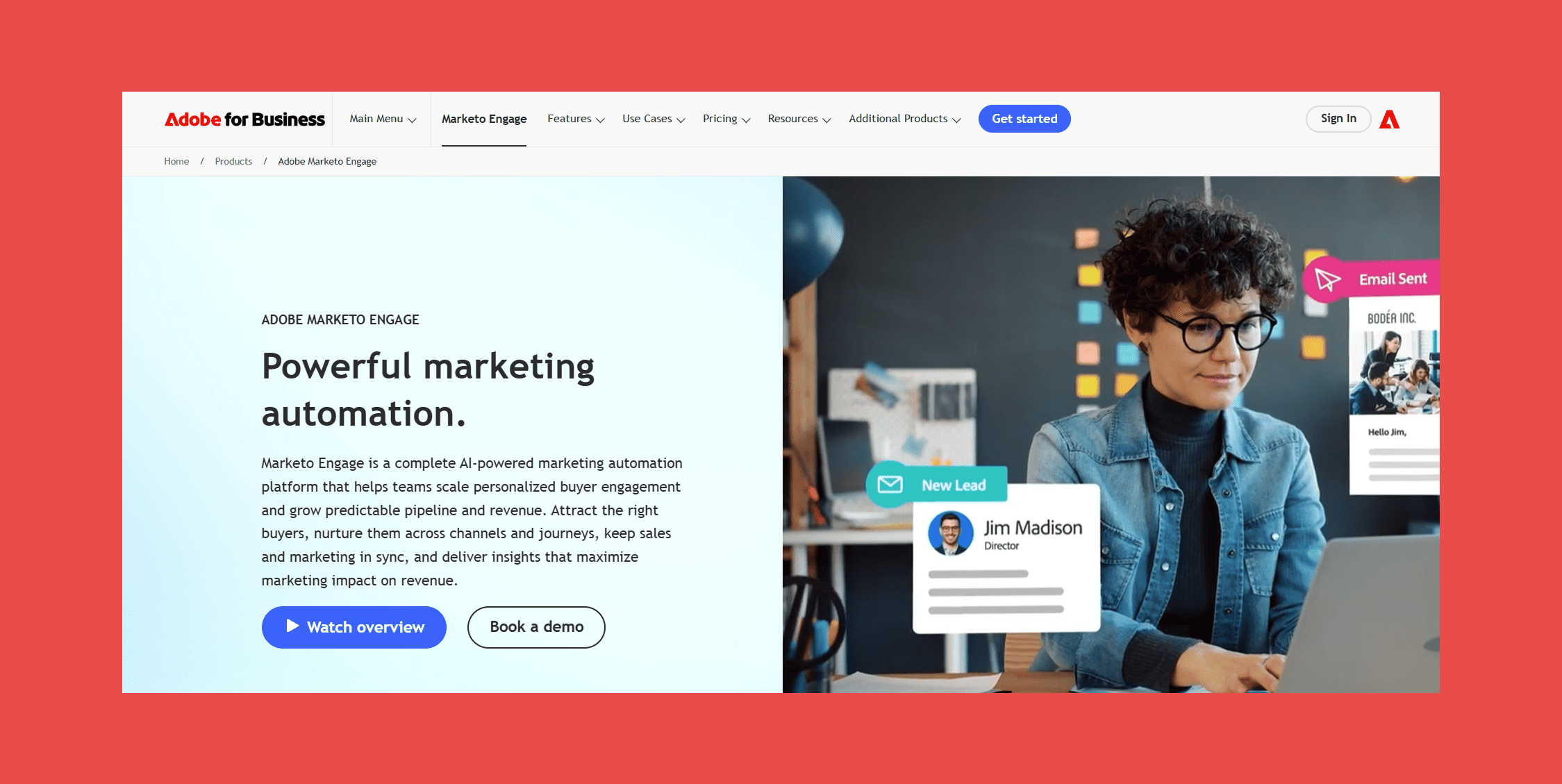
Category: Enterprise Marketing Automation
Marketo is the HubSpot alternative for large marketing teams with complex segmentation needs. The Salesforce integration syncs leads, contacts, campaigns, and activities, and Marketo's real strength shows in how it handles enterprise-scale campaign logic: behavioral triggers, dynamic content, multi-touch attribution across long sales cycles.
Best for: Large marketing organizations running complex, multi-stage nurture programs.
Key features:
- Deep Salesforce sync — leads, contacts, accounts, campaigns, and custom objects all synced bidirectionally
- Behavioral triggers — automation that fires based on a prospect's activity in Salesforce, not just in Marketo
- Advanced segmentation — smart list logic that filters on Salesforce field data across hundreds of criteria
- Revenue Attribution — multi-touch attribution tied to Salesforce pipeline and closed revenue
- Program and campaign sync — Marketo programs and their performance data surfaces inside Salesforce campaigns
Pricing: Marketo pricing is quote-based and scales with database size.
9. Zendesk
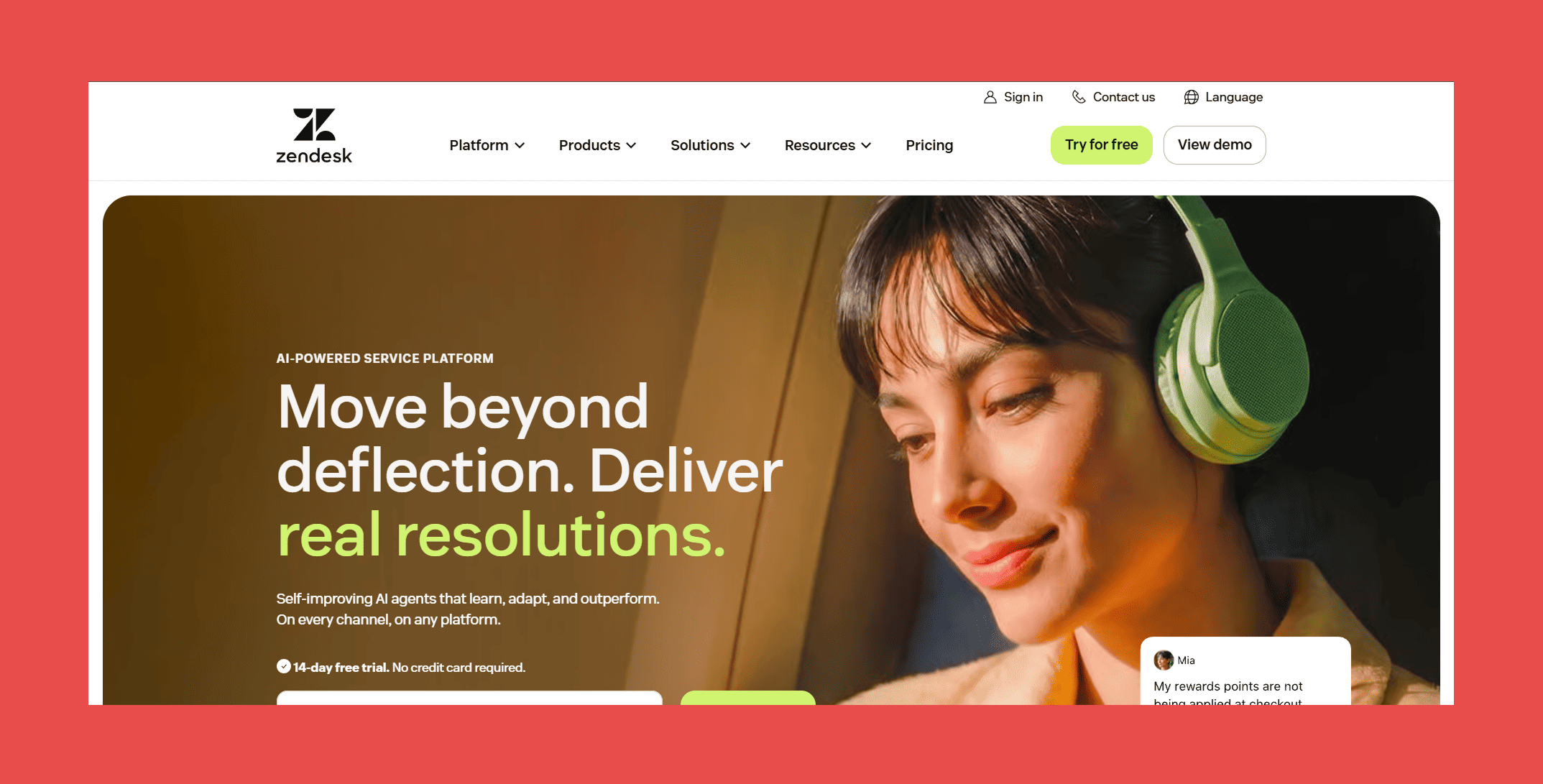
Category: Customer Support & Success
Zendesk's Salesforce integration surfaces customer support history inside CRM records. An AE managing a renewal can see open tickets, resolution times, and CSAT scores without asking CS to export a report. A CS manager handling escalations can see the account's contract value and renewal date without calling sales.
Best for: Sales and CS teams that want a shared view of account health without living in separate systems.
Key features:
- Ticket data in Salesforce — open tickets, resolution history, and CSAT scores visible on account and contact records
- Bidirectional field sync — updates to account data in Salesforce (owner changes, tier changes) flow into Zendesk automatically
- Churn risk signals — ticket volume spikes surfaced against renewal dates and contract values
- Case creation from Salesforce — support cases created directly from within a Salesforce account record
- Unified customer timeline — sales activity and support history in a single view
Pricing: Support Team starts at $19 agent/month billed annually; Suite Team starts at $55/agent/month billed annually; Suite Professional (where most of the Salesforce integration depth lives) is $115/agent/month.
10. DocuSign
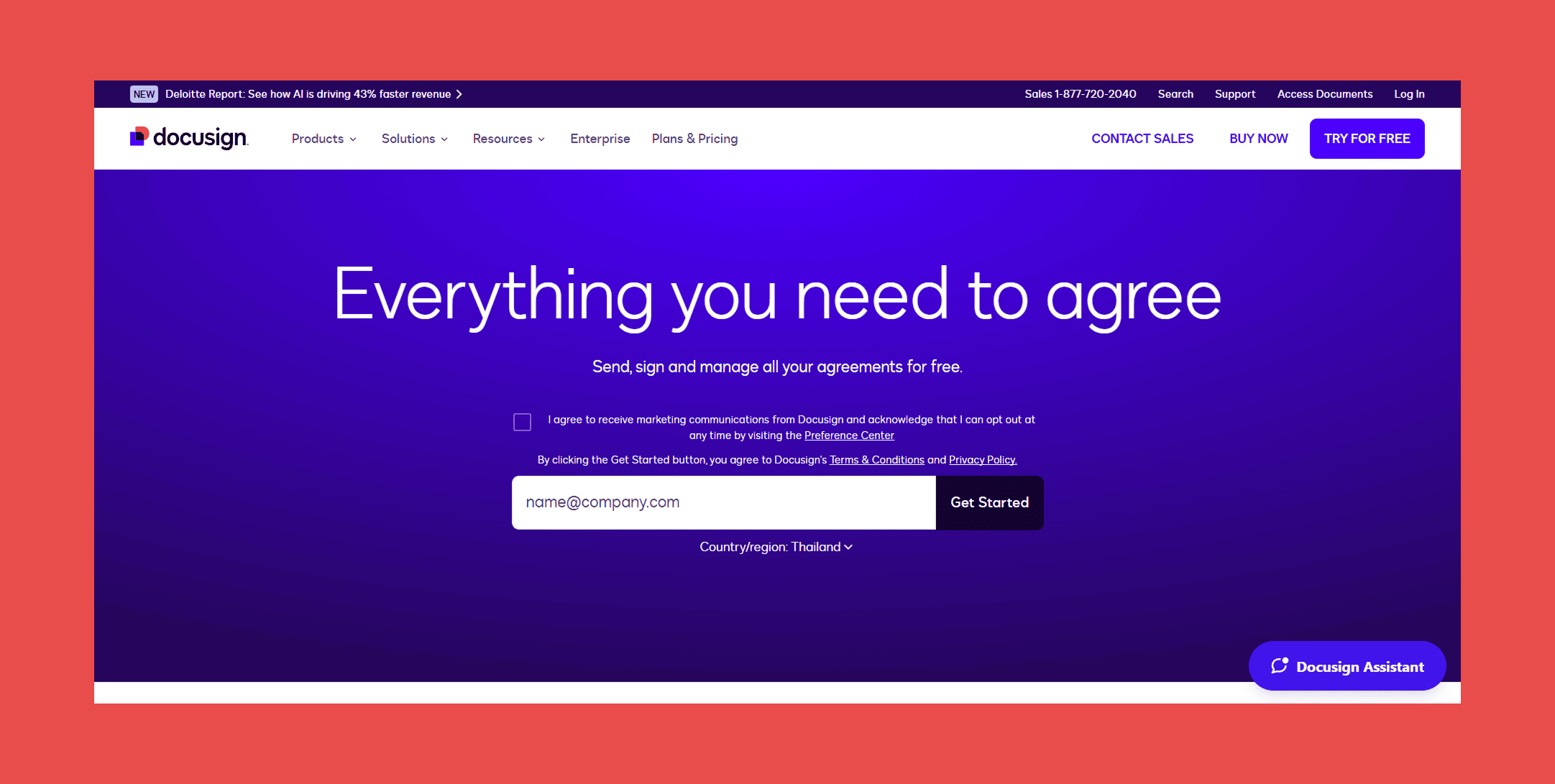
Category: E-Signature
DocuSign's Salesforce integration lets reps generate, send, and track contracts directly inside the opportunity record. When the contract is signed, the deal stage updates automatically. No manual status change, no rep forgetting to log the close, no RevOps chasing people for pipeline hygiene.
Best for: Sales teams that close contracts and want signature status tied to opportunity records automatically.
Key features:
- Contract generation from Salesforce — pull opportunity data directly into DocuSign templates without copy-pasting
- Automatic stage updates — Salesforce opportunity stage moves to "Closed Won" when signature is complete
- Template management — legal-approved templates selectable inside Salesforce, reducing unapproved-version risk
- Signature status tracking — real-time envelope status visible on the Salesforce opportunity record
- AppExchange installation — native install with no external authentication setup required
Pricing: Standard plan starts at $25/user/month billed annually (capped at 100 envelopes/user/year); Business Pro at $40/user/month with unlimited envelopes on annual plans.
11. Juro
Category: Contract Lifecycle Management
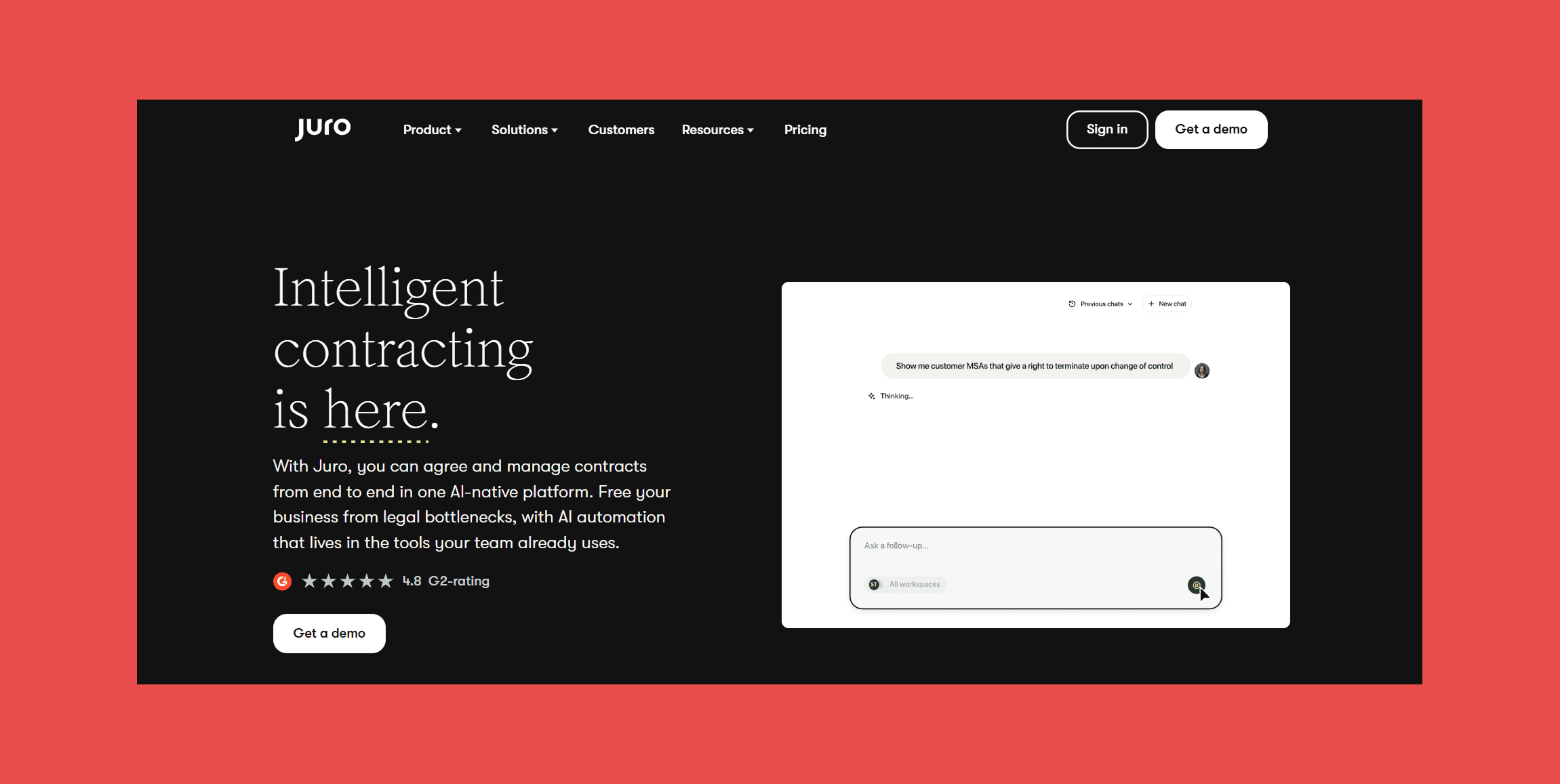
Juro handles more of the contract lifecycle than DocuSign: drafting, redlining, approval workflows, renewal tracking, and post-signature storage — all inside a platform that integrates with Salesforce. For legal and RevOps teams managing a high volume of contracts with significant customization, Juro's collaborative editing environment tends to be faster than emailing Word documents back and forth.
Best for: Scaling revenue organizations with complex contract workflows that involve legal collaboration.
Key features:
- In-browser contract drafting — create and edit contracts inside Juro without downloading files
- Native Salesforce integration — contract status, renewal dates, and key obligations synced to Salesforce account and opportunity records
- Real-time redlining — legal and counterparty can collaborate in the same document, tracked and auditable
- Approval workflows — multi-stage internal review routed to the right stakeholders automatically
- Renewal tracking — upcoming renewals surfaced in Salesforce with advance notice
Pricing: Custom-quoted; third-party estimates start around $20/user/month, scaling with contract volume and workflow complexity.
12. Calendly
Category: Meeting Scheduling
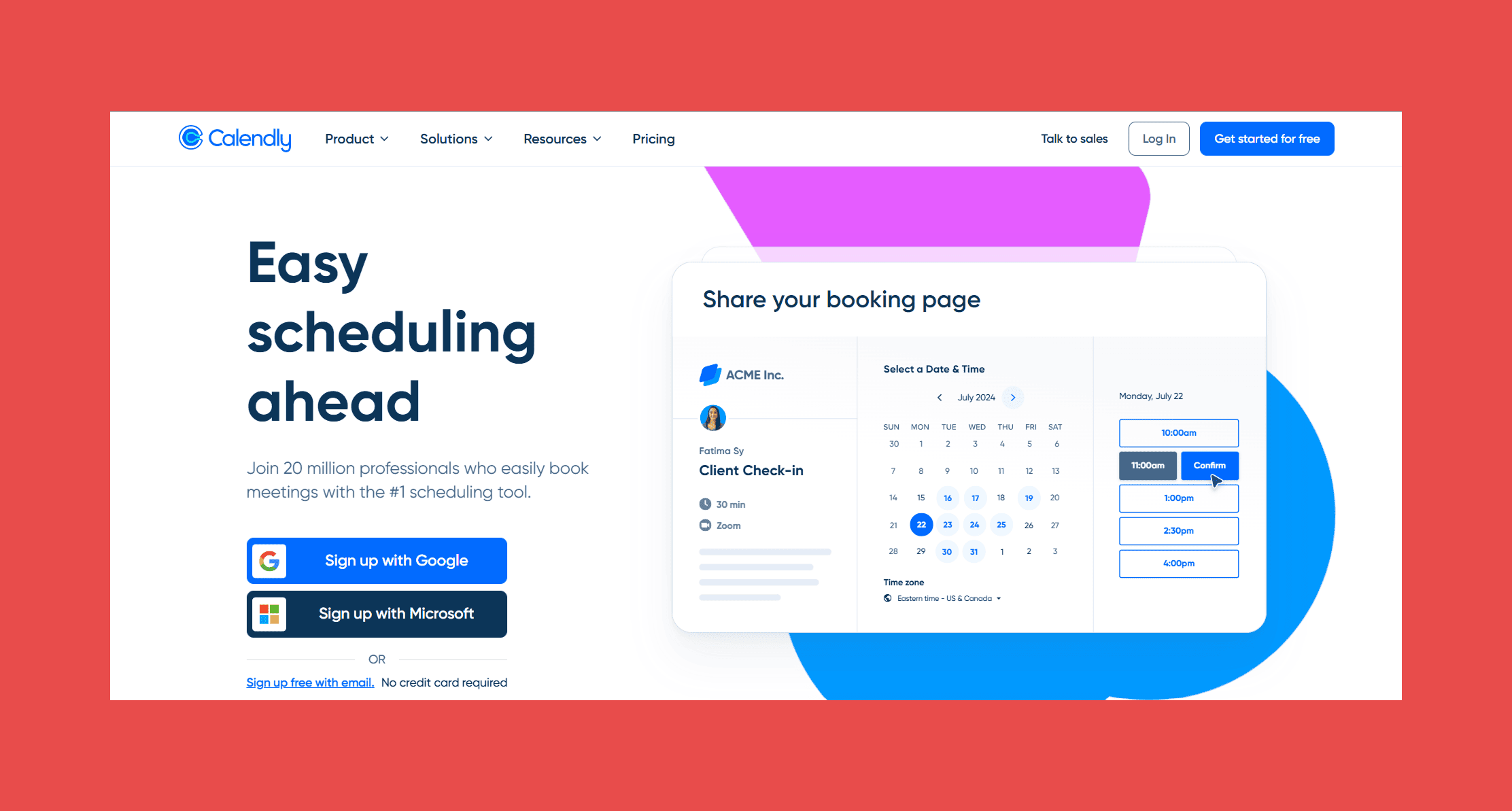
Calendly logs booked meetings to Salesforce automatically — contact created or updated, activity logged, meeting attached to the right record. For individual reps and small teams, it removes the manual step of logging every scheduled call.
Best for: Individual reps and small teams who want meeting activity in Salesforce without manual logging.
Key features:
- Automatic Salesforce activity logging — every booked meeting creates or updates a Salesforce activity record
- Contact and lead matching — meeting attendees matched to existing Salesforce records or created as new ones
- Round-robin routing — distribute meetings across a team with equal or weighted assignment (Teams plan)
- Custom questions — collect prospect information at booking time and map it to Salesforce fields
- Meeting type mapping — different Calendly event types map to different Salesforce activity types
Pricing: Standard plan starts at $10/seat/month billed annually; Teams plan at $16/seat/month with round-robin and Salesforce routing.
13. Chili Piper
Category: Inbound Conversion
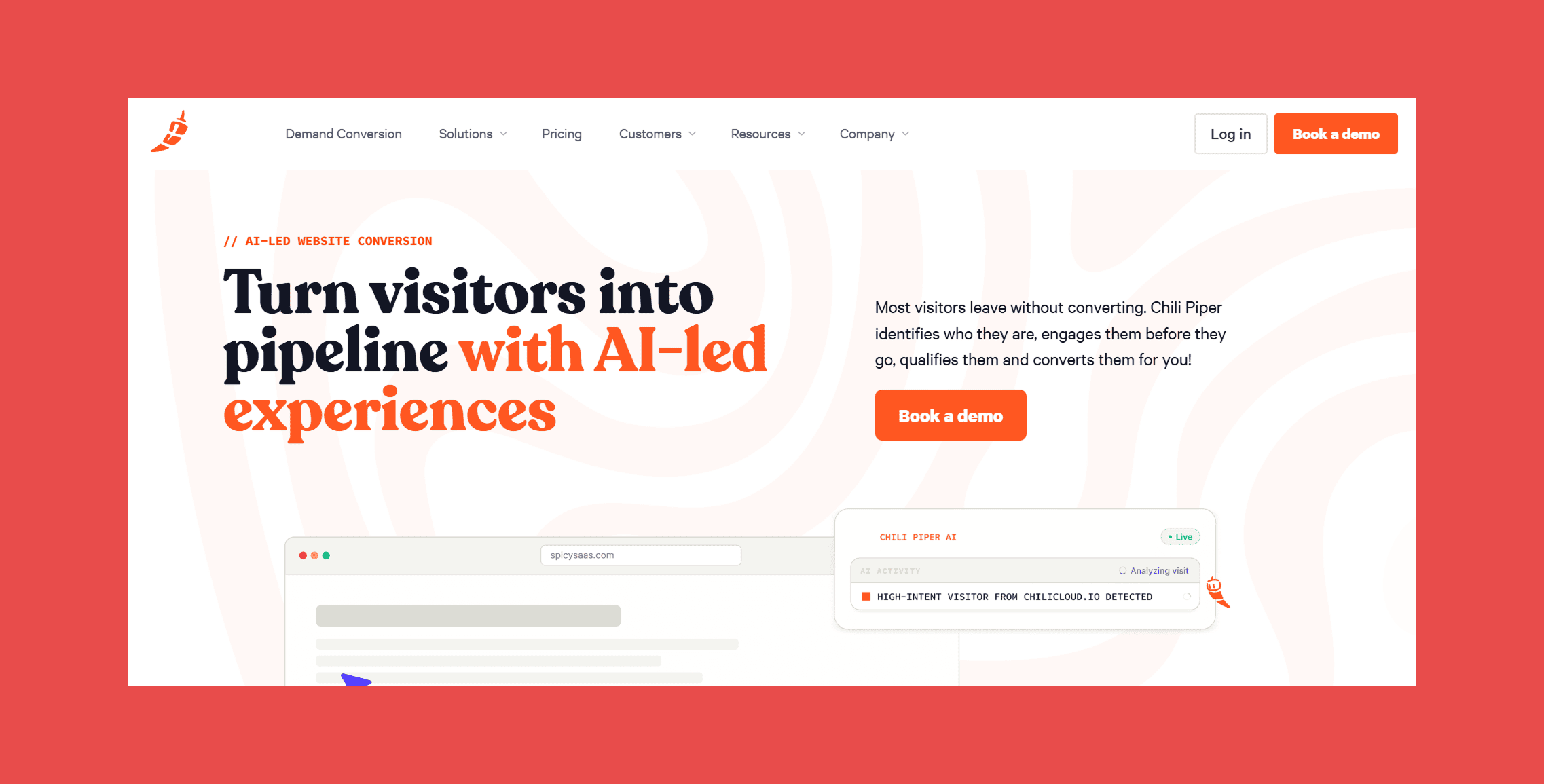
Where Calendly is scheduling-first, Chili Piper is routing-first. When a lead submits a form on your website, Chili Piper qualifies them against Salesforce data, routes them to the right rep based on territory or ownership rules, and books a meeting in real time. For inbound-heavy sales motions, the speed difference between waiting for a BDR to follow up and booking before the prospect closes the tab is measurable.
Best for: Inbound sales teams where lead response time directly affects conversion rates.
Key features:
- Instant booking on form submit — calendar slots appear inside the form confirmation, no redirect required
- Salesforce-based routing — territory logic, account ownership, and lead-to-account matching all pulled from Salesforce data
- Concierge — real-time lead qualification and meeting booking on form submission
- Distro — lead distribution engine for routing inbound leads to the right rep post-form
- Activity logging — all meetings, routing decisions, and no-shows logged back to Salesforce records
Pricing: Most teams need Concierge + Distro combined; expect $30–$60/user/month plus a platform fee that varies by CRM and lead volume.
14. Tableau
Category: Analytics & Business Intelligence
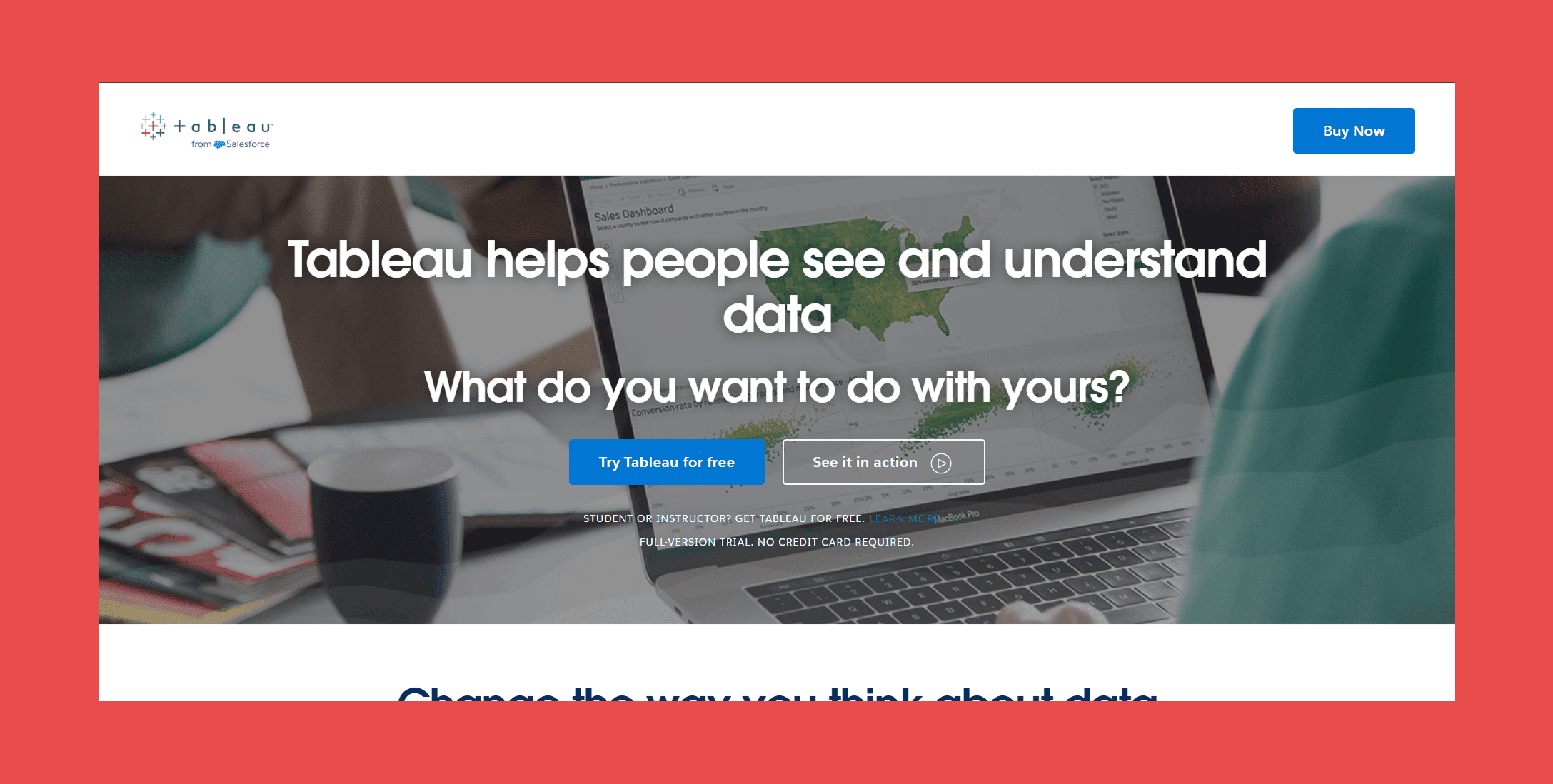
Salesforce owns Tableau, which means the integration runs natively without the sync lag you get from third-party BI connectors. Tableau reads directly from Salesforce data to build dashboards for pipeline analysis, forecast accuracy, rep performance, and territory coverage. For RevOps teams that outgrow Salesforce's native reports, Tableau is the natural next step.
Best for: Data-oriented RevOps teams that need reporting depth beyond Salesforce's native analytics.
Key features:
- Native Salesforce connector — reads directly from Salesforce objects, including custom objects, without manual export
- Live data connection — dashboards reflect current Salesforce data without scheduled refreshes
- Cross-source reporting — combine Salesforce data with finance, product usage, or CS data in a single dashboard
- Pipeline and forecast dashboards — pre-built templates for revenue reporting, stage progression, and rep performance
- Salesforce Einstein integration — surface AI predictions from Einstein inside Tableau dashboards
Pricing: Viewer licenses start at $35/user/month billed annually; Explorer at $70/user/month; Creator (full dashboard authoring) at $115/user/month.
15. MuleSoft
Category: Integration & Automation
MuleSoft connects Salesforce to everything else: ERPs, data warehouses, internal APIs, legacy systems that predate modern integration standards. It's not a point solution; it's the infrastructure layer that makes complex, multi-system architectures work. Salesforce acquired MuleSoft in 2018, and the integration is deep — including Anypoint Platform connectors built specifically for Salesforce objects and APIs.
Best for: Enterprise organizations with complex multi-system architectures that need Salesforce connected to non-standard data sources.
Key features:
- Anypoint Platform — API management, design, and monitoring in a unified environment
- Pre-built Salesforce connectors — native connectors for standard and custom Salesforce objects
- Real-time and batch integration — supports both event-driven and scheduled data movement between Salesforce and external systems
- API-led connectivity — architecture pattern that makes Salesforce one node in a broader data network rather than a siloed system
- DataWeave transformation — built-in data mapping language for translating between Salesforce's schema and external system formats
Pricing: Custom-quoted; MuleSoft doesn't publish pricing.
Best Salesforce Integrations by Team
For SDR Teams
Start with data quality, Findymail CRM Datacare ensures the contacts your SDRs are prospecting actually have valid emails and complete records. Add Outreach or Salesloft for sequence management and activity logging. LinkedIn Sales Navigator fills in relationship context when reps need it.
The goal is a workflow where SDRs spend their time on conversations, not on cleaning records or switching tabs.
For Account Executives
Gong gives AEs call intelligence and deal coaching tied to real conversation data. Slack keeps them connected to cross-functional stakeholders on deals that need legal, finance, or CS involvement. DocuSign closes the contract loop without manual stage updates.
For RevOps Teams
Data quality first: Findymail CRM Datacare. Then reporting depth with Tableau. Then infrastructure with MuleSoft for anything that requires connecting Salesforce to systems outside the standard stack. RevOps teams that skip data quality end up rebuilding dashboards on bad data, which is a painful way to learn the lesson.
For Marketing Teams
HubSpot for growing organizations that need inbound lead management and attribution without enterprise complexity. Marketo for larger teams running sophisticated multi-segment programs. Both integrate with Salesforce bidirectionally; the choice comes down to team size, budget, and how much configuration you want to manage.
Final Thoughts
Salesforce is the foundation. Everything else either feeds it data or acts on the data it holds. The integrations that matter most are the ones that make Salesforce more accurate, not just more connected.
Data quality is the first layer. It's the only layer that makes every other integration work better. That's why we built CRM Datacare, because we've seen what happens when teams skip this step and spend six months wondering why their scoring models, routing logic, and sequence deliverability are all underperforming simultaneously.
Findymail CRM Datacare enriches, verifies, and monitors your Salesforce records continuously so the whole stack runs on accurate data — not whatever's been accumulating since your last manual cleanup.
FAQ
What is the most popular Salesforce integration in 2026?
By deployment volume, Slack and DocuSign are probably the most widely used, given how broadly applicable they are. For revenue teams specifically, Gong and Outreach consistently rank among the highest-adoption integrations — they sit in the daily workflow of most SDR and AE teams.
How do Salesforce integrations work?
Most integrations connect to Salesforce via the REST API or Streaming API, reading and writing records based on triggers you configure. Modern integrations use event-driven architecture to sync in near-real time; older ones poll on a schedule. AppExchange integrations are installed directly inside your Salesforce org and go through Salesforce's security review process.
What is Salesforce AppExchange?
AppExchange is Salesforce's marketplace for third-party apps and integrations. Apps listed there have passed a security review and are certified to work within Salesforce's permission model. It's where you'll find most of the integrations in this list, either as native installs or as connectors to external platforms.
Does Salesforce integrate with LinkedIn Sales Navigator?
Yes. The Sales Navigator for Salesforce integration is available through AppExchange and surfaces LinkedIn data (job changes, mutual connections, and company news) directly inside Salesforce contact and account records. It requires a Sales Navigator Team or Enterprise subscription.
How do I keep my Salesforce data clean automatically?
Manual data hygiene doesn't scale. The practical answer is a dedicated enrichment and hygiene tool that monitors your CRM continuously — flagging new invalid emails as they're created, enriching records when contacts change jobs, and surfacing duplicates before they multiply.
That's what Findymail CRM Datacare does. You can start with a free health check.
Are Salesforce integrations free?
Some are, most aren't. Zapier and Calendly have free tiers with limitations. Most purpose-built revenue tools (Gong, Outreach, and Salesloft) are paid products with separate licensing from your Salesforce contract. Native integrations like Slack and Tableau may be bundled depending on your Salesforce edition.

Valentin
Valentin Wallyn is the founder and CEO of Findymail, a SaaS platform he launched to help B2B teams discover accurate email and contact data and automate data enrichment at scale. With an IT background, Valentin combines a technical mindset with hands-on experience in outreach and growth. His work centers on improving data quality and prospecting efficiency, drawing on years of entrepreneurial experience and a deep understanding of what makes outreach campaigns succeed.
![A Field Guide to Finding the Right B2B CRM [2026 Comparison]](/blog/content/images/size/w300/2024/02/jukebox-print-FUohNQatzVs-unsplash.jpg)