AI Lead Finder
 Email Finder
 Email Verifier
 Phone Finder
 Intent Signals
 CRM Enrichment/Cleaning
 API
API

Email outreach sounds simple in theory, doesn’t it? You find a contact, write a message, hit send, and get a reply. But in reality, it’s much more complicated than just finding a couple of email addresses and sending template-like messages.
A successful outreach campaign is built from many moving parts. You need accurate contact information, a way to personalize your messages, a process for keeping track of every interaction, etc. There are many things you need to focus on.
No single platform handles every stage well, so most teams end up running two, three, or more tools side by side. In this guide, we’ll walk through one tool for every task in the outreach workflow, from finding and verifying prospect emails all the way through to lead tracking, so you can piece together a stack that actually covers every step instead of forcing one tool to do a job it wasn't built for.
Findymail finds and verifies business emails in one pass, backed by a sub-5% bounce guarantee, so whatever else you add to your stack, you're not sending to a list that was never any good to begin with.
1. Prospecting & lead discovery: Findymail (primary), UpLead (backup database)
2. Multichannel outreach & sending: Instantly (primary), Smartlead (backup)
3. CRM & pipeline tracking: HubSpot (primary), Salesforce (backup)
4. Channel-specific outreach: BuzzStream (PR/link-building), HeyReach (LinkedIn)
What Is an Email Outreach Tool?
An email outreach tool is outreach software that helps create, send, manage, and scale outreach campaigns. Depending on the platform, it can support different stages of the process: from finding prospects to managing leads.
But don't confuse email outreach tools with email marketing tools. They serve different purposes:
- Email marketing tools are built primarily to nurture existing contacts in your mailing list. Think of newsletters, lead magnets, promotional campaigns, and so on.
- Email outreach tools, on the other hand, are designed to help you run your cold outreach campaign at scale with personalized emails. And some of them help you manage the entire outreach workflow.
What Tasks Should Your Outreach Stack Cover?
Rather than a flat list of tasks, it helps to think of your stack in four categories:
- Prospecting & lead discovery – find companies/people to contact, then find and verify their emails before you ever hit send.
- Multichannel outreach & sending – create personalized email sequences, automate follow-ups, warm up your sending domains, and monitor deliverability so your messages land in the inbox.
- CRM & pipeline tracking – keep all your collected prospect information, replies, and deals in one place instead of spreadsheets.
- Channel-specific outreach – manage outreach on channels with their own rules, like pitching journalists and website owners for link building campaigns or running LinkedIn outreach at scale, both of which usually need their own tool.
The Outreach Stack by Category: Which Tool Covers What
1. Prospecting & Lead Discovery
This is where your stack starts: finding who to contact and getting a working email for them. Most teams only need one but that can vary based on data freshness or data type.
Findymail: AI-Native Search + Verification (Primary Pick)
Overview:
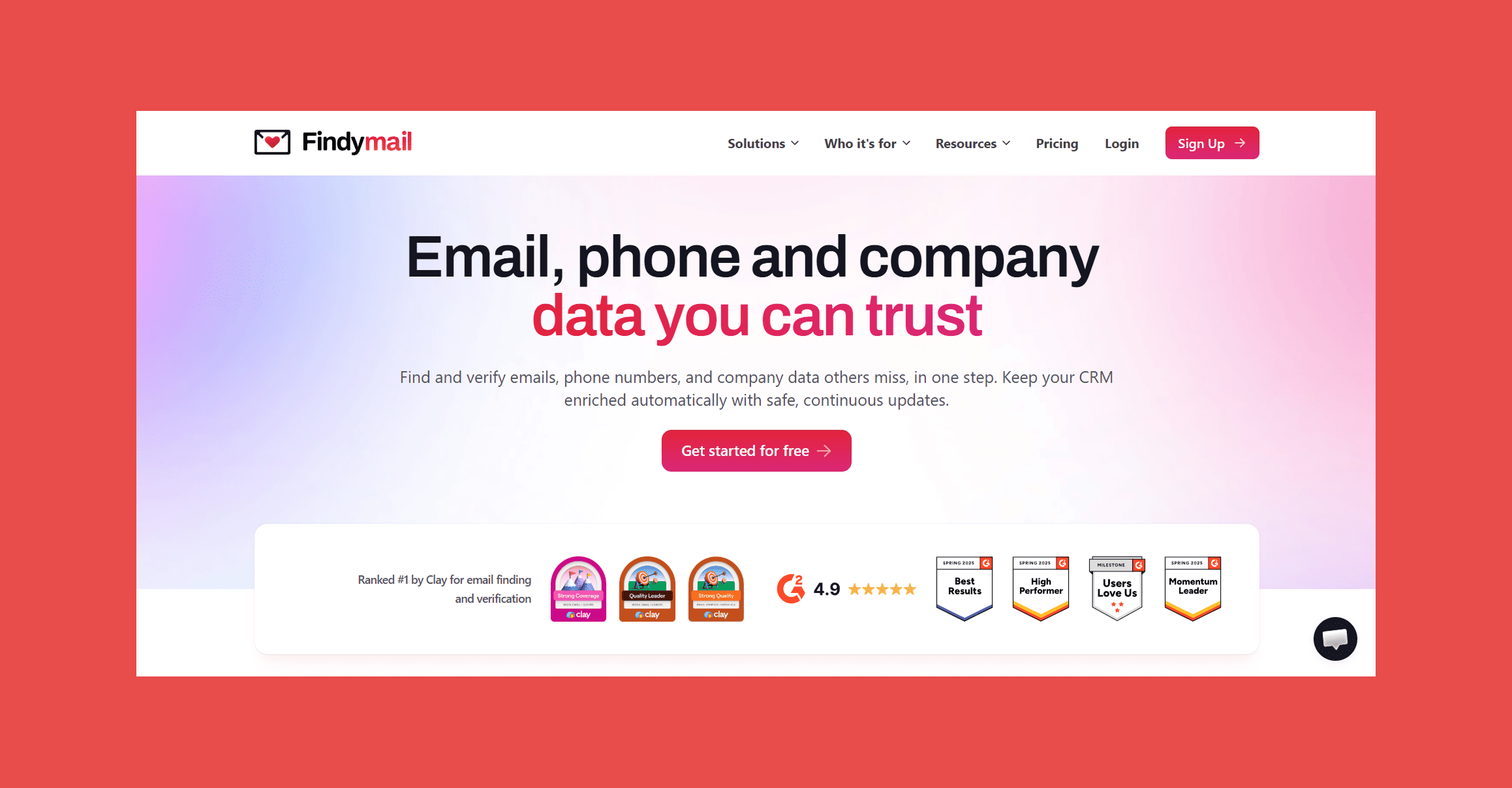
Most people know Findymail as THE go-to email finder and verifier, but that's really just the tip of the iceberg. Findymail has evolved into a full prospecting platform, giving outreach teams one place to source verified leads, keep them fresh, and know when to reach out, instead of stitching that together across three separate tools.
And it's backed by a guarantee, not just a pitch: Findymail's proprietary verification system keeps bounce rates under 5% on the contact data it returns, so your sender reputation isn't the price of finding new leads.
Key Features:
- Verified Email Finder: Findymail helps you find professional email addresses for prospects and only charges credits for emails that pass verification checks.
- Catch-All Email Verification: Every email is run through syntax validation, DNS records, SMTP server verification, catch-all detection, and disposable email screening. Only deliverable, valid addresses make it through.
- Phone Number Enrichment: Findymail can enrich prospect records with mobile and direct-dial phone numbers, helping teams run multi-channel outbound campaigns.
- Intellimatch: Describe your ideal customer in plain English and get a verified list of high-fit companies back in seconds, with the option to include verified B2B contact data for every lead.
- Signals: New Hire, Job Title Change, Keyword Mention, and Topic Engagement (all running continuously in the background, filterable by industry, company size, country, seniority, and job title).
- Security Compliance: SOC 2 and GDPR compliant.
Ratings:
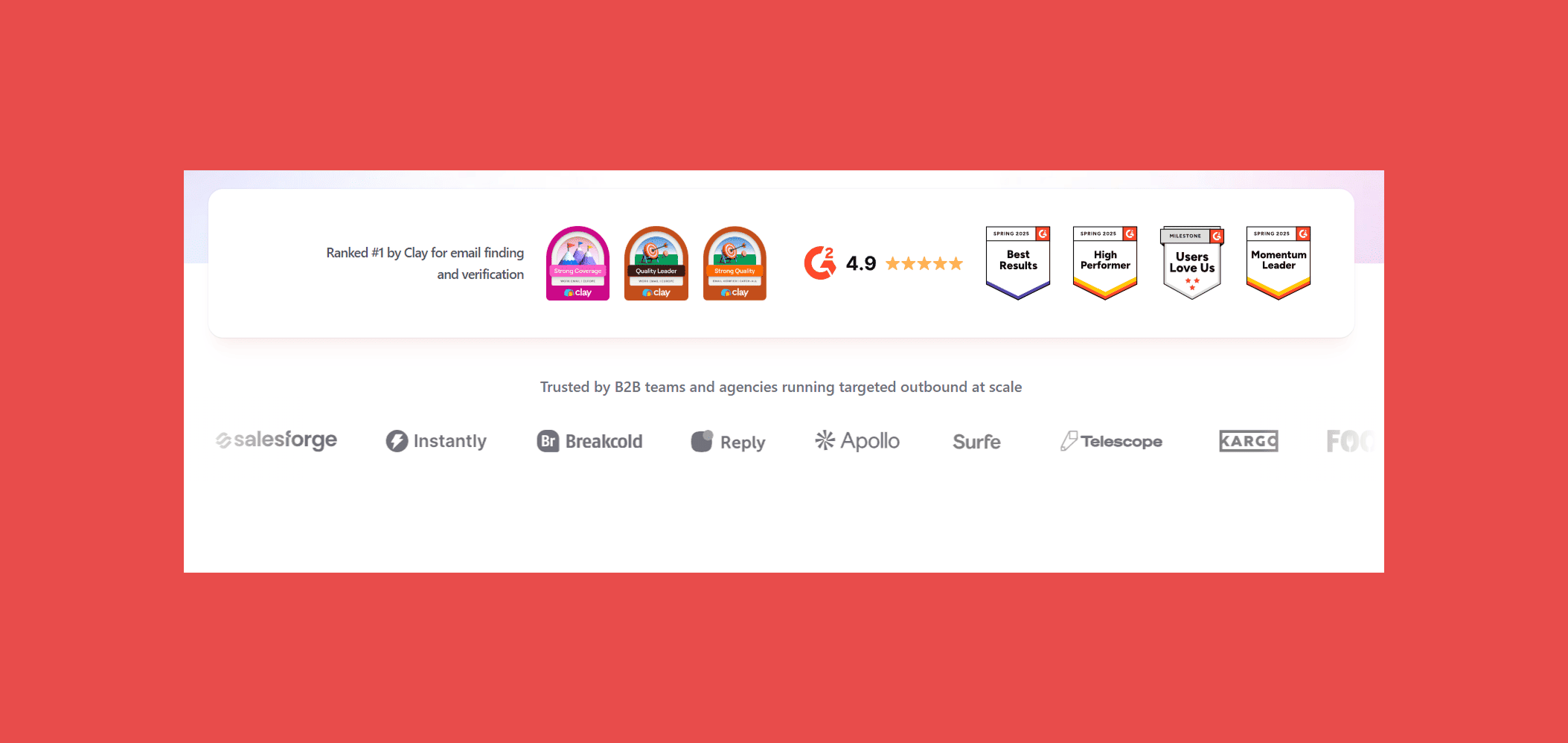
- G2: 4.9/5 (57)
- Capterra: 4.9/5 (7)
Pricing Plans:
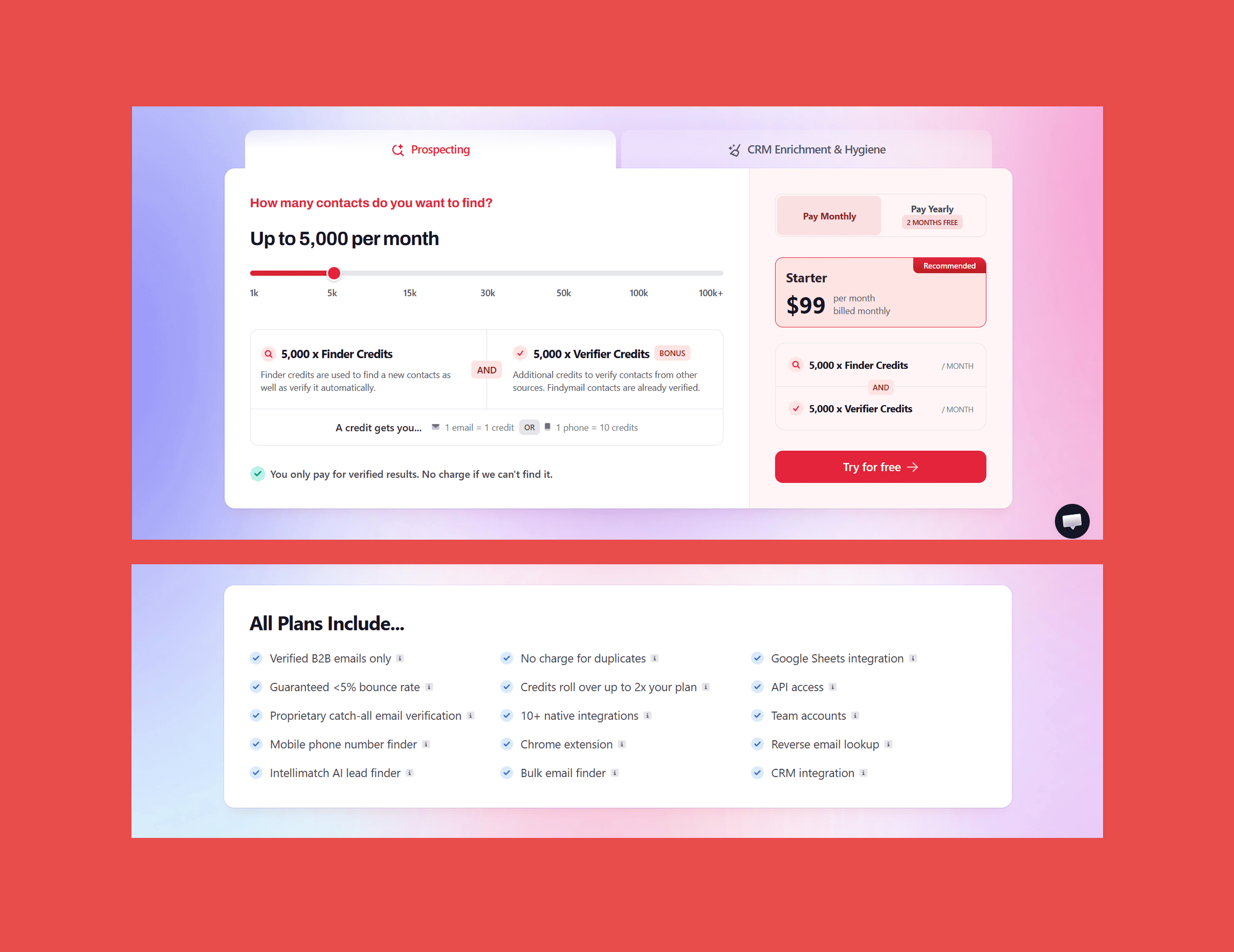
Findymail’s prices depend on the credit amount and whether you pay monthly or yearly:
- Free trial: 10 free credits (no credit required).
- Basic: $49/mo – 1,000 credits.
- Starter: $99/mo – 5,000 credits.
- Business: $249/mo – 15,000 credits.
- Enterprise: Custom pricing.
Sign up today and get 10 credits on us! Start sourcing verified contact data with a sub-5% bounce guarantee, baked into every plan.
UpLead: Traditional B2B Database (Backup Option)
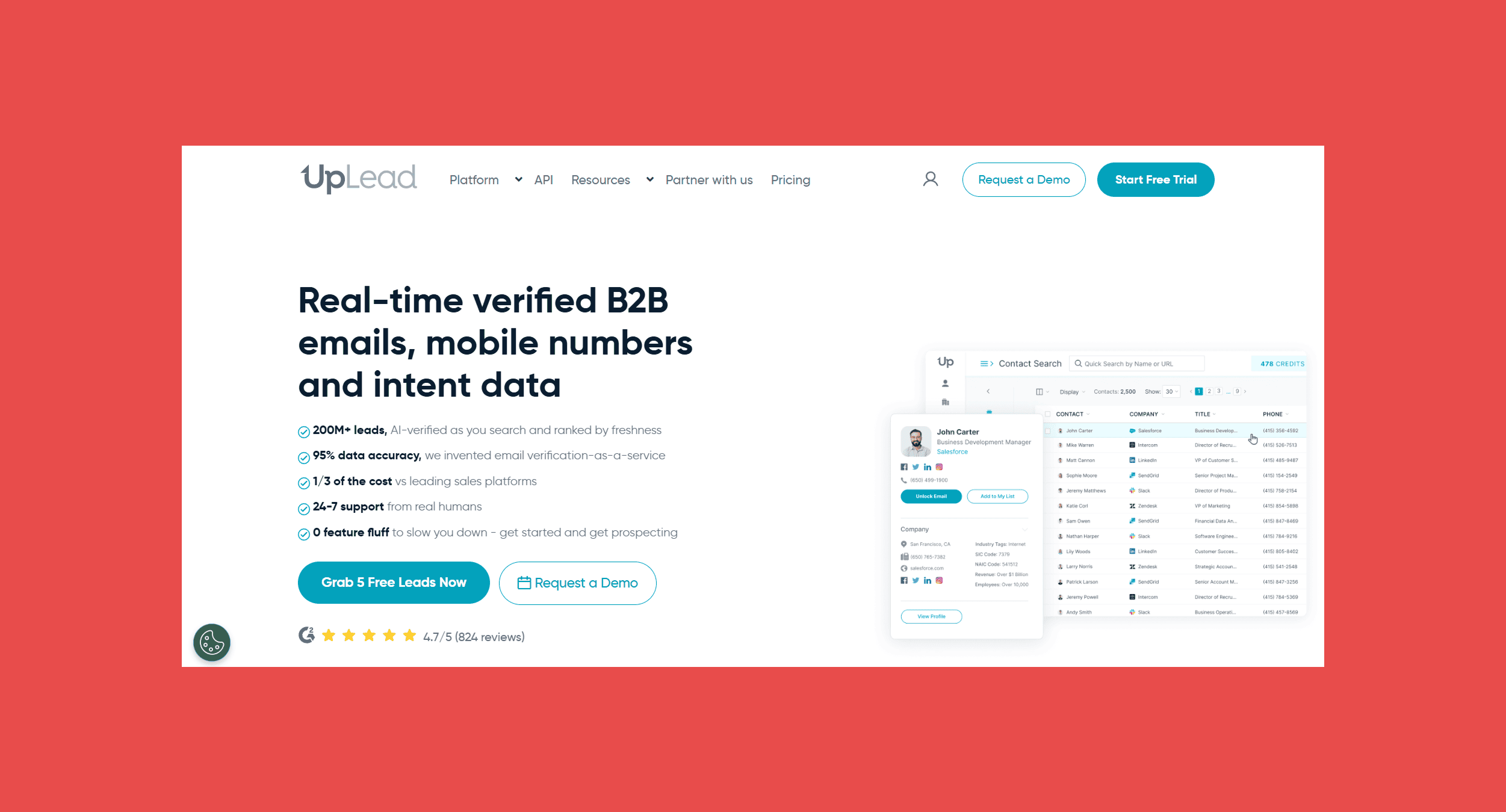
Overview:
UpLead is a more conventional pick for teams that want a familiar, searchable database instead of an AI-driven live search. It's a solid backup for outreach teams who want a browsable source of prospects to fall back on, without giving up on data accuracy.
Key Features:
- 50+ search filters: Layer firmographic, technographic, and intent criteria to build a targeted list.
- Real-time email verification: Every contact is verified before it's unlocked, not after export.
- Technographic filters: Filter by 16,000+ technologies to find companies using specific tools.
- Chrome extension: Pull verified contact data while browsing LinkedIn or a company site.
Ratings:
- G2: 4.7/5 (828)
- Capterra: 4.6/5 (76)
Pricing Plans:
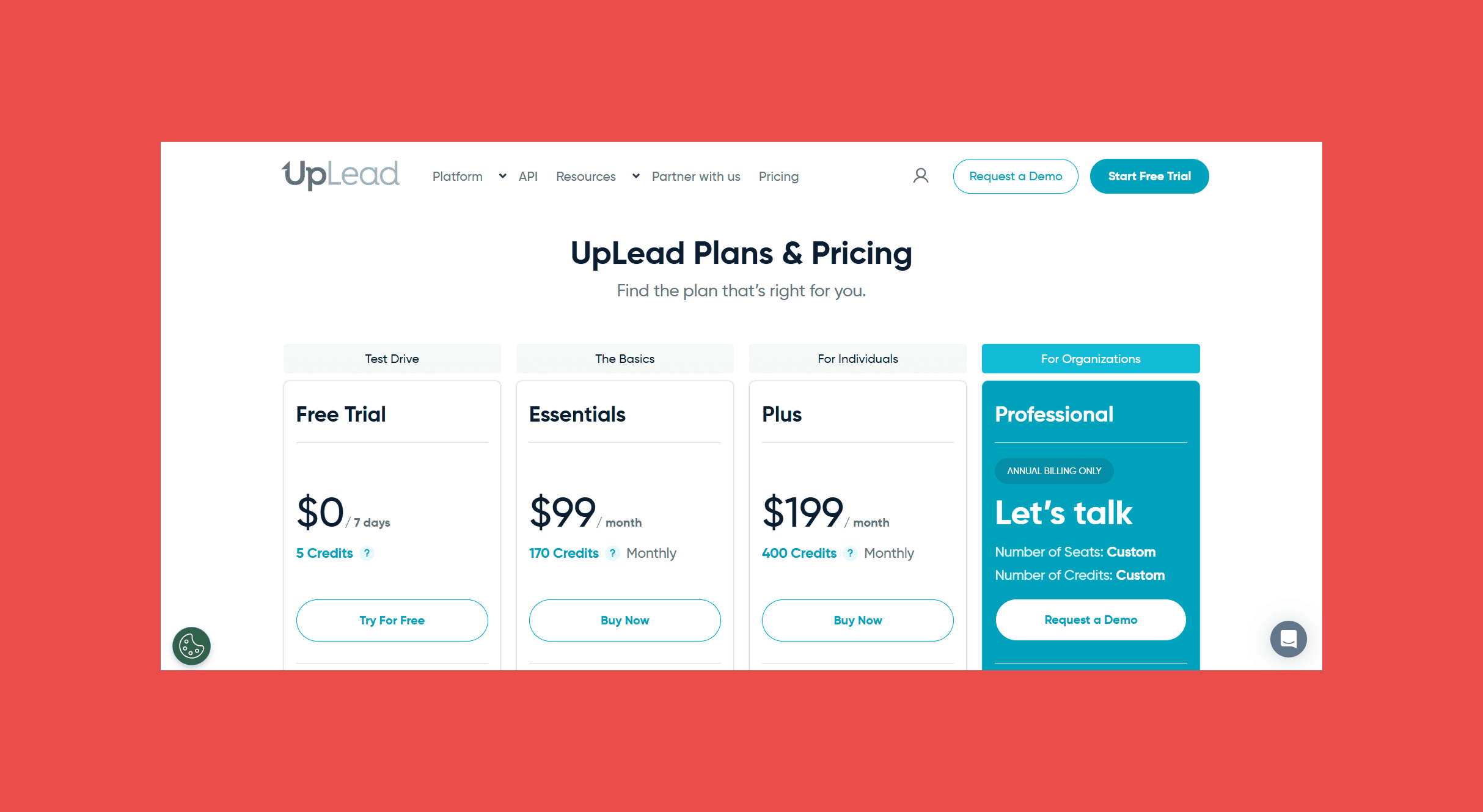
UpLead has four tiers, including a free one:
- Essentials: $99/mo – 170 credits.
- Plus: $199/mo – 400 credits.
- Professional: request a demo – custom credit volume.
Findymail helps you catch invalid or outdated emails from any source, including contacts pulled from other B2B databases, before they hurt your deliverability.
2. Multichannel Outreach & Sending
This is the category most outreach platforms compete on directly: writing and sending sequences, then handling deliverability so those sequences actually land.
Instantly: Best for Sending, Warm-up, and Personalization in One Platform
Overview:
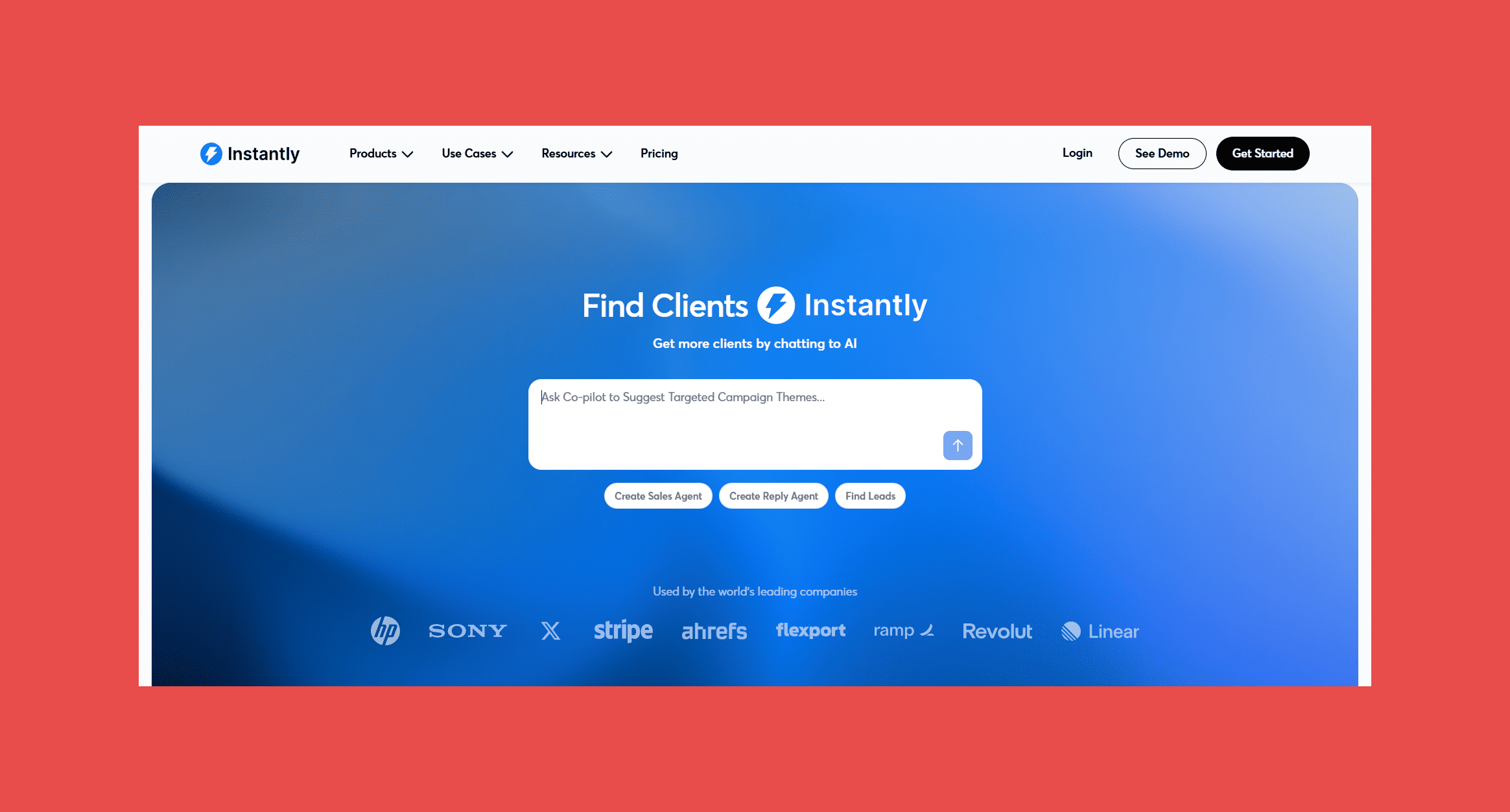
Instantly is built for businesses that want to scale cold email outreach, and it covers more of the sending category in one place than most competitors: sequencing, built-in warm-up, and AI-assisted personalization, alongside deliverability monitoring.
By using Instantly AI, you can reach clients on autopilot, automate your outreach with personalized emails and follow-ups without manual setup. Besides that, it also allows you to connect with 50+ tools, including HubSpot, Clay, Zapier, and Slack.
Key features:
- Unlimited email accounts – Connect as many sending accounts as you need to scale your outreach (for any tier).
- AI-powered campaign builder – Generate personalized email sequences and outreach campaigns with AI.
- Inbox rotation – Automatically rotate between sending accounts to distribute email volume.
- Unibox – Manage replies from all your connected email accounts in one inbox.
- Analytics – Analyze campaign performance by email account/sequence.
Ratings:
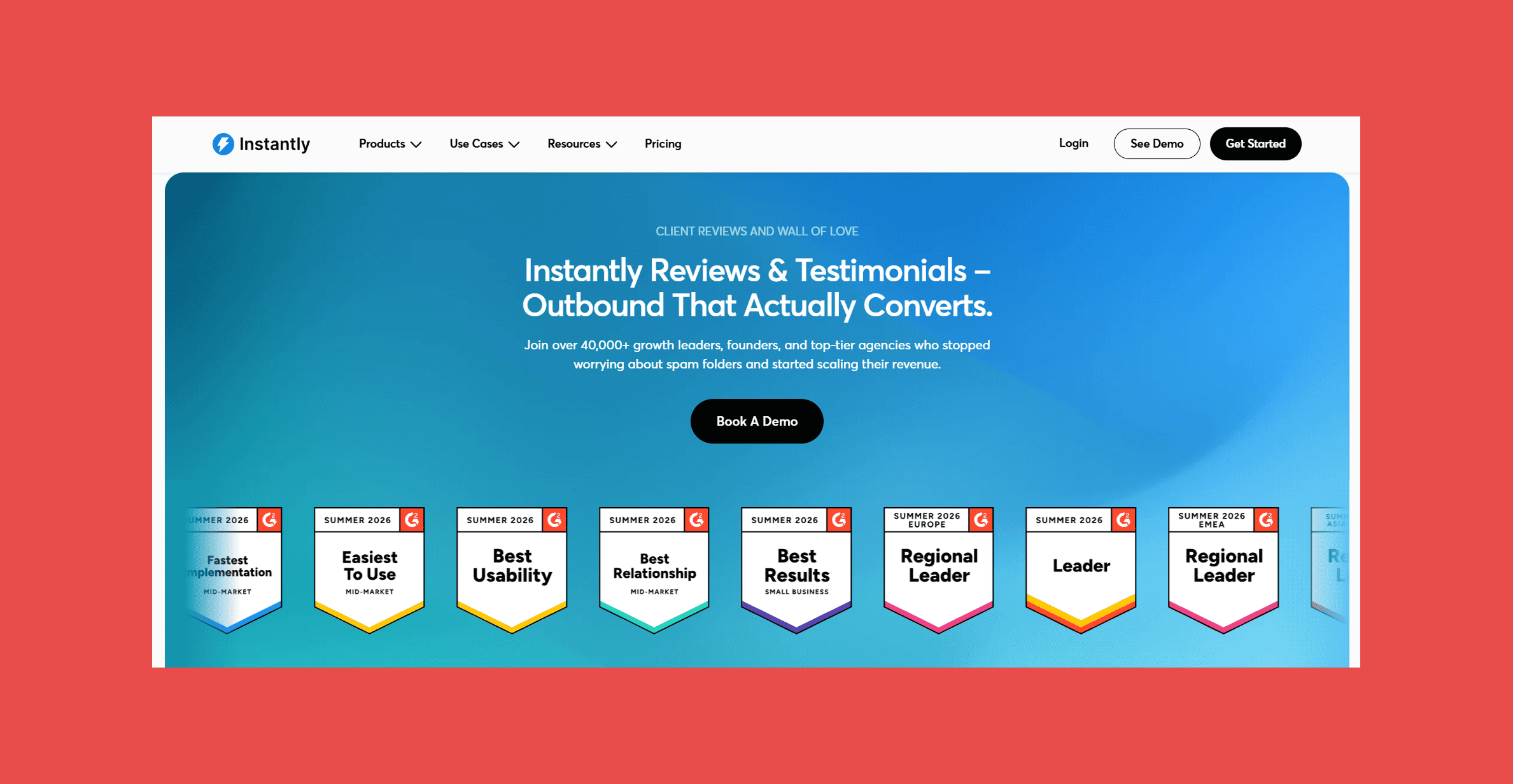
- G2: 4.8/5 (4,127)
- Capterra: N/A
Pricing Plans:
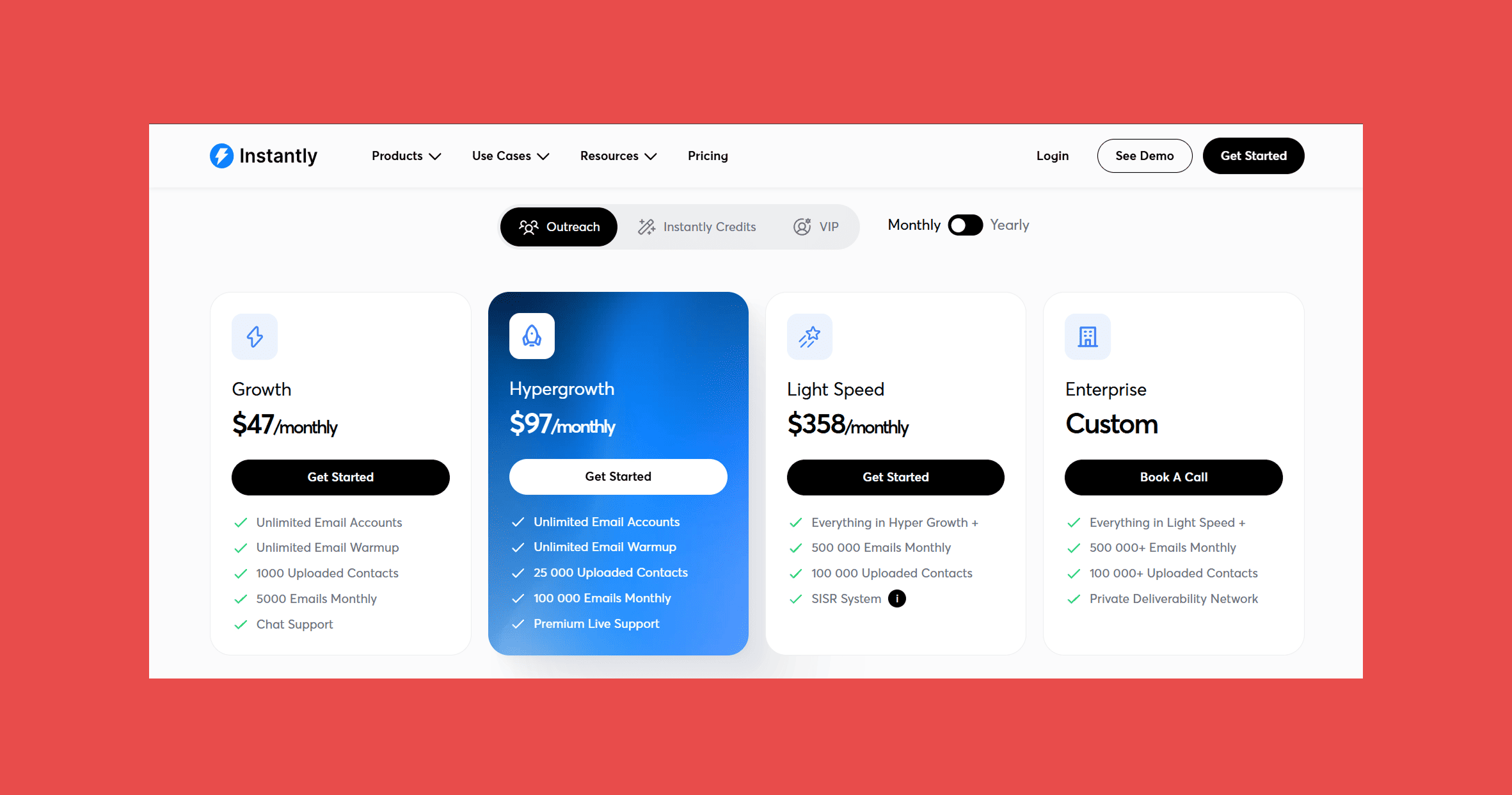
- Growth: $47/mo – 1,000 uploaded contacts, 5,000 emails/month.
- Hypergrowth: $97/mo – 25,000 uploaded contacts, 100,000 emails/month.
- Light Speed: $358/mo – 100,000 uploaded contacts, 500,000 emails/month.
- Enterprise: Custom pricing – 100,000 uploaded contacts, 500,000+ emails/month, higher limits, and dedicated support.
1. MailReach: dedicated warm-up and deliverability monitoring for teams running many inboxes.
2. Bitscale: spreadsheet-style enrichment for deeper personalization than Instantly's built-in tools.
3. Smartlead (backup): unlimited mailboxes on every tier, from $39/mo.
3. CRM & Pipeline Tracking
Once replies start coming in, you need somewhere to track contacts, conversations, and deal stage that isn't a spreadsheet.
HubSpot: Best for CRM and Pipeline Tracking
Overview:
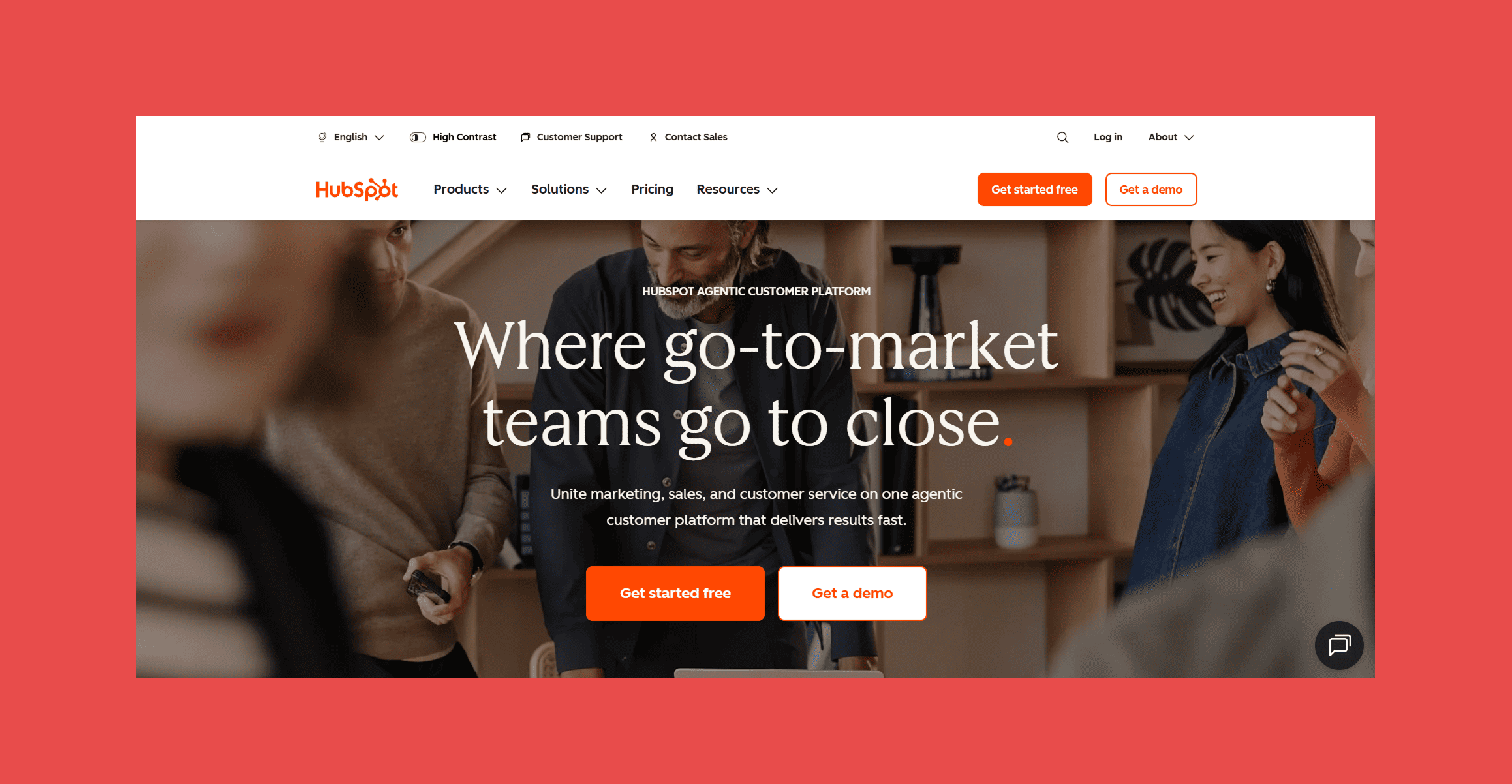
With HubSpot, you don't need to manage all your contacts in spreadsheets. This platform is built to help you store prospect information, track emails, and monitor deals conveniently. In your sales pipeline, you can see exactly where every lead is.
HubSpot also integrates with a lot of popular tools. So you can move qualified leads into your CRM and manage follow-ups from one place with no problems. And don’t worry if you don't have a big budget. Their free plan is still effective. And it’s one of the reasons why HubSpot is used by everyone from startups to large sales teams.
Key Features:
- Custom deal pipelines – Track every deal with visual sales pipelines.
- Email tracking and meeting scheduling – HubSpot can show you when your prospects open your emails or book meetings through your calendar.
- Reporting dashboards – Monitor your pipeline, sales performance, and team activity with real-time reports.
- AI-powered CRM – Use HubSpot's AI to summarize records, research companies, draft emails, and automate routine work.
- App integrations – Connect HubSpot with thousands of popular business tools, including Gmail, Outlook, Slack, Shopify, and Zapier.
Ratings:
- G2: 4.4/5 (35,773)
- Capterra: 4.5/5 (4,471)
Pricing:
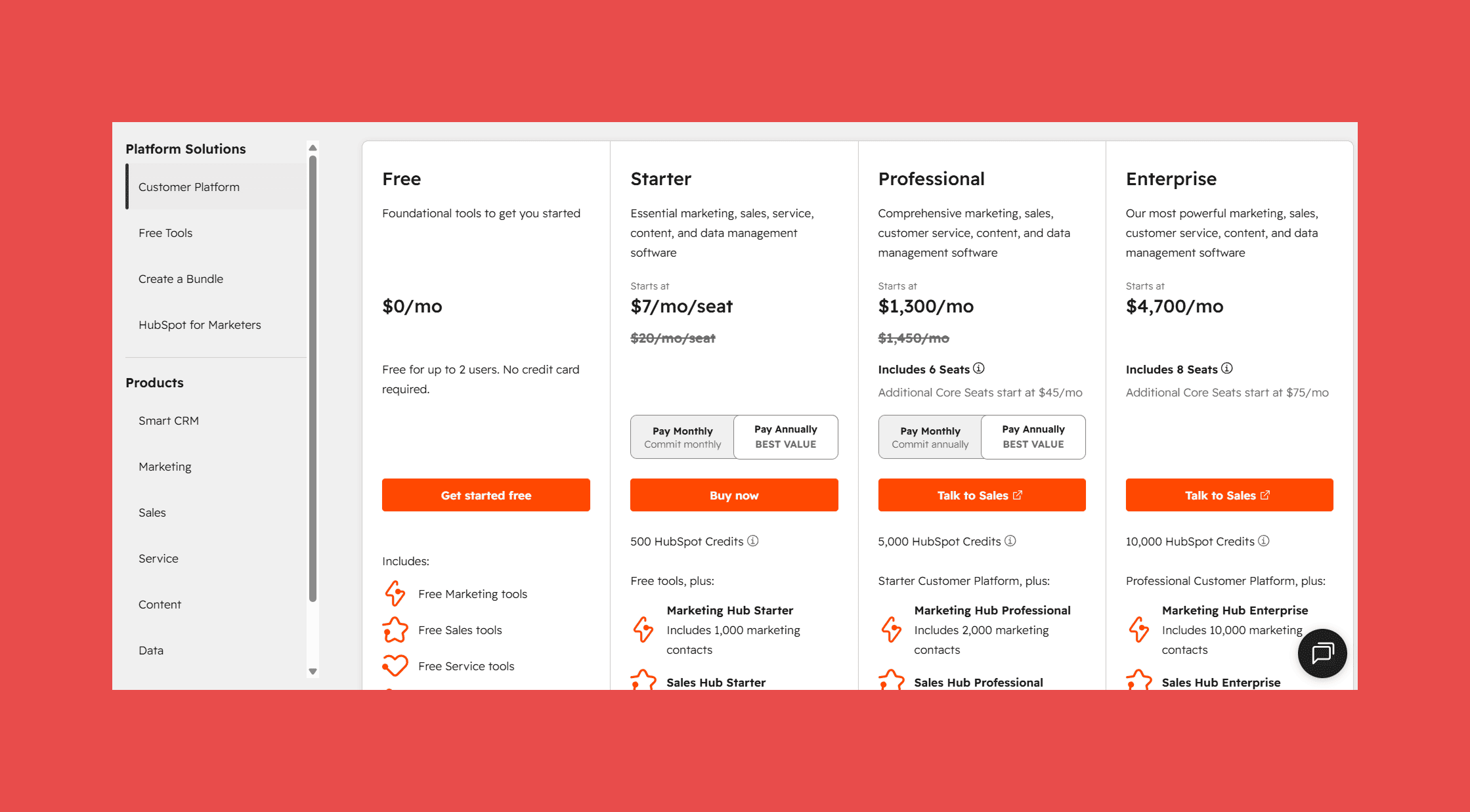
Free: up to 2 users
- Starter: $10/user/mo
- Professional: $1,450/mo (includes 6 seats; additional core seats start at $50/mo)
- Enterprise: From $4700/mo (includes 8 seats; additional core seats start at $75/mo)
4. Channel-Specific Outreach: PR & Link-Building
This category covers outreach that isn't standard sales prospecting: pitching journalists, bloggers, and website owners for coverage or backlinks. It behaves differently enough (smaller, more targeted lists; longer relationship cycles; backlink tracking instead of deal tracking) that it usually needs its own tool rather than being bolted onto a sales CRM.
BuzzStream: Best for PR and Link-building Outreach
Overview:
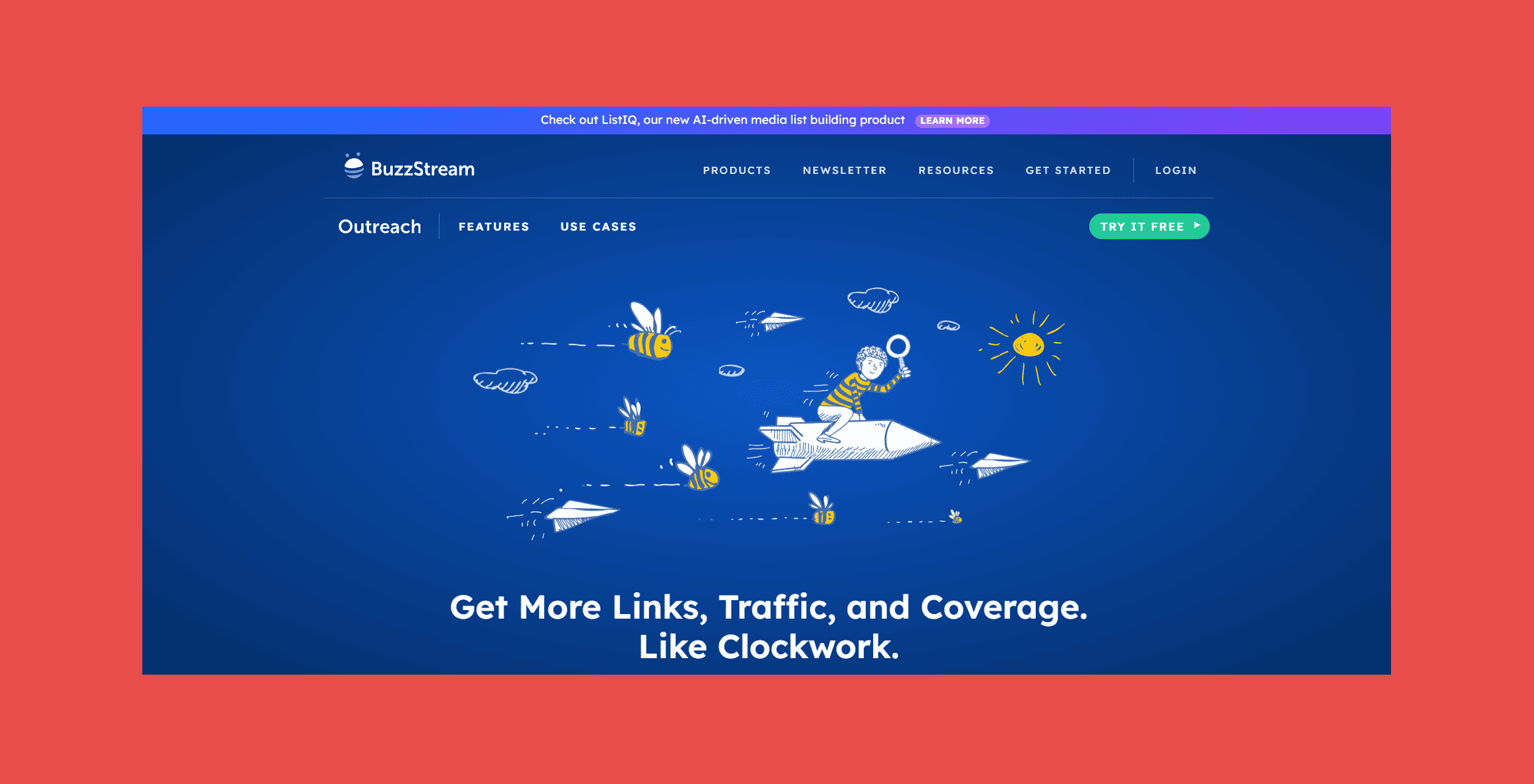
Pitching journalists and bloggers isn't quite the same as standard sales outreach. And BuzzStream is built specifically around that difference. It's an outreach CRM designed for digital PR, link-building strategies, influencer outreach, etc. In such a case, the whole point is building real relationships with targeted lists.
BuzzStream finds prospects' contact info as you browse. It tracks every email you've sent someone. So it reduces the chances of pitching the same contact twice. It also includes backlink monitoring, so you can see when a new link goes live.
Key Features:
- Research opportunities – Browse prospect lists and add contacts with metrics.
- Relationship tracking – Automatically updates relationship stages based on email activity.
- Email templates with follow-ups – Choose or create a template for your outreach campaign with automated follow-ups.
- Optimized link building – Track your link building campaigns and instantly see the progress for each website.
- Ahrefs integration – Pull in SEO metrics directly into your prospect research.
Ratings:
- G2: 4.2/5 (165)
- Capterra: 4.5/5 (22)
Pricing Plans:
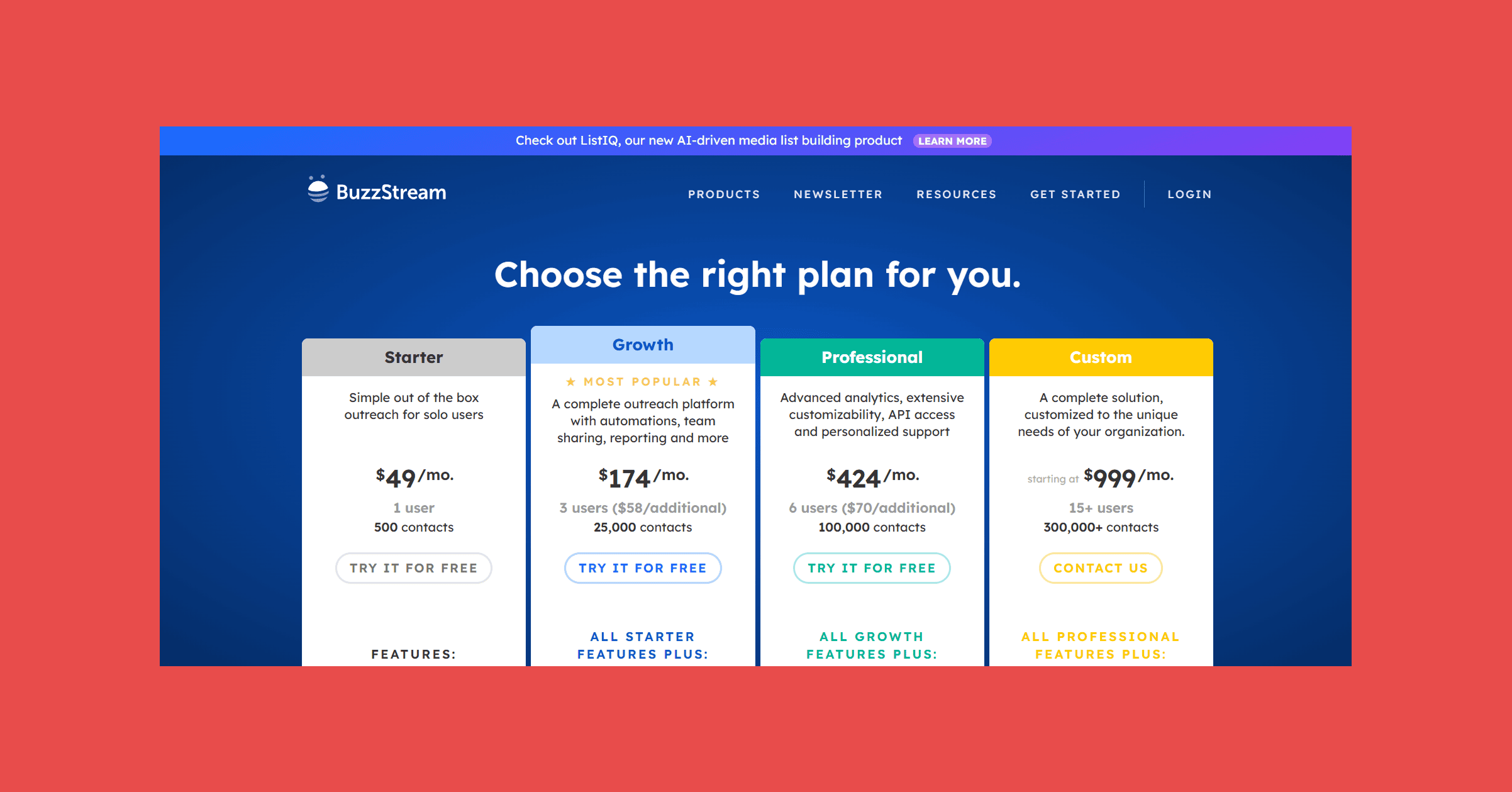
- Starter: $49/mo – 1 user, 500 contacts
- Growth: $174/mo – 3 users, 25,000 contacts
- Professional: $424/mo – 6 users, 100,000 contacts
- Custom: Starting at $999/mo – 15+ users, 300,000+ contacts
HeyReach: Best for Multi-Account LinkedIn Outreach
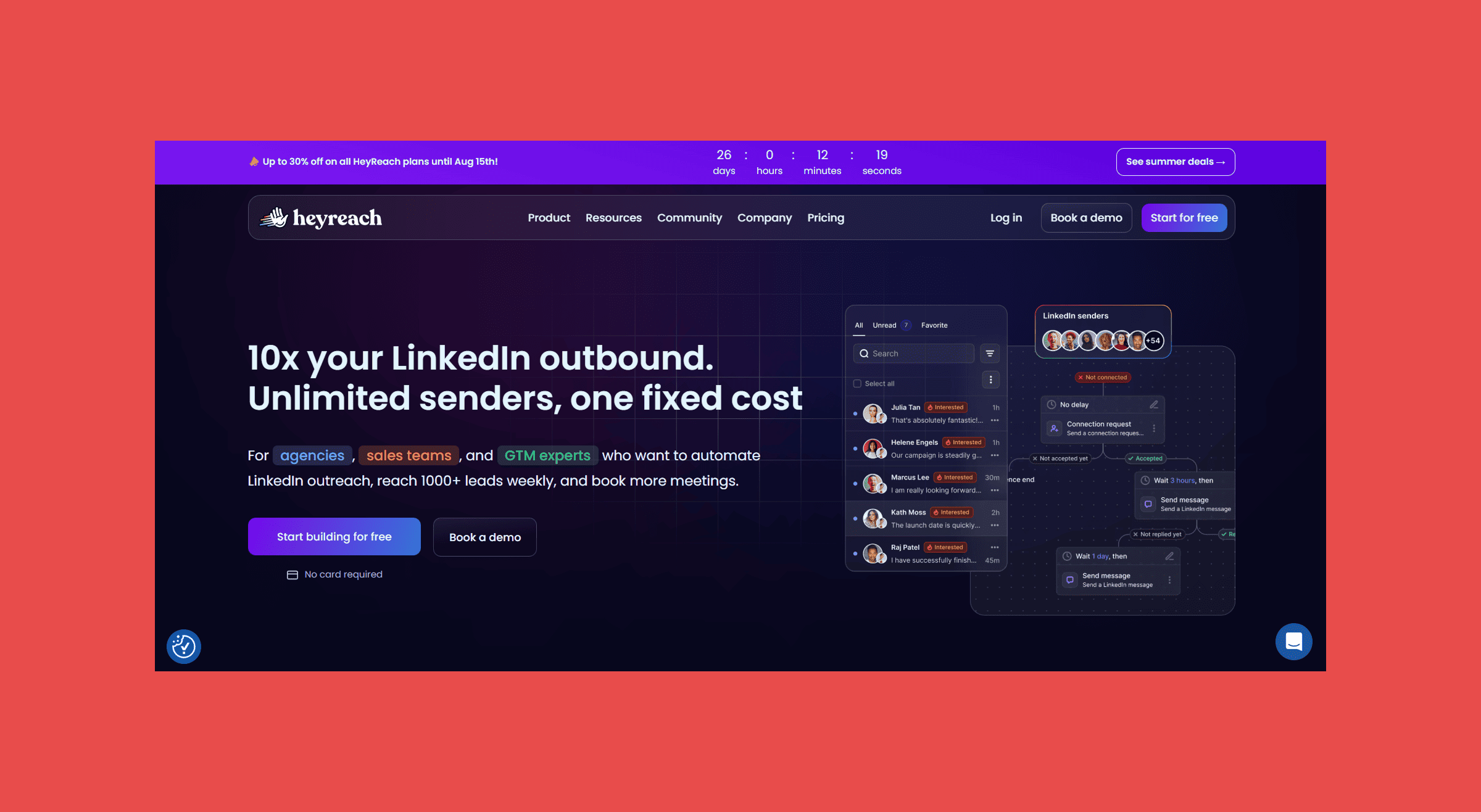
HeyReach is a cloud-based LinkedIn automation platform for managing multiple sender accounts from one dashboard, with campaigns running on their servers instead of a browser extension. It's built for agencies and teams running LinkedIn outreach across several accounts, with a unified inbox for replies.
Key Features:
- Multi-account management: Run and monitor LinkedIn outreach across many sender accounts from a single dashboard.
- Cloud-based sending: Campaigns run on HeyReach's infrastructure, not a local browser session.
- Unified inbox: Manage replies from every connected LinkedIn account in one place.
- Sender rotation: Distribute outreach volume automatically across connected accounts to reduce the risk of any single account getting flagged.
- GTM integrations: Native connections to Instantly, Smartlead, Clay, and HubSpot to sync LinkedIn activity with the rest of your stack.
Ratings:
- G2: 4.6/5 (71)
- Capterra: 5/5 (2)
Pricing:
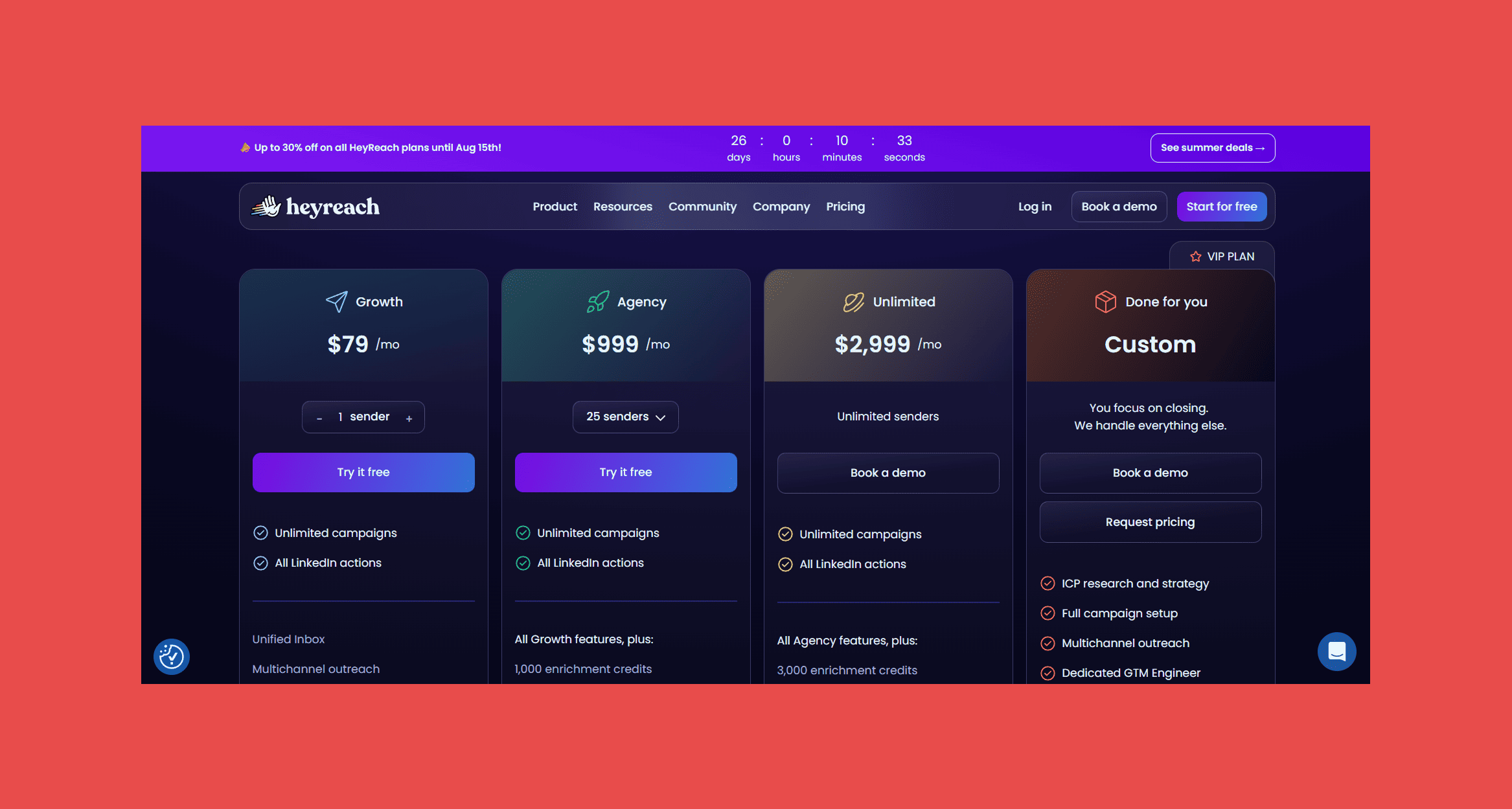
- Growth: $79/mo – 1 LinkedIn sender accounts.
- Agency: $999/mo – 25 LinkedIn sender accounts, unified inbox, API access.
- Unlimited: $2,999/mo – Unlimited LinkedIn sender accounts.
- Custom: Request pricing – custom LinkedIn sender accounts.
How to Build an Outreach Stack That Doesn’t Feel Overwhelming
It's easy to assume that more tools will lead to better results. But in reality, too many different platforms can feel overwhelming rather than effective.
Start With Your Biggest Bottleneck
Instead of buying multiple tools at once, identify the part of your workflow that consumes the most time or creates the biggest problems. If you're struggling to find accurate contact information, focus on email discovery and verification. If deliverability is your main concern, invest in warm-up and inbox placement tools first.
Choose Tools That Integrate Well
Your outreach stack should work as a connected system, not a collection of isolated platforms. So, prioritize tools that integrate with each other. That can help synchronize your prospect data, campaign activity, CRM records, and any other essential elements.
The Bottom Line
Successful outreach isn't about finding a single tool that does everything. It's about using the right tool for each stage of the process. Of course, you can find software that does everything in one place. But before using it, ask yourself a question: Are all of its features working equally well?
The seven tools on this list each solve a specific outreach challenge. Start with the platforms that address your current bottlenecks, and then expand your stack as your outreach needs grow.
Findymail finds the right decision-makers, uncovers verified business email addresses, and helps you get targeted prospects faster. Every email is verified before you export it, helping you reduce bounce rates and improve your deliverability.
FAQ
What is the best email outreach tool?
The best email outreach tool depends entirely on your goals. There is no universal solution. What will be a great fit for one won’t be for another. So, it’s worth thinking carefully about what you are aiming for.
For example, if you need verified email addresses, Findymail will be a strong choice. For cold email outreach campaigns, Instantly would work. While HubSpot is better for managing leads and sales pipelines. And so on.
Many businesses combine several tools to cover different parts of the outreach process. But that’s okay if you try one and it doesn’t work for you. You can switch to another one and find the best for your needs.
How can I improve email deliverability?
Verify email addresses before sending campaigns. You'd be surprised how that can reduce your bounce rates. Besides that, warming up your email account can also help. And of course, avoid spam-triggering content. Email tools can help you with all of these tasks. It’s just a matter of finding the right fit.
Do I need a CRM for email outreach?
A CRM isn't required when you're just starting. But it becomes valuable as your outreach campaigns grow. It keeps all your contacts, conversations, and deal progress in one place. Without CRM, it will be hard to manage so much information and not lose track of it. Just make sure to choose a CRM that integrates with the outreach platforms you’re already using.
Should I use one all-in-one outreach platform or several specialized tools?
Basically, it pretty much depends on your workflow. Of course, all-in-one platforms are convenient because everything is managed in one place, so you can try them. But keep in mind that specialized tools often provide more advanced features for specific tasks. Many teams build an outreach stack by combining the best solutions for each stage of the process.

Valentin
Valentin Wallyn is the founder and CEO of Findymail, a SaaS platform he launched to help B2B teams discover accurate email and contact data and automate data enrichment at scale. With an IT background, Valentin combines a technical mindset with hands-on experience in outreach and growth. His work centers on improving data quality and prospecting efficiency, drawing on years of entrepreneurial experience and a deep understanding of what makes outreach campaigns succeed.