AI Lead Finder
 Email Finder
 Email Verifier
 Phone Finder
 Intent Signals
 CRM Enrichment/Cleaning
 API
API

Seamless AI's pitch is simple: tell it who you want to reach, and its real-time search engine finds their email and phone number. If you've spent five minutes on sales LinkedIn, you've seen the ads.
But finding prospects isn't the same as finding the right ones, and neither tells you whether the email you just revealed will actually land. Add pricing that only appears after a demo request and intent data sold as an extra, and plenty of teams want to see what else is out there before they sign a contract.
This guide covers what Seamless AI is, how it works and what it costs, where it fits and where it doesn't, and seven alternatives (Findymail included) - sorted by the part of the workflow they handle best.
Findymail verifies every email in real time, catch-all addresses included, and guarantees a bounce rate under 5%. If it ever goes over, you get a refund.
What This Guide Covers: What Seamless AI does, how it works, what it costs, its strengths and limitations, what to look for in an alternative, and seven tools matched to different prospecting workflows.
The 7 Alternatives:
1. Findymail – Verified email and phone finding, AI lead discovery and intent signals
2. Apollo – B2B database plus sequencing in one platform
3. Cognism – Enterprise sales intelligence with phone-verified mobiles
4. Lusha – Contact discovery and enrichment with a searchable database
5. RocketReach – Contact lookup across a large B2B database
6. Hunter – Email finding and verification
7. UpLead – Verified B2B contact database with email verification at download
Bottom Line: Seamless AI is built for AI-assisted prospect discovery at volume. If what you need most is prospects you can actually reach, with a bounce rate someone will stand behind, Findymail is built for that.
What Is Seamless AI?
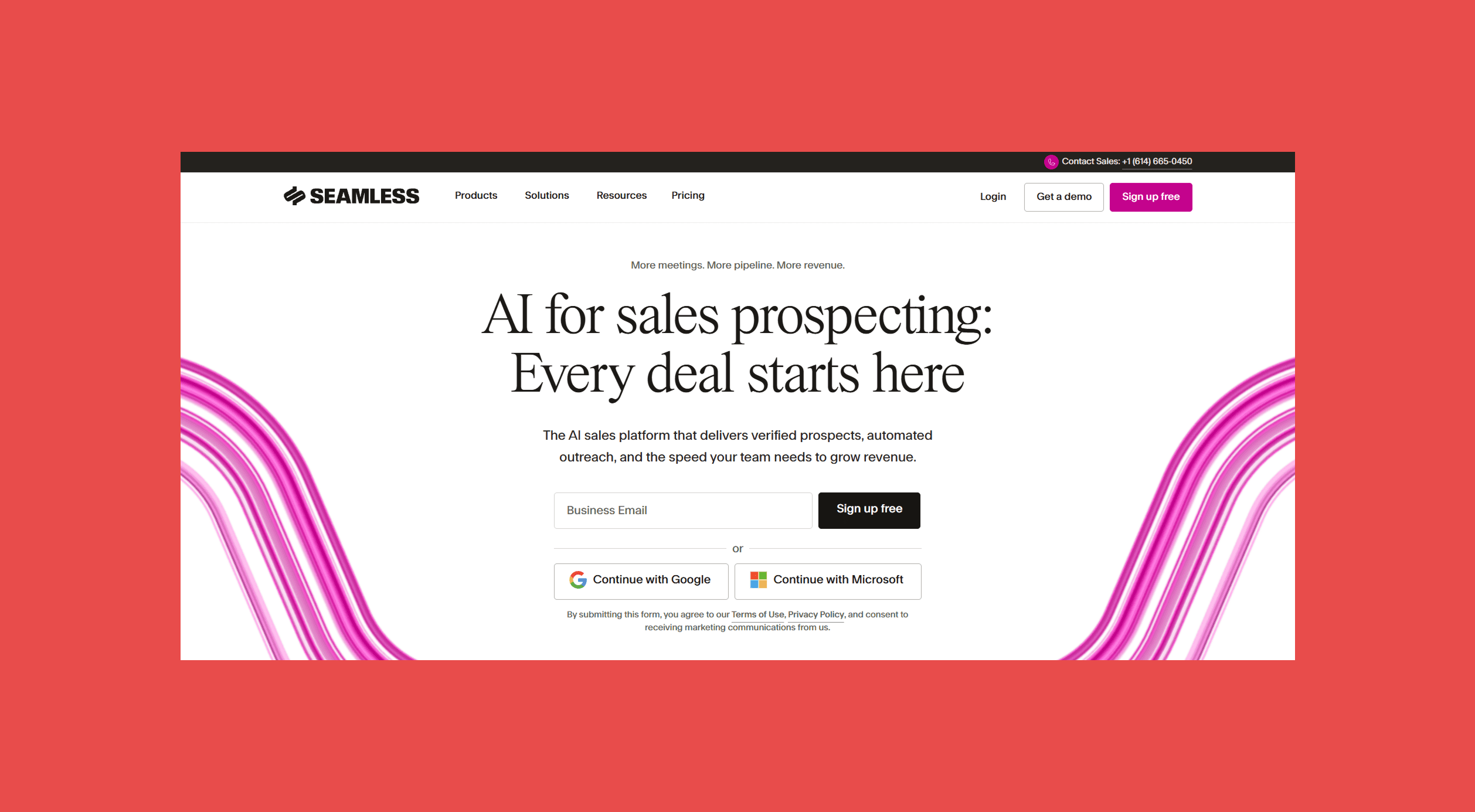
Seamless AI is a B2B sales intelligence platform for prospecting. Set filters for the people you want to reach, and it returns their emails, mobile numbers and direct dials, plus company details for building a list.
Its pitch is freshness. Seamless AI calls itself a real-time search engine rather than a static database, so contact details are looked up and verified when you search instead of pulled from stored records.
Around that sits a full outbound platform: Job Changes, Buyer Intent (powered by Bombora), Data Enrichment and Pitch Intelligence on the data side, and Connect for emailing, calling and social selling, with AI Assistant drafting the copy. Autopilot links the two by researching whole lists in one run.
How does Seamless AI work?
Filter by title, company, industry, location, size, revenue or tech stack in Contact Search or the Chrome extension; searching is free. Clicking Find researches and validates a contact for one credit, then saves them to My Contacts for lists, CRM import or outreach in Connect.
For volume, Autopilot takes a search you've already run and researches as many of the results as you choose, from a few thousand contacts to hundreds of thousands, at one credit per contact. It skips anyone you've researched before, and if you cancel partway through, you only pay for the contacts already done. The Chrome extension brings the same Find button to LinkedIn and any company website, where it shows how many contacts Seamless AI has tied to that domain.
What can you use Seamless AI for?
- Building lists of decision-makers by role, industry and company size
- Finding contact details for a specific person, or for the people behind a company website
- Researching thousands of contacts in one run with Autopilot
- Following champions and past buyers to new companies through Job Changes
- Prioritizing accounts that show buying intent (separate purchase)
- Filling gaps in contact, company and email lists with Data Enrichment
- Writing and sending outreach with AI Assistant and Connect
Who is Seamless AI for?
Seamless AI is built for teams that prospect every day and want contacts on tap:
- SDR and BDR teams
- Account executives building their own pipeline
- Founders running outbound
- Lead generation agencies
- Recruiters
- Wider revenue teams
It helps to separate two kinds of buyer, though. Some want a broad prospecting platform where search, list building, intent and enrichment live under one login. Others mainly need accurate contact data that drops cleanly into a stack they already run. Seamless AI leans toward the first group, which is also why the second group tends to shop around.
How much does Seamless AI cost?
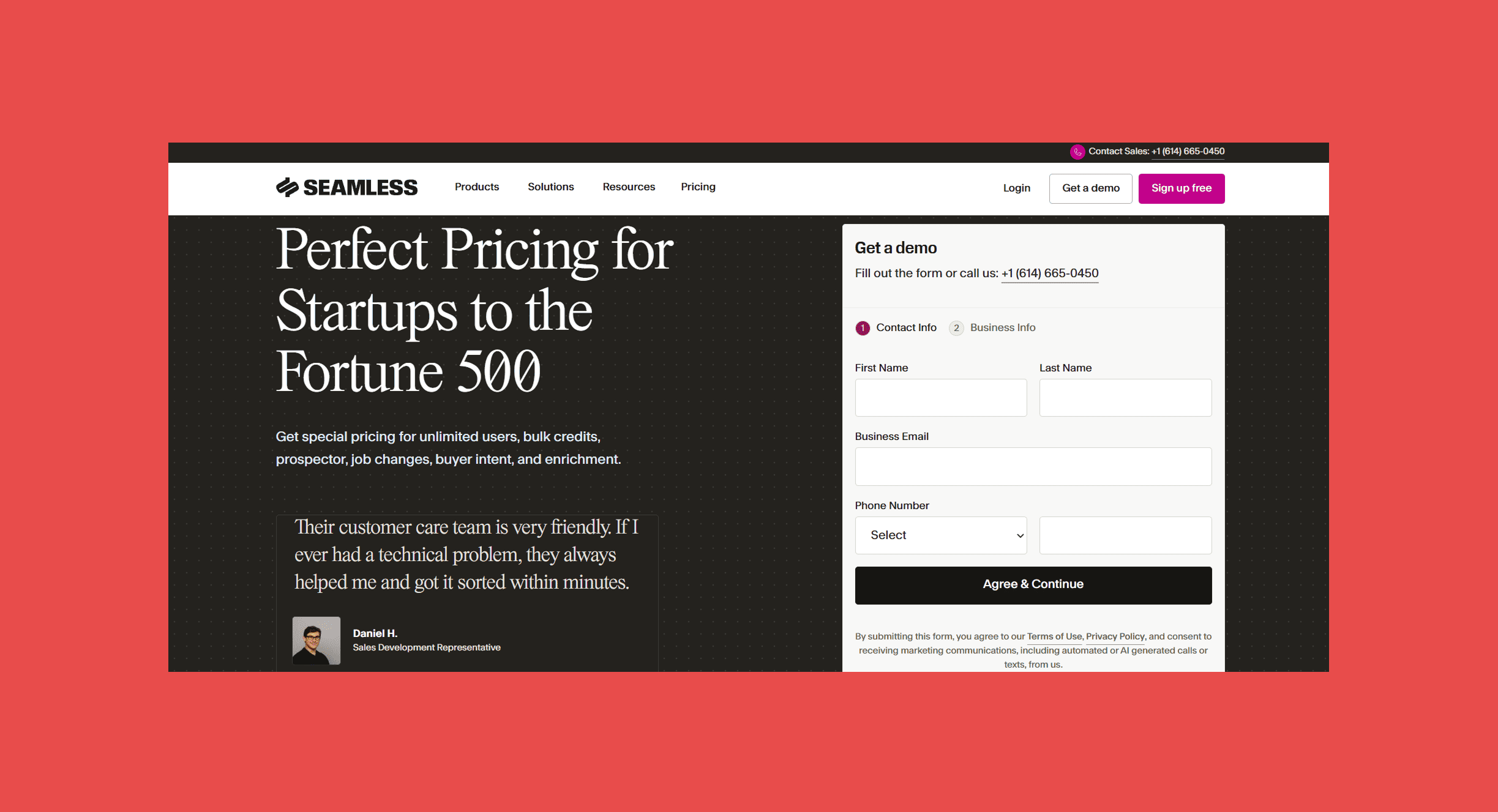
Seamless AI doesn't publish prices. Paid plans are quoted after a demo, based on users, credits and the products you add, and a free sign-up lets you test it first.
Credits work like this:
- Researching a contact (Find or Autopilot): 1 credit
- Enriching a record: 1 credit
- AI Assistant interaction: 0.2 credits
- Buyer Intent: separate purchase
The real pricing question
Compare what it costs to get usable, verified prospects into your workflow, not the monthly price. A cheap plan that returns undeliverable emails costs more than its invoice suggests.
Seamless AI Review: Features, Strengths & Limitations

What Seamless AI does well
Seamless AI's biggest strength is volume without manual research. A rep can go from a handful of filters to a populated list without opening a single profile, and Autopilot can research thousands of contacts in a single run while they work the leads they already have.
- Search covers both people and companies, with filters for role, industry, size, revenue and tech stack
- Emails and phone numbers come from the same research, mobiles and direct dials included
- Autopilot researches large lists in minutes and skips contacts you've already paid for
- Connect and AI Assistant let reps write and send outreach without leaving the platform
- Job change tracking makes it easier to follow champions to new companies
- The Chrome extension works on LinkedIn and any company website
- A free sign-up lets you check data quality before you talk to sales
Where Seamless AI may fall short
None of these are dealbreakers on their own. They're the situations where a team's needs pull away from what Seamless AI is set up to do.
- Pricing visibility: There are no published plan prices, so comparing costs or starting small means going through a demo first.
- Extra purchases: Buyer Intent is bought separately, and intent topics are locked for the length of the subscription.
- Deliverability assurance: Seamless AI validates data in real time but doesn't publish a bounce-rate guarantee, so it's worth sending to a sample before you commit real volume.
- Credit math: Searching is free, but research, Autopilot, enrichment and even AI Assistant prompts all draw on credits, so heavy users should model their usage before they sign.
- ICP precision: Discovery runs on filters. If your ideal customer is defined by something a dropdown can't express, expect more trial and error.
- Coverage by market: Match rates vary by region, industry and seniority with every provider, Seamless AI included.
- Platform breadth: With data, outreach and automation in one place, teams that already run a CRM, sequencer and enrichment process may pay for more platform than they use.
Why Look for a Seamless AI Alternative?
Most teams don't look for a Seamless AI alternative because they suddenly stop needing prospect data. They look because the way they find, verify and act on that data has changed, or because the renewal quote just landed in their inbox.
1. You need more confidence in deliverability
An email that bounces is worse than no email at all: it burns a credit, dents your sender reputation and wastes a sequence step. Teams sending at volume usually want verification they can measure, not just a green checkmark.
2. You want dedicated email verification
Some teams already have contacts from events, old CRM exports or other tools. What they need is to check those addresses before sending, not to discover new ones.
3. You need a different prospecting workflow
Filter-based search is one way in. Others include names plus company domains, CSV uploads, company-first searches, plain-English ICP descriptions and buying signals, and the right entry point depends on how your team builds lists today.
4. You want more predictable pricing
Quote-only pricing makes it hard to know what a campaign will cost until you've sat through a demo and committed. Published plans let you price a list before you build it.
5. You need better coverage in your target market
Data quality shifts by geography, industry, company size and role. A provider that's strong on US software companies can be thin on European manufacturing, so test against your own territory rather than a vendor's showcase search.
6. You need intent or buying signals
Some teams don't just want more prospects; they want to know which ones are worth calling this week. On Seamless AI, Buyer Intent is a separate purchase, so it's fair to compare what other tools include as standard.
Findymail Signals monitors for new hires, job title changes, keyword mentions and topic engagement, then enriches each lead with a verified email and pushes it straight to your CRM or sequencer.
7. You already have an outreach stack
If your CRM and sequencer already work, Seamless AI's built-in engagement tools may be features you pay for twice. A prospecting platform that finds, verifies and pushes contacts into the stack you already run can do the job without replacing it.
What Should You Look for in a Seamless AI Alternative?
Use these criteria to compare the tools below, and to pressure-test any demo you sit through.
- Data accuracy and freshness: How the provider sources its data, how often records update, and whether it verifies information at the point you use it.
- Email verification: Whether verification is real-time, how risky and catch-all addresses are handled, and whether you can verify lists you already own.
- Prospect discovery: Database search, company and contact filters, role and title filters, and ICP-based or AI-assisted discovery.
- Phone data: Mobile versus direct dial coverage, how numbers are verified, and how well coverage holds up in your regions.
- Enrichment: Whether you can enrich contacts, companies, CSV files and CRM records, and whether that costs extra.
- Intent and buying signals: New hires, job changes, topic engagement and other buying events, plus which plan actually includes them.
- Workflow fit: CRM and sales engagement integrations, CSV exports, API access and automation.
- Pricing: Subscription cost, credits, per-user fees, export limits, and what phone lookups, verification and add-ons cost on top.
Don't judge any of them on sticker price alone. The cheapest credit is the one that turns into a conversation.
7 Best Seamless AI Alternatives
Not every tool here replaces Seamless AI feature for feature, and that's deliberate: some are close contact-data rivals with their own databases, while others specialize in verification, enterprise intelligence or outreach. Pick based on the part of your workflow that's actually holding you back.
Seamless AI vs. Alternatives: Comparison Table
| Tool | Best for | Key feature | Starting price |
|---|---|---|---|
| Seamless AI (reference) | AI-powered contact search | Real-time search engine and Autopilot | Free sign-up; paid plans by quote |
| Findymail | Verified contact data & prospecting | Real-time verification, Intellimatch and Signals | $49/month |
| Apollo | All-in-one prospecting & engagement | Database search with built-in sequences | Free plan; $65/user/month |
| Cognism | Enterprise sales intelligence | Phone-verified mobile numbers | Custom |
| Lusha | Contact discovery & enrichment | AI Workspace and Engage sequences | Free plan; $49.90/month |
| RocketReach | Contact lookup | Search, extension and Autopilot bulk lookups | $49/month |
| Hunter | Email finding & verification | Domain Search and free re-verification | Free plan; $49/month |
| UpLead | Verified B2B database search | Email verification at download | 7-day trial; $99/month |
1. Findymail: Best for Verified Contact Data & Prospecting
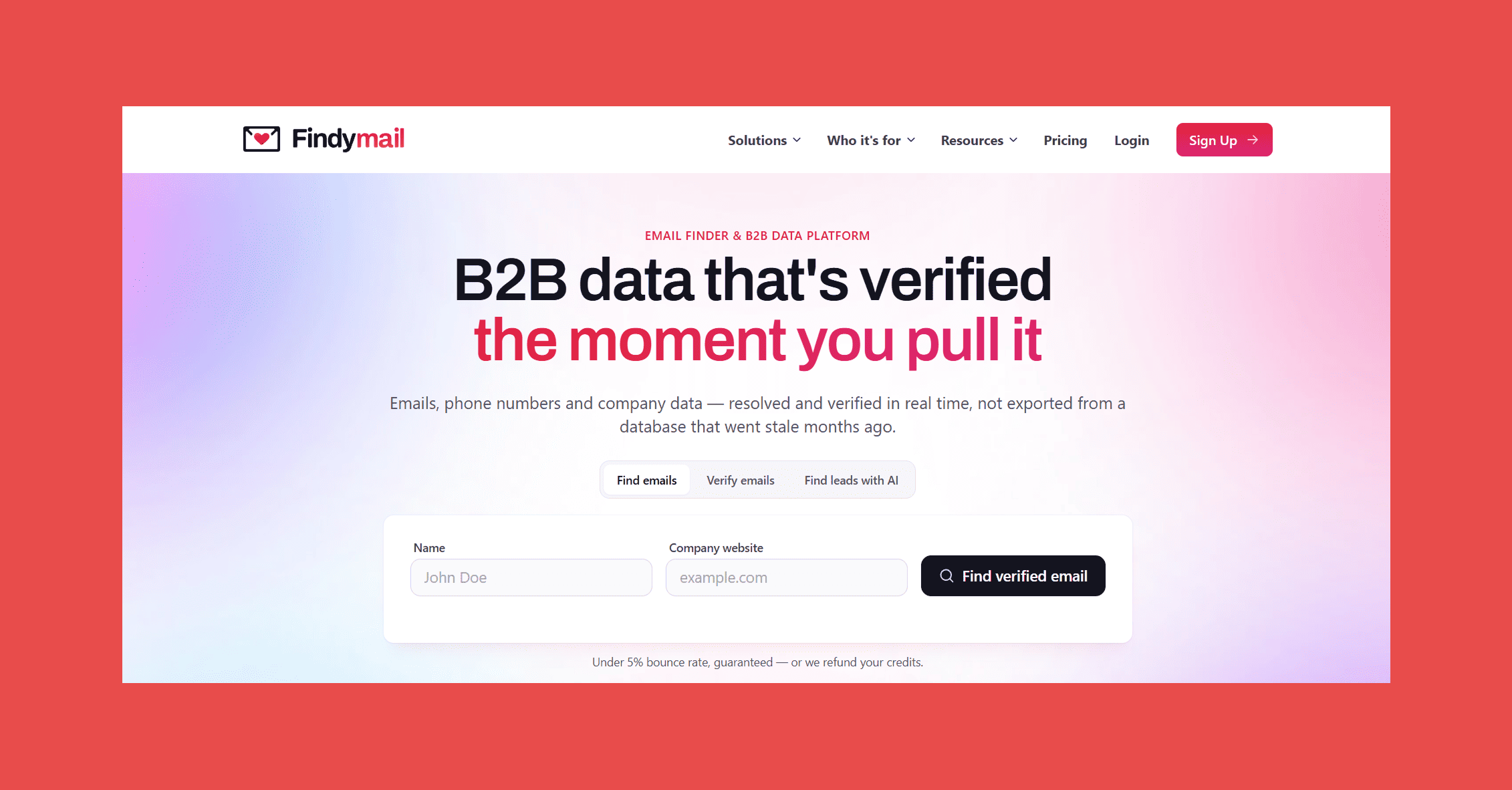
Plenty of tools promise verified contacts. Findymail puts a number on it: every email is verified the moment it's found, catch-all addresses included, and the bounce rate is guaranteed under 5%, with a refund if it ever goes over. Around that core sits a complete B2B prospecting platform, with phone finding, Intellimatch for turning a plain-English ICP description into ranked companies and contacts, and Signals for catching new hires and job title changes as they happen.
For teams weighing it against Seamless AI, two differences show up before the first email goes out: you only pay for contacts that come back verified, and every plan's price is published, no demo required.
What it offers:
- Email Finder with real-time verification, catch-all addresses included
- Phone Finder for direct mobile numbers and direct dials
- Email Verifier for cleaning lists you already have
- Chrome extension for finding contacts while viewing supported profile pages
- Bulk finding from CSV or XLS files, plus Google Sheets
- Intellimatch AI lead finder and Signals intent monitoring
- Integrations with HubSpot, Salesforce, Pipedrive, Instantly, Smartlead and Lemlist, plus Zapier, Make and an API
How it works:
Findymail works from wherever your prospect list starts. Look up one contact at a time with Single Search or the Chrome extension, or upload a CSV of names and company domains and let bulk finding do the rest. Every email comes back verified in real time, so Findymail-sourced contacts never need a second verification pass, and the Email Verifier handles lists you've picked up elsewhere.
Intellimatch adds a second starting point for teams that don't have a list yet:
Instead of stacking filters, you describe your ideal customer in plain English, and Intellimatch analyzes company websites to rank the closest matches. From there, contacts sync to your CRM or outbound tool through native integrations, or through the API if yours isn't on the list.
Seamless AI vs. Findymail:
| Factor | Seamless AI | Findymail |
|---|---|---|
| Core job | AI-powered contact search, prospecting and outreach | Verified contact finding and prospecting |
| Starting point | Contact and company search, Chrome extension or Autopilot | Name, domain, CSV, Intellimatch or Signals |
| Email data | ✓ | ✓ (verified in real time, catch-alls included) |
| Phone data | ✓ | ✓ |
| Bounce guarantee | Not published | Under 5%, with a refund if exceeded |
| Verify an existing list | Email list enrichment (1 credit per record) | ✓ (Email Verifier) |
| AI prospect discovery | Filter-based search and Autopilot | ✓ (Intellimatch, plain-English ICP) |
| Intent data | Separate purchase (Bombora topics) | ✓ (Signals, on every plan) |
| Pricing model | Custom quote (users, credits, products) | Published plans, credits charged only for verified contacts |
Seamless AI is built to find and reveal contacts at scale inside one platform. Findymail is built so the contact you export is one you can reach: every email is verified in real time, catch-alls included, and the bounce guarantee puts money behind that claim. Intellimatch also finds prospects that filters can't describe, and Signals comes with every plan rather than as an add-on.
Ratings
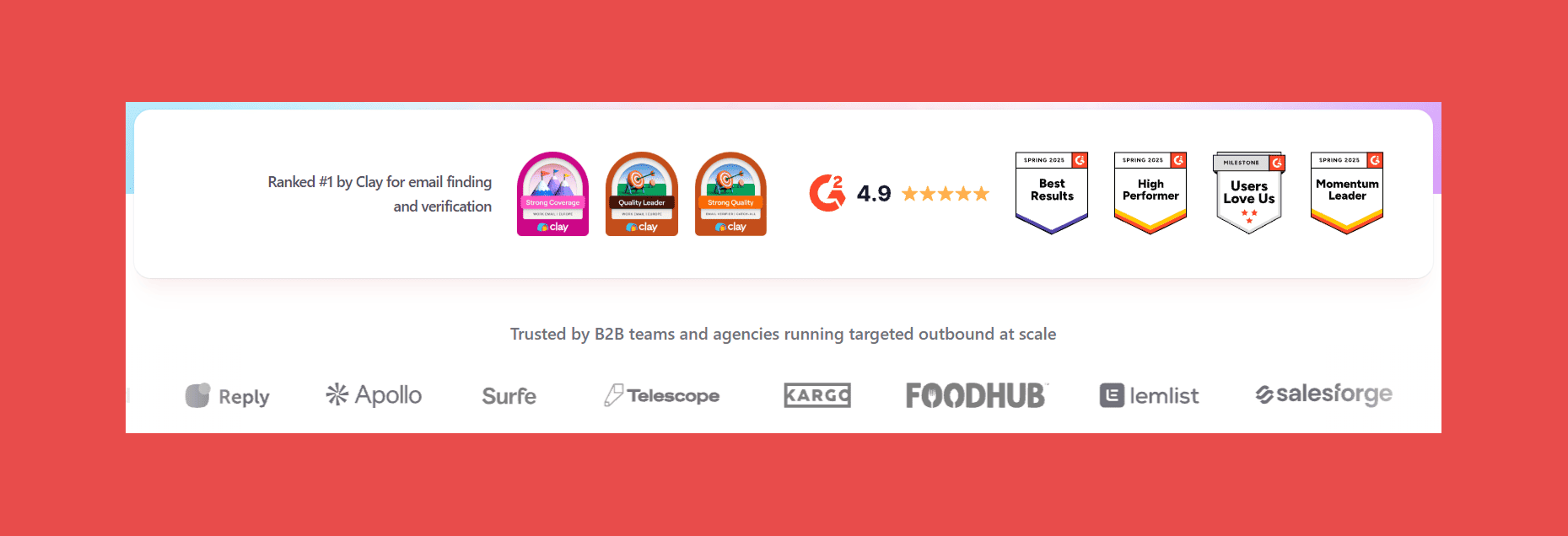
- G2: 4.9/5 (57)
- Capterra: 4.9/5 (7)
Pros
- Every email is verified before export, catch-all addresses included
- Sub-5% bounce rate, with a refund if it's ever exceeded
- Published pricing, with credits charged only for verified contacts
- Duplicates aren't charged twice, and unused credits roll over up to 2x
- Intellimatch finds prospects from a plain-English ICP description
- Every plan includes every feature, with nothing locked behind a higher tier
Cons
- No built-in sequencing or sending
- Phone lookups cost 10 Finder credits each
- Signals covers four signal types rather than a wide signal library
- Credit-based pricing means cost scales with volume
Pricing
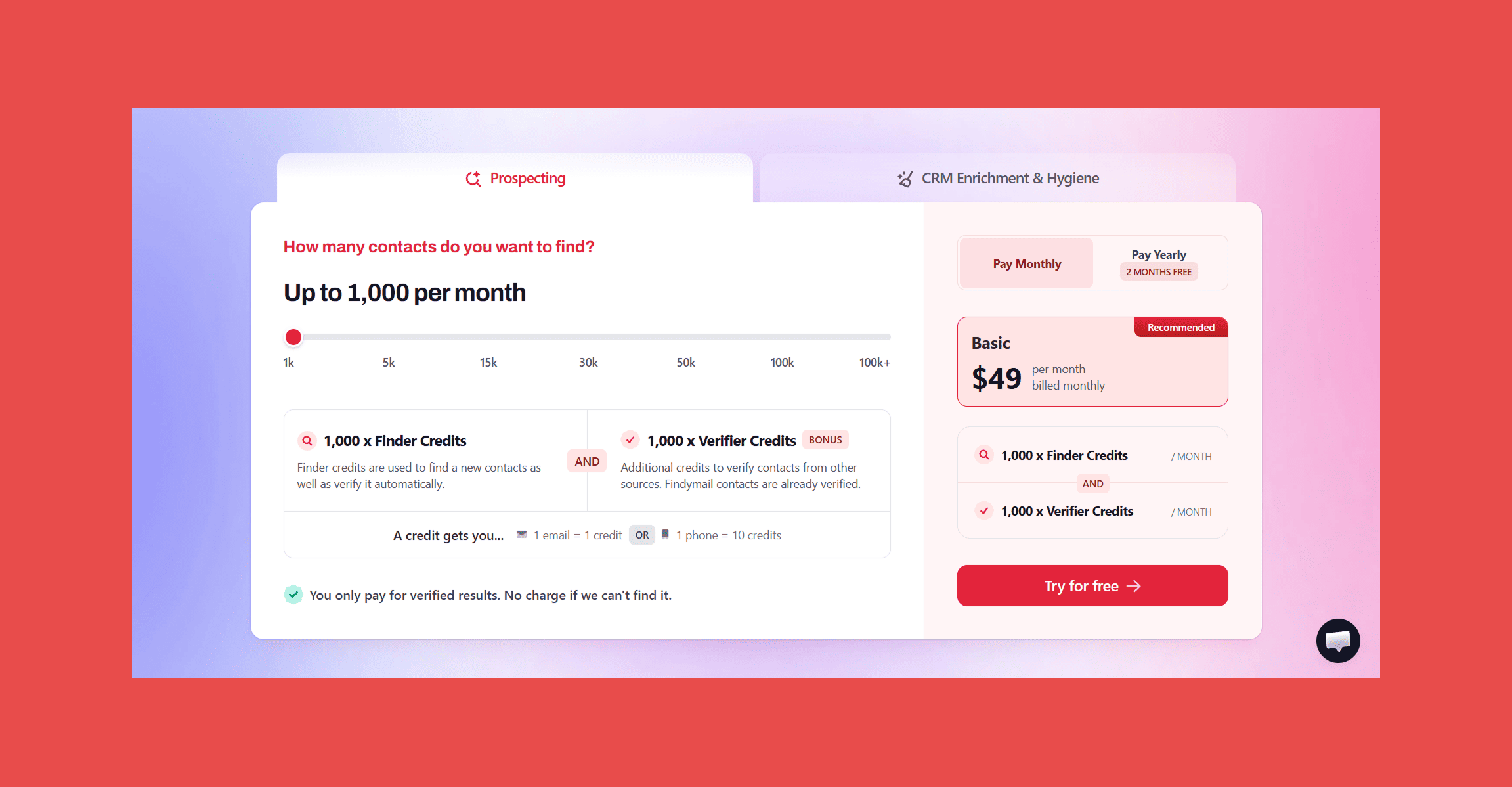
Findymail plans, with Finder and Verifier credits matched at each tier:
- Basic: $49/month for 1,000 credits
- Starter: $99/month for 5,000 credits
- Business: $249/month for 15,000 credits
- Business Plus: $399/month for 30,000 credits
- Scale 50K: $549/month for 50,000 credits
- Scale 100K: $849/month for 100,000 credits
- Enterprise: custom
Intellimatch reads your ICP in plain English, analyzes company websites to rank the closest matches, and returns verified contacts for the job titles you pick.
2. Apollo
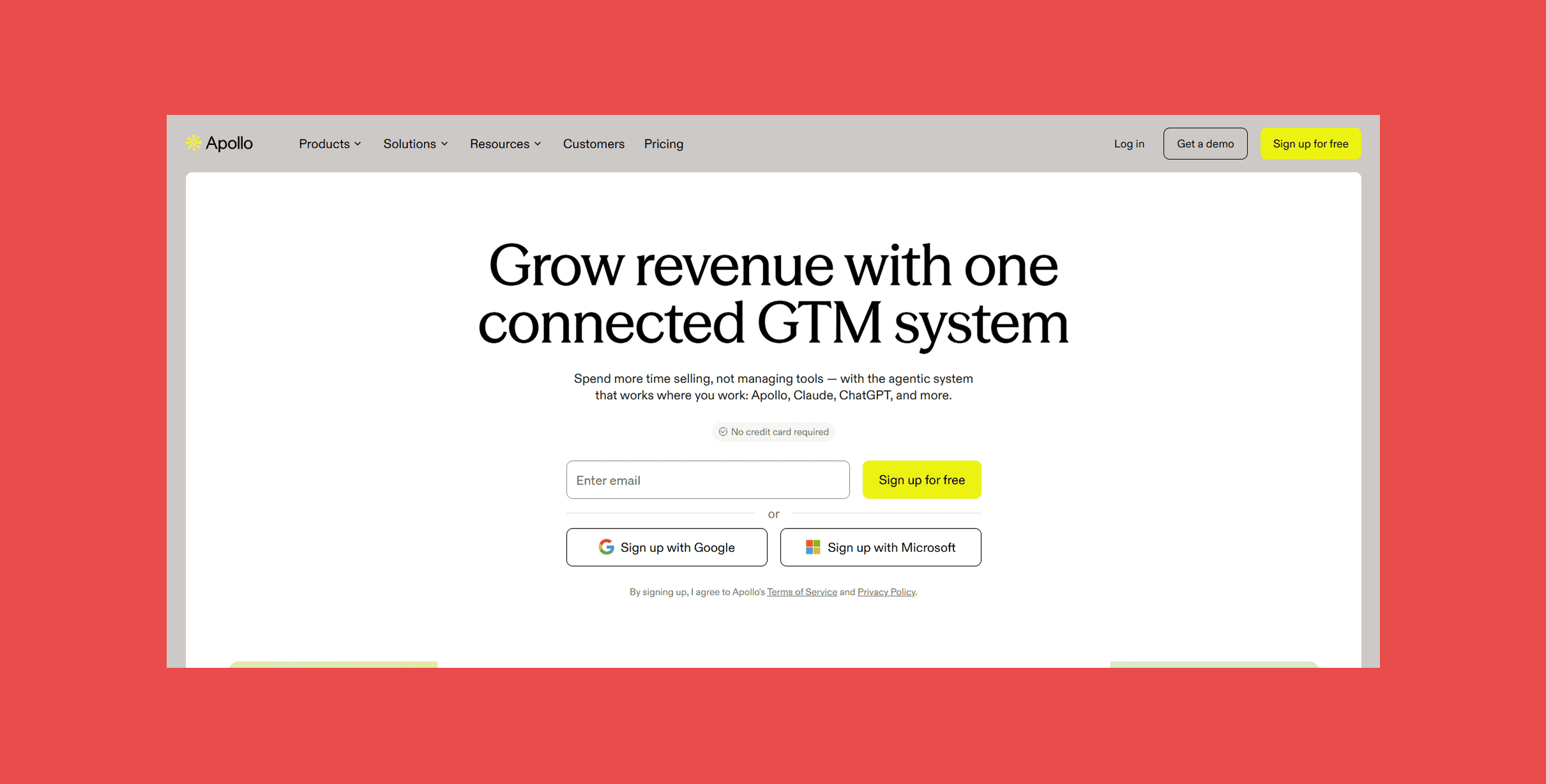
If Seamless AI's appeal is having prospecting and outreach under one login, Apollo makes the same promise with its prices on the table. Teams search Apollo's own database of people and companies, then run sequences, calls and pipeline from the same workspace, and a free plan lets anyone try it before talking to sales.
What it offers:
- A database of hundreds of millions of people and companies, searchable with ICP and persona filters
- Buying intent and signal filters, plus lookalike companies
- AI research on prospects and an AI writing assistant
- Multichannel sequences for email, calls and LinkedIn tasks
- Scheduled enrichment to keep contact data fresh
- Meetings, deals and reporting in the same platform
How it works:
You filter companies by size, industry, location and revenue, narrow further with intent or signals, and save the result as a list. A persona built from job titles, departments or locations then pulls the right people from those accounts. Sequences handle outreach across email, calls and LinkedIn tasks, and meetings and deals are tracked in the same place.
Seamless AI vs. Apollo:
| Factor | Seamless AI | Apollo |
|---|---|---|
| Core job | AI-powered contact search, prospecting and outreach | Prospecting, outreach and pipeline in one |
| Starting point | Contact and company search, Chrome extension or Autopilot | Database search with ICP and persona filters |
| Email data | ✓ | ✓ |
| Phone data | ✓ | ✓ |
| Built-in outreach | ✓ (Connect: email, calling, social selling) | ✓ (email, calls, LinkedIn tasks) |
| Intent data | Separate purchase (Bombora topics) | ✓ (buying intent filters) |
| Pricing model | Custom quote (users, credits, products) | Per user, published plans, credits per seat |
| Free option | Free sign-up | Free plan |
The split is search-and-reveal versus database-plus-engagement. If you want one platform for list building and outreach, Apollo covers more of the funnel. If you already run sequences elsewhere, that extra breadth is platform you'd be paying to ignore.
Ratings
- G2: 4.7/5 (9,838)
- Capterra: 4.5/5 (398)
Pros
- Prospecting, outreach and pipeline in one platform
- Free plan with 75 credits a month
- Personas and lookalikes make list building quick
Cons
- More platform than data-only teams need
- Credits are allocated per seat, so costs scale with headcount
- Organization plan is annual-only with a three-seat minimum
Pricing
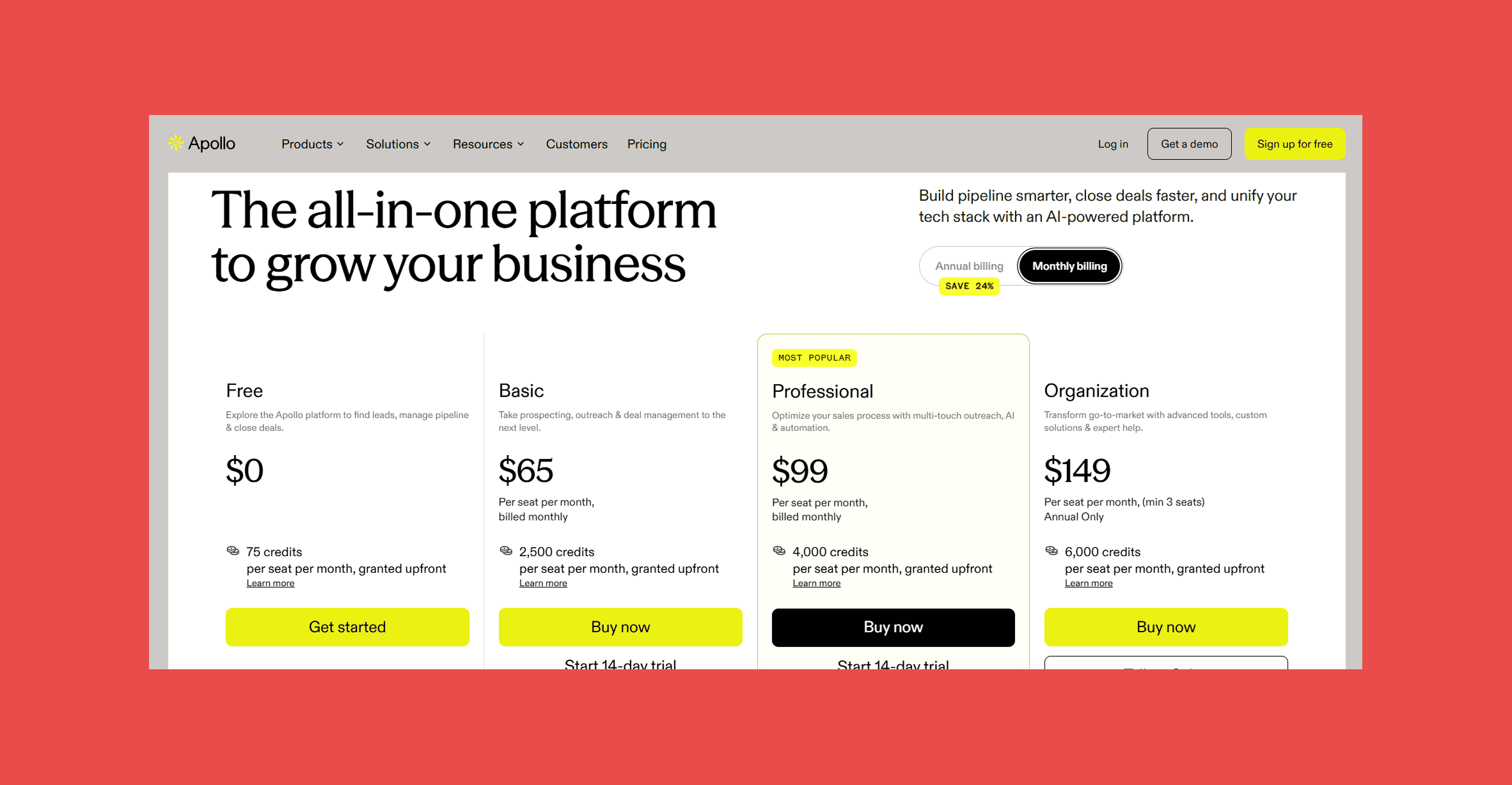
Per user, monthly billing:
- Free: $0 for 75 credits a month
- Basic: $65/month for 2,500 credits a month
- Professional: $99/month for 4,000 credits a month
- Organization: $149/month for 6,000 credits a month (three-seat minimum, annual billing only)
3. Cognism
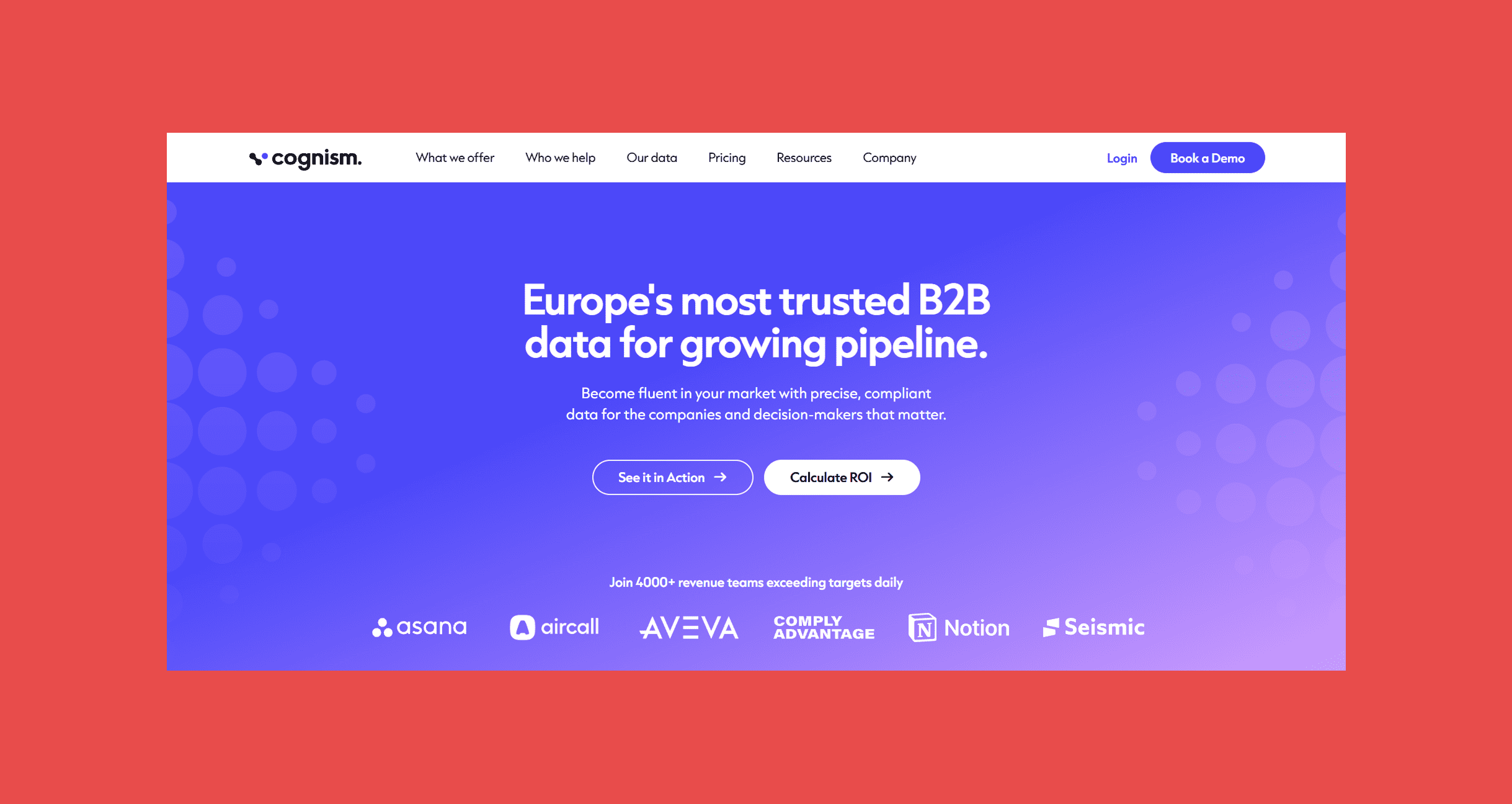
Cognism is the closest match here to how Seamless AI sells: paid plans go through a sales conversation, and the platform is sized for revenue teams rather than solo reps. Where it differs most is phone data. Its Diamond Data mobiles are phone-verified, its EMEA coverage and compliance work make it a regular pick for teams selling into Europe, and buying intent comes with its higher tier.
What it offers:
- B2B contact and company data with firmographic, technographic and signal-based filters
- Phone-verified mobile numbers (Diamond Data) with on-demand verification
- Buying intent and job change tracking
- AI-assisted account research
- Browser extension for LinkedIn and company websites
- CRM Enrichment, as an add-on or standalone product
How it works:
Most searches start on the Companies tab, where you narrow accounts by location, headcount, industry, tech stack, company events like hiring or funding, and intent topics. Switching to the Contacts tab shows the people at those companies, filterable by job title, seniority or whether they have a verified mobile. Reveal their details, then add them to a list or export them.
Seamless AI vs. Cognism:
| Factor | Seamless AI | Cognism |
|---|---|---|
| Core job | AI-powered contact search, prospecting and outreach | Sales intelligence platform |
| Starting point | Contact and company search, Chrome extension or Autopilot | Company and contact search |
| Email data | ✓ | ✓ |
| Phone data | ✓ (mobiles and direct dials) | ✓ (phone-verified mobiles) |
| Intent data | Separate purchase (Bombora topics) | Pro plan |
| CRM enrichment | ✓ (1 credit per record) | Add-on or standalone product |
| Pricing model | Custom quote (users, credits, products) | Custom, five-seat packages |
| Free option | Free sign-up | ✗ |
Both are sales-led purchases, so the decision comes down to data and region. Cognism's case rests on phone-verified mobiles and European coverage, while Seamless AI leans on real-time search and automated list building. If your team lives on the phones or sells heavily into EMEA, Cognism deserves a side-by-side test.
Ratings
- G2: 4.5/5 (1,370)
- Capterra: 4.7/5 (263)
Pros
- Phone-verified mobiles suit teams that spend a lot of time on cold calls
- Well regarded for EMEA data and compliance
- Contact data, company data and signals in one platform
Cons
- No published pricing
- Packages start at five seats, a lot for small teams
- Buying intent and on-demand verification only on Pro
- Sized for teams rather than solo reps
Pricing
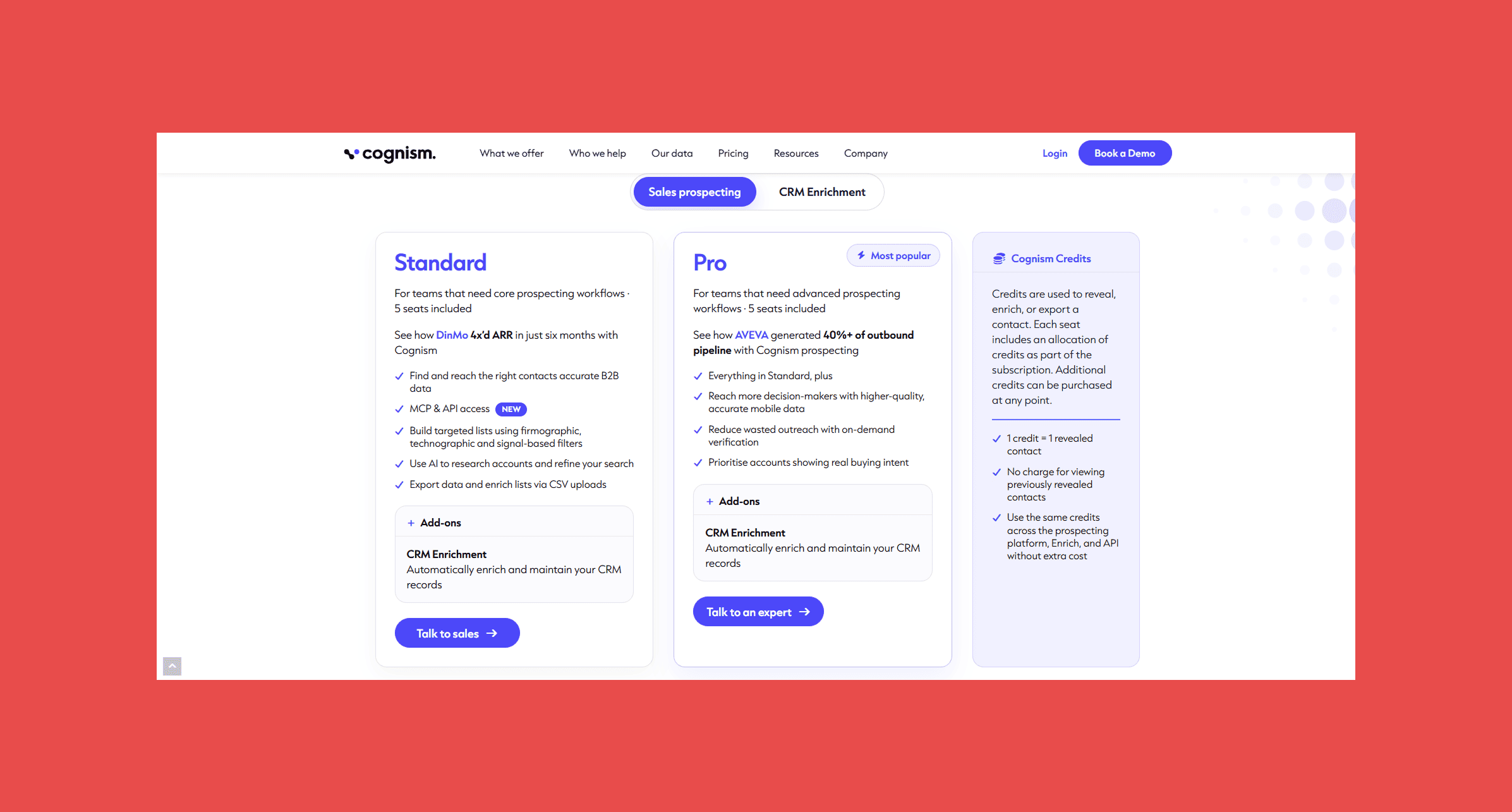
- Standard: custom, 5 seats included, covering core prospecting, filters, AI research, CSV enrichment and API access
- Pro: custom, 5 seats included, adding higher-quality mobile data, on-demand verification and buying intent
4. Lusha
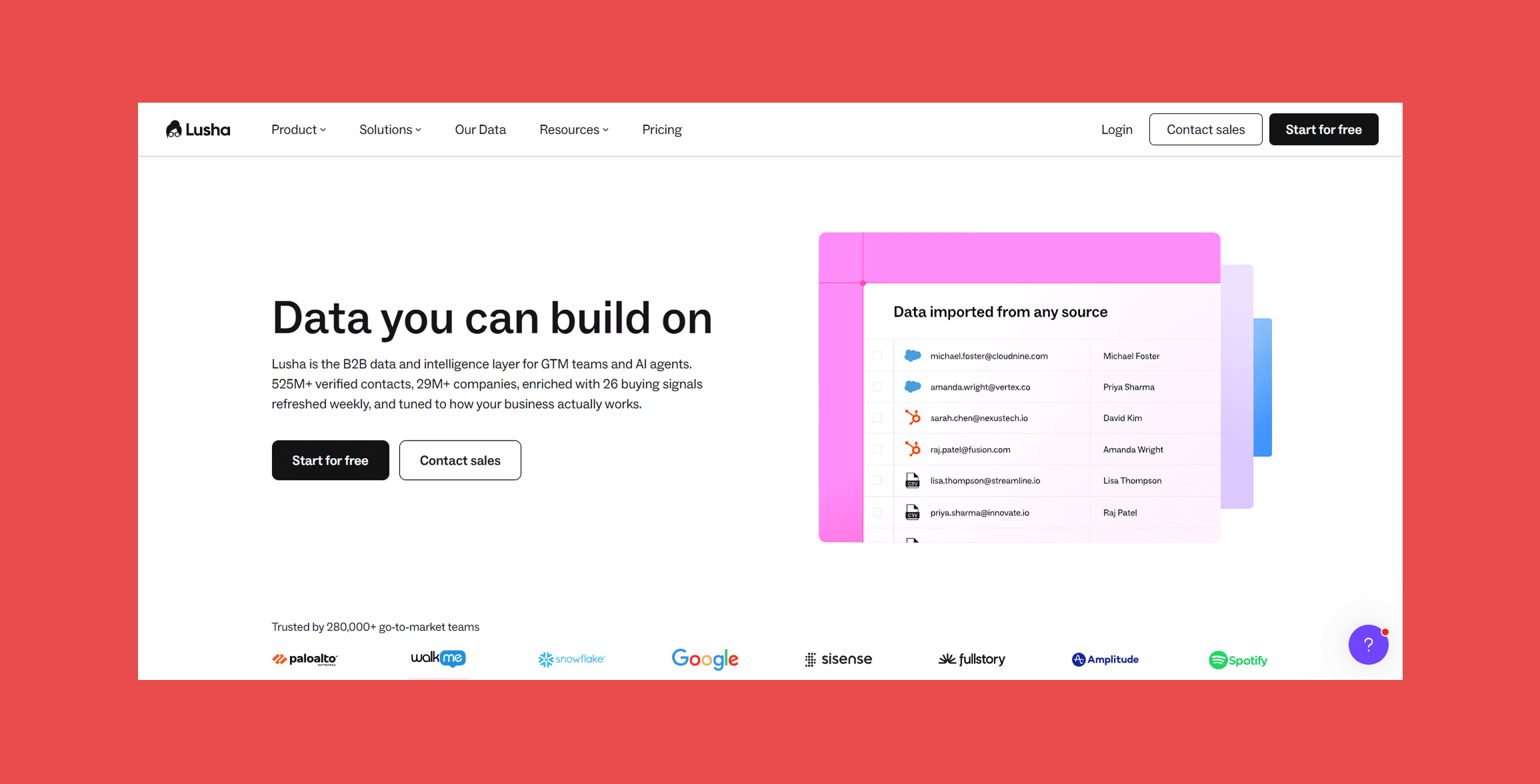
Lusha suits teams that want Seamless AI's mix of contact data and outreach but would rather start small. Plans are published and begin under $50 a month, the browser extension surfaces emails and phone numbers on LinkedIn, Sales Navigator and company websites, and an AI Workspace builds prospect tables from a plain-English brief. Engage sequences then handle the first email without another tool.
What it offers:
- Verified emails and phone numbers
- Prospect Search with filters for job title, seniority, industry, location and company size
- Workspace, which builds prospect tables from a plain-English description
- Browser extension for Chrome and Edge, on LinkedIn, Sales Navigator and company websites
- CSV enrichment through the Enrich page
- Engage email sequences and buying intent topics
How it works:
Most prospecting happens in Prospect Search, where you filter by role, industry, location and company size, or in Workspace, where you describe your ideal prospect and the AI builds the table. Revealing contact details spends credits, and from there contacts go into an Engage sequence or out as a CSV.
Seamless AI vs. Lusha:
| Factor | Seamless AI | Lusha |
|---|---|---|
| Core job | AI-powered contact search, prospecting and outreach | Contact discovery and enrichment |
| Starting point | Contact and company search, Chrome extension or Autopilot | Prospect Search, Workspace or extension |
| Email data | ✓ | ✓ |
| Phone data | ✓ | ✓ |
| AI prospect discovery | Filter-based search and Autopilot | ✓ (Workspace, plain-English description) |
| Intent data | Separate purchase (Bombora topics) | ✓ (buying intent topics) |
| Pricing model | Custom quote (users, credits, products) | One credit pool, published tiers |
| Free option | Free sign-up | Free plan |
On data type, the two are close. The bigger differences are pricing and workflow: Lusha publishes its plans and lets a solo rep start for under $50 a month, while Seamless AI's paid tiers need a quote. Run the same fifty prospects from your territory through both and compare what comes back.
Ratings
- G2: 4.3/5 (1,667)
- Capterra: 4.3/5 (1,667)
Pros
- Database search, AI table building and the extension in one tool
- Built-in email sequences, so outreach doesn't need another tool
- Free plan with 40 credits a month for testing data quality
Cons
- Starter's 400 monthly credits go quickly
- Adding seats means moving up a tier
- API access starts on Pro
- Credit rollover only on Pro and above
Pricing
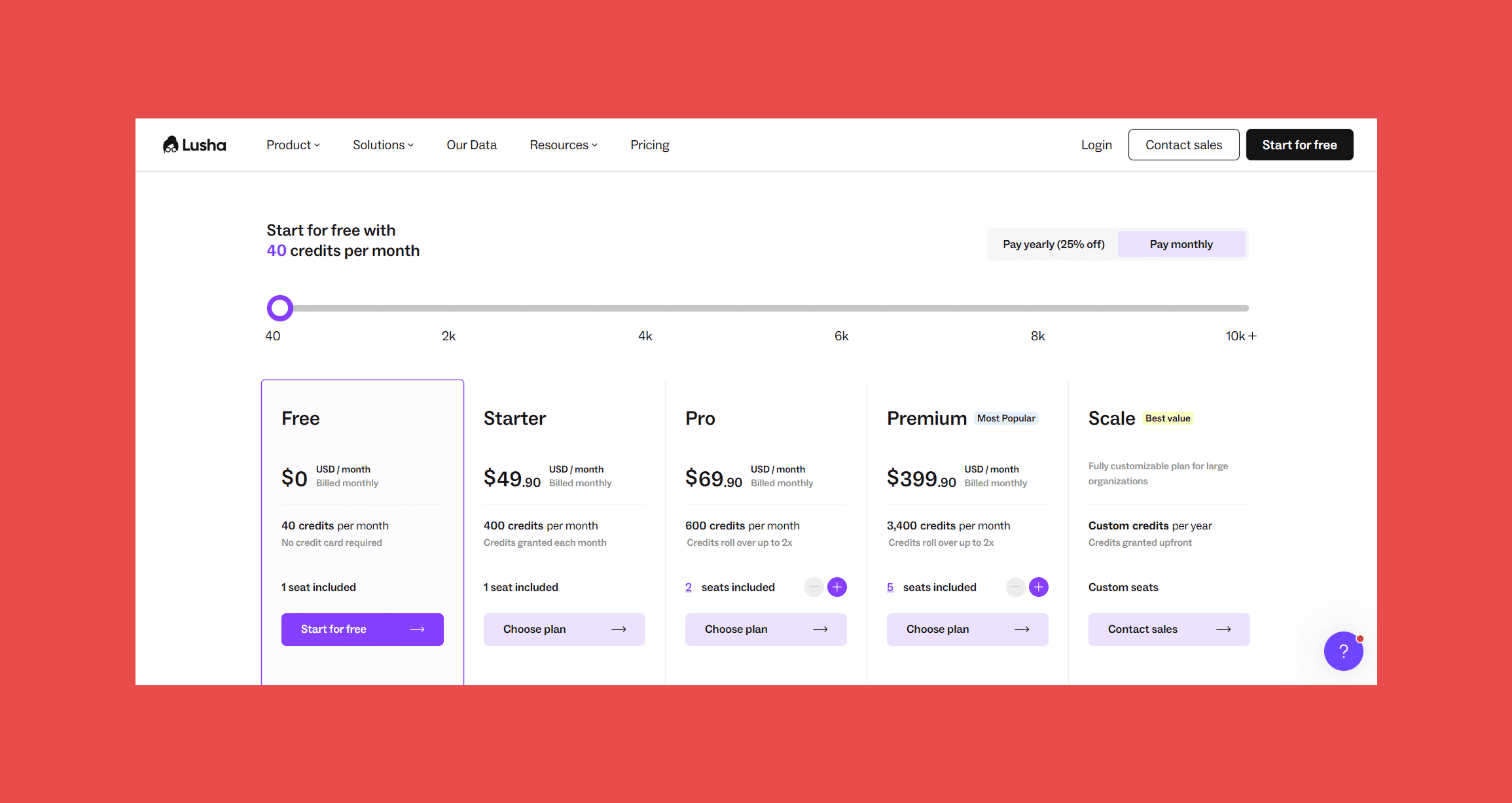
- Free: $0/month for 40 credits, 1 seat
- Starter: $49.90/month for 400 credits, 1 seat
- Pro: $69.90/month for 600 credits, 2 seats
- Premium: $399.90/month for 3,400 credits, 5 seats
- Scale: custom
5. RocketReach
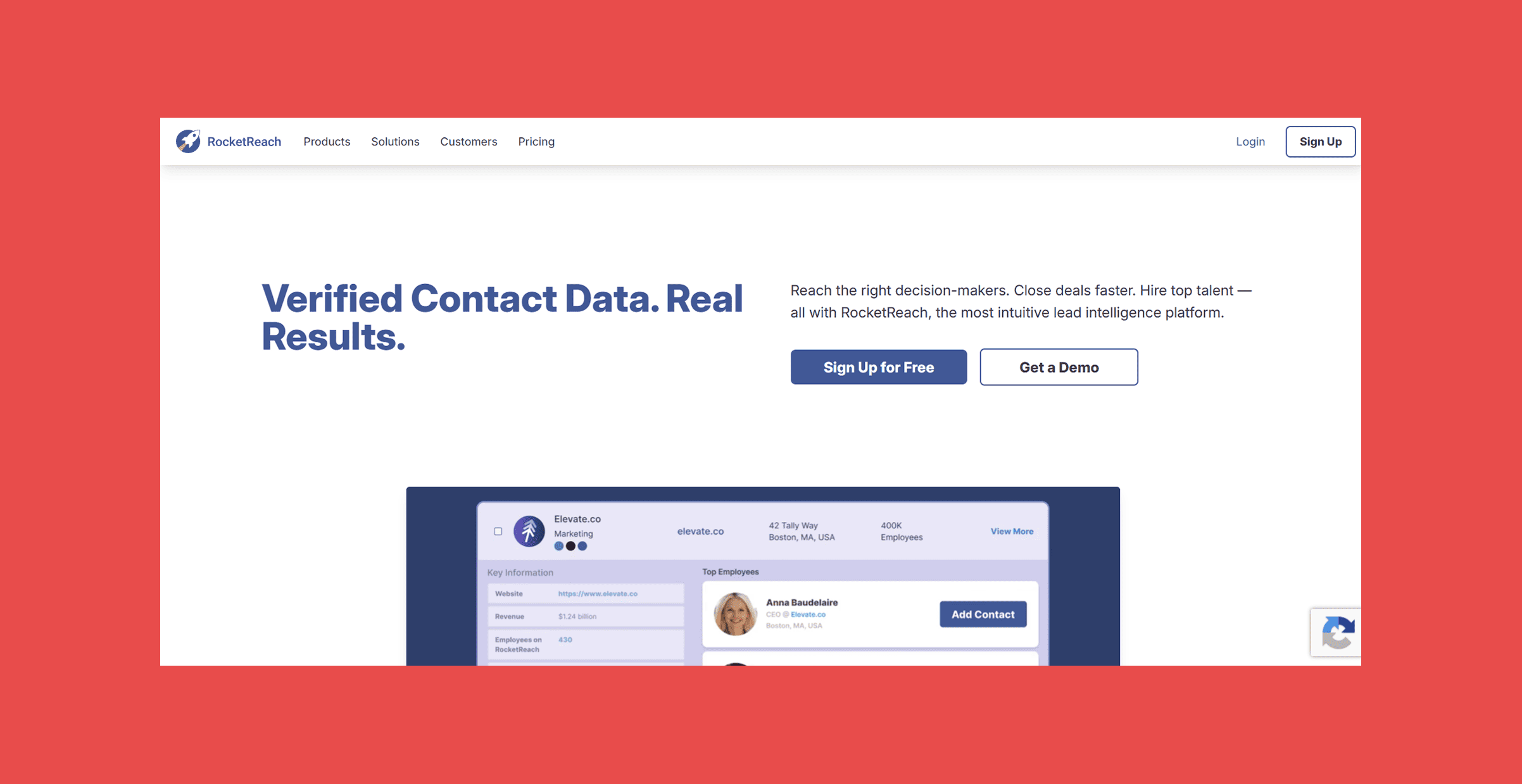
RocketReach is a lookup tool first: you know who you want, or roughly who, and it returns verified emails and phone numbers from what it reports as 700M+ profiles across 60M companies. Lookups can start from a filtered search, a social profile or company page, or an uploaded list. Its Autopilot shares a name with Seamless AI's bulk feature and does a similar job, with the option to run on a schedule.
What it offers:
- Filtered search by name, title, department, industry, skills, location and employer
- Verified personal and professional emails, with mobile and direct dials from Pro
- Chrome extension for social profiles and company websites
- Upload List for bulk enrichment by name or domain
- Autopilot for pulling large result sets automatically
- Technographics, news and org charts, plus intent data on Ultimate
How it works:
Most lookups start in filtered search or with the extension on a profile or company page. Clicking Get Contact Info reveals the verified email or phone number, and only a reveal spends a lookup. For bigger lists, Autopilot pulls hundreds or thousands of matching contacts at once, and everything lands in My Contacts for export.
Seamless AI vs. RocketReach:
| Factor | Seamless AI | RocketReach |
|---|---|---|
| Core job | AI-powered contact search, prospecting and outreach | Contact lookup database |
| Starting point | Contact and company search, Chrome extension or Autopilot | Filtered search, extension or list upload |
| Email data | ✓ | ✓ (professional and personal) |
| Phone data | ✓ | ✓ (Pro and above) |
| Bulk list building | ✓ (Autopilot) | ✓ (Upload List, Autopilot) |
| Intent data | Separate purchase (Bombora topics) | Ultimate plan |
| Pricing model | Custom quote (users, credits, products) | Published plans, lookups and exports by tier |
| Free option | Free sign-up | ✗ (from $49/month) |
Both lean on automation for list building, so the practical differences are pricing and volume. RocketReach publishes its prices and caps lookups by plan, which suits lighter, predictable usage; Seamless AI quotes per user with credits that refresh daily.
Ratings
- G2: 4.4/5 (1,385)
- Capterra: 4.1/5 (140)
Pros
- Several ways in: search, extension or list upload
- A lookup is only spent when contact details are revealed
- Autopilot handles large lists without manual clicking
Cons
- No phone numbers on Essentials
- Monthly lookups are low on lower tiers
- List uploads spend export credits as well as lookups
- Intent data only on Ultimate
Pricing
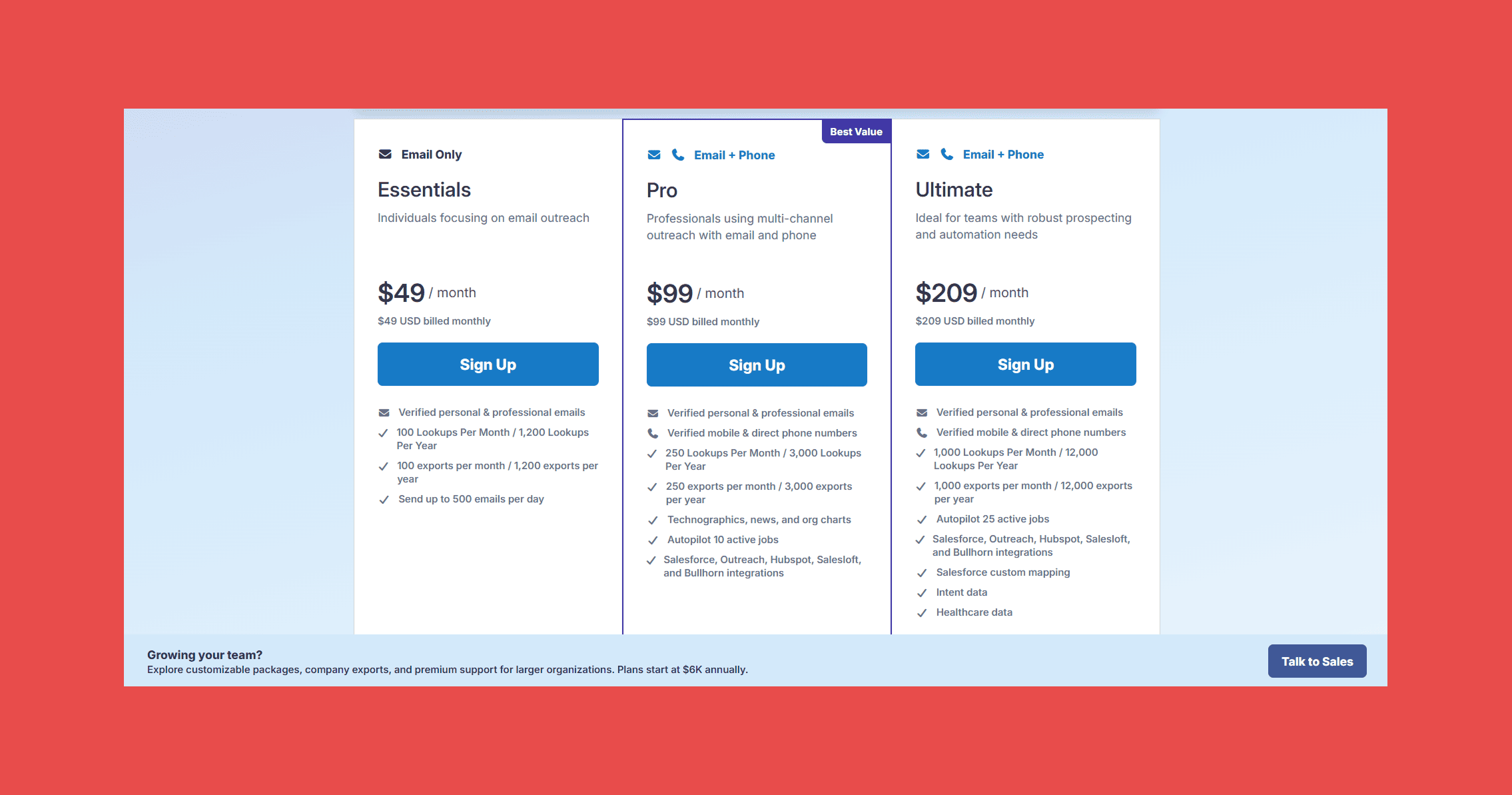
- Essentials: $49/month for 100 lookups and 100 exports a month (email only)
- Pro: $99/month for 250 lookups and 250 exports a month (email and phone)
- Ultimate: $209/month for 1,000 lookups and 1,000 exports a month (email and phone)
6. Hunter
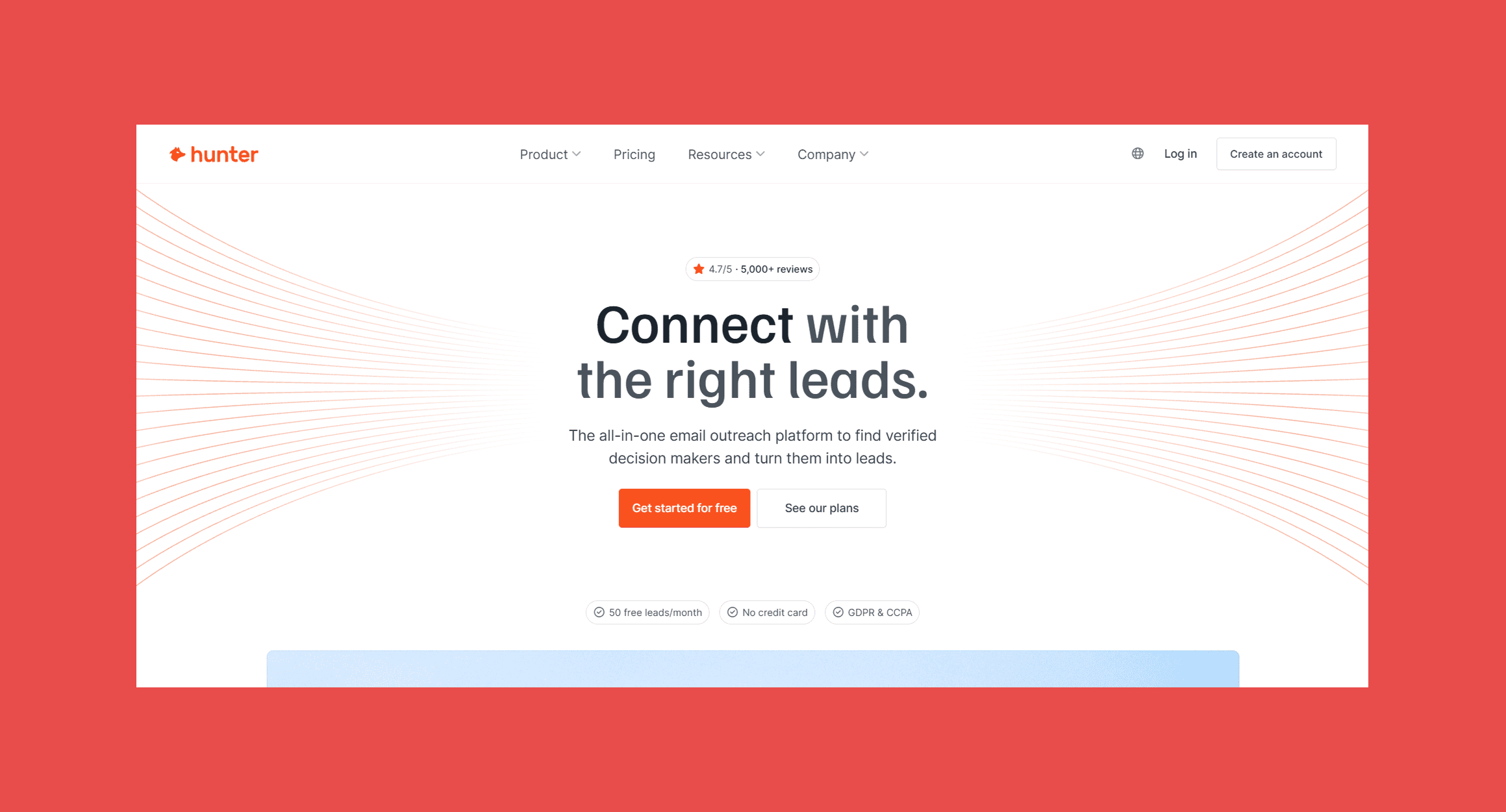
Hunter takes the narrowest approach on this list. Give it a company domain or a name and it returns professional email addresses, checks each one before showing it, and only charges credits for valid results. There are no phone numbers, but sequences and lead management sit on top, so email-only teams can run outbound end to end.
What it offers:
- Discover, a company search with filters for location, industry, keywords and technologies
- Domain Search and Email Finder, for single or bulk lookups
- Email Verifier, with free monthly re-verification of saved leads on paid plans
- Leads, a lightweight lead manager for organizing and enriching contacts
- Sequences with automated follow-ups and an AI Writing Assistant
- Signals for funding rounds, job openings and company changes
How it works:
Most prospecting starts in Discover, where you filter companies by your ICP, or in Domain Search, where a company domain returns the addresses Hunter has found there. Every email is verified before it's shown, and saved leads are re-verified monthly on paid plans. From there, leads can go straight into a Sequence.
Seamless AI vs. Hunter:
| Factor | Seamless AI | Hunter |
|---|---|---|
| Core job | AI-powered contact search, prospecting and outreach | Email finding, verification and outreach |
| Starting point | Contact and company search, Chrome extension or Autopilot | Company domain, name or Discover search |
| Email data | ✓ | ✓ (verified before you see it) |
| Phone data | ✓ | ✗ |
| Verify an existing list | Email list enrichment (1 credit per record) | ✓ |
| Pricing model | Custom quote (users, credits, products) | Shared credits, unlimited team members |
| Free option | Free sign-up | Free plan (50 credits) |
This is broad AI prospecting versus focused email discovery and verification. Hunter gives up phone numbers and contact-level search for a domain-first workflow that checks every address before you see it, and for email-only outbound, that's often all a team needs.
Ratings
- G2: 4.4/5 (657)
- Capterra: 4.7/5 (713)
Pros
- Credits are only spent on valid emails
- Unlimited team members on every plan, with no per-seat fees
- Free monthly re-verification of saved leads on paid plans
- Free plan with 50 credits a month
Cons
- No phone numbers
- Searches and verifications draw from the same credits
- Contact discovery is company-first rather than people-first
- Free plan connects only one email account
Pricing
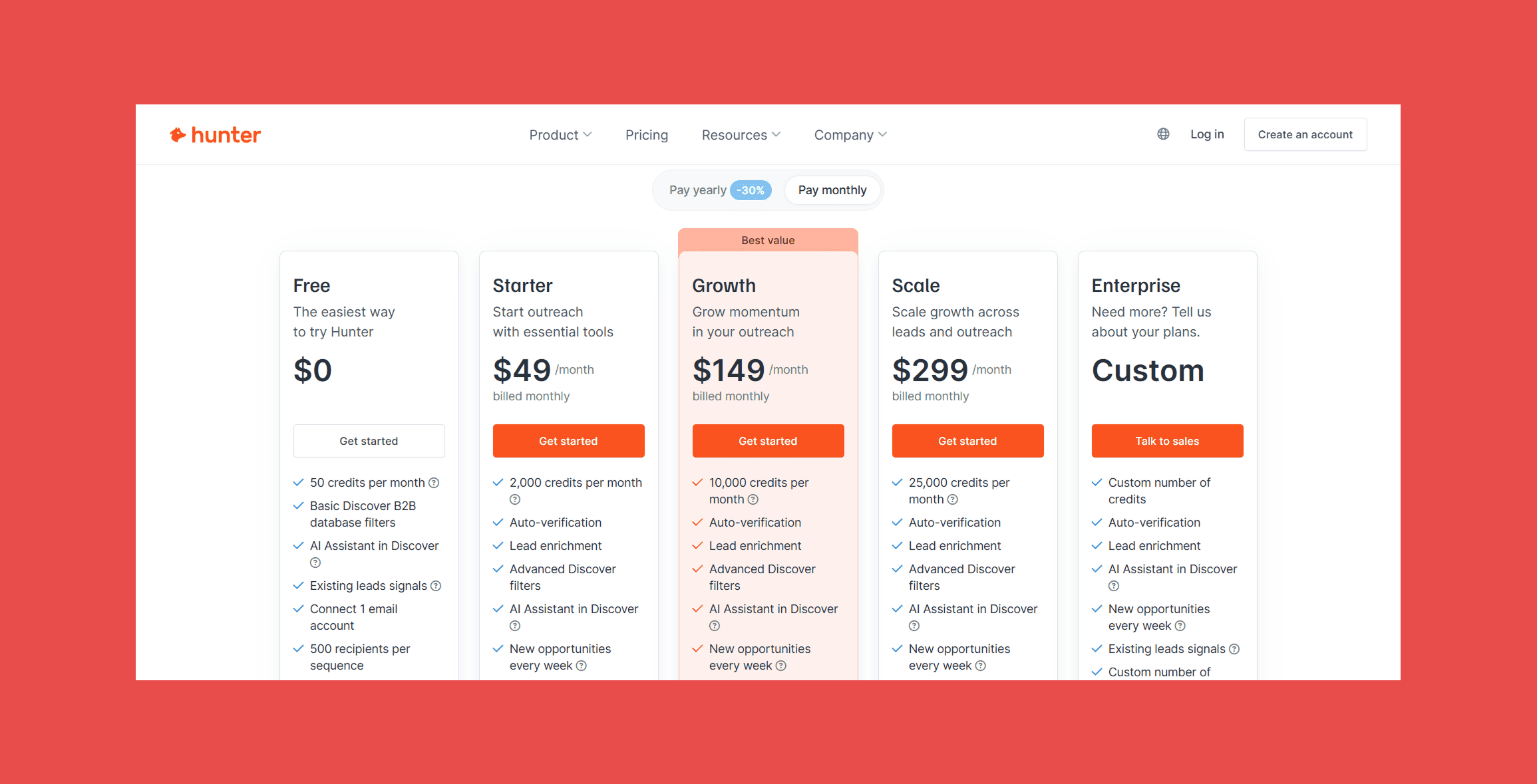
- Free: $0 for 50 credits a month
- Starter: $49/month for 2,000 credits a month
- Growth: $149/month for 10,000 credits a month
- Scale: $299/month for 25,000 credits a month
- Enterprise: custom
7. UpLead
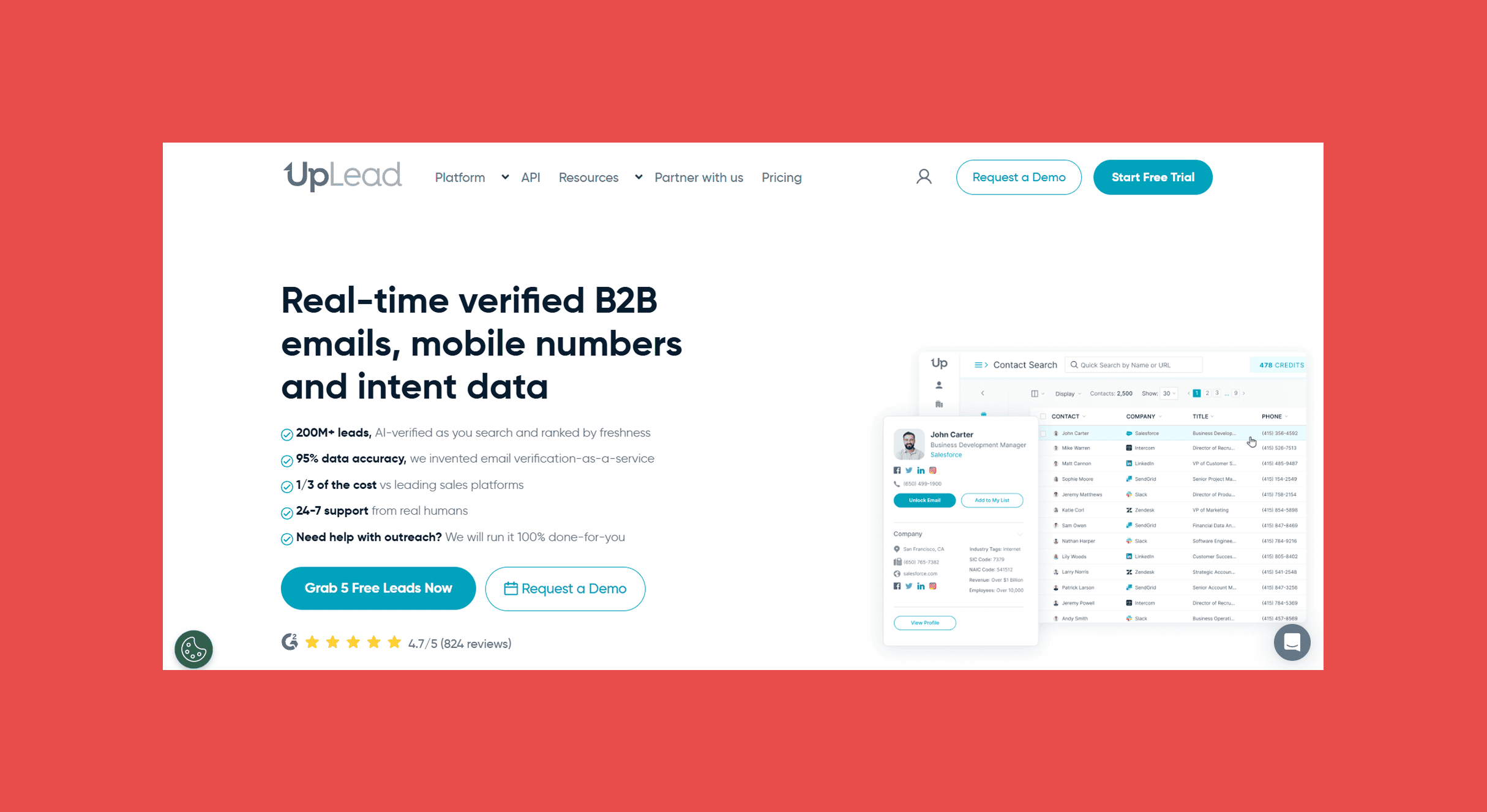
UpLead is a B2B contact database built around verification. It reports more than 160 million contacts across 200+ countries and over 19 million companies, and it verifies every email in real time at the moment you download it, so you can choose to pay only for addresses that come back valid. Essentials and Plus run month to month, which makes it one of the easier tools on this list to trial against Seamless AI.
What it offers:
- Contact and company search with filters for job title, function, seniority, skills, location, industry, headcount, revenue and funding
- Real-time email verification on every download, sorted into valid, accept-all and invalid
- Verified emails and mobile numbers
- Chrome extension for company websites, LinkedIn profiles and LinkedIn people searches
- Data enrichment, technographics, advanced filters and suppression list uploads on Plus
- Buyer intent data, full API access and two-way CRM sync on Professional
How it works:
Searches run in Contact Search or Company Search, where filter options update as you narrow down so you don't hit zero-result queries, and exclusions keep out companies or lists you've already worked. When you download, UpLead verifies each email and asks which results to keep: Valid Only, Valid and Accept All, or All Available Emails. Credits are only spent on what you download, so Valid Only means you never pay for an invalid address. On Plus and above, you can also upload a CSV of names and company URLs for enrichment, and credits come back for any contact UpLead can't match.
Seamless AI vs. UpLead:
| Factor | Seamless AI | UpLead |
|---|---|---|
| Core job | AI-powered contact search, prospecting and outreach | Verified B2B contact database |
| Starting point | Contact and company search, Chrome extension or Autopilot | Contact or company search, or Chrome extension |
| Email data | ✓ | ✓ (verified at download) |
| Phone data | ✓ | ✓ (mobile numbers) |
| Intent data | Separate purchase (Bombora topics) | Professional plan |
| Enrichment | ✓ (1 credit per record) | Plus plan and above |
| Pricing model | Custom quote (users, credits, products) | Published monthly plans, single-user below Professional |
| Free option | Free sign-up | 7-day trial (5 credits) |
UpLead is the more database-like of the two, with verification at download and a price you can see before you sign up. Seamless AI does more around the search itself, from Autopilot to job change tracking. If you mainly need clean contacts at a known cost, UpLead is the simpler trial.
Ratings
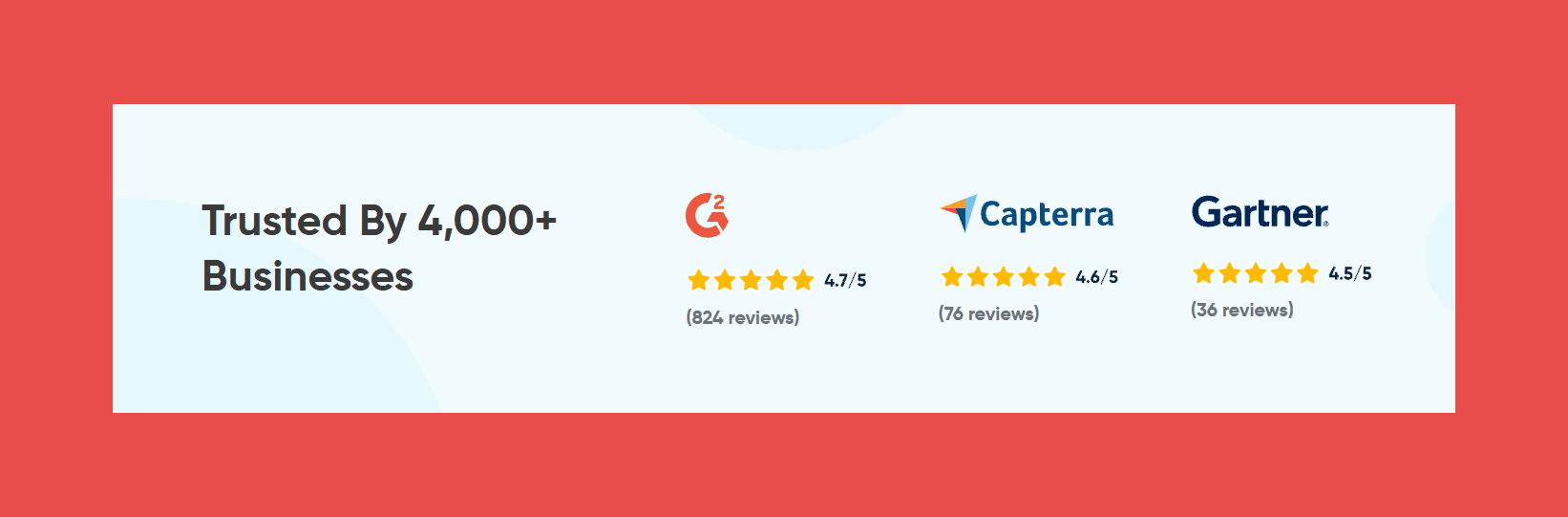
- G2: 4.7/5 (831)
- Capterra: 4.6/5 (76)
Pros
- Monthly plans with no annual commitment
- Choose Valid Only and you're never charged for an invalid email
- Credits are refunded for enrichment records it can't match
- Exclusions and saved searches keep repeat prospecting tidy
Cons
- Essentials and Plus are single-user plans
- Enrichment and technographics start on Plus
- Intent data needs Professional, and topics lock once applied
- Essentials' 170 monthly credits go quickly
Pricing
- Free trial: $0 for 7 days, with 5 credits
- Essentials: $99/month for 170 credits a month
- Plus: $199/month for 400 credits a month
- Professional: custom, annual billing only
Final Thoughts
The question isn't really whether Seamless AI is good. It's whether Seamless AI matches the way your team needs to find and use prospect data.
Here's how the options line up:
- AI-assisted prospecting and outreach in one platform: Seamless AI
- Verified email and phone data with a bounce guarantee: Findymail
- Database search plus sequencing on published plans: Apollo
- Enterprise sales intelligence and phone-verified mobiles: Cognism
- Straightforward contact discovery at a published price: Lusha
- Broad contact lookup: RocketReach
- Email finding and verification only: Hunter
- Verified database search, paying only for valid emails: UpLead
There's no universal winner here. The right pick is whichever one fixes the part of your workflow that's leaking time, budget or bounces.
Findymail publishes every plan and only charges for verified contacts, so you can price a campaign before you build it and know the emails will land when you send it.
Frequently Asked Questions About Seamless AI Alternatives
What is Seamless AI?
Seamless AI is a B2B sales intelligence platform that uses a real-time search engine to find and verify contact data, including emails, mobile numbers and direct dials. Sales teams use it to build prospect lists, track job changes and enrich contact records, with Autopilot automating list building and Buyer Intent available as a paid add-on.
How much does Seamless AI cost?
Seamless AI offers a free plan with a limited number of credits. Its Pro and Enterprise plans are priced per user through a sales quote, usually on annual contracts, and add-ons such as Buyer Intent and CRM enrichment cost extra. Because paid plans have no published price, ask for a written quote that includes every add-on you'll need.
What are some alternatives to Seamless AI?
The main alternatives are Findymail for verified email and phone data with AI lead discovery, Apollo for prospecting and engagement in one platform, Cognism for enterprise sales intelligence, Lusha and RocketReach for contact discovery and lookup, Hunter for email finding and verification, and UpLead for verified B2B database search.
What is the best alternative to Seamless AI?
It depends on what you need most:
- Verified data and deliverability: Findymail
- AI prospect discovery from an ICP description: Findymail (Intellimatch) or Lusha (Workspace)
- Enterprise intelligence: Cognism
- Contact lookup: RocketReach or UpLead
- Email verification only: Hunter
- Sales engagement in the same tool: Apollo
Is there a free alternative to Seamless AI?
Apollo (75 credits a month), Hunter (50 credits a month) and Lusha (40 credits a month) all have free plans, and UpLead offers a 7-day trial with 5 credits. Free tiers are useful for testing data quality in your market, but they rarely stretch to ongoing outbound.
What is the best Seamless AI alternative for email finding?
Contact discovery tools reveal an email alongside other details, while dedicated email finders focus on getting an address that will actually be delivered. Findymail and Hunter both specialize here. Findymail verifies every email in real time, catch-all addresses included, and guarantees a bounce rate under 5%.
What is the best Seamless AI alternative for sales prospecting?
For verified contacts plus AI lead discovery and intent signals, Findymail. For a database and sequencing in one place, Apollo. For enterprise teams that call heavily or sell into EMEA, Cognism. Lusha and UpLead suit teams that want a searchable database at a published price.
Is Seamless AI good for lead generation?
It's a capable option for teams that want high-volume, AI-assisted list building with job change tracking and optional intent data. It's a weaker fit if you need published pricing, a measurable bounce guarantee or a lightweight tool that slots into an existing stack.
Is Seamless AI accurate?
Seamless AI verifies contact data in real time, but accuracy for any provider varies by region, industry, seniority and how recently someone changed roles. Database size and verification claims only go so far, so the reliable test is your own: run a sample from your ICP, send to it and measure the bounces.
What is the difference between Seamless AI and Findymail?
Seamless AI is a broad prospecting platform built around filter-based contact search, Autopilot list building and add-ons for intent and enrichment, with quote-based paid plans. Findymail focuses on outbound-ready data: real-time verification on every email, a sub-5% bounce guarantee, Intellimatch for finding prospects from a plain-English ICP, and Signals for buying events, all on published plans.

Valentin
Valentin Wallyn is the founder and CEO of Findymail, a SaaS platform he launched to help B2B teams discover accurate email and contact data and automate data enrichment at scale. With an IT background, Valentin combines a technical mindset with hands-on experience in outreach and growth. His work centers on improving data quality and prospecting efficiency, drawing on years of entrepreneurial experience and a deep understanding of what makes outreach campaigns succeed.