AI Lead Finder
 Email Finder
 Email Verifier
 Phone Finder
 Intent Signals
 CRM Enrichment/Cleaning
 API
API

Icypeas is one of the newer kids in the B2B email finding space, and for a tool that hasn't been around long, it's already carved out a real nice niche for itself. Affordable pricing, solid catch-all verification, an API that non-engineers can actually use, and a GDPR-friendly approach that takes some of the compliance pain out of European prospecting. Not bad for a newcomer.
But being the new kid always comes with a few trade-offs.
We've highlighted ten tools below, each one a strong fit for different teams and different needs.
Findymail only charges for verified addresses and backs every plan with a sub-5% bounce guarantee, so your domain stays clean while you scale outreach.
Sign up today and you'll get 10 free credits to see the accuracy for yourself!
TL;DR – 10 Best Icypeas Alternatives for Verified B2B Emails (2026)
- Findymail
- Apollo.io
- Wiza
- Hunter.io
- Clay
- Snov.io
- Lusha
- LeadMagic
- Dropcontact
- ZoomInfo
Why Teams Look for Icypeas Alternatives
Icypeas is a solid email finder, but plenty of users eventually look elsewhere. Here's why:
- Broader contact coverage: Icypeas handles verified contact data well, especially for European-focused or tightly scoped outbound. Larger organizations with global TAMs often hit a ceiling and start layering in additional enrichment providers.
- More than email finding: Modern outbound stacks increasingly need AI lead generation, buying triggers, phone numbers, and CRM enrichment that keeps data fresh between outreach cycles.
- Deliverability: Gmail and Outlook have tightened spam thresholds, and sender reputation can be damaged in days. A verified email that routes to a real inbox is worth five unverified ones that trash your domain.
- Platform maturity: Being new isn't a flaw, but enterprise procurement teams often pass on early-stage vendors for reasons unrelated to product quality: SOC 2 Type II, reference customers, legacy CRM integrations, contractual SLAs.
- Pricing model fit: Seat-based pricing suits larger teams doing constant outreach, pay-as-you-go suits agencies prospecting in bursts, and credit rollovers matter most for teams with seasonal demand.
The 10 Best Icypeas Alternatives
1. Findymail ⭐ Best Overall
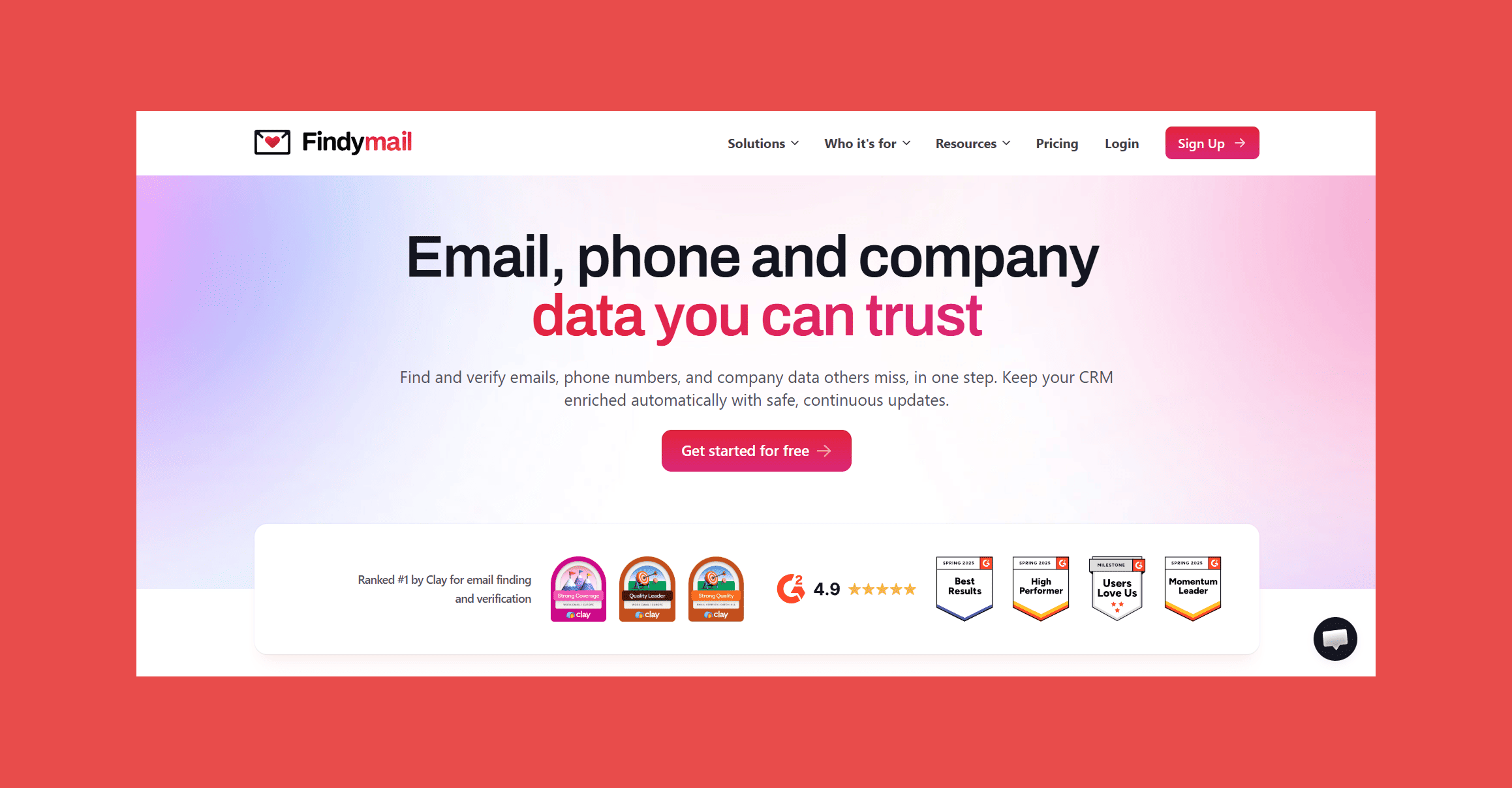
Findymail is built around one principle: only charge for emails that actually work. Every address goes through multi-step verification before it hits your export, and we back that with a sub-5% bounce guarantee across every plan (refunds included if we exceed that limit).
On the other hand, Findymail has also evolved well beyond a simple email finder into a fuller prospecting platform, with tools like Intellimatch and Signals rounding out our core offering.
Best For: Outbound teams who care about deliverability first, SDRs who prospect on LinkedIn, and any team that's tired of paying for emails that bounce.
Key Features:
- Verified Email Finder: Every email goes through real-time verification before you're charged. If it doesn't pass, you don't pay for it.
- Email Verification: Bulk verification for existing lists, with catch-all detection that flags the risky ones.
- Catch-All Detection: Identifies catch-all domains so you can make an informed decision about whether to send.
- Phone Finder: Direct dials and mobile numbers for prospects, layered on top of email data.
- AI Lead Finder (Intellimatch): Describe your ideal customer and Intellimatch surfaces matching prospects. It's not a Boolean search box with better branding — it actually works.
- Signals: Hiring activity, funding rounds, tech changes. The kind of triggers that turn a cold email into a warm one.
- CRM Integrations: HubSpot, Salesforce, and others. Data flows in the direction you choose.
- API: Clean, well-documented, usable by someone who isn't a full-stack developer.
- Chrome Extension: Find emails and phones directly from LinkedIn profiles or Sales Navigator without leaving the page.
Ratings:
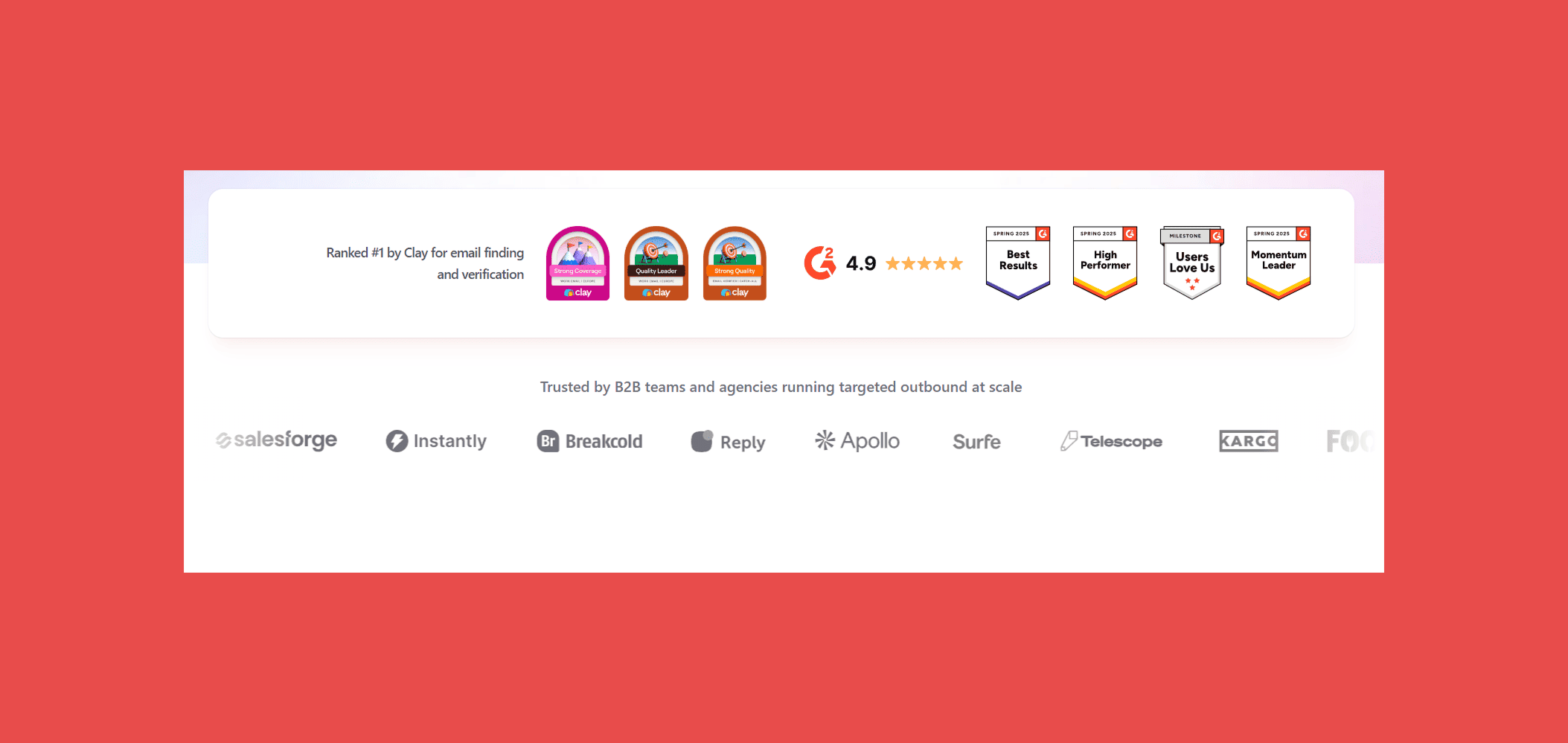
- G2: 4.7/5
- Capterra: 4.8/5
What It Does Well:
- Verification is built into the core workflow, so bounce reduction isn't an afterthought.
- Risky catch-all domains get flagged automatically before they ever reach a sequence.
- All features available on every plan, so small teams aren't locked out of AI prospecting or integrations.
Where It Falls Short:
- Database coverage skews stronger in North America and Western Europe.
- No built-in sequencing, you'll need a separate sending tool.
Pricing:
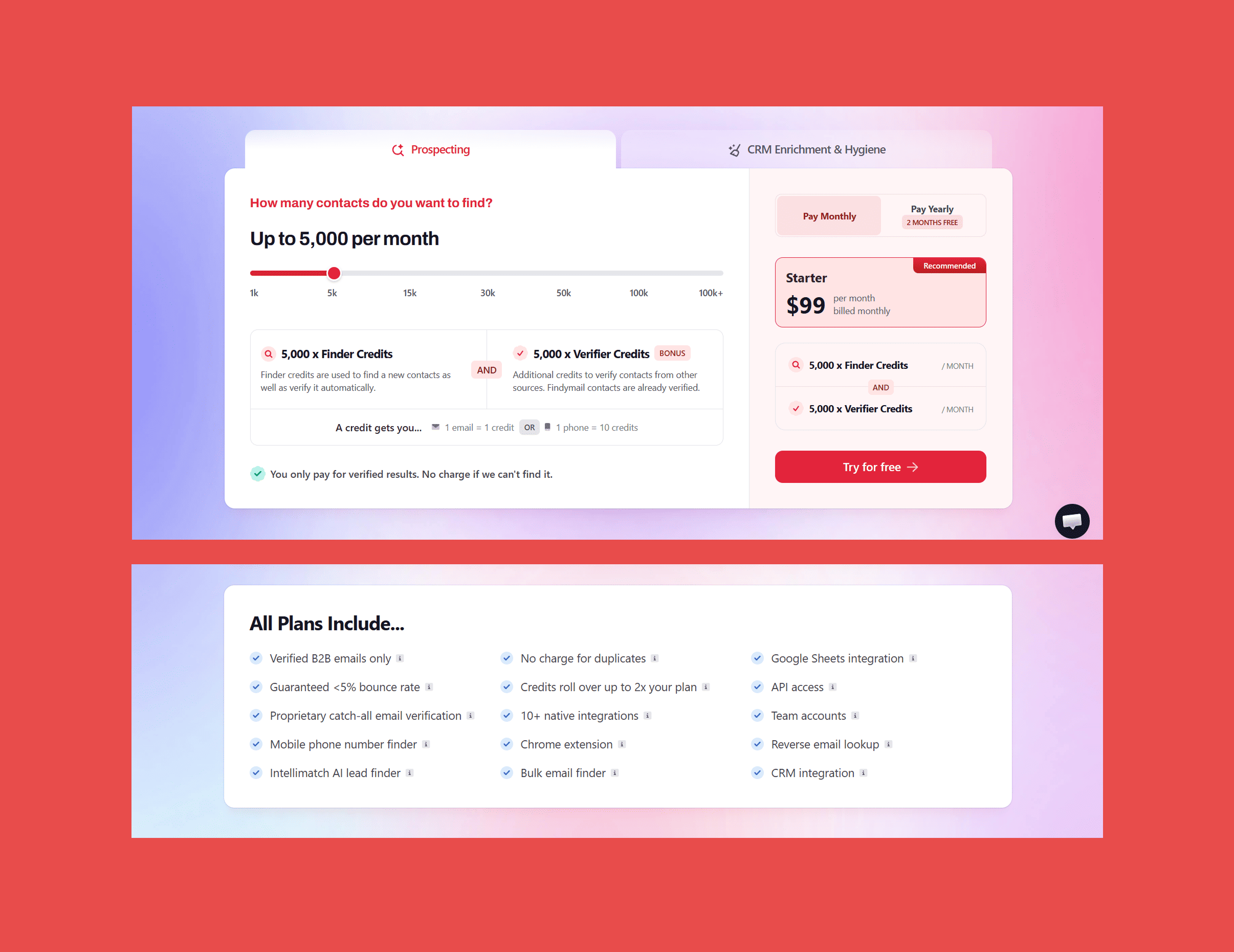
Findymail operates on a credit-based model where every plan includes access to all features. Plans start from:
- Basic: $49/mo → 1,000 x Finder Credits + 1,000 x Verifier Credits/mo.
- Starter: $99/mo → 5,000 x Finder Credits + 5,000 x Verifier Credits/mo.
- Business: $249/mo → 15,000 x Finder Credits + 15,000 x Verifier Credits/mo.
- Business Plus: $399/mo → 30,000 x Finder Credits + 30,000 x Verifier Credits/mo.
- Scale 50K: $549/mo → 50,000 x Finder Credits + 50,000 x Verifier Credits/mo.
- Scale 100K: $849/mo → 100,000 x Finder Credits + 100,000 x Verifier Credits/mo.
- Enterprise: Custom → Custom Finder Credits + Custom Verifier Credits/mo.
Popular B2B databases are oversaturated. Every competitor is pulling from the same pool, which means the leads are there but the data is already worn out from overuse. Findymail's AI Lead Finder surfaces prospects matching your ICP that don't show up in the same overcrowded searches everyone else is running.
2. Apollo.io
Apollo combines one of the largest B2B contact databases in the industry with outbound sequencing, an AI writing assistant, CRM sync, and buyer intent data. For teams that want one platform to cover the full outbound workflow (find, engage, track) Apollo is the most obvious starting point.
Best For: Growing sales teams who want a single platform instead of a stack of point solutions.
Key Features:
- 275M+ contact database: One of the largest B2B contact databases available, with coverage across industries and regions.
- Email sequencing and call tasks: Build and run outbound sequences directly inside Apollo without a separate sales engagement tool.
- AI-assisted email writing: Generate and personalise outreach copy without leaving the platform.
- Buyer intent signals: Surface companies actively researching products in your category so you can time outreach better.
- CRM integrations: Native sync with Salesforce, HubSpot, and Pipedrive.
- Chrome extension: Find contacts directly from LinkedIn profiles and company websites.
Ratings:
- G2: 4.7/5 (9,675)
- Capterra: 4.5/5 (395)
What It Does Well:
- Database size is unmatched, if sheer coverage is the constraint, Apollo solves it.
- Built-in sequencer means the full workflow from finding to sending lives in one tool.
- Intent data and AI writing features reduce the number of separate point solutions needed.
Where It Falls Short:
- Data quality varies; contacts can be months or years out of date.
- Dense platform with a real learning curve, new users often pay for features they haven't figured out yet.
- Seat-based pricing gets expensive quickly past a handful of reps.
Pricing:
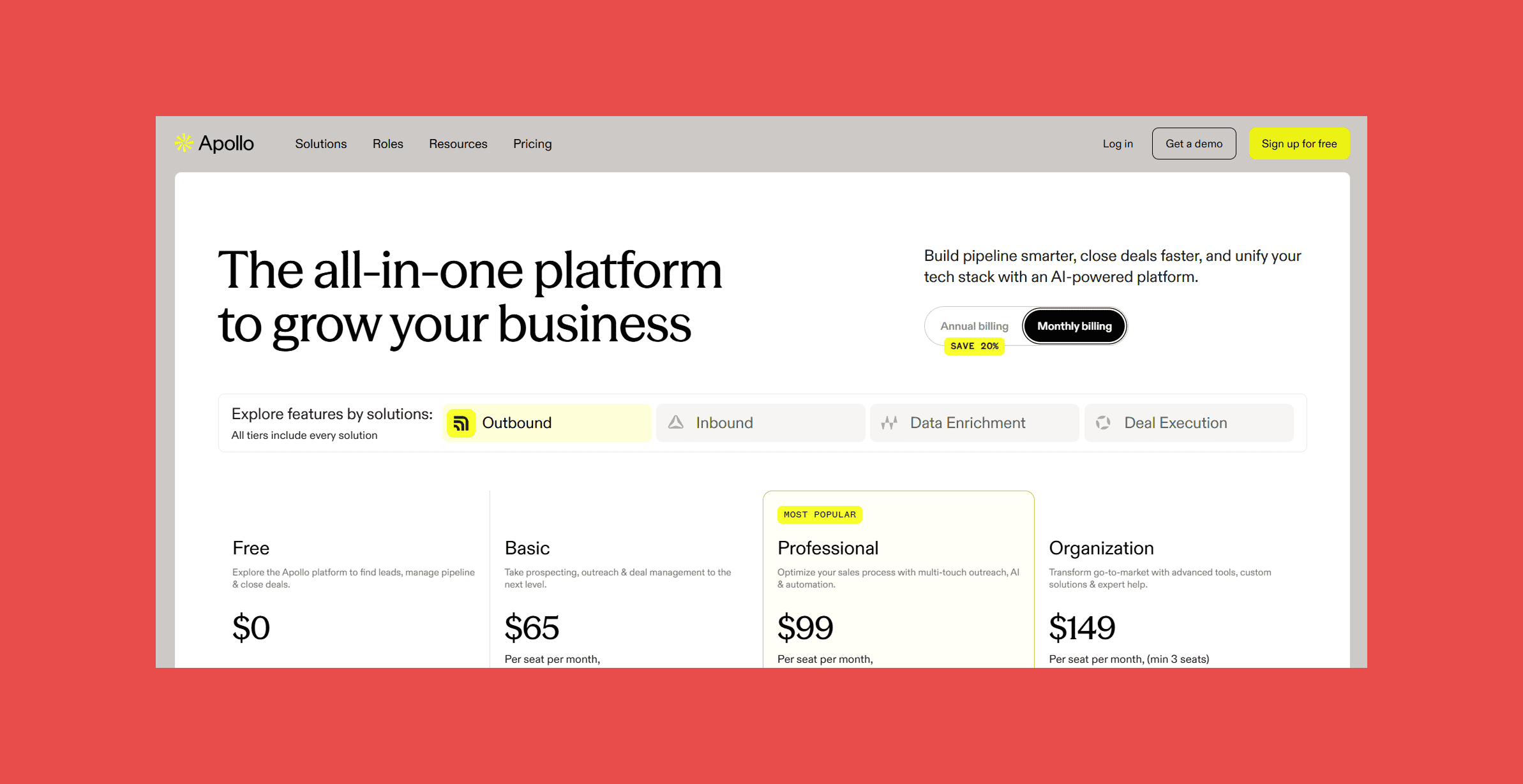
- Free: $0/user/mo → 75 credits/mo.
- Basic: $59/user/mo → 2,500 credits/mo.
- Professional: $99/user/mo → 4,000 credits/mo.
- Organization: $149/user/mo → 6,000 credits/mo.
3. Wiza
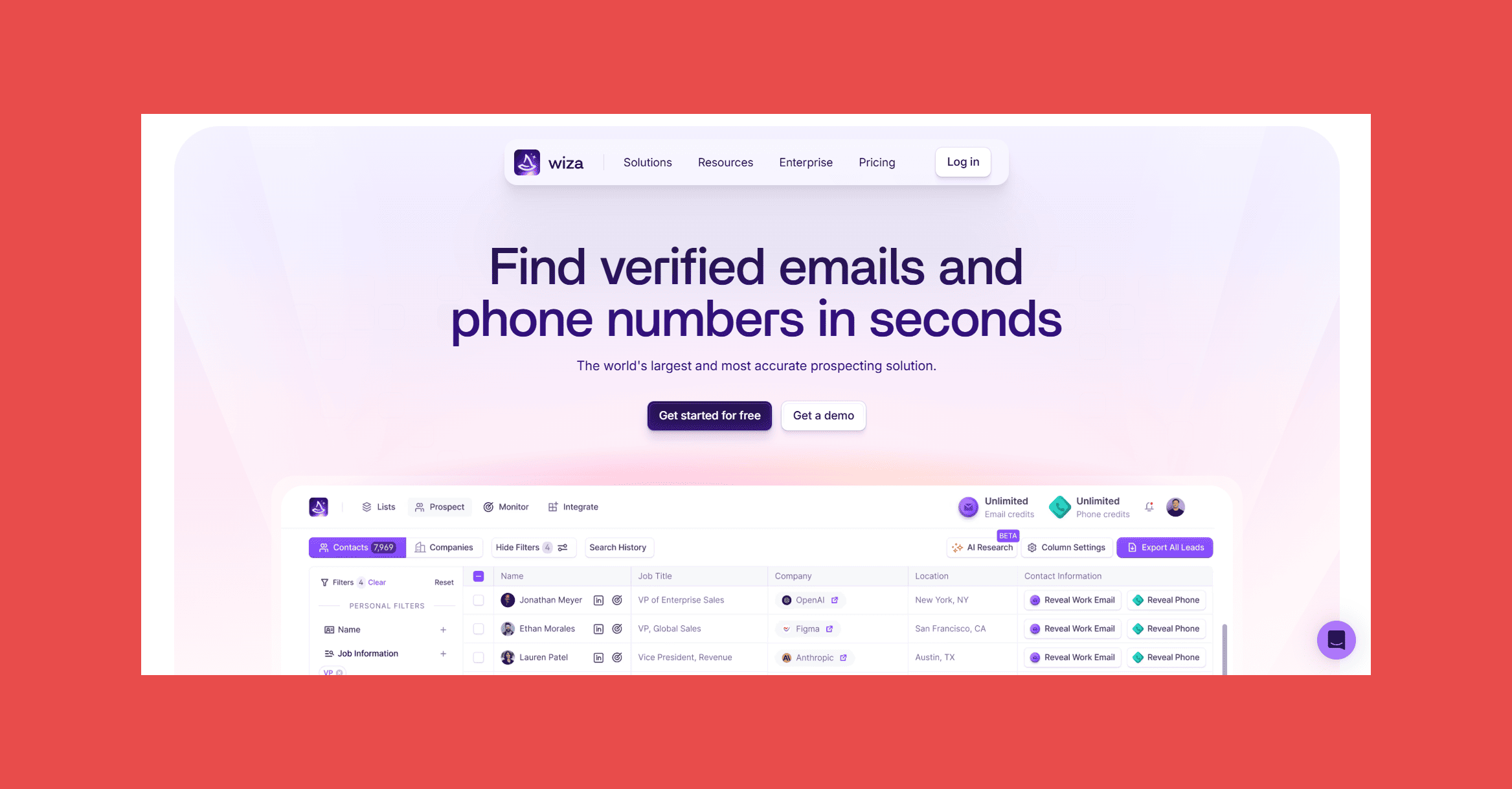
If your prospecting workflow starts in LinkedIn Sales Navigator, Wiza was built for you. It turns Sales Navigator searches into verified contact exports without requiring you to build a separate list first.
Best For: SDRs and recruiters who live in LinkedIn and want to turn searches into verified contact lists in minutes.
Key Features:
- LinkedIn and Sales Navigator integration: Pull verified contact data directly from Sales Navigator searches without manual copy-pasting.
- Real-time email verification on export: Every address is verified at the moment of export, not from a cached database.
- Bulk export from search results: Turn a full Sales Navigator search into a cleaned contact list in one step.
- CRM push: Native sync to Salesforce, HubSpot, Outreach, and Salesloft.
- Chrome extension: Runs inside Sales Navigator so the workflow never leaves LinkedIn.
Ratings:
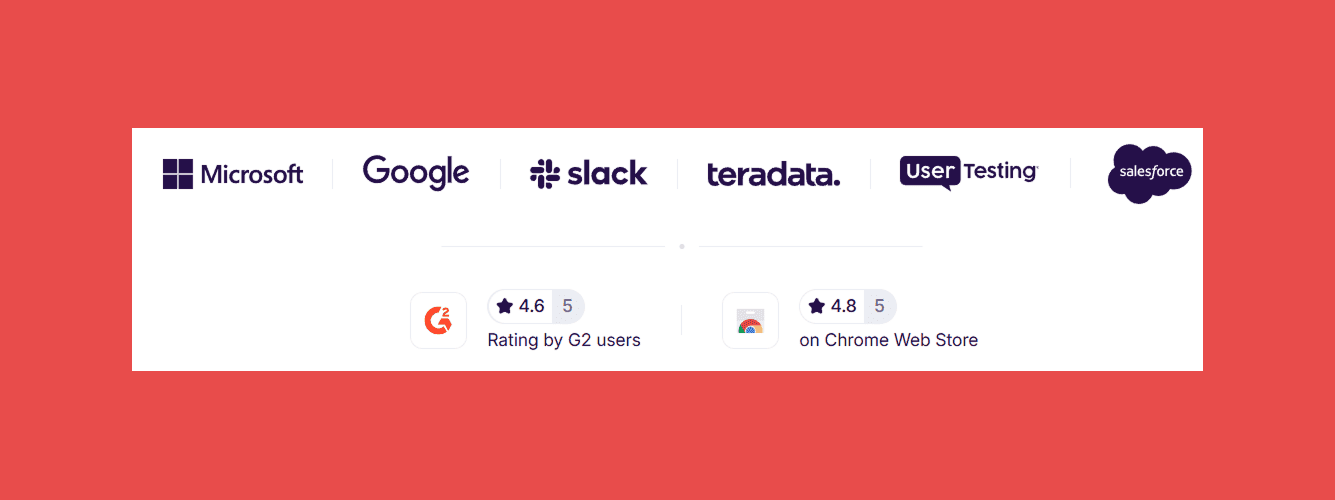
- G2: 4.5/5 (1,223)
- Capterra: 4.3/5 (24)
What It Does Well:
- The LinkedIn-to-verified-list workflow is genuinely fast, search, enrich, export in one motion.
- Real-time verification on export means you're not cleaning lists after the fact.
- For teams that live in Sales Navigator, it fits the existing workflow without adding friction.
Where It Falls Short:
- Value drops sharply if LinkedIn isn't your primary prospecting channel.
- Not a standalone prospecting database, you need Sales Navigator to get the most out of it.
- Phone coverage is lighter than dedicated phone enrichment tools.
Pricing:
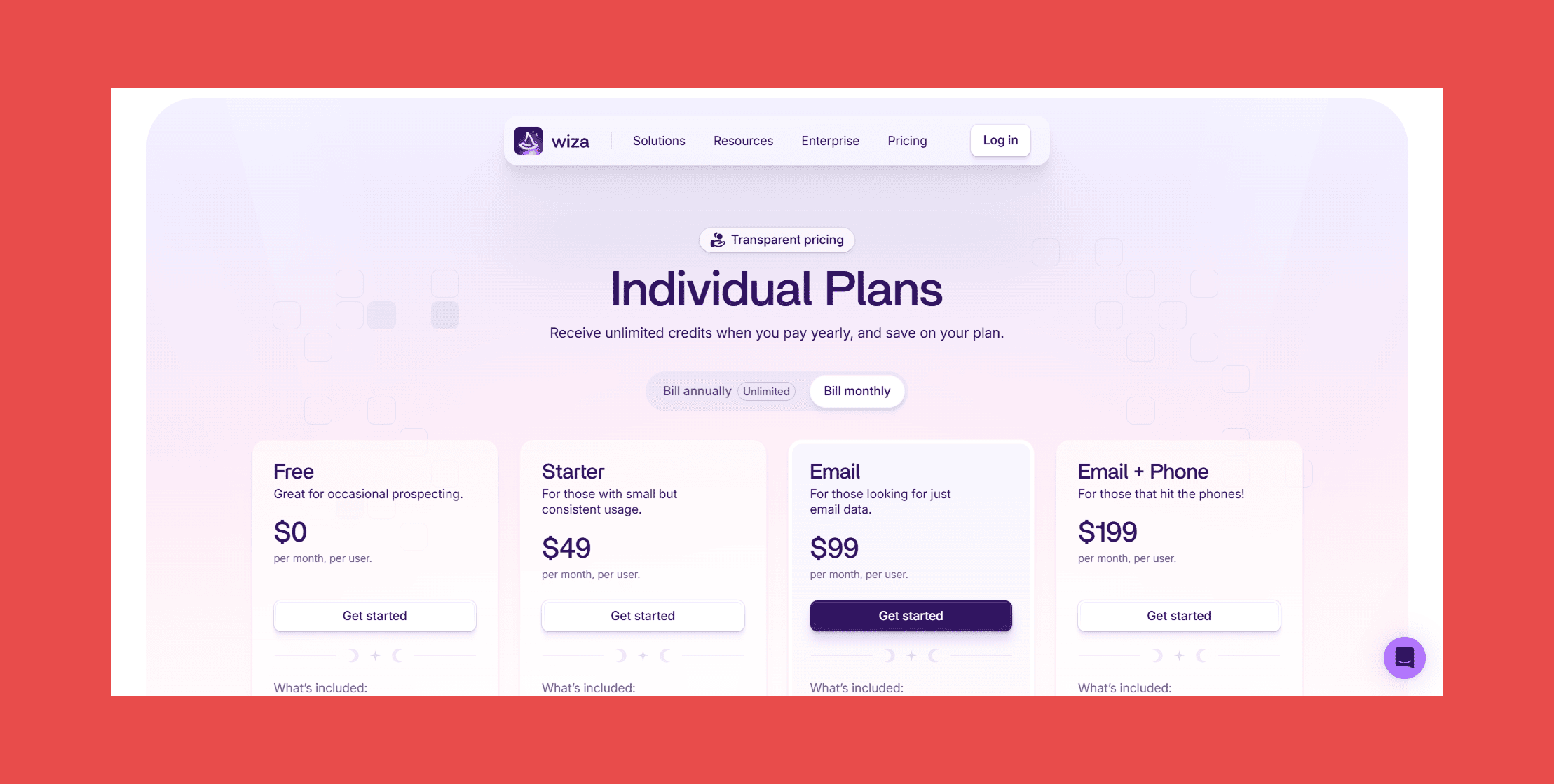
- Free: $0 → 20 emails/mo + 5 phone numbers/mo.
- Starter: $49/mo → 100 emails/mo + 100 phone numbers/mo.
- Email: $99/mo → 500emails/mo.
- Email + Phone: $199/mo → 500 emails/mo + 500 phone numbers/mo.
4. Hunter.io
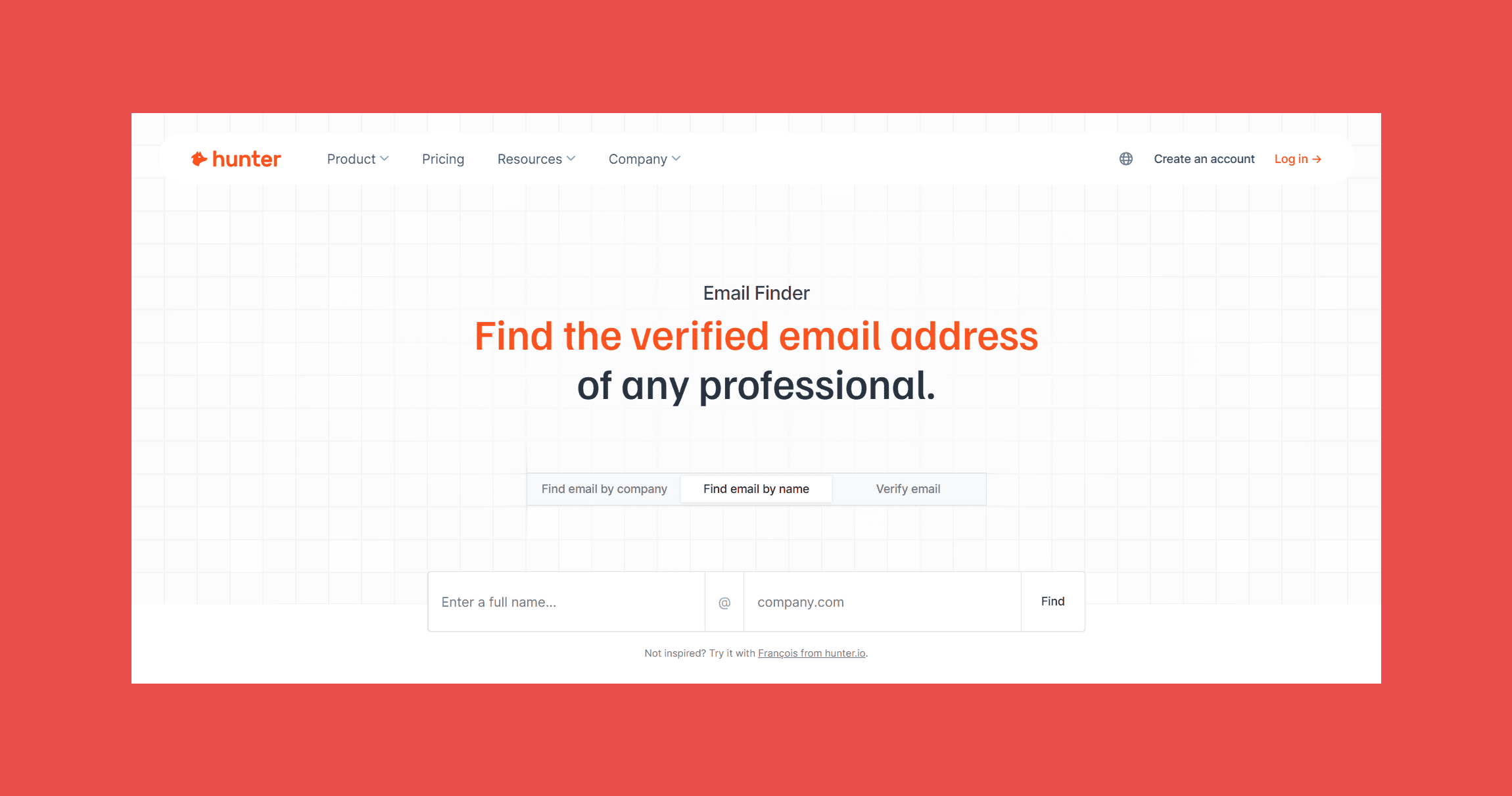
Hunter has been around since 2015 and has built a reputation for reliability that newer tools still measure themselves against. The interface is simple enough that a marketing manager can use it without a sales ops tutorial, and the domain search feature (which surfaces all known emails at a given company) remains genuinely useful for account-based work.
Best For: Agencies, SMBs, marketers, and anyone who doesn't need phone numbers or AI prospecting but wants a finder they can trust to just work.
Key Features:
- Domain search: Surface all known email addresses associated with a company domain in one query.
- Email finder: Find any professional's email address by name and company.
- Email verifier: Check the validity of an address before it goes into a send.
- Sequences: Send cold emails directly from the platform, with an AI writing assistant to draft them.
- Discover and Signals: Find B2B leads and surface prospects using intent data.
Ratings:
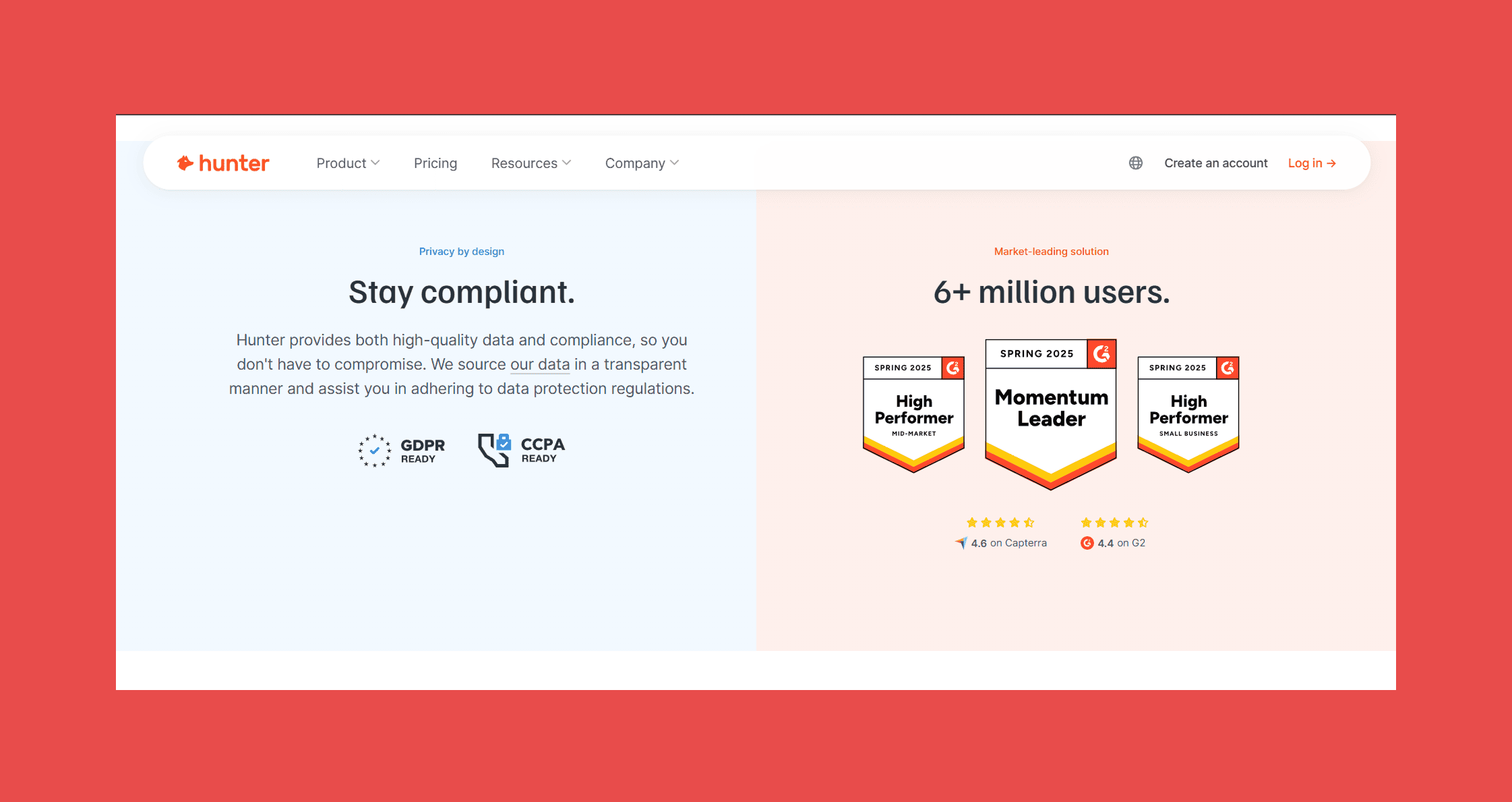
- G2: 4.4/5 (651)
- Capterra: 4.6/5 (708)
What It Does Well:
- Accuracy on common domains is reliable, the data tends to be right where it exists.
- The interface is simple enough for non-sales-ops users to pick up without a tutorial.
- Domain search is genuinely useful for account-based work.
Where It Falls Short:
- No phone numbers or direct dials.
- Database coverage thins out on less common contacts and smaller companies.
- Intent data and lead discovery are newer additions, less mature than dedicated platforms in the same category.
Pricing:
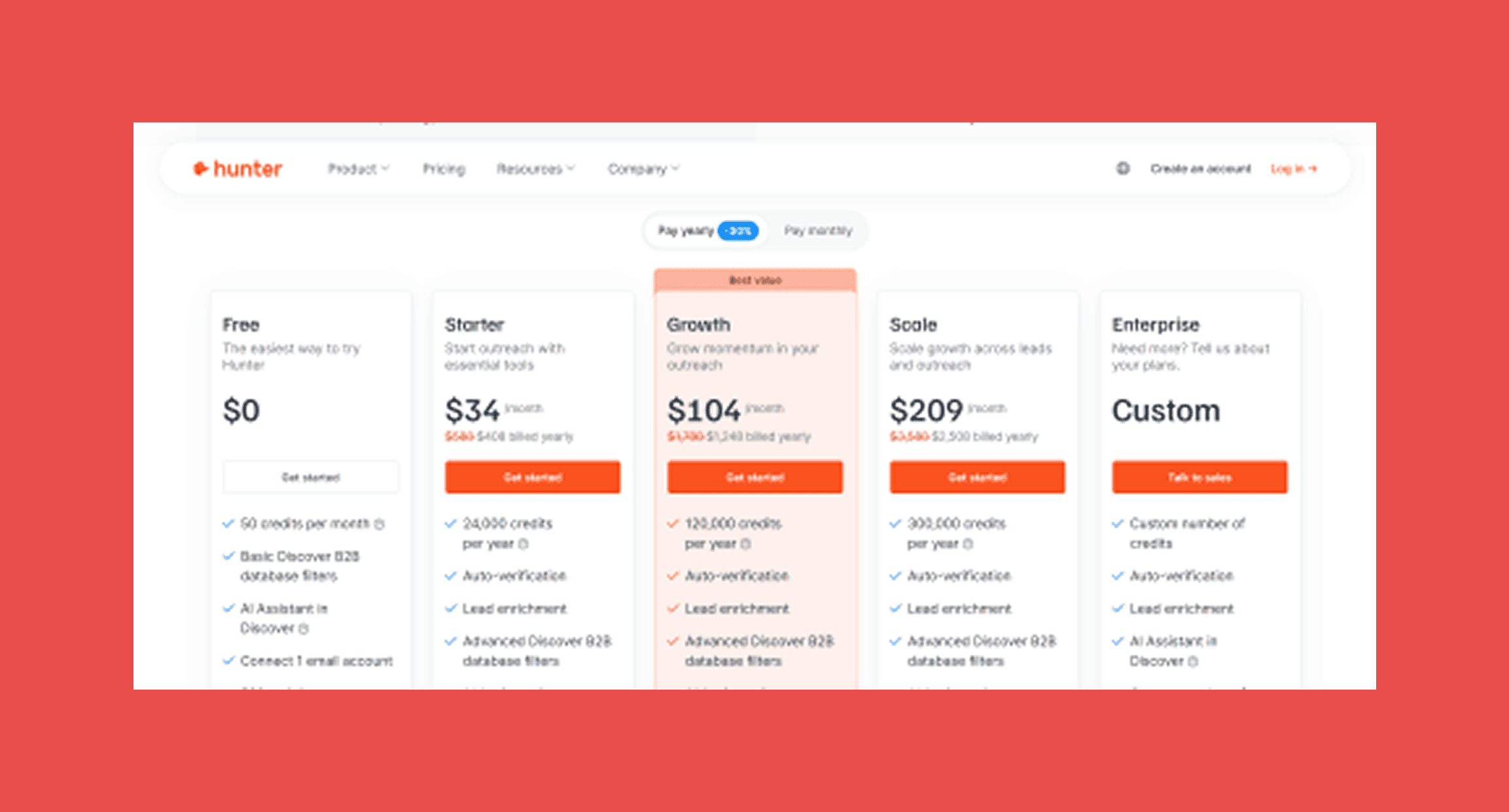
- Free: $0 → 50 credits/mo.
- Starter: $49/mo → 2,000 credits/mo.
- Growth: $149/mo → 10,000 credits/mo.
- Scale: $299/mo → 25,000 credits/mo.
- Enterprise: Custom → Custom credits.
5. Clay
Clay isn't an email finder, its infrastructure for outbound teams who want to build their own. Think of it as a no-code workflow builder that connects to dozens of enrichment providers (including Findymail), research tools, and AI agents to create custom prospecting pipelines.
Best For: RevOps teams, growth engineers, and agencies who want full control over their enrichment workflow and don't mind building it themselves.
Key Features:
- Waterfall enrichment: Connects to dozens of providers and tries each in sequence until it finds a verified result, maximising coverage without manual fallback logic.
- AI research agent (Claygent): Runs custom prospect research across the web — pulling job titles, company details, recent news — without you writing a single line of code.
- CRM automation and data cleaning: Pushes enriched data directly into Salesforce, HubSpot, or whichever CRM you use, with field mapping you define.
- 100+ integrations: Works with Findymail, Apollo, LeadMagic, LinkedIn, and most major data providers out of the box.
- No-code table interface: Workflows are built in a spreadsheet-like UI, not a developer console.
Ratings:
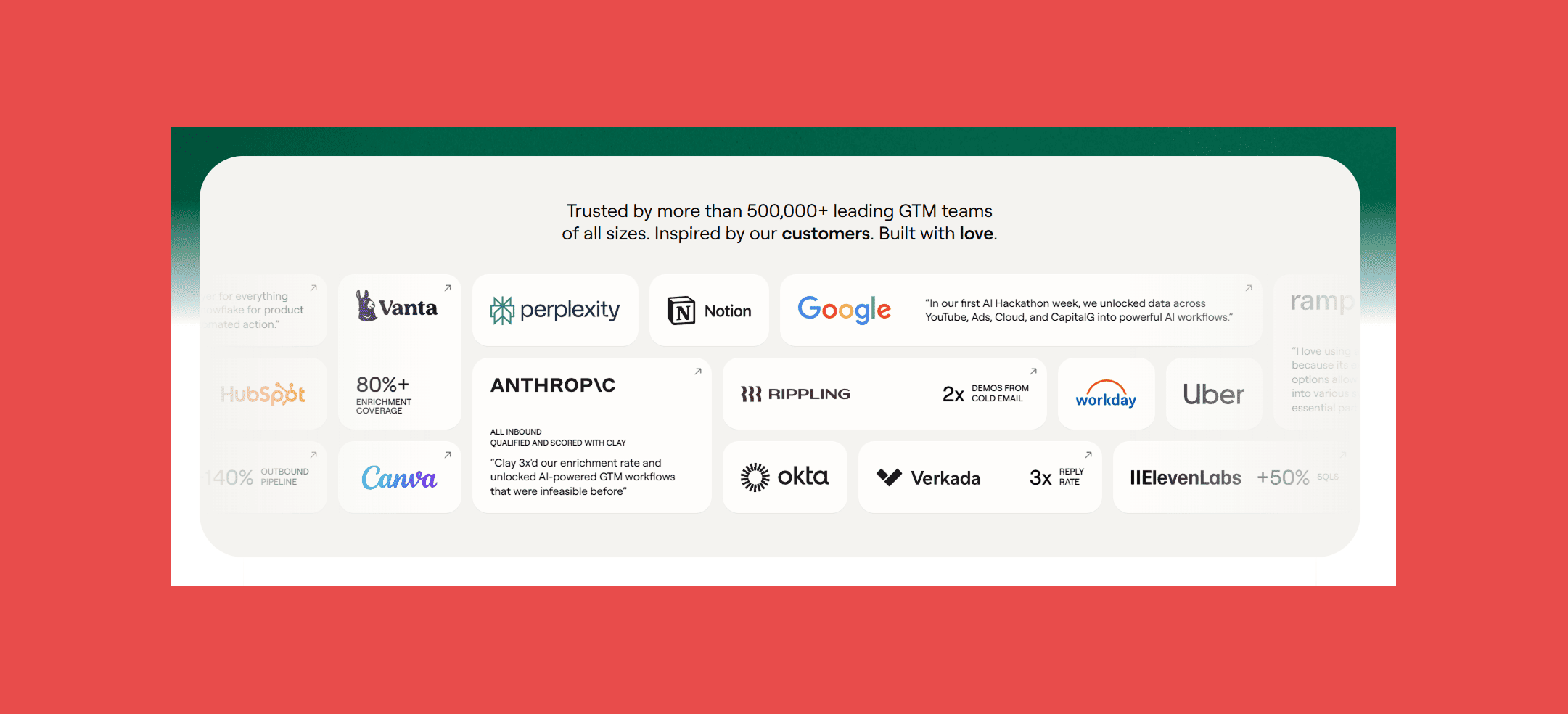
- G2: 4.7/5 (224)
- Capterra: N/A
What It Does Well:
- Waterfall enrichment across multiple providers produces higher coverage than any single tool can match.
- Fully customisable logic, if you can describe the enrichment rule, Clay can build it.
- Agencies use it to build outbound infrastructure for clients at scale without writing code.
Where It Falls Short:
- Steep learning curve; it's not plug-and-play and takes time to configure properly.
- Credits-per-row pricing compounds as usage scales and can be hard to predict.
- Not a replacement for an email finder, it sits on top of them, adding cost to your stack.
Pricing:
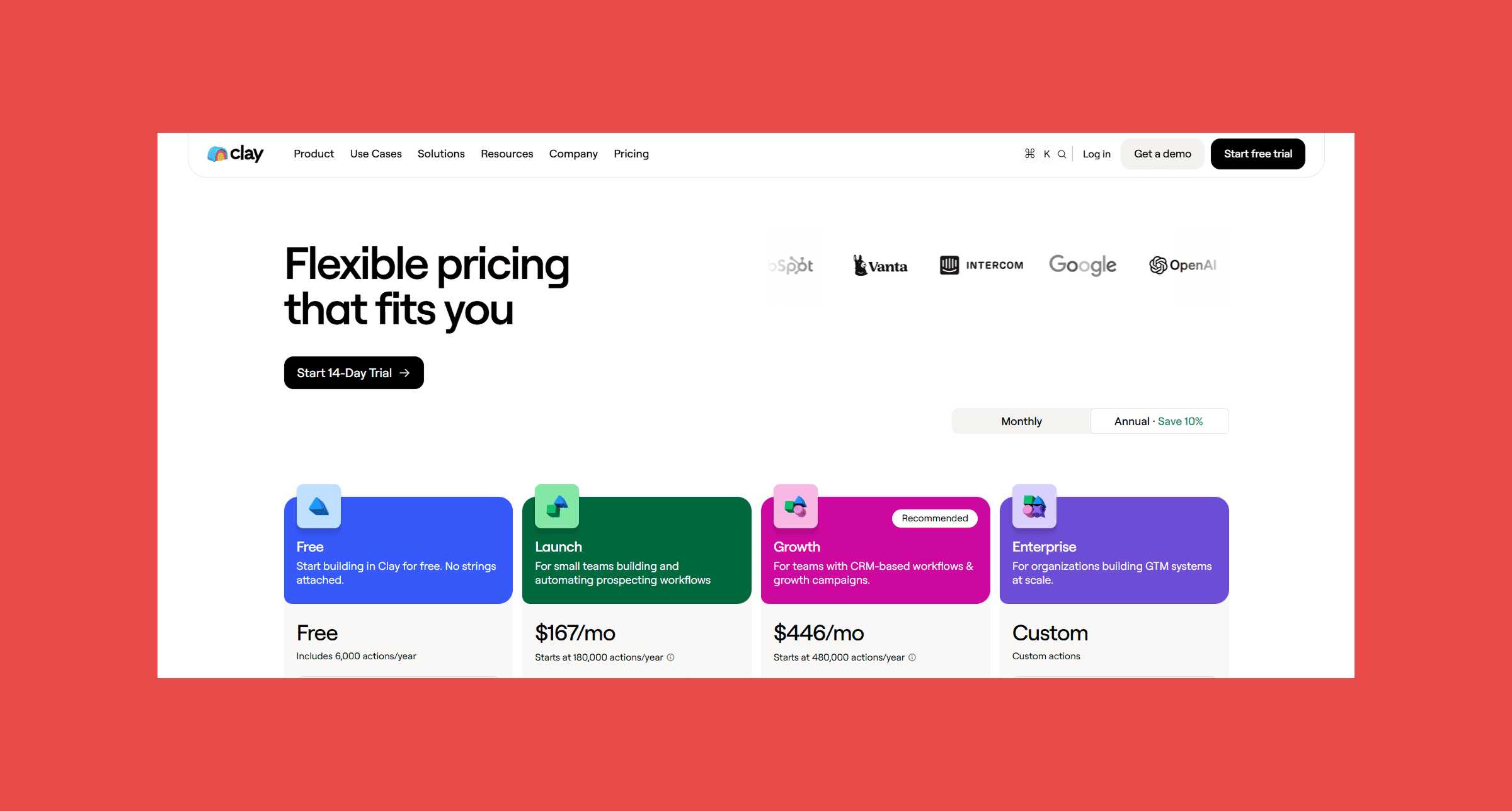
- Free: 14-day trial → 500 actions/month + 100 data credits/mo.
- Launch: $185/mo → Starts at 15,000 actions/mo.
- Growth: $495/mo → Starts at 40,000 actions/mo.
- Enterprise: Custom → Custom actions.
One reliable provider beats fifty mediocre ones stitched together. Findymail's verification is built in from the first lookup, so you're not paying to find out an address bounces. It saves the time spent configuring a waterfall and the money spent running one.
6. Snov.io
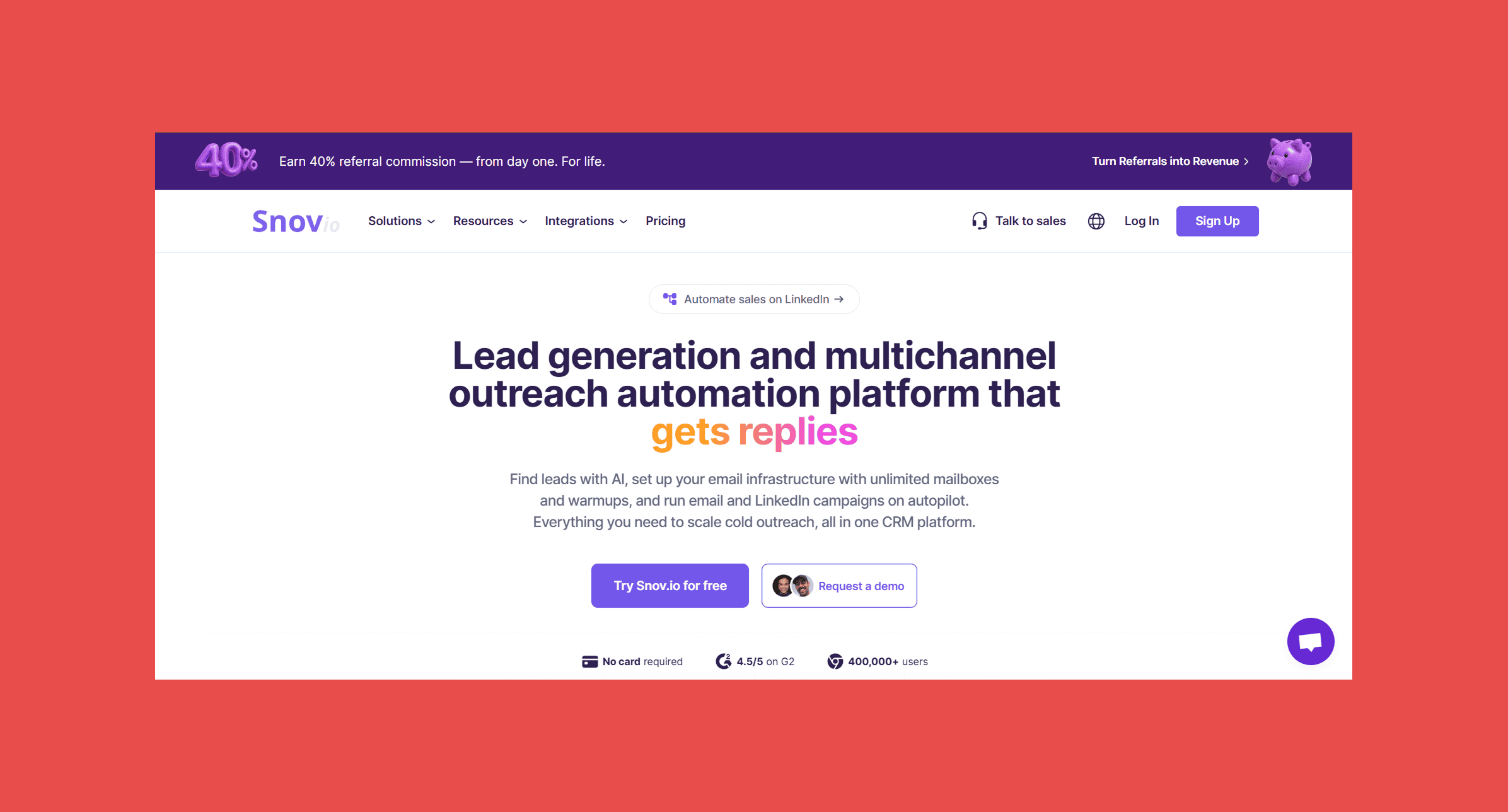
Snov combines email finding, verification, and outreach sequencing in one platform. For small teams that want fewer tools to manage, it covers the full journey from prospect discovery to first reply.
Best For: Small sales teams and solo operators who want prospecting and outreach under one login.
Key Features:
- Email finder: Find addresses by domain, LinkedIn profile, or in bulk from a list of companies.
- Email verifier: Validates addresses before they go into a sequence, reducing bounce risk.
- Drip campaigns and email sequences: Build multi-step outreach directly inside the platform.
- LinkedIn automation: Prospect and enrich contacts from LinkedIn profiles without switching tools.
- Basic CRM: Manage contacts and deals inside Snov without needing a separate CRM for simple pipelines.
Ratings:
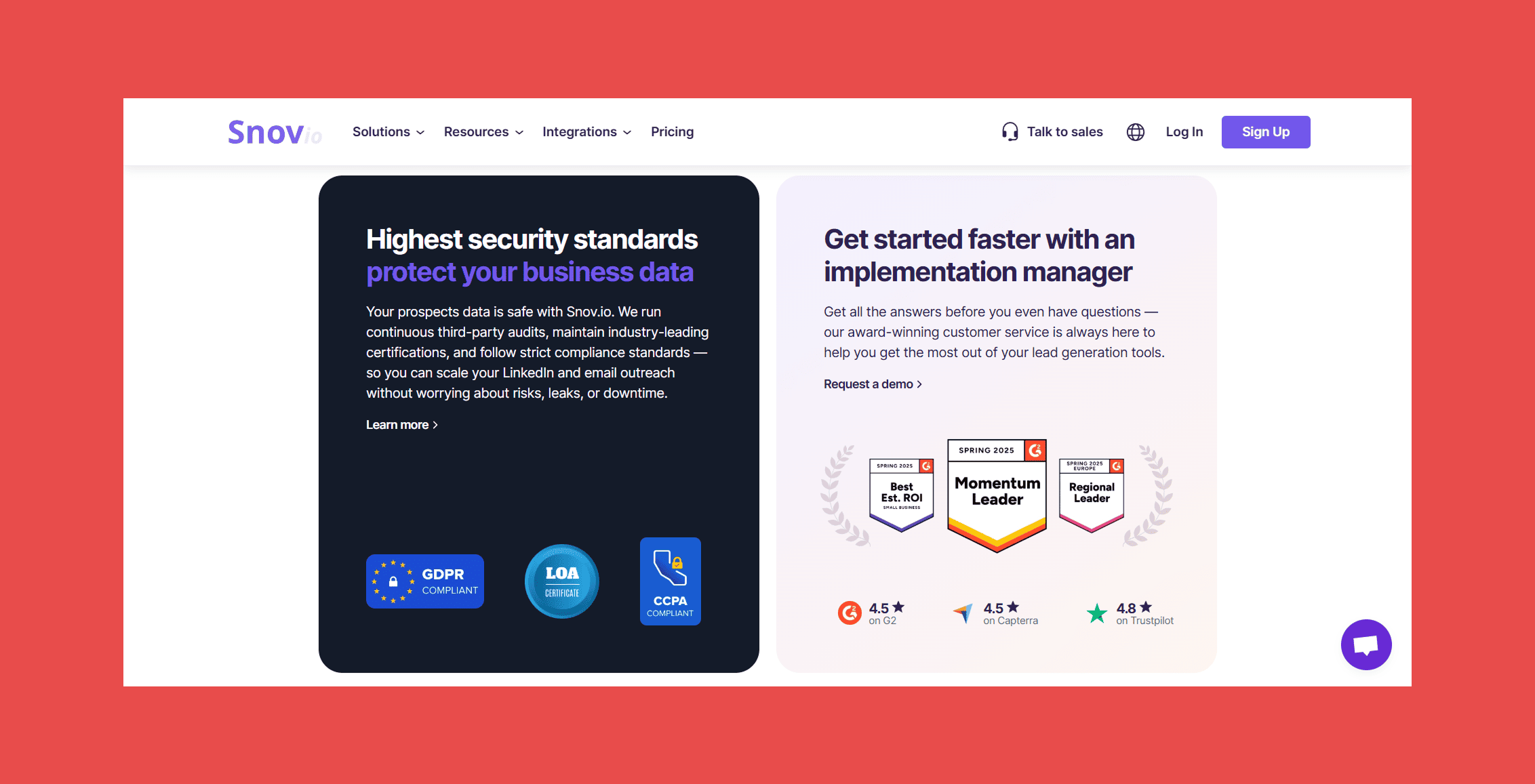
- G2: 4.5/5 (495)
- Capterra: 4.5/5 (215)
What It Does Well:
- Broad database coverage across industries and geographies.
- Finding and sequencing in one platform reduces the friction of moving prospects from list to campaign.
- Accessible entry-level pricing makes it a reasonable starting point for early-stage teams.
Where It Falls Short:
- Bounce rates can run higher than dedicated verification tools, deliverability isn't its strongest suit.
- All-in-one positioning means it's rarely the best at any individual thing.
- LinkedIn automation carries platform risk if LinkedIn tightens enforcement.
Pricing:
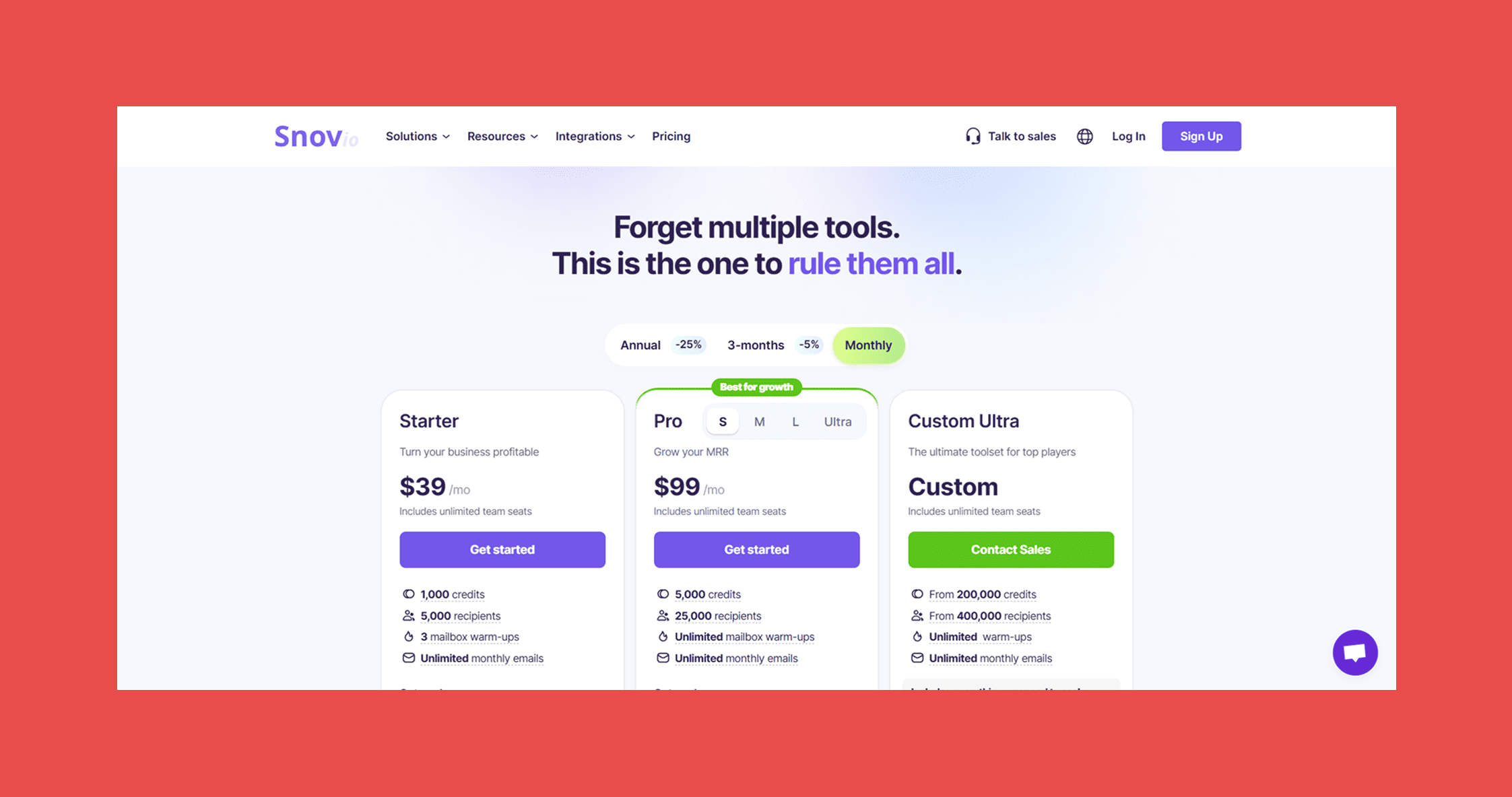
- Starter: $39/mo → 1,000 credits.
- Pro: $99/mo → 5,000 credits.
- Custom Ultra: Custom → 200,000 credits.
7. Lusha
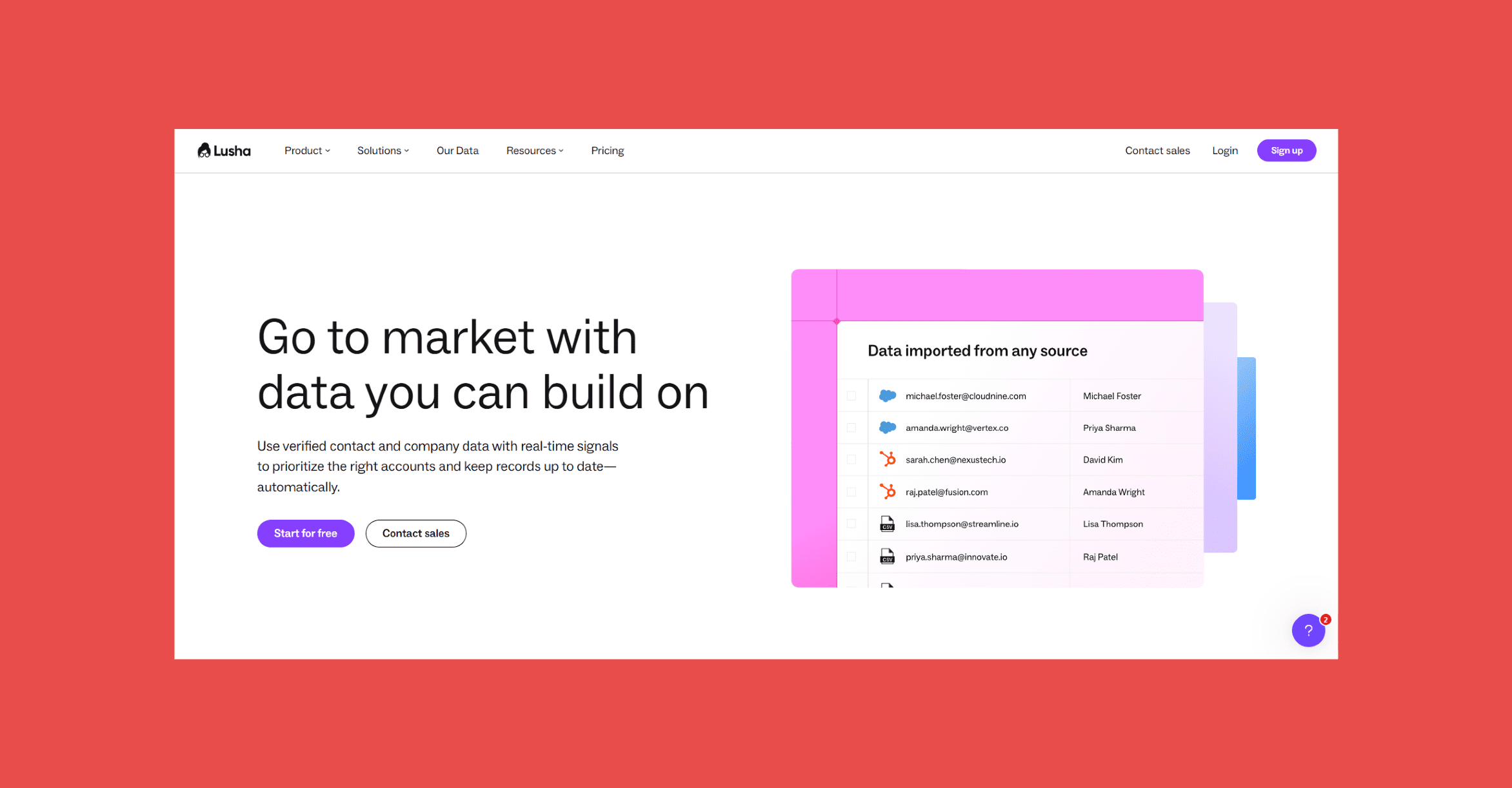
Lusha built its reputation on phone numbers. Direct dials, mobile numbers, personal emails — the kind of data that makes the difference between a sequence that gets replied to and one that doesn't. The Chrome extension is one of the cleaner implementations in the category.
Best For: Sales teams where phone outreach is a primary channel, or teams that need mobile numbers for markets where cold email response rates are low.
Key Features:
- Mobile numbers and direct dials: Lusha's core differentiator, coverage of mobile and desk phone numbers that most email-first tools skip.
- Personal and work email finder: Contact data covers both business and personal email addresses depending on what's available.
- Chrome extension: Works on LinkedIn and company websites, pulling contact data without a full platform login.
- CRM integrations: Native sync to Salesforce, HubSpot, and Pipedrive.
- Prospecting platform with filters: Search and filter by role, seniority, company size, and location inside the Lusha dashboard.
Ratings:
- G2: 4.3/5 (1,660)
- Capterra: 4.0/5 (398)
What It Does Well:
- Mobile number and direct dial coverage is among the best in the category.
- Chrome extension is fast and doesn't require a full platform login to use.
- Strong fit for outbound teams running phone-first sequences where email alone isn't enough.
Where It Falls Short:
- Per-seat pricing scales quickly and gets expensive for teams beyond a handful of reps.
- Credits are restrictive on lower plans, which limits how much prospecting you can do.
- Email accuracy trails behind dedicated email finders.
Pricing:
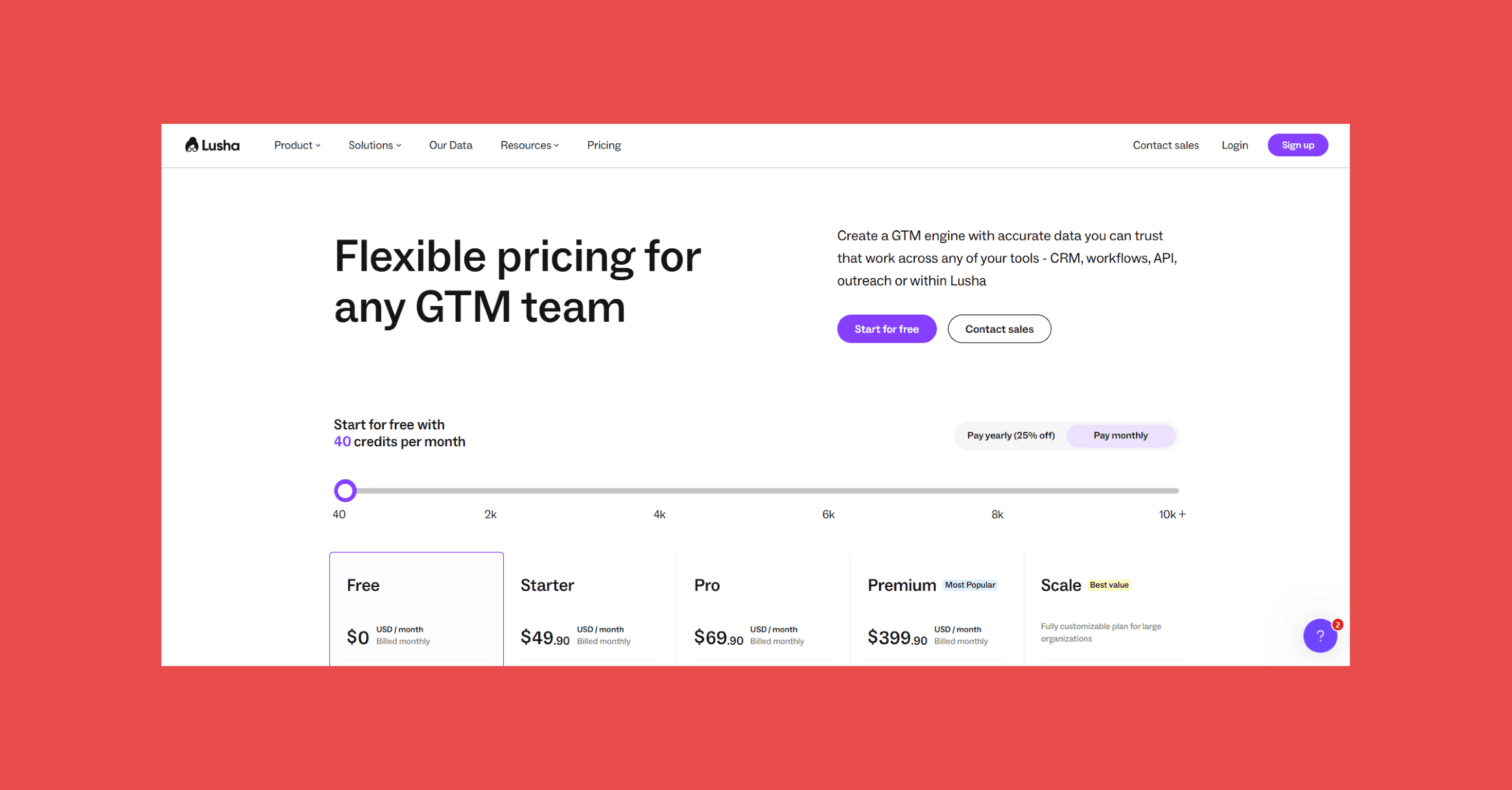
- Free: $0 USD/mo → 40 credits/mo.
- Starter: $49.90 USD/mo → 400 credits/mo.
- Pro: $294.90 USD/mo → 1,000credits/mo.
- Premium: $399.90 USD/mo → 3,400 credits/mo.
- Scale: Contact sales → custom credits/year.
8. LeadMagic
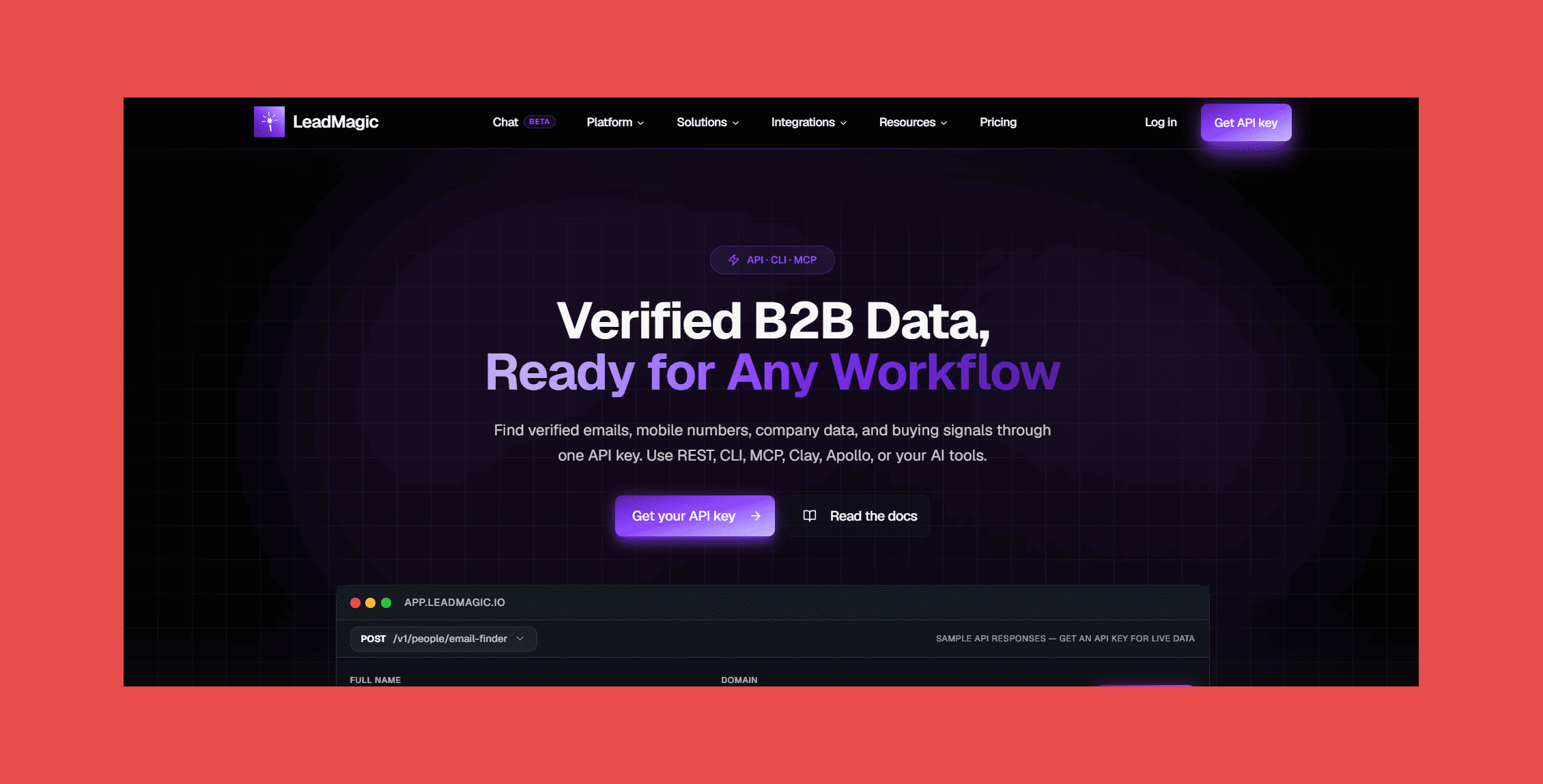
LeadMagic is a data enrichment API used by RevOps teams who want clean firmographic and contact data without a point-and-click interface. It's particularly popular as a Clay provider for enrichment waterfalls.
Best For: RevOps engineers, no-code builders, and Clay users who want an API-first enrichment source.
Key Features
- Email enrichment by name and company: Takes an existing contact record and fills in a verified business email address.
- Mobile number enrichment: Adds mobile numbers to records that only have email, useful for multi-channel sequences.
- Firmographic data: Company size, industry, tech stack, and other context that feeds scoring and segmentation logic.
- Clean REST API: Well-documented, straightforward to integrate, with no proprietary SDK required.
- Clay integration: Designed to work as a provider inside Clay waterfall workflows.
Ratings:
- G2: 4.3/5 (19)
- Capterra: N/A
What It Does Well:
- API reliability and data freshness make it a dependable second or third provider in a waterfall.
- Mobile enrichment is a genuine differentiator, most email-first tools skip it entirely.
- Tight Clay integration means it slots cleanly into existing outbound stacks.
Where It Falls Short:
- No Chrome extension, no prospecting interface, no sequencing — it only enriches records you already have.
- Pay-as-you-go pricing can add up quickly at high volumes.
- Not the right fit if you're not already running an enrichment workflow.
Pricing:
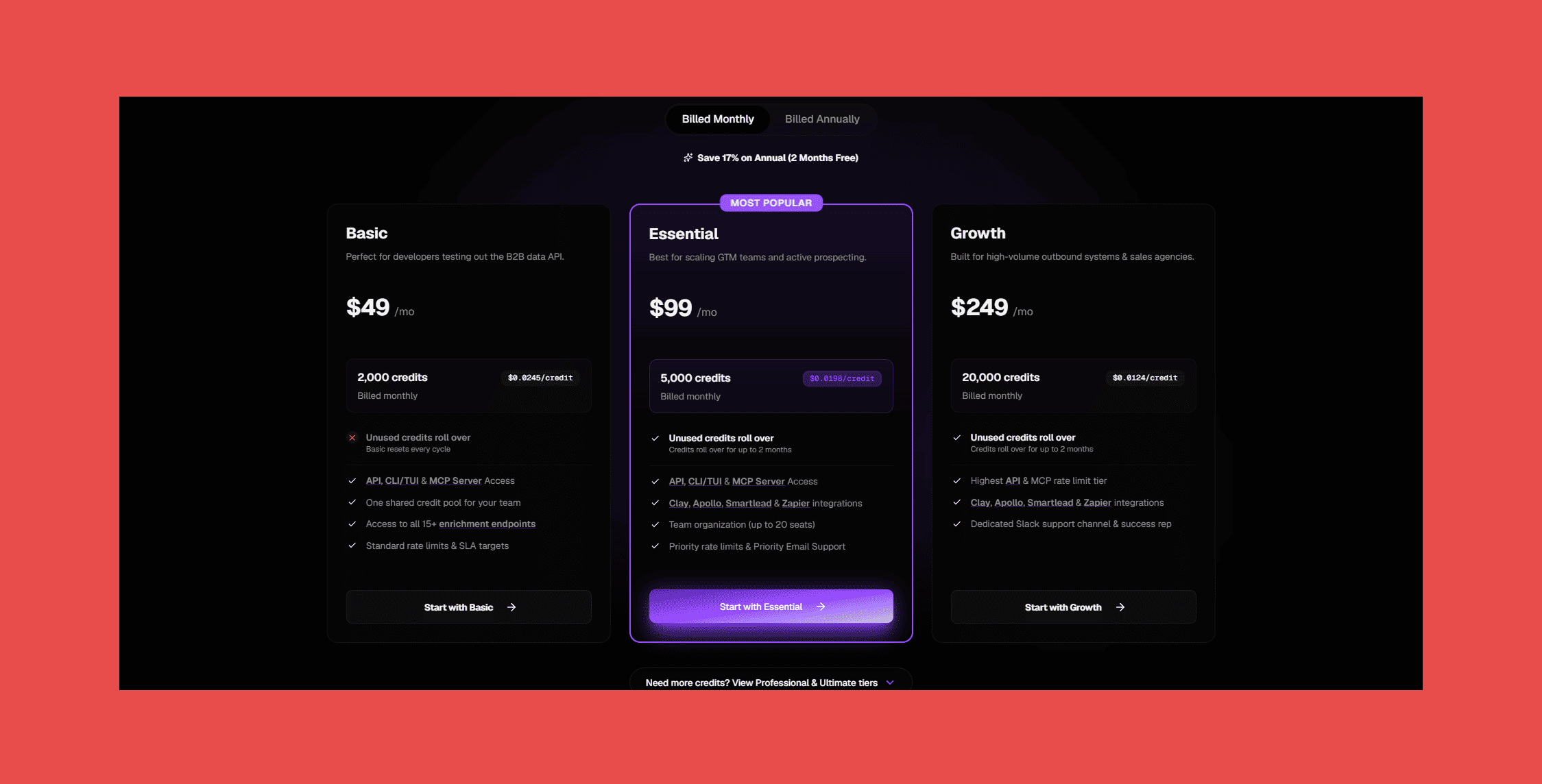
- Basic: $49/mo → 2,000 credits.
- Essential: $99 → 5,000 credits.
- Growth: $249 → 20,000 credits.
9. Dropcontact
Dropcontact is built for European businesses that need GDPR-compliant enrichment without the compliance headache. It focuses on CRM data hygiene, deduplication, normalization, email enrichment, and keeping records clean as they age.
Best For: European companies using Salesforce, HubSpot, or Pipedrive who need both enrichment and CRM hygiene without a separate data cleaning tool.
Key Features:
- GDPR-compliant enrichment: Generates email addresses algorithmically from public data rather than drawing from a stored database, sidestepping most GDPR gray areas.
- Duplicate detection and merge: Flags and consolidates duplicate CRM records automatically.
- Data normalization: Standardises job titles, company names, and other fields so your CRM doesn't fill up with inconsistent variants.
- Direct CRM integrations: Connects natively to Salesforce, HubSpot, and Pipedrive.
- Email verification: Validates addresses as part of the enrichment process rather than as a separate step.
Ratings:
- G2: 4.5/5 (50)
- Capterra: 4.7/5 (23)
What It Does Well:
- GDPR compliance is genuinely built in, not bolted on — the algorithmic approach sidesteps most data protection gray areas.
- CRM deduplication and normalization mean it's solving two problems at once for European teams.
- No stored database means no risk of using contact data that shouldn't legally exist.
Where It Falls Short:
- Algorithmic enrichment produces lower match rates than database-backed providers.
- No Chrome extension, no phone data, and limited relevance outside European markets.
- Coverage gaps can be significant for teams prospecting outside France and Western Europe.
Pricing:
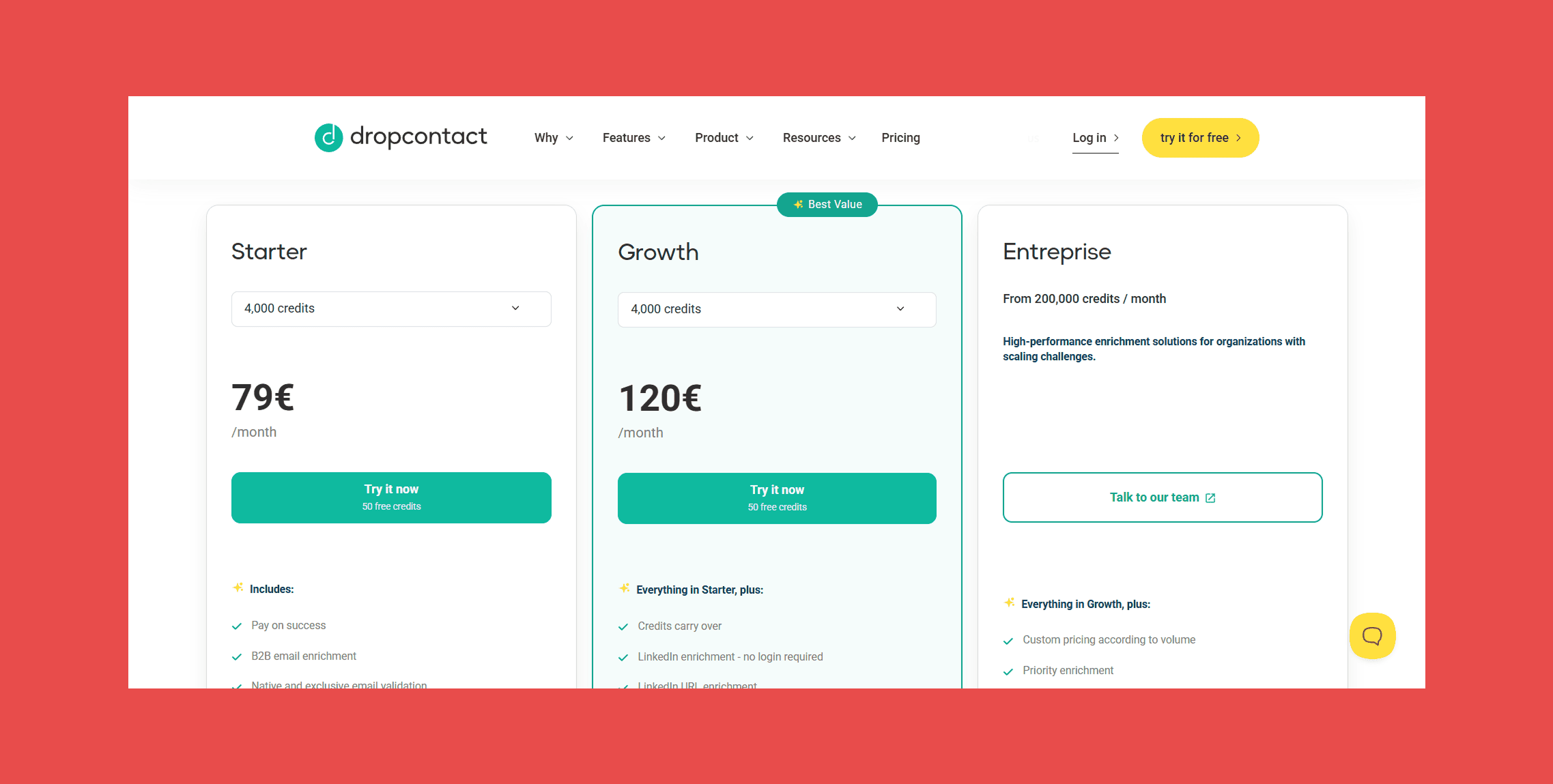
- Starter: €79/mo.
- Growth: €120/mo.
- Enterprise: Contact Sales.
10. ZoomInfo
ZoomInfo is enterprise B2B intelligence at its most complete: one of the largest contact databases in the world, intent data, technographic signals, org charts, company hierarchy, and integrations with every enterprise CRM and sequencer that exists. It's also priced accordingly.
Best For: Enterprise sales teams with large TAMs, complex accounts, and procurement processes that require a vendor with a long track record.
Key Features:
- 260M+ professional profiles: One of the deepest contact databases available, with global coverage across every major industry.
- Buyer intent signals: Surfaces companies actively researching your category, with intent data that predates most competitors in maturity.
- Technographics and org charts: Shows what technology a company runs and how it's structured internally — useful for enterprise deals with multiple stakeholders.
- Direct dials and mobile numbers: Phone data alongside email, so outbound teams don't need a separate phone enrichment tool.
- Native integrations: Connects to Salesforce, HubSpot, Marketo, Outreach, and every major enterprise tool.
- Sales engagement tools (Engage): Built-in sequencing for teams that want finding and outreach under one platform.
Ratings:
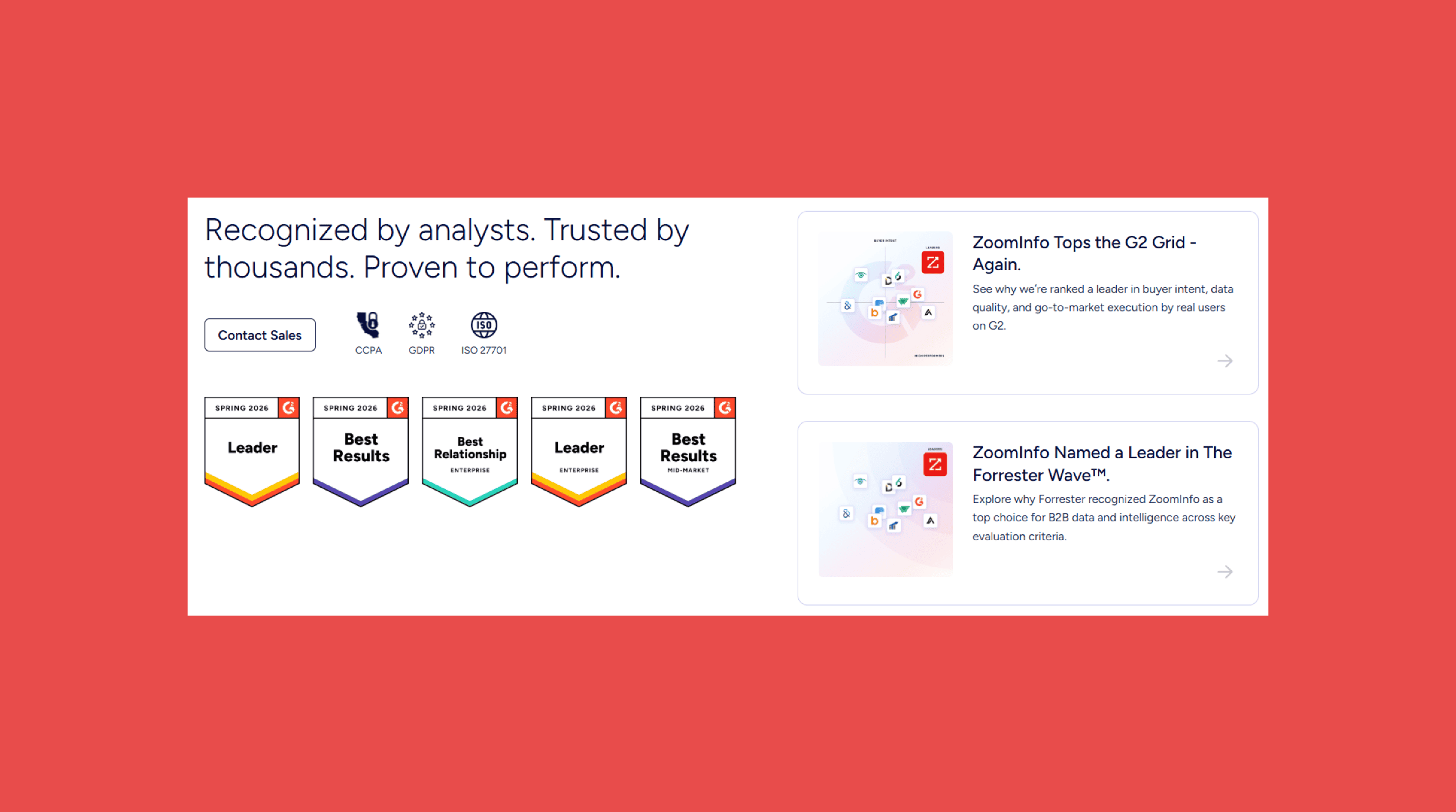
- G2: 4.5 (12,887)
- Capterra: N/A
What It Does Well:
- Database depth is unmatched for enterprise accounts, org charts and company hierarchy data are hard to replicate elsewhere.
- Intent data is among the most mature in the market, with years of signal history behind it.
- Integrations with every major enterprise CRM and sequencer mean it fits into complex existing stacks.
Where It Falls Short:
- Annual contracts and enterprise pricing make it inaccessible for SMBs and budget-conscious teams.
- More features than most sales teams will ever use, you're paying for a lot you won't touch.
- Data accuracy complaints are common in reviews, which is a notable gap for a platform at this price point.
Pricing:
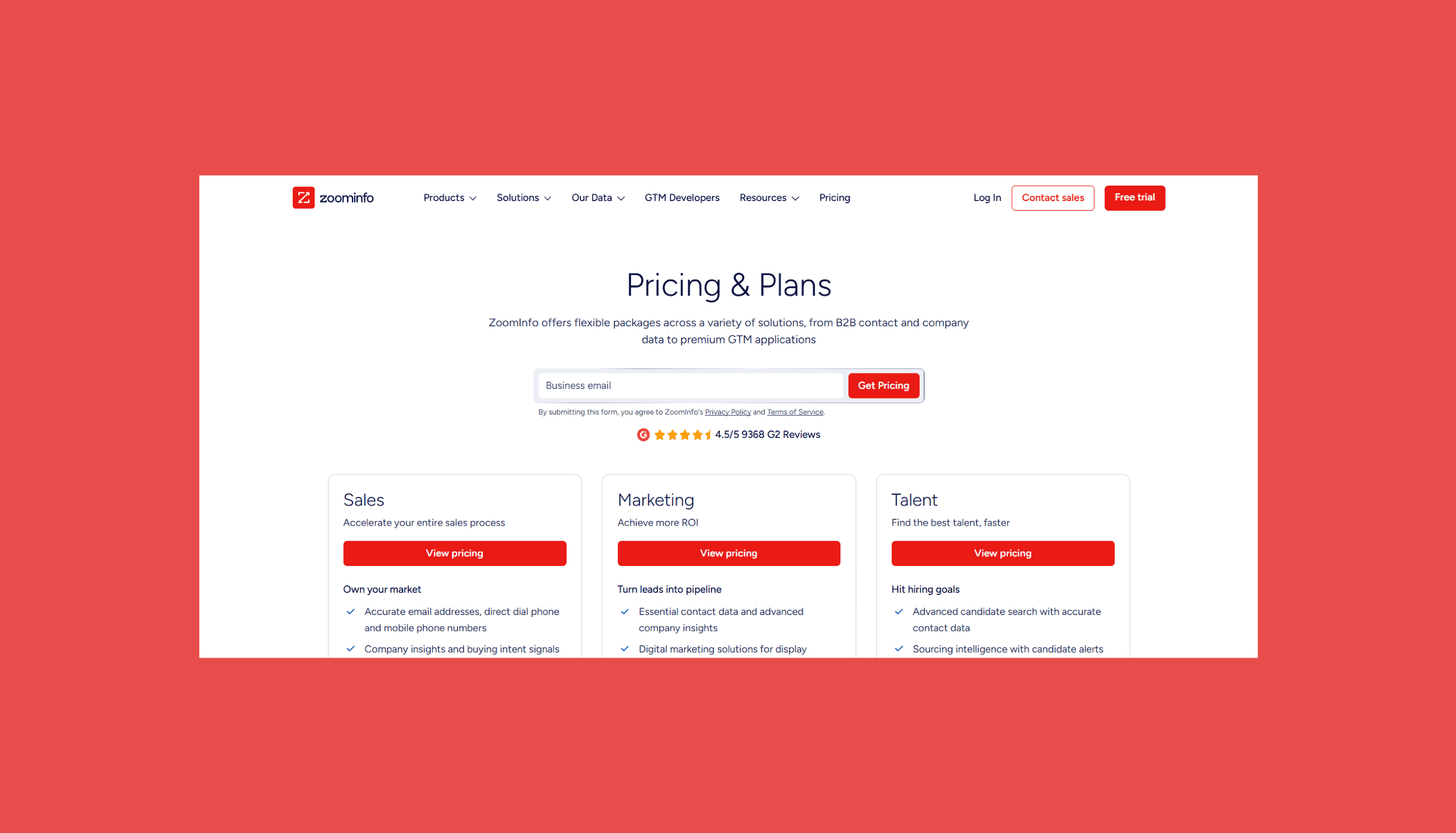
- Custom pricing: Contact sales to learn more.
How to Choose the Right Icypeas Alternative
Database size is the easiest metric to lead with and the hardest to audit. A smaller, verified database almost always beats a larger, messy one, so ask for bounce rates over contact counts.
Beyond that, the right tool comes down to your workflow. LinkedIn-first SDRs need something different than API-first RevOps teams, and pricing models that look identical on paper play out very differently depending on your volume and how unused credits are handled. Whatever you pick, make sure it connects cleanly to your CRM. A finder that creates a manual import step is one that someone, eventually, will skip.
Findymail pairs its email finder with built-in verification, phone data, and AI-powered prospecting through Intellimatch and Signals, all synced directly to your CRM through native integrations.
New accounts start with 10 free credits, enough to put the data quality to the test before committing.
FAQ About Icypeas Alternatives
What is the best Icypeas alternative?
Findymail for most teams,especially those where deliverability is a priority. It's the only tool on this list that guarantees a sub-5% bounce rate across every plan, charges only for verified emails, and includes AI prospecting, phone enrichment, and CRM integrations without tiering features by plan size.
Is Findymail better than Icypeas?
For teams that want a bounce guarantee, phone enrichment, and AI-powered prospecting in a single tool, yes. Icypeas is stronger for teams specifically focused on European GDPR compliance or catch-all detection workflows built around the API. The two products aren't identical, and the right answer depends on what's causing the most friction in your current process.
Which Icypeas alternative has the highest email accuracy?
Findymail, based on its sub-5% bounce guarantee, a standard no other provider on this list matches contractually. Hunter also has a strong reputation for accuracy on domains it covers, though its database is narrower.
Which Icypeas alternative is best for LinkedIn prospecting?
Wiza, by a clear margin. It was built specifically to turn Sales Navigator searches into verified contact exports. Findymail's Chrome extension also works directly on LinkedIn profiles for one-at-a-time lookups.
Which email finder has the lowest bounce rate?
Findymail's sub-5% bounce guarantee is the most explicit commitment in the category. Most providers publish accuracy claims without backing them contractually.
Which alternative includes phone numbers?
Findymail, Lusha, Apollo, and ZoomInfo all include phone numbers. Lusha has the strongest dedicated mobile coverage; Apollo has the broadest database; Findymail includes phone data without a separate plan or add-on.
Is Icypeas GDPR compliant?
Yes. GDPR compliance is one of Icypeas's genuine differentiators, especially for European teams. Dropcontact is the strongest alternative in this specific category.
Which tool offers the best value for money?
Findymail for most use cases: verified-only billing means you're not paying for emails that don't work, credit rollover means you're not losing what you don't use in a given month, and all features are available from the lowest plan. Hunter is the best value for teams with simple needs and no phone or AI requirements.

Valentin
Valentin Wallyn is the founder and CEO of Findymail, a SaaS platform he launched to help B2B teams discover accurate email and contact data and automate data enrichment at scale. With an IT background, Valentin combines a technical mindset with hands-on experience in outreach and growth. His work centers on improving data quality and prospecting efficiency, drawing on years of entrepreneurial experience and a deep understanding of what makes outreach campaigns succeed.