

Let's cut to the chase: Findymail is the best Hunter.io alternative to find verified email addresses.
Here's why, and some more alternatives 👇️
1. Findymail Is the Best Hunter.io Alternative
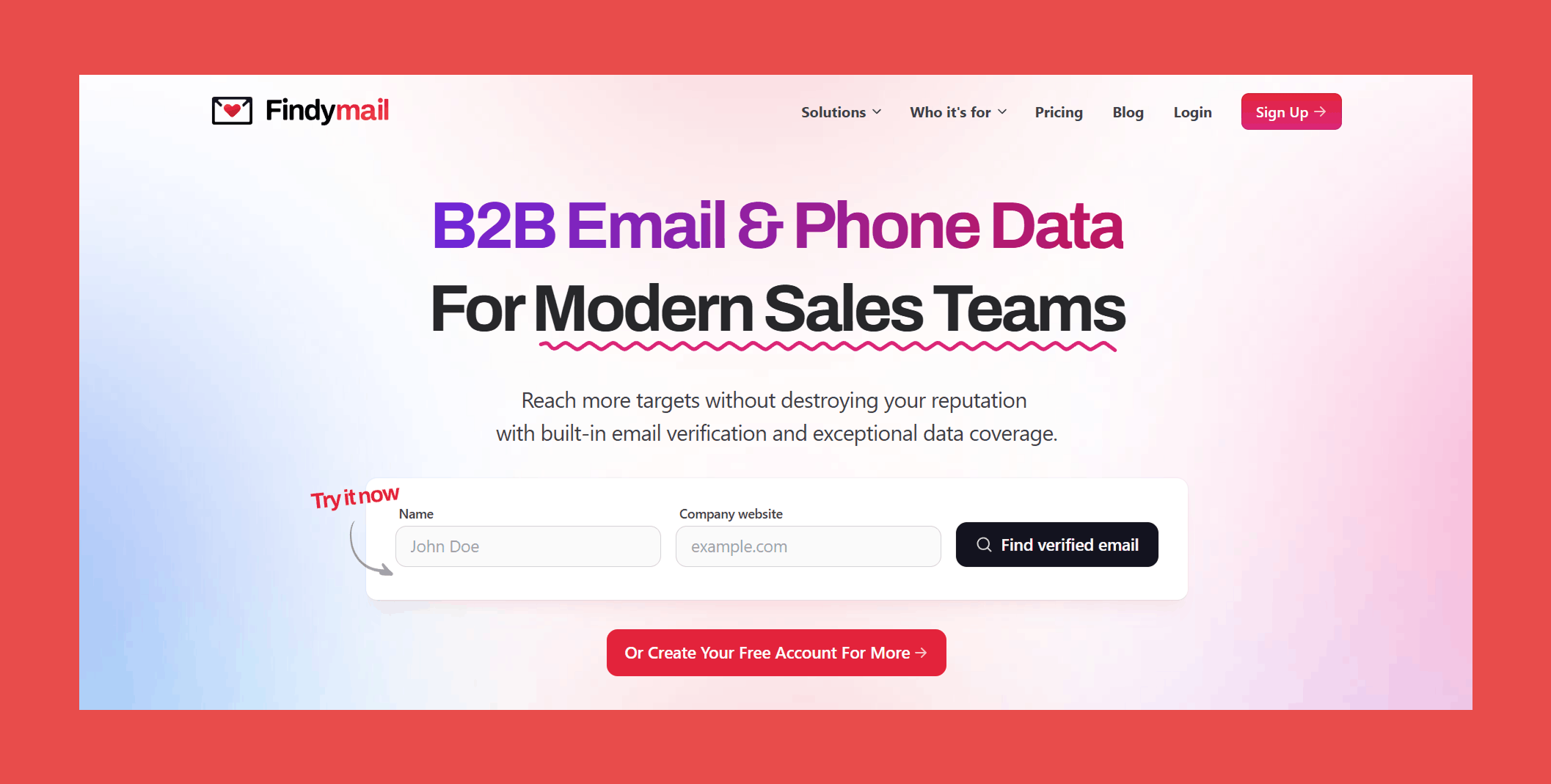
Let's talk about the first Hunter.io alternative that makes me want to do a happy dance: Findymail.
I know how frustrating it is to have your emails constantly bounce back or get flagged by Mailer Daemon. That's why I built Findymail– to solve these problems once and for all.
Top Features of Findymail
- Verified Emails Only: Unlike some tools, Findymail doesn’t charge you for duplicates or unverified emails. You only pay for what’s verified and deliverable.
- Seamless Integrations: It plays well with LinkedIn Sales Navigator and Apollo and has a great email finder API for automations.
- Real Email Verification: Every email goes through a verification process, so you can feel confident your messages will actually reach their recipients.
- User-Friendly Interface: The dashboard is straightforward and intuitive, making it easy to organize and export your data.
- Flexible Pricing: Findymail offers a range of pricing plans to suit different needs, from small-scale users to enterprise clients.
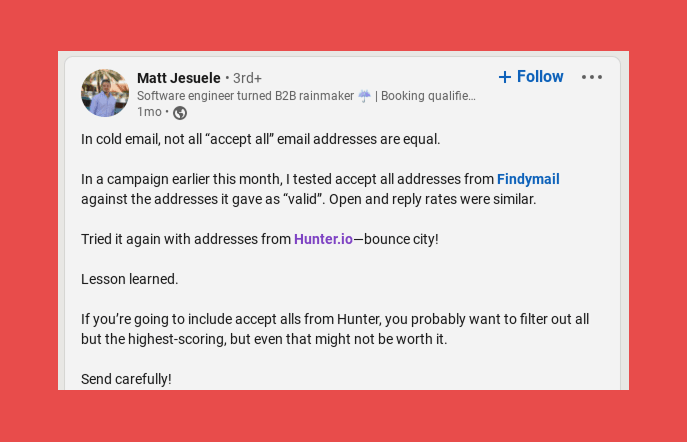
Findymail Limitations
- Limited Free Credits: The free plan gives you 10 credits, which is great for testing but not ideal for heavy users.
- No Mobile App: Currently, Findymail is only available as a web app, which might be a downside if you prefer working from your phone.
Findymail Pricing
- Trial Plan: $0, includes 10 finder credits and 10 email verifications (one-time only).
- Basic Plan: $49/mo, includes 1,000 finder credits and 1,000 email verifications credits per month.
- Starter Plan (most popular option): $99/mo, includes 5,000 finder credits and 5,000 email verifications per month.
- Business Plan: $249/mo, includes 15,000 finder credits and 15,000 email verifications per month.
- Business Plus: $399/mo, includes 30,000 finder credits and 30,000 email verifications per month.
- Scale 50k: $549/mo, includes 50,000 finder credits and 50,000 email verifications per month.
- Scale 100k: $849/mo, includes 100,000 finder credits and 100,000 email verifications per month.
- Enterprise: Custom, includes custom credits and automatic refills.
2. Apollo.io
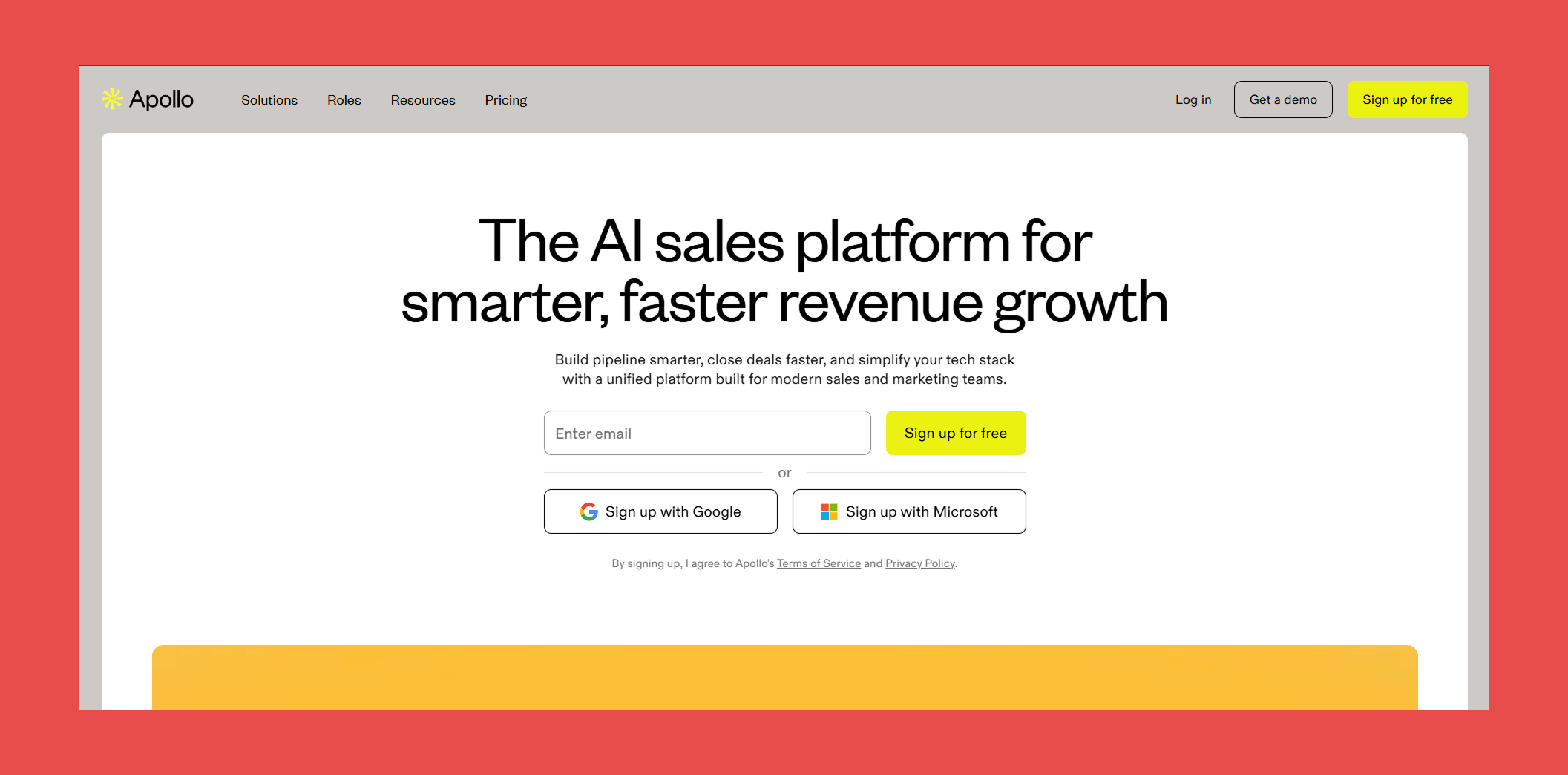
When it comes to B2B contact databases, Apollo.io is a real powerhouse. With access to over 250 million contacts and 60 million companies, you can find just about anyone you need to reach out to.
Plus, Apollo.io offers a range of other features like lead scoring and prospect tracking to help you stay on top of your sales game.
Top Features of Apollo.io
- Extensive Contact Database: Access to 250 million contacts and 60 million companies, giving you a broad pool of potential leads.
- CRM Integrations: Works with popular tools like Salesforce, HubSpot, and Gmail to keep your data in one place and make follow-ups easier.
- LinkedIn & Sales Navigator Integration: Search for and pull contact details directly from LinkedIn profiles.
- Lead Scoring & Prospect Tracking: Helps you stay organized by scoring leads and tracking their progress through your sales funnel.
Apollo.io Limitations
- Data Accuracy: Even with a massive database, some users report outdated or inaccurate information cropping up now and then.
- Pricing Structure: The pricing plans can feel expensive, especially for smaller teams or individuals just starting out.
- Learning Curve: With so many features available, it can take time to fully understand how to use the tool effectively.
- Customer Support: Some users have reported slow or inconsistent support response times, particularly on lower-tier plans.
Apollo.io Pricing
- Basic: $59/mo for 2,500 credits.
- Professional: $99/mo for 4,000 credits.
- Organization: $149/mo for 6,000 credits.
3. Nymeria
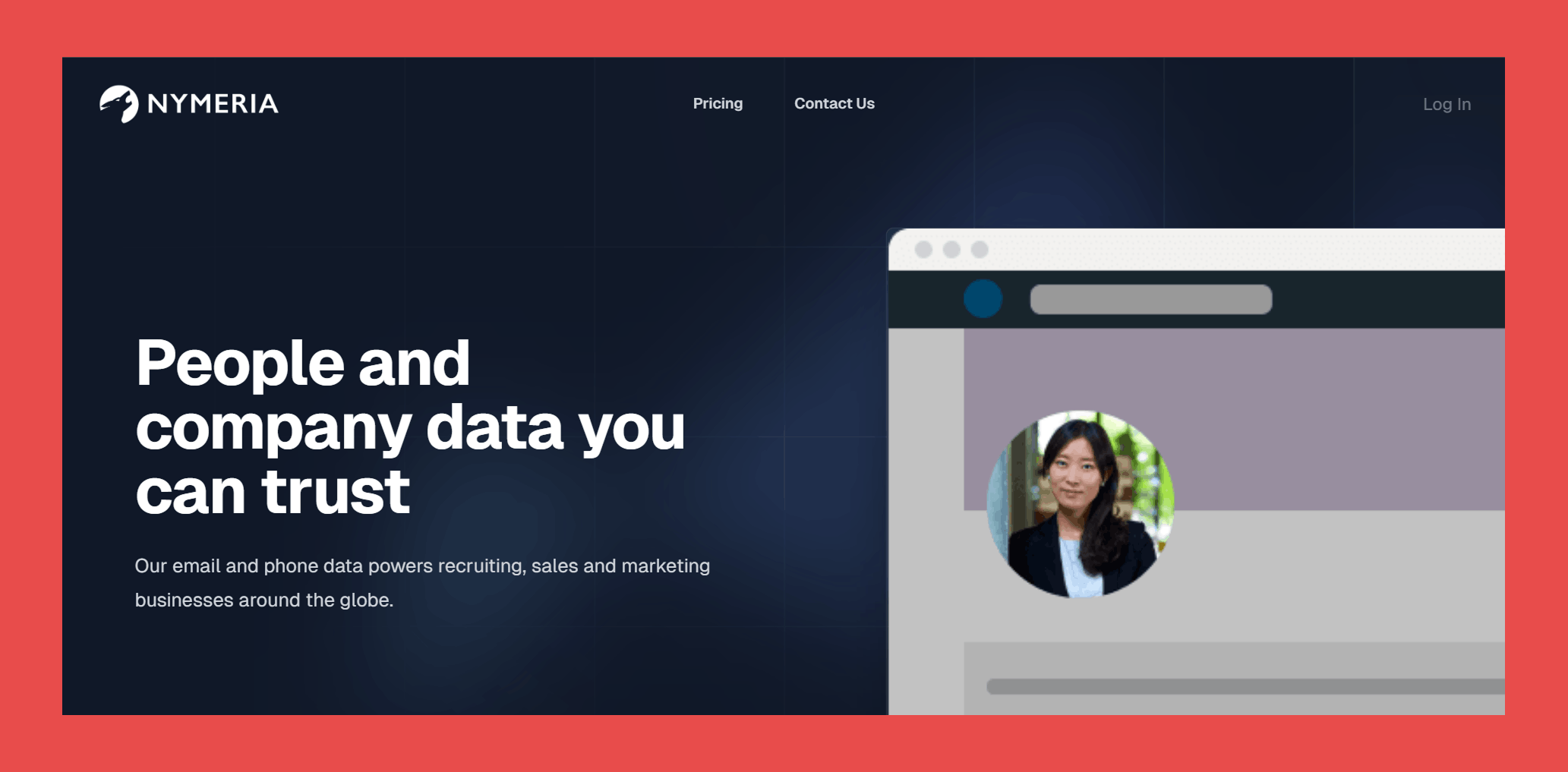
No, I'm not talking about the Game of Thrones wolf. Nymeria is an email finder tool that gives you access to a database of over 500 million contacts. It integrates well with platforms like LinkedIn and GitHub, making it a strong option for B2B sales.
Top Features of Nymeria
- Comprehensive Contact Database: Access over 500 million contacts with profiles refreshed monthly to help you find qualified leads.
- LinkedIn and GitHub Integration: Easily find contact details from LinkedIn and GitHub profiles.
- Browser Extensions: Works with major browsers like Chrome, Edge, and Firefox for quick access while you browse.
Nymeria Limitations
- Data Accuracy: Despite regular updates, some users report occasional inaccuracies or outdated info.
- Limited Integrations: While it works well with LinkedIn and GitHub, it doesn’t offer extensive integrations with CRMs or other platforms.
- Customer Support: Support response times can vary, especially if you’re on a lower-tier plan.
- No Free Plan: It lacks a completely free tier, so you’ll need to pay to access the core features.
Nymeria Pricing
- Nano: $39/mo for 100 credits.
- Micro: $79/mo for 300 credits.
- Kilo: $159/mo for 1,000 credits.
- Enterprise: Custom pricing for custom credits.
4. Anymail Finder
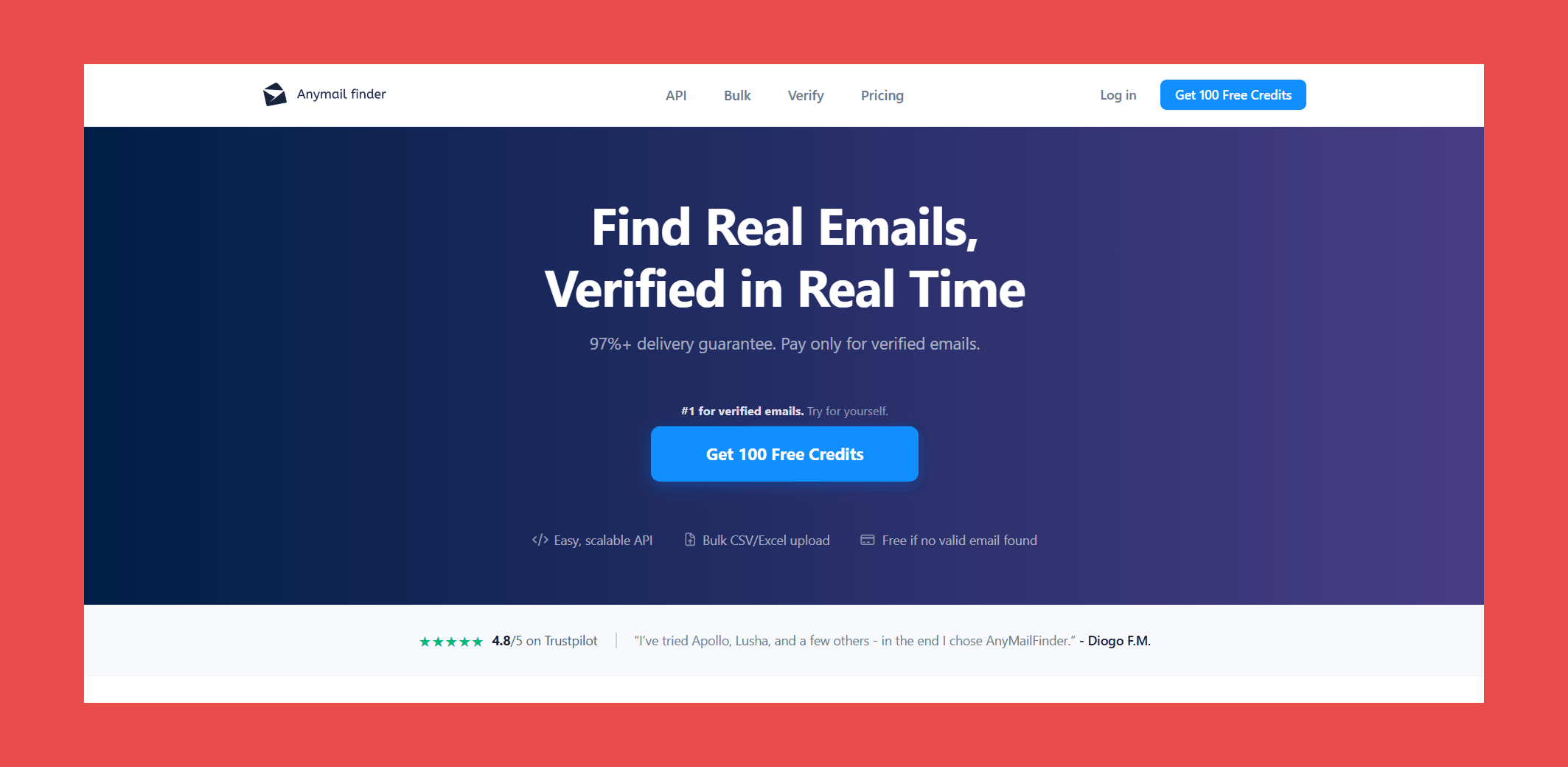
Anymail Finder is an email finder tool aimed at helping you discover verified email addresses with ease. It offers a verified database, a REST API, and the ability to search by job title or conduct bulk domain searches.
Top Features of Anymail Finder
- Verified Database: Anymail Finder’s database focuses on verified emails, giving you more confidence that your outreach won’t bounce.
- Bulk Domain Search: You can search entire domains to pull out relevant email addresses fast.
- Job Title Search: Filter your searches by job title to hone in on the right contacts.
- API Access: The REST API makes it easy to integrate email finding directly into your workflow.
- Credit Rollover: Unlike some competitors, unused credits roll over, so you’re not wasting money if you don’t hit your monthly limit.
Anymail Finder Limitations
- Data Accuracy: While it emphasizes verified emails, occasional inaccuracies can still crop up.
- No Free Plan: Anymail Finder doesn’t offer a completely free tier; only a pay-as-you-go or subscription model.
- Limited Integrations: API access is available, but direct integrations with popular CRMs are limited.
- Customer Support: Response times for support can be slow, particularly for lower-tier plans.
Anymail Finder Pricing
- Starter: $14/mo for 50 credits/mo.
- Standard: $49/mo for 1,000 credits/mo
- Scale: $149/mo for 5,000 credits/mo
- Ultimate: $299/mo for 25,000 credits/mo
5. Skrapp
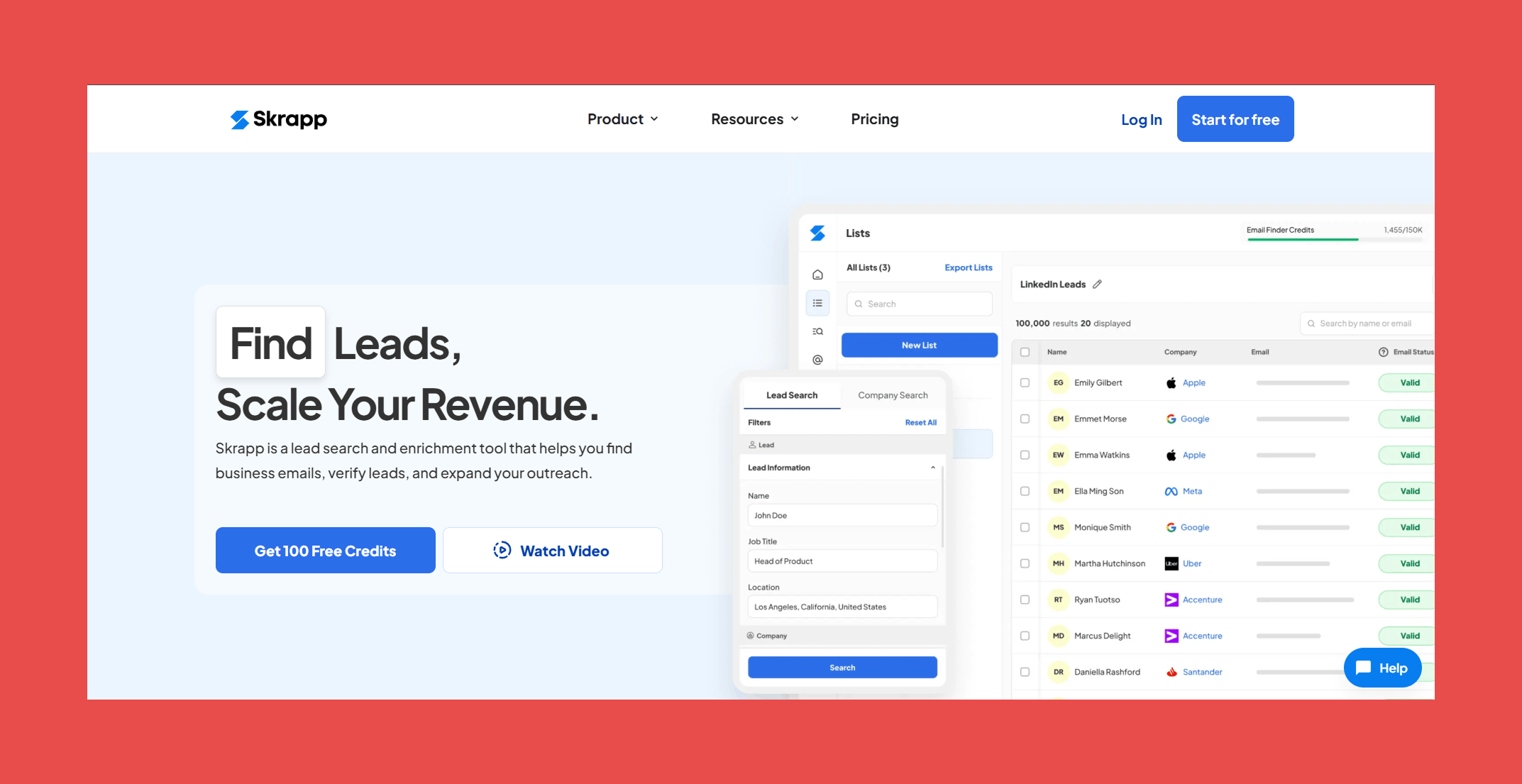
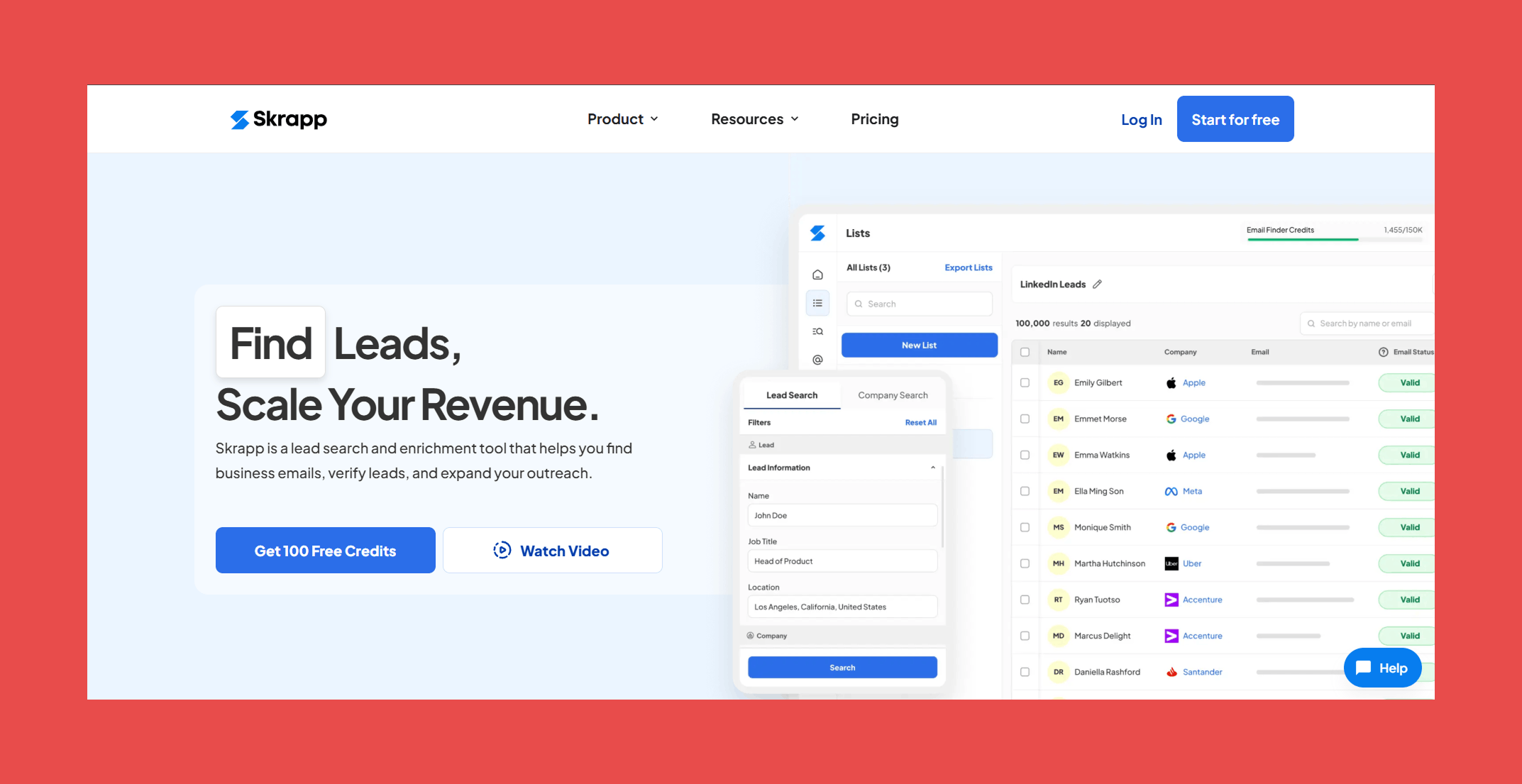
Skrapp.io aims to make prospecting simpler with features like Sales Navigator integration and options for finding emails by name or company
Top Features of Skrapp.io
- LinkedIn Email Finder: Scrape professional emails from LinkedIn profiles, especially when you’re using Sales Navigator.
- Company Email Search: Search for emails by company name to quickly build targeted lists.
- Sales Navigator Integration: Works directly with LinkedIn’s Sales Navigator, so you can dig up contact info without leaving the platform.
Skrapp.io Limitations
- Data Accuracy: While useful, Skrapp.io isn’t perfect—some users have reported occasional inaccuracies or outdated info.
- Limited Integrations: It works well with LinkedIn, but integrations with other tools and CRMs are fairly limited.
- Support Availability: Some users report that customer support can be slow to respond, especially on lower-tier plans.
- Learning Curve: The interface is straightforward, but some of the more advanced features can feel clunky.
Skrapp.io Pricing
- Professional: Starting at $39/mo for 1,000 email credits.
- Enterprise: Starting at $349/mo for 50,000 email credits.
6. Seamless AI
Seamless.ai is a powerful sales tool that offers access to a vast database of over 100 million contacts and companies.
Top Features of Seamless.ai
- AI-Powered Data Verification: Uses artificial intelligence to pull real-time, accurate contact info so you can spend less time double-checking data and more time talking to buyers.
- Comprehensive Contact Details: Gives you phone numbers and social media profiles, making it easier to connect across different channels.
- CRM Integrations: Works with popular CRMs like Salesforce and HubSpot, so your contact lists stay organized without much effort.
Seamless.ai Limitations
- Data Accuracy Variability: Even with AI in the mix, some users say they’ve run into outdated or incorrect info, so manual verification can still be necessary.
- Pricing Transparency: The pricing structure isn’t always crystal clear, and understanding how overage fees work can be tricky.
- Customer Support Challenges: Some users report slow responses from support, which can be a pain if you’re trying to solve an issue quickly.
- Search Limitations: Certain search filters have maximums, which can feel limiting if you’re trying to get super specific with your searches.
- Technical Restrictions: Some advanced features can feel clunky or restricted, especially when it comes to integrations and search capabilities.
Seamless.ai Pricing
- Free: $0, includes 1,000 credits/user/year.
- Pro: Contact Sales, includes daily credit refresh.
- Enterprise: Contact Sales, includes custom credits.
7. ContactOut
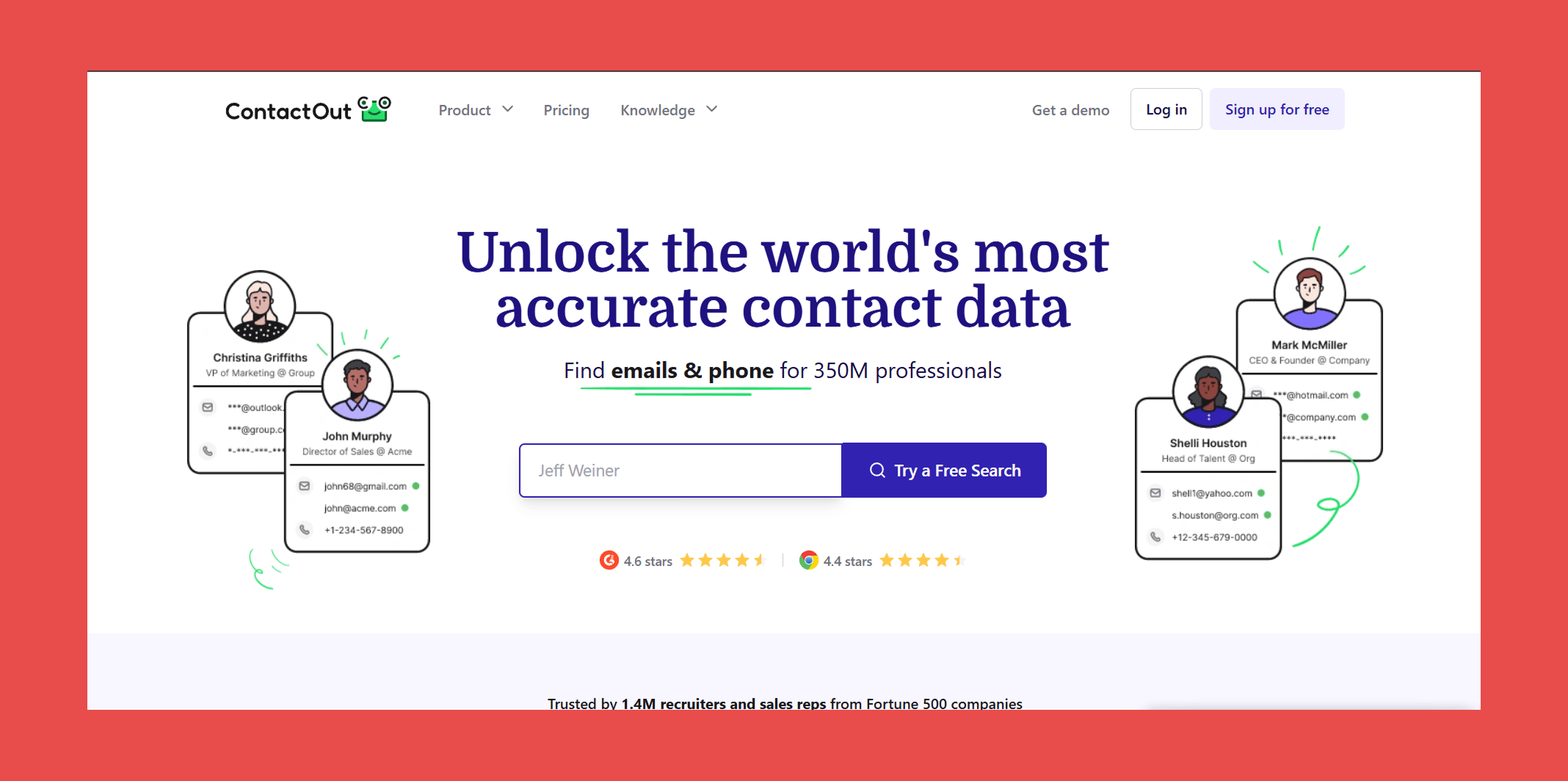
ContactOut is a tool designed to help users find contact information across a large database of professional profiles, with integrations aimed at making outreach easier.
Top Features of ContactOut
- Extensive Database: Access to over 300 million professional profiles, including personal and work email addresses, as well as phone numbers.
- LinkedIn Integration: Seamlessly integrates with LinkedIn, allowing users to retrieve contact information directly from LinkedIn profiles using a Chrome extension.
- CRM Integrations: Supports integration with popular Customer Relationship Management (CRM) systems like Salesforce and HubSpot, streamlining the process of managing and utilizing contact information.
ContactOut Limitations
- Limited Features Outside LinkedIn: Primarily focuses on LinkedIn data extraction, which may limit its utility for users seeking broader data sources.
- Data Accuracy: While ContactOut strives for high accuracy, some users have reported occasional inaccuracies in the contact details provided.
- Pricing Structure: Some users may find ContactOut's pricing plans less flexible, with higher-tier plans potentially being costly for smaller businesses.
- Customer Support: There have been reports of challenges in reaching customer support, which could be a concern for users requiring timely assistance.
- Commitment Requirements: Certain plans may require an annual commitment, which might not be suitable for all users.
ContactOut Pricing
ContactOut takes a unique approach to pricing with plans adjusting when you include or exclude US/UK data. Here's the pricing structure with US/UK data included:
- Free: $0, includes 5 emails and phone data/day.
- Email: $49/mo, includes unlimted emails and 300 exports/mo.
- Email + Phone: $99/mo, includes unlimited emails and phone numbers with 600 exports/mo.
- Team / API: Contact Sales, includes 20% more data coverage and team API access.
8. GetProspect
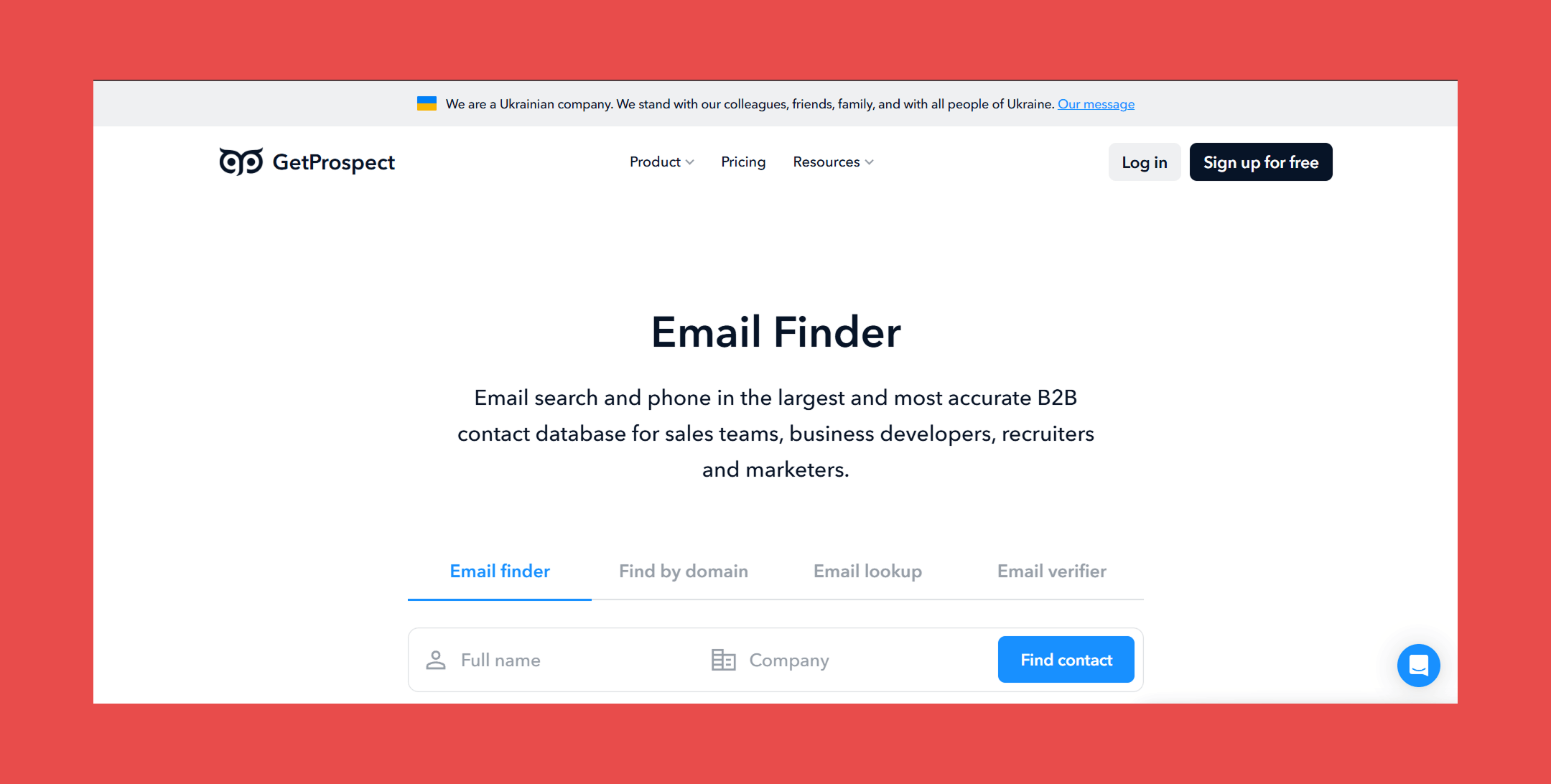
If you're looking for an email finder tool that can help you find qualified leads quickly and easily, you may want to check out GetProspect.
Top Features of GetProspect
- Extensive Contact Database: Access to over 200 million contacts and 26 million companies.
- LinkedIn Email Finder: Ability to extract and verify email addresses directly from LinkedIn profiles using the Chrome extension. This can be a major time-saver for B2B sales professionals who rely on LinkedIn for lead generation.
- Integrated Email Campaigns: Set up and manage email campaigns within the platform.
GetProspect Limitations
- Credit-Based System: Operates on a credit system where each valid email found consumes credits; unused credits do not roll over to the next month.
- Data Accuracy: While the tool aims for high accuracy, some users have reported occasional inaccuracies in the contact information provided.
- Pricing Structure: Higher-tier plans can be costly for smaller businesses or individual users.
- User Interface Learning Curve: Despite being user-friendly, some advanced features may require time to learn and navigate effectively.
- Limited Customer Support: Users have reported that support can be slow to respond, particularly for lower-tier plans.
GetProspect Pricing
- Free: $0, includes 50 valid emails and 100 email verifications.
- Starter: $49/mo, includes 1,000 valid emails, 1,000 email verifications, and 5 phone numbers per month.
- Growth 5k: $99/mo, includes 5,000 valid emails, 10,000 email verifications, and 5 phone numbers per month.
9. RocketReach
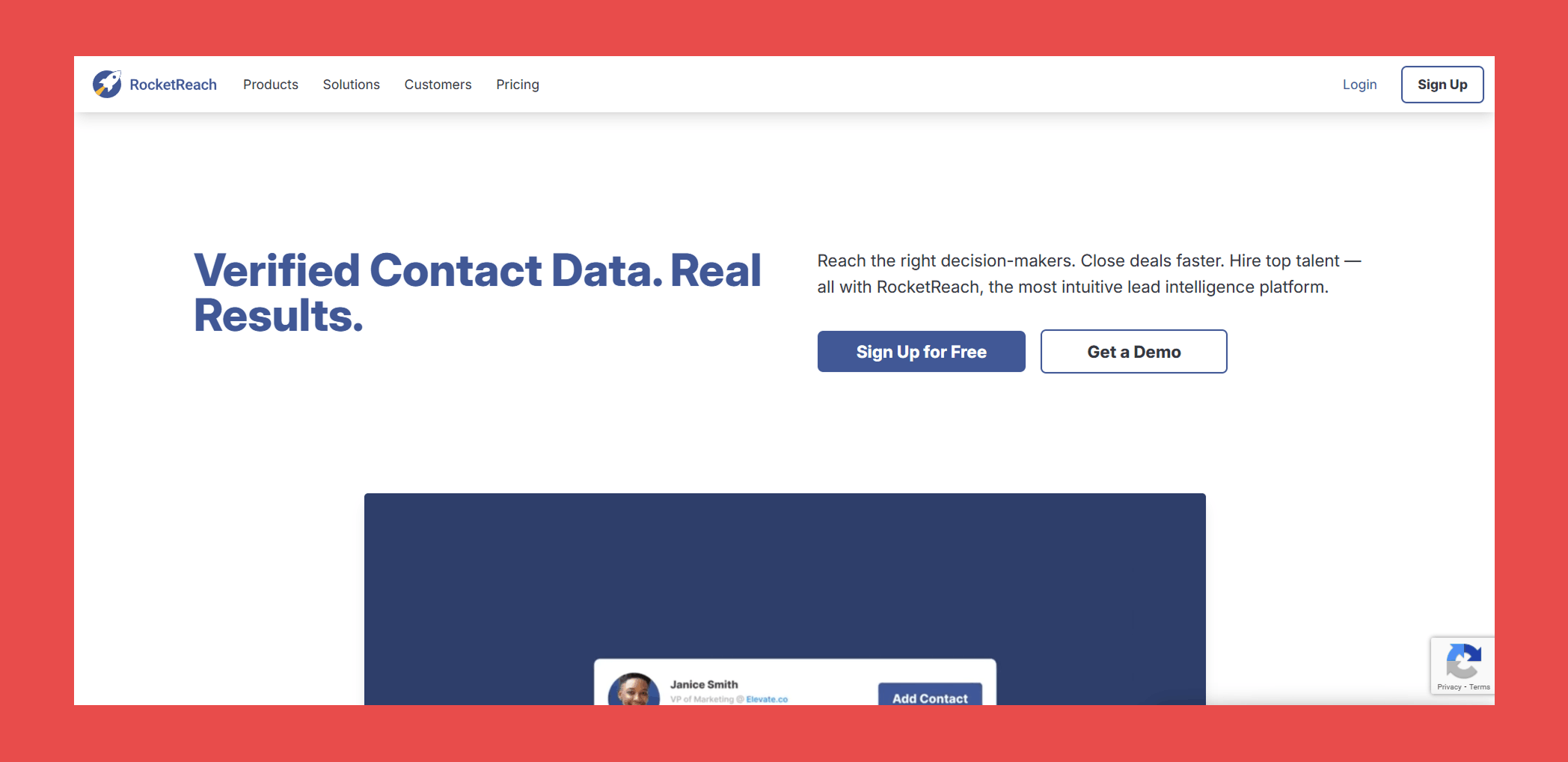
When it comes to finding contact information for professionals and companies, RocketReach is a powerful tool that stands out from the crowd.
Top Features of RocketReach
- Extensive Database: Access to a vast array of professionals and companies globally.
- Real-Time Verification: Ensures that the contact information provided is accurate and current.
- Integrations: Connects with platforms like AngelList, Crunchbase, and LinkedIn to enhance data reliability.
RocketReach Limitations
- Data Accuracy: While the platform strives for high accuracy, some users have reported instances of outdated or incorrect contact details.
- Pricing Structure: The cost can be relatively high, especially for smaller businesses or startups.
- Limited Free Access: The free plan offers only five lookups per month, which may not be sufficient for users with extensive needs.
- Advanced Features: Some advanced functionalities are only available in higher-tier plans, which could be restrictive for users on a budget.
- Customer Support: Reaching support can be inconsistent, especially for users on lower-tier plans.
RocketReach Pricing
- Essentials: $49/mo, includes 70 lookups per month.
- Pro: $99/mo, includes 200 lookups per month for personal & professional email and phone numbers.
- Ultimate: $209/mo, for 1,000 lookups per month for personal & professional email and phone numbers.
10. VoilaNorbert
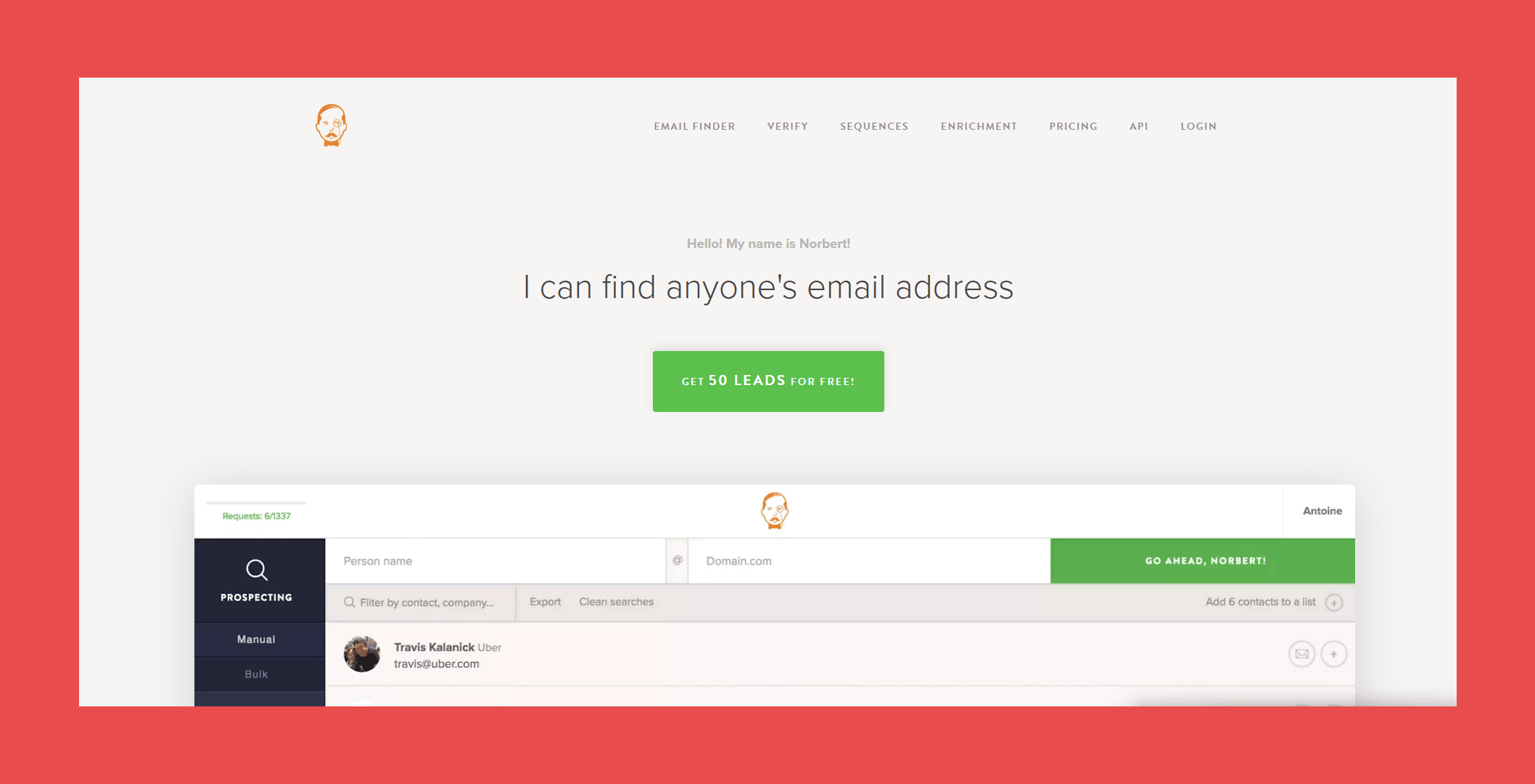
VoilaNorbert is a lead generation tool that helps businesses find and verify email addresses using a Chrome extension or API, with features aimed at enhancing deliverability and accuracy.
Top Features of VoilaNorbert
- Email Finder: Locate anyone's corporate email address by inputting their name and company domain.
- Email Verification: Ensure email addresses are valid to reduce bounce rates and improve deliverability.
- Integrations: Seamlessly integrates with CRMs like Salesforce, HubSpot, and Pipedrive, as well as tools like Zapier.
VoilaNorbert Limitations
- Credit System: Operates on a credit-based system where each search or verification consumes credits. Unused credits do not roll over to the next month, so it's important to monitor your usage.
- Data Accuracy: While the tool verifies emails, some users have reported occasional inaccuracies, leading to potential bounce-backs.
- Pricing Structure: Some users may find VoilaNorbert's pricing plans less flexible, with higher-tier plans potentially being costly for smaller businesses.
- Customer Support: There have been reports of slow response times from customer support, which could be frustrating if you encounter issues.
- User Interface: Some users find the interface less intuitive compared to other tools, which might require a learning curve.
VoilaNorbert Pricing
- Valet: $49/month for up to 1,000 leads.
- Butler: $99/month for up to 5,000 leads.
- Advisor: $249/month for up to 15,000 leads.
- Counselor: $499/month for up to 50,000 leads.
11. FindThatLead
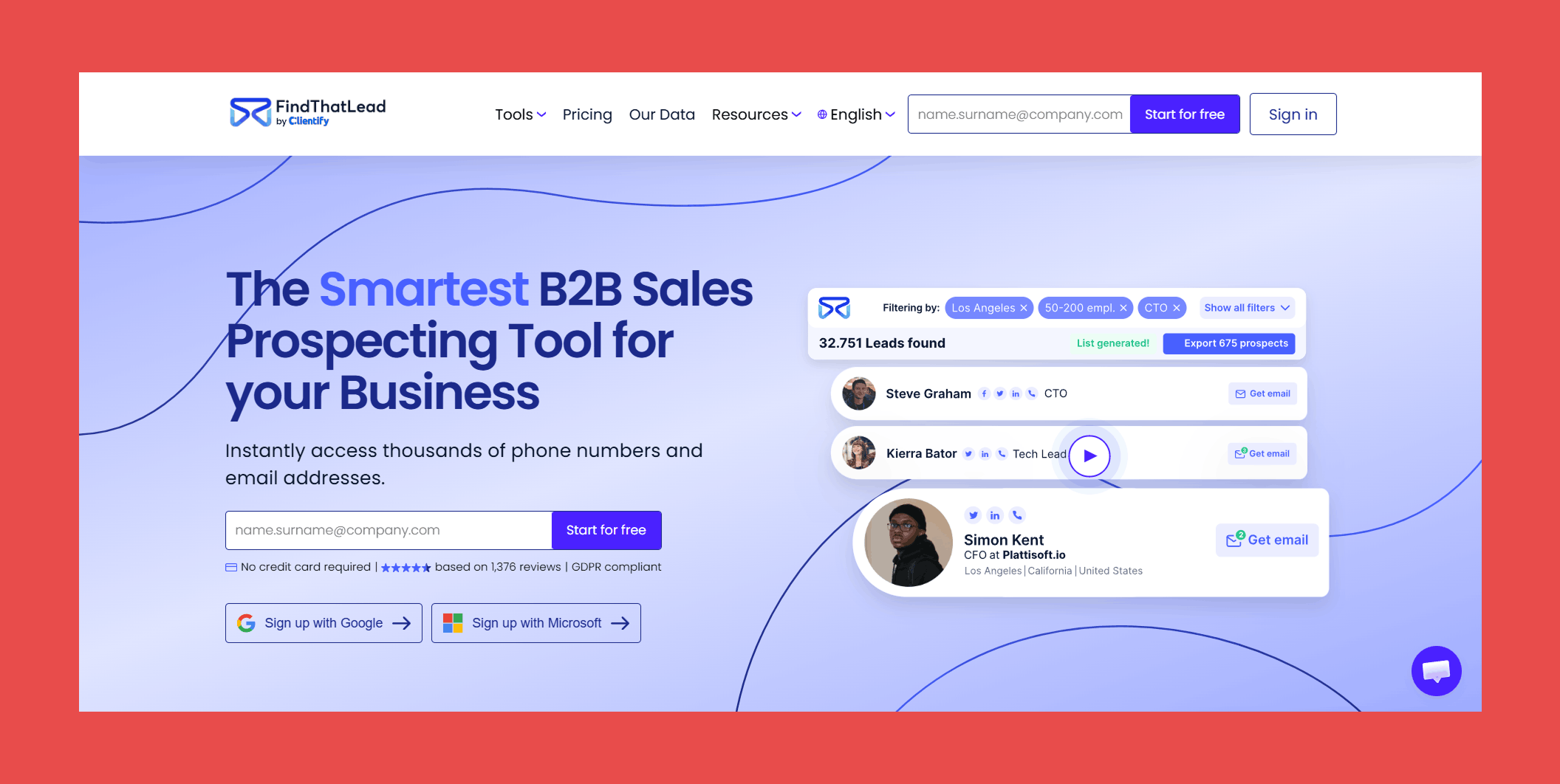
With FindThatLead, you can search for email addresses based on domain, company name, or individual name. It also offers an email verification feature to ensure that the email addresses you find are accurate and up-to-date.
Top Features of FindThatLead
- Email Finder: Quickly locate email addresses by inputting a person's name and company or using domain and company name searches.
- Email Verifier: Ensure the accuracy of your email lists with the built-in verification tool, aiming to reduce bounce rates.
- Advanced Search Filters: Target your search by specifying job titles, industries, and locations to find the most relevant leads.
FindThatLead Limitations
- Credit System: Operates on a credit-based system where each search or verification consumes credits. Unused credits do not roll over to the next month, so it's important to monitor your usage.
- Data Accuracy: While the tool verifies emails, some users have reported occasional inaccuracies, leading to potential bounce-backs.
- International Coverage: The database may have limited information on companies outside of the U.S., which could be a drawback for global outreach.
- User Interface: Some users find the interface less intuitive compared to other tools, which might require a learning curve.
- Customer Support: There have been reports of slow response times from customer support, which could be frustrating if you encounter issues.
FindThatLead Pricing
- Free Trial: $0/7 days trial, includes 50 email credits and 2 mobile phone credits.
- Starter: $49/mo, includes 2,000 email credits, and 50 mobile phone credits/mo.
- Ultimate: $99/mo, includes unlimited email credits, and 100 mobile phone credits/mo.
12. UpLead
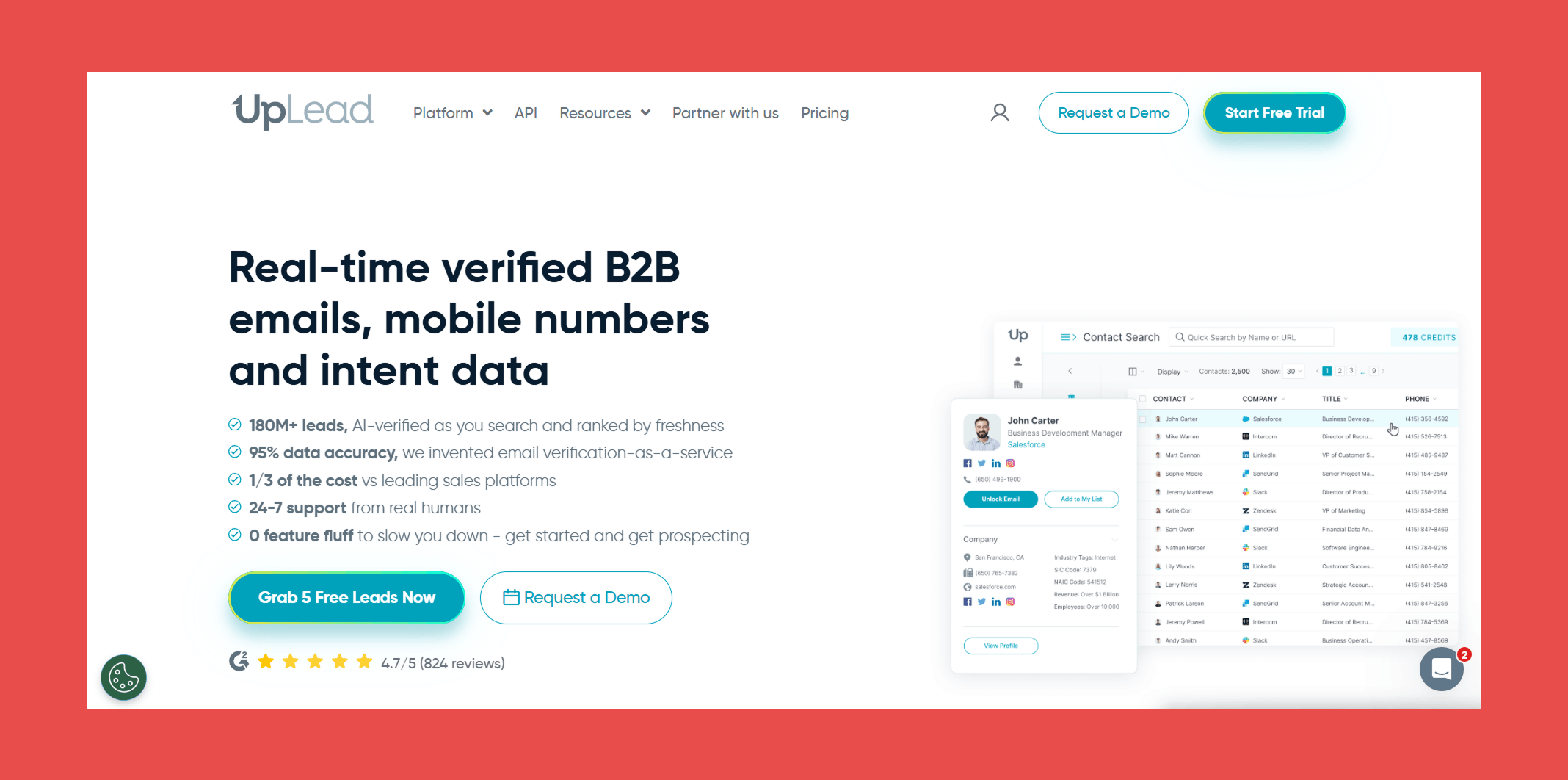
UpLead is a powerful B2B lead generation tool with a database of over 100 million contacts and 14 million company profiles.
Top Features of UpLead
- Real-Time Email Verification: UpLead verifies emails as you search, aiming to keep your bounce rates low and your outreach on point.
- Technographic Data: It’s handy for finding companies based on the technologies they use, making your prospecting that much more precise.
- CRM Integrations: Plays well with popular CRMs, so you can easily sync your data without a hassle.
UpLead Limitations
- Database Size: Even though it’s pretty big, UpLead’s database might not be as massive as some competitors—something to keep in mind if you need a wider pool.
- International Coverage: It’s not the strongest when it comes to international data, which could be a drawback if you’re targeting global markets.
- Pricing Structure: The plans can feel a bit rigid, especially if you’re a smaller operation looking to keep costs down.
- Credit System: The credit-based system means you’ve got to keep an eye on your usage. Plus, unused credits don’t roll over, which can be a pain.
- Customer Support: Reaching support can be hit or miss, so if you’re running into issues, you might be waiting a bit for help.
UpLead Pricing
- Test Drive: $0, includes 5 credits.
- Essentials: $99/mo, includes 170 credits.
- Plus: $199/mo, includes 400 credits.
- Professional: Custom pricing with features designed for larger organizations.
13. LeadFuze
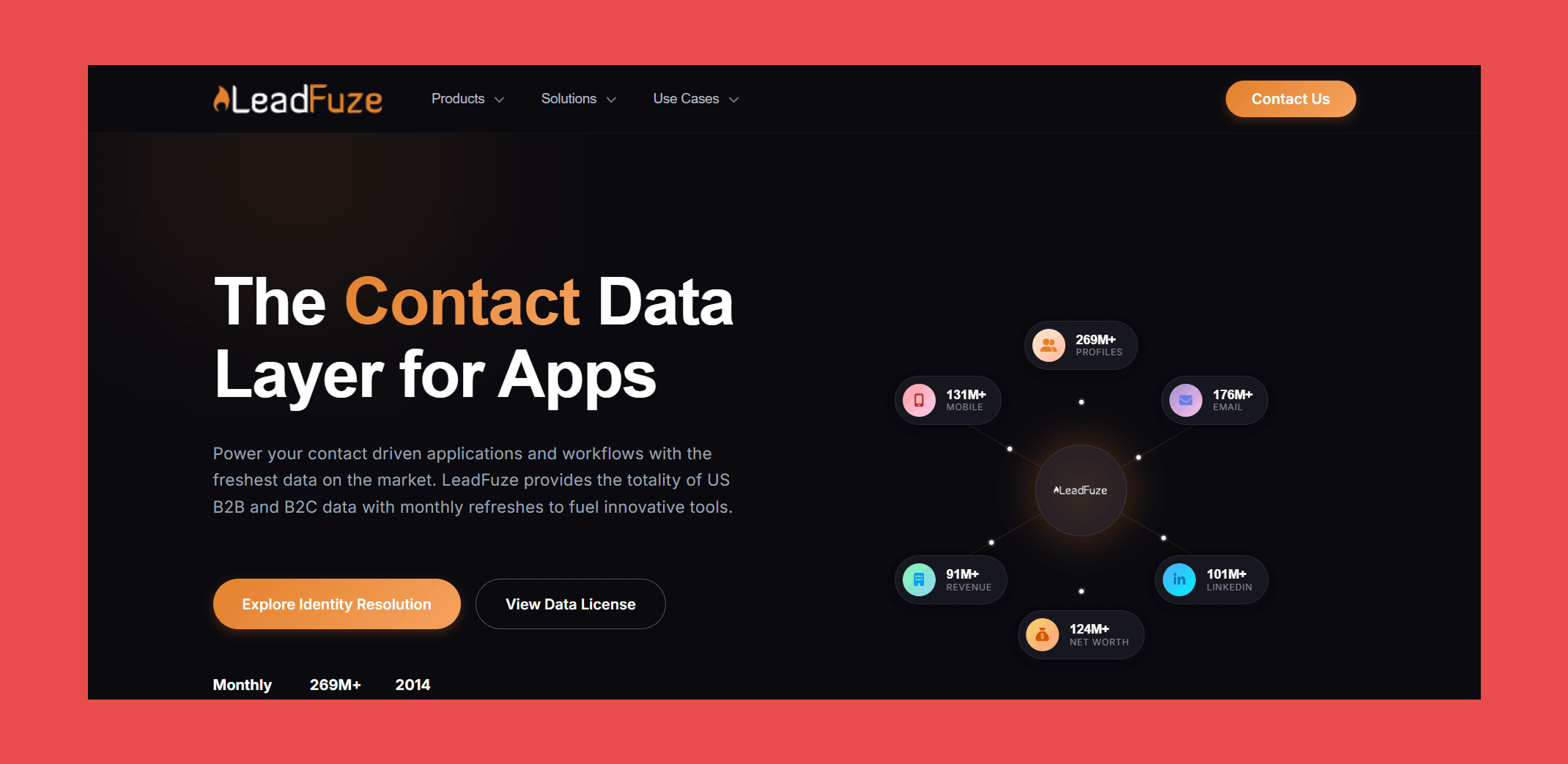
LeadFuze is a sales intelligence platform that streamlines lead generation and email outreach.
Top Features of LeadFuze
- Advanced Search Filters: LeadFuze offers extensive search filters, allowing users to narrow down prospects based on criteria such as industry, role, location, company size, technologies used, and even AdWords budget.
- CRM Integration: The platform integrates with popular Customer Relationship Management (CRM) systems, enabling seamless export of email lists and synchronization of lead data.
- Automated Lead Generation: LeadFuze's AI-powered assistant, Fuzebot, can automatically build and update lead lists based on user-defined criteria, saving time and effort in prospecting.
LeadFuze Limitations
- Pricing Structure: Some users may find the pricing plans relatively higher than competitors, which could be a consideration for smaller businesses.
- Learning Curve: New users might experience a learning curve while navigating the platform’s features and functionalities.
- Email Formatting Issues: Users have noted challenges with email formatting within the platform, which could affect the appearance of outreach communications.
- Limited Customization: Some users feel the platform may offer fewer customization options than other lead generation tools, potentially restricting the ability to tailor it to specific business needs.
LeadFuze Pricing
You'll need to contact their sales team in order to get exact pricing.
How to Choose the Best Hunter.io Alternative
Picking the best Hunter.io alternative isn’t a one-size-fits-all thing. It really comes down to what you’re looking for—whether that’s better email verification, stronger integrations, or just a tool that plays nice with your existing workflow. Plus, you don’t want to end up paying for features you don’t need, right?
Here’s a simple checklist to help you find your perfect fit:
✅ Figure Out What You Need: Are you mainly looking for email finding, email verification, or a mix of both? Make sure the tool covers your basics.
✅ Check Out the Features: Look for things like CRM integrations, LinkedIn compatibility, bulk searching, and accuracy. Some tools might do one thing really well but lack other essentials.
✅ Compare Pricing Plans: Make sure the subscription plans fit your budget and how much you’re actually going to use the tool.
✅ Take Advantage of Free Trials: Try before you buy. See how the tool actually works before you commit.
✅ Gauge Customer Support: You don’t want to be left hanging when you hit a snag—make sure help is just an email or chat away.
✅ Look for Credit Rollover: If you’re not a power user, find a tool that lets you carry over unused credits. Otherwise, you’re just wasting money.
✅ Test Data Accuracy: Focus on tools that offer verified emails so you’re not wasting time chasing down bad leads.
✅ Think About Growth: If your needs are going to scale, choose something with higher-tier plans or custom options that can grow with you.
Basically, it’s all about finding a tool that matches your workflow, budget, and needs. Once you’ve got that figured out, you’re golden.

Valentin
Valentin Wallyn is the founder and CEO of Findymail, a SaaS platform he launched to help B2B teams discover accurate email and contact data and automate data enrichment at scale. With an IT background, Valentin combines a technical mindset with hands-on experience in outreach and growth. His work centers on improving data quality and prospecting efficiency, drawing on years of entrepreneurial experience and a deep understanding of what makes outreach campaigns succeed.


![Cold Email: 15 Templates with 40%+ Response Rates [2026]](/blog/content/images/size/w300/2026/03/Cold-Email_-15-Templates-with-40---Response-Rates--2026-.jpg)