AI Lead Finder
 Email Finder
 Email Verifier
 Phone Finder
 Intent Signals
 CRM Enrichment/Cleaning
 API
API

You've crafted the perfect cold email, only for it to vanish into the void. The frustrating part? It's rarely about your copy. Getting into the right inbox is an uphill battle, and it's only getting harder. With over 160 billion spam emails sent daily, nearly 1 in 5 legitimate emails get diverted to spam before anyone sees them.
Every contact in your list needs to be right. A bad email address doesn't just waste a send; it damages your sender reputation and tanks deliverability across your whole list.
That's why verified, accurate emails are no longer optional. We ranked and reviewed 7 of the best email finder tools in 2026 on accuracy, data sources, integrations, pricing, and compliance, so you can find the one that actually gets you to the inbox.
Findymail catches what others miss, including catch-all domains, so you only ever send to valid, deliverable addresses.
Start today with 10 free credits.
What Is an Email Finder Tool? An email finder tool locates and verifies professional email addresses using inputs like a person's name, company, or domain. The best tools verify in real time at the moment of request, rather than pulling from static databases scraped weeks or months ago, so you know every address is deliverable before you hit send.
How the Best Email Finders Work:
1. Real-Time Verification: Checks syntax, DNS records, SMTP server response, catch-all detection, and disposable email filtering at the moment of request, rather than relying on pre-scraped data.
2. Domain and Bulk Search: Find all verified emails associated with a company domain, or upload lists at scale and get clean, verified results back without manual processing.
3. Data Enrichment: The strongest tools append additional contact and firmographic data alongside the email, including job title, seniority, company size, and tech stack, reducing the need for separate enrichment tools.
Top Email Finder Tools at a Glance:
1. Findymail
2. Clearout
3. Datagma
4. Wiza
5. RocketReach
6. GetProspect
7. KittAI
How We Evaluated the Best Email Finding Tools
Not all email finders are created equal, and the difference between a good one and a great one often comes down to what happens after you hit search. Here's what we looked at:
Accuracy & Verification Rate
An email address is only useful if it actually reaches someone. We prioritized tools that verify in real time and keep bounce rates low, since a high bounce rate doesn't just waste sends; it damages your sender reputation and can get your domain flagged.
Data Coverage
A tool is only as good as the contacts it can actually find. We looked at the size of each provider's database, how broad their geographic and industry coverage is, and how often their data is refreshed, so you're not hitting dead ends before you even start prospecting.
Data Sources
There's a meaningful difference between tools that crawl the web in real time and those pulling from a static database. Fresh data means fewer bounces and more accurate results, especially in fast-moving industries.
Integrations
The best email finder is one that fits into your existing workflow. We assessed compatibility with major CRMs, LinkedIn, Chrome extensions, and API access for teams that need to build custom pipelines.
Pricing & Credits Model
Some tools charge per email found, others run on monthly subscriptions. We broke down what you actually get for your money, including free tier limits and how far paid plans stretch for different team sizes.
Compliance
Sending to contacts in the EU or California comes with legal obligations. We checked each tool's stance on GDPR, CAN-SPAM, and CCPA so you're not taking on unnecessary risk.
Ease Of Use & UI
A powerful tool that's painful to use won't last long on your stack. We factored in UI clarity, onboarding friction, and how quickly a new user can get results.
Bulk & Domain Search
For teams prospecting at scale, the ability to search entire domains or upload lists in bulk is non-negotiable. We tested how each tool handles volume without sacrificing accuracy.
The 7 Best Email Finder Tools, Reviewed
We put the most talked-about email finder tools through their paces, evaluating each one on accuracy, data sourcing, features, pricing, and real-world usability. Here’s how they stack up:
#1 Findymail
Overview:
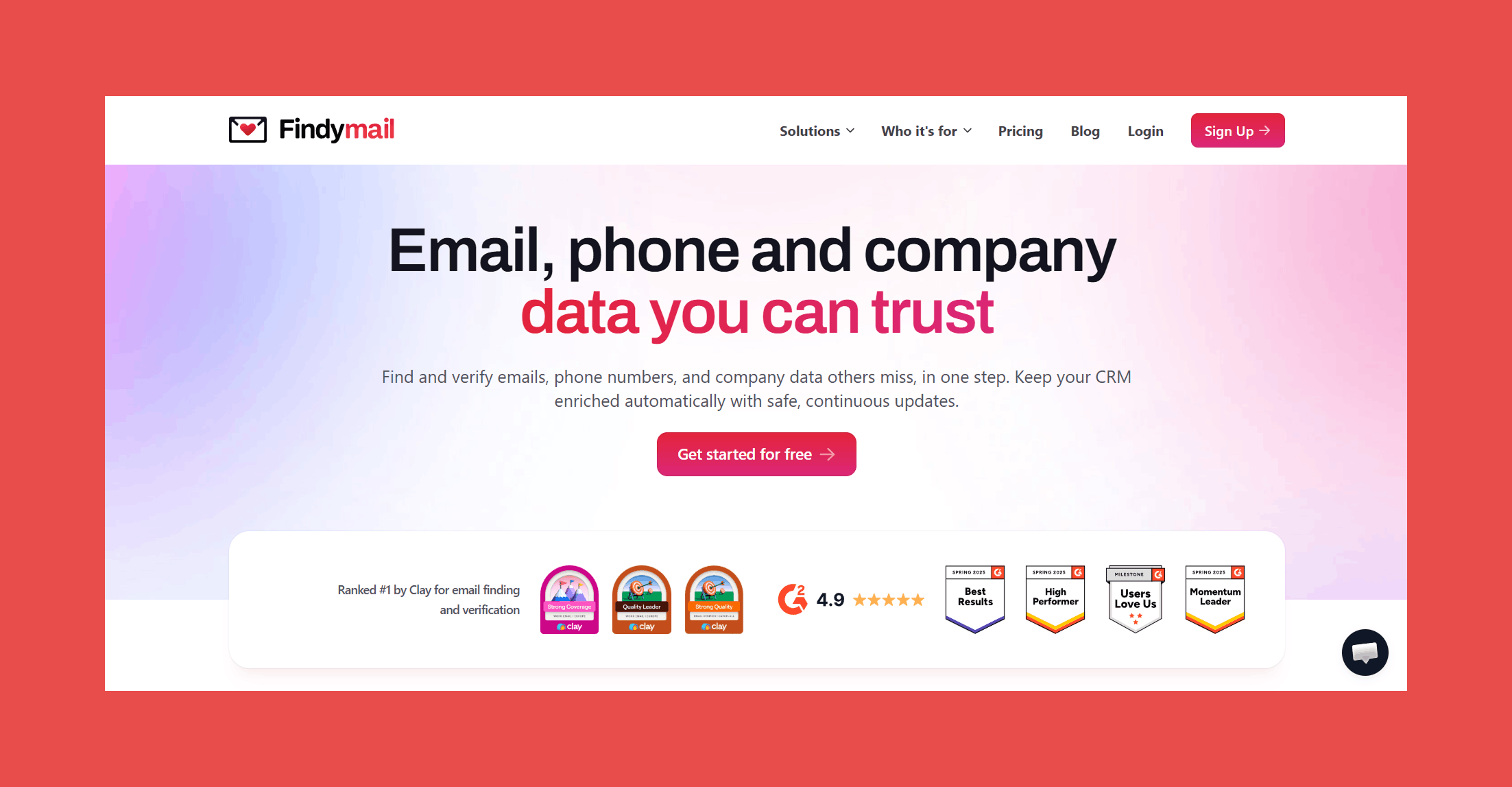
Findymail is a real-time email finder and verification tool built for B2B sales and marketing teams who can't afford to waste sends on bad data. Unlike tools that recycle static databases, Findymail crawls and verifies every address on the spot, so what you get is what actually delivers.
Key features:
- Bulk Email Verification: Upload existing lists and verify them in seconds with a guaranteed bounce rate of 5% or less.
- Email Finder: Findymail finds and verifies emails in real time at the moment you request it.
- Phone Finder: Get up-to-date mobile numbers from social profiles, right when you need them.
- Catch-All Email Verification: Every email is run through syntax validation, DNS records, SMTP server verification, catch-all detection, and disposable email screening. Only deliverable, valid addresses make it through.
- Intellimatch: Describe your ideal customer in plain English and get a verified list of high-fit companies back in seconds, with the option to include verified B2B contact data for every lead.
- Security Compliance: SOC 2 and GDPR compliant.
Accuracy & Data Quality:
Most tools pull from databases scraped weeks or months ago and make you verify separately. Findymail does it differently, verifying every address in real time using multiple checks before it ever reaches you:
- Syntax validation: Confirms the address is correctly formatted.
- DNS records: Checks the domain is active and configured to receive emails.
- SMTP server verification: Confirms the mail server exists and is responsive.
- Catch-all verification: Goes beyond the "risky" flag other tools hide behind.
- Disposable email detection: Filters out temporary addresses automatically.
We only return deliverable, valid email addresses, with a guaranteed bounce rate under 5%.
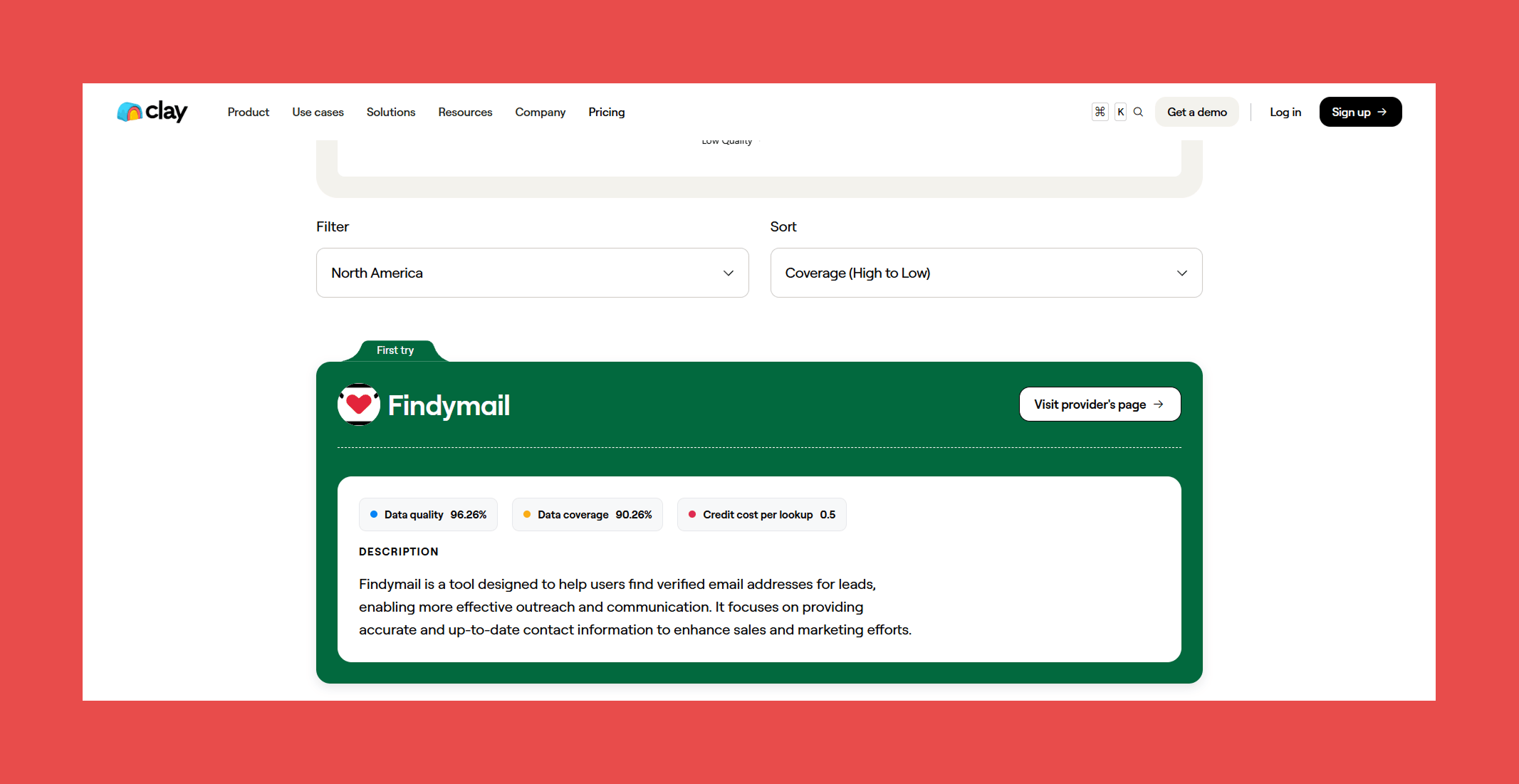
Don't just take our word for it. In Clay's independent 2025 provider benchmark, Findymail took the top spot in two categories: Best Non Catch-all Email Verifiers 2025 and Best work email finder by region 2025, scoring 98.15% for data quality and a perfect 100% for data coverage across all providers tested.
Ratings:

- G2: 4.9/5 (56)
- Capterra: 4.9/5 (7)
Pros:
- Industry-leading verification accuracy backed by a sub-5% bounce rate guarantee and a refund policy to match.
- Proprietary catch-all detection that goes beyond the "risky" flag most competitors hide behind, returning a definitive deliverable verdict instead.
- Clean, fast UI with minimal onboarding friction, new users get to results without a steep learning curve.
Cons:
- No native sequencing or outreach features, so it works best paired with a dedicated sending tool.
Pricing:
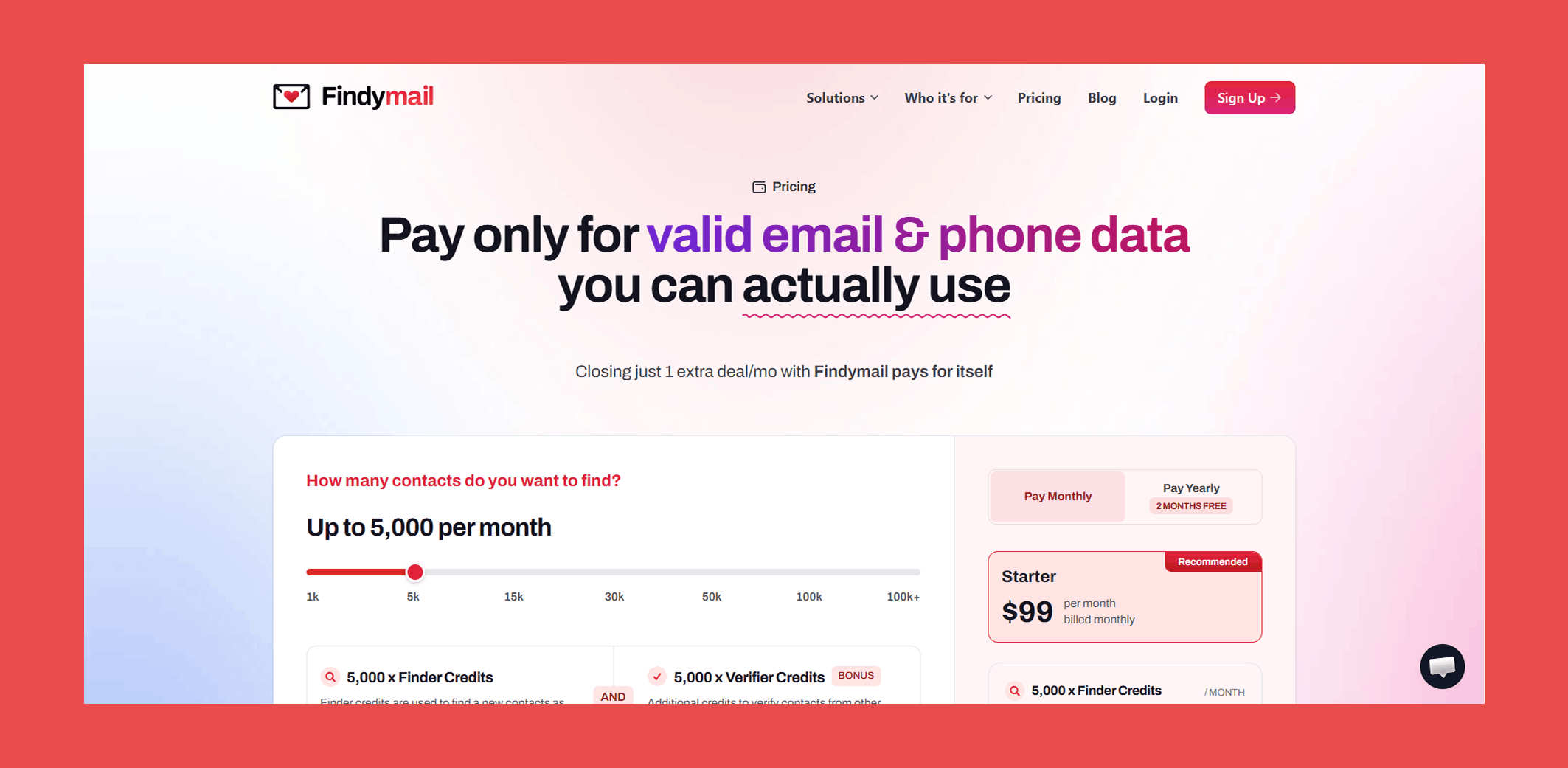
- Basic: $49/mo – 1,000 x Finder Credits + 1,000 x Verifier Credits/mo
- Starter: $99/mo – 5,000 x Finder Credits + 5,000 x Verifier Credits/mo
- Business: $249/mo – 15,000 x Finder Credits + 15,000 x Verifier Credits/mo
- Business Plus: $399/mo – 30,000 x Finder Credits + 30,000 x Verifier Credits/mo
- Scale 50K: $549/mo – 50,000 x Finder Credits + 50,000 x Verifier Credits/mo
- Scale 100K: $849/mo – 100,000 x Finder Credits + 100,000 x Verifier Credits/mo
- Enterprise: Custom – Custom Finder Credits + Custom Verifier Credits/mo
Every plan includes both finder and verifier credits, real-time verification, and our sub-5% bounce guarantee. No separate tool needed, no hidden costs.
#2 Clearout
Overview:
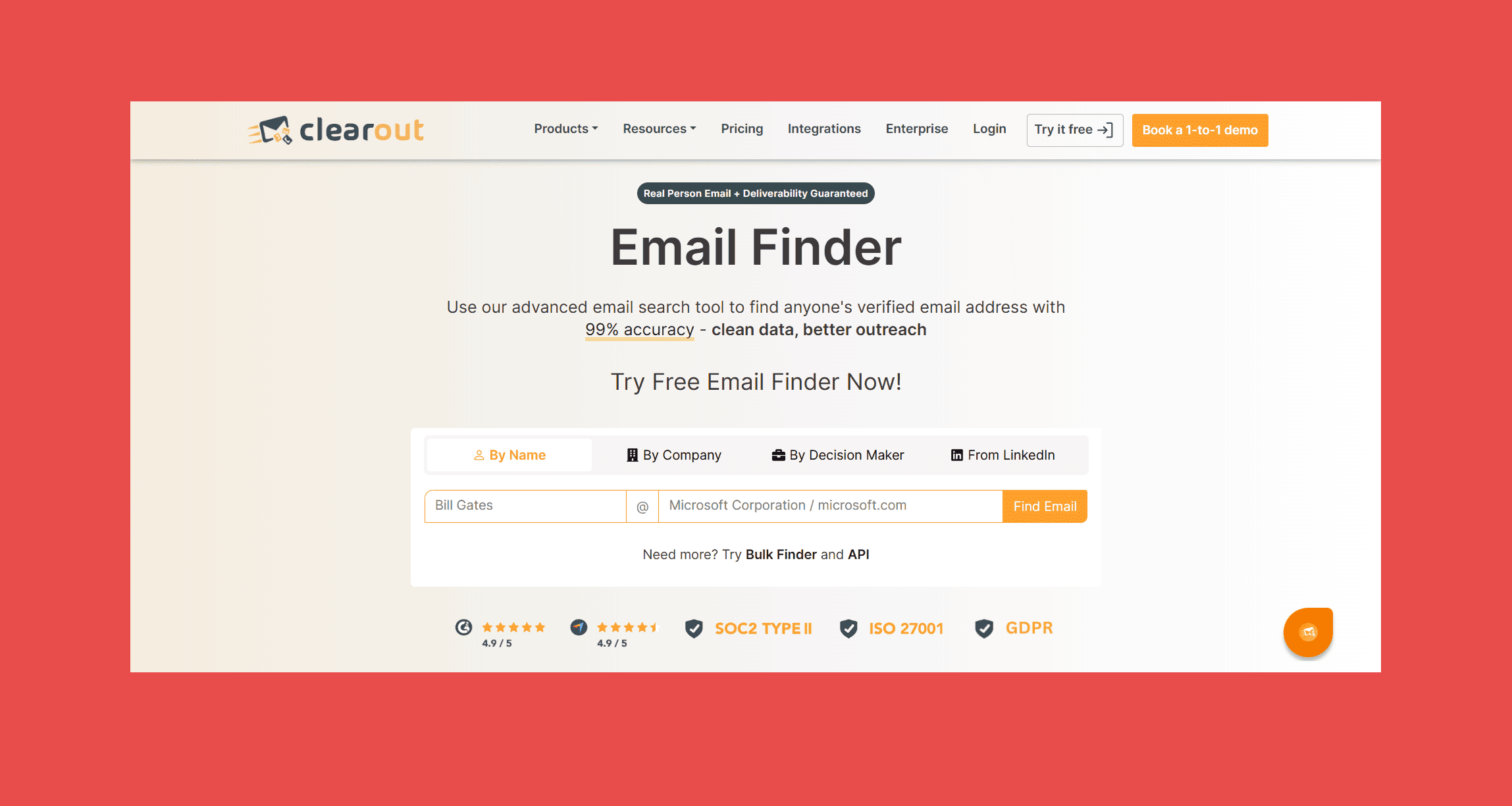
Clearout is a well-trusted AI-powered Email Finder used by 80,000+ businesses worldwide. It helps GTM, sales, and recruiting teams find pre-verified B2B email addresses with 99.73% verification accuracy.
From searching emails by a prospect's name and company to LinkedIn chrome extension for prospecting, email verification, and contact enrichment, Clearout brings the entire prospecting workflow into one platform. Clearout combines AI-powered email discovery with built-in verification to improve deliverability and data quality.
Key Features:
- Email Finder: Find pre-verified email addresses instantly or in bulk using just a prospect's full name and company domain. Every result is pre-validated in real time through strict domain checks and 20+ verification checks, so you get accurate and ready-to-send contacts.
- Autocomplete API: The free Autocomplete API instantly finds the correct website domain with company logo for any company name, even from ambiguous inputs, so you can confirm the real domain before running your email search.
- LinkedIn Email Finder: Chrome Extension for LinkedIn and Sales Navigator to find pre-verified email addresses and phone numbers directly from prospect profiles, company profiles, connections list and search results.
- In-App Prospecting: Build targeted prospect lists using 15+ filters, including job title, industry, location, company size, revenue, and technology stack.
- Reverse Lookup: Retrieve complete contact profiles using a LinkedIn URL or email address.
- Data Enrichment: Enrich your existing prospects records with up-to-date email addresses, phone numbers, social profiles, and company information.
- Email Verification: It validates emails with 99.73% accuracy using 20+ verification checks in real-time, instantly or in bulk, including SMTP validation, MX record verification, advanced catch-all resolution, spam trap detection, disposable email detection, and provides AI verdicts
- Form Guard: Validate website forms in real time with Form Guard. It includes Form Analytics with Lost Lead Recovery to recover abandoned form fills, and Form Forensics to improve lead quality, and optimize website form performance.
- Data Pulse: Data Pulse is a 2-way CRM sync that continuously verifies newly created contacts in real time across HubSpot and Salesforce. It also includes a 14-day free trial for new users.
- Developer & Enterprise Ready: Offers REST APIs, webhooks, Google Sheets add-on, native integrations with marketing tools, CRM, and etc, team accounts, Okta SSO, and compliance with GDPR, SOC 2 Type II, ISO 27001, and ISO 27701.
Accuracy & Data Quality:
Unlike traditional email finders that rely on static databases, Clearout is known for its real-time contact validation with 99.73% accuracy, to verify email addresses at the point of discovery, 2-way sync or at bulk. Every result passes through 20+ validation checks, including syntax validation, DNS and MX verification, SMTP mailbox checks, disposable email detection, spam trap filtering, and advanced catch-all resolution, helping users confidently reach prospects.
Ratings:

- G2: 4.7/5 (572 reviews)
- Capterra: 4.6/5 (84 reviews)
Pros:
- Complete data quality platform for GTM teams, combining Email Finder, LinkedIn Email Finder, Reverse Lookup, Data Enrichment, Email Verification, Form Guard, and Data Pulse in one solution
- AI-powered email finder with built-in email verification for highly accurate B2B contacts, instead of a database lookup.
- Flexible pricing with subscription and pay-as-you-go options, plus enterprise-grade security and team collaboration features.
- Credits never expire and have lifetime validity.
Cons:
- Does not include native email sequencing or outreach automation.
Pricing:
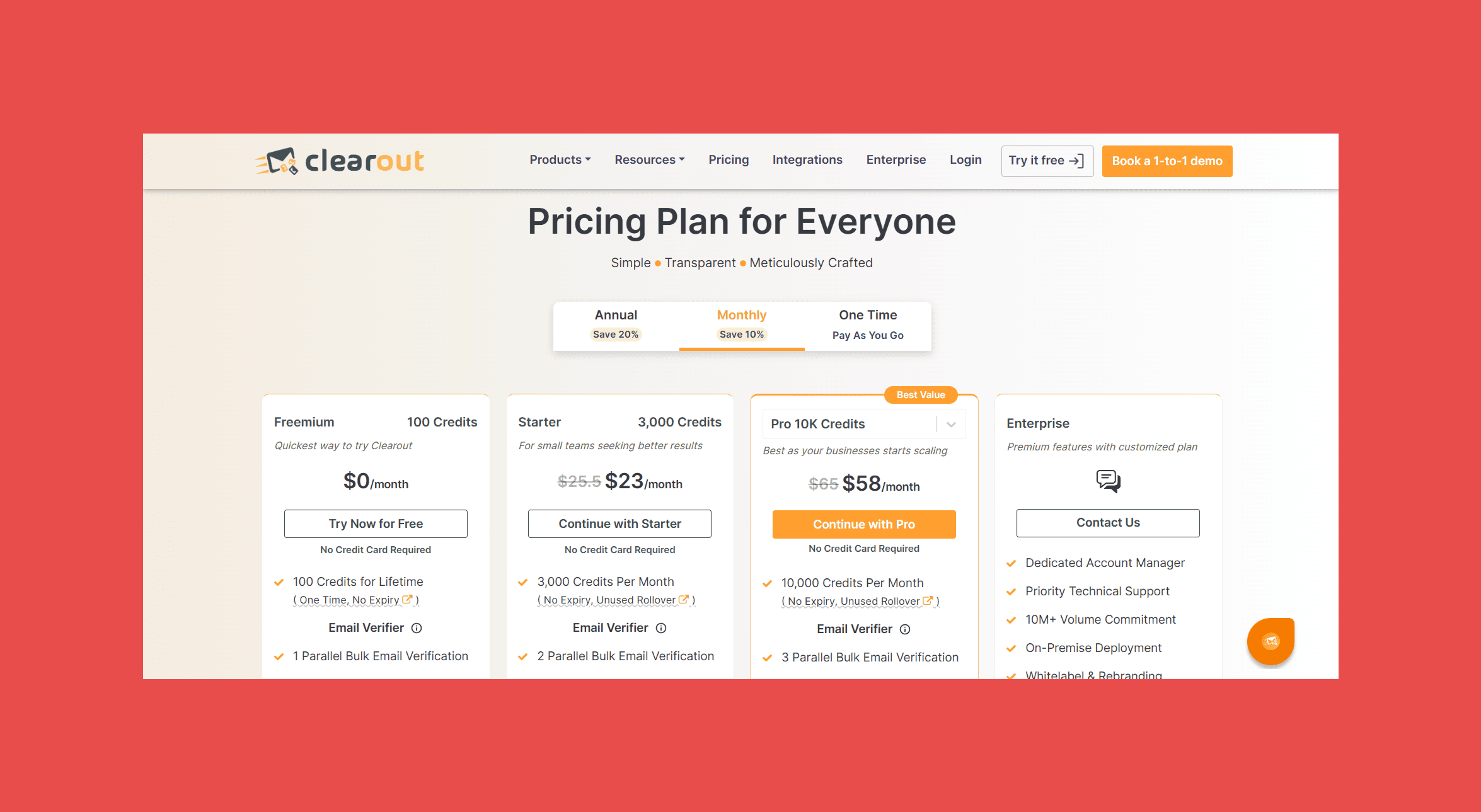
- Free: 100 free credits on signup + a 14-day free trial for Data Pulse (CRM contact verification).
- Starter: $23/month or $16/month (billed annually) – 3,000 credits/month.
- Pro: $58/month or $32/month (billed annually) – 10,000 credits/month.
- Pay-as-you-go: Starts at $40 for 5,000 credits.
- Enterprise: Custom pricing with advanced support, team accounts, enterprise security, and tailored features.
#3 Datagma
Overview:
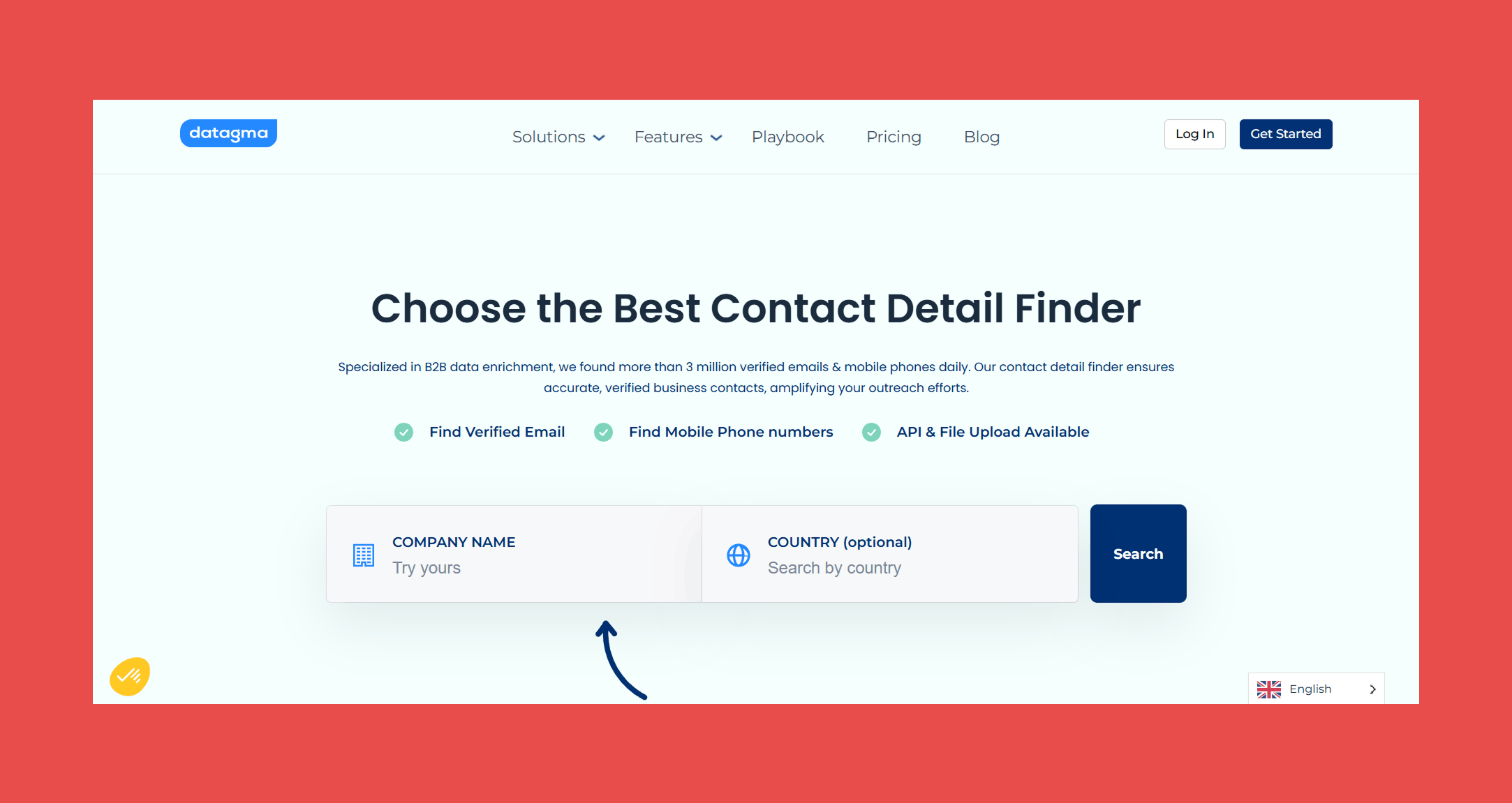
For teams struggling with the silent killer known as stale data, Datagma is a B2B data enrichment platform specializing in real-time contact and company data, with job change detection as its headlining feature. It's a solid pick for teams where timing outreach around real account activity matters as much as finding the right contact in the first place.
Key Features:
- Email Finder: Input a full name or company address and Datagma returns verified contact information, sourced from a continuously updated database of billions of web pages.
- Phone Finder: Find phone numbers by company name in seconds, useful for teams that need both email and direct dial without a separate enrichment tool.
- Data Enrichment: Access 75+ data points per contact including verified emails, mobile numbers, job titles, company industry, and technology stack, reducing the need for multiple enrichment sources.
- Job Change Tracking: Get alerted when prospects or clients change jobs, keeping your outreach timely and your CRM from going stale between campaigns.
Accuracy & Data Quality:
Datagma finds emails by scanning billions of web pages alongside its own database and partner network. Its two-layer verification approach is more thoughtful than most tools at this price point:
- Catch-all detection: Cross-references flagged catch-all addresses against linked social accounts including LinkedIn, Facebook, and GitHub to determine genuine.validity
- Bounce detection: Partners with major cold email tools to receive daily real-world bounce data, cross-checking even apparently valid addresses before returning them.
An independent 2025 benchmark across 20,000 real-world contacts found a 23.5% unusable email rate, raising real doubts about its effectiveness at scale.
Ratings:
- G2: 4.7/5 (5)
- Capterra: N/A
Pros:
- Strong accuracy for phone research and LinkedIn profile enrichment, with a clean interface that's easy to get up and running.
- Generous free tier with 90 verified emails per month, enough to meaningfully evaluate accuracy before committing.
Cons:
- Phone number allowances on lower tiers are restrictive for teams running multichannel outreach at any meaningful volume.
- Newer and less established than the top tools in this list, so long-term reliability and support quality are harder to assess independently.
Pricing:
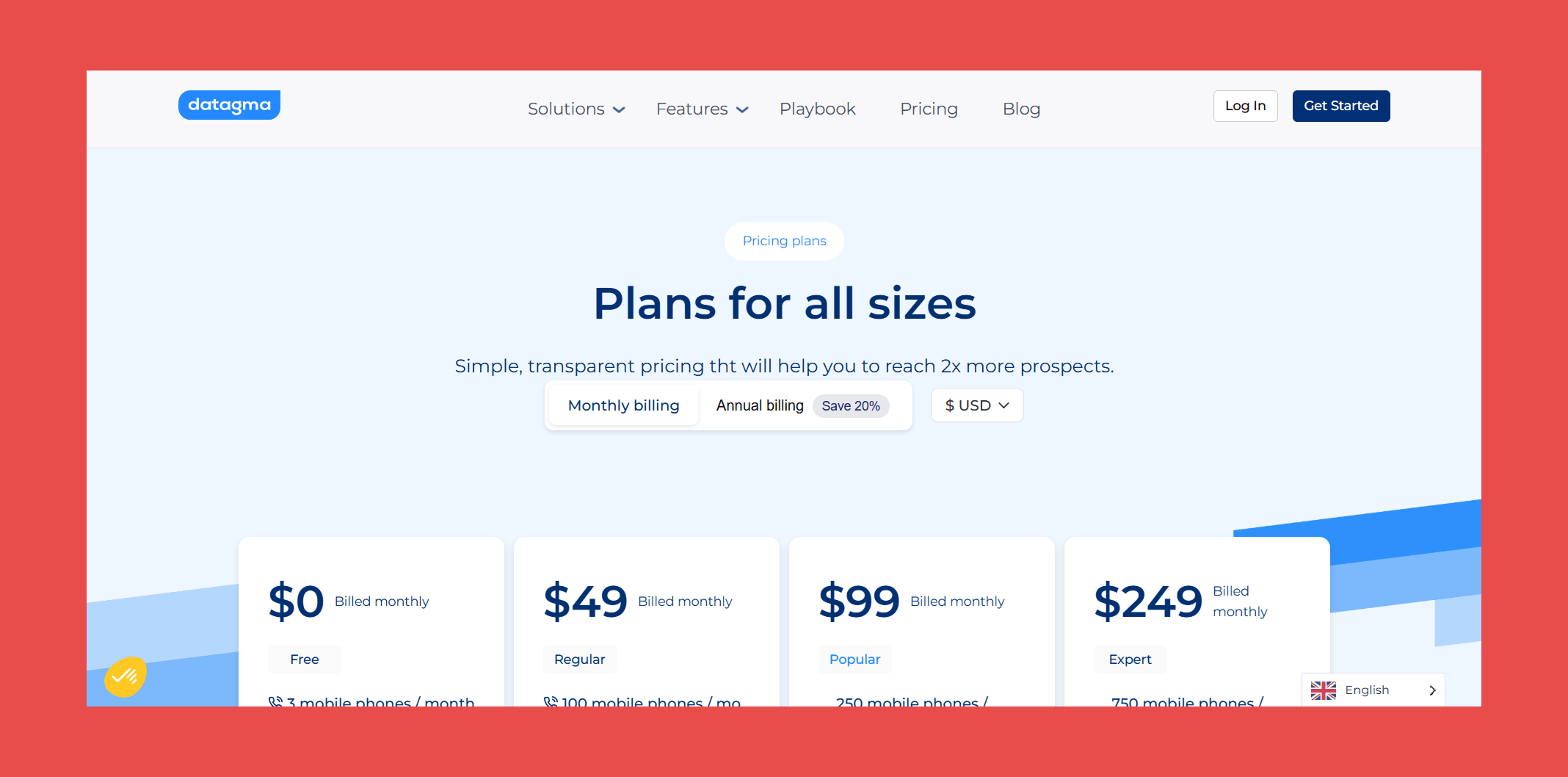
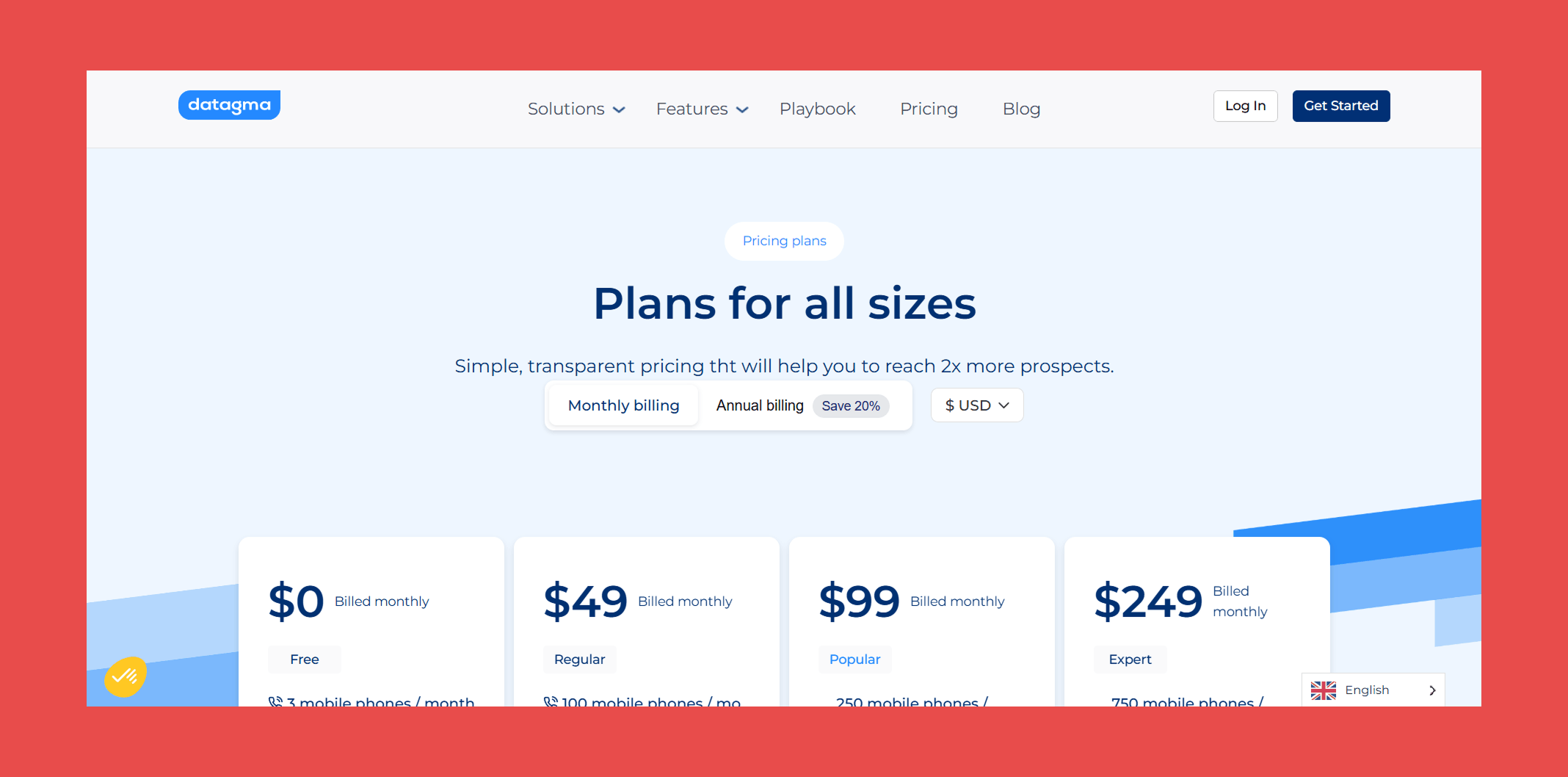
- Free: $0 – 3 mobile phones/mo + 90 verified emails/mo
- Regular: $49/mo – 100 mobile phone/mo + 3,000 verified emails/mo
- Popular: $99/mo – 250 mobile phone/mo + 7,500 verified emails/mo
- Expert: $249/mo – 750 mobile phone/mo + 22,500 verified emails/mo
#4 Wiza
Overview:
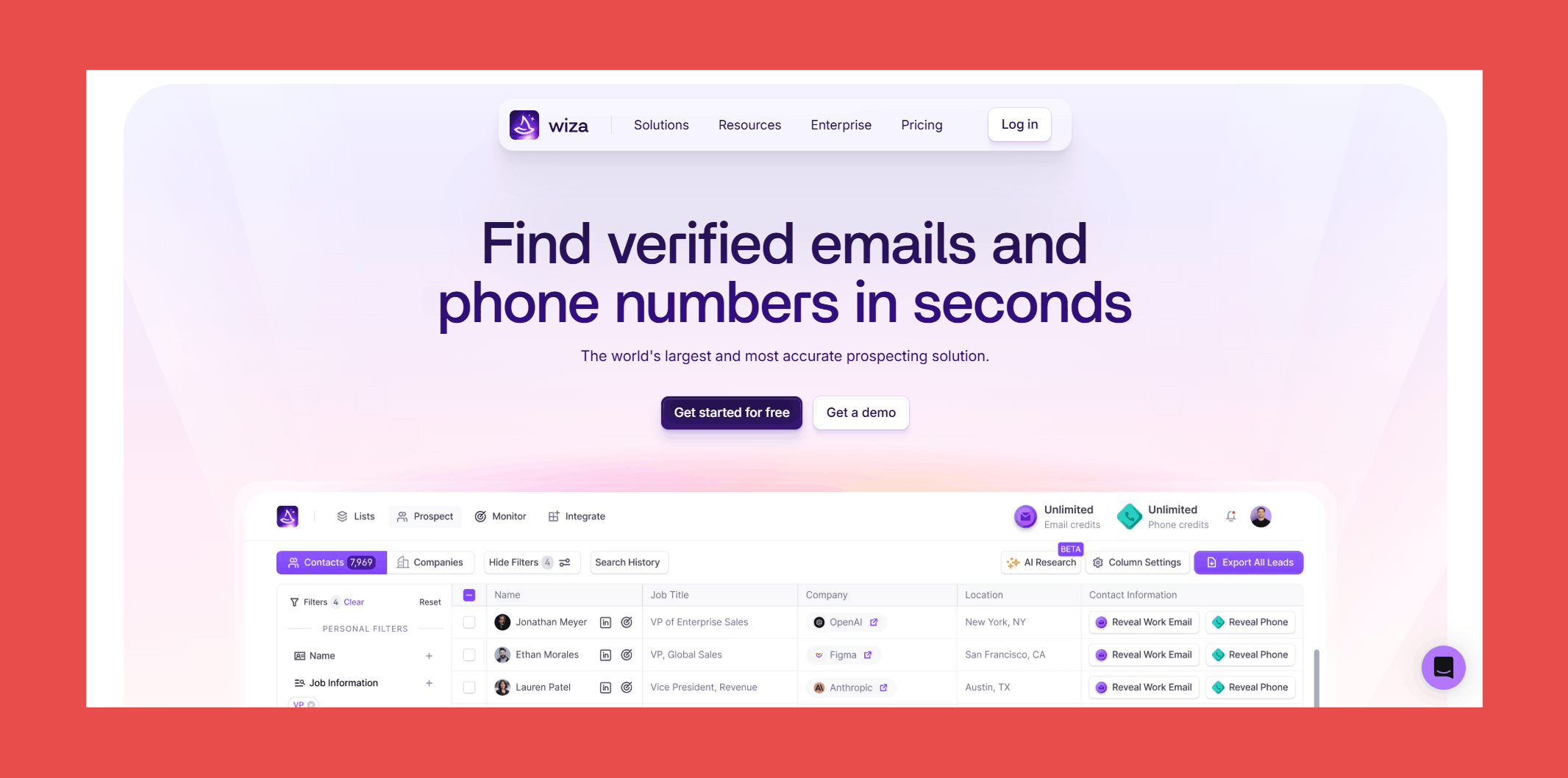
Wiza is a lead generation and contact enrichment platform built for sales teams that want verified emails, mobile numbers, and real-time job change alerts without stitching together multiple tools. With a database of 850M+ B2B professionals, it's a strong option for teams that need breadth and verification quality in one place.
Key Features:
- Searchable Database: Access 850M+ B2B professionals with real-time verified contact data including work emails, personal emails, mobile phones, and direct dials.
- Monitor: Get alerted the moment a key contact or decision-maker changes jobs, complete with fresh verified contact data, so you can engage at exactly the right time to win new business or prevent churn.
- AI Research: Scans public web pages, company profiles, and intent signals to enrich your lists with clean, structured insights automatically, including the reasoning behind each data point returned.
- Built-In Email Verification: Every address goes through a comprehensive multi-step verification process before being returned.
- Chrome Extension: Reveal personal email addresses and mobile numbers directly from professional social network profiles, cutting out hours of manual searching.
Accuracy & Data Quality:
Wiza runs every address through one of the more thorough verification stacks in this list:
- Syntax verification: Confirms the address follows standard email formatting.
- Domain verification: Checks the domain exists, is active, and is configured to receive emails.
- MX record check: Confirms valid mail exchange records are in place.
- SMTP verification: Communicates with the recipient's mail server to confirm the address is active without sending an actual email.
- Catch-all detection: Identifies servers that accept all incoming mail regardless of whether the mailbox exists.
- Disposable email detection: Filters out temporary addresses from throwaway domains like mailinator.com.
- Role-based address identification: Flags department-level addresses rather than individual contacts.
- Spam trap detection: Removes honeypot addresses that could get your domain blacklisted.
- Greylist handling: Verifies addresses even when ESPs temporarily reject unknown senders.
- Risk validation: Scans for high-risk keywords and TLDs commonly associated with spam or malicious activity.
The verification process is strong, but underlying issues have real limits worth knowing about. Wiza lacks a standalone database, meaning coverage depends heavily on LinkedIn profiles, and accuracy drops in regions outside North America. Some users report data quality issues including incorrect emails, mismatched names, and contacts replying from different email addresses than provided. For teams prospecting outside North America or beyond LinkedIn's ecosystem, those gaps are a real consideration before committing.
Ratings:
- G2: 4.5/5 (1,156)
- Capterra: 4.3/5 (24)
Pros:
- Building filtered lists by industry, company size, and role is fast and intuitive, keeping focus on high-value prospects rather than admin work.
- Setting up Wiza was straightforward and hassle-free from start to finish.
- Pay-for-valid-only model means you're not burning credits on addresses that don't deliver.
Cons:
- Coverage thins out for smaller regional companies and less common job titles, requiring manual research to fill gaps.
- Pricing on paid tiers is on the higher end relative to comparable tools, which can be a barrier for smaller teams.
- CRM sync, while functional, can produce minor delays and occasional duplicate entries on large dataset imports, adding a small but consistent cleanup overhead.
Pricing:
- Free: $0 – 20 emails/mo + 5 phone numbers/mo
- Starter: $49/mo – 100 emails/mo + 100 phone numbers/mo
- Email: $99/mo – 500emails/mo
- Email + Phone: $199/mo – 500 emails/mo + 500 phone numbers/mo
#5 RocketReach
Overview:
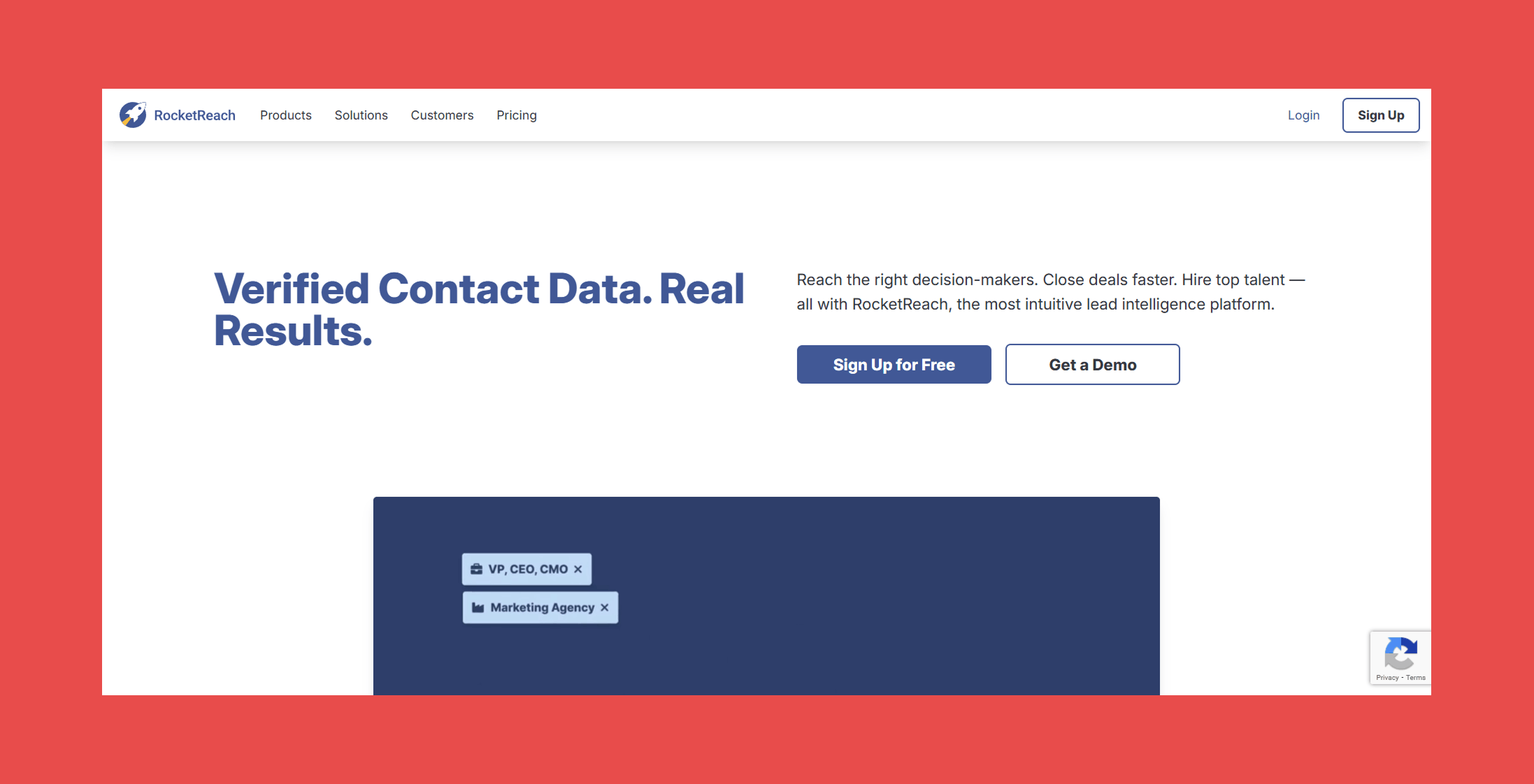
RocketReach helps add the rocket fuel you need to your sales and marketing efforts. With access to a database of 700M+ profiles and 60M companies, it lets you search for verified email addresses and direct dial phone numbers seamlessly, making it a strong option for teams that need broad global coverage across both email and phone.
Key Features:
- Contact Database: Access verified emails, direct dials, and mobile numbers for 700M+ professionals worldwide, with continuous updates across 60M+ companies to keep contact data as current as possible.
- Insights: Surface real-time company and contact signals to understand what's happening inside your target accounts before you reach out, helping prioritize outreach around meaningful activity.
- Chrome Extension: Spot a prospect on a social network and pull their verified contact information in a few clicks, without interrupting your prospecting workflow to switch tools.
Accuracy & Data Quality:
RocketReach claims 98% deliverability on verified addresses and pulls from 700M+ profiles refreshed continuously across a dozen data sources. The reality is more mixed.
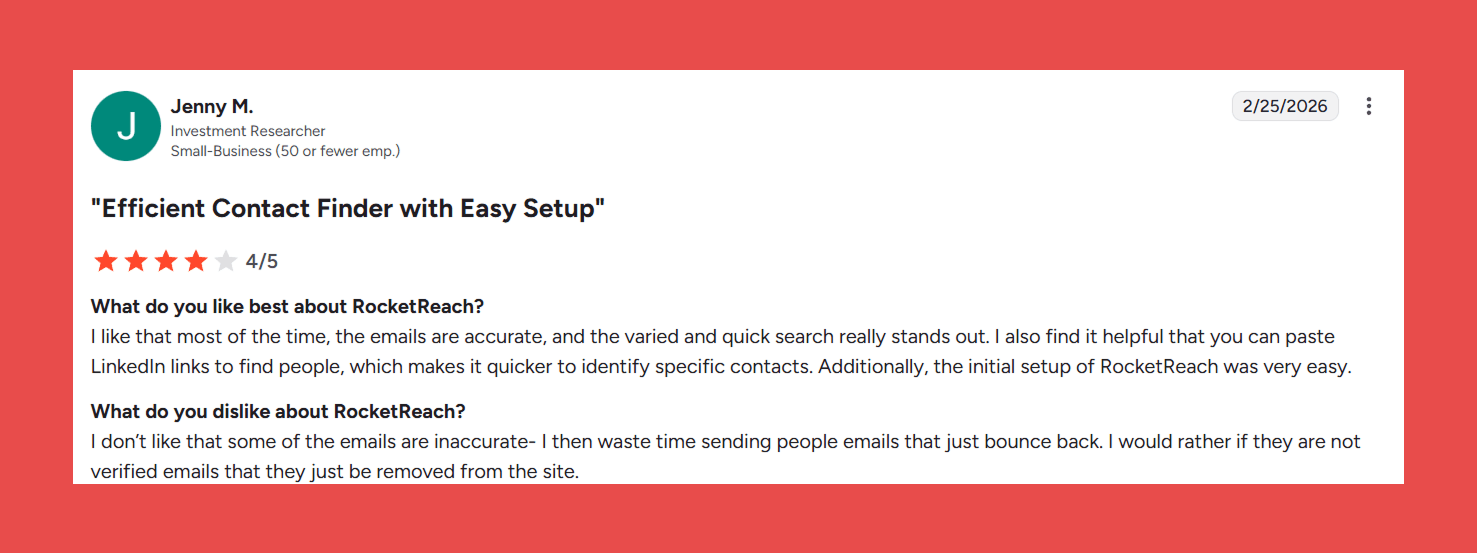
On G2, inaccurate data, outdated contacts, and missing information collectively account for hundreds of tagged complaints across thousands of reviews. Accuracy drops noticeably outside North America, with phone numbers and contacts in less-indexed markets flagged most frequently by users as unreliable.
RocketReach is a solid tool when the data is right. The problem is you often won't know when it isn't until your bounce rate tells you.
Ratings:
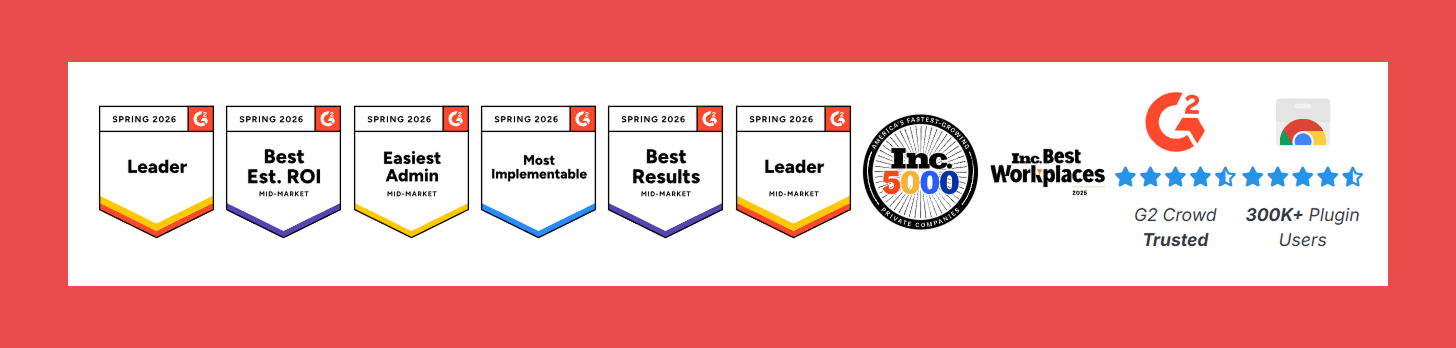
- G2: 4.4/5 (1,212)
- Capterra: 4.1/5 (140)
Pros:
- Multiple contact lookup methods give flexibility depending on how you prefer to prospect.
- Large, easy-to-navigate database with a clean UI that requires minimal onboarding.
- Broad global coverage makes it a reliable starting point for teams prospecting across multiple regions.
Cons:
- Month-to-month plans are significantly more limited than annual commitments, making it poor value for teams not ready to lock in.
- LinkedIn extension hit rate can be disappointing in practice, with users reporting low email match rates relative to the cost.
- Coverage gaps exist for newer or smaller companies, with some records missing or incomplete outside well-indexed markets.
Pricing:
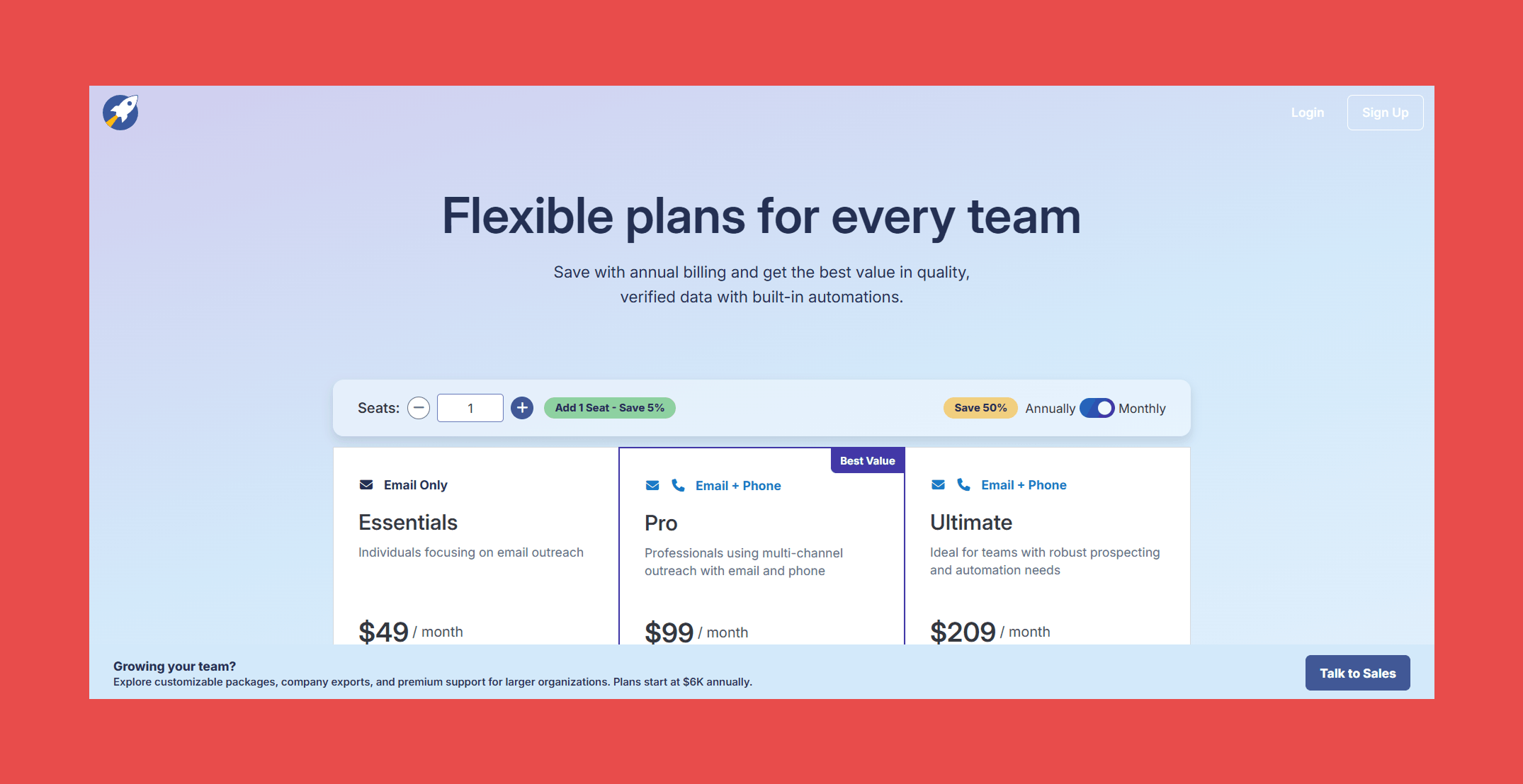
- Essentials: $49/mo – 70 Lookups/mo
- Pro: $99/mo – 200 Lookups/mo
- Ultimate: $209/mo – 250 Lookups/mo
#6 GetProspect
Overview:
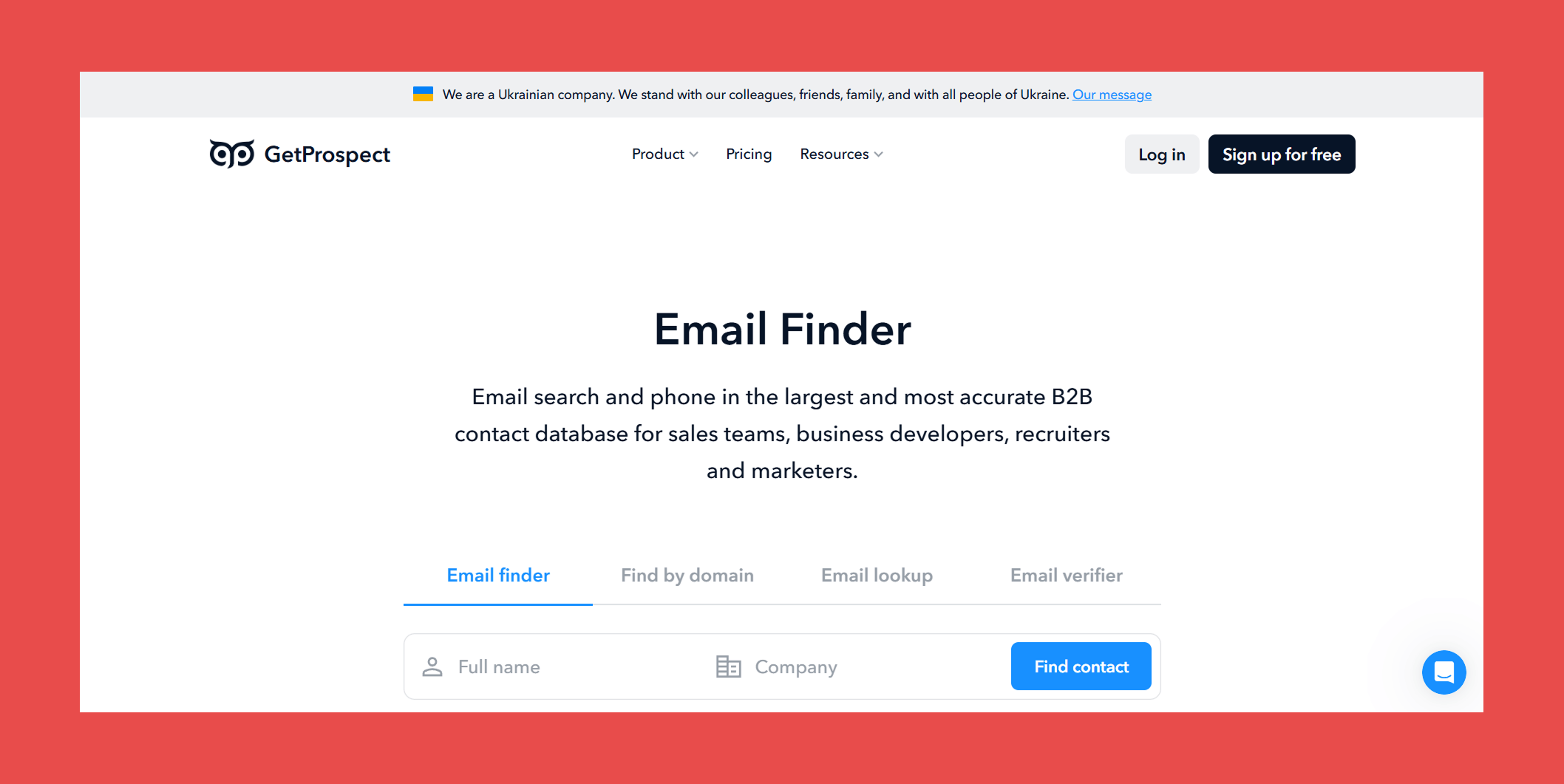
GetProspect does exactly what the name suggests: helps you get prospects. With access to 200M+ B2B contacts, 230M+ corporate emails, and 26M+ companies worldwide, it's a budget-friendly option for teams that need a large database without enterprise-level pricing. Every feature, including a built-in cold email sender, lightweight CRM, and Google Sheets add-on, ships on every plan with no feature-gating by tier.
Key Features:
- Email Finder: Find corporate email addresses enriched with 40+ data attributes including location, industry, and technology stack.
- LinkedIn Email Finder: Extract verified email addresses in bulk from LinkedIn profiles and other web pages with a single click.
- B2B Database: Access 230M+ corporate emails and 26M+ companies for broad prospecting coverage without additional data sources.
- Email Lookup: Reverse email lookup that surfaces full contact and company data from an email address alone, useful for enriching inbound leads.
- Email Verifier: Upload lists of any size in CSV or XLSX format and get reliable verification results back without manual processing.
Accuracy & Data Quality:
GetProspect pulls from its own database of 200M+ business contacts and cross-references LinkedIn's network of users to find and verify email addresses. Its email validator checks domain status, email provider, and mailbox availability in real time before returning results.
However, independent testing tells a more cautionary tale. A 5,000-contact benchmark placed GetProspect's verified rate at 61.9%, notably lower than the top tools in this list. For teams running high-volume outbound where deliverability directly impacts sender reputation, that gap is worth factoring into the decision.
Ratings:
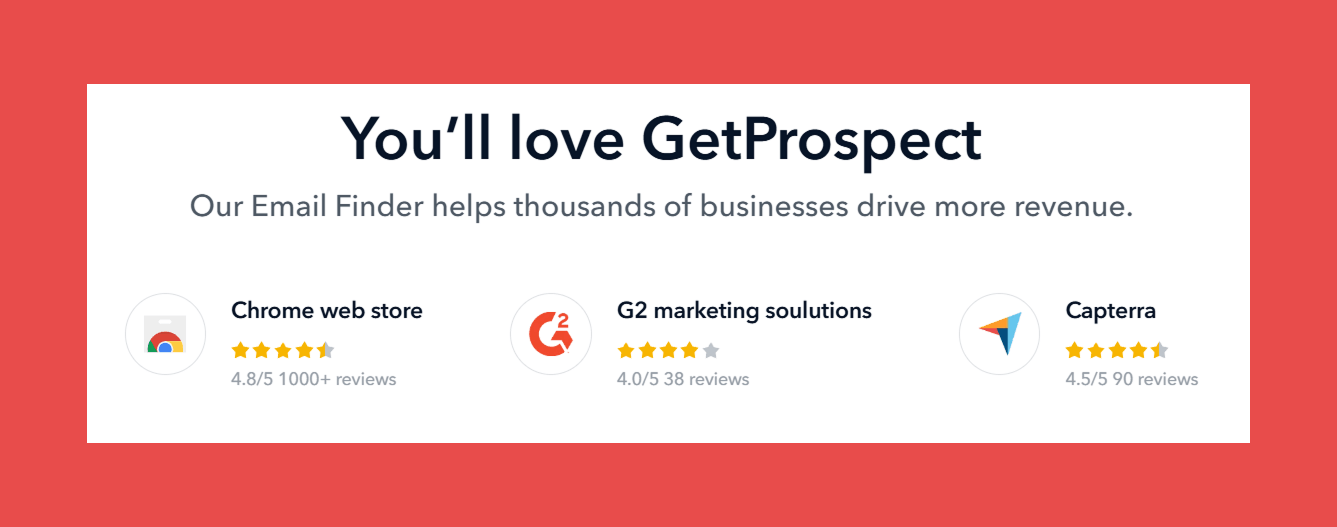
- G2: 4.0/5 (41)
- Capterra: N/A
Pros:
- Simple, focused tool that does the basics well, building targeted lead lists and finding verified emails without unnecessary complexity.
- Chrome extension makes pulling contacts directly from LinkedIn fast and frictionless.
- Affordable entry-level pricing compared to larger platforms, with every feature available on every plan.
Cons:
- Database coverage thins out for niche industries and less-indexed regions, requiring extra effort to hit volume targets.
- Reporting and analytics are basic, with limited integrations and automation options compared to more mature platforms.
Pricing:
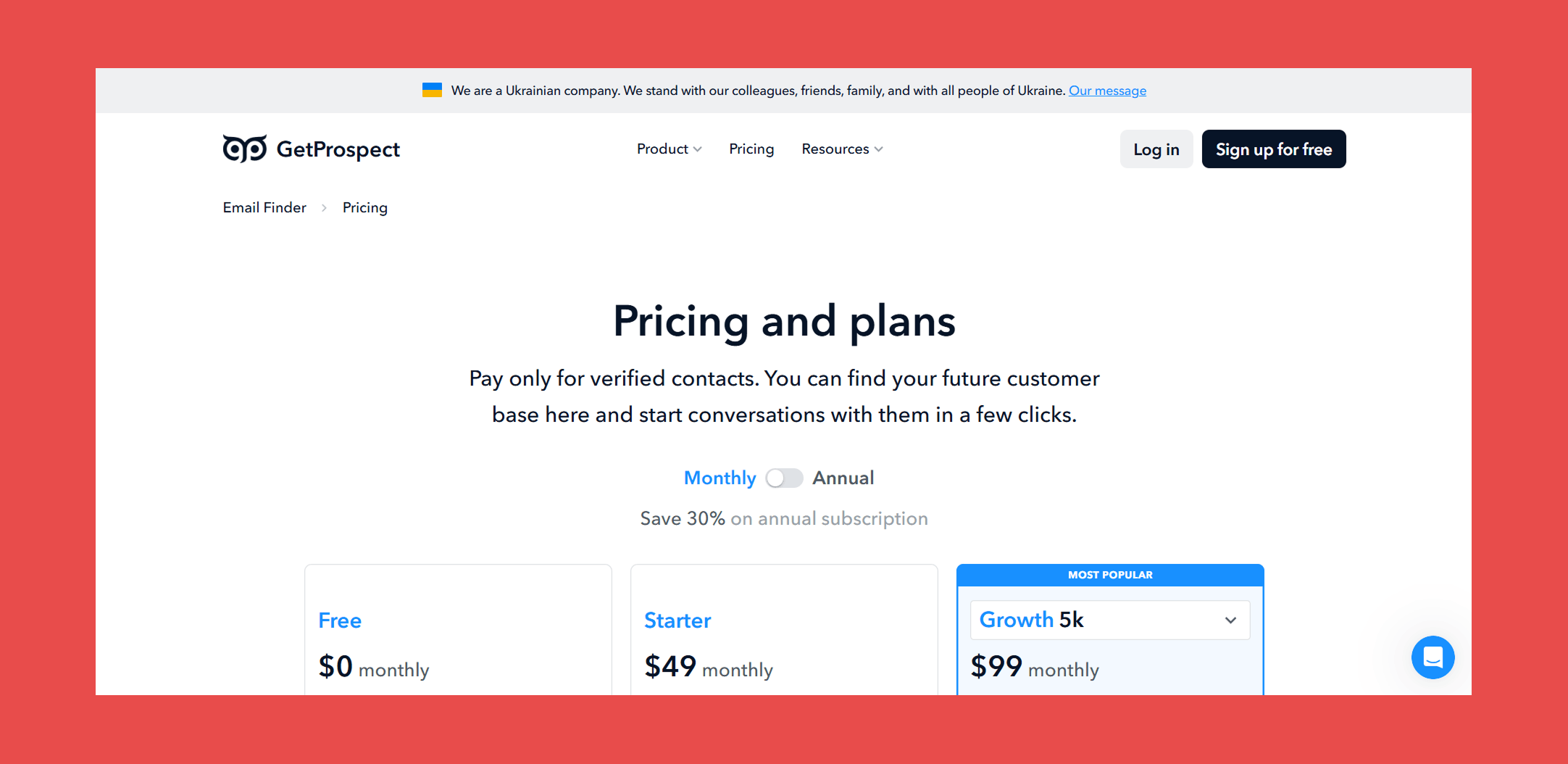
- Free: $0 – 50 valid emails + 100 email verifications
- Starter: $49/mo – 1,000 valid emails + 2,000 email verifications + 5 phone numbers
- Growth 5k: $99/mo – 5,000 valid emails + 10,000 email verifications + 5 phone numbers
#7 KittAI
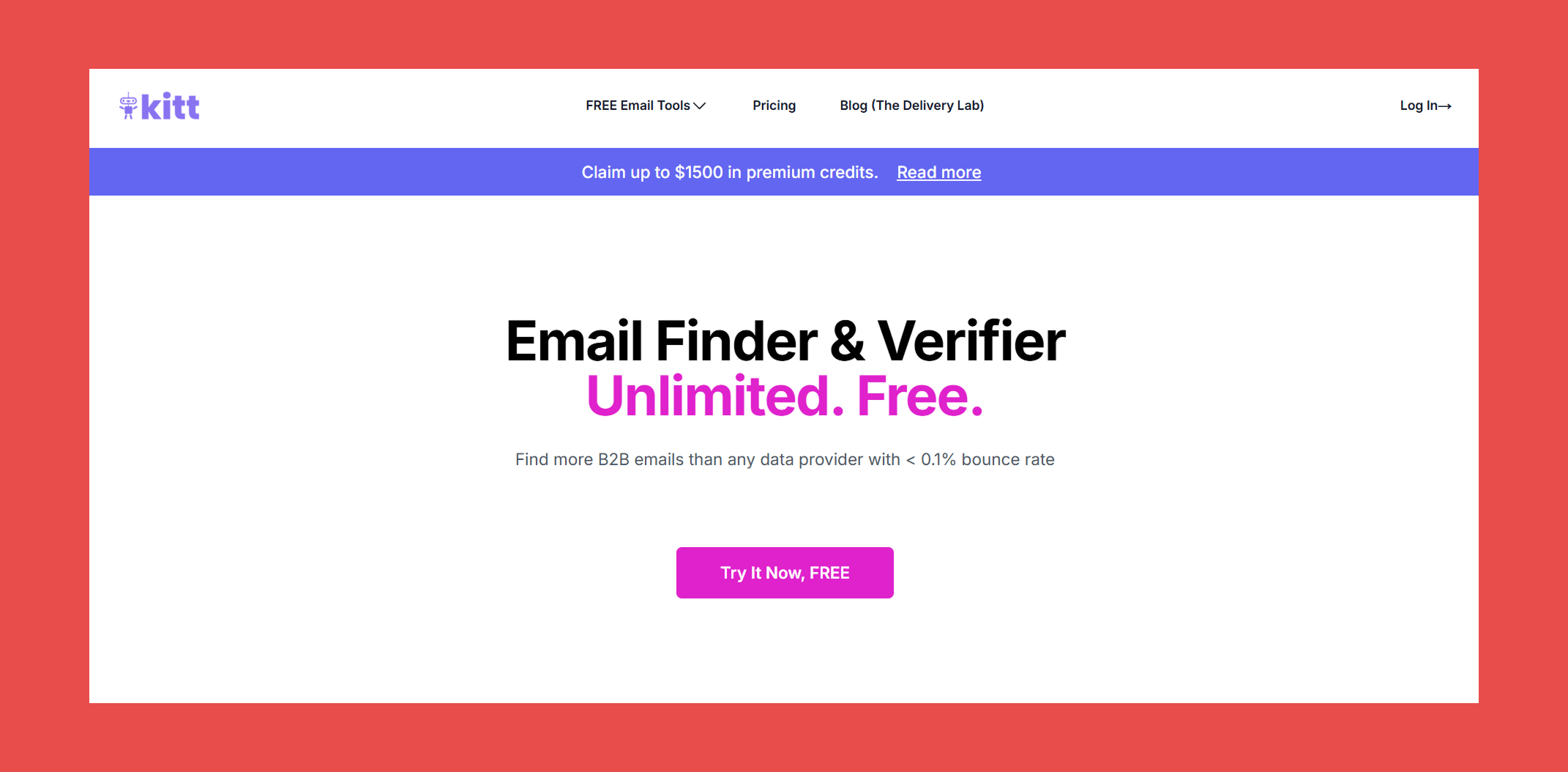
Last but certainly not least, KittAI is a newcomer that does one thing: find and verify B2B emails. Its main pull is a free tier with bold claims, promising more B2B emails than any data provider with a bounce rate under 0.1%, a figure that would put it in a league of its own if it holds up.
Key Features:
- Email Finder: Find B2B email addresses at speed alternative email finders at unlimited scale.
- Email Verifier: Goes beyond standard SMTP verification by checking emails against enterprise identity servers for a more reliable deliverability verdict.
- Catch-All Verification: Verifies catch-all addresses by cross-referencing against enterprise identity servers, and flags job changes in the process, a useful layer most tools at this price point don't offer.
Accuracy & Data Quality:
KittAI's verification claims to go beyond the standard SMTP tickling most tools rely on, checking against enterprise identity servers to handle catch-alls and detect job changes. The speed and scale claims are notable too, with KittAI positioning itself as 2 to 5 times faster than alternatives with no capacity ceiling.
But with no G2 or Capterra reviews, no independent benchmarks, and a website lean on methodology. We simply will never know if KittAI can deliver on those claims. For a free tool the risk of testing it is low, but for teams where deliverability directly impacts revenue, unverified claims are a shaky foundation to build outbound on.
Ratings:
- G2: N/A
- Capterra: N/A
Pros:
- Effectively free with a flexible pay-as-you-go model that scales with usage rather than locking you into a fixed monthly credit allowance.
Cons:
- No G2, Capterra, or independent benchmark data available, making it impossible to verify accuracy claims against real-world performance.
- As a newcomer with limited transparency, reliability and support quality at scale remain unproven.
Pricing:
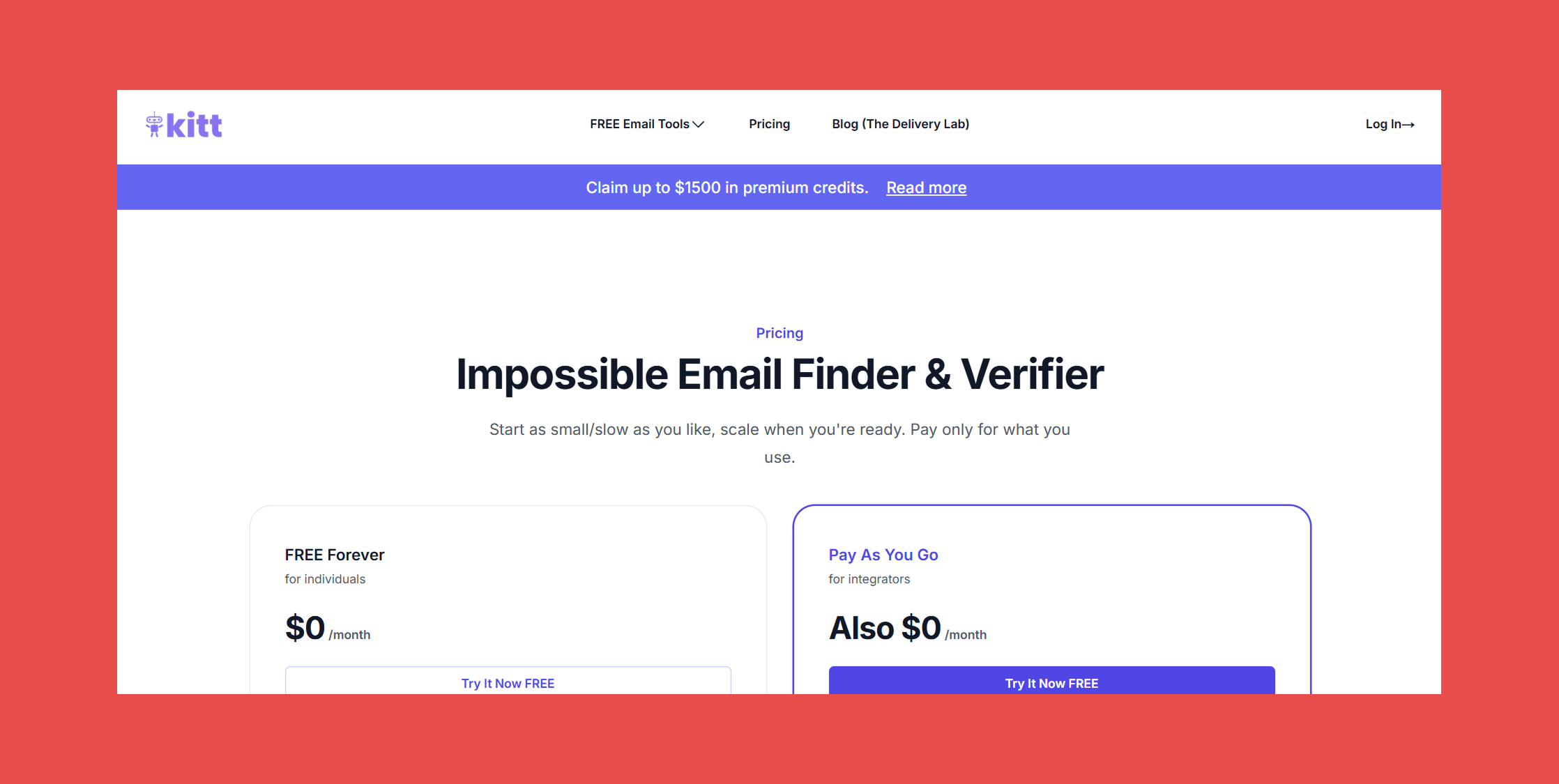
- Free Forever: $0/mo – Unlimited searches and verifications with limited usage
- Pay As You Go: $0.0015 per verification + $0.005 per found email
Which Email Finder Tool Should You Choose?
With eleven tools covered, the right choice comes down to what your team actually needs. Here's the short version:
- Best for sales teams and SDRs: Findymail & Clearout → Real-time verification, proprietary catch-all handling, and a sub-5% bounce guarantee make it the strongest choice for outbound teams where deliverability directly impacts pipeline.
- Best free option: KittAI → KittAI is worth testing for budget-conscious teams, though independent validation of its bold claims is still limited.
- Best for bulk prospecting: Findymail & Clearout → Findymail leads on accuracy at scale with our bounce guarantee.
- Best for job change tracking: Datagma → Both offer real-time alerts when key contacts switch roles.
- Best on a budget: GetProspect → All features on every plan with no tier-based gating and affordable entry pricing. Factor in the 61.9% independently tested verified rate before committing to high-volume campaigns.
- Best API for developers: Findymail & Clearout → Clean API documentation, real-time verification built in, and a guaranteed bounce rate make it the most reliable foundation for custom prospecting pipelines.
Final Verdict: The Best Email Finder for Most Users
Findymail is the strongest data provider in this list, and it's not particularly close. It's the only tool that verifies every address in real time at the moment of request, handles catch-all domains with a proprietary algorithm that competitors either skip or flag as "risky," and backs every send with a guaranteed bounce rate under 5%. Plus, Clay's independent 2025 benchmark puts us first for both data quality and data coverage across all providers tested.
That said, no single tool fits every team. Whatever you choose, prioritizing a tool with transparent verification methodology and proven accuracy will always pay off in better deliverability, healthier sender reputation, and more replies in your inbox. That's what the best email finding tools have in common, and it's the standard every team should hold their data provider to.
Findymail takes top spot on this list for a reason. Ranked first by Clay for data quality and data coverage. Real-time verified emails, proprietary catch-all detection, and the only tool in this list that guarantees a bounce rate under 5%.
Get started today and receive 10 credits for free!
Frequently Asked Questions About Email Finder Tools
What is an email finder tool?
An email finder tool is a software that locates and verifies professional email addresses based on inputs like a person's name, company, or domain. The best tools go beyond finding addresses and verify them in real time to ensure they're deliverable before you send.
Are email finder tools legal and GDPR-compliant?
Most reputable email finder tools operate legally by sourcing publicly available business contact data and complying with regulations like GDPR, CAN-SPAM, and CCPA. That said, compliance varies by provider, so it's worth checking each tool's data sourcing and privacy policies before use. Findymail & Clearout is fully GDPR-compliant.
How accurate are email finding tools?
Accuracy varies significantly across tools. Purpose-built verifiers like Findymail & Clearout guarantee a bounce rate under 5%, while budget tools like GetProspect have tested as low as 61.9% in independent benchmarks. Real-time verification consistently outperforms static database tools on deliverability.
What's the best free email finder?
KittAI is a newer free option worth testing, though independent validation is limited. Findymail also offers a free tier for teams that want to test real-time verification before committing to a paid plan. Clearout provides 100 free credits upon registration (with no credit card required) to evaluate the platform before purchasing.
Can I find emails in bulk with an email finder?
Yes. Most tools on this list support bulk email finding, including Findymail, Clearout, and GetProspect. For teams prospecting at scale, Findymail's bulk finder is the strongest option, combining real-time verification with a guaranteed bounce rate to protect deliverability across large sends.

Valentin
Valentin Wallyn is the founder and CEO of Findymail, a SaaS platform he launched to help B2B teams discover accurate email and contact data and automate data enrichment at scale. With an IT background, Valentin combines a technical mindset with hands-on experience in outreach and growth. His work centers on improving data quality and prospecting efficiency, drawing on years of entrepreneurial experience and a deep understanding of what makes outreach campaigns succeed.