AI Lead Finder
 Email Finder
 Email Verifier
 Phone Finder
 Intent Signals
 CRM Enrichment/Cleaning
 API


What this guide covers: We compared seven email finder Chrome extensions on how they verify emails, what they charge for, where they work and how users rate them.
The 7 extensions:
1. Findymail: verified emails, catch-alls included, on LinkedIn profiles. From $99/mo.
2. Hunter: email lookups built around company domains, but no LinkedIn lookups. Free plan; paid from $49/mo.
3. Snov.io: finder, verifier and campaigns in one tool, with more to learn. Free plan; paid from $39/mo.
4. Lusha: emails and direct dials in one click, with phone reveals using more credits. Free plan; paid from $49.90/mo.
5. Kaspr: LinkedIn lookups, with capped phone credits and per-user pricing. Free plan; paid from $65/user/mo.
6. ContactOut: work and personal emails, with fair-use caps behind "unlimited". Free daily allowance; paid from $99/mo.
7. Skrapp.io: low-cost LinkedIn and website lookups, but no phone data. Free credits; paid from $39/mo.
Open a LinkedIn profile with almost any email finder extension and an address pops up. It looks right, it has the person's name in it, and then it bounces.
That's the problem with this category. A wrong address burns a credit, and enough of them burn your sender reputation, which costs far more to rebuild than the $49 plan. Install counts and star ratings won't warn you, because nobody rates an extension on the day their campaign bounces.
So we compared seven of the most-used email finder extensions on what decides whether an email lands: how each one verifies, what it charges for and where it works.
The 7 extensions side by side
| Extension | Works on | Built-in verification | Phone numbers | Free option | Starting price (monthly) | Charged for empty lookups? | Chrome Web Store rating (users) |
|---|---|---|---|---|---|---|---|
| Findymail | Yes, catch-alls included | Outside the EU only | 10 free credits | $99/mo | No | 4.6 (10K) | |
| Hunter | Company websites | Yes | Only when on record | 50 credits/mo | $49/mo | No | 4.8 (700K) |
| Snov.io | LinkedIn, company websites, Google search results | Yes | Separate phone enrichment | 50 credits | $39/mo | No | 4.9 (400K) |
| Lusha | LinkedIn, Sales Navigator, company websites, Gmail, CRM | Yes | Yes | 40 credits/mo | $49.90/mo | Unclear | 4.3 (400K) |
| Kaspr | LinkedIn, Sales Navigator, Recruiter Lite | Yes | Yes | 15 emails + 5 phones/mo | $65/user/mo | Yes, unless you set data criteria | 4.7 (100K) |
| ContactOut | LinkedIn, Sales Navigator, Recruiter, company websites, Gmail | Yes | Higher plan only | 5 emails + 5 phones/day | $99/mo | Unclear | 4.1 (600K) |
| Skrapp.io | LinkedIn, Sales Navigator, Recruiter, company websites | Yes | No | 50 credits | $39/mo | Only for valid or catch-all results | 4.9 (200K) |
How we compared these extensions
We judged each extension on what decides whether the emails it finds are worth sending:
- Verification: whether it checks every address before you see it, catch-alls included
- Credit rules: whether a lookup that finds nothing still costs a credit
- Where it works: LinkedIn, Sales Navigator, company websites or Gmail
- Integrations: how it connects to your CRM or sequencer
- Ratings: what users give it on G2, Capterra and the Chrome Web Store (store figures as of November 11, 2026)
- Pricing: each vendor's monthly list price
Accuracy benchmarks for these tools are summarised further down.
Email extractor or email finder: why the difference matters
Some extensions only copy emails already printed on the page you're viewing. That works on a contact page and fails on most LinkedIn profiles. The tools here look up the person's work email while you view their profile, and most verify it before you see it. That verification step is what separates a list you can send to from one you have to clean, so it carries the most weight in our ranking.
The 7 best email finder Chrome extensions in 2026
Here's the full rundown, ranked.
1. Findymail
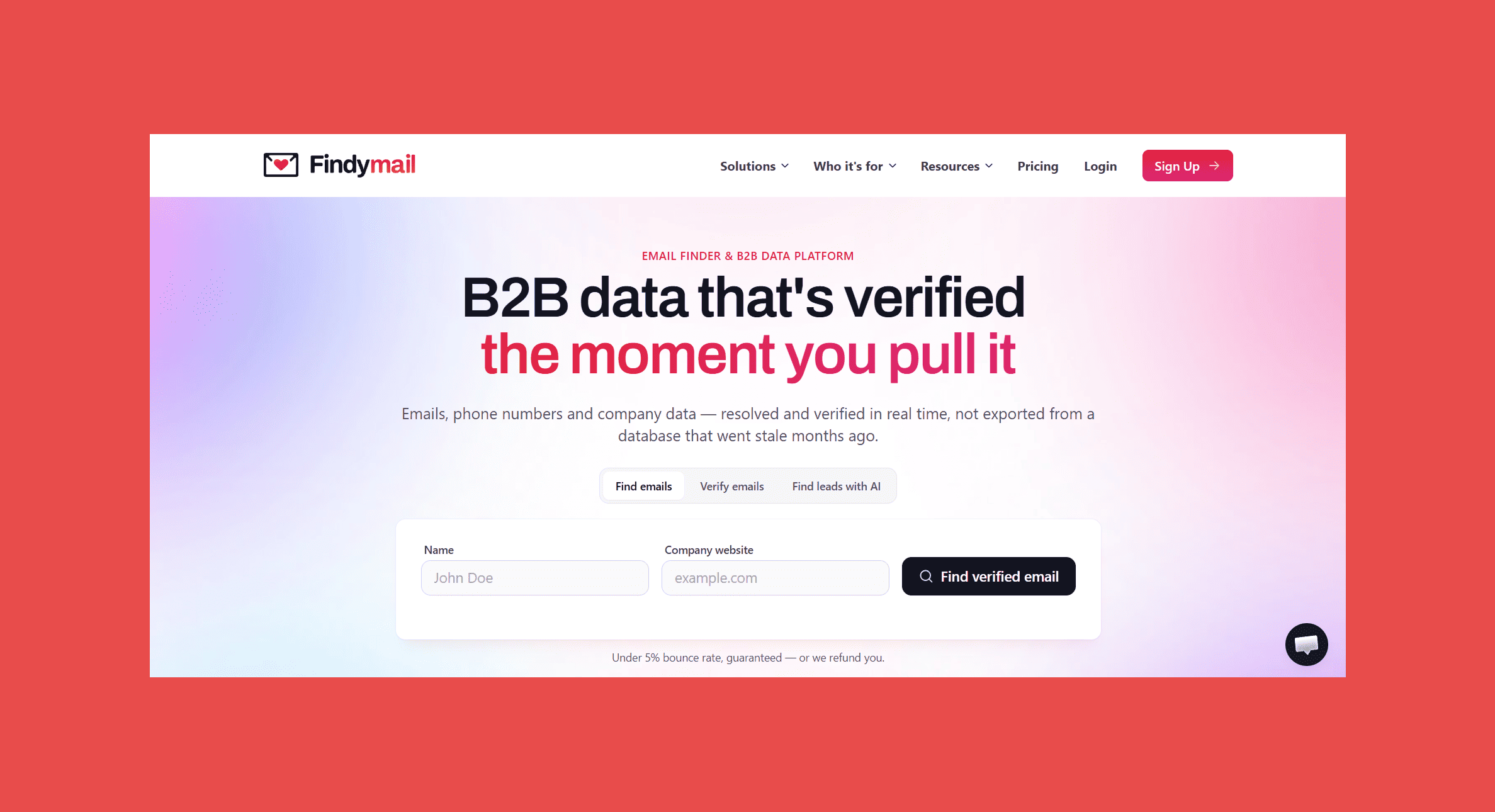
Findymail is a complete B2B prospecting platform, but most teams start with the Chrome extension. Open a LinkedIn profile, click once, and you get a verified work email, catch-all addresses included. The bounce rate is guaranteed under 5%, and if it ever goes over, you get the credits back. Lookups run live across the web when you search, rather than pulling from a stored contact database.
Key features
- One-click email and phone lookups on any LinkedIn profile
- Real-time verification on every email, with catch-alls only returned once confirmed usable
- Save contacts to an existing list or a new one from the extension, with found emails saved automatically for export
- Every feature is available on every plan
Integrations
Ratings
- G2: 4.9/5 (57)
- Capterra: 4.9/5 (7)
Pros
- Emails can go straight into a sequence without a separate cleaning step
- Catch-all results are verified rather than left as guesses
- No credits lost on lookups that come back empty
- Seat-based plans make team costs easy to forecast
Cons
- No permanent free plan, only trial credits
- No domain search in the extension; for that you need the Findymail web app
Pricing
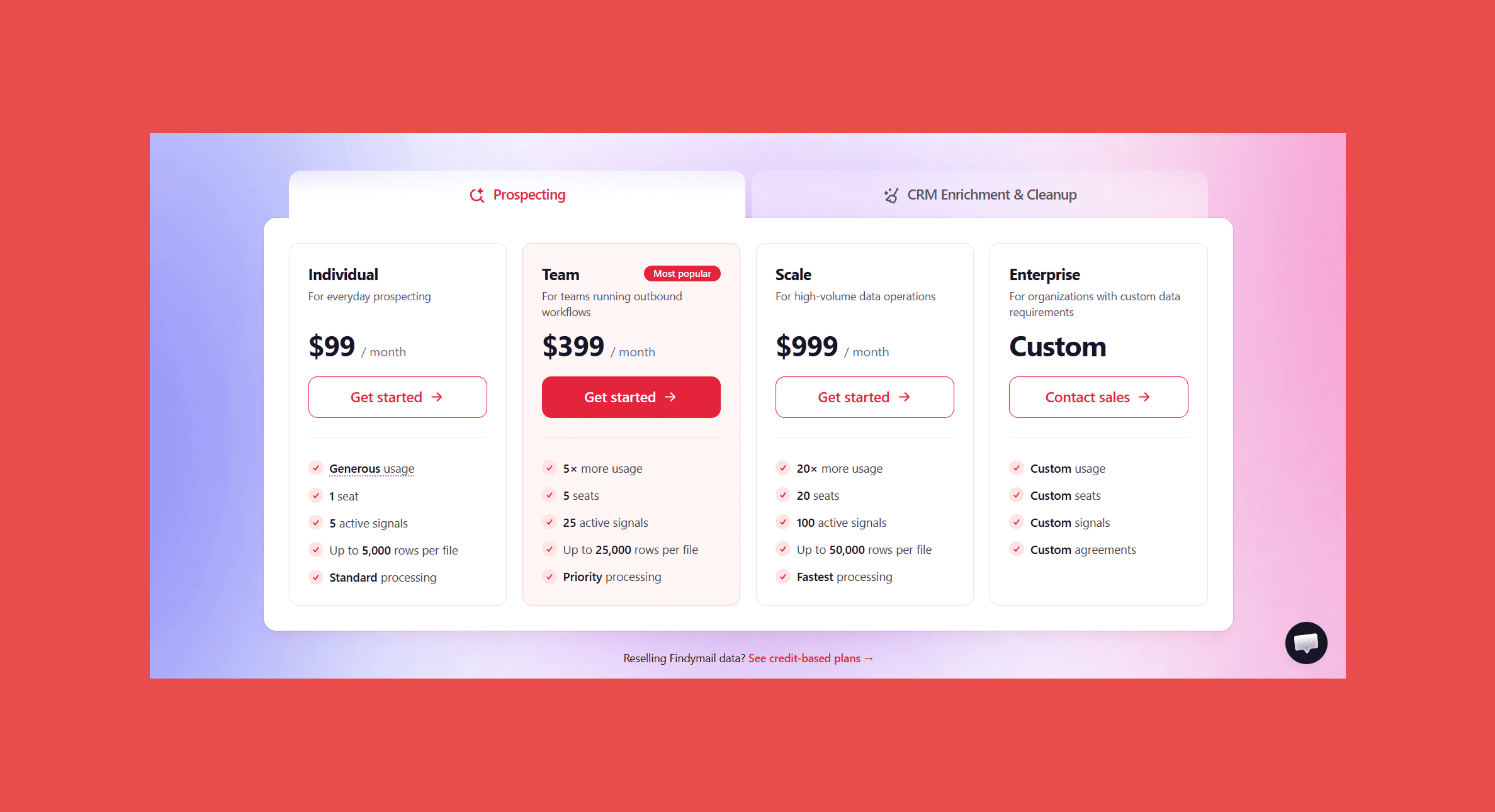
- Free account: 10 credits to test
- Individual: $99/mo (1 seat, up to 5,000 rows per file)
- Team: $399/mo (5 seats, up to 25,000 rows per file)
- Scale: $999/mo (20 seats, up to 50,000 rows per file)
- Enterprise: custom pricing
2. Hunter
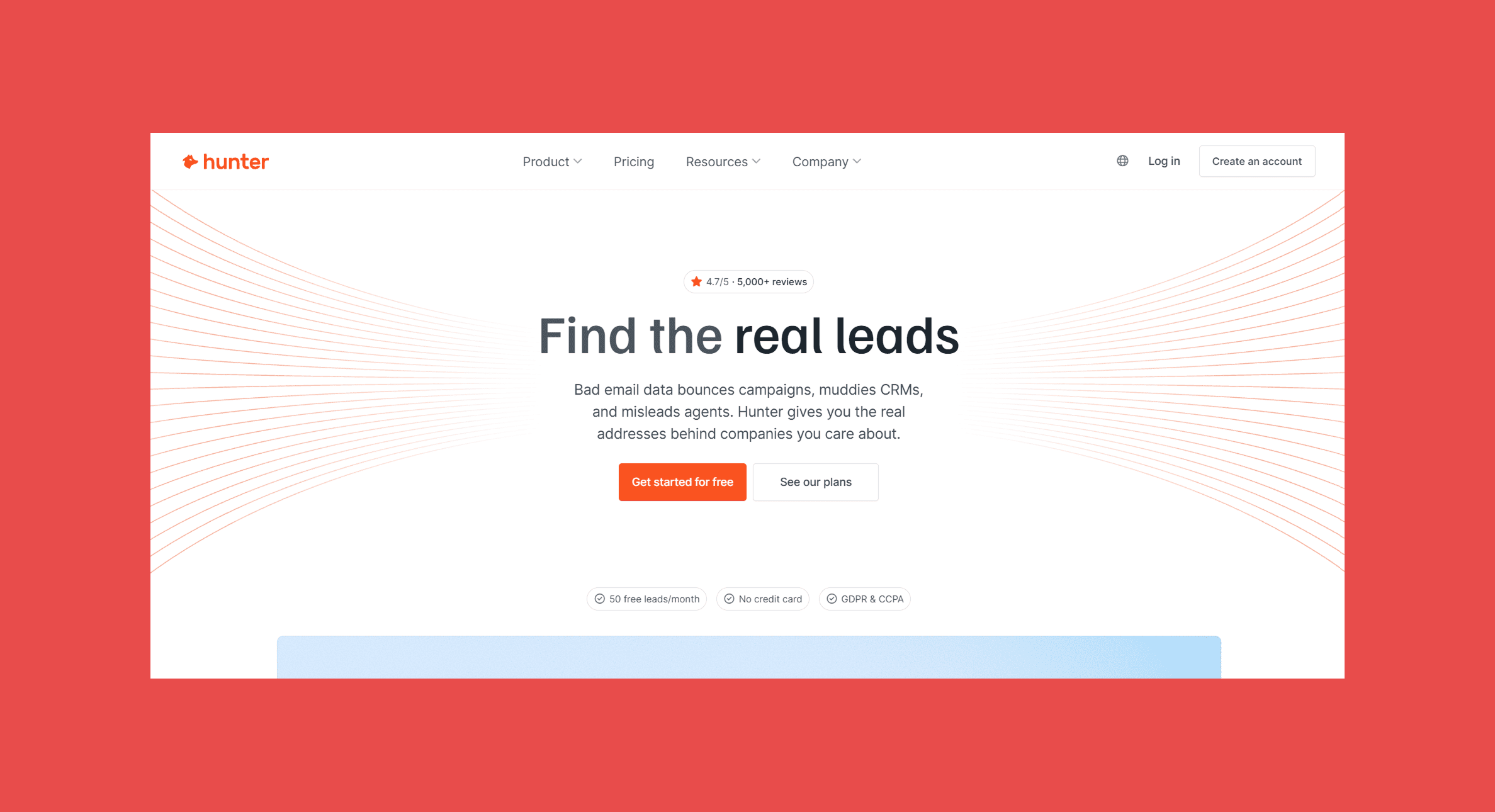
Hunter is one of the oldest names in email finding, and it works from the company side. Visit a company's website, click the chrome extension, and it lists the emails Hunter has on record for that domain, with names, job titles and the pages where each address was found. It doesn't read emails off the page you're on; it pulls them from Hunter's own database. It doesn't run on LinkedIn profiles, so use it when you start from target companies, not people.
Key features
- One click on any company website lists the emails on record for that domain, with the pages where each was found
- Name search to look up one person at that domain
- Filters for email type (generic or personal) and department
- Save contacts to a leads list
Integrations
Ratings
- G2: 4.4/5 (650+)
- Capterra: 4.6/5 (700+)
Pros
- Easy to pick up, even for someone who's never used a prospecting tool
- Seeing the source of an email makes it easier to judge
- Generous free plan for occasional lookups
Cons
- No lookups on LinkedIn profiles
- Phone numbers only when already on record
- Credits run out quickly at team volumes
Pricing
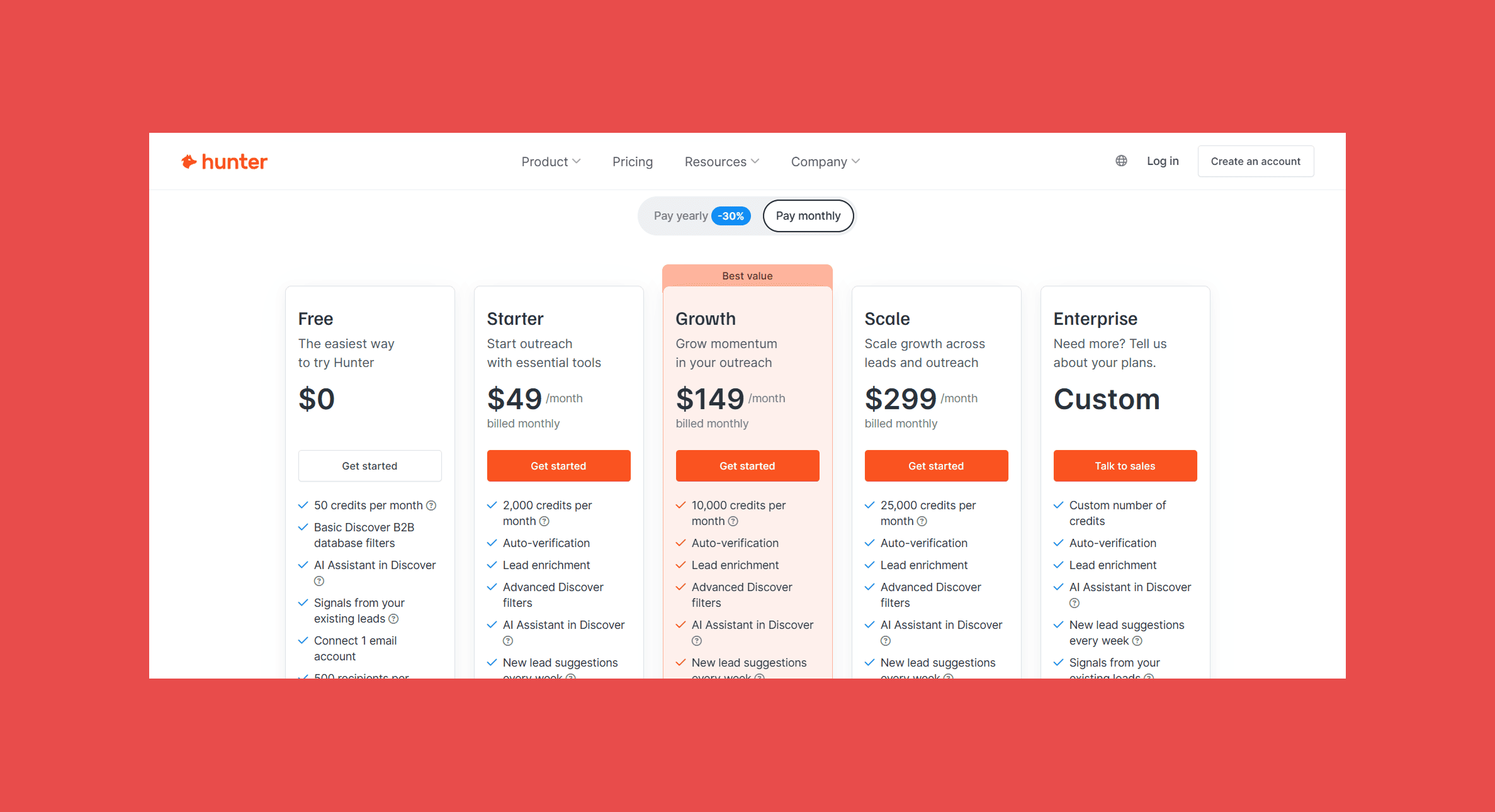
- Free: 50 credits/mo
- Starter: $49/mo (2,000 credits)
- Growth: $149/mo (10,000 credits)
- Scale: $299/mo (25,000 credits)
- Enterprise: custom pricing
3. Snov.io
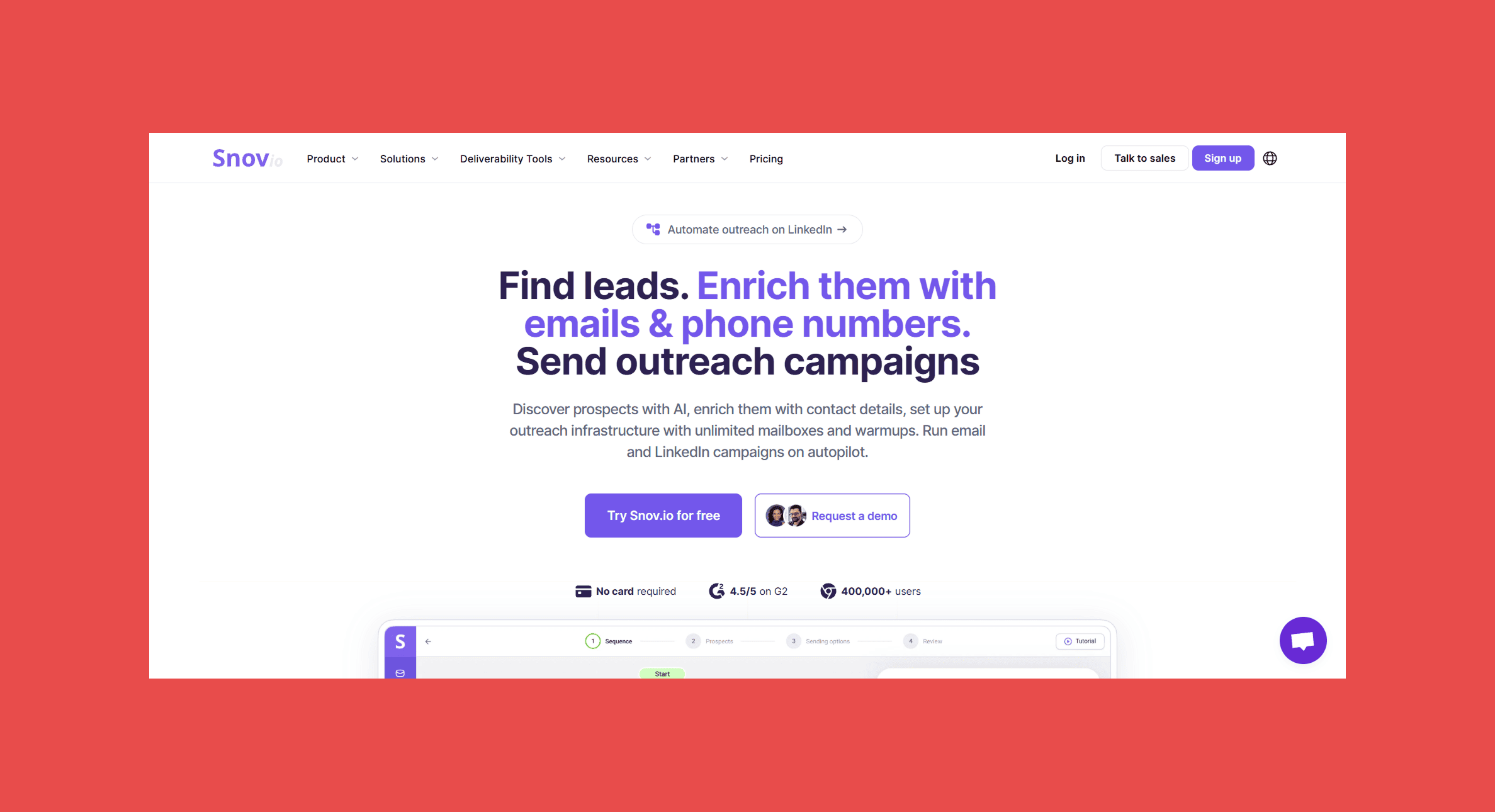
Snov.io bundles an email finder, a verifier and a campaign tool. It has several Chrome extensions, and two of them find emails. One opens as a sidebar on LinkedIn profiles, people searches and company pages, and saves prospects to your Snov.io lists with a verified email. The other covers company websites and Google search results, showing prospects with verified emails alongside every domain email on record, some of them unverified. Small teams get one tool instead of three, but both extensions are entry points to the platform, not standalone finders.
Key features
- LinkedIn sidebar for profiles, people searches and company pages, with prospect and company details
- Bulk saving from LinkedIn search results, with or without emails
- Employee lists on company websites with names, verified emails, job titles and locations
- Every email on record for a domain, including unverified ones you can verify separately
- Company lists pulled from Google search results for bulk email searches
- Save prospects, emails or companies to lists straight from the extension
Integrations
Ratings
- G2: 4.5/5 (496)
- Capterra: 4.5/5 (215)
Pros
- Finding, verifying and sending in one place
- Low entry price
- Adding teammates doesn't raise the bill
Cons
- Saving a prospect with an "unknown" email still costs a credit
- No phone numbers in either email-finding extension; phone lookups need separate tokens
- Domain email results include unverified addresses
- Credits are shared across finding and verifying
- Campaign features add cost if you already have a sequencer
Pricing
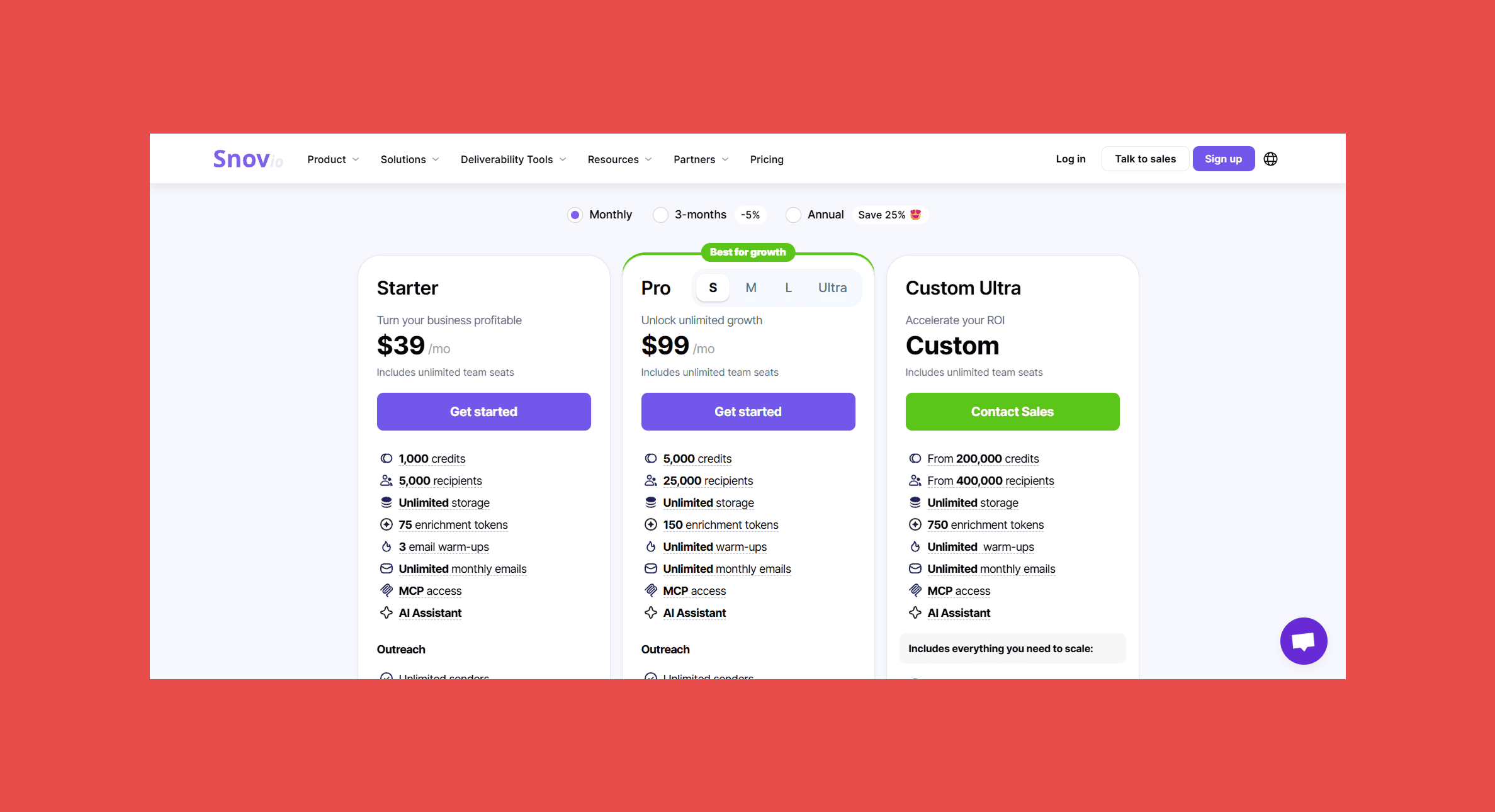
- Trial: 50 credits
- Starter: $39/mo (1,000 credits)
- Pro S: $99/mo (5,000 credits)
- Pro M: $189/mo (20,000 credits)
- Pro L: $369/mo (50,000 credits)
- Ultra: $738/mo (100,000 credits)
4. Lusha
Lusha is built for teams that call as much as they email. Its extension opens as a side panel on LinkedIn profiles and searches, Sales Navigator, company websites, Gmail and your CRM, and shows a contact's email and direct dial together. How much it reveals depends on your plan. Phone numbers cost more credits than emails, so your bill depends on how much your team dials.
Key features
- Emails and direct dials on LinkedIn, Sales Navigator, company websites, Gmail and inside your CRM
- Company details alongside each contact, plus a database search without leaving the page
- Save contacts to tagged lists or send them straight to Salesforce, HubSpot or Pipedrive
Integrations
Ratings
- G2: 4.3/5 (1,650+)
- Capterra: 4.0/5 (about 400)
Pros
- Phone numbers and emails in the same click
- Free plan lets you test phone data before paying
- Free plan for trying it on real prospects
Cons
- Phone reveals use several credits each
- Costs climb quickly as the team grows
- How much contact data you see depends on your plan
Pricing
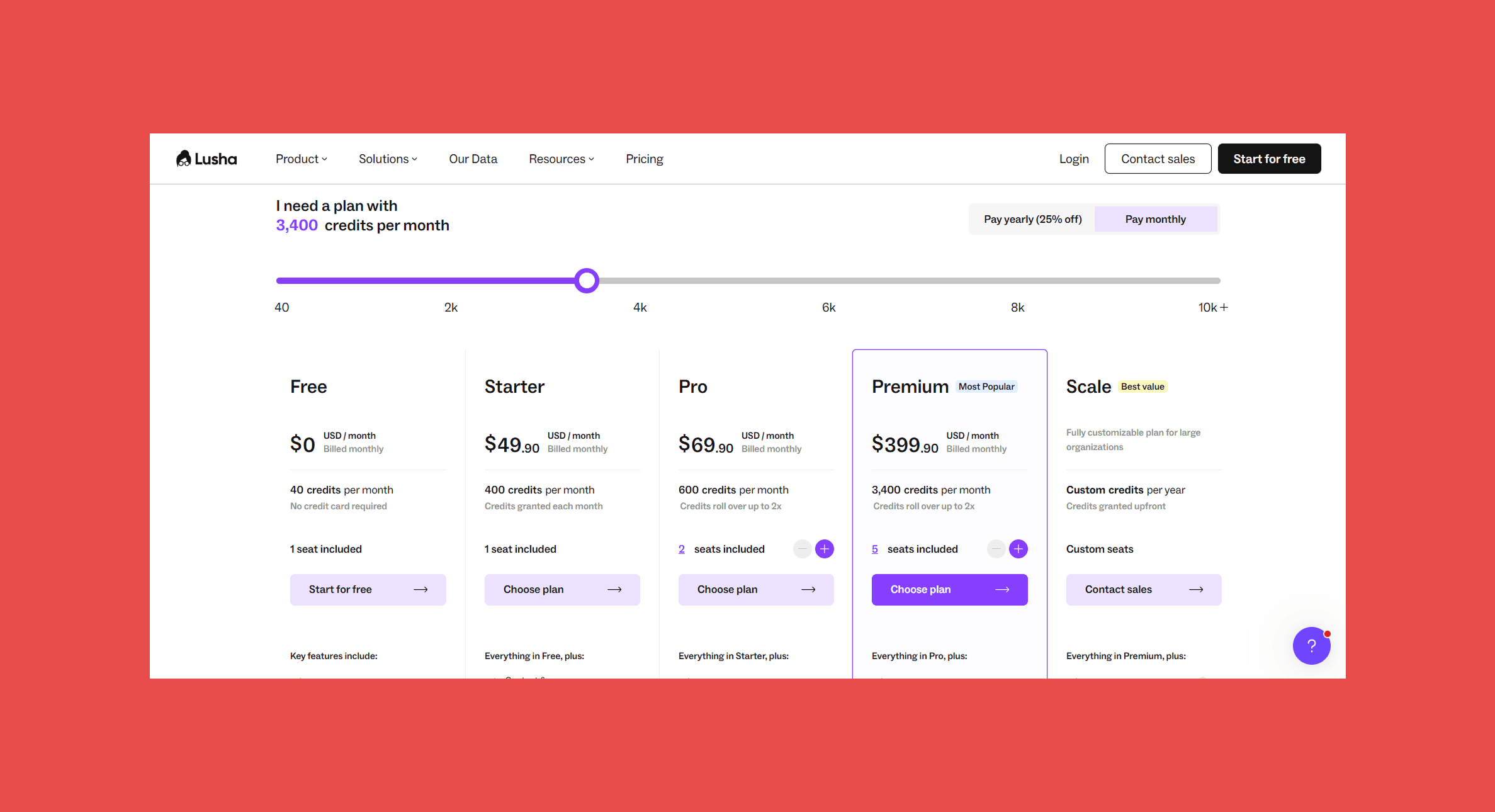
- Free: 40 credits/mo
- Starter: $49.90/mo (400 credits)
- Pro: $69.90/mo (600 credits)
- Premium: $399.90/mo
- Scale: custom pricing
5. Kaspr
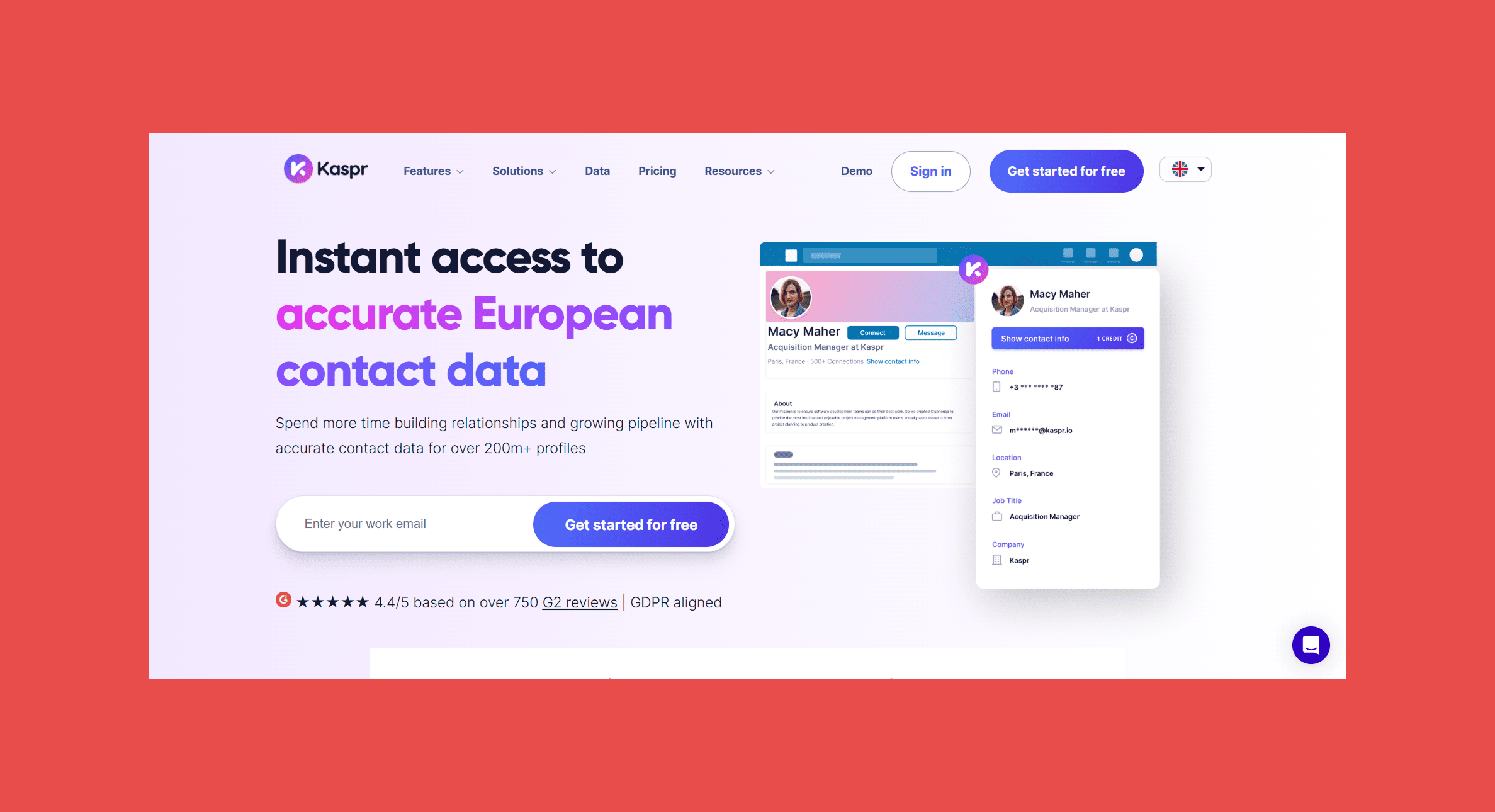
Kaspr connects to your LinkedIn account and works on profiles, search lists, groups and events, plus Sales Navigator and Recruiter Lite. It has been part of Cognism since 2022 and draws on Cognism's data. Paid plans include unlimited B2B emails and phone numbers capped by credits. The catch: phone credits run out quickly, and per-user pricing adds up as the team grows.
Key features
- Email and phone lookups on LinkedIn profiles, search lists, groups and events, plus Sales Navigator and Recruiter Lite
- Unlimited B2B emails on paid plans
- Lead lists and team usage tracking
Integrations
Ratings
- G2: 4.4/5 (837)
- Capterra: 3.3/5 (3)
Pros
- Email lookups don't eat into a credit balance on paid plans
- Free plan includes phone numbers, not just emails
- Works across all three LinkedIn products
Cons
- Phone credits are capped
- Priced per user, so larger teams pay more
- Limited outside the LinkedIn workflow
Pricing
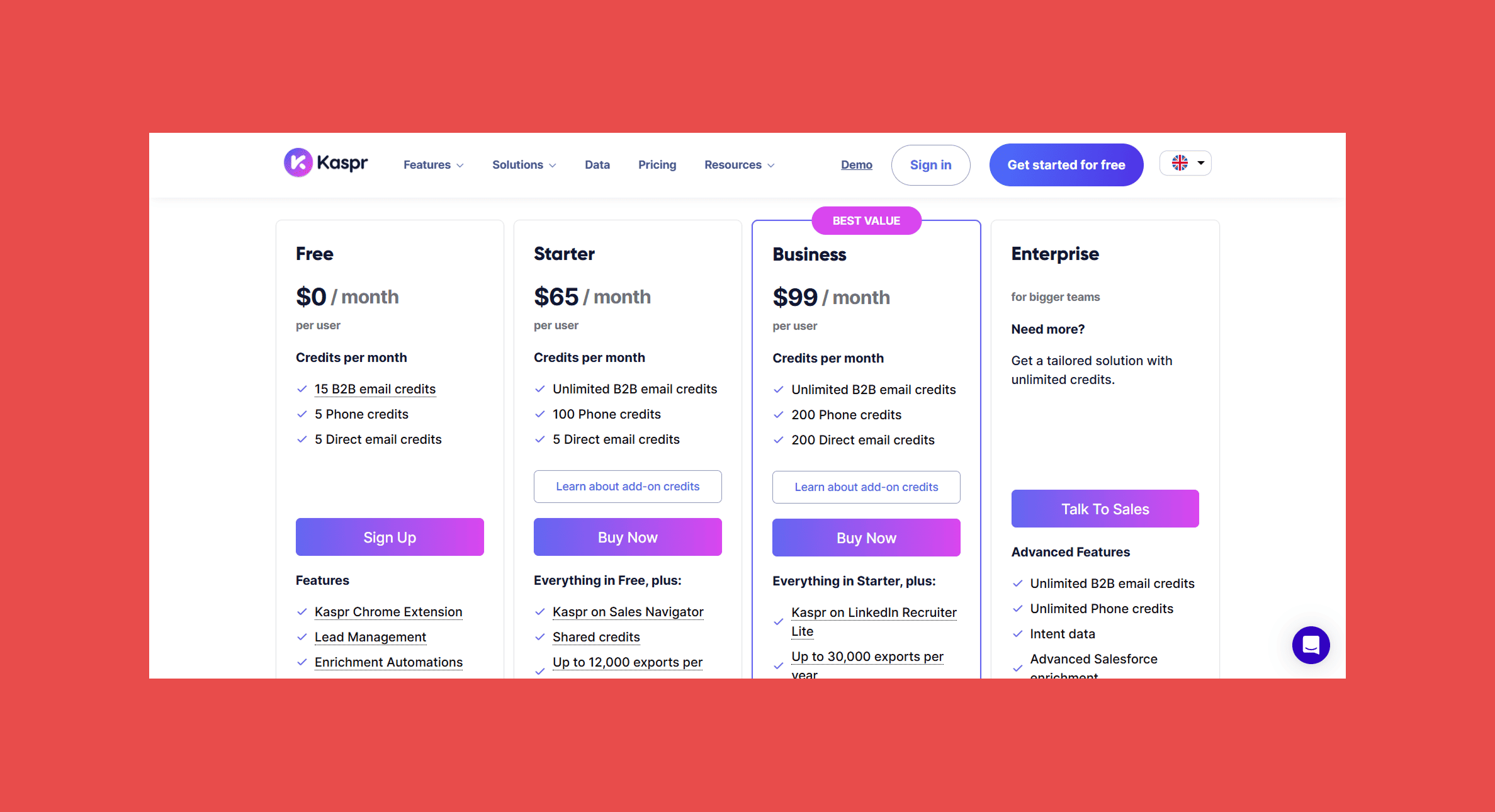
- Free: 15 B2B emails credits (5 email credits/mo and 5 phone credits/mo)
- Starter: $65/user/mo (unlimited B2B emails, 100 phone credits)
- Business: $99/user/mo (unlimited B2B emails, 200 phone credits)
- Enterprise: custom pricing
6. ContactOut
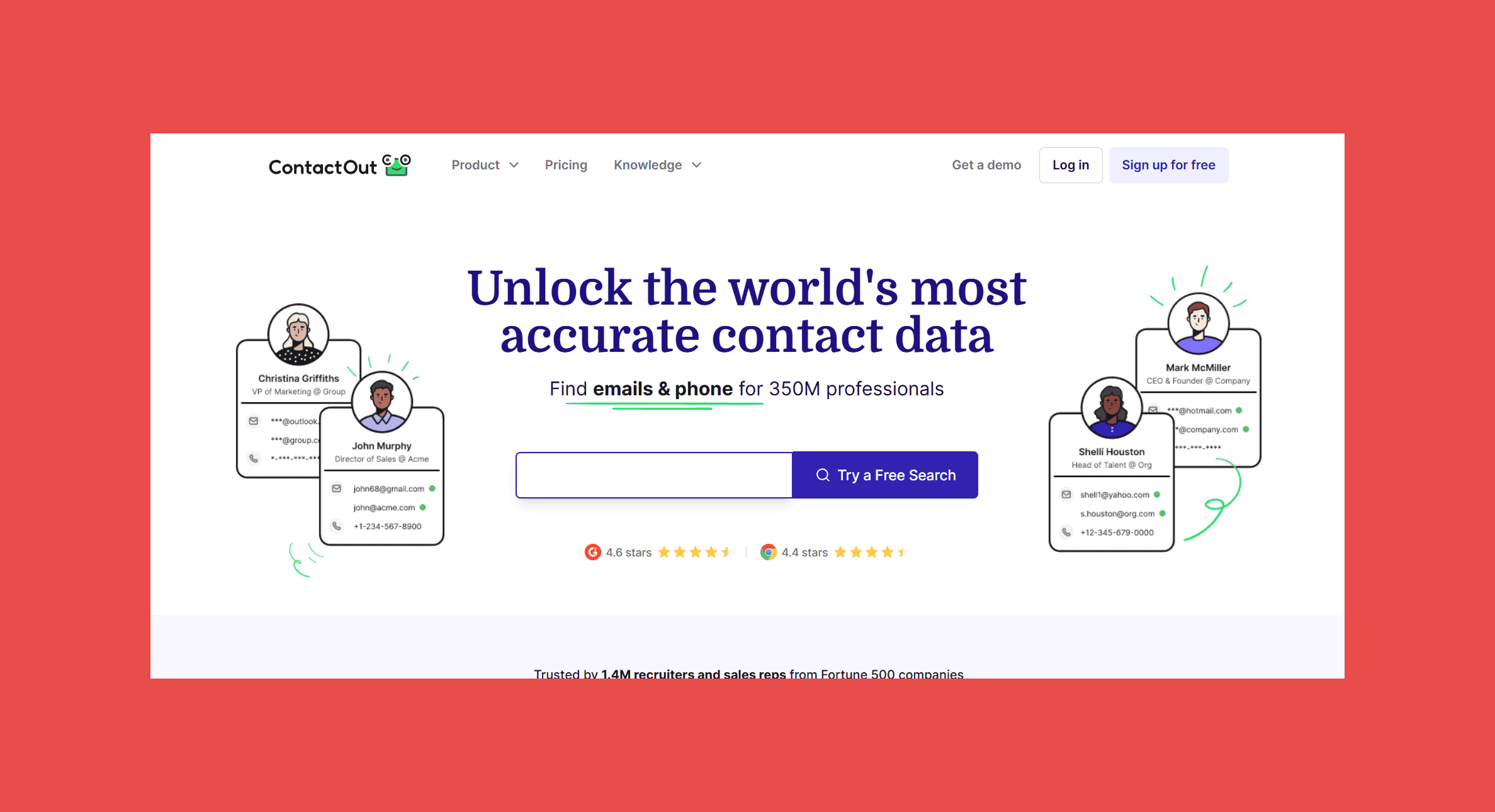
ContactOut is about volume. Its extension returns work emails, personal emails and, on the higher plan, phone numbers on LinkedIn profiles, search pages, Sales Navigator and Recruiter, with plans sold as unlimited within fair-use limits. On a LinkedIn search page it can pull contact details for every profile at once. Recruiters like the personal emails; sales teams should confirm they're getting work emails before they send.
Key features
- Work and personal emails on LinkedIn profiles, Sales Navigator and Recruiter, one profile at a time or a whole search page at once
- Phone numbers on the higher plan
- Gmail sidebar for contacts in your inbox
Integrations
Ratings

- G2: 4.5/5 (112)
- Capterra: 4.4/5 (15)
Pros
- Direct links to recruiting tools like Lever and Greenhouse
- Free daily lookups for light users
- Useful when a personal email is the only route in
Cons
- "Unlimited" plans come with fair-use caps
- Personal emails aren't suitable for every B2B campaign
- Phone numbers need the more expensive plan
Pricing
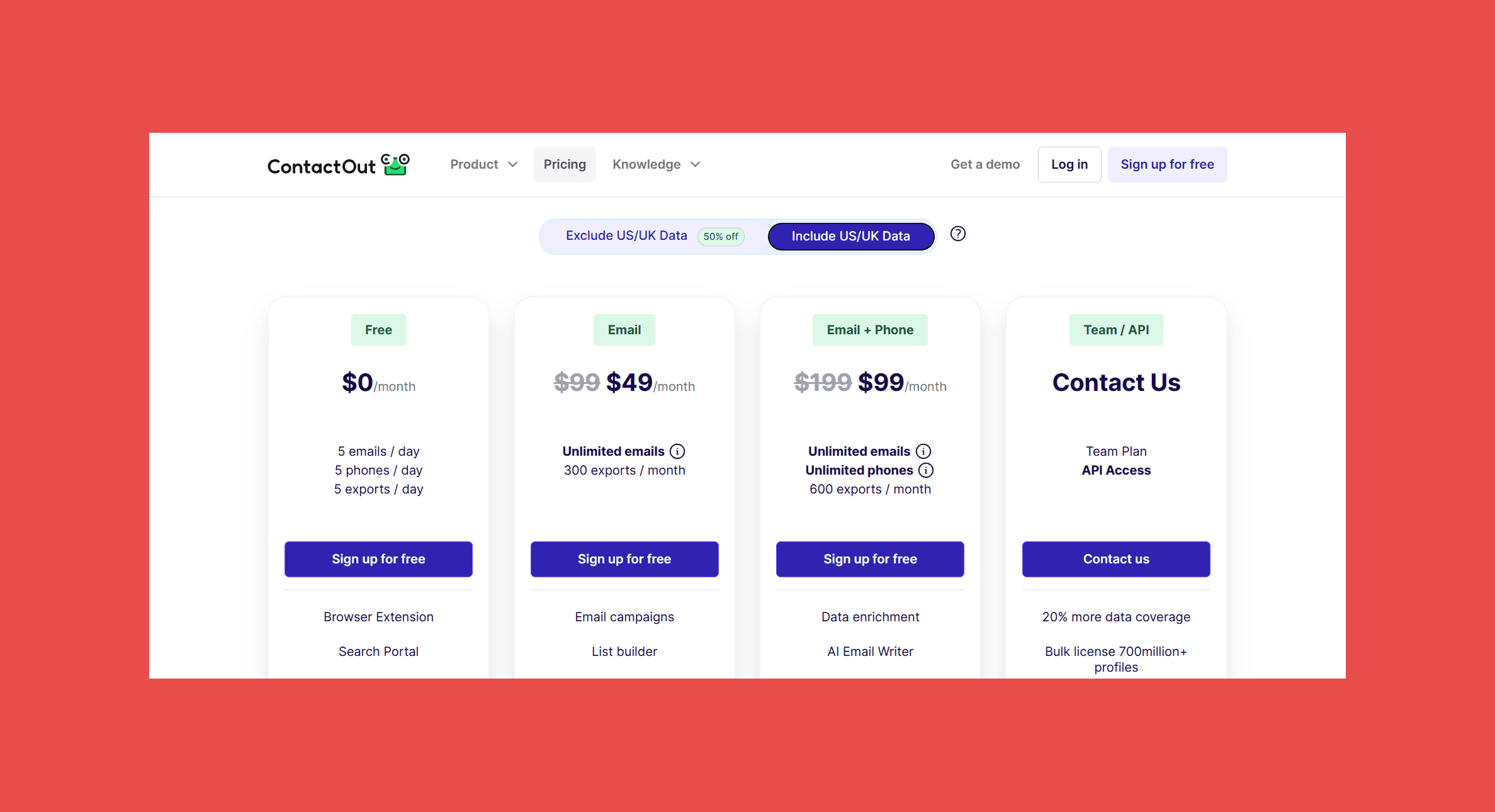
- Free: 5 emails and 5 phone numbers per day
- Email: $49/mo
- Email + Phone: $99/mo
- Team and API: custom pricing
7. Skrapp.io
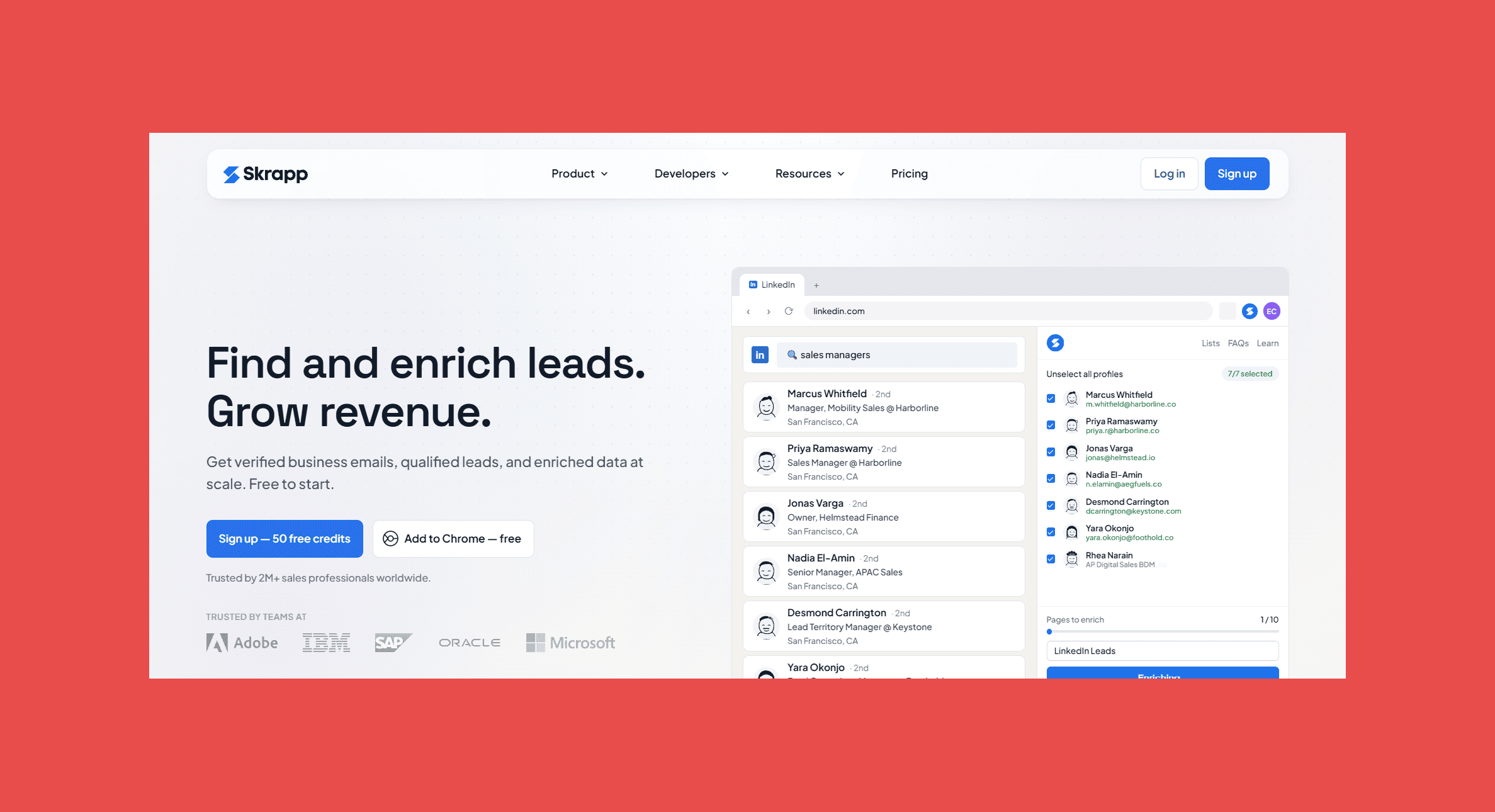
Skrapp.io is the budget pick. Its extension works on LinkedIn profiles and People searches, Sales Navigator searches and lead lists, and Recruiter, and on paid plans it can scan several pages of search results in one go. It's cheap, and that's the trade-off: catch-all results still carry bounce risk, and there's no phone data.
Key features
- Email lookups on LinkedIn profiles, People searches, Sales Navigator and Recruiter
- Multi-page scans of LinkedIn and Sales Navigator search results, with found leads saved back to your Sales Navigator lists
- Built-in email verification and one-click CSV export
Integrations
Ratings

- G2: 4.5/5 (354)
- Capterra: 4.5/5 (57)
Pros
- Low starting price
- Cheap enough to trial without a budget conversation
- Simple enough to use without training
Cons
- No phone numbers
- Catch-all results still need checking before you send
- Bulk extraction and CRM integrations need a paid plan
Pricing
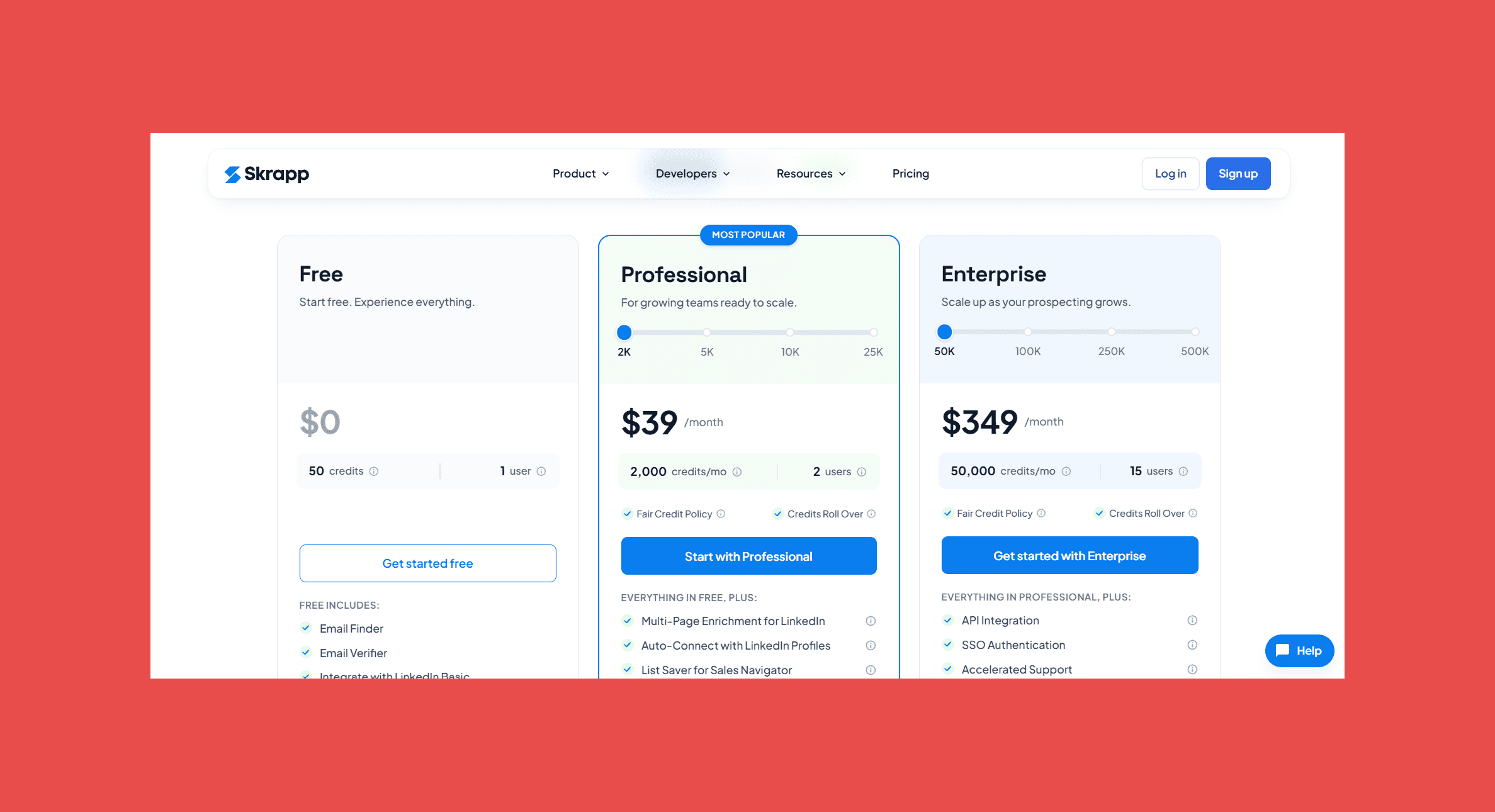
- Free: 50 credits
- Professional: $39/mo (2,000 credits)
- Enterprise 50K: $349/mo (50,000 credits)
- Larger plans: custom pricing
What independent benchmarks say about accuracy
Feature lists don't tell you how often an extension gets the email right. Benchmarks do. We pulled 10 published email finder benchmarks into a separate benchmark roundup, each covering at least 500 contacts, with every vendor's score for its own tool removed. Here's what they say about the seven extensions here:
- Findymail ranked first of the 16 tools scored, and had the lowest error rate in the largest live-send test once the publisher's own tool was set aside, with 1.1% hard bounces.
- Hunter is accurate when it finds an address, but finds one for fewer contacts, and 11.2% of its emails hard-bounced in that same live send.
- Lusha, Snov.io and Skrapp.io all finished in the bottom four of the 16.
- Kaspr and ContactOut weren't included in any of the 10 benchmarks.
Every study, score and method is in the full roundup.
Free email finder Chrome extensions: what you actually get
Most of these tools have a free option, but "free" ranges widely:
- Hunter: 50 credits a month, which suits occasional lookups
- Snov.io and Skrapp.io: 50 credits on their free plans
- Lusha: 40 credits a month, with phone numbers costing more of them
- Kaspr: 15 B2B emails and 5 phone numbers a month
- ContactOut: 5 emails and 5 phone numbers a day
- Findymail: 10 credits on a free account
Which email finder extension is right for you?
Pick the row that matches how your team prospects:
| If you... | Pick | What to know |
|---|---|---|
| Send cold email at volume and can't afford bounces | Findymail | Verifies every address before you see it, catch-alls included |
| Start from a list of target companies, not people | Hunter | Domain search suits company-led research, but it doesn't run on LinkedIn profiles |
| Want finding, verifying and sending in one tool | Snov.io | A cheap all-in-one, but you pay for campaign features you may not need |
| Call as much as you email | Lusha | Emails and phones in one click, but phone reveals burn through credits fast |
| Prospect in Europe and spend your day in LinkedIn | Kaspr | Covers all three LinkedIn products, but phone credits are capped and pricing is per user |
| Recruit, or need a personal email when a work address won't do | ContactOut | Finds personal emails, but those don't suit most B2B campaigns |
| Are on a tight budget and only need emails | Skrapp.io | Low cost, but no phone data and catch-all results still carry bounce risk |
Before you buy, check two things: whether pricing is per user or per team, and whether the tool syncs with your CRM or sequencer.
Are email finder extensions safe to use?
Mostly, yes, but check before you roll one out to the whole team. An email finder extension can read every page you open, so look at its Chrome Web Store listing first: the permissions it asks for, when it was last updated, and who's behind the data it returns.
If you prospect in Europe, GDPR isn't optional. Ask each vendor where its data comes from and where it's stored, and walk away if the answer is vague. Findymail is GDPR compliant, SOC 2 Type 2 certified and hosts its data in the EU.
Final thoughts
Every extension here will find you an email. The difference shows up days later, in your bounce report. Phone-heavy teams should look at Lusha or Kaspr, and teams starting from company domains should use Hunter.
For cold outreach, verification decides it. An extension that checks every address before you see it saves you the cleaning step, the wasted credits and the damage to your sender reputation. That's why Findymail comes first on this list.
FAQ
What is the best email finder Chrome extension?
Findymail, if you need verified emails. It checks every address before showing it, catch-alls included, and guarantees a bounce rate under 5%. Hunter, Snov.io, Lusha, Kaspr, ContactOut and Skrapp.io each win on something else.
What is the best free email finder Chrome extension?
Hunter gives you 50 free credits a month, Skrapp.io gives you 50 free credits, and ContactOut gives you a few free lookups every day. Findymail's free account has 10 credits, enough to test its accuracy on your own prospects.
Which email finder extension has the lowest bounce rate?
Findymail guarantees a bounce rate under 5%, with credits refunded if it goes over.
How do I find someone's email from their LinkedIn profile?
Install an extension such as Findymail, open the person's LinkedIn profile and click the extension. Findymail finds their work email and verifies it before you see it. For other methods, see our guide on how to find someone's email address on LinkedIn.
Do email finder extensions work with Sales Navigator?
Kaspr and Skrapp.io both do. If you're still deciding on a seat, here's what Sales Navigator costs and how to use it. For the rest, check the sites listed on each tool's Chrome Web Store page.
Do you pay for lookups that don't find an email?
Depends on the tool. Findymail, Hunter and Snov.io don't charge for a lookup that finds nothing, and Skrapp.io only charges for results marked valid or catch-all. Kaspr uses a credit on every lookup unless you set data criteria first.
What's the difference between an email extractor and an email finder?
An extractor copies emails already printed on a page. An email finder looks up a person's work email from their profile, or from their name and company, and the good ones verify it before you send.
Are email finder Chrome extensions GDPR compliant?
Some are, some aren't, so ask each vendor directly. Findymail is GDPR compliant, SOC 2 Type 2 certified and hosts its data in the EU.

Valentin
Valentin Wallyn is the founder and CEO of Findymail, a SaaS platform he launched to help B2B teams discover accurate email and contact data and automate data enrichment at scale. With an IT background, Valentin combines a technical mindset with hands-on experience in outreach and growth. His work centers on improving data quality and prospecting efficiency, drawing on years of entrepreneurial experience and a deep understanding of what makes outreach campaigns succeed.